Getly
GetlyTutorials
Practical how-to guides for the tools and crafts behind digital products - written in-house, reviewed before publishing, organised by topic.
AI Prompts & Tools
Build a Personal Prompt Library That Stays Useful
Build a personal prompt library with clear names, practical version rules, repeatable tests, and an archive for prompts that no longer work.
Read tutorial
AI Cover Prompts That Produce Readable Thumbnails
Learn to prompt AI covers with clear hierarchy, readable titles, safe margins, and a testing workflow that catches distorted text before you publish digital products.
Read tutorial
How to Write Specific Product Descriptions with AI
Learn how to brief AI with product facts, buyer context, and proof so your digital product descriptions name real features, limits, and outcomes without fluff.
Read tutorial
Review AI-Written Code Before You Run It
Learn how to review AI-written code for syntax, runtime, and logic bugs before execution, using safe tests, boundary cases, and side-effect checks.
Read tutorial
How Prompt Sellers Should Warn About Untrusted Input
Learn how prompt sellers can label untrusted input, test injection attempts, write buyer warnings, and build safer digital prompt packs for real workflows.
Read tutorial
How to Test a Prompt Like Software
Learn to test prompts like software with fixed inputs, controlled variations, written rubrics, weighted scores, and repeatable review workflows for better outputs.
Read tutorial
How to Prompt AI Music Tools with Precise Music Terms
Learn how to prompt AI music tools with genre, BPM, mood, instrumentation, and structure terms that produce clearer songs, beats, and soundtracks.
Read tutorial
Prompt AI Video With Shots and Motion Verbs
Learn to prompt AI video with clear shots, motion verbs, camera moves, timing, and revision steps that turn static scene ideas into usable clips.
Read tutorial
How to Name Art Styles Without Naming Artists
Learn to reference art aesthetics in AI prompts with movements, materials, palettes, composition, and texture instead of naming individual artists.
Read tutorial
Prompt Length: Detail, Cost, and Diminishing Returns
Learn how prompt detail improves accuracy, where extra instructions waste time, and how to trim prompts until each line earns its place for digital products.
Read tutorial
Role Prompting: Expert Help or Placebo?
Learn when role prompts improve AI outputs, when they act as placebo, and how to test expert framing with clear tasks, constraints, examples, and review.
Read tutorial
How to Get Reliable JSON and Markdown Tables from AI
Learn how to prompt AI for valid JSON and readable markdown tables, define schemas, avoid format failures, and validate results with a repeatable workflow.
Read tutorial
Prompting for Translation: Idioms, Register, and Variants
Learn how to prompt translations that preserve idioms, match register, and offer two useful variants when one wording cannot fit every audience for digital products.
Read tutorial
Summarisation Prompts That Keep What Matters
Learn to write summarisation prompts with clear length targets, audience cues, and loss checks so buyers and creators keep the details that matter in every summary.
Read tutorial
Voice Descriptors That Improve AI Writing
Learn how to turn vague tone words into clear AI writing instructions, test voice across formats, and build prompts that produce consistent copy.
Read tutorial
How to Keep an AI Character Consistent
Keep an AI character consistent across images with a fixed identity phrase, seeds, reference images, style anchors, and a practical review workflow.
Read tutorial
Choose the AI Image Aspect Ratio Before You Prompt
Choose an AI image aspect ratio before you write the prompt. Match the frame to placement, protect focal details, and fix crop problems with a repeatable workflow.
Read tutorial
How to Chain Prompts for Long AI Tasks
Learn how to split long AI tasks into five focused prompts, pass clean context between stages, review each output, and build reusable prompt chains.
Read tutorial
System Prompts vs User Prompts: A Practical Guide
Learn where system and user prompts belong, how to separate rules from requests, and how to test prompt behavior for reliable digital-product workflows step by step.
Read tutorial
Few-Shot Prompting: How Many Examples Help
Learn how few-shot prompting works, choose useful examples, test example counts, and fix common mistakes for reliable outputs in creative and business workflows.
Read tutorial
Turn a One-Off Prompt Into a Reusable Template
Learn how to turn a one-off prompt into a reusable template with clear variables, sensible defaults, consistent naming, testing steps, and examples.
Read tutorial
Negative Prompts for Image Generation
Learn how to write negative prompts for image generation, choose useful exclusions, test one change at a time, and fix anatomy, clutter, text, and style drift.
Read tutorial
How to Critique and Refine AI Outputs
Learn how to critique AI drafts, write precise revision prompts, regenerate in focused rounds, compare versions, and verify the final output by hand.
Read tutorial
How to Use a Purchased Prompt Pack
Learn how to adapt purchased prompt packs, test variables, chain prompts into repeatable workflows, and build a personal library for reliable daily creative work.
Read tutorial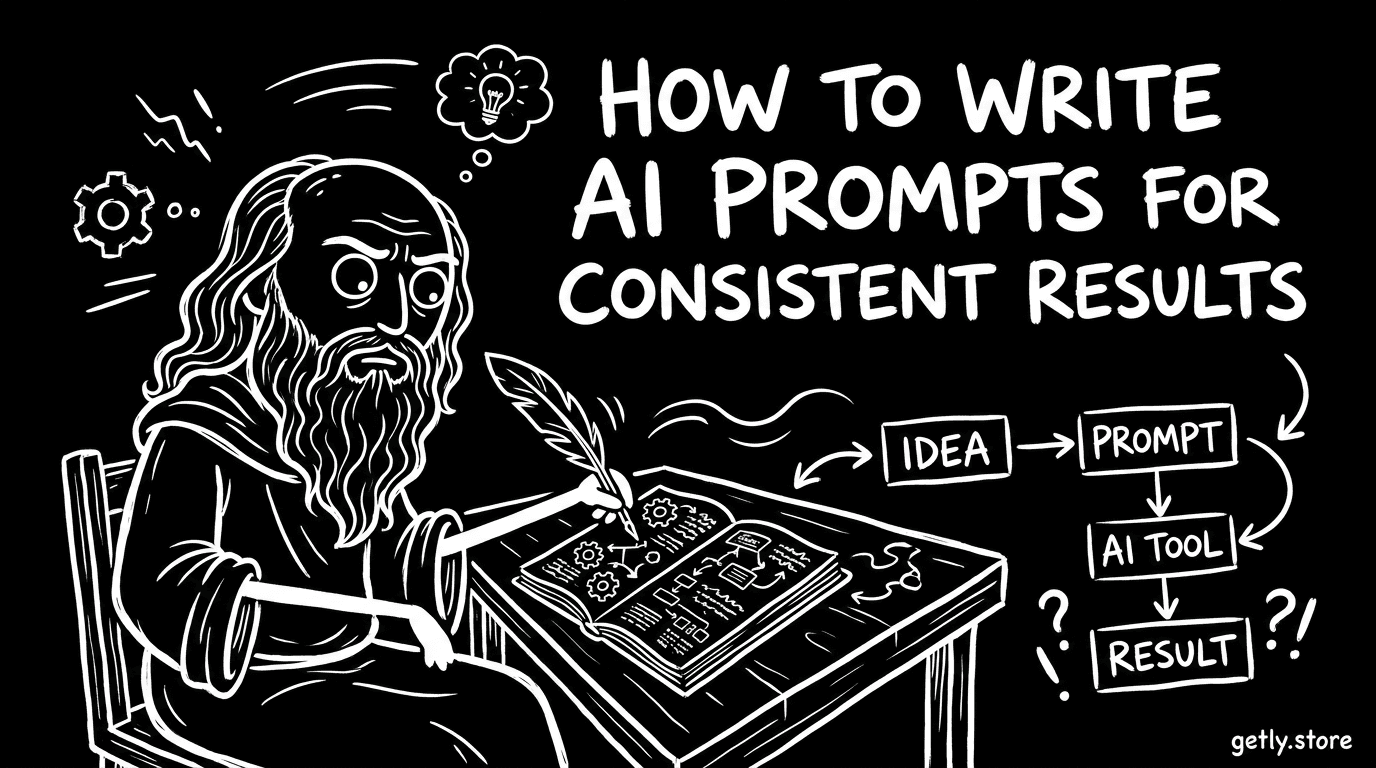
How to Write AI Prompts for Consistent Results
Learn a four-part prompt structure using role, context, constraints, and examples to get clearer, more consistent AI results for digital products.
Read tutorialGeneral

How to Pack a Sprite Sheet (Free Tools, 2026)
Pack sprites into one atlas with free tools: TexturePacker, Free Texture Packer, Aseprite, Unity, Godot, Phaser 3 JSON, CSS sprites. Key settings.
Read tutorial
How to deliver orders with the sale.completed webhook
Register an HTTPS endpoint, verify the X-Getly-Signature-V2 header, read buyerEmail and items from sale.completed, and deliver each order exactly once.
Read tutorial
How to start a Getly Page from a template
A step-by-step guide to claiming yourname.getly.page, picking one of six templates filled from your shop, and passing the publish check on the first try.
Read tutorial
How to sell timed access to a product
Sell 1, 3, 6 or 12 months of access instead of a file forever. Step by step: the Access periods table, what the buyer sees, reminders, expiry and webhooks.
Read tutorial
How to offer a free demo before purchase
Add a Try it free button next to your price: upload a sample file or link to a trial on your own site. Step by step, with what is refused and why.
Read tutorial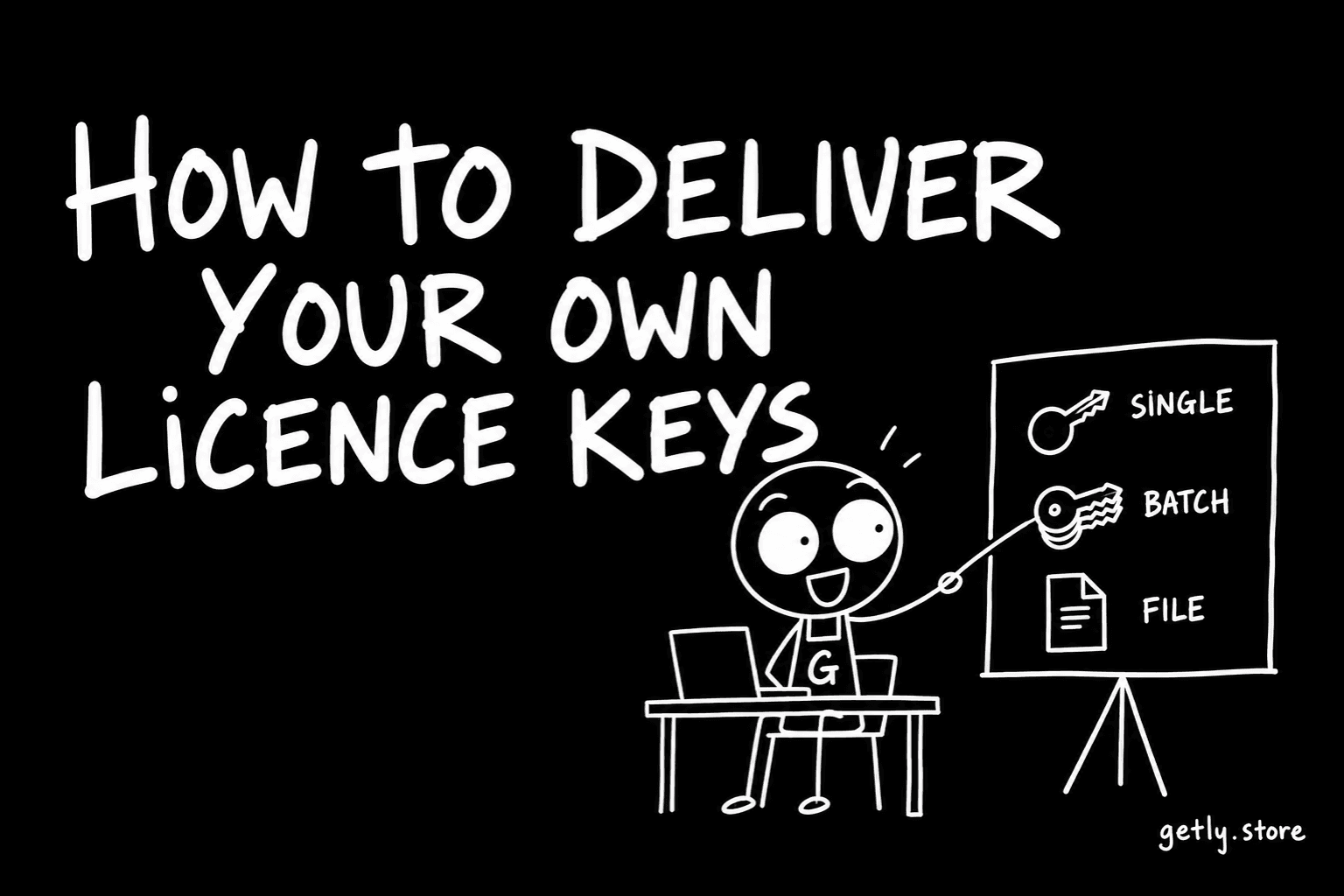
How to deliver your own licence keys
Paste your own licence keys once and every sale hands the buyer the next one. A step-by-step guide to the key pool, what an empty pool does and refunds.
Read tutorial
How to set the affiliate rate on a listing
Three quarters of listings with an affiliate program sit on the 15% default, measured 19 September 2026. What the number does, and how to choose one.
Read tutorial
How to write a listing description that does the work
Description length is the one listing attribute that moves with price, measured 19 September 2026. What to write, in what order, and what to leave out.
Read tutorial
How to export a PDF that opens the same everywhere
Measured across 2,630 delivered PDF files on 19 September 2026: 59.32% embed no fonts and 7.41% carry no text at all. How to export one that travels.
Read tutorial
How to create a discount coupon
Coupons are used by 99 stores out of nearly five thousand. Here is how to make one, the three settings that matter, and the mistake that turns a promotion into a permanent price cut.
Read tutorial
How to bundle products on Getly
Bundles let you sell several products as one purchase at a price you set. Here is how to build one, how the split works, and why only 40 stores currently use them.
Read tutorial
How to set up a pay-what-you-want price
A step-by-step walkthrough of pay-what-you-want pricing on Getly - where the minimum sits, what the buyer sees, and how to pick a floor that reads as confidence rather than uncertainty.
Read tutorial
How to add a Getly Buy button to your own website
Sell a Getly product from your own site with one script tag and one button. How to get the widget approved, copy the snippet, check it without paying, and why a sale through it is charged at 10%.
Read tutorial
How to set up crypto payouts on BNB Smart Chain
Get paid in USDT or USDC without a Stripe account. Where the setting lives, why BNB Smart Chain is the recommended network, what the $5 and $15 minimums mean, and when the money arrives.
Read tutorial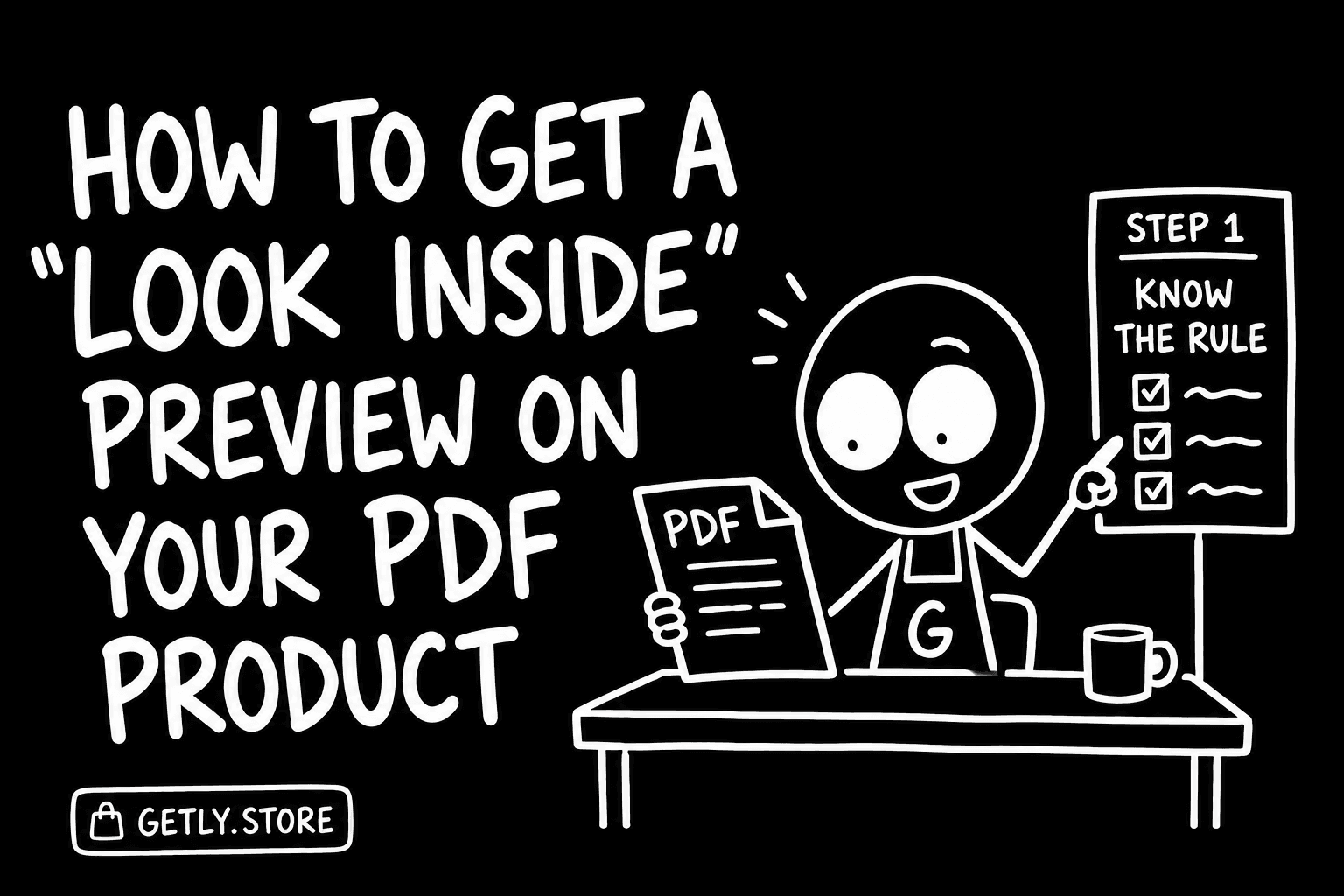
How to get a "Look inside" preview on your PDF product
A PDF product of ten pages or more shows buyers a watermarked excerpt automatically. What the rule is, how to arrange your file so the excerpt sells, and how to check what a buyer will see.
Read tutorialPhotography & Graphics
Install and Tune Procreate Brushes
Learn how to install Procreate brushes, organise sets, preserve originals, and tune pressure, spacing, texture, and stabilisation for your own stroke.
Read tutorial
How to Use Mockup Templates for Honest Product Photos
Learn how to choose mockup angles, match template lighting to your product, place artwork cleanly, and label digital product images honestly for buyers and creators.
Read tutorial
How to Install and Adapt Lightroom Presets
Learn how to install Lightroom presets on desktop or mobile, choose the right starting point, correct exposure and color, and save your own variations.
Read tutorial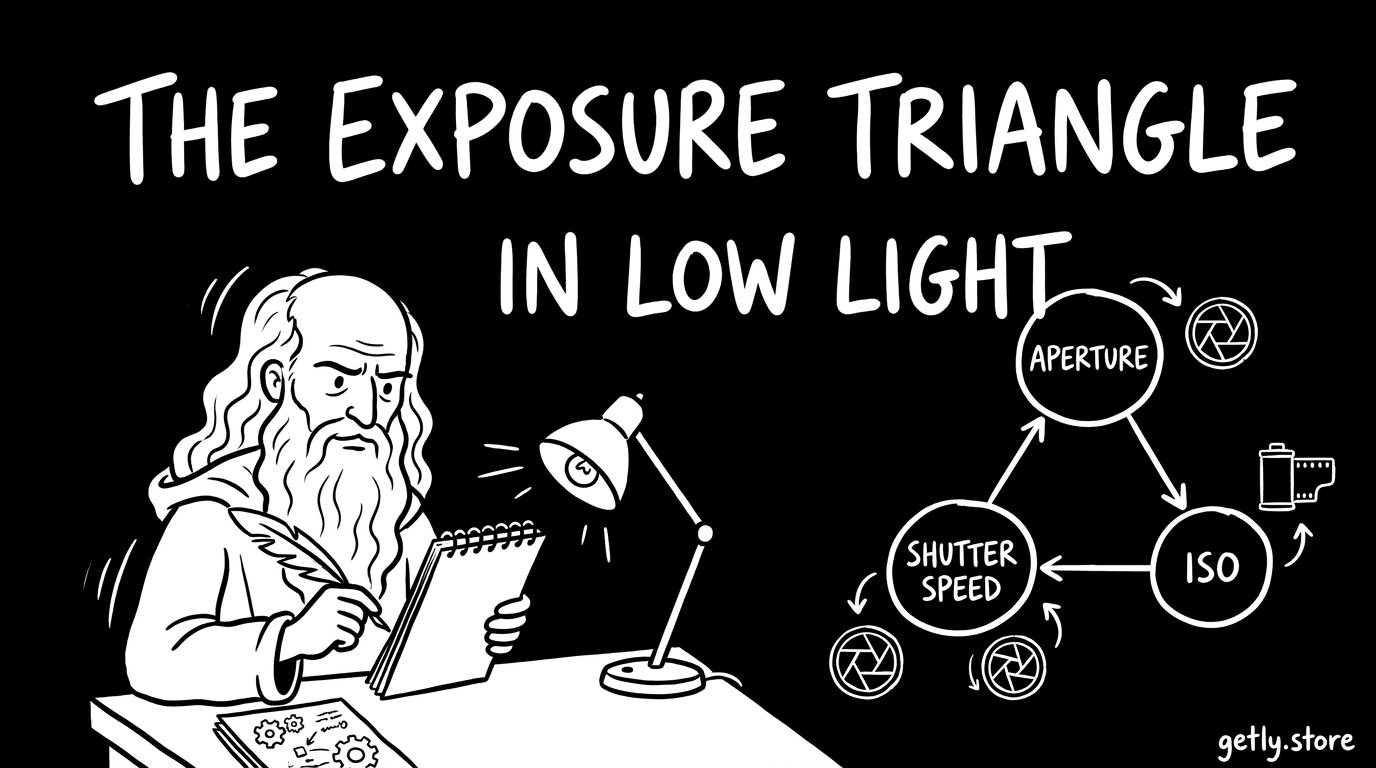
The Exposure Triangle in Low Light
Learn how ISO, aperture, and shutter speed shape exposure. Use a practical low-light workflow to protect motion, focus, and image quality in real scenes.
Read tutorialGame Assets & Shaders
Unity 3D and Image Formats: When to Use a Converter
Learn which 3D model and image formats Unity imports, how to check an asset package, and when a converter can prevent broken materials, textures, or animation.
Read tutorial
Shaders Explained: Vertex, Fragment, and Game Feel
Learn how vertex and fragment shaders shape game visuals, control effects, affect performance, and improve game feel through practical testing.
Read tutorial
Game Asset Formats: Sprites, Atlases and Meshes
Learn how sprites, texture atlases, meshes, materials, UVs, and rigs work together, then use a practical checklist before buying game assets.
Read tutorialE-books & Writing
How to Start Using a Digital Planner
Learn how to choose a digital planner app, import a PDF, test links, organize pages, and build a simple daily and weekly planning habit.
Read tutorial
How to Outline an Ebook Readers Finish
Learn how to outline an ebook with a clear reader promise, practical chapter rhythm, and promise-payoff loop that keeps readers moving to the final page.
Read tutorial
EPUB vs PDF: Choose the Right Format for Your Book
Compare EPUB and PDF for digital books. Learn how reflow and fixed layouts work, match each format to your product, and test files before publishing.
Read tutorialBusiness & Marketing
How to Price a Digital Product With Tiers and Anchors
Learn how to price a digital product with value floors, three tiers, honest anchors, and simple tests that protect revenue, trust, and buyer choice.
Read tutorial
SEO Titles and Descriptions for Digital Products
Learn how to write SEO titles and descriptions for digital products, find buyer search queries, match search intent, and improve listing clarity before publishing.
Read tutorialMusic & Audio
How to Make an Audio Loop Seamlessly
Learn to make seamless audio loops by choosing musical boundaries, aligning zero crossings, setting crossfades, and testing exports for clicks.
Read tutorial
Royalty-Free Music Licensing: Where You Can Use a Track
Learn what royalty-free music covers, check a track license, match rights to platforms, and avoid copyright claims in videos, podcasts, games, and ads.
Read tutorialFonts & Typography
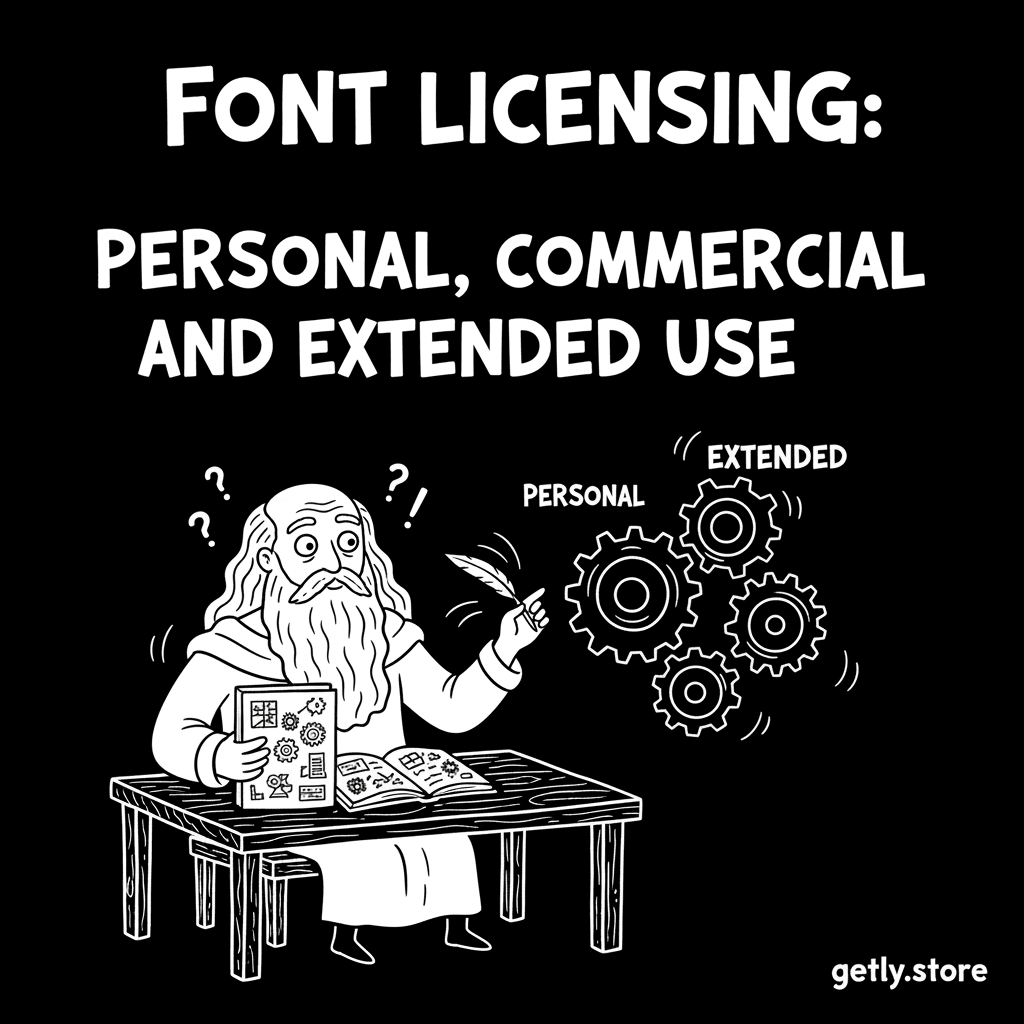
Font Licensing: Personal, Commercial, and Extended Use
Learn how personal, commercial, and extended font licenses differ, then match permissions to logos, client work, websites, templates, merchandise, and apps.
Read tutorial
How to Pair Display and Body Fonts for a Strong Brand
Learn how to pair a display font with a readable body font, build a small brand type system, test legibility, and avoid amateur typography mistakes.
Read tutorial