 Getly
GetlyOne script tag. Any website.
Add a Buy button to your own website - no Stripe account needed
Paste one line of code and sell a digital file from anywhere. Buyers pay with USDT/USDC. Getly hosts the file, sends the receipt and handles refunds - you just collect the money.
Free to add. Widget sales are your own traffic - just a 10% fee, so you keep 90%.
How it works
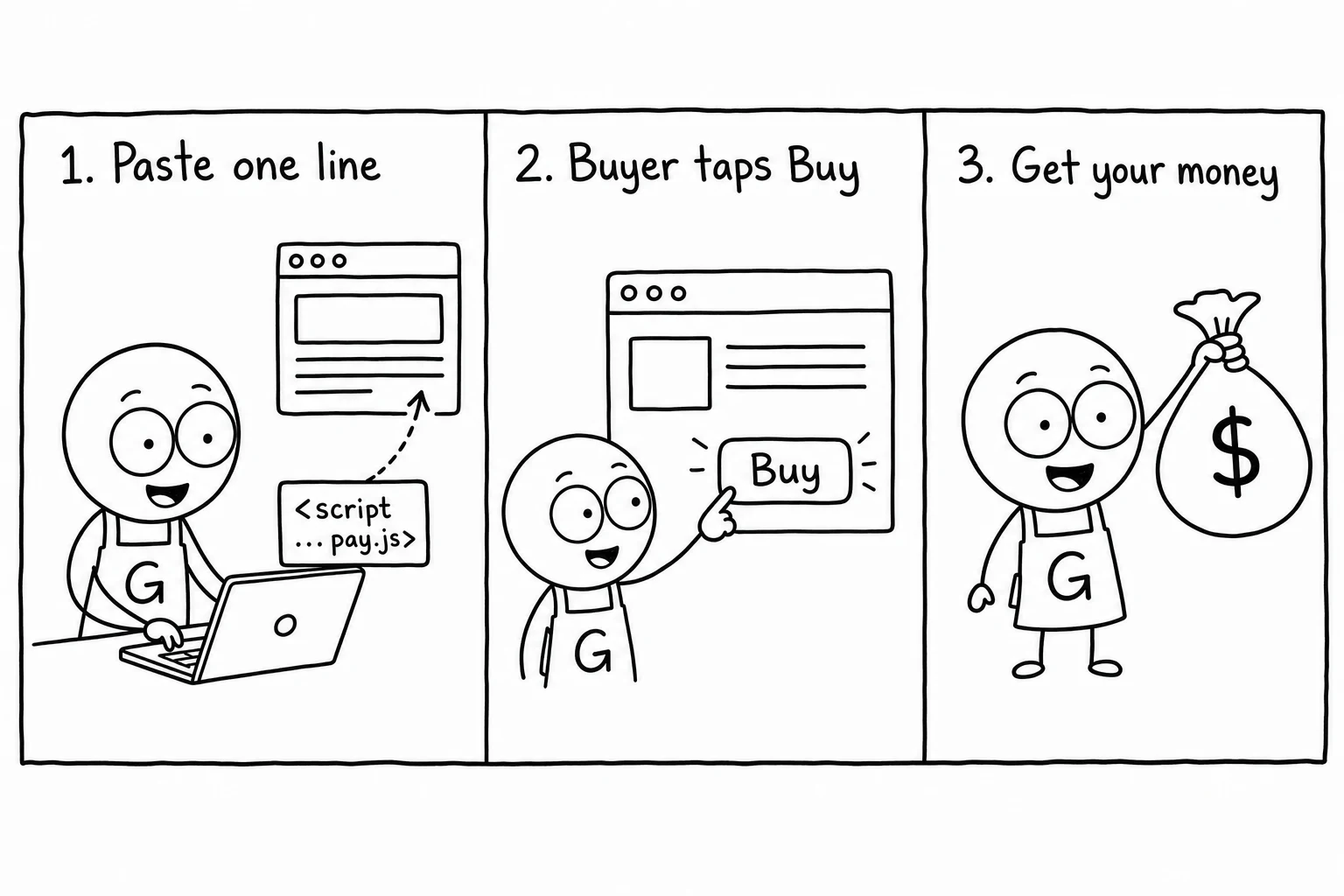
Three steps. No backend, no payment setup, no code beyond a copy-paste.
Paste one line
Add the Getly pay.js script tag once, anywhere on your page.
Add a Buy button
Drop a button with your store and product slug. That’s the whole integration.
Get paid
Buyers check out through Getly; we deliver the file and pay you out on the 1st and 15th.
Copy, paste, done
Replace the store and product slugs with your own. Everything else stays the same.
Popup checkout (recommended)
Opens a secure Getly checkout in a popup with a button for each payment method Getly can take (today USDT/USDC) - no extra setup.
<!-- 1. Load once, anywhere in your page -->
<script src="https://www.getly.store/pay.js" async></script>

<!-- 2. Drop a button wherever you want to sell -->
<button data-getly-buy
        data-store="YOUR_STORE_SLUG"
        data-product="YOUR_PRODUCT_SLUG">
  Buy now
</button>Inline checkout
Renders the payment choice right on your page - the buyer enters an email and pays with USDT/USDC.
<script src="https://www.getly.store/pay.js" async></script>

<!-- Embedded checkout, rendered right on your page -->
<div data-getly-buy
     data-store="YOUR_STORE_SLUG"
     data-product="YOUR_PRODUCT_SLUG"
     data-mode="inline"></div>
Try it right now
This is a real, working widget for a $1 demo product. Click to load it, then try the checkout - you can cancel anytime.
For your privacy, we only load the widget when you click.
Why not just a Stripe Buy Button?
A raw payment button charges the card and stops there. The Pay Widget runs the whole sale for you.
| What you get | Getly Pay Widget | Typical checkout button |
|---|---|---|
| Payment account | None needed - sell under Getly | Your own Stripe account + KYC |
| File delivery | Automatic - hosted & delivered | You build it yourself |
| License keys | Issued & validated for you | Not included |
| Receipts & invoices | Sent automatically | You handle it |
| Refunds & disputes | Handled by Getly | Your responsibility |
| Crypto payments | USDT / USDC built in | Card only |
| Marketplace traffic | Also listed in the Getly marketplace | Your traffic only |
| Stablecoins (USDT/USDC) | Both in one button, automatic | One rail per button, manual setup |
Comparison describes typical embeddable payment buttons in general terms; capabilities vary by provider.
What the 10% actually buys
It isn’t just card processing. It’s the entire operation behind a digital sale.
File hosting
Your files stored and served on a fast global CDN.
Secure downloads
Signed, expiring links so your product can’t be shared for free.
License keys
Issued and validated automatically for software and templates.
Receipts & invoices
Every buyer gets a receipt; VAT-style invoices on request.
Refunds & disputes
We handle chargebacks and the refund workflow for you.
Crypto payouts
Get paid in USDT or USDC on BNB Smart Chain or Tron.
Marketplace reach
Your product is also discoverable inside the Getly marketplace.
Reliable payouts
Automatic payouts on the 1st and 15th of every month.
Always 90% on widget sales - not just your first 3 months
Built for the pages you already have
Quiz funnels
Sell a tailored report at the end of a quiz - set the product from the result.
Link in bio
Turn a single link-in-bio page into a checkout for your best product.
Newsletter landings
Add a Buy button to the landing page your subscribers already land on.
Portfolios
Sell presets, templates or assets straight from your portfolio site.
Quiz-funnel example
Set data-product at runtime from the quiz result, then let the widget handle the rest.
<!-- Set the product from your quiz result at runtime -->
<button id="buy" data-getly-buy data-store="YOUR_STORE_SLUG">Get your report</button>

<script src="https://www.getly.store/pay.js" async></script>
<script>
  // e.g. result === "focus" -> sells the "focus-report" product
  document.getElementById('buy')
    .setAttribute('data-product', result + '-report');
</script>
Works where you build
Any site that lets you add an HTML embed can run the Pay Widget.
Webflow
Add an Embed element and paste the snippet inside it.
Framer
Use an Embed / HTML component and drop the snippet in.
Carrd (Pro)
Add an Embed element (Pro plan) with the code snippet.
Notion
Notion can’t run scripts - share a Getly checkout link instead.
Building with AI?
Paste this into v0, Lovable, Cursor or any AI builder to add a Buy button.
Add a "Buy" button to this page using the Getly Pay Widget.

1. Load the script once: <script src="https://www.getly.store/pay.js" async></script>
2. Add a button: <button data-getly-buy data-store="STORE_SLUG" data-product="PRODUCT_SLUG">Buy</button>
Replace STORE_SLUG and PRODUCT_SLUG with mine. Default popup mode is fine.
Do not add an integrity attribute - the script updates in place.
Frequently asked questions
Everything sellers and buyers ask about the Pay Widget.
Why 10% when Stripe only charges around 3%?
Do I need my own Stripe account?
What does the buyer see?
Can I test the button without paying?
Which payment methods does the button offer?
When do I get paid?
Can I fully white-label the checkout?
Which website builders work?
Who handles refunds and chargebacks?
Start selling from your own site today
Grab your embed code in the dashboard - you’ll be live in a couple of minutes.
<!-- 1. Load once, anywhere in your page -->
<script src="https://www.getly.store/pay.js" async></script>

<!-- 2. Drop a button wherever you want to sell -->
<button data-getly-buy
        data-store="YOUR_STORE_SLUG"
        data-product="YOUR_PRODUCT_SLUG">
  Buy now
</button>