Getly
Getly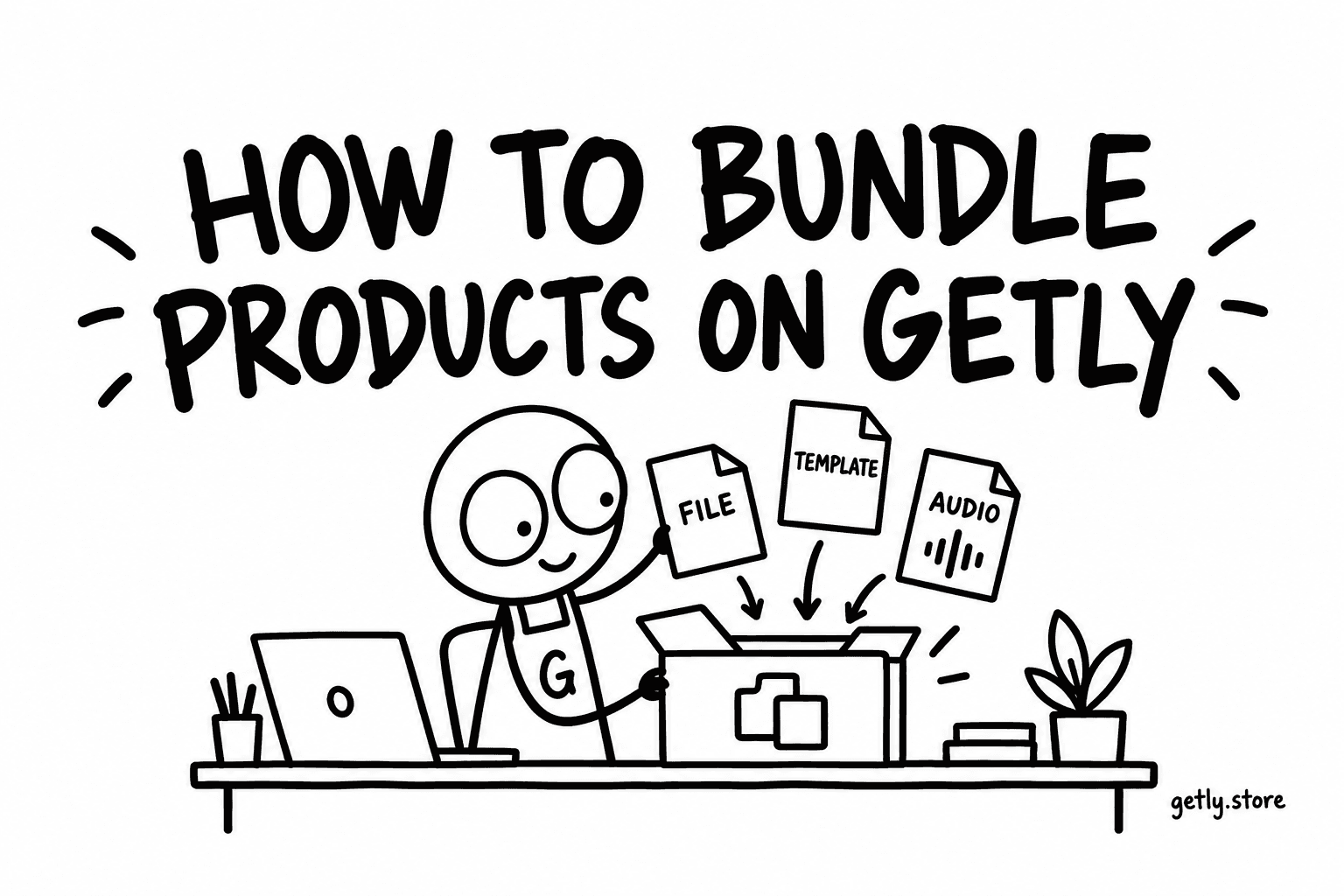
A bundle sells several of your products together as a single purchase, at a price you choose. On Getly there are 40 active bundles across the whole marketplace as of 14 September 2026 — a small number for a feature that requires nothing new to be made.
Here is how to set one up, and how to decide whether it is worth it.
Building one
- Open Dashboard → Bundles.
- Create a bundle and give it a name and a description, the same way you would a product.
- Add the products it contains. They must be your own live products.
- Set the bundle price.
- Add a cover image and publish.
The bundle gets its own page and its own URL. A buyer who purchases it receives every file from every product inside it, delivered exactly as if they had bought each one separately.
Pricing it
The only rule that matters: the bundle must be cheaper than buying the parts, and visibly so. A buyer computes the saving in their head before deciding, and if the arithmetic is close they will buy the one product they actually wanted.
The catalogue's median paid listing is $6.99, with the middle half between $3.00 and $15.00. So a four-product bundle is competing against roughly $28 of individual purchases. Pricing it at $19 is a clear saving; pricing it at $26 is an insult dressed as an offer.
State the saving on the bundle page. Do not make the buyer do the multiplication.
What a bundle is actually for
Three jobs, and it is worth knowing which one yours is doing.
Clearing a back catalogue. Older products that no longer sell individually still have value as volume. A bundle turns a shelf of quiet listings into one attractive offer.
Raising the average purchase. A buyer who came for one template can be offered eight for three times the price. This is the most common use and the most reliable.
Making a complete thing. Sometimes the bundle is the real product and the parts are components — a brand kit made of a logo pack, a font pairing and a set of templates. Here the bundle page should be the one you promote, and the parts exist for buyers who only need one.
Why only 40 stores use them
Because most stores do not have enough products to bundle. Two stores in three that have live products have exactly one. A bundle needs at least two, and is only persuasive with three or more.
That is the honest gate on this feature. If you have one product, bundles are not for you yet. If you have four or more and have never made one, you are leaving the easiest revenue increase on the table — it requires no new work, only a new page.
One thing to check afterwards
Make sure every product inside the bundle is still live. A bundle containing something you later archived is a purchase where part of what was promised does not arrive, and the buyer finds out after paying. Reviewing the contents when you retire a product takes seconds and avoids the worst class of complaint there is.