Getly
Getly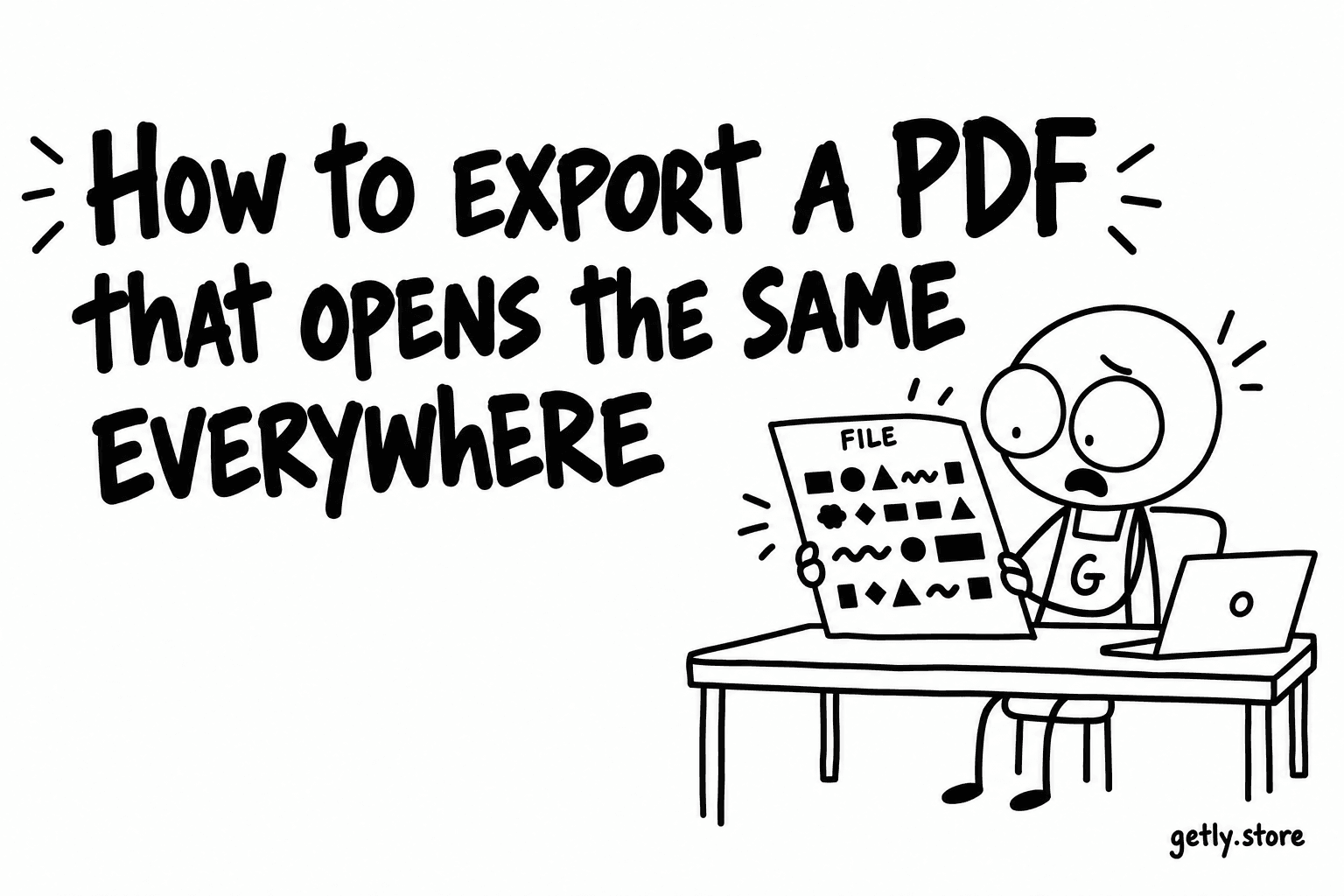
A PDF is the most common thing sold here, and it is the format most likely to look different on the buyer's screen than it did on yours. Measured on 19 September 2026 across 2,630 delivered PDF files attached to live listings: 59.32% embed no fonts at all, 52.62% do not embed every font they use, and 7.41% have no text layer — they are pictures of pages.
Almost none of that is exotic. Nearly all of it is one export setting left at its default, and 59.05% of the files declare PDF version 1.4 — the 2001 specification — which is the same story told a different way: these are default exports. Exactly one file in the catalogue is PDF 2.0.
What a missing font actually does
A PDF can name a typeface without carrying it. On your machine that is invisible, because you own the font. On a machine that does not, the reader substitutes something else — and a substitute has different letter widths, so the line breaks move, the paragraph gets a line longer, and the text you carefully fitted inside a box now sits outside it.
Two situations make it worse. Phones carry a smaller font library than desktops, so a substitution is more likely there than where you tested. And non-Latin scripts substitute badly or not at all: Cyrillic, Greek, Arabic and CJK text set in a font the reader lacks can come out as boxes.
The fourteen standard faces — Helvetica, Times, Courier and their relatives — are the exception. Every reader already has them, which is why a file using only those is safe without embedding anything.
Turning embedding on, by tool
- InDesign and Illustrator. Embedding is on by default. The one case that breaks it is a font whose licence forbids embedding — convert that text to outlines instead.
- Word. Export as PDF, open Options, and choose the setting for publishing rather than for on-screen viewing; on Windows there is also a document-level "embed fonts in the file" option.
- Google Docs. Download as PDF rather than printing to one. The download path embeds; some print drivers do not.
- Figma. Export the frame as PDF rather than screenshotting it — an image export has no text at all, which is the 7.41% case below.
- Canva. Use PDF Print rather than PDF Standard when the file is a document a buyer will read or print.
When a PDF is attached to a listing here, the file is opened and read on your behalf before it can go live. A document that asks for a password before it will open is refused outright — a buyer who paid and was stopped at the first screen is the refund this prevents. Named-but-missing fonts come back as a warning instead: you are told, and you can still ship the file, because sometimes you know something the rule does not.
Does your file have a text layer?
Two checks, ten seconds each. Open the PDF and try to select a sentence with the cursor — if nothing highlights word by word, there is no text. Then search for a word you know is on page one. No hit means the same thing.
A file without a text layer cannot be searched, cannot be copied from, and cannot be read aloud by a screen reader. For a worksheet or a planner that removes most of what it was bought for.
Image-only is sometimes the right answer — a scan of hand lettering, a photographed sketchbook, a poster that is genuinely a picture. In that case add the text alongside: a plain .txt or .docx of the same content in the same download costs you nothing and restores search, copying and screen readers to the buyer who needs them.
Check it the way a buyer will
- Open the exported file on a device that does not have your fonts — a phone, a tablet, or a colleague's machine.
- Look at the last line of each page. Reflow shows up as an orphaned line or a paragraph that has grown.
- Select text. Search a word.
- Check the document properties. If the title or author field carries a path like /Users/yourname/…, clear it — that is your real name and your folder layout, and it goes to every buyer.
Do not lock what someone paid for
Thirteen delivered files carry encryption. There are two kinds and only one is a problem. A password required to open the document stops the buyer dead. Permission flags that block printing or copying are milder, but on a planner or a cheat sheet they remove the point: people buy a printable to print it. If you set them deliberately, say so in the listing. If you inherited them from a template, re-export without them.
The filename is part of the product
It lands in the buyer's downloads folder and it is what they search for six weeks later. Measured on the same files: 12.4% carry a date stamp in the name and 5.8% carry a draft marker — v2, draft, rev. Both are notes you wrote to yourself.
Name the file what the thing is: Weekly Meal Planner A4.pdf, not planner_final_v3_2026-09-14.pdf. If you ship versions, put the version in the listing's changelog, where it means something, rather than in a filename that will outlive it.