Getly
Getly
By the end of this guide, you can collect the right product details, brief an AI tool with useful constraints, and edit the result into a clear listing. You will also know how to test every claim against the product before publishing it on a marketplace such as Getly.
1. Define the buyer and the job
Start with the decision your buyer wants to make. A buyer looking for a wedding invitation template needs different information from a buyer comparing stock-photo bundles or a market-monitoring bot.
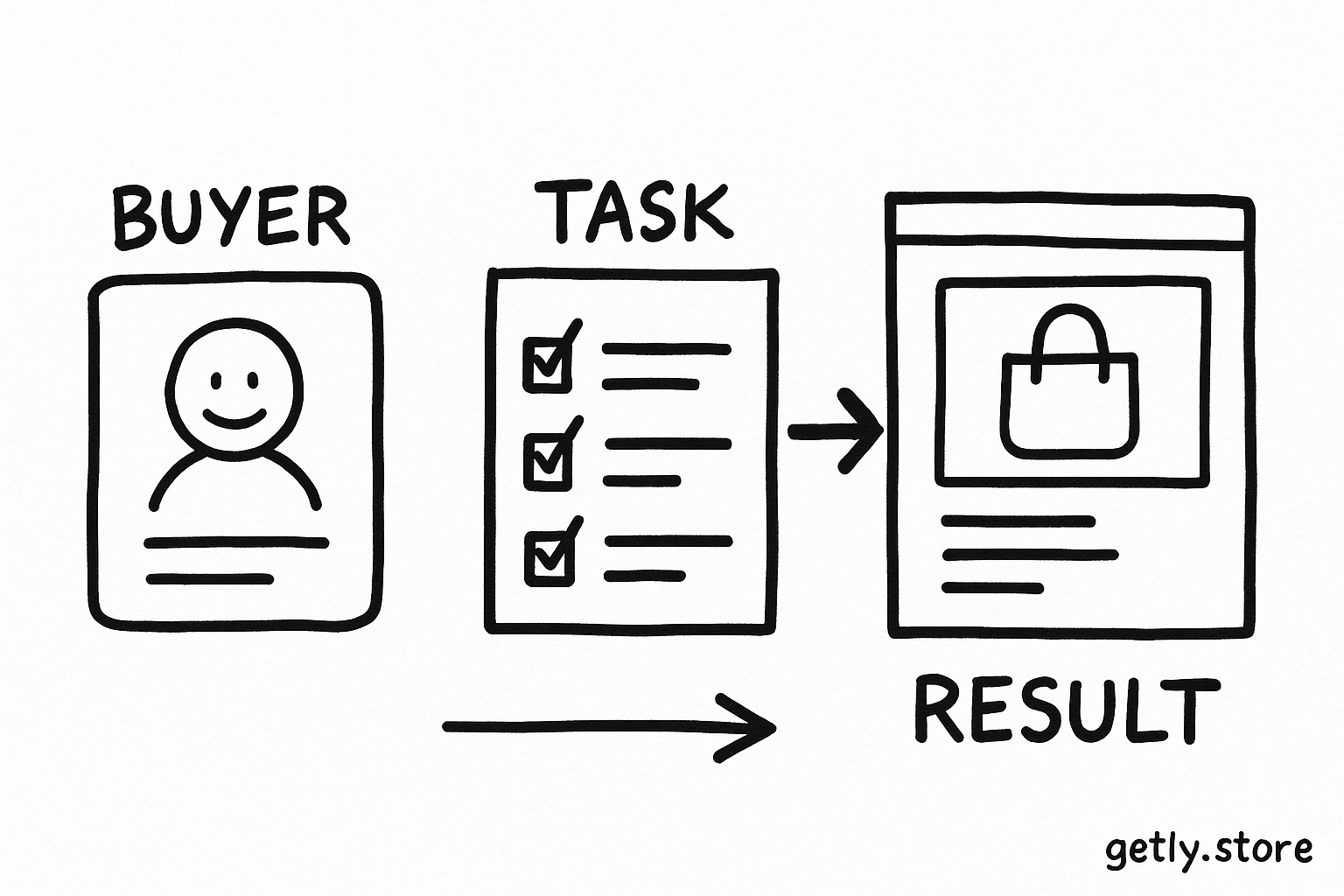
Write one sentence that names the buyer, the task, and the expected result. Use this pattern:
- Buyer: an independent illustrator with limited time
- Task: create consistent product mockups for a portfolio
- Result: publish polished images without arranging a physical photo shoot
Then list the buyer's likely questions. A buyer may ask, “What files do I get?”, “Which software do I need?”, “Can I change the colors?”, or “How fast can I use this?” Give the AI those questions so it can organize the description around decisions instead of vague benefits.
Name the buyer
Describe the person's role, skill level, and immediate need.
Name the job
State what the buyer wants to make, solve, or finish.
List decisions
Add the questions that could stop the buyer from purchasing.
2. Build a product fact sheet
AI can write smooth sentences from a thin brief, but smooth sentences do not prove anything. Give it a compact fact sheet before you request a draft. The fact sheet supplies the details that make a description specific.
Collect the information in these groups:
- Format: file types, dimensions, page count, resolution, aspect ratio, and software requirements.
- Contents: the exact number of files, templates, presets, prompts, lessons, scenes, or variations.
- Use: the tasks the buyer can complete with the product and the skill level it suits.
- Limits: excluded files, required software, licensing boundaries, editing restrictions, and delivery conditions.
- Proof: a sample output, workflow time, included feature, compatibility test, or specific use case.
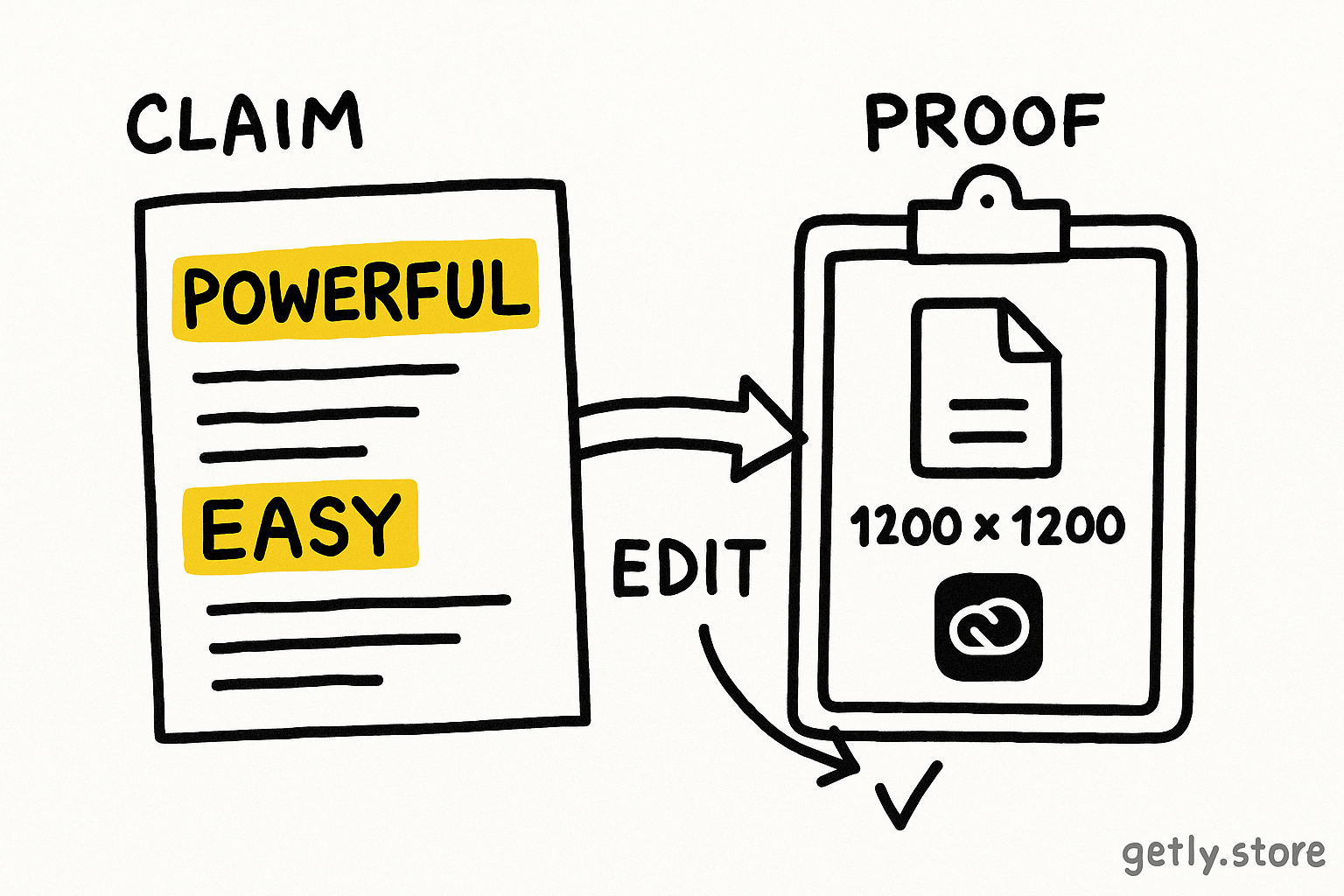
Replace soft claims with observable details. “Professional quality” tells the reader little. “Includes 12 layered PSD files at 3000 by 2000 pixels” gives the reader a fact they can evaluate.
Keep a separate field for claims that need checking. Mark a claim for review when you cannot confirm it from the product files, screenshots, or your own test. Delete it from the final copy if you cannot verify it.
Do
- Write “18 editable Canva pages in US Letter and A4.”
- State the required app and the buyer's editing options.
Don't
- Write “a flexible collection for all your needs.”
- Promise results that the product itself cannot produce.
3. Turn the fact sheet into an AI brief
Give the tool a role, an audience, a product summary, a structure, and rules. Each part controls a different source of weak copy. The role sets the editorial perspective. The audience controls vocabulary. The structure prevents the tool from burying the key details. The rules reduce unsupported claims.
Use a brief with fields like these:
- Role: “Act as a careful ecommerce copywriter for digital products.”
- Audience: “Write for beginner graphic designers who know Canva but have little experience with mockups.”
- Product: “Three interior gallery-wall scenes with blank frames. Include the exact file format, dimensions, and editing method.”
- Buyer job: “Help designers present poster and print designs in a home interior.”
- Structure: “Write a 40-word opening, five feature bullets, a use-case paragraph, and a requirements section.”
- Rules: “Use concrete nouns. Include every supplied number. Avoid claims about sales, quality, or results unless the fact sheet supports them.”
Ask for a first draft that uses only your supplied facts. That single instruction limits invention. Add a second instruction that labels any missing detail with a placeholder for your review, such as [confirm file format]. Replace or remove every placeholder before publication.
A useful prompt can request two versions of the opening. Ask one version to lead with the buyer's task and another to lead with the product's contents. Choose the version that answers the buyer's first question fastest.
Prompt pattern: “Use the product brief below to write a listing for [buyer]. Lead with [task]. Include [specific fields]. Use [tone]. Keep the description between [word range]. Mention limits in a short requirements section. Use only the supplied facts, and flag missing details for review.”
4. Request details instead of adjectives
Words such as “powerful,” “easy,” “premium,” and “seamless” often hide missing evidence. Ask the AI to show the feature through an action, a quantity, or a concrete output.
Change broad instructions into measurable ones:
- Replace “highlight the value” with “name two tasks the buyer can complete and identify the included files for each task.”
- Replace “make it persuasive” with “explain which product detail helps the buyer decide and why it matters for the stated use case.”
- Replace “describe the quality” with “describe resolution, dimensions, layers, file structure, or a tested workflow.”
- Replace “make it beginner-friendly” with “explain the first step, required software, and one task that needs no advanced skill.”
Tell the tool where each fact must appear. Ask it to place the file format in the feature list, the software requirement in the requirements section, and the licensing boundary near the call to action. Placement helps buyers scan the listing and reduces repeated filler.
5. Edit the draft for buyer decisions
Read the draft as a buyer who has opened five similar listings. Put the clearest answer first. A useful order usually starts with the product and its main job, then moves through contents, use cases, requirements, and limits.
Check each sentence with three tests:
- Can the reader picture the product? Add a file type, count, dimension, example, or visible component when the sentence stays abstract.
- Can the reader judge fit? Name the intended buyer, required skill, software, and typical task.
- Can the seller prove the claim? Keep the sentence only when a product file, screenshot, test, or documented feature supports it.
Cut repeated benefits. If three bullets say that the product saves time, keep the one that explains the task and the time-related detail. Replace generic calls to action with a useful next step, such as “Download the files, open the layered template, and replace the placeholder artwork.”
Keep the opening short enough for scanning. A 40 to 60 word opening can identify the buyer, task, and product contents. Use bullets for specifications. Use a short paragraph for the workflow because readers need a sequence there, not another adjective.
6. Run a final accuracy and clarity check
Use a fixed review pass instead of relying on a general request to “improve” the copy. A fixed pass catches errors that style edits often hide.
- Inventory check: Compare every stated count, format, dimension, and included item with the product package.
- Compatibility check: Confirm the named app, operating system, file type, and editing method.
- License check: State what the buyer can create, share, sell, or modify under the license.
- Audience check: Remove jargon that the intended buyer may not know, or define it in the sentence.
- Scan check: Read only the heading, first sentence, bullets, and requirements. Make sure that skim tells the correct story.
Ask the AI to return a claim audit after it writes the description. Give it the final draft and request a table with each factual claim, its source in your fact sheet, and an action: keep, verify, or delete. Review the audit yourself. The tool can compare text, but you must confirm the product.
Common mistakes that make descriptions vague
Giving AI only the product name
A name cannot tell the tool what the product contains, who needs it, or which limits matter. Add a fact sheet with counts, formats, requirements, and a buyer task.
Requesting a tone before supplying facts
“Make it exciting” gives style instructions without useful material. Supply the buyer and product details first, then ask for a restrained tone that helps readers compare options.
Confusing features with outcomes
“Includes 25 presets” names a feature. “Creates better photos” claims an outcome that needs proof. Connect the feature to a specific task, such as “Use the 25 presets as starting points for indoor portrait edits.”
Keeping every sentence from the first draft
AI drafts often repeat the same benefit in the opening, bullets, and closing. Remove duplicate sentences and use the space for a requirement, example, or limitation.
Publishing unverified details
A fluent sentence can still contain an incorrect file type, feature, or compatibility claim. Run the inventory and compatibility checks before you publish.
FAQ
How much product information should I give an AI tool?
Give it enough information to name the buyer, task, contents, formats, requirements, limits, and proof. A short fact sheet with 15 to 25 precise fields usually gives stronger results than a long paragraph of general marketing language.
What should I do when I lack a product detail?
Ask the tool to flag the missing detail with a placeholder. Confirm the detail from the product files or remove the related claim before publishing.
How can I stop AI from inventing benefits?
Tell it to use only supplied facts, forbid unsupported performance claims, and produce a claim audit after the draft. Delete any sentence that you cannot support with a product file, test, screenshot, or documented feature.
Should I write the description in one prompt?
Use separate passes. First create the draft from the fact sheet, then request a structure and clarity edit, and finally run an accuracy audit. Separate passes make factual errors easier to spot.
Frequently asked questions
How much product information should I give an AI tool?
Give it the buyer, task, contents, formats, requirements, limits, and proof. A fact sheet with 15 to 25 precise fields usually works better than a paragraph of general marketing language.
What should I do when I lack a product detail?
Ask the tool to flag the missing detail with a placeholder. Confirm the detail from the product files or remove the related claim before publishing.
How can I stop AI from inventing benefits?
Tell it to use only supplied facts, forbid unsupported performance claims, and produce a claim audit after the draft. Delete claims that you cannot support.
Should I write the description in one prompt?
Use separate passes. Create the draft from the fact sheet, edit its structure and clarity, then run an accuracy audit. Separate passes make errors easier to spot.