Getly
Getly
By the end of this guide, you can turn a static scene idea into a usable AI video prompt with a clear shot, subject movement, camera movement, and timing. You will also know how to diagnose weak generations and revise one instruction at a time.
Creators can use this method for product clips, social videos, digital-art previews, and story scenes. Buyers can apply it when they adapt prompt packs or build a repeatable video workflow.
Start with the shot, not the subject
A prompt such as “a red sports car on a mountain road at sunset” describes a setup. It gives the model objects, color, place, and light, but it gives the model no event to render across time. The car can sit still for the entire clip because the sentence never asks it to move.
Choose the shot before you add visual detail. A shot tells the model how the viewer sees the scene and gives you a frame for motion. Use a wide shot to establish a place, a medium shot to show a subject’s action, and a close-up to emphasize a face, hand, object, or texture.
| Shot | Best use | Example instruction |
|---|---|---|
| Wide shot | Show scale and location | Wide shot of a cyclist crossing a foggy bridge |
| Medium shot | Show a person or object acting | Medium shot of a baker folding dough |
| Close-up | Show detail and reaction | Close-up of flour-covered fingers pressing dough |
| Over-the-shoulder | Show a viewpoint or task | Over-the-shoulder shot of a designer sketching a package |
| Tracking shot | Follow a moving subject | Tracking shot beside a runner on a forest path |
Use one primary shot for a short generation. If you request a wide shot, close-up, overhead view, and orbit in one sentence, the model has to solve several framing changes at once. That often produces unstable composition and abrupt camera shifts.
Do
- Choose one dominant shot for each clip.
- Name the subject’s position in the frame.
- Use “close-up” when a small action matters.
Don't
- List several shot types without a transition.
- Describe a scene as a poster when you need action.
- Hide the camera instruction inside a long style list.
Replace static nouns with visible actions
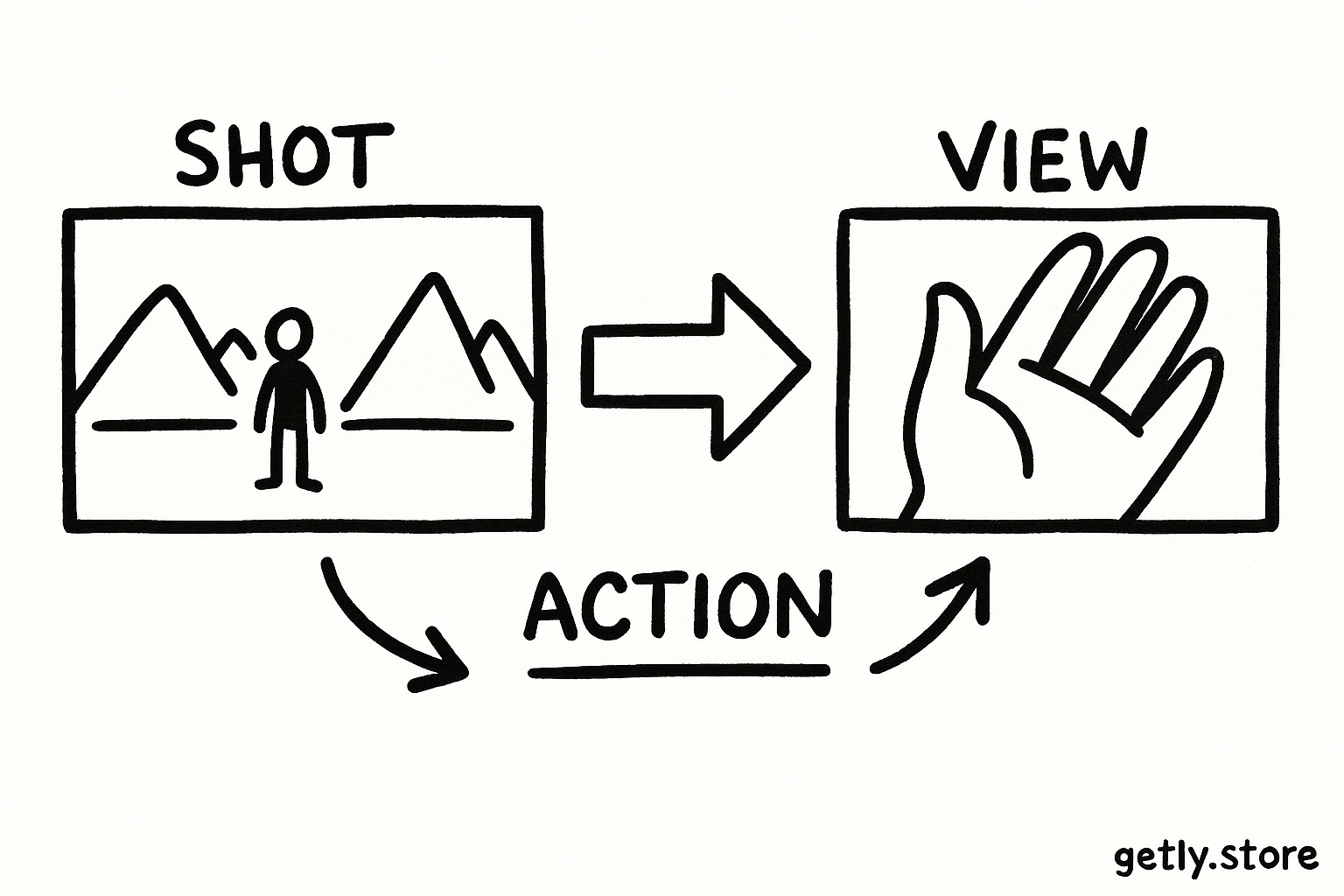
Static scene language names things: “a woman in a yellow coat, wet street, neon signs.” Motion language tells the model what changes: “the woman walks toward the camera while rain beads on her coat and neon reflections ripple in puddles.” The second version gives the clip a beginning condition and several observable changes.
Choose verbs that a camera can capture. Good video verbs include walks, turns, lifts, opens, folds, pours, slides, drifts, flickers, ripples, sways, spins, and approaches. Avoid abstract instructions such as “feels emotional,” “looks cinematic,” or “shows confidence.” Give the emotion a physical sign, such as “she lowers her gaze, takes a breath, then looks into the lens.”
Assign motion to three layers: the subject, the environment, and the camera. You do not need all three in every clip, but this structure helps you find the missing instruction when a result feels frozen.
- Subject motion: A hand opens a locket. A dancer pivots. A cup tips and releases coffee.
- Environmental motion: Curtains billow. Steam curls upward. Leaves scatter across the pavement.
- Camera motion: The camera pushes in, tracks left, tilts upward, or arcs around the subject.
Keep the motion physically compatible. A subject can walk toward the camera while the camera tracks backward. A product can rotate on a turntable while the camera holds still. A close-up of a watch face cannot also show a full room unless you request a clear transition.
These percentages do not measure model quality. They show how much prompt space each layer might receive in a balanced short clip. Give the action enough room to stand beside the visual style.
Control time with a simple action sequence
Video prompts work better when you describe an order of events. Divide a short clip into three beats: starting state, change, and result. This sequence prevents the model from scattering every verb across the whole duration.
- Starting state: Place the subject and camera. “Medium shot of a ceramic mug on a wooden table, warm morning light.”
- Change: Name the main movement. “A hand enters from the right and slowly pours coffee into the mug.”
- Result: Show what the viewer sees afterward. “Steam rises as the coffee reaches the rim, and the hand leaves the frame.”
Use time words that describe sequence rather than exact timestamps unless your tool handles timing with precision. Words such as “first,” “then,” “as,” and “finally” help the model connect actions. Limit the clip to one major action and one supporting action. A product demonstration might show a box opening and a device lighting up. It does not need a person walking in, a camera orbit, confetti, a sunset, and three outfit changes.
Set the frame
Name the shot, subject, position, lens feel, and setting.
Add the main verb
Choose one visible action that changes the subject or object.
Add a camera move
Use a push, pull, pan, tilt, track, or locked-off camera when it supports the action.
Finish the beat
Describe the final position or result so the clip has a destination.
Write camera movement as a physical instruction
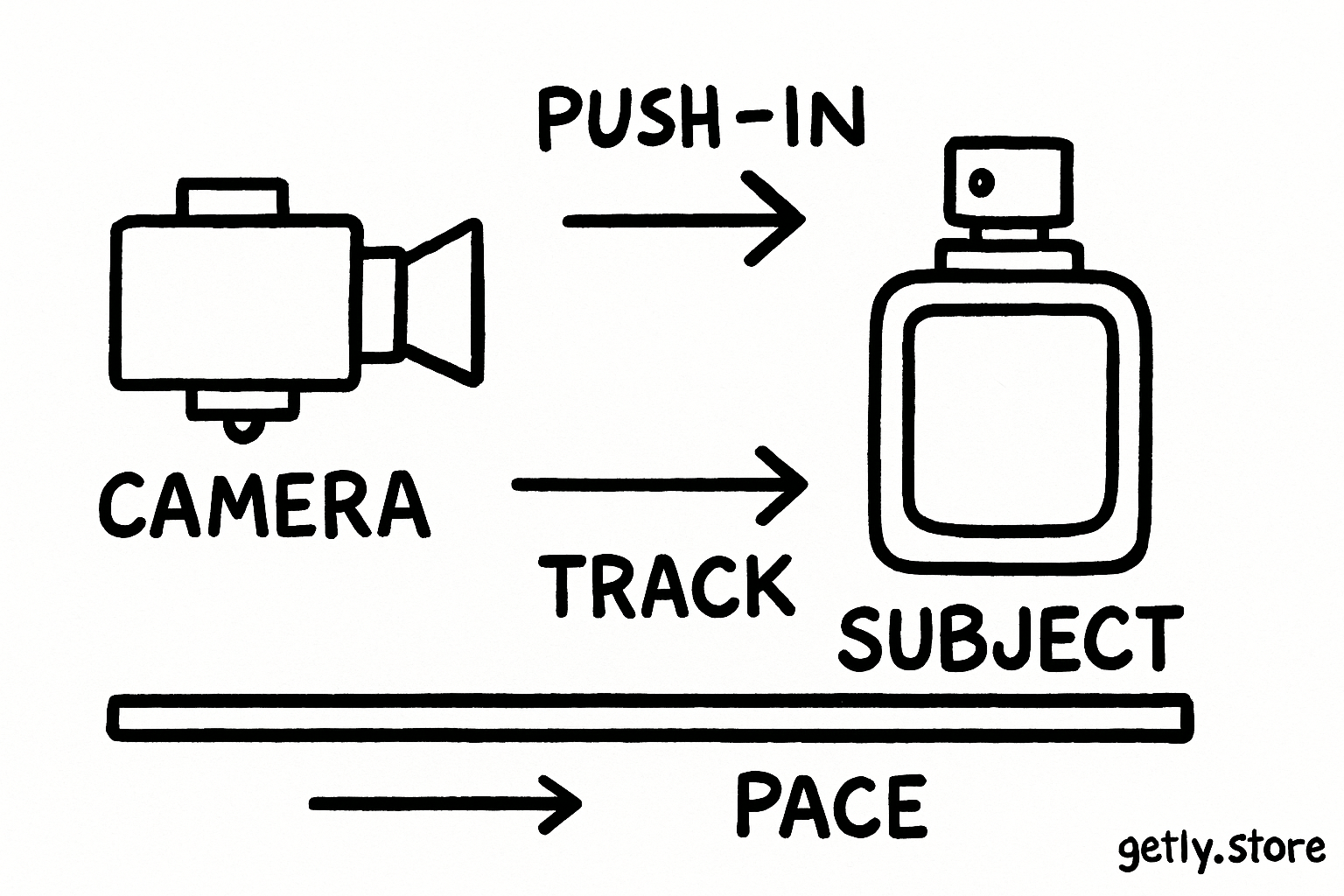
Camera verbs need direction, speed, and a reason. “Cinematic camera” gives the model a style label but no movement. “The camera slowly pushes toward the label as condensation slides down the bottle” gives the model a path, pace, target, and matching subject action.
| Camera verb | What the viewer feels | Useful pairing |
|---|---|---|
| Push in | Attention narrows | Reveal a product detail or facial reaction |
| Pull back | Context expands | Reveal the room around a subject |
| Track | Movement feels continuous | Follow a runner, vehicle, or walking subject |
| Pan | The viewer scans sideways | Show a shelf, landscape, or group |
| Orbit | Volume and shape become clear | Show a sculptural object or fashion look |
| Lock off | The subject carries the energy | Show pouring, dancing, cooking, or an object reveal |
Match camera speed to the subject. A slow push suits a quiet reveal. A quick tracking move suits a runner or vehicle. Ask for a locked-off camera when you need clean product geometry, readable packaging, or a stable logo.
Place the camera instruction near the action. A prompt that begins with “slow tracking shot” gives the model an early motion anchor. Add “smooth,” “handheld,” or “tripod-stable” only when that quality affects the shot. Extra style words can compete with the movement you need.
Build a complete prompt with a repeatable order
Write prompts in layers so you can revise the failing layer without rewriting the whole idea. A practical order runs from frame to action to finish:
- Shot and framing: “Close-up, waist-level camera, centered product.”
- Subject and setting: “A matte black notebook rests on a pale stone desk beside a brass pen.”
- Subject action: “The notebook opens by itself, and several pages turn in the breeze.”
- Camera action: “The camera makes a slow push toward the embossed cover.”
- Light and texture: “Soft window light, crisp paper texture, shallow depth of field.”
- Ending state: “The notebook stops on a clean blank page.”
That prompt gives the model a stable object, a controlled action, a camera path, and a clear endpoint. You can change the notebook to a sketchbook or change the stone desk to a dark wood surface without disturbing the motion structure.
Creators who build prompt collections can keep this order as a template. A prompt library such as VELUMIZA AI Prompt Library can help with ideation, but you still need to convert static descriptions into shot-based instructions. Copy the visual idea, then write the action sequence yourself.
Test, diagnose, and revise
Generate a first pass with a short prompt. Watch for four outcomes: the subject stays frozen, the subject moves but the camera stays wrong, the camera moves but the subject changes shape, or the clip rushes through every action. Each outcome points to a different revision.
- Frozen subject: Replace a noun phrase with a concrete verb. Change “a woman beside a window” to “the woman draws the curtain open.”
- Wrong camera: Put the camera instruction at the start and remove competing camera verbs.
- Shape changes: Reduce the action and use a locked-off shot. Keep the object centered and ask for a slow movement.
- Rushed sequence: Remove one beat or add “slowly,” “then,” and a defined ending position.
Change one variable per revision. If you alter the shot, style, subject, speed, and lighting together, you cannot tell which instruction fixed or damaged the result. Save successful prompts with a short note about the working shot and motion pair.
Common mistakes
Using adjectives as action. “Dynamic,” “energetic,” and “cinematic” do not tell the model what changes. Replace each word with a movement you can see.
Stacking incompatible camera moves. A prompt that asks for a locked-off close-up and a sweeping aerial orbit sends conflicting signals. Pick the camera behavior that protects the main subject.
Giving every object a separate action. Five moving objects can create tangled motion and continuity errors. Choose one primary subject and one environmental detail.
Forgetting the endpoint. Without a final position, the model may loop, stop mid-action, or invent another event. State what the viewer sees at the end.
Describing a still image at length. Keep useful details such as color, material, light, and composition. Spend the next part of the prompt on verbs, direction, pace, and sequence.
Prompt template
Use this fill-in structure for a first draft:
[Shot and framing] of [subject] in [setting]. [Subject] [main verb] while [environmental movement]. The camera [camera verb and direction] at a [pace] pace. [Lighting and texture]. The clip ends with [final state].
Example: “Medium tracking shot of a glass perfume bottle on a mirrored table in a sunlit studio. The bottle rotates slowly while a thin ribbon of vapor curls behind it. The camera tracks left at a smooth, steady pace. Warm highlights, sharp glass reflections, clean luxury product style. The clip ends with the label facing the camera.”
That structure gives you a practical starting point for product footage, tutorials, short narratives, and marketplace previews. Start with the shot, name the movement, guide the camera, and finish the action.
FAQ
Why does a static scene prompt produce a still-looking video?
A static prompt names objects and appearance but gives the model no timed event. Add a visible subject action, an environmental change, or a camera move so the model has something to render across frames.
How many motion verbs should a short AI video prompt include?
Start with one primary subject verb and one optional environmental verb. Add a camera verb when the camera needs to move. This keeps the action legible and reduces conflicting instructions.
Should I describe camera movement before subject movement?
Put the shot and framing first, then describe the subject movement and camera movement. The model gets a stable view before it processes the action. You can place the camera verb near the beginning when camera behavior matters most.
What should I do when the model changes the subject during movement?
Reduce the action, use a stable shot, and keep the subject centered. Ask for a slow, simple movement such as turning, opening, or sliding. Remove extra objects and competing camera moves from the prompt.
Frequently asked questions
Why does a static scene prompt produce a still-looking video?
A static prompt names objects and appearance but gives the model no timed event. Add a visible subject action, an environmental change, or a camera move so the model has something to render across frames.
How many motion verbs should a short AI video prompt include?
Start with one primary subject verb and one optional environmental verb. Add a camera verb when the camera needs to move. This keeps the action legible and reduces conflicting instructions.
Should I describe camera movement before subject movement?
Put the shot and framing first, then describe the subject movement and camera movement. The model gets a stable view before it processes the action. You can place the camera verb near the beginning when camera behavior matters most.
What should I do when the model changes the subject during movement?
Reduce the action, use a stable shot, and keep the subject centered. Ask for a slow, simple movement such as turning, opening, or sliding. Remove extra objects and competing camera moves from the prompt.