Getly
Getly
By the end of this guide, you can inspect AI-written code for syntax errors, runtime failures, and logic or safety bugs before execution. You will also have a short review workflow for testing small pieces without exposing files, credentials, or customer data.
Start with a safe review boundary
Save the generated code in a temporary folder and read it before you run any command. Keep that folder separate from your product files, customer records, password manager, and production account.
Check every import, package installation command, file path, network request, and shell command. A short script can still delete files, upload private data, spend money through an API, or overwrite a database. Treat code that you did not write as untrusted until you understand each side effect.
Remove real credentials from the review copy. Replace API keys, access tokens, private URLs, and customer records with placeholders. If the code needs a secret, pass a test value through an environment variable and confirm that the program never prints it.
Do
- Review imports, file access, network calls, and shell commands first.
- Test with copied sample data that contains no private information.
Don't
- Run generated code from inside a production project.
- Paste a live token into a code sample just to make a test pass.
1. Find syntax bugs before execution
A syntax bug breaks the language rules before the program can perform its intended task. Common examples include a missing closing bracket, an unmatched quote, a colon in the wrong place, a misspelled keyword, or indentation that changes a block.
Read the code in small blocks instead of scanning the whole file. Match each opening parenthesis, bracket, and brace with its closing partner. Check every string for a matching quote. Then inspect indentation, commas, colons, and the names of imported modules.
Use the language parser or formatter as a first check. A parser checks structure without performing the program's business actions. A formatter can expose a malformed block by refusing to format it or by placing lines in an unexpected position. Fix the first reported syntax error, then check again because later messages often result from the first broken character.
AI-generated code often combines conventions from different languages. For example, a sample may use a JavaScript method name inside Python, or it may place a semicolon-based pattern in a language that relies on indentation. Compare each unfamiliar construct with the language documentation before you accept it.
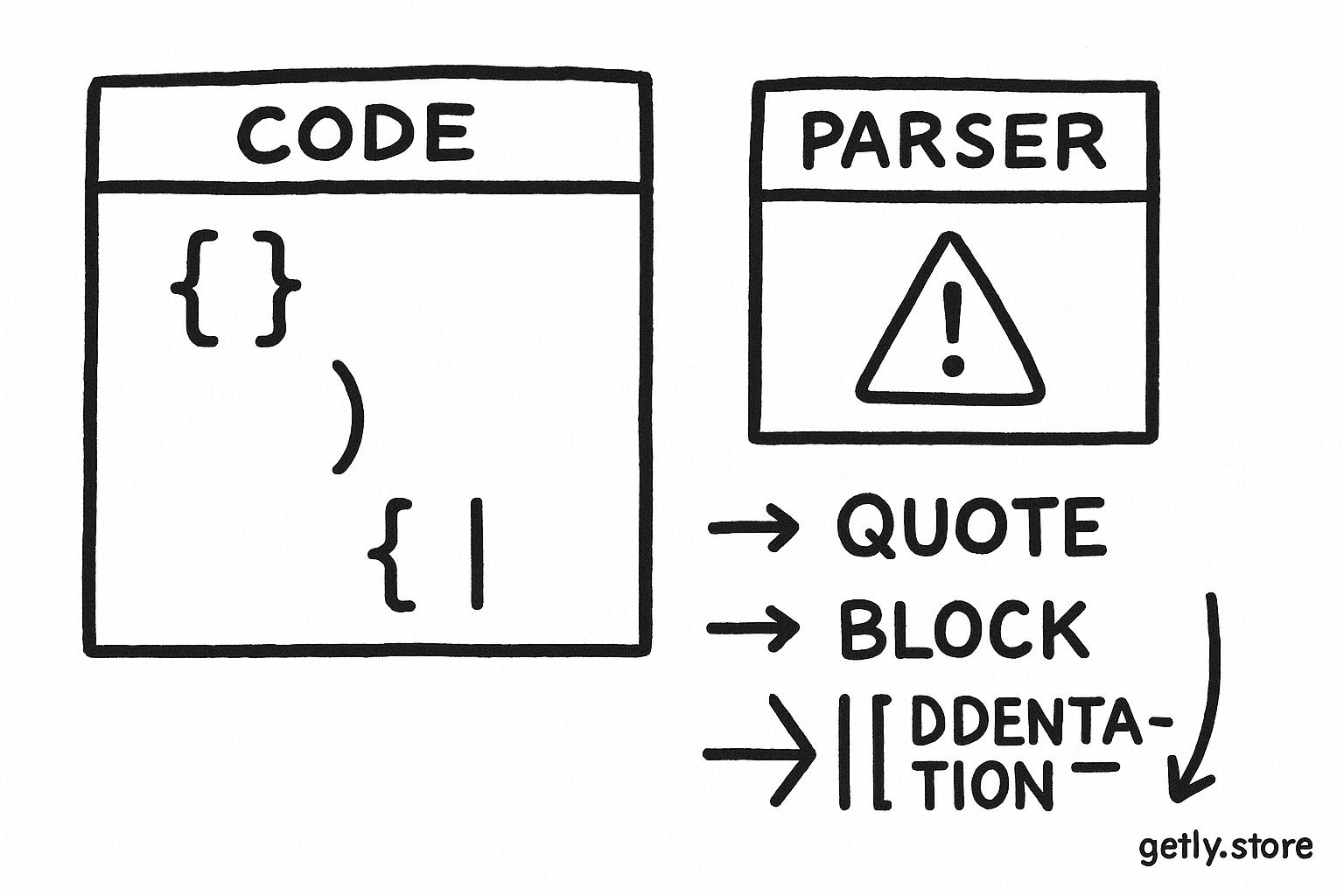
A quick syntax pass
- Confirm that the file uses the language you expect.
- Check imports and module names against the language's package system.
- Match brackets and quotes from the top of the file downward.
- Inspect indentation and block boundaries.
- Run a parser or formatter before you allow any network or file action.
2. Trace runtime bugs through real inputs
A runtime bug appears after the program starts. The code may parse correctly but fail when it receives an empty field, a missing file, a failed network response, a duplicate record, or a value with the wrong type.
Trace the path from input to output. Write down the type and expected shape of each important value. A function may expect a list of products but receive one product object. A date parser may expect 2026-08-28 but receive an empty string. A lookup may return no match, while the next line assumes that a match exists.
Test the ordinary case and the boundary cases before you expand the test. Use a tiny fixture with two or three records. Then test an empty list, a missing field, a duplicate identifier, a long text value, and an invalid value. Each test should produce a clear result or a controlled error, not a crash with a confusing stack trace.
Inspect error handling with care. A broad catch block can hide the real failure and let the program continue with incomplete data. Ask what the code should do after a failed request. It might retry a limited number of times, record the failure, skip one item, or stop before it writes anything. The right choice depends on the task, but silent corruption never counts as recovery.
Create a tiny fixture
Use two or three artificial records so you can inspect every input and output.
Trace each value
Write down the expected type, shape, and allowed empty states at each function boundary.
Test boundary cases
Try missing fields, empty collections, duplicates, invalid values, and failed requests.
Inspect the side effect
Confirm that a failed test cannot overwrite files, publish content, or send a live request.
Check resource use as well. A loop that works on three records may consume excessive memory on 300,000 records. A retry loop may send hundreds of requests after one timeout. Look for unbounded loops, repeated work inside loops, unlimited file reads, and responses that the code stores in memory all at once.
Use the three areas above as a review split, not as a quality score. Spend extra time on failure paths because generated code tends to demonstrate the happy path and skip the conditions that break it.
3. Expose logic and safety bugs
A logic bug lets the program run while producing the wrong result. The code may calculate a total with the wrong tax rule, select the first product instead of the cheapest product, reverse a sort order, drop duplicate items that you needed to keep, or label a failed payment as successful.
Translate the task into examples before you trust the implementation. Write a small input and the exact output you expect. Include a case where two values tie, a case with zero, and a case with an empty result. Compare the program's output with your examples by hand. Tests catch regressions later, but clear examples help you detect a wrong interpretation now.
Follow every condition and loop. Ask what happens when the condition evaluates to false, when a loop runs zero times, and when two conditions conflict. Check boundary operators such as > versus >=. Check units too. A value in cents must not enter a calculation that expects whole currency units. A timestamp in local time must not silently mix with a timestamp in UTC.
Review authorization and data handling as part of logic review. A script that returns the right product list still has a serious bug if it exposes another customer's records. Confirm that the code checks the current account before reading, editing, exporting, or deleting an object. Confirm that logs omit passwords, tokens, payment details, and private customer content.
Look for instructions hidden inside fetched text, uploaded files, comments, or scraped pages. Text from an external source should remain data. It should not change the program's rules, trigger a shell command, or override an access decision. Keep parsing, validation, and execution in separate steps.
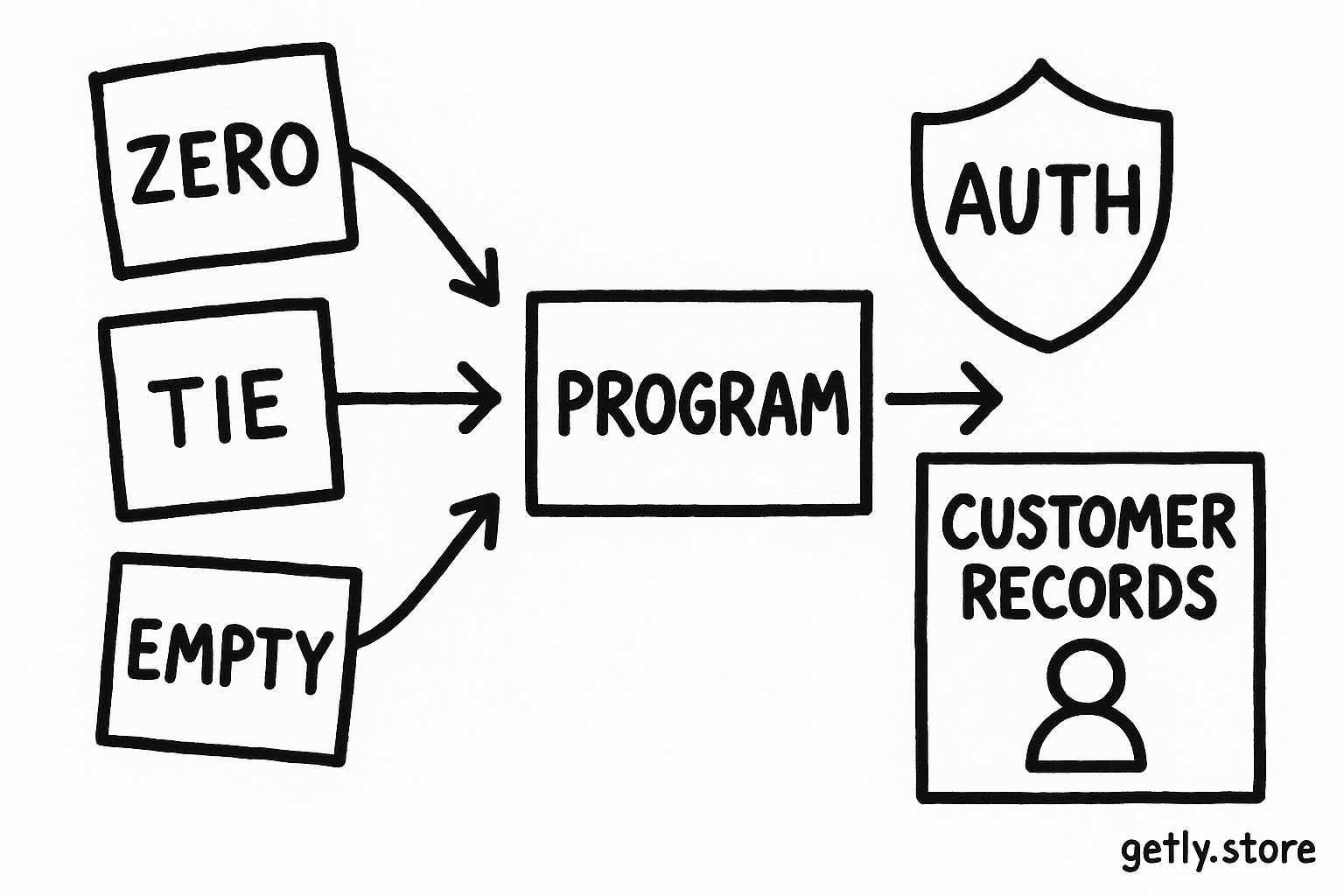
Use assertions that express the rule
An assertion turns an expectation into a check. For a product sorter, assert that the output keeps the same item count and orders prices from low to high. For a file converter, assert that every source record either appears in the output or receives a recorded error. For a permission check, assert that an account cannot read an object outside its allowed scope.
Prefer several small assertions over one vague test. A test that only checks “the script finished” can pass while the script returns an empty file, skips half the records, or sends the wrong request.
Run a controlled verification pass
After the three reviews, run the smallest harmless operation. Start with a parser or unit test. Then use a temporary directory, a fake endpoint, and artificial records. Capture the output and compare it with your expected examples.
Block external access unless the test requires it. If the code must call an API, use a test account with limited permissions and a strict request limit. Confirm the URL, HTTP method, request body, and response handling before you send one request. Keep the program from following redirects or downloading files unless the task requires those actions.
Review the diff after the test. Check which files changed, which packages appeared, and which logs the program produced. Delete temporary credentials and sample data after the review. Only then should you consider a wider test, and you should still keep backups and a rollback path.
Ask the code generator for an explanation of each function, but verify the explanation against the source. Ask for tests for the empty, duplicate, invalid, and unauthorized cases. Treat the response as a review aid, not as evidence that the code works.
Common mistakes in AI-code reviews
- Reading only the main function. Trace imported helpers too. A harmless-looking helper may write files, make network requests, or change global state.
- Testing only a successful example. Add empty, missing, duplicate, invalid, and unauthorized inputs. Those cases expose assumptions that the normal example hides.
- Fixing the error message instead of the cause. Read the failing value and its origin. A missing field may reflect an earlier parsing or authorization mistake.
- Trusting familiar package names. Check what each dependency does and whether the code uses the intended package. Similar names can point to unrelated projects.
- Allowing a broad exception handler. Handle expected failures by type and preserve enough context to diagnose them. Do not turn every failure into an empty result.
- Skipping the side-effect review. A correct calculation can still cause damage through a bad path, an unrestricted request, or an accidental publish command.
A compact checklist for your next review
Before execution, confirm that the code parses and that every import serves a purpose. During the runtime review, trace types, empty states, failures, retries, and resource limits. During the logic review, compare outputs with hand-written examples and test authorization boundaries.
Run the code in a disposable environment with artificial data, limited permissions, and blocked network access where possible. Inspect changed files and logs after each test. This workflow takes less time than repairing a corrupted product catalog or explaining a leaked customer record.
Frequently asked questions
What should I check first in AI-written code?
Check imports, file paths, network calls, shell commands, and credentials before you inspect the detailed logic. Then run a parser or formatter to find syntax errors without executing the program.
How can I test code without risking real data?
Use a temporary folder, artificial records, test credentials with limited permissions, and blocked network access when possible. Copy production data only after removing private fields and identifiers.
What examples expose logic bugs quickly?
Test an ordinary input, an empty collection, a missing field, a duplicate identifier, a zero value, and an invalid or unauthorized input. Compare each output with an expectation you wrote by hand.
Should I trust an AI explanation of its code?
Use the explanation to identify functions and assumptions, but verify every claim against the source and your tests. An explanation cannot prove that the program handles failures or protects private data.