Getly
Getly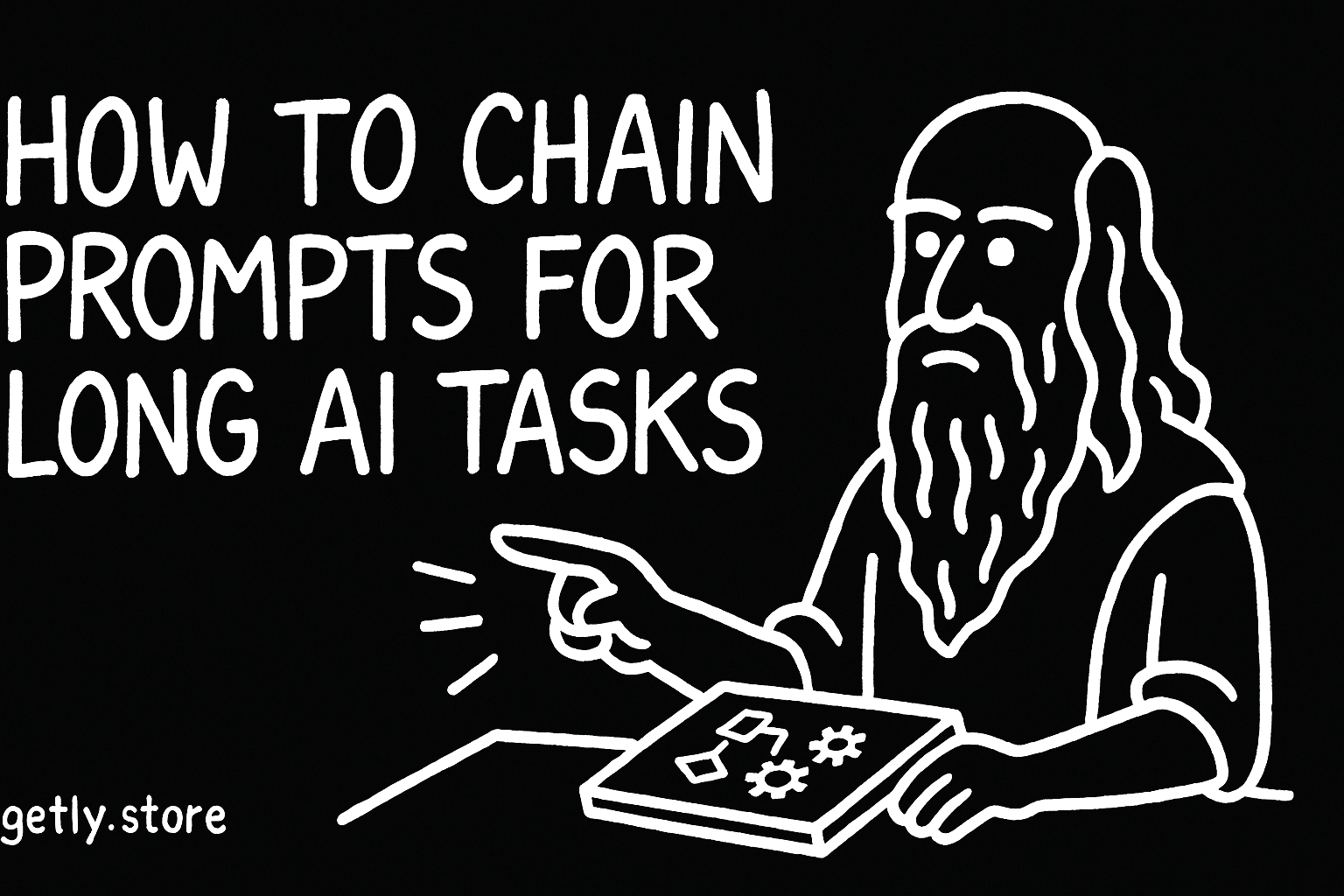
By the end of this guide, you will know how to split a long AI task into five focused prompts, pass useful context between steps, and review each result before moving on. You will also have a reusable workflow for research, writing, product creation, and other multi-stage projects.
Prompt chaining works because each prompt gives your AI tool one clear job. You can catch weak research before it shapes the outline, fix the outline before drafting, and revise the draft with specific instructions.
TL;DR: Give each prompt one job
A giant prompt often asks for research, judgment, structure, writing, editing, and formatting in one response. The tool has to make several decisions at once, so a weak early decision can affect every later section.
A chain separates those decisions. You might ask for a brief, then an outline, then a draft, then a fact check, and finally a polished version. Each step receives the context it needs and produces an artifact you can inspect.
- Break the project into five stages with clear outputs.
- Keep a short project brief so every prompt shares the same goal and audience.
- Pass selected results forward instead of copying the entire conversation.
- Ask for critique before you ask for polish.
- Save the final prompt and successful outputs as a reusable template.
1. Decide if your task needs a chain
Use a chain when your task contains at least two different kinds of work. A product description may require audience research, benefit selection, drafting, search optimization, and compliance review. Those jobs need different instructions and different standards.
A single prompt can handle a short email, a five-item idea list, or a simple rewrite. A chain earns its place when you need to make decisions, preserve details, compare options, or revise an output several times.
Start by writing the finished deliverable in one sentence. For example: “Create a 1,200-word guide for beginner photographers who want to sell Lightroom presets.” Then list the work required to reach that result. Group similar work into stages.
Do
- Give research, planning, drafting, and editing separate instructions.
- Set a review point after any stage that can introduce errors.
Don't
- Ask for a finished article before you decide its audience and promise.
- Carry every discarded idea into the next prompt.
2. Map the five-stage workflow
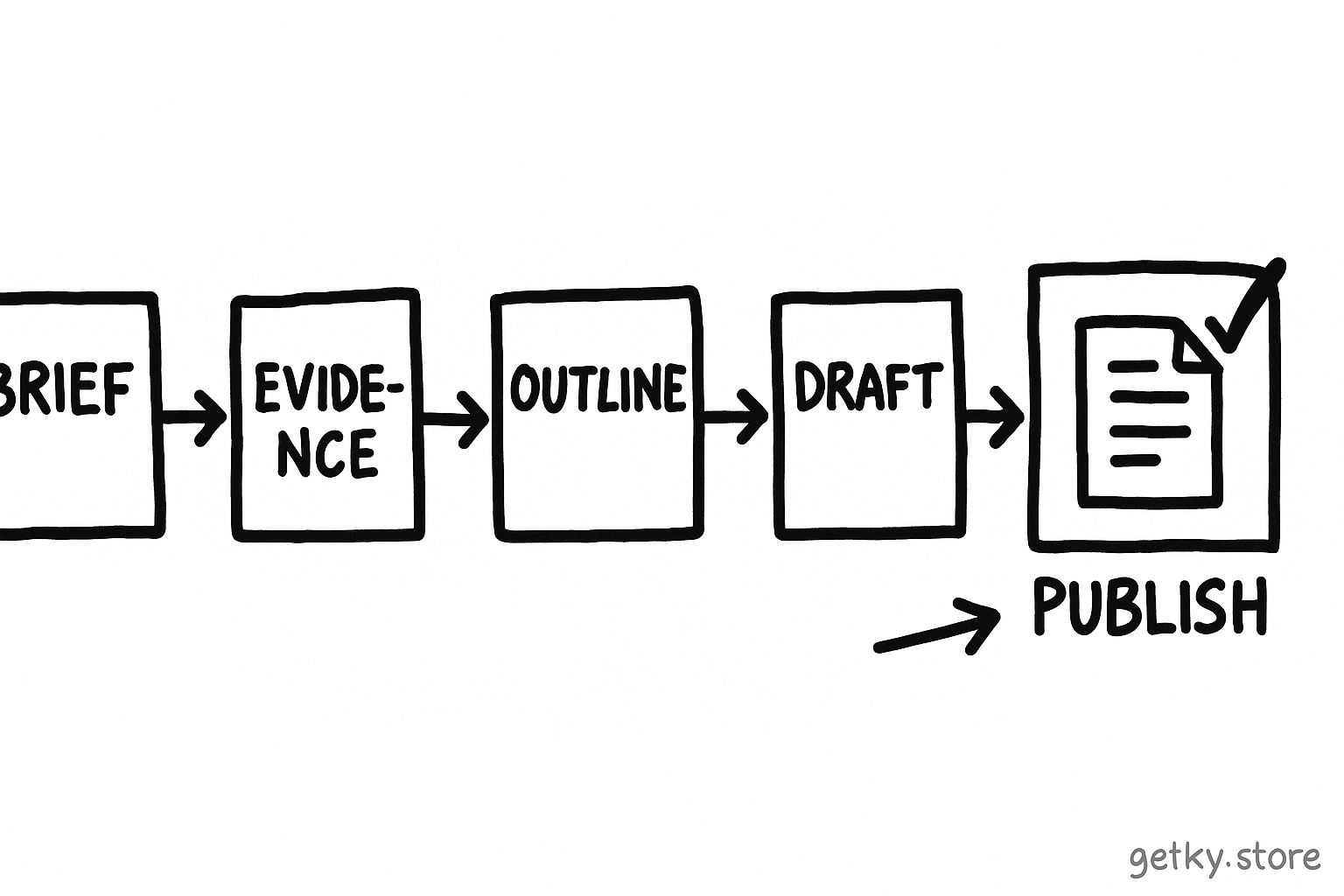
Choose stages that produce visible artifacts. A useful chain for a long written product looks like this:
Define the brief
Set the audience, goal, format, constraints, and success criteria.
Build the evidence pack
Collect claims, examples, terms, objections, and open questions.
Create the structure
Turn the brief and evidence into an ordered outline with section goals.
Draft the material
Write one coherent version that follows the approved structure.
Audit and polish
Check accuracy, coverage, tone, formatting, and calls to action.
Each stage answers a different question. The brief answers “What are we making?” The evidence pack answers “What should it contain?” The outline answers “Where should each idea go?” The draft answers “How should it read?” The audit answers “What needs correction?”
Keep the stage count flexible. Four stages suit a short sales page. Six or seven stages may suit a course workbook with exercises, examples, and several review rounds. Five stages give many long tasks enough control without creating needless administration.
3. Write a strong handoff between prompts
A handoff carries the useful result from one stage into the next. Write a small project brief at the top of your working document and keep it stable throughout the chain:
- Audience: who will read or use the result.
- Outcome: what the reader should understand or do.
- Voice: the tone, reading level, and point of view.
- Format: the channel, length, headings, and required elements.
- Boundaries: claims to avoid, sources to check, and details you must preserve.
Then paste only the output that the next stage needs. An outline prompt needs the brief and evidence pack. A drafting prompt needs the brief and approved outline. An editing prompt needs the draft, the brief, and the review criteria.
Keep handoffs compact. Long transcripts contain abandoned ideas, conflicting instructions, and casual wording that the tool may treat as a requirement. A short summary gives the next prompt a cleaner decision space.
Use labels so the tool can distinguish instructions from material. For example:
Task: Create an outline for a beginner-friendly guide.
Brief: Audience, outcome, voice, and format.
Evidence: Approved claims and examples.
Constraints: Avoid unsupported promises and jargon.
Output: Six headings, each with a purpose and two supporting points.
4. Run the chain one stage at a time
Stage 1: Lock the brief
Ask the tool to identify missing decisions before it generates prose. Give it the audience, desired result, format, length, tone, and exclusions. Tell it to return a short brief plus a list of questions that could change the project.
Answer those questions yourself. Your answers prevent later prompts from drifting toward a generic result.
Stage 2: Create an evidence pack
Ask for useful material rather than a polished article. Request claims, examples, objections, definitions, search terms, and places where you need human verification. Separate confirmed details from suggestions so the draft does not treat every idea as a fact.
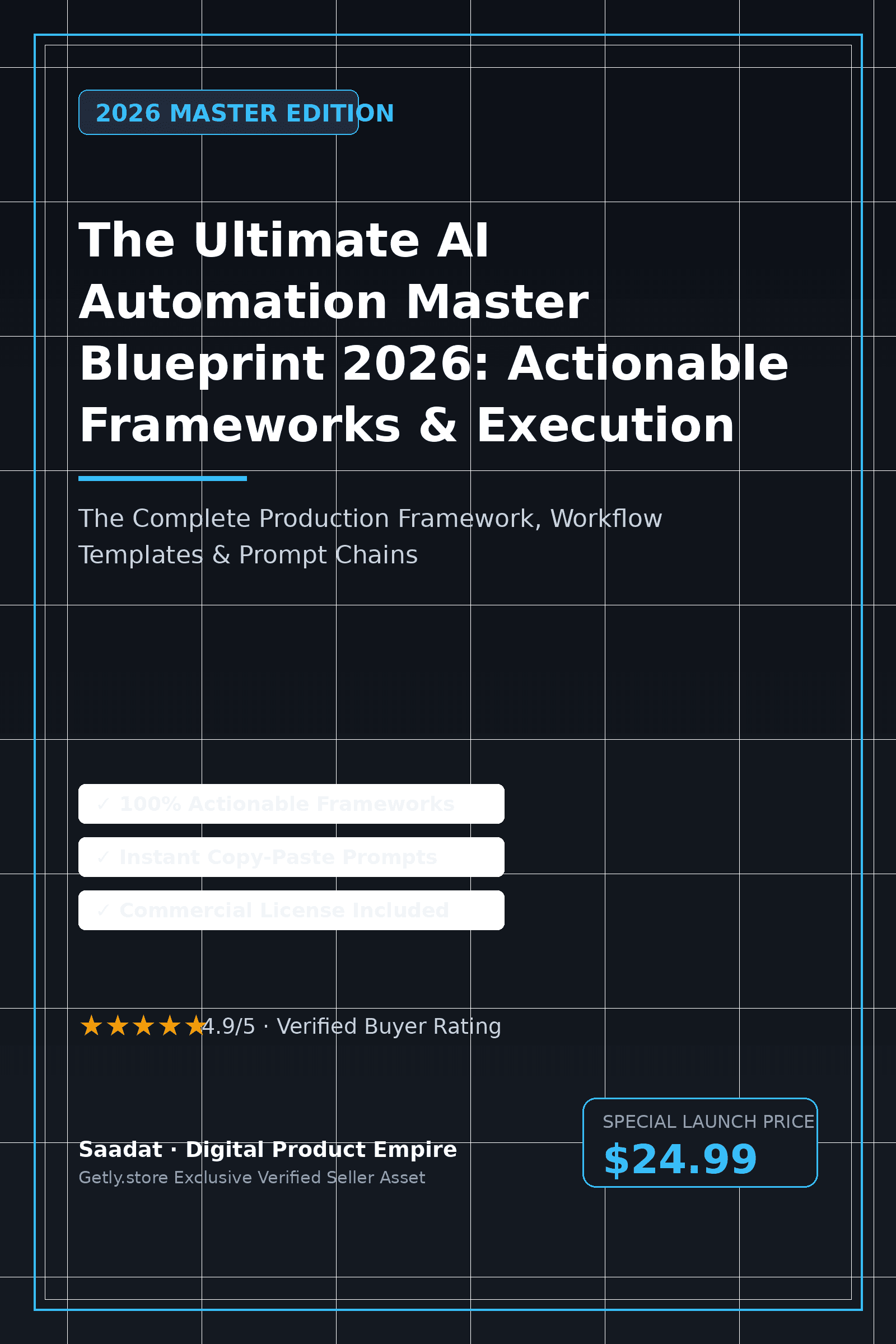
For a digital product, include the product promise, target buyer, use cases, limitations, file format, and examples of a successful outcome. A resource such as AI Prompt Pack Pro can help you generate starting points for this stage, although you still need to select and verify the material that fits your product.
Stage 3: Approve the outline
Ask for a sequence that moves the reader toward the stated outcome. Require each heading to include its purpose, the key point, and the example that will make the point concrete. Delete repeated sections before drafting.
Review the outline against the brief. If the structure misses the audience's main obstacle, return to the outline stage. Fixing a six-line outline costs less than revising a full draft.
Stage 4: Draft from the approved structure
Give the tool the approved outline and the style rules. Ask it to preserve the heading order and mark any unsupported claim with a clear placeholder for review. Request a complete draft in one pass only when the outline contains enough detail to guide the writing.
For longer work, draft one section at a time. Tell the tool which previous terms, examples, and promises it must repeat. This approach reduces repetition caused by broad context and lets you replace a weak section without regenerating the rest.
Stage 5: Audit, then polish
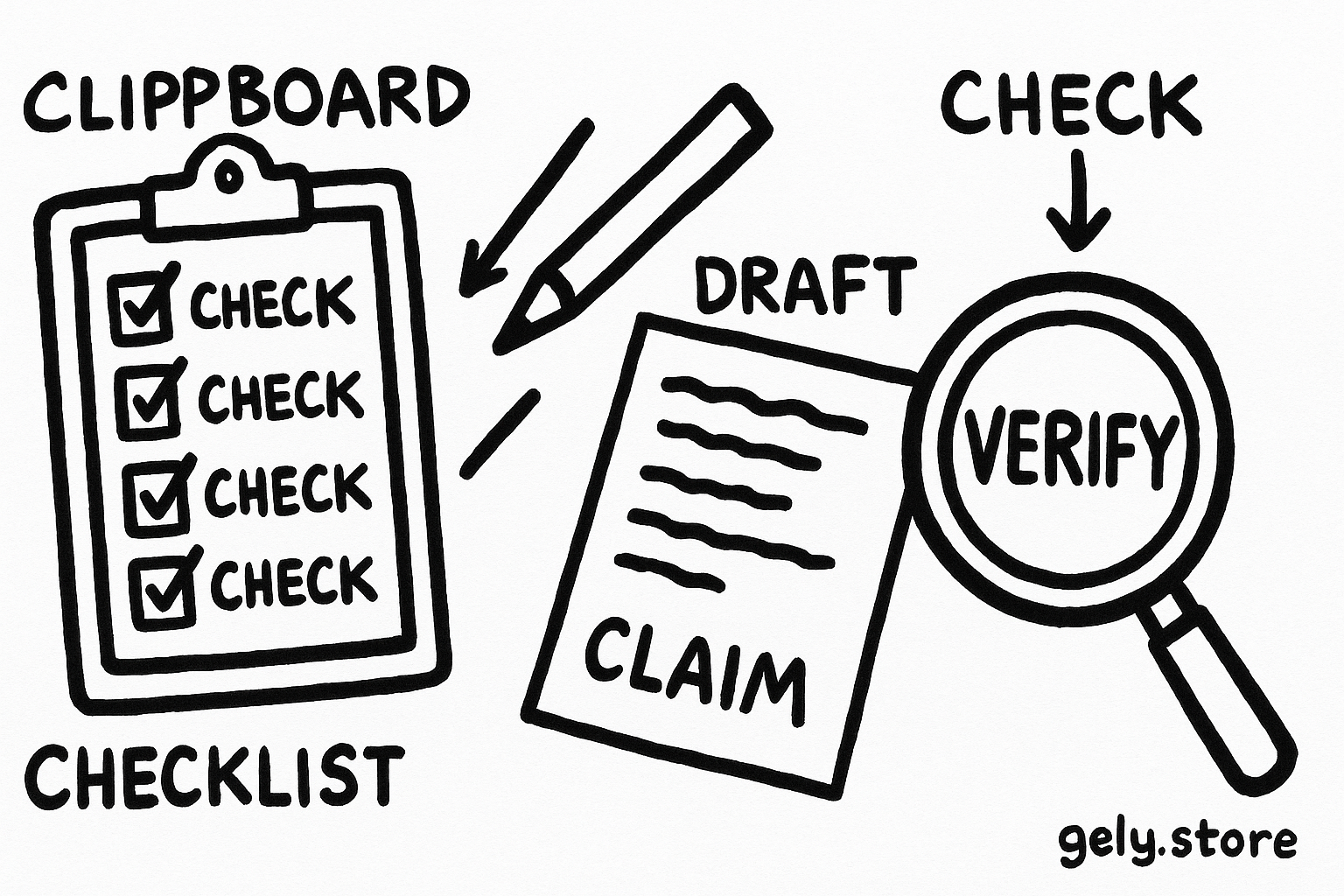
Run a critique prompt before a rewrite prompt. Ask the tool to find missing requirements, unsupported claims, repeated ideas, unclear transitions, inconsistent terminology, and weak examples. Ask for a table with the issue, location, reason, and suggested fix.
Review that critique yourself. Then send only the approved fixes to a final editing prompt. Tell the editor to preserve accurate details and change nothing outside the requested fixes. A separate final check should confirm length, links, headings, formatting, and calls to action.
5. Control context, memory, and revisions
Save every approved artifact with a simple name such as brief-v1, evidence-approved, outline-approved, and draft-for-audit. You can then compare changes and recover a good version after an unhelpful revision.
Use a “decision log” for choices that affect later stages. Record the chosen audience, headline promise, terminology, examples, exclusions, and unresolved questions. Include the log in later prompts when the choice matters.
Give revision prompts a narrow scope. “Improve this” invites a new interpretation of the whole project. “Shorten the introduction by 80 words, preserve the example, and keep the second paragraph's claim” gives the tool a measurable job.
Ask for structured outputs during planning and review. Headings, bullets, labels, and compact tables make omissions easier to spot. Ask for natural prose during the drafting stage, when the reader needs flow rather than analysis.
Do
- Pass the approved brief and the artifact the next stage needs.
- Ask for one measurable change per revision prompt.
- Keep a human review before publication.
Don't
- Paste a full transcript when a 200-word handoff will do.
- Ask a polishing prompt to repair missing research.
- Let a generated citation or statistic pass without checking it.
Common mistakes that weaken prompt chains
Vague stage boundaries: “Research and write a guide” still combines several jobs. Name the artifact each prompt must produce.
Context overload: A long transcript can bury the instructions. Summarize approved decisions and remove discarded material.
Premature drafting: Writers often accept the first outline because a draft feels productive. Inspect the structure before you spend time on sentences.
Uncontrolled revisions: A broad rewrite can remove accurate details while fixing one weak paragraph. State the exact section, change, and preservation rules.
Missing quality criteria: Tell the auditor what “good” means. Include the reading level, required sections, factual checks, brand terms, and format rules.
Trusting generated facts: Ask the tool to flag claims, then verify important details with reliable sources or your own records. A chain improves control; it does not replace judgment.
Build your reusable chain
After you finish one project, save the prompts that produced useful outputs. Replace project-specific wording with fields such as [AUDIENCE], [OUTCOME], [FORMAT], and [CONSTRAINTS]. Keep the examples that clarify the task, and remove instructions that never affected the result.
Test the template on a smaller project before you use it for a large product. Measure practical outcomes such as fewer revision rounds, fewer missing sections, and less time spent correcting tone. Keep the chain when it improves one of those measures.
A good chain gives you checkpoints, clean handoffs, and deliberate revision. You can use the same method for a product listing, lesson pack, video script, research summary, or customer email sequence. Change the artifacts and review criteria, then keep the stage logic.
FAQ
How many prompts should a long task use?
Start with four or five prompts. Add a stage when the task introduces a new kind of decision, such as research, compliance review, or formatting. Remove a stage when it produces no artifact you can inspect.
Should I start a new chat for each prompt?
Use a new chat when the old conversation contains discarded ideas, conflicting instructions, or too much unrelated text. Carry forward a concise brief and the approved artifact so the next chat has the context it needs.
How much output should I pass to the next stage?
Pass the smallest amount that supports the next decision. Include approved facts, required terminology, relevant examples, and constraints. Leave out brainstorming that you rejected.
Where should human review happen?
Review the brief, outline, factual claims, and final version. Those checkpoints catch different problems. You can delegate formatting and first-pass critique, while you keep decisions about accuracy, audience, and promises.
Frequently asked questions
How many prompts should a long task use?
Start with four or five prompts. Add a stage when the task introduces a new kind of decision, such as research, compliance review, or formatting. Remove a stage when it produces no artifact you can inspect.
Should I start a new chat for each prompt?
Use a new chat when the old conversation contains discarded ideas, conflicting instructions, or too much unrelated text. Carry forward a concise brief and the approved artifact so the next chat has the context it needs.
How much output should I pass to the next stage?
Pass the smallest amount that supports the next decision. Include approved facts, required terminology, relevant examples, and constraints. Leave out brainstorming that you rejected.
Where should human review happen?
Review the brief, outline, factual claims, and final version. Those checkpoints catch different problems. You can delegate formatting and first-pass critique, while you keep decisions about accuracy, audience, and promises.