Getly
Getly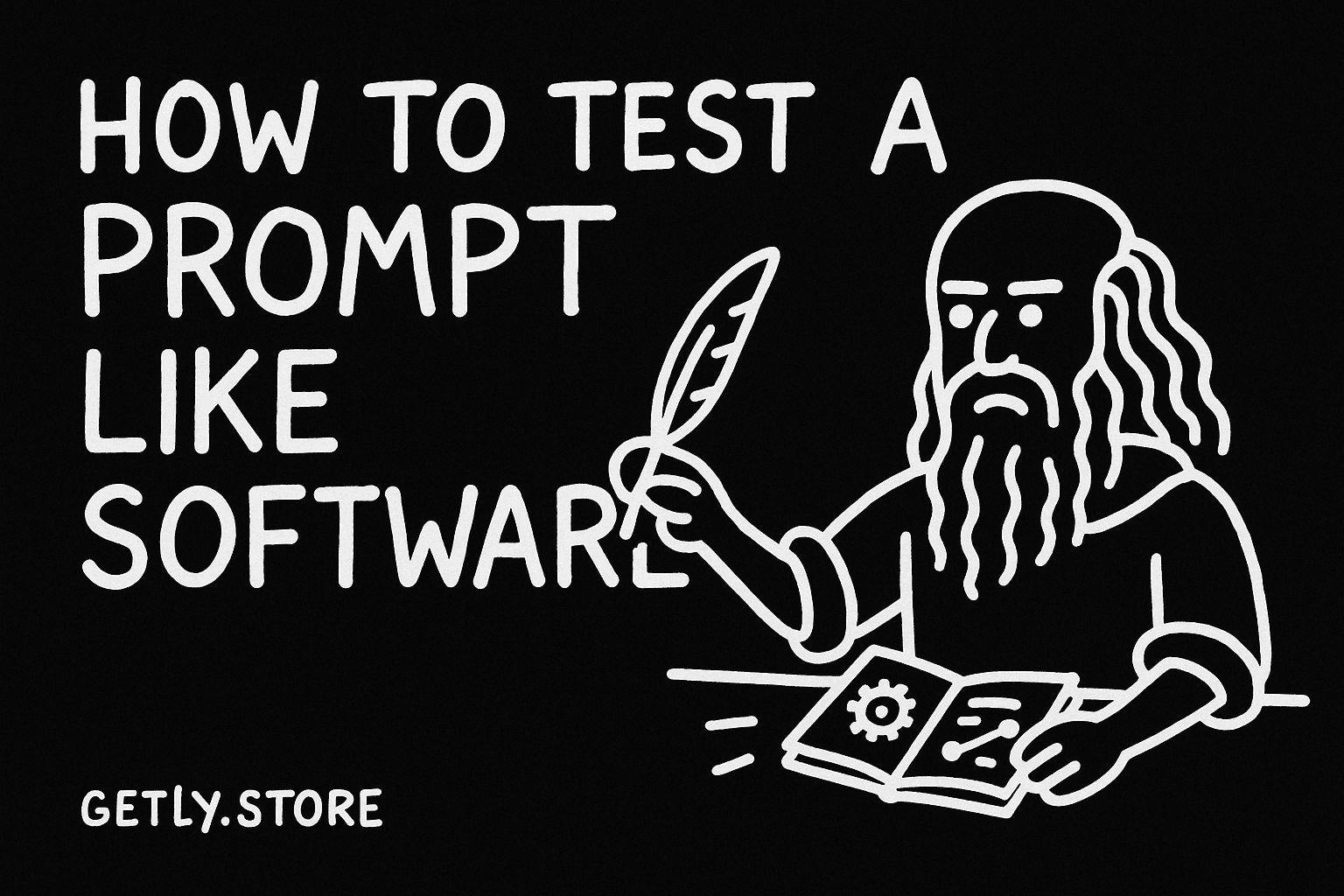
By the end of this guide, you can build a fixed prompt test set, compare controlled variations, and score each answer with the same rubric. You can use the workflow to improve product descriptions, support replies, research summaries, or any repeatable task.
The method works best when you treat a prompt as a small program. You give it known inputs, change one part at a time, inspect the output, and keep a record of each result.
1. Define the job before you edit the prompt
Start with one sentence that describes the task and its audience. “Write a product description for a printable meal planner aimed at busy parents” gives you a testable target. “Make it better” does not.
Write down the output requirements before you run a test. Include the format, length, tone, required facts, forbidden claims, and success criteria. A product-description prompt might require a title, a 90-word description, five search phrases, and a clear statement that the buyer receives a digital file.
Separate requirements into three groups:
- Must have: facts, sections, fields, or phrases the answer needs.
- Must avoid: invented features, unsupported promises, repetition, or a forbidden tone.
- May vary: sentence rhythm, opening phrasing, examples, and minor word choices.
This separation keeps you from scoring style preferences as if they were factual errors. It also helps you decide which changes deserve a new prompt version.
2. Build fixed inputs that represent real work
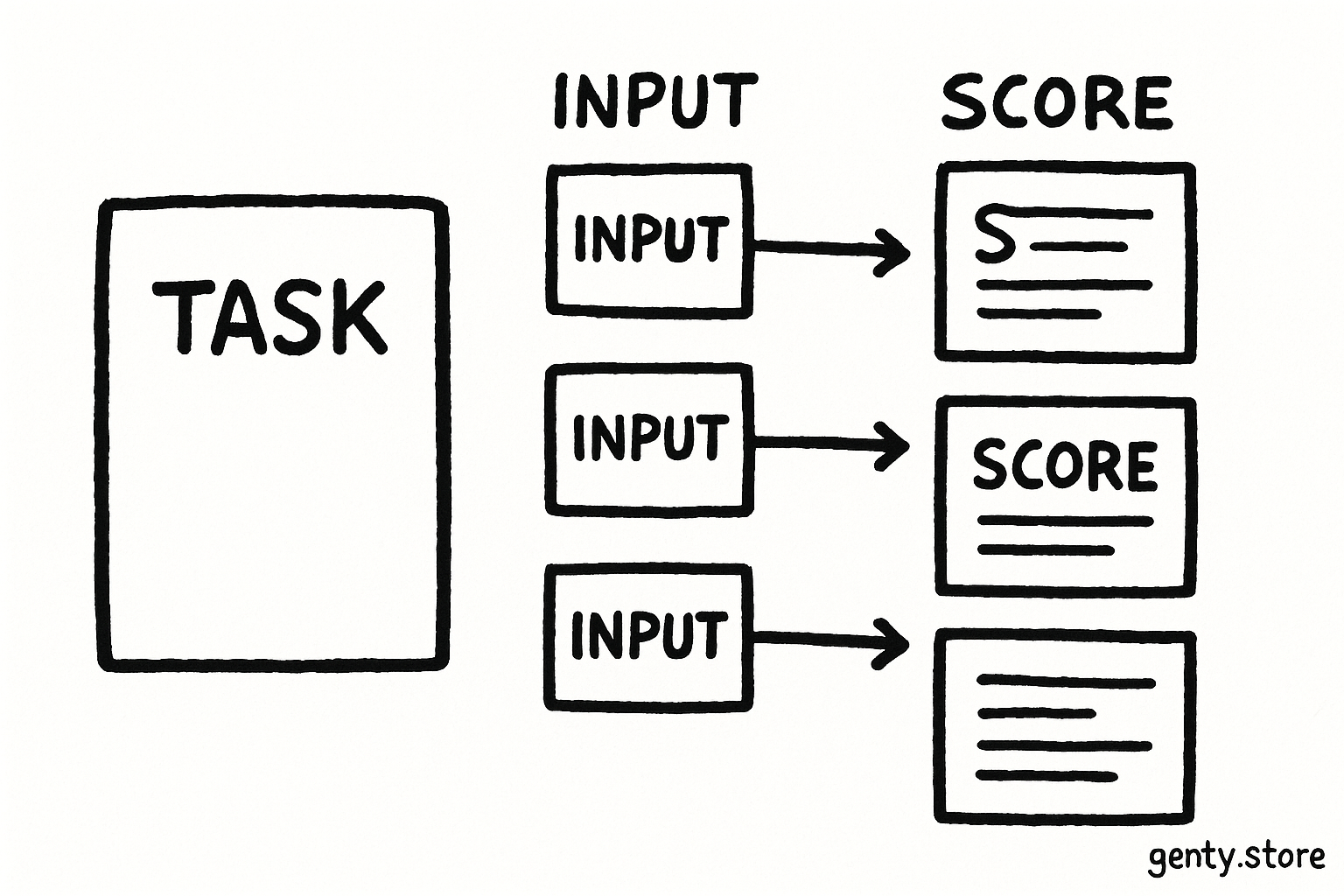
Choose five to ten examples from the work you actually handle. Keep each example unchanged across every prompt run. If you edit the input between tests, you cannot tell whether the prompt or the input caused the result.
Give your test set enough range to expose weak spots. For a digital product listing, include a simple product, a product with many features, a product with missing details, a product with a sensitive claim, and a product whose audience needs a different tone. Label each case so you can discuss it without copying the full text into every note.
Store each case in a small table or spreadsheet:
| Case | Input fields | Expected checks |
|---|---|---|
| Planner A | Audience, format, page count, use case | Accurate format, practical tone, clear delivery note |
| Template B | Audience, editable fields, software format | No invented compatibility, concise feature list |
| Guide C | Topic, skill level, chapter list | Useful summary, correct structure, no inflated claims |
| Bundle D | Included files, license terms, buyer goal | Complete inventory, plain language, accurate license wording |
| Prompt pack E | Number of prompts, target tools, buyer type | Correct count, clear use cases, no guaranteed results |
Keep the input fields separate from your prompt text. That habit lets you reuse the same cases for later tests and spot failures by category. Record the input source and date in your private test log when those details affect the task.
3. Create a baseline before making changes
Run the original prompt against every fixed case. Save the complete prompt, the input, the output, and the score. Name the run with a simple version label such as baseline or variation-01.
Do not judge the prompt from one impressive answer. A prompt can produce a polished result for an easy case while dropping required fields on a complicated one. The baseline gives you a comparison point for consistency, not a trophy for the first acceptable output.
Ask the model for a stable output format when your task needs structured review. For example:
Return valid JSON with these keys: title, description, keywords, warnings.Use a format that matches your review process. JSON helps software parse fields. A fixed heading structure helps a human scan longer answers. Keep formatting rules separate from creative instructions so you can revise one without disturbing the other.
Freeze the cases
Copy the same inputs into every run.
Run the baseline
Save outputs before changing any instruction.
Change one variable
Edit one instruction, example, or format rule.
Score side by side
Compare every case with the same rubric.
4. Make controlled prompt variations
Change one meaningful element per variation. You might add a role, clarify the audience, supply a two-example pattern, require a checklist, or change the output schema. If you change the role, tone, examples, and length at once, you lose the reason for the improvement or decline.
Use a test matrix to keep your experiments readable:
| Variation | Single change | Question to test |
|---|---|---|
| V1 | Add audience and buying context | Does the copy address the right reader? |
| V2 | Add required-field checklist | Does the answer omit fewer details? |
| V3 | Add one strong example | Does the structure become more consistent? |
| V4 | Require a short self-check | Does the model catch unsupported claims? |
| V5 | Set a word range | Does the output stay usable without losing facts? |
Write the change in plain language inside your log. “Added a checklist for facts and forbidden claims” tells you more than “updated instructions.” Keep the prompt text for each run, because small wording changes can alter the output.
Test examples with care. An example can teach structure, tone, and detail level at the same time. Use two examples when one could cause the model to copy a peculiar phrase or narrow interpretation. Remove examples that contain facts the new input should not inherit.
Do
- Change one instruction at a time.
- Keep examples short and representative.
- Log the exact text for every variation.
Don't
- Change the test input during a comparison.
- Reward a clever phrase that hides a missing fact.
- Declare a winner from one case.
5. Score outputs with a written rubric
Score each output against the same dimensions. A four-point scale gives you enough range without pretending that a judgment carries laboratory precision.
- Accuracy, 0 to 4: The answer uses only supported facts and avoids false claims.
- Completeness, 0 to 4: The answer includes every required field or section.
- Usefulness, 0 to 4: The intended reader can act on the answer without major rewriting.
- Format, 0 to 4: The output follows the requested structure, length, and tone.
Define the anchors before you score. A score of 4 can mean “meets the requirement with no material edit.” A score of 2 can mean “partly useful but needs a substantial correction.” A score of 0 can mean “fails the requirement or invents a material fact.” Write similar anchors for each dimension.
Choose weights when some failures matter more than others. For a product listing, accuracy might carry 40 percent, completeness 30 percent, usefulness 20 percent, and format 10 percent. Calculate each case with this formula:
weighted score = accuracy × 0.40 + completeness × 0.30 + usefulness × 0.20 + format × 0.10Keep the raw scores as well as the total. A high average can hide a dangerous accuracy failure. Set a floor for critical dimensions, such as requiring accuracy to reach at least 3 in every case.
6. Review failures and choose a winner
Compare the baseline and each variation case by case. Mark the first failure in each answer. You might find that V2 includes more product facts but makes unsupported compatibility claims, while V5 improves length but removes the delivery note.
Group failures by cause:
- Missing context: Add audience, purpose, or product boundaries.
- Missing constraint: State the required field, word range, or prohibited claim.
- Ambiguous instruction: Replace broad words such as “engaging” with observable requirements.
- Weak example: Remove a misleading pattern or add a clearer one.
Pick the variation that meets the critical floors and achieves the strongest weighted score across the full set. A lower average with zero accuracy failures can beat a higher average that invents one important product detail. Keep the winning prompt, rubric, cases, and decision note together.
Re-run the suite after each substantial edit. Add a new case when a real customer request exposes a new edge condition. Keep older cases so improvements do not quietly break a task that worked before.
Common mistakes in prompt testing
Changing several variables at once. You cannot attribute the result to one cause. Split the edit into separate variations.
Testing only easy examples. Simple inputs conceal omissions. Include crowded, incomplete, and boundary cases.
Scoring by intuition. A fluent answer can feel correct while missing a required fact. Use written anchors and inspect each dimension.
Using different inputs for each prompt. That comparison mixes prompt quality with input difficulty. Freeze the cases before you start.
Optimizing the average alone. A single severe factual error can outweigh several small style gains. Set critical score floors.
Keeping only the final prompt. Without earlier runs, you lose the evidence behind your choice. Save prompts, outputs, scores, and notes.
FAQ
How many test cases should I use?
Start with five cases that cover ordinary work and known edge conditions. Add cases when buyers, clients, or your own review uncover a new failure pattern. A larger suite helps you measure consistency across a wider task range.
Should I test one prompt run or several runs per case?
Run one output per case while you compare prompt wording. Run several outputs per case when the task produces noticeable variation. Record the number of runs and use the same count for every prompt version.
Can I score creative writing with this method?
Yes. Score the parts you can define, such as audience fit, required images, tone, length, structure, and factual accuracy. Leave room for human judgment in a separate style score instead of hiding that judgment inside a factual score.
When should I stop testing?
Stop when one prompt meets every critical floor, beats the baseline across the suite, and produces outputs you can use without disproportionate editing. Resume testing when the task, audience, product information, or quality requirements change.
Frequently asked questions
How many test cases should I use?
Start with five cases that cover ordinary work and known edge conditions. Add cases when you find a new failure pattern.
Should I test one prompt run or several runs per case?
Use one output per case to compare wording. Use several outputs per case when the task produces noticeable variation, and use the same count for every prompt version.
Can I score creative writing with this method?
Yes. Score audience fit, required images, tone, length, structure, and factual accuracy. Keep subjective style judgments in a separate score.
When should I stop testing?
Stop when one prompt meets every critical floor, beats the baseline across the suite, and produces outputs that need an acceptable amount of editing.