Getly
Getly
By the end of this guide, you can read a royalty-free music license, identify the rights it grants, and match a track to your video, podcast, game, or advertisement. You can also spot restrictions that could trigger a copyright claim or force you to buy an expanded license.
Royalty-free music still carries copyright. The license controls how you may use the recording and composition, while the copyright holder keeps ownership unless the agreement says otherwise.
TL;DR: What royalty-free means
“Royalty-free” describes the payment model, not a complete set of usage rights. You usually pay once for a license instead of paying a royalty each time your project earns money, receives a view, or plays in public. The exact license still controls the details.
- You do not buy the copyright. You buy permission to use the track under stated conditions.
- You may face a one-time fee. Some licenses cost nothing, while others charge for commercial, broadcast, or extended use.
- You need to check the project type. A license for personal YouTube videos may not cover paid ads, client work, games, or podcasts.
- You may need attribution. The license might require a credit line, a link, or a specific notice.
- You usually cannot resell the audio by itself. Most licenses support use inside a larger project, not redistribution as a competing music library.
Read the license before you choose a track
Start with the license document, not the track title or product description. A title such as “free,” “commercial,” or “royalty-free” gives you a useful clue, but the license defines your rights.
Separate the two copyright layers
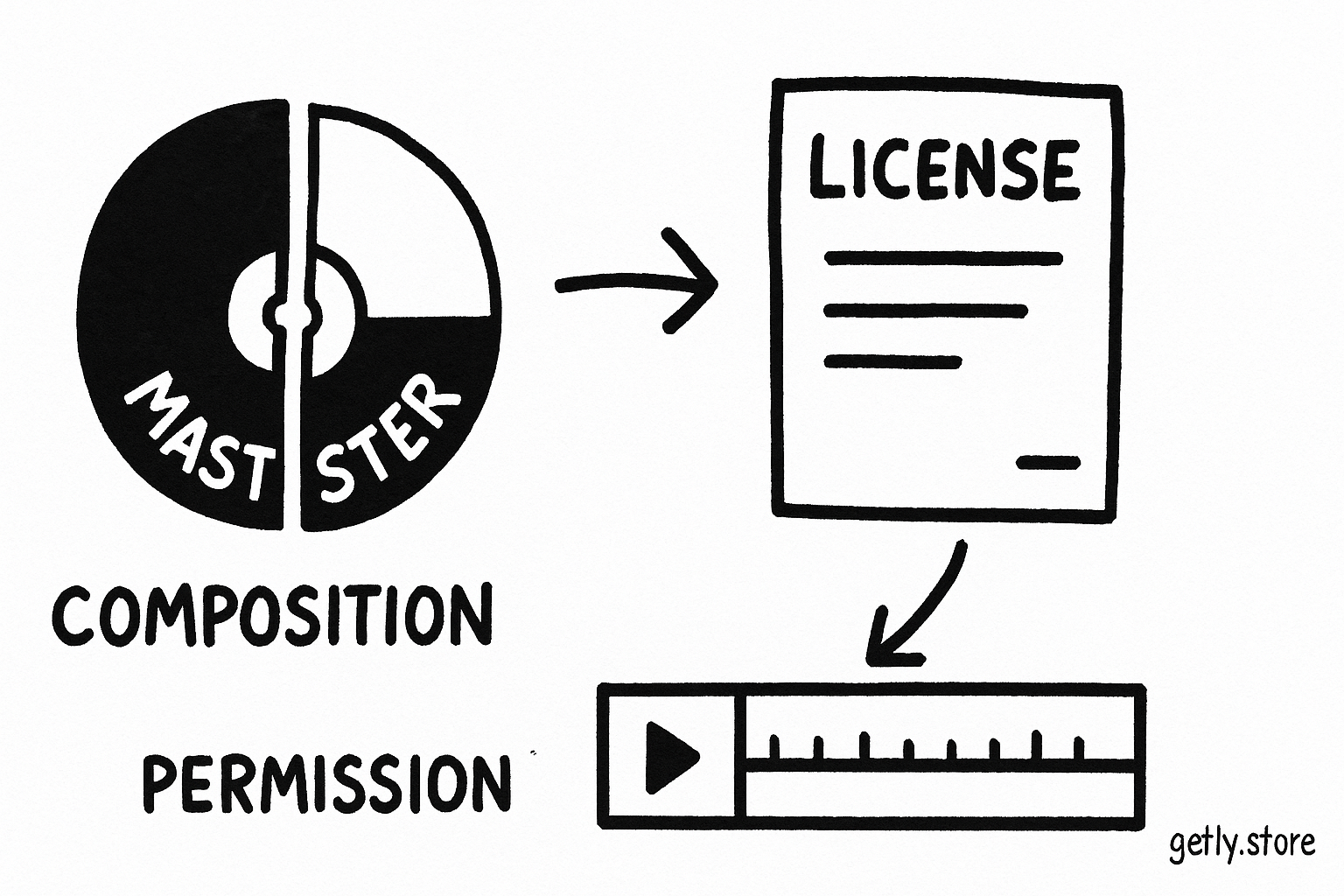
A finished song contains at least two relevant works. The sound recording, sometimes called the master, captures a particular performance and production. The musical composition covers the melody, harmony, lyrics, and arrangement. A license should give you permission to use the layers that your project needs.
A stock music license often covers both layers for the listed uses. A third-party sample, featured vocalist, or recognizable interpolation can create another permission issue. Ask the seller or rights holder for clarification before you publish if the license does not address those elements.
| License term | What it controls | What you should check |
|---|---|---|
| Commercial use | Use in a project that earns money or promotes a business | Ads, sponsored content, client work, and monetized channels |
| Synchronization | Pairing music with moving images or interactive media | Videos, games, apps, presentations, and film |
| Distribution | Where and how you can publish the finished project | Streaming services, broadcast, downloads, and physical media |
| Attribution | Credit that you must show to the creator | Required wording, placement, and link format |
| Modification | Changes you can make to the audio | Trimming, looping, fading, remixing, or separating stems |
| Content ID | How automated platform claims can affect your upload | Claim release process and channel monetization rules |
Match the license to your actual project
Describe your project before you shop. Write down the format, audience, client, revenue source, territory, and expected distribution. A personal short film and a paid social advertisement may use the same track, but they can require different permissions.
Name the project
Record the format, such as YouTube video, podcast, game, course, app, or advertisement.
Mark the money path
Include sales, sponsorships, subscriptions, client payment, platform monetization, and paid promotion.
List the distribution
Name each platform, release method, territory, and audience size limit that the license might restrict.
Check production rights
Confirm that the license allows edits, loops, voice-over, stems, and synchronization with your content.
Save your evidence
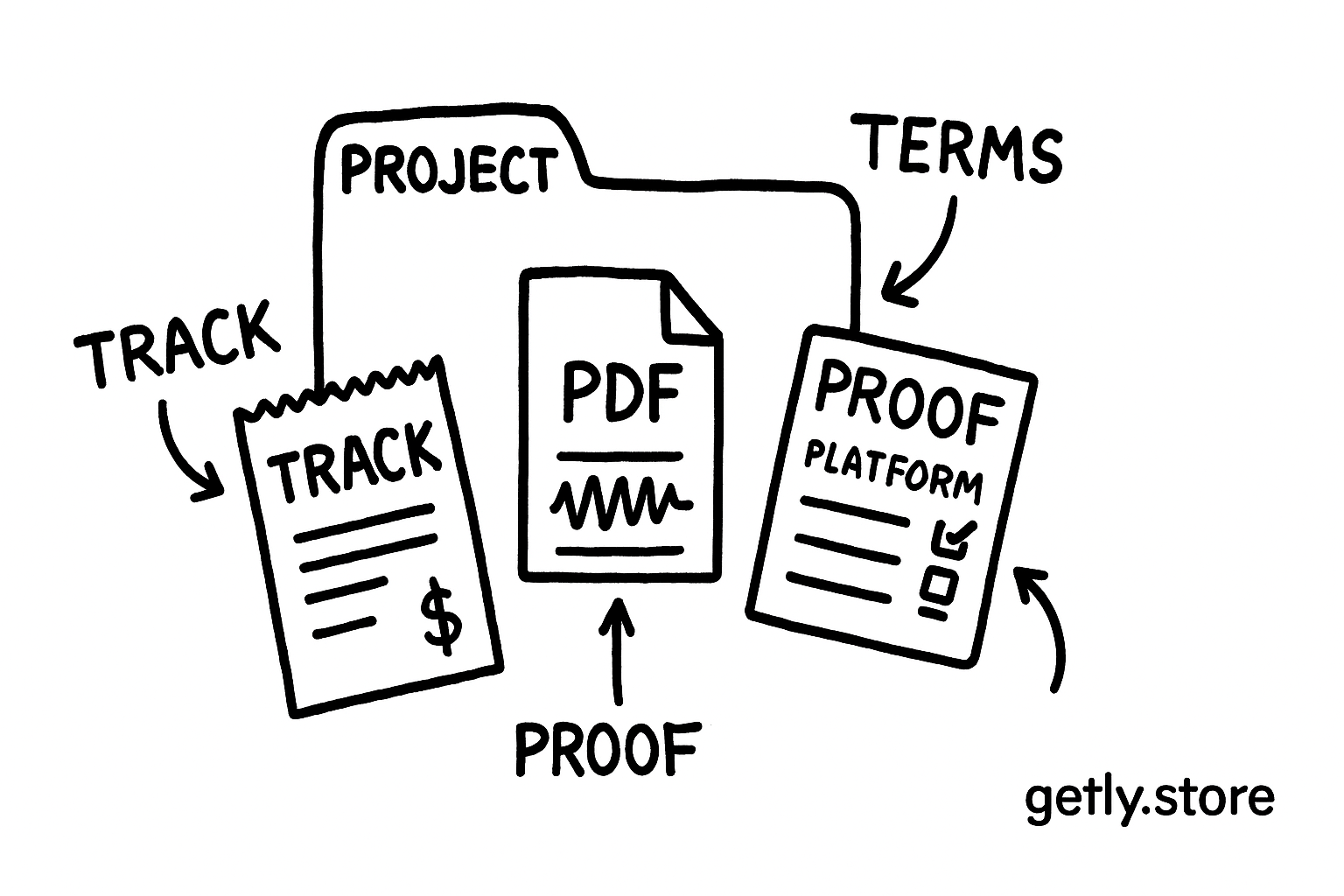
Keep the license, receipt, track name, creator name, and download date with the project files.
Video, social media, and advertising
Video creators usually need synchronization rights because they combine the music with moving images. Check the license for monetized videos, branded content, client work, and paid media. A license that covers an organic post may exclude an advertisement that you place through an ad platform.
Social platforms can also scan uploads with automated copyright systems. A claim does not prove that you used the track unlawfully. Keep your license evidence and follow the platform’s dispute process if a valid license supports your use. Some sellers provide a claim-release procedure, while others exclude automated-claim support.
Podcasts, courses, and livestreams
Podcasts and courses may need rights for the episode, trailer, intro, downloadable lesson, and promotional clips. Check the license for commercial distribution and client or business use. A livestream license may need special wording because the platform transmits the audio in real time and may archive the recording afterward.
Use music at a sensible level beneath speech, but do not treat low volume as a legal exception. Mixing changes the listening experience. It does not remove the need for permission.
Games, apps, and interactive products
Interactive projects need a license that covers games, software, apps, or digital products. Look for permission to bundle the music inside the finished product. The license should prevent players from extracting the audio as a standalone file, or it should explain the limits clearly.
Looping deserves a separate check. A track may permit trimming but prohibit the creation of loop packs, sample libraries, or standalone audio files. A purchased track such as Smooth trap can fit a video or game workflow only when the license covers that specific project and distribution method.
Know the rights a standard license may limit
Licenses often separate a basic use from an expanded use. The basic tier may cover one finished project, one channel, or one client. An expanded tier may add paid advertising, broadcast, resale inside a template, larger audiences, or multiple end products. Read those boundaries before you publish.
- Client work: Confirm that the buyer can use the track in a project you create for them. Some licenses name the purchaser as the licensee and restrict transfers.
- Templates: A video template, game template, or course template can let many customers reuse the music. That use often needs a separate license.
- Standalone distribution: Do not upload the original MP3 or WAV as a download, music stream, sample pack, or competing library unless the license grants that right.
- Exclusive use: Royalty-free does not usually mean exclusive. Other customers may hold licenses for the same track.
- Territory and duration: Check limits on countries, campaign length, subscription periods, or the number of finished projects.
- Attribution: Copy the required credit exactly. Place it in the description, credits, end card, app credits, or another location named by the license.
Do
- Match the license to every planned channel.
- Keep the license and receipt with your project archive.
- Credit the creator when the terms require credit.
Don't
- Assume a download grants ownership.
- Put the raw track in a public download folder.
- Use a personal-use license in a paid campaign.
Use a simple clearance workflow
Creators can reduce licensing problems with a short record for each project. Give the record a clear filename, such as project-name_music-license_2026, and store it beside the edit or source files. Record the track title, creator, license tier, permitted uses, attribution text, and any platform instructions.
Buyers should ask for the license before approving a final deliverable. A buyer who receives a finished video may still need to show proof of permission to a client, platform, publisher, or advertiser.
Test the final export on the intended platform before launch when the project carries commercial risk. Review the audio after trimming, looping, voice-over, and format conversion. Those checks catch production errors, while the saved license handles rights questions.
Common mistakes
Most licensing mistakes come from a mismatch between the project and the license, not from the audio file itself.
- Reading “royalty-free” as “copyright-free.” Copyright remains with the creator or rights holder. Read the grant of rights and restrictions.
- Using a personal license for a business project. A monetized channel, client video, product launch, or paid ad can require commercial rights.
- Ignoring the composition. A clear master recording does not automatically clear an outside melody, lyric, sample, or interpolation.
- Uploading the source file. A license for background use usually does not permit standalone redistribution.
- Skipping attribution. A missing credit can violate an otherwise suitable license. Save the required wording before you publish.
- Assuming one purchase covers every project. Some licenses attach to one finished work, channel, client, or campaign.
- Deleting the paperwork. Keep proof for as long as the project remains available. A future platform review may occur long after publication.
FAQ
Can I use royalty-free music in a monetized YouTube video?
You can use it when the license covers commercial or monetized video use and synchronization. Check the terms for channel limits, attribution, and automated Content ID claims before uploading.
Can I use the same track in client work?
You can use the track in client work when the license permits client projects or lets you transfer the finished project to the client. Some licenses require the client to buy a separate license, so check the named licensee and transfer terms.
Does royalty-free music let me sell the audio file?
Usually, no. Standard licenses support use inside a larger finished work. They commonly restrict standalone resale, redistribution, sharing, and inclusion in a competing audio library.
Do I need to credit a royalty-free track?
Follow the license. Some licenses require a specific credit, while others waive attribution. Copy the required wording and place it where the license specifies.
What should I do if a platform claims my licensed track?
Keep your license and receipt, review the claim details, and use the platform’s dispute or release process. The seller’s instructions may identify the information that the platform needs to remove a valid claim.
Frequently asked questions
Can I use royalty-free music in a monetized YouTube video?
You can use it when the license covers commercial or monetized video use and synchronization. Check the terms for channel limits, attribution, and automated Content ID claims before uploading.
Can I use the same track in client work?
You can use the track in client work when the license permits client projects or lets you transfer the finished project to the client. Some licenses require the client to buy a separate license, so check the named licensee and transfer terms.
Does royalty-free music let me sell the audio file?
Usually, no. Standard licenses support use inside a larger finished work. They commonly restrict standalone resale, redistribution, sharing, and inclusion in a competing audio library.
Do I need to credit a royalty-free track?
Follow the license. Some licenses require a specific credit, while others waive attribution. Copy the required wording and place it where the license specifies.
What should I do if a platform claims my licensed track?
Keep your license and receipt, review the claim details, and use the platform’s dispute or release process. The seller’s instructions may identify the information that the platform needs to remove a valid claim.