Getly
Getly
By the end of this guide, you can size a prompt for the job, add detail that improves the result, and remove instructions that create noise. You will also have a repeatable way to test prompt length before you package a workflow or buy a prompt product.
Prompt detail buys control. It also costs time, attention, and room for the model to resolve competing instructions. Your goal involves finding the shortest prompt that gives you a reliable result.
Start with the result, not the word count
Prompt length matters because each instruction changes the set of answers the model considers. A short prompt can work well for a simple rewrite. A longer prompt earns its space when you need a fixed structure, a specific audience, or a repeatable decision process.
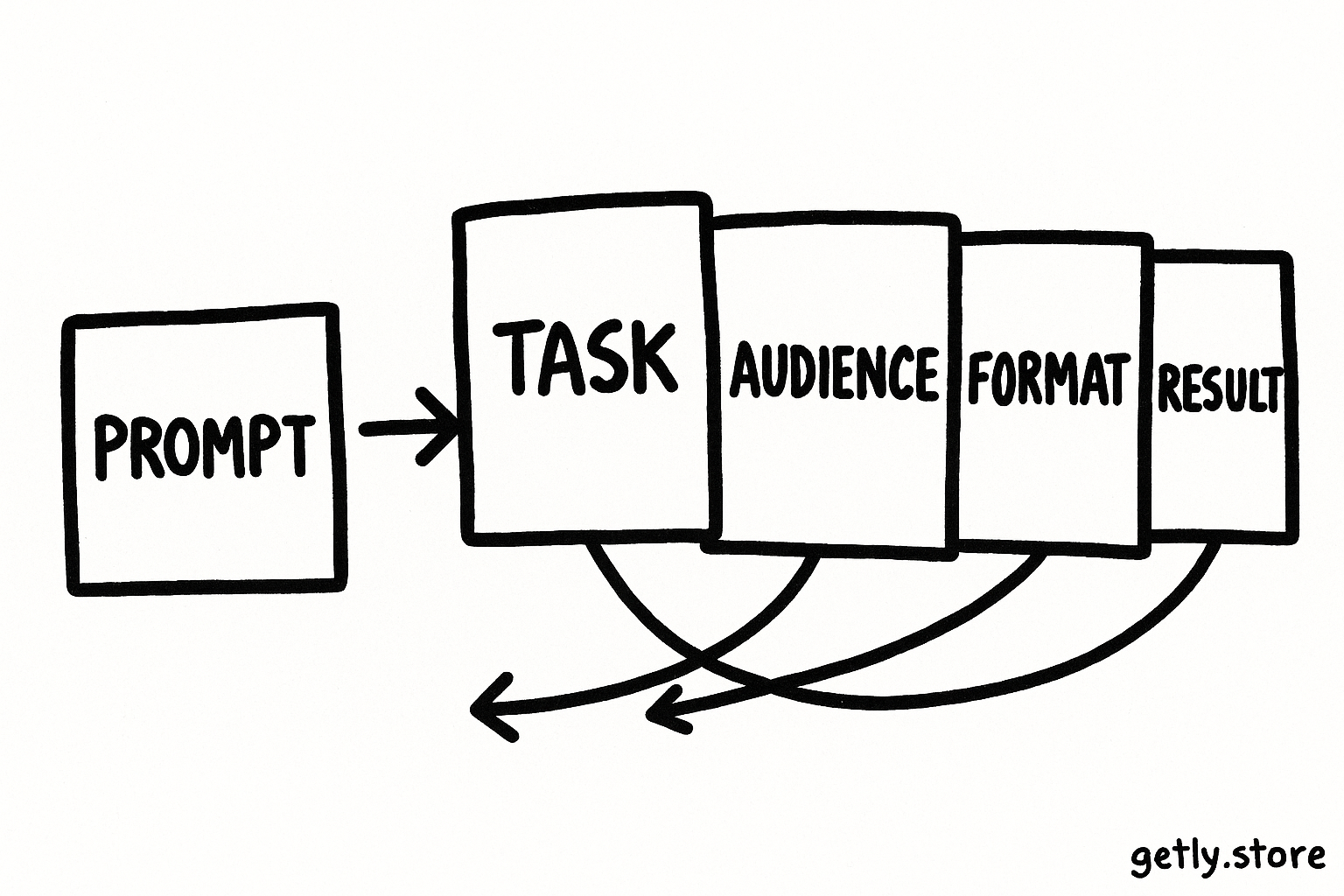
Write the outcome in one sentence before you add detail. “Create a product description for a printable meal planner” gives you a task. “Create a 120-word product description for a printable meal planner aimed at busy parents, with a practical tone and three benefit-led bullet points” gives you a task, audience, length, tone, and format.
The second version contains useful constraints because each one helps you judge the result. Extra adjectives such as “amazing,” “powerful,” or “perfect” add little unless you define the behavior they should produce.
Match detail to task complexity
| Task | Useful prompt detail | Why it helps |
|---|---|---|
| Rewrite a paragraph | Audience, tone, length | It controls the voice and scope. |
| Generate social posts | Platform, hook style, format, audience | It keeps each post usable in context. |
| Build a content plan | Goal, topic boundaries, schedule, output columns | It gives the model a decision framework. |
| Evaluate submissions | Criteria, scoring scale, evidence rules | It reduces inconsistent judgments. |
Know what extra detail buys you
Useful detail usually improves one of four things: relevance, consistency, format, or judgment. You can add a sentence when you need one of these improvements.
- Relevance: Give the model the audience, situation, product, or source material it needs.
- Consistency: Define a repeatable structure, naming rule, tone, or sequence.
- Format: Specify headings, fields, word limits, tables, or output order.
- Judgment: State the criteria the model should apply and show what strong evidence looks like.
Suppose you sell a pack of email templates. “Write five launch emails” leaves major choices open. You might get five similar announcements with weak calls to action. A stronger prompt names the buyer, product, campaign goal, email roles, length range, and required fields. The model can then produce a set that covers a launch rather than repeating one idea.
A creator who sells a specialized prompt pack should explain these control points inside the product. Buyers need to know which lines define the task, which lines control the output, and which lines they should customize. A pack such as FOOTBALL AI PROMPT PACK makes more sense when the buyer can see the workflow behind each prompt and the variables that shape the result.
The bars represent relative detail needs, not a quality score. A simple rewrite needs fewer constraints than an evaluation workflow because the workflow asks the model to inspect evidence, apply rules, and return a controlled result.
Build a prompt in layers
Layering helps you separate essential instructions from optional polish. Start with the job, then add the context and controls that affect the result.
Name the task
Use a direct verb such as write, classify, compare, summarize, or revise.
Add the context
Describe the audience, source material, offer, situation, or business goal.
Set the constraints
Specify tone, length, exclusions, quality criteria, and any required facts.
Define the output
Show the headings, fields, order, or example shape that you want returned.
Test and trim
Run the prompt on several inputs, then remove instructions that do not change the result.
Keep the layers visible while you develop the prompt. A buyer can replace the context without breaking the task or output format. A creator can update the audience or product details without rewriting the whole workflow.
Use examples when the model might interpret your rules in several ways. One good example can replace a paragraph of abstract explanation. For a classification prompt, show two short inputs with their labels and a sentence explaining the deciding feature.
Count the costs of a longer prompt
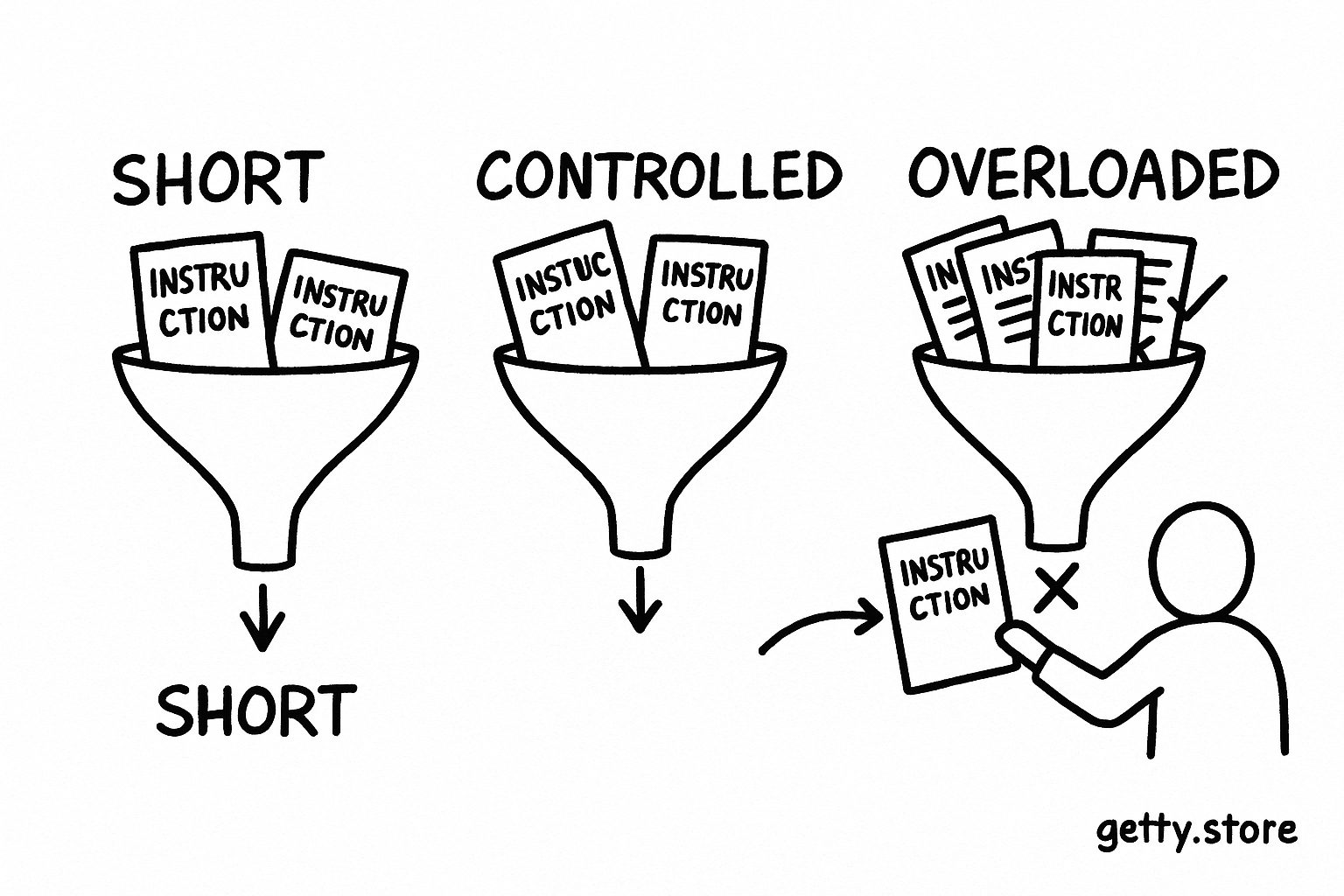
Long prompts create four practical costs. First, you spend more time writing and maintaining them. Second, you give the model more instructions that can conflict. Third, you make customization harder for buyers who need to find the few lines they should edit. Fourth, you consume more context space, leaving less room for source text or conversation history.
Detail also creates a review burden. When a prompt contains twenty rules, you need to check whether the model followed each rule. If your output contains five fields, a compact checklist can help. If the prompt contains five pages of guidance, your review process needs stronger tests.
Use precise constraints instead of piles of preferences. “Use a warm, practical tone for first-time creators” gives the model a direction. “Sound friendly, clear, human, confident, relatable, accessible, useful, direct, engaging, and not too formal” gives it a crowded set of overlapping signals.
Do
- Group related rules under short labels such as Task, Context, and Output.
- Place the most important requirements near the task and output instructions.
- Tell the model how to handle missing or conflicting information.
Don't
- Repeat the same tone instruction in several sections.
- Add background that does not affect the requested decision.
- Use five vague quality adjectives where one measurable rule would work.
Find the point of diminishing returns
Extra detail produces diminishing returns when it stops changing the output in a useful way. You can find that point with controlled tests instead of guessing from the character count.
- Save the shortest prompt that produces an acceptable result.
- Add one instruction, such as a word range, audience detail, or output field.
- Run both versions on three different inputs.
- Compare accuracy, consistency, editing time, and unwanted text.
- Keep the new instruction only when it improves at least one measure without creating a larger problem.
Use varied test inputs. A product description prompt should face a popular product, an unusual product, and a product with sparse source notes. A social content prompt should face different topics and levels of source detail. One easy test can hide a weak instruction.
Track editing time as well as output quality. A longer prompt may produce polished drafts but still lose value if you spend ten minutes searching for the line that controls the call to action. Buyers value prompts they can understand, adapt, and reuse.
Trim prompts without losing control
Start trimming with repeated instructions. Delete each duplicate and test the result. Then remove scene-setting language that does not change the task, such as a long explanation of why clear writing matters.
Combine rules that govern the same output field. For example, replace “start with a benefit,” “lead with the reader’s problem,” and “make the first line compelling” with “Open with the reader’s main benefit in one sentence.” The combined rule gives the model one decision to make.
Move stable guidance into a reusable template and leave variable details in clearly marked fields. A product creator might build this structure:
Task: Write a product description for [PRODUCT].
Audience: [BUYER TYPE].
Goal: Help the buyer understand [PRIMARY OUTCOME].
Include: [FEATURES OR DELIVERABLES].
Format: 120 words, followed by three bullet points.
Avoid: Claims that the source material cannot support.
This template stays short because each line performs a separate job. The bracketed fields tell buyers where customization belongs. The final rule protects accuracy without adding a long list of warnings.
Review your prompt after several successful runs. Remove examples that no longer solve an interpretation problem. Keep examples that demonstrate a format, boundary, or difficult judgment that plain instructions cannot express.
Common mistakes with prompt length
- Chasing a target word count: A 300-word prompt can perform worse than a 90-word prompt if the longer version repeats itself or adds conflicting goals. Measure the output, not the prompt’s size.
- Writing a biography before a simple task: Give context that affects the answer. Save unrelated brand history for tasks that need brand positioning.
- Stacking priorities without ranking them: Tell the model what to protect when two rules collide. For example, accuracy should outrank a requested word limit.
- Hiding the output format: Put the requested structure in a visible section. The model and the buyer can follow it more easily.
- Testing one input: Run varied cases before you sell or standardize a prompt. A prompt that works for one product may fail on a product with missing details.
Creators can turn these checks into a product feature by adding a short customization guide, test inputs, and a quality checklist. Buyers can use the same material to decide if a prompt fits their workflow.
Use a simple rule for your next prompt
Give every line a job. The line should provide context, set a constraint, define a decision, shape the output, or protect against a known failure. If it does none of those things, remove it and run a comparison test.
Short prompts suit narrow tasks. Detailed prompts suit repeatable workflows with several decisions. The best length changes with the work, so test the smallest version that meets your standard, then add detail only when a real failure justifies it.
Frequently asked questions
How long should a prompt be?
Make the prompt long enough to define the task, relevant context, important constraints, and output format. A rewrite may need a few lines, while an evaluation workflow may need detailed criteria and examples.
Does a longer prompt produce better results?
Extra length helps when it adds relevant context, measurable constraints, or decision rules. Repetition, vague adjectives, and unrelated background can create conflicts and make the result harder to control.
How can I test whether a prompt has too much detail?
Save the current version, remove one instruction, and test both versions on several varied inputs. Compare accuracy, consistency, editing time, and unwanted text. Restore a line only when it solves a real problem.
Should I include examples in a prompt?
Include examples when the model could interpret the format, boundary, or judgment rule in more than one way. Keep examples short and representative, and remove them when a precise instruction produces the same result.