Getly
Getly
By the end of this guide, you can build a few-shot prompt, choose examples that teach the right behavior, and test whether extra examples improve the result. You will also have a repeatable workflow for prompts that classify products, rewrite copy, extract details, or follow a house style.
TL;DR: Start with three strong examples
Few-shot prompting gives a model several examples of an input paired with the output you want. The model uses those examples to infer the task, format, tone, and decision rules. You can use the method with a short prompt, a spreadsheet workflow, or a creative process such as generating product descriptions.
Start with three examples that cover the most common cases. Add examples one at a time when the model misses a specific case. Stop when a new example fails to fix an error or starts to make other outputs worse.
Define the task before you write examples
Write the task in one sentence before you collect examples. A vague goal produces vague examples, and vague examples give the model too much room to guess.
Compare these two instructions:
- “Write better product descriptions.”
- “Rewrite each product description in 80 to 100 words, keep the product name unchanged, describe three concrete benefits, and end with one buyer-focused sentence.”
The second instruction gives you something to demonstrate. Each example can show the original description, the revised description, the word range, the benefit pattern, and the closing sentence. Your examples should teach decisions that the instruction cannot express alone, such as how to describe a template bundle without making unsupported claims.
Choose one output shape before you create examples. A plain paragraph works for copywriting. A fixed set of fields works for catalog cleanup. A label plus a short reason works for moderation or quality checks. Keep the shape identical across examples unless you want the model to produce different shapes.
Name the task
Describe the transformation or decision in one precise sentence.
Lock the output shape
Pick fields, labels, length, and ordering before you write demonstrations.
Define success
List the checks that decide whether an answer passes.
Build examples that teach decisions
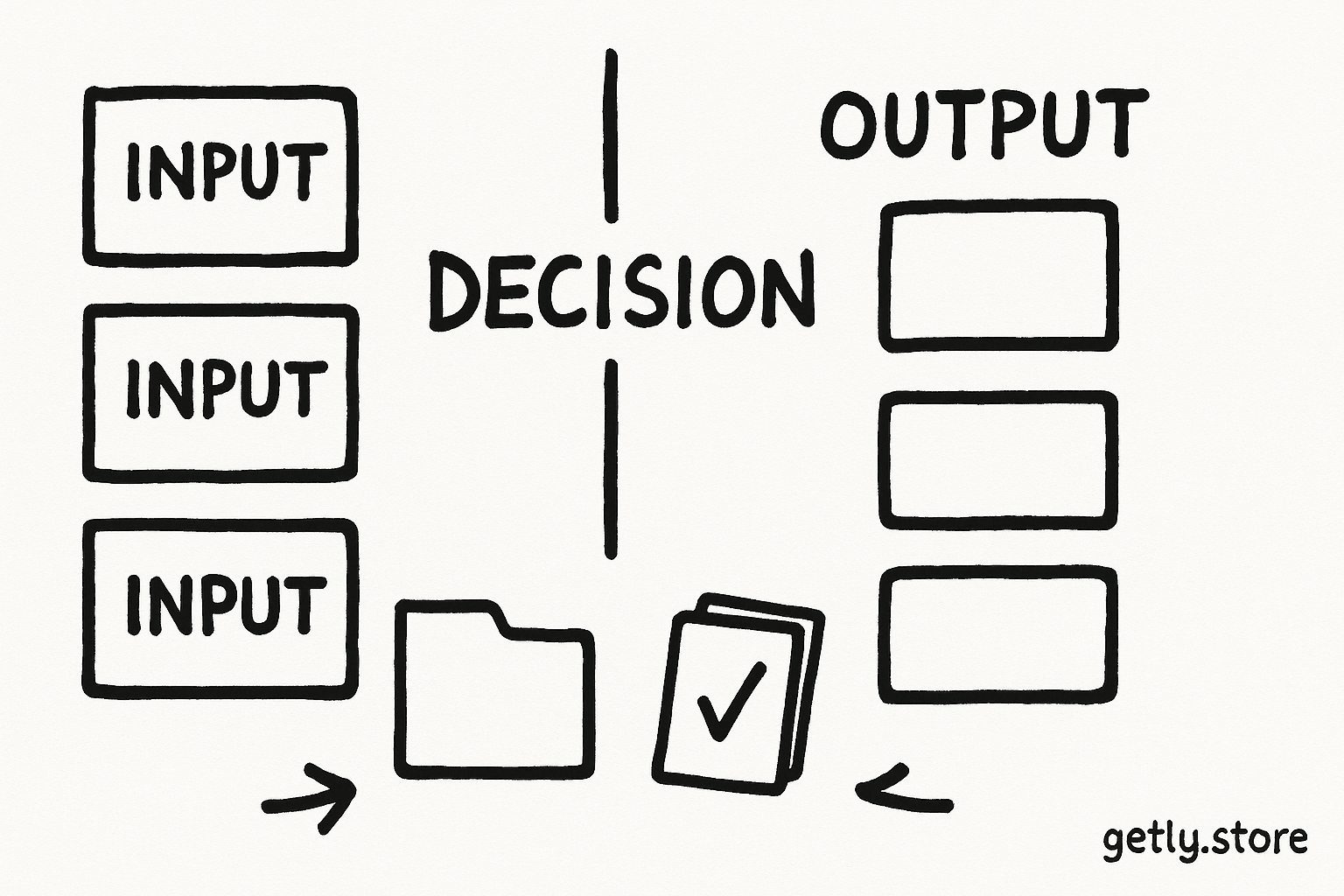
Each example needs an input and a model answer. Include only details that help the model perform the task. A long background story can distract the model from the pattern you want it to copy.
Use this structure for a product-tagging task:
Task: Assign one category to each digital product. Use only Template, Prompt Pack, or Course. Return the category and one short reason.

Example 1
Input: 60 editable Instagram carousel layouts for a food brand
Output: Template | The buyer edits a ready-made visual layout.

Example 2
Input: 300 prompts for generating cinematic travel videos
Output: Prompt Pack | The buyer receives reusable prompts rather than finished media.

Example 3
Input: Four recorded lessons on pricing digital downloads
Output: Course | The buyer receives structured instruction in video lessons.

Now classify:
Input: 120 caption formulas for product launches
Output:
These examples teach more than the category names. They show the boundary between a reusable design file, a collection of instructions, and structured education. The reasons also show the expected level of detail. Keep those reasons short when the final task needs short reasons.
Cover the decisions that cause mistakes. If a product could fit two labels, include one example that shows your preferred choice. If the task handles dates, currencies, spelling, or sensitive claims, include examples that demonstrate those rules. A model cannot infer your private preference from a category name alone.
Choose examples for coverage, not volume
Example quality matters more than example count. Three examples that show different decisions usually teach more than ten examples that repeat the same easy case.
Build your first set across three dimensions:
- Common cases: Show the work you expect to handle most often.
- Boundary cases: Show two items that look similar but need different outputs.
- Format cases: Show punctuation, field order, length, and the exact label style.
For a rewrite prompt, one example can show a short description, one can show a description with weak benefits, and one can show a description that contains a claim you want removed. For a classification prompt, use examples from distinct categories rather than three products from one category.
The following sample shows how three examples can cover a prompt's main requirements. The percentages describe coverage within this sample, not a universal score.
That sample needs another boundary example, not seven more common cases. Add examples to repair a known gap. Do not add examples because a longer prompt feels more authoritative.
Keep your examples internally consistent. Use the same labels, delimiters, capitalization, and field order. If one answer says “Prompt Pack” and another says “prompt collection,” the model may treat them as separate labels. Consistency reduces the number of patterns the model must reconcile.
Find the useful example count through testing
No fixed number works for every task. A simple extraction task may need two examples. A classification task with several close categories may need five or more. A style transfer task may need enough examples to show the voice across different subjects.
Use a small evaluation set to choose the count. Keep five to ten fresh inputs outside the prompt. Test the task with zero examples, then add examples in groups of one or two. Record the errors, not just your general impression.
- Run the instruction without examples and save the outputs.
- Add one representative example and run the same evaluation inputs.
- Add two more examples that cover different decisions.
- Compare format accuracy, decision accuracy, and unwanted additions.
- Add one example for the largest remaining error and test again.
Three examples often make a useful first test because they let you show a common case, a second pattern, and a boundary or format rule. Move to five or eight examples when the task includes several categories, exceptions, or tones. Stop adding examples when the evaluation results level off or decline.
Watch the prompt's length as you add demonstrations. Long examples consume context and can bury the instruction. Trim repeated wording from inputs and outputs, but keep the details that distinguish one decision from another. A compact example with a clear contrast can teach more than a full page of background.
Make the prompt easy to inspect and update
Separate the instruction, demonstrations, and live input with clear markers. Labels such as “Instruction,” “Example,” and “Now classify” help you inspect the prompt and replace an example without disturbing the rest.
Keep one job per prompt while you test. A prompt that classifies a product, rewrites its description, and invents five marketing angles makes it hard to identify which example caused an error. Split the workflow into stages when each stage needs a different output shape.
Creators who collect reusable prompt patterns can adapt a resource such as the AI video prompt bundle into demonstrations. Select examples that match your actual format and audience. Copying a large library into one prompt usually adds repetition without adding a useful rule.
Review examples after you change the task. An example that helped a short-form caption prompt may conflict with a new requirement for long-form product pages. Treat the examples as part of the prompt's logic, not as permanent decoration.
Do
- Put the desired answer next to each input.
- Include one example for each important boundary.
- Keep labels and output order identical.
Don't
- Mix short and long answers without a reason.
- Use examples that contradict the written instruction.
- Add repeated examples after testing stops improving.
Common mistakes and practical fixes
Examples show the wrong behavior
Check every demonstration as if it were a rule. A single typo, extra field, or unsupported claim can teach the model to repeat that problem. Remove or correct the example before you adjust the instruction.
Examples cover only easy cases
Three nearly identical inputs cannot teach a meaningful boundary. Replace one repeated example with an item that resembles another category but belongs somewhere else. Explain the deciding feature in the output.
The written rule and examples disagree
Resolve the conflict explicitly. If the instruction says “use one category” but an example shows two categories, decide which behavior you want and update the other part. Consistent signals give the model a narrower task.
The prompt asks for several formats
Use separate stages or a single structured format. For example, ask for a category, reason, and confidence field in every demonstration. Do not show a paragraph in one example and a table in the next unless the task requires that change.
You add examples without measuring results
Keep a small test set and compare outputs after each change. A new demonstration may fix one edge case while causing the model to overuse a label elsewhere. Measurement lets you see that tradeoff.
Use few-shot prompting in a repeatable workflow
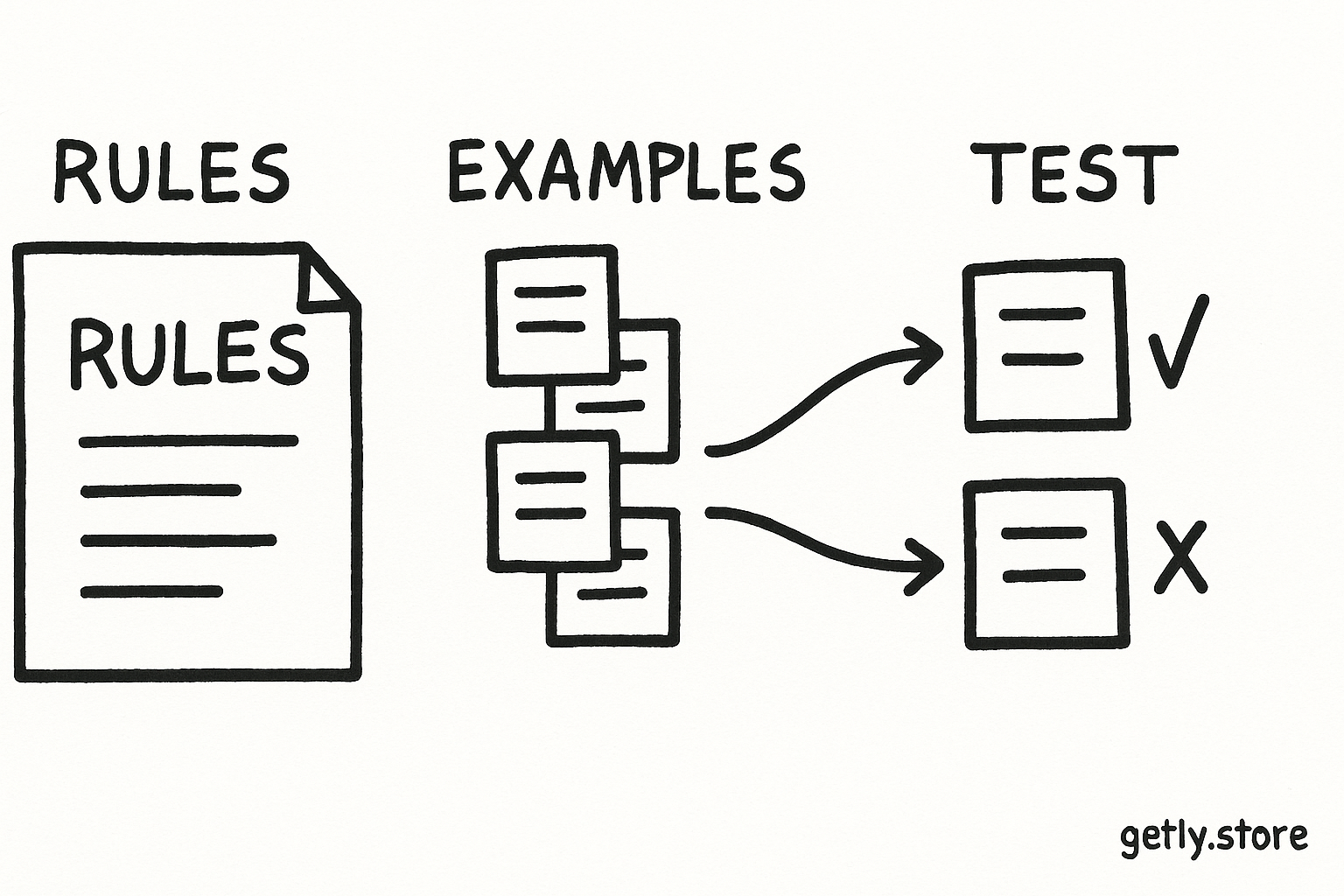
Few-shot prompting works best as a small experiment. Define one task, write three contrasting examples, test them on fresh inputs, and add examples only for observed errors. That workflow keeps the prompt understandable and gives you a reason for every demonstration.
Save the final prompt with its examples and evaluation inputs. When you revise the wording, run the same tests again. You will know whether the change improved the task instead of relying on one attractive output.
Frequently asked questions
What does few-shot prompting mean?
Few-shot prompting gives a model several input and output examples before the live task. The model uses those demonstrations to infer the requested format, style, labels, and decision boundaries.
How many examples should I use in a few-shot prompt?
Start with three strong examples. Add examples one at a time when testing exposes a specific error. Use five or more when the task includes several categories, exceptions, or distinct styles, then stop when extra examples stop improving results.
Should few-shot examples include explanations?
Include short explanations when the model must understand why an input receives a label or treatment. Skip explanations when the task only needs a fixed output and the examples already make the pattern clear.
What makes a few-shot example useful?
A useful example pairs a representative input with a correct output and demonstrates a decision the model needs to repeat. Strong sets cover common cases, boundary cases, and the exact output format.
Can too many examples hurt a prompt?
Yes. Repeated or conflicting examples can blur the rule, consume context, and cause inconsistent outputs. Test each added example against fresh inputs and remove examples that add no useful coverage.