 Getly
GetlyWedding invitation suite navigator
This navigator helps you plan a complete wedding invitation suite, from the first save-the-date through the RSVP and details cards. Use it like a checklist: each section names one need and points you to a Getly marketplace category that typically covers that gap. Read the headings in order, then pick designs and assets from each category to assemble a consistent set.
Pick a wedding suite look that matches your style
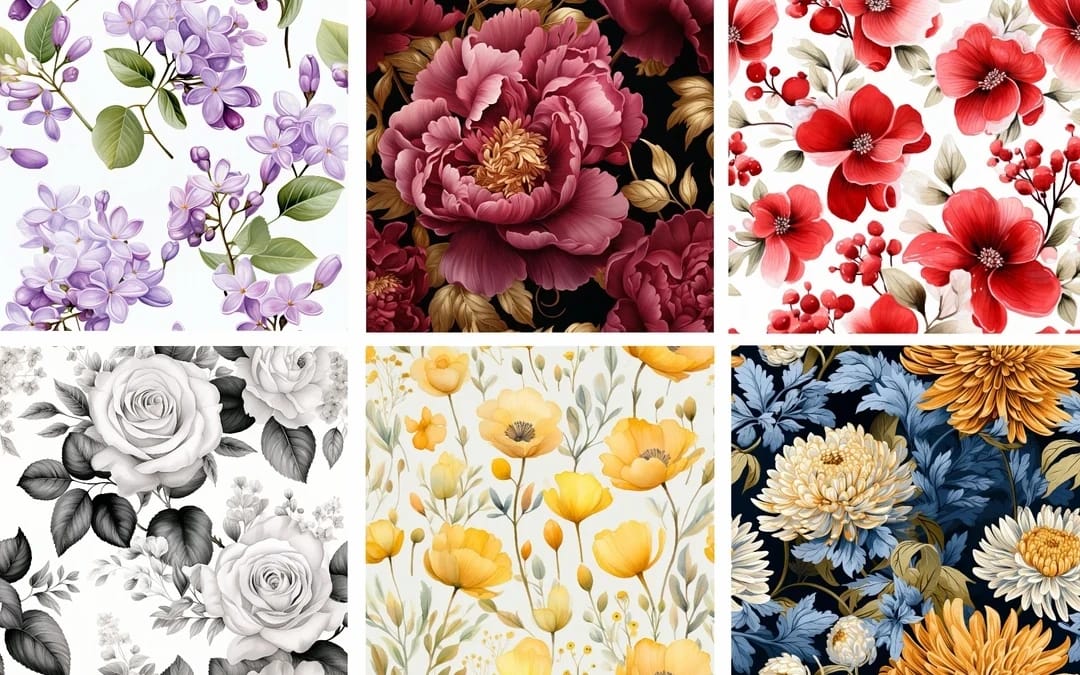
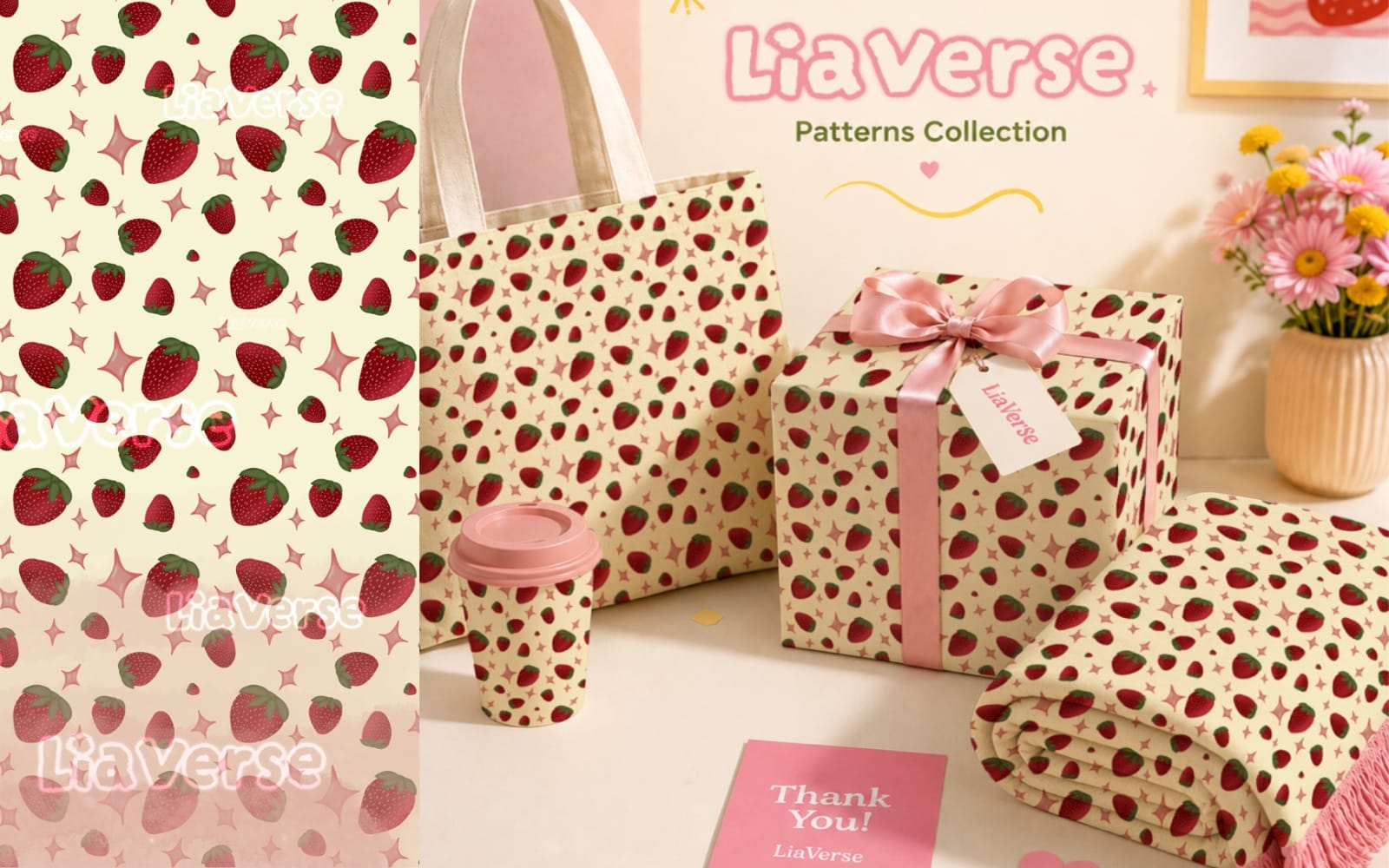
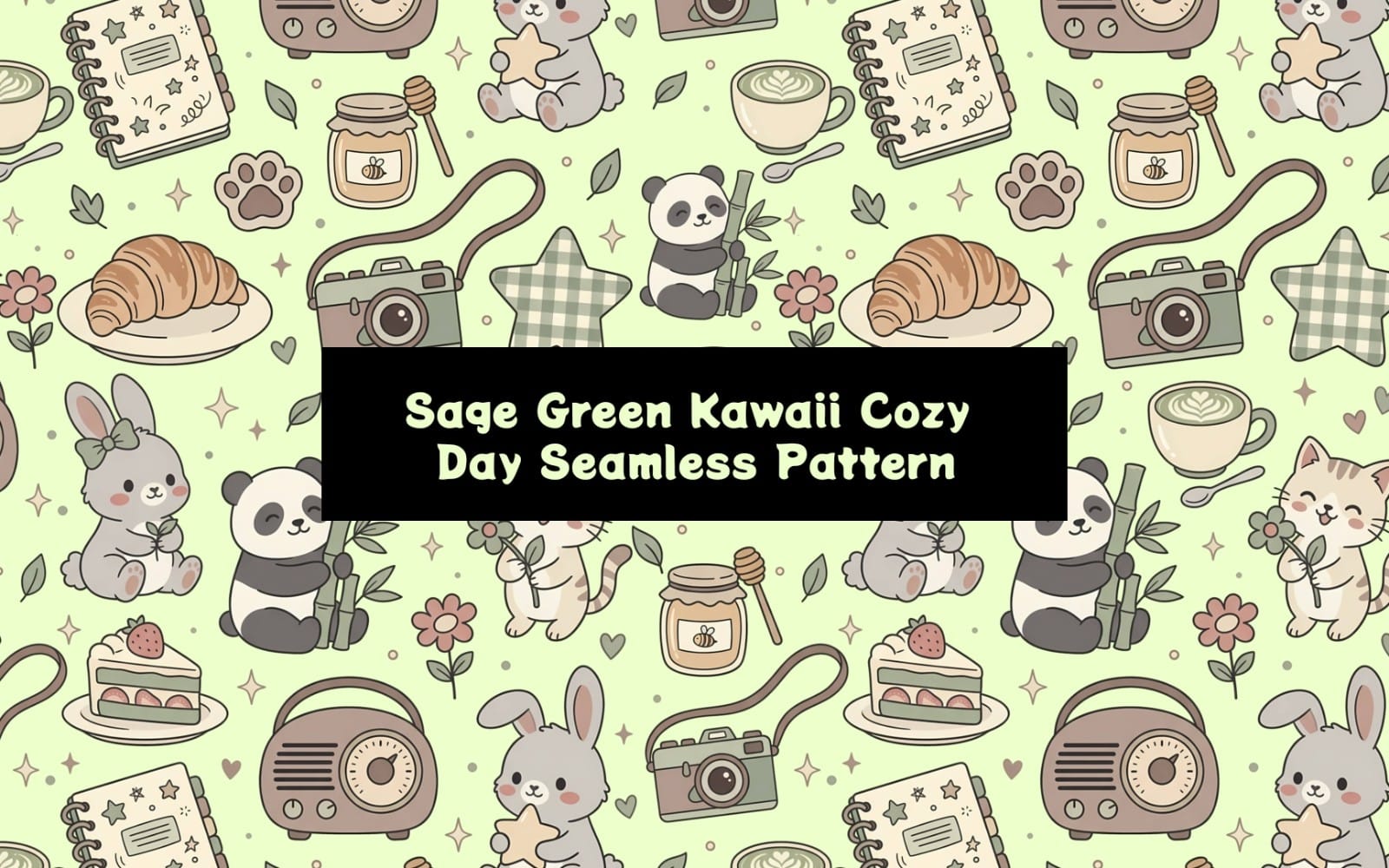
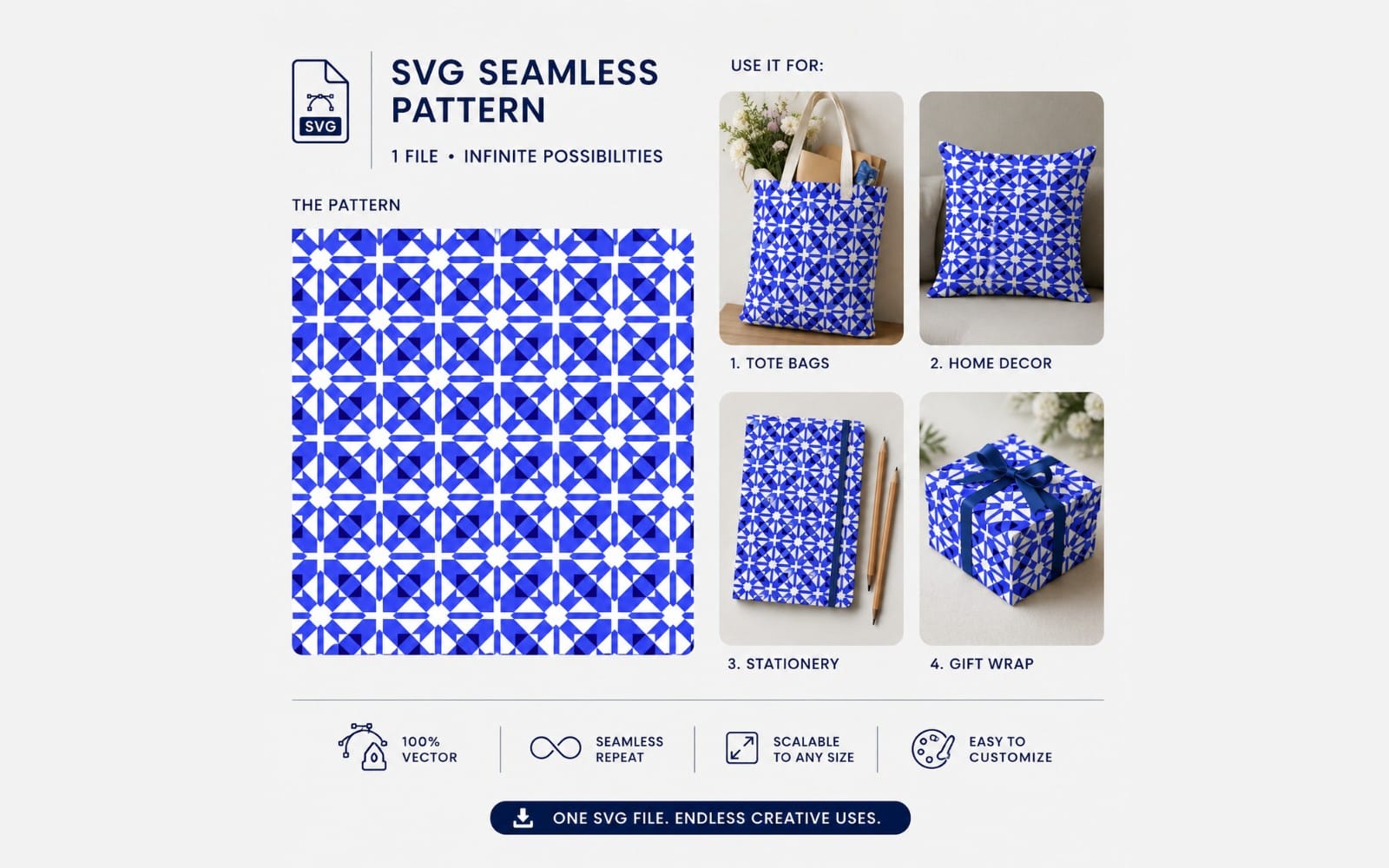
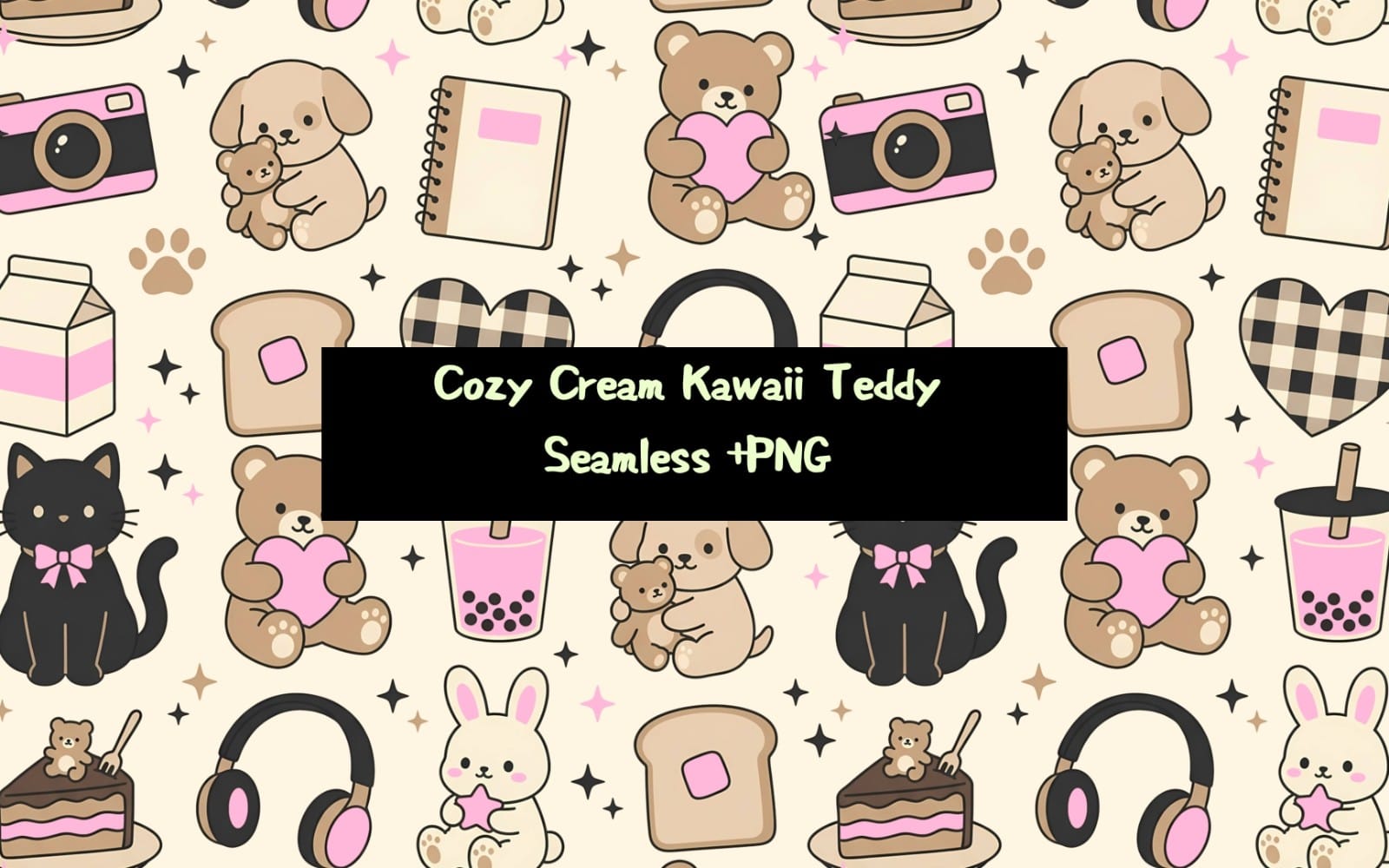
Choose a cohesive visual direction for the suite, including the overall design feel and supporting visuals. Look for backgrounds, patterns, and decorative elements that stay consistent across multiple cards.



Choose a wedding-appropriate typography foundation
Lock in letterforms that suit your theme, from classic to modern. A good font set keeps headings, names, and details readable while giving the suite its identity.





Build the suite in ready-to-edit invitation layouts
Use invitation layouts as the base for your card content, spacing, and hierarchy. Templates help you keep dates, venue details, and wording aligned across the suite.
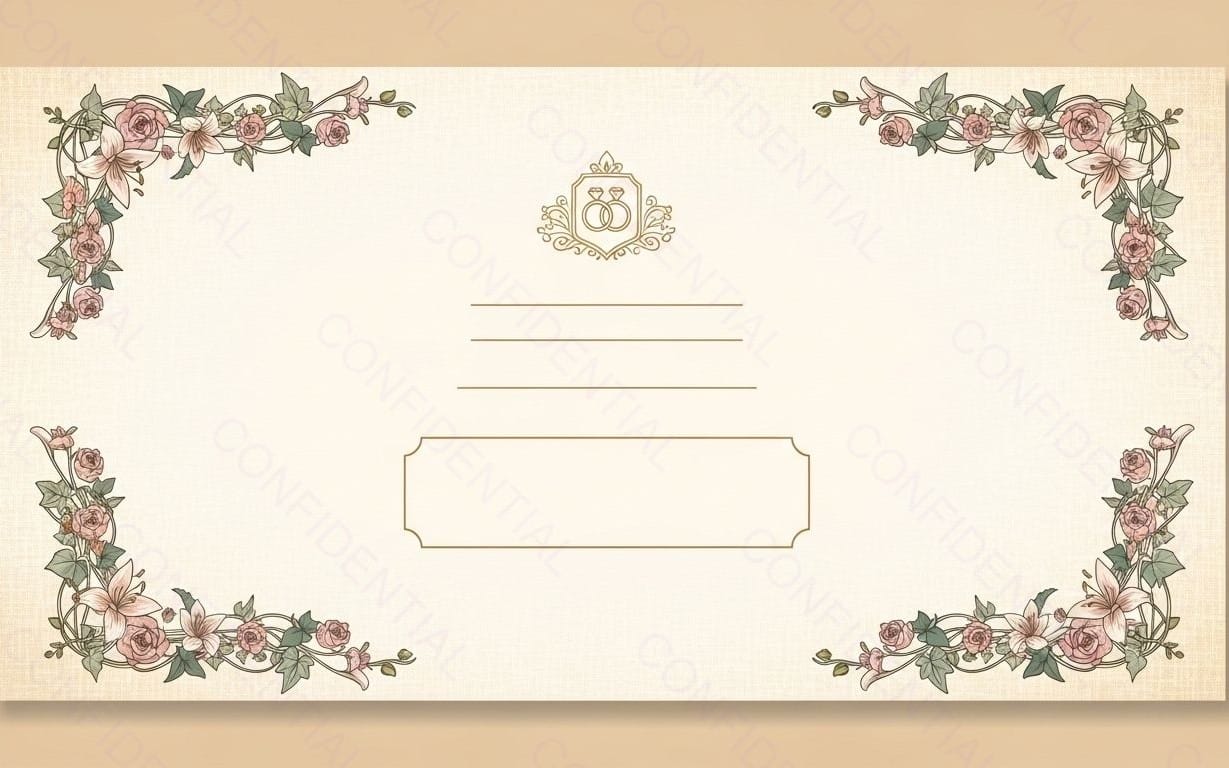
Add wedding-specific polish with suite graphics
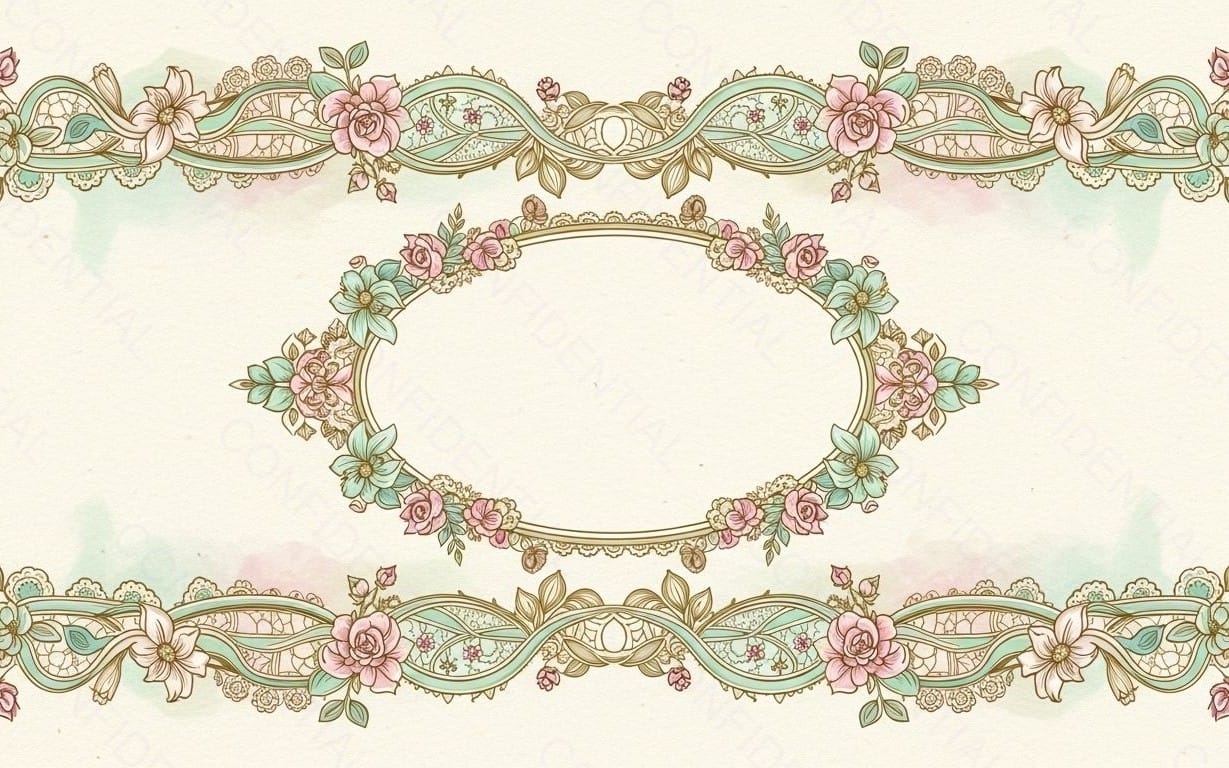
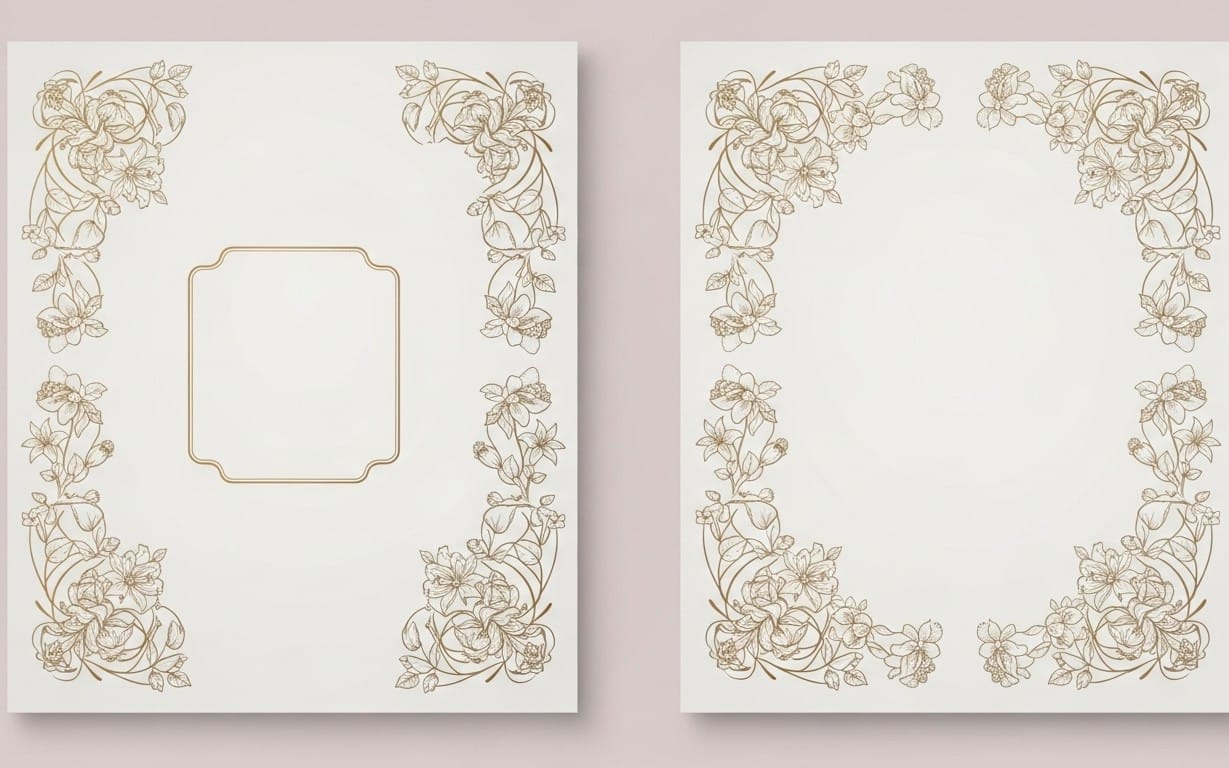
Layer in decorative graphics that complement your invitation design, like icons, embellishments, and small accents. This keeps the suite from feeling flat and ties all pieces together.




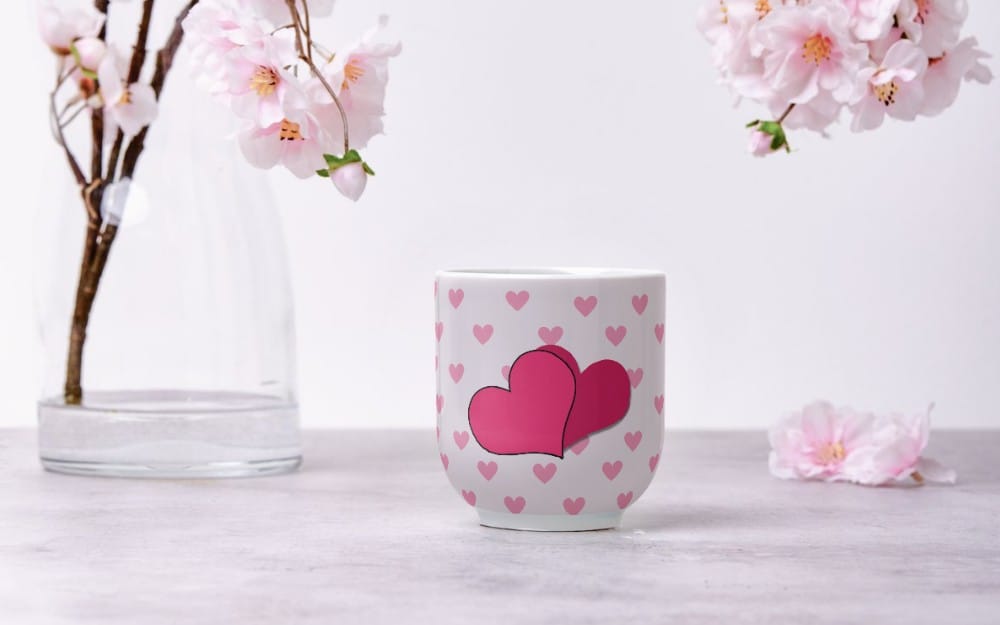
Create or refine a wedding website look for sharing details
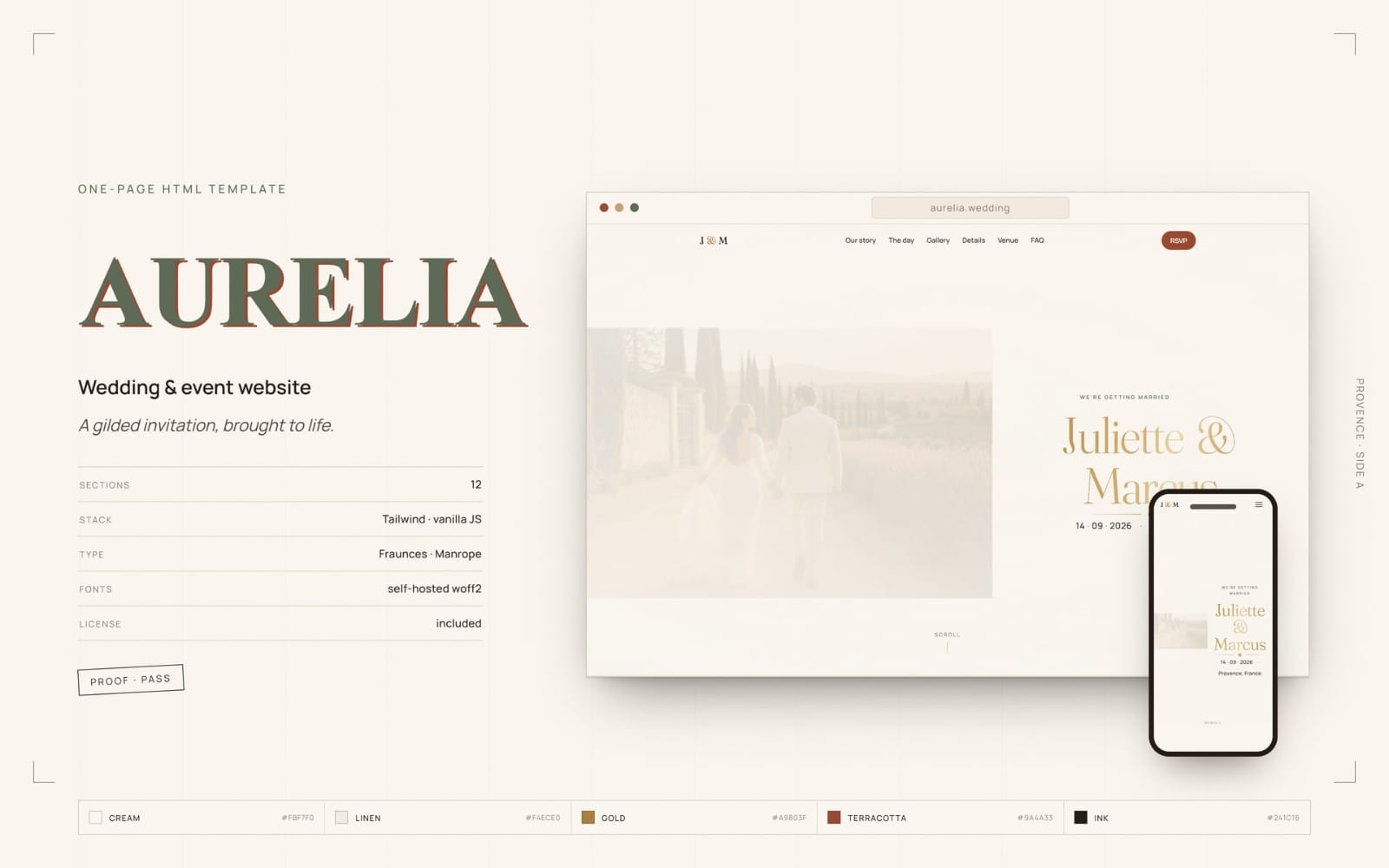
When you want one place for guests to see full details, build a matching wedding site. Wedding templates help you align your invitation style with your online pages.

What counts as a wedding invitation suite?
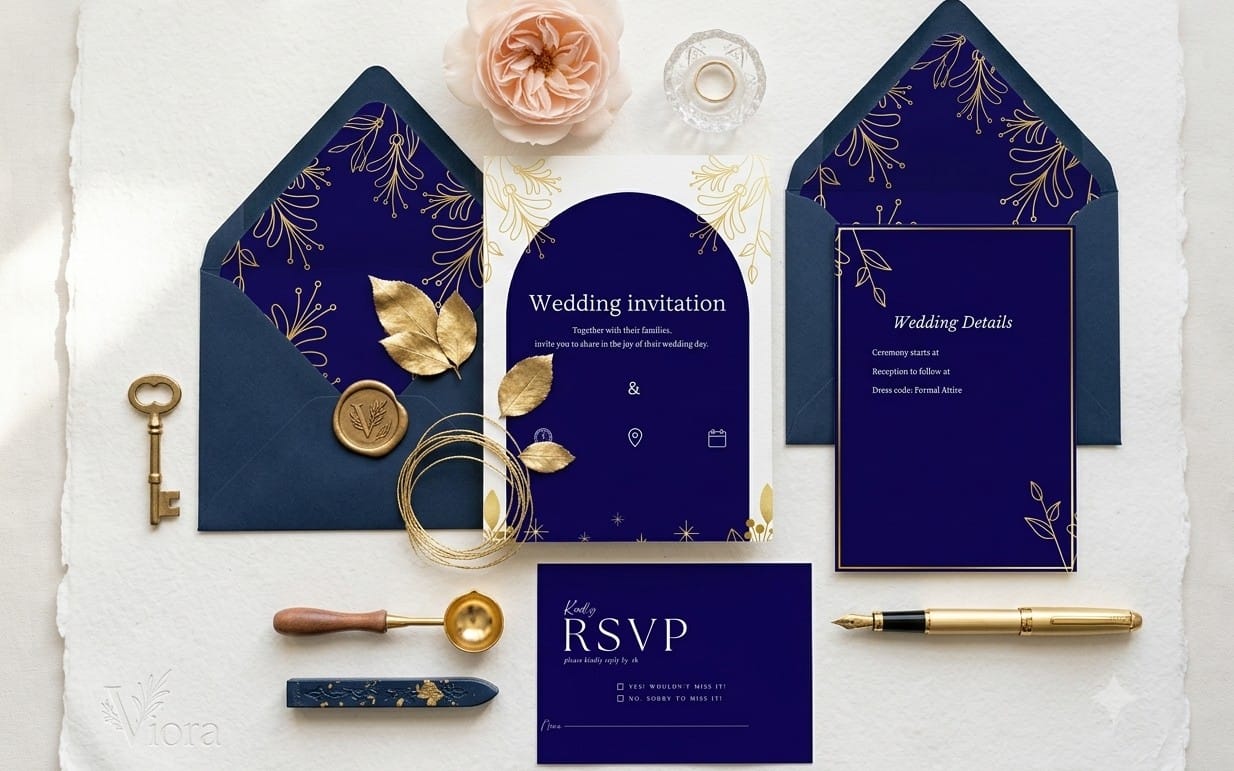
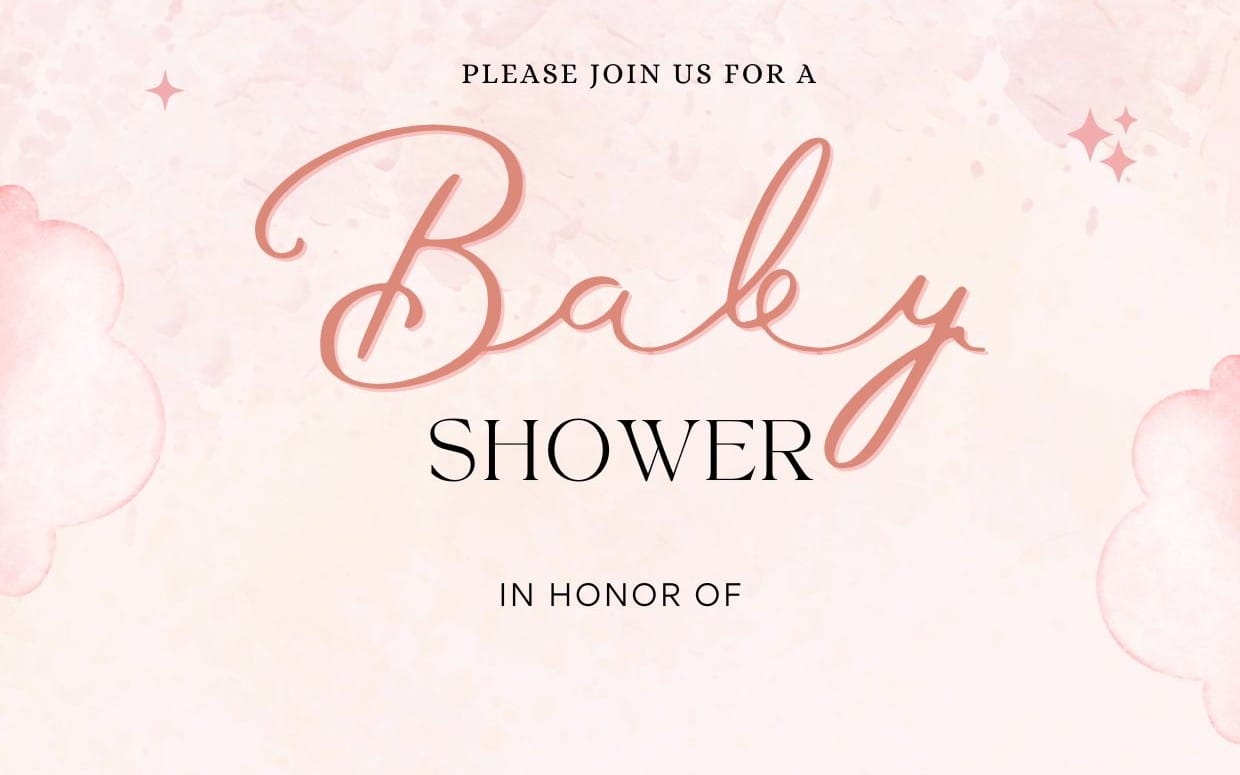
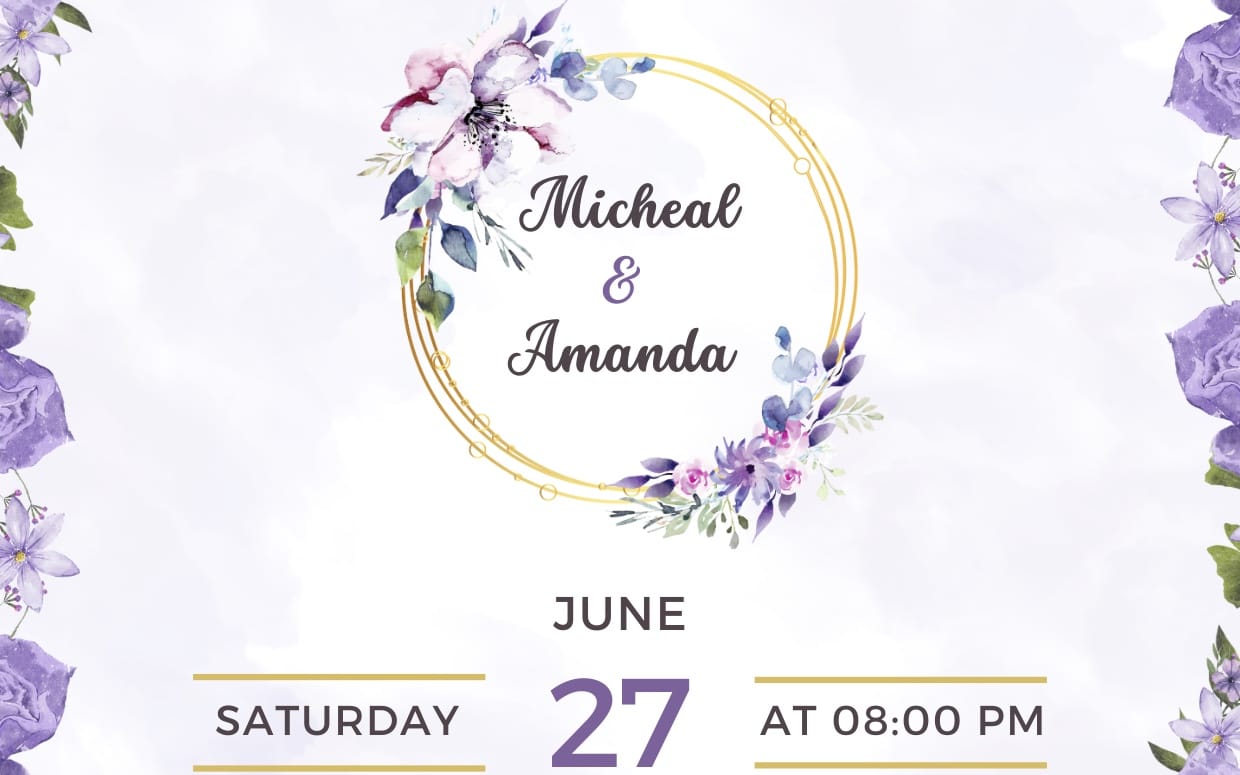
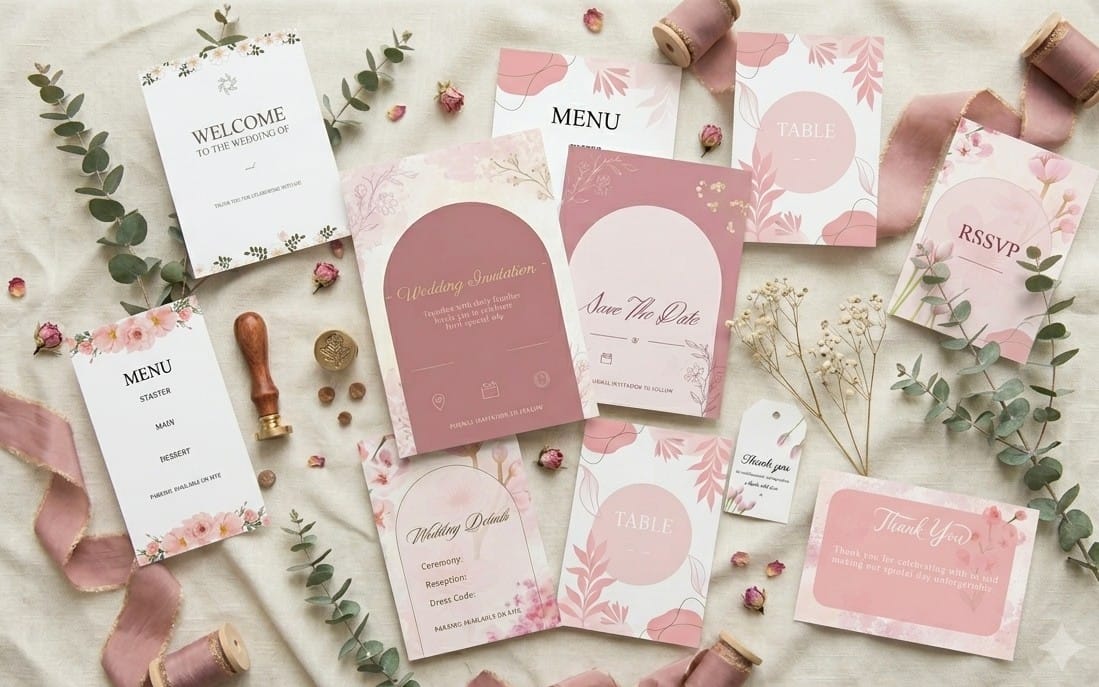
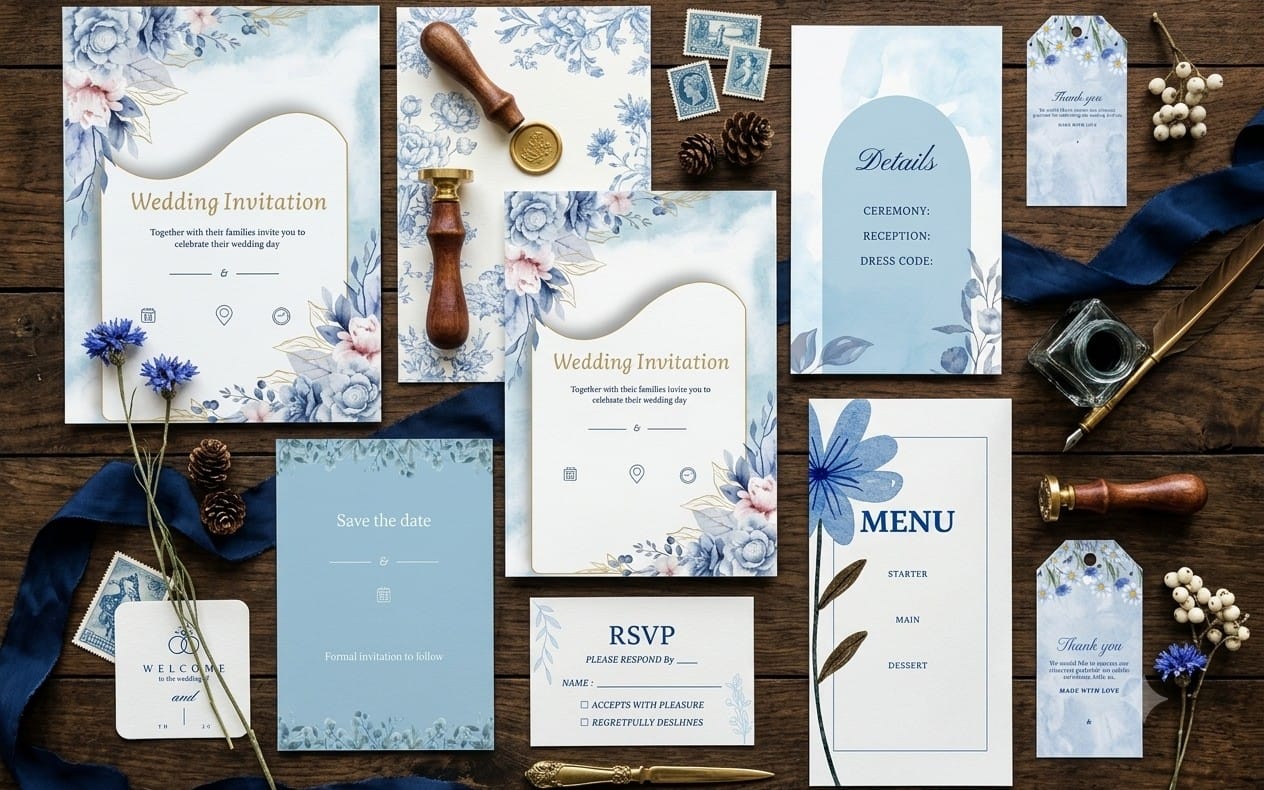
A wedding invitation suite usually includes a primary invitation plus supporting cards such as RSVP and details. Some couples also include save-the-date and an online wedding page for extra information.
Should the fonts and graphics match across print cards and a wedding website?
Matching typography and graphics across print and online pieces makes the suite feel coordinated. Use the same font foundation and style accents so guests recognize the set at a glance.
What if I need several different card sizes and formats?
Start with your layout template style, then apply the same typography and decorative graphics across each card. That approach keeps hierarchy consistent even when formats change.