 Getly
GetlyNavigator Guide: Run a Tabletop RPG Campaign
This guide helps you plan and organize a tabletop RPG campaign using Getly product categories. You will skim each section as a need, then jump to the matching category for assets, materials, and support content. Each need maps to one Getly category so you can build a complete campaign pack without bouncing between unrelated tools. Use this as a checklist while you gather art, maps, audio, and reference materials for play.
Campaign visuals for scenes and travel
Use background and scene-ready visuals so your table has consistent locations and mood between sessions. This category helps you pull together background art that supports exploration, towns, ruins, and story beats.






Game-ready assets for characters and encounters
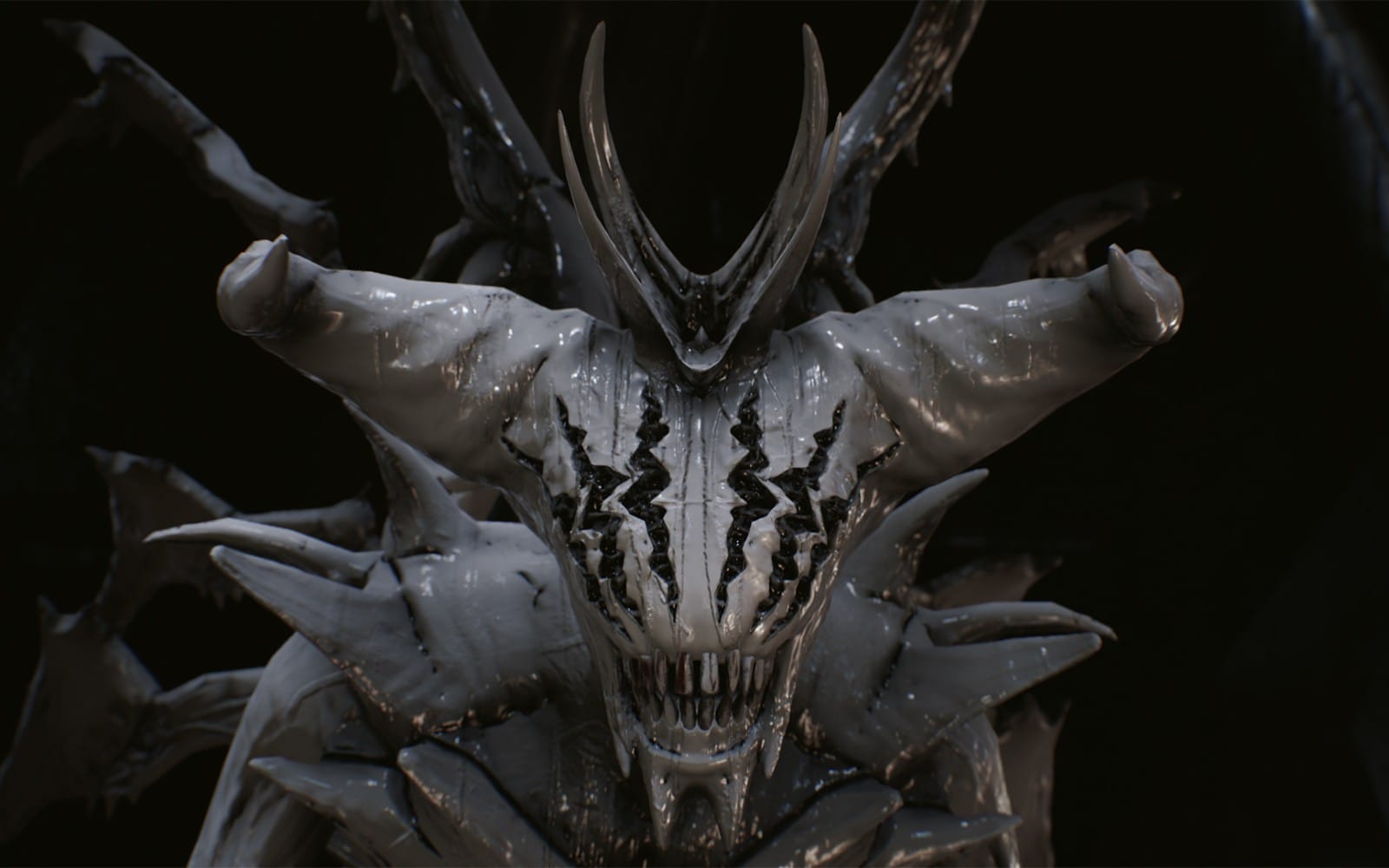
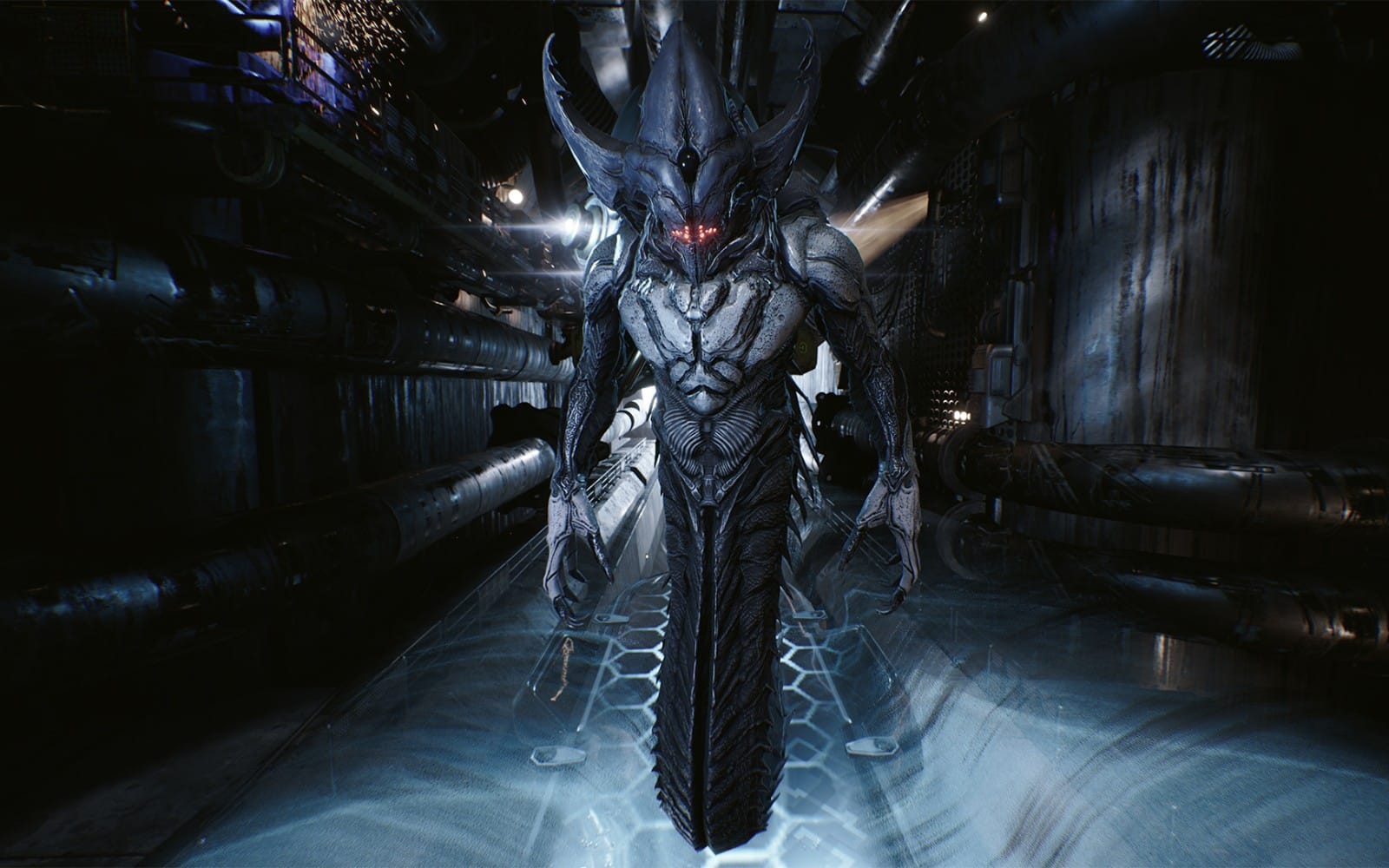
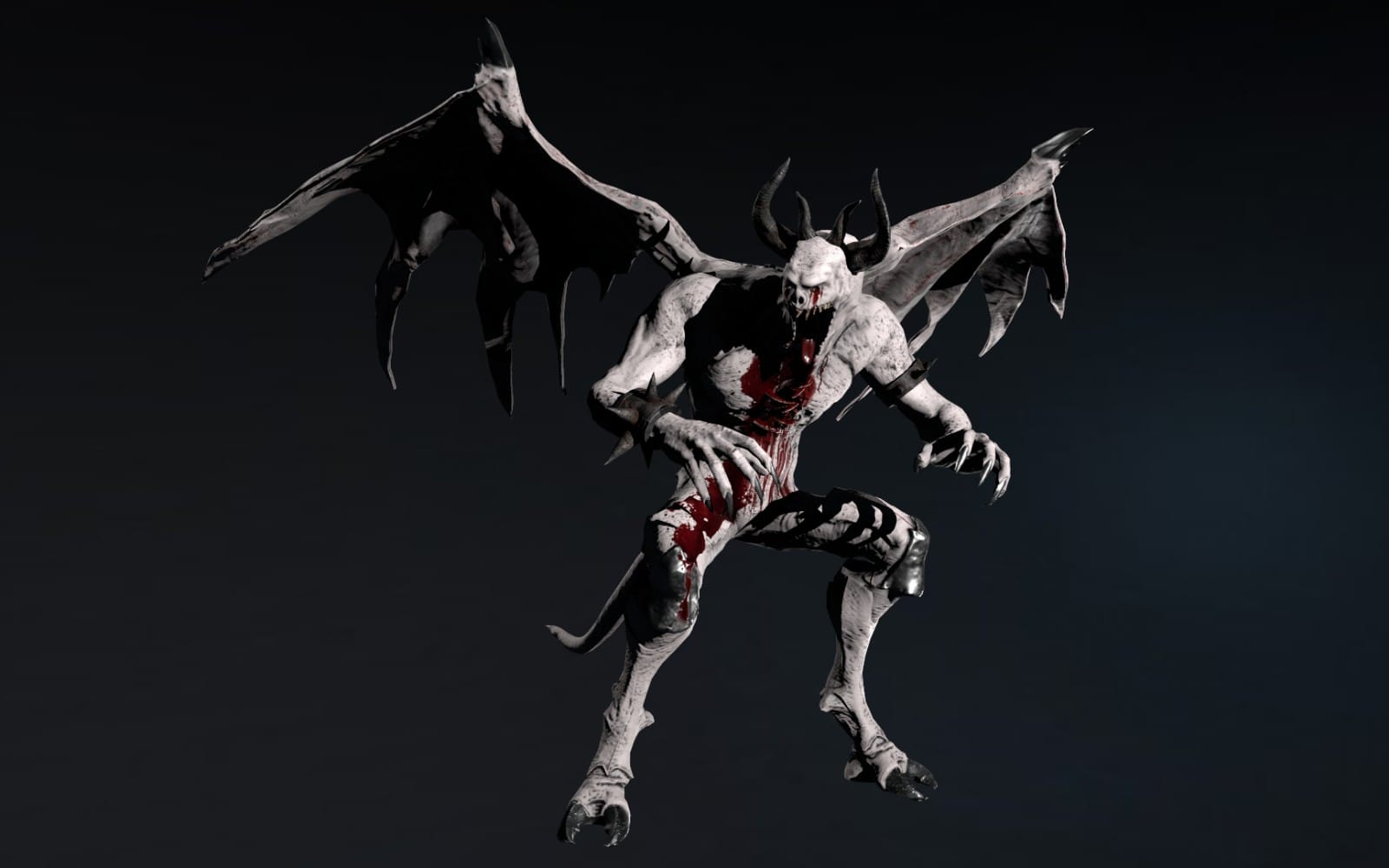
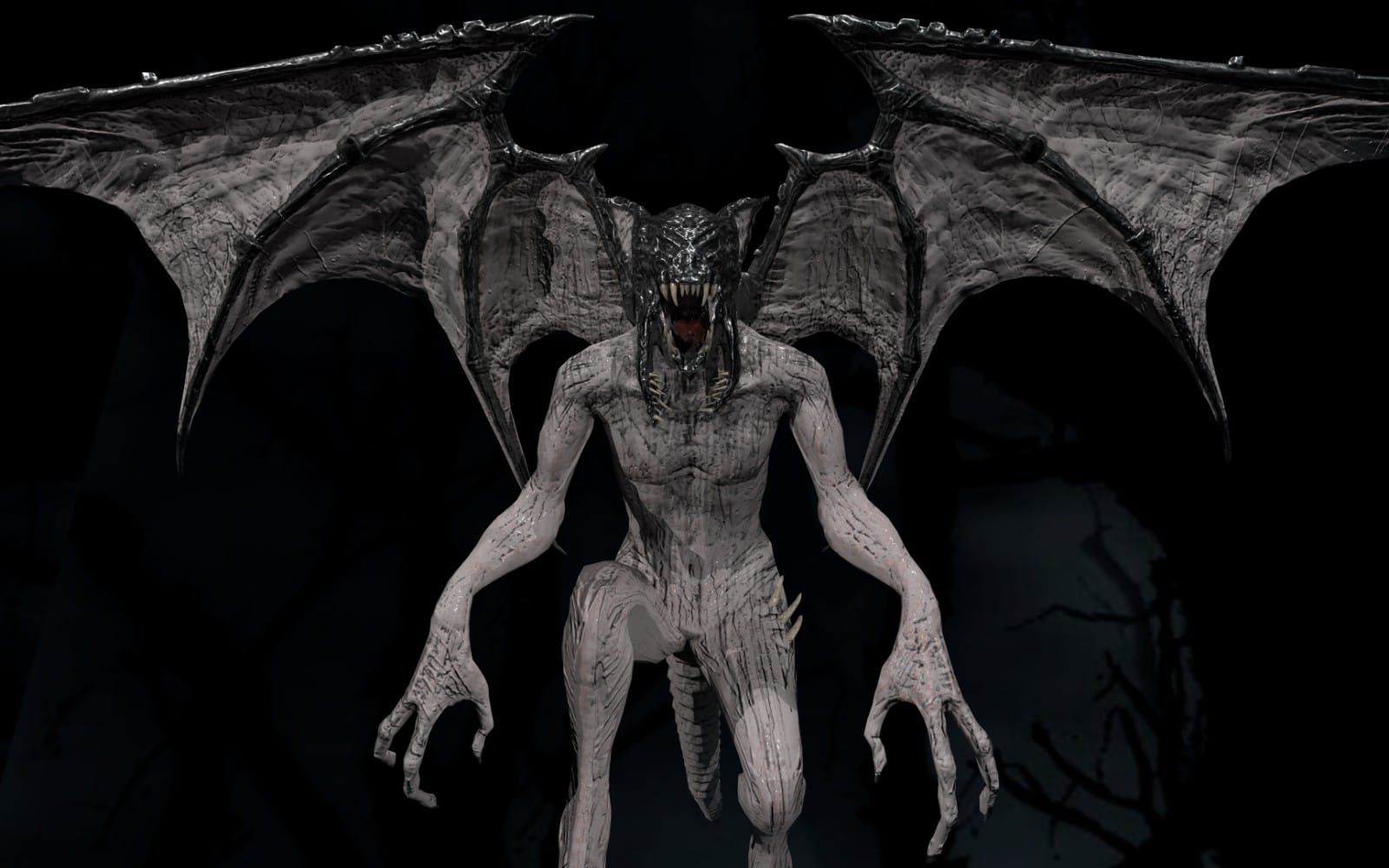
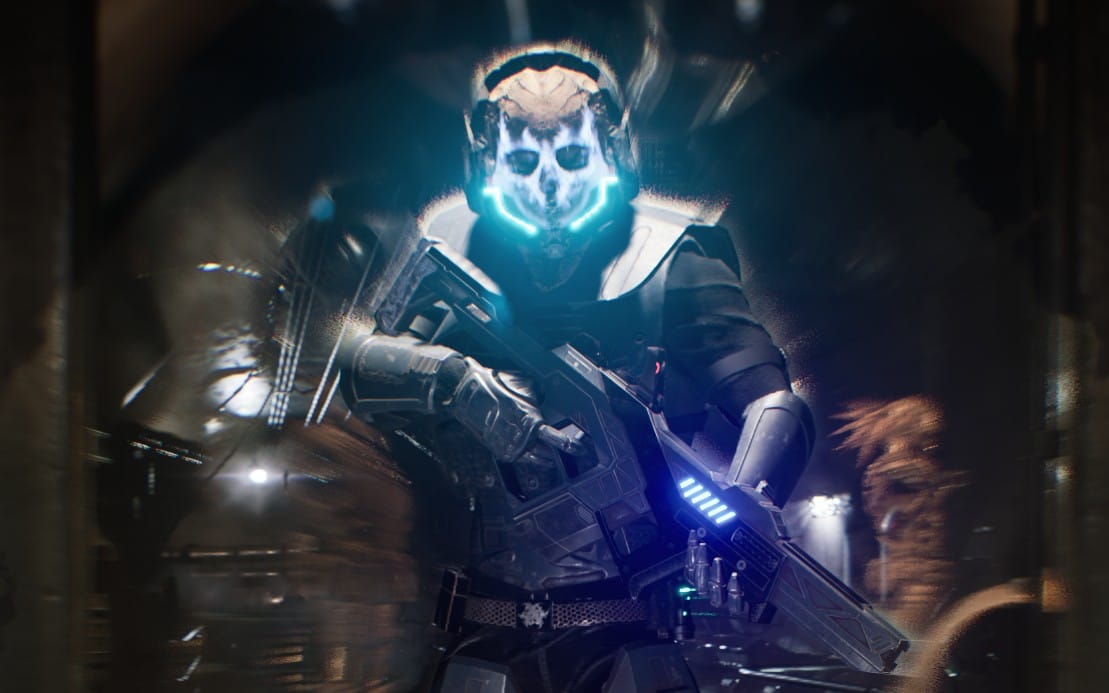
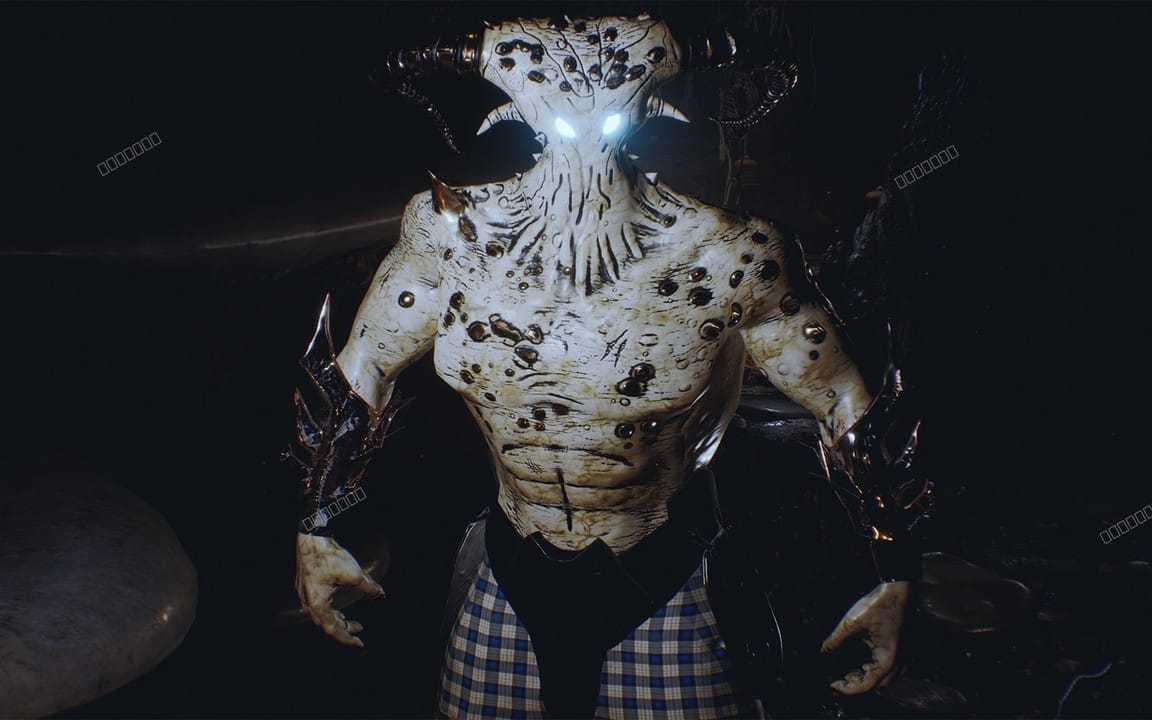
Add visual presence to NPCs, monsters, and playable characters so sessions feel grounded in the same style. This category gives you character-focused options that fit tabletop use and encounter planning.
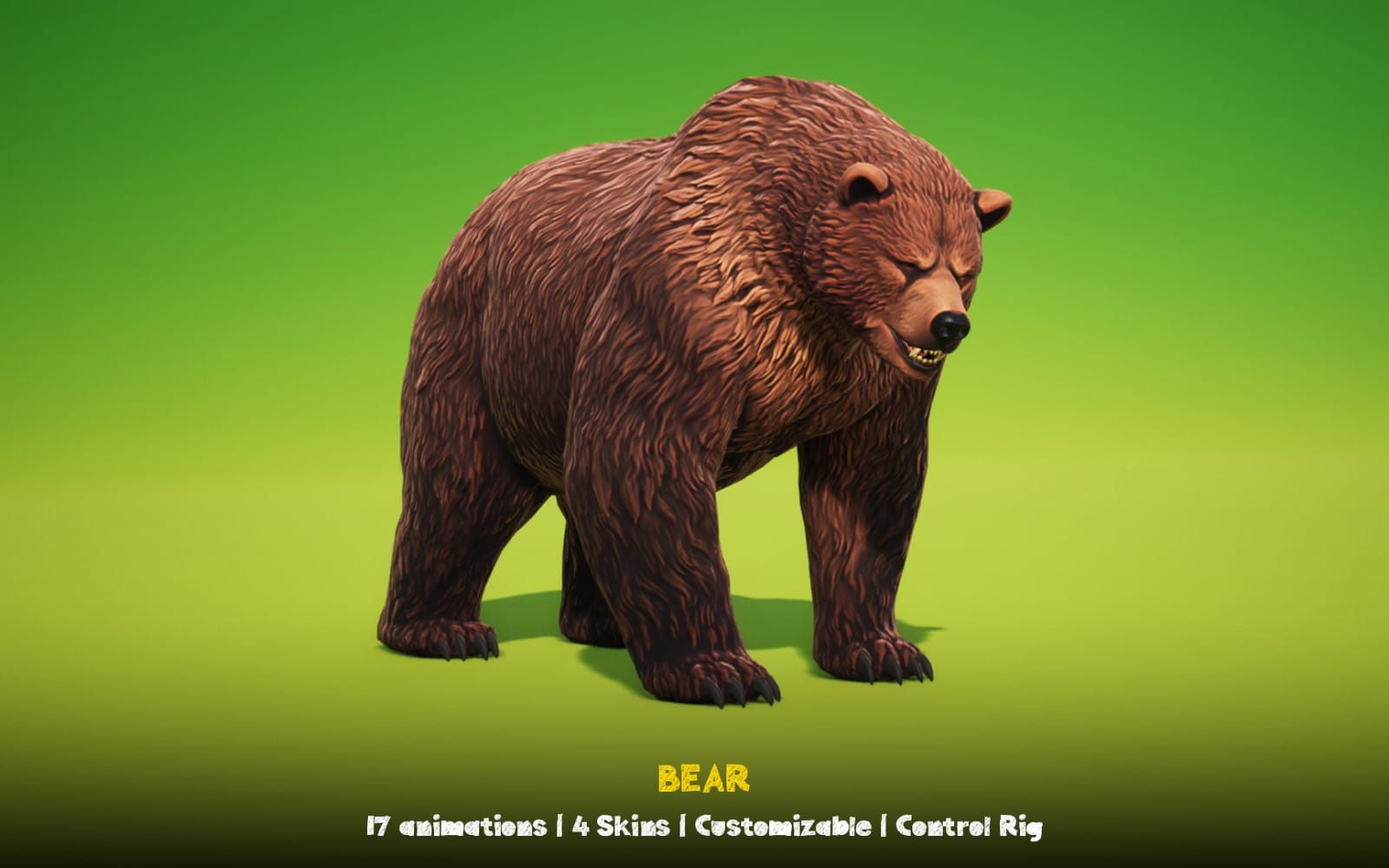
Printable and shareable board-game style materials
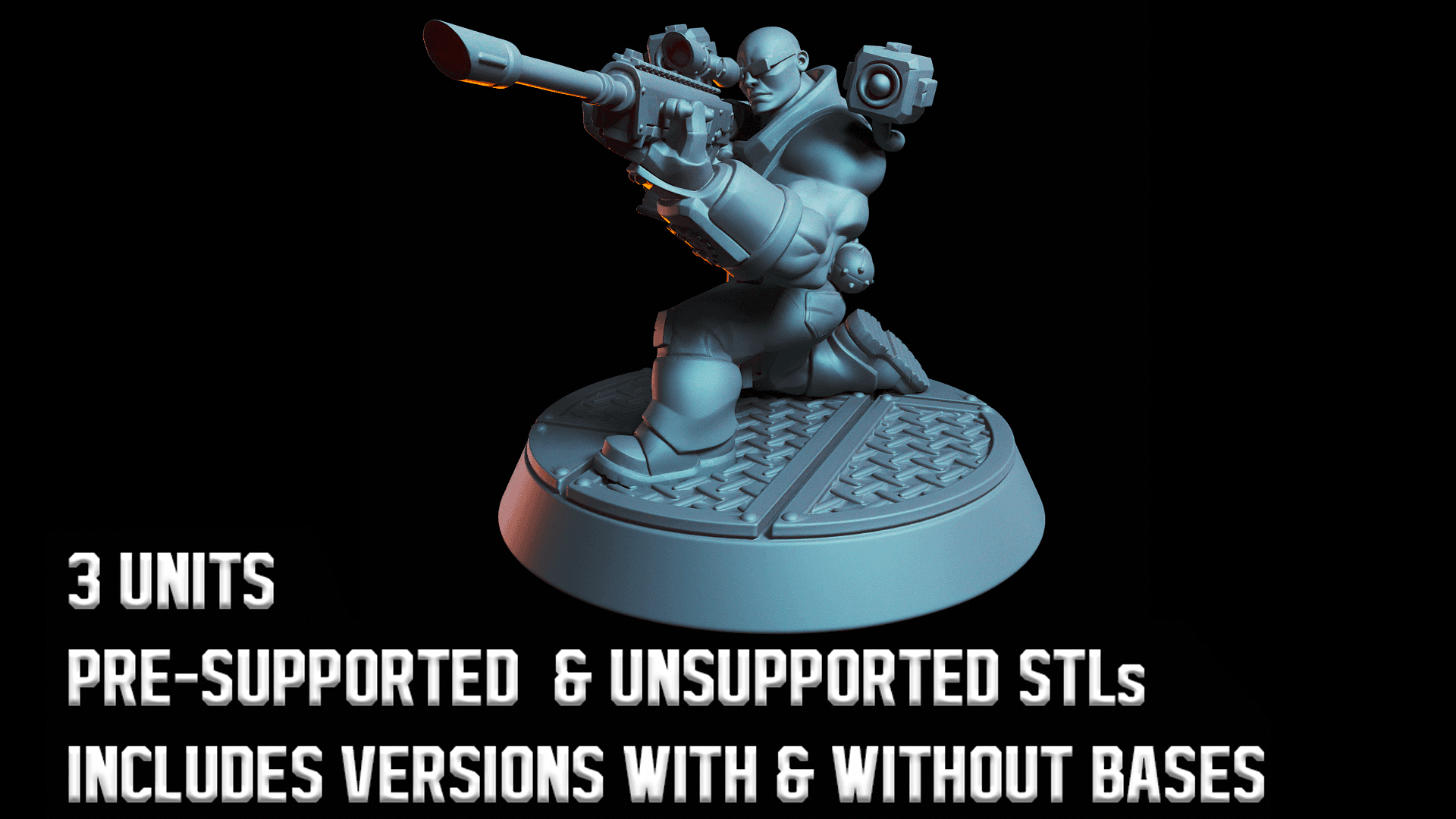
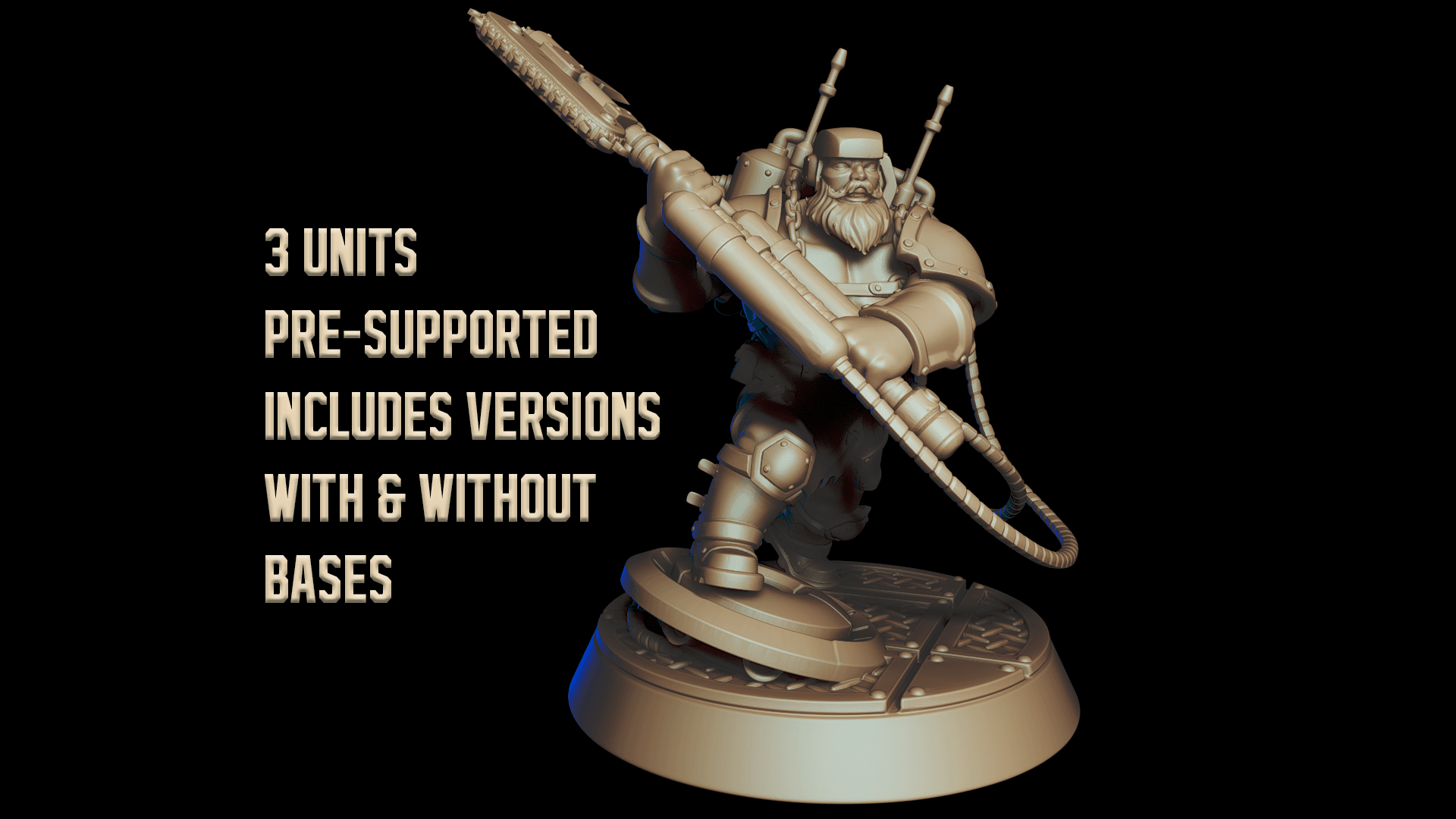
Get clean, print-friendly components you can bring to the table for tracking, play aids, and quick reference. This category supports the kinds of physical-style layouts tabletop groups often use.

Audio to set tone and support pacing
Bring ambiance to sessions with music and sound that matches your setting and scenes. This category helps you organize audio for mood, transitions, and key moments.


Sound cues for actions, tension, and scenes
Use bite-sized audio cues to punctuate attacks, discoveries, alarms, doors, and atmosphere changes. This category supports scene clarity when you want sound to reinforce what the group sees.


Printable campaign reference and handouts
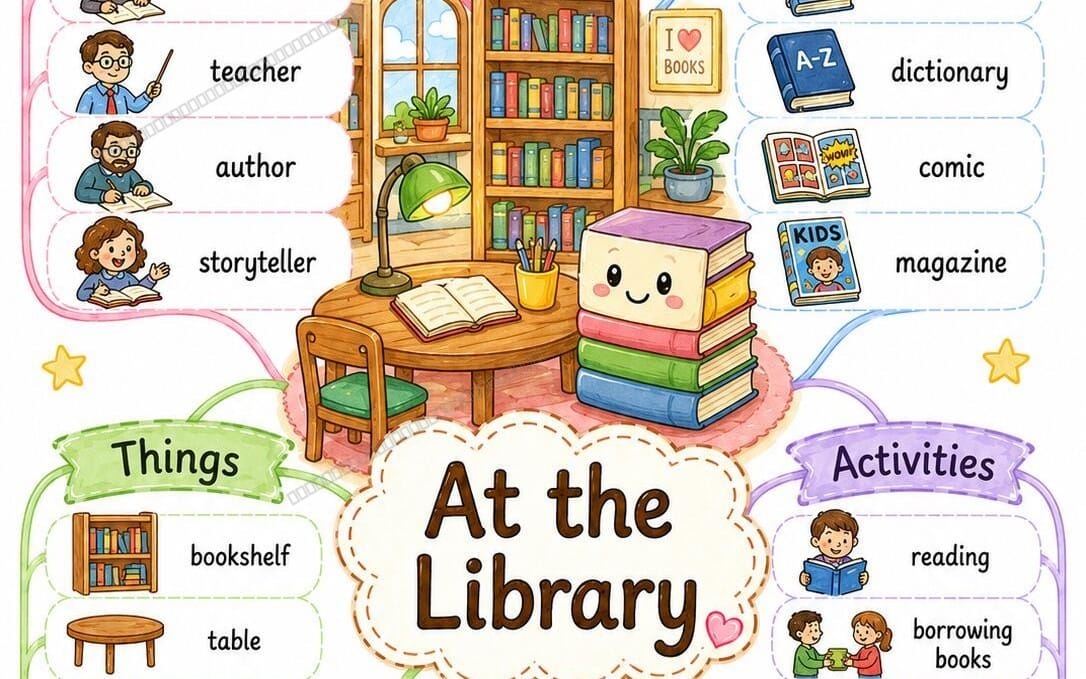
Create readable materials the group can reference during play without digging through documents. This category fits the printable handout style tabletop campaigns often need.

Do I need 3D assets to run a tabletop RPG campaign?
No. You can run a campaign with any mix of visuals, audio, and printable reference materials. Use the categories that match the style you want for your table.
Can I use these categories for both in-person and online play?
Yes. Background visuals, character visuals, and audio support both formats, and printable materials can still help you prep and share reference.
What should I prioritize first when building a campaign pack?
Start with scene visuals and reference handouts, then add encounter visuals and audio. That sequence usually keeps your sessions consistent while you expand.