 Getly
GetlyBuild and Brand a Shopify Store
This navigator helps you plan a Shopify store build and brand refresh using ready-made digital assets. It fits founders, designers, and marketers who want a consistent look across product pages, marketing, and storefront pages without starting from scratch. Read the needs in order, then pick the matching Getly category for each gap. Use the FAQs to sanity-check what kind of assets belong where.
A consistent look across your storefront
Use branded visuals and UI-ready design components so your homepage, product pages, and key sections share the same style. This category helps you lock in a coherent visual system from day one.
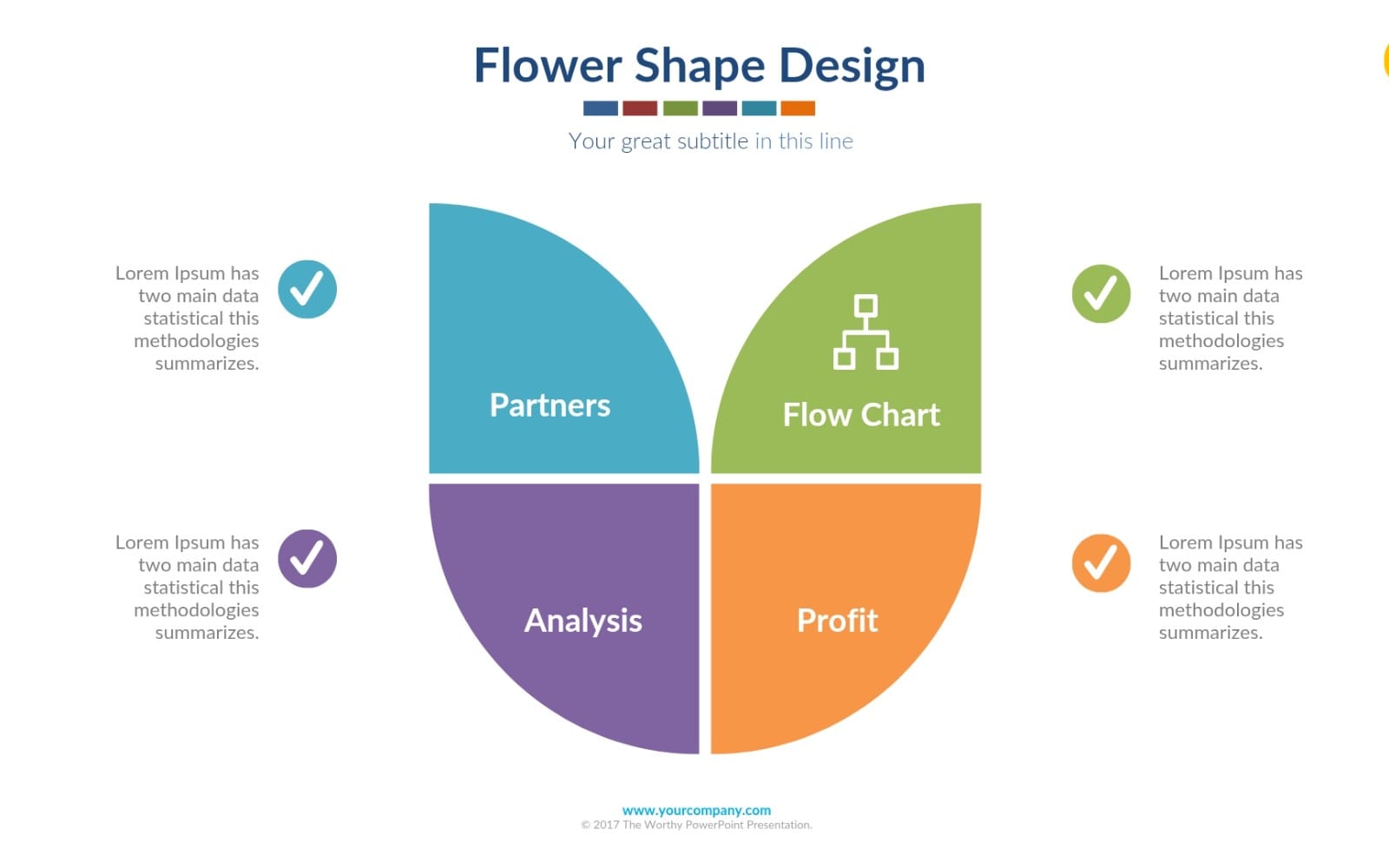
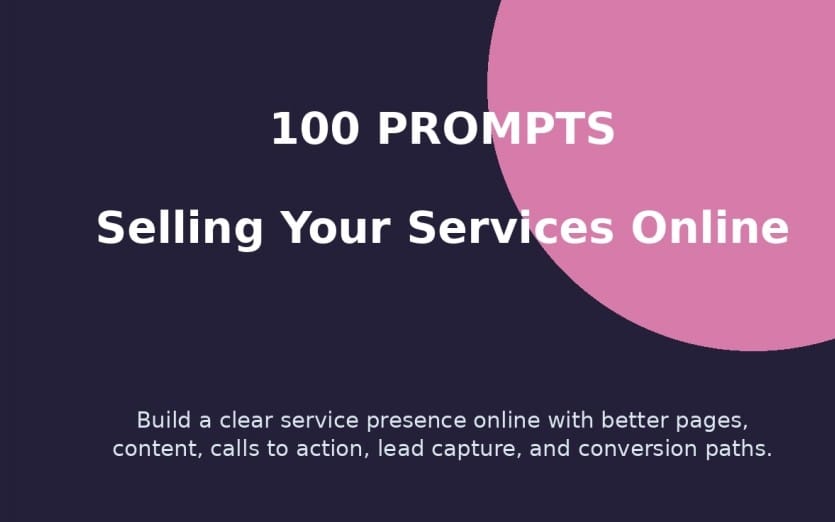
Store-ready pages that match your brand
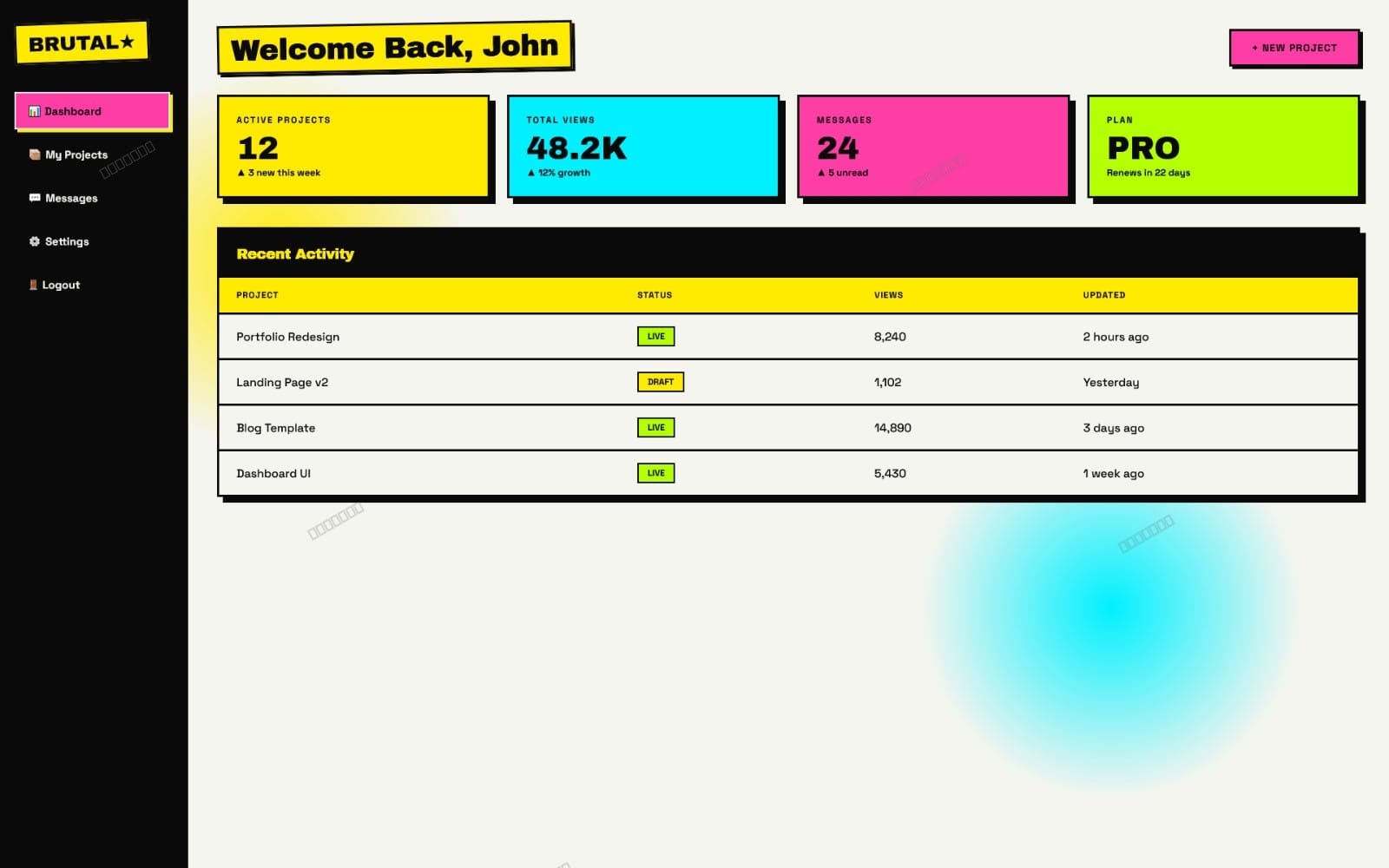
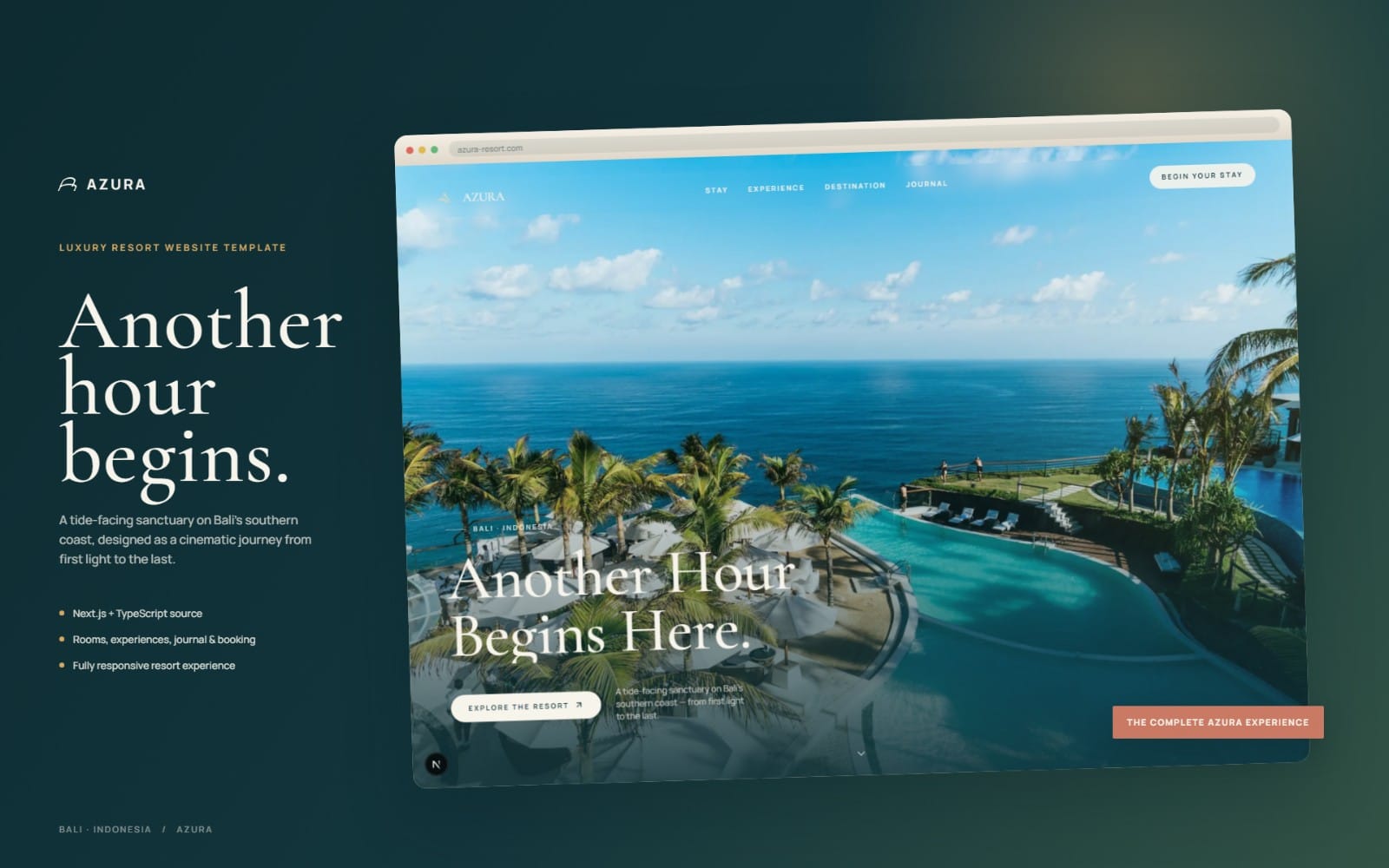
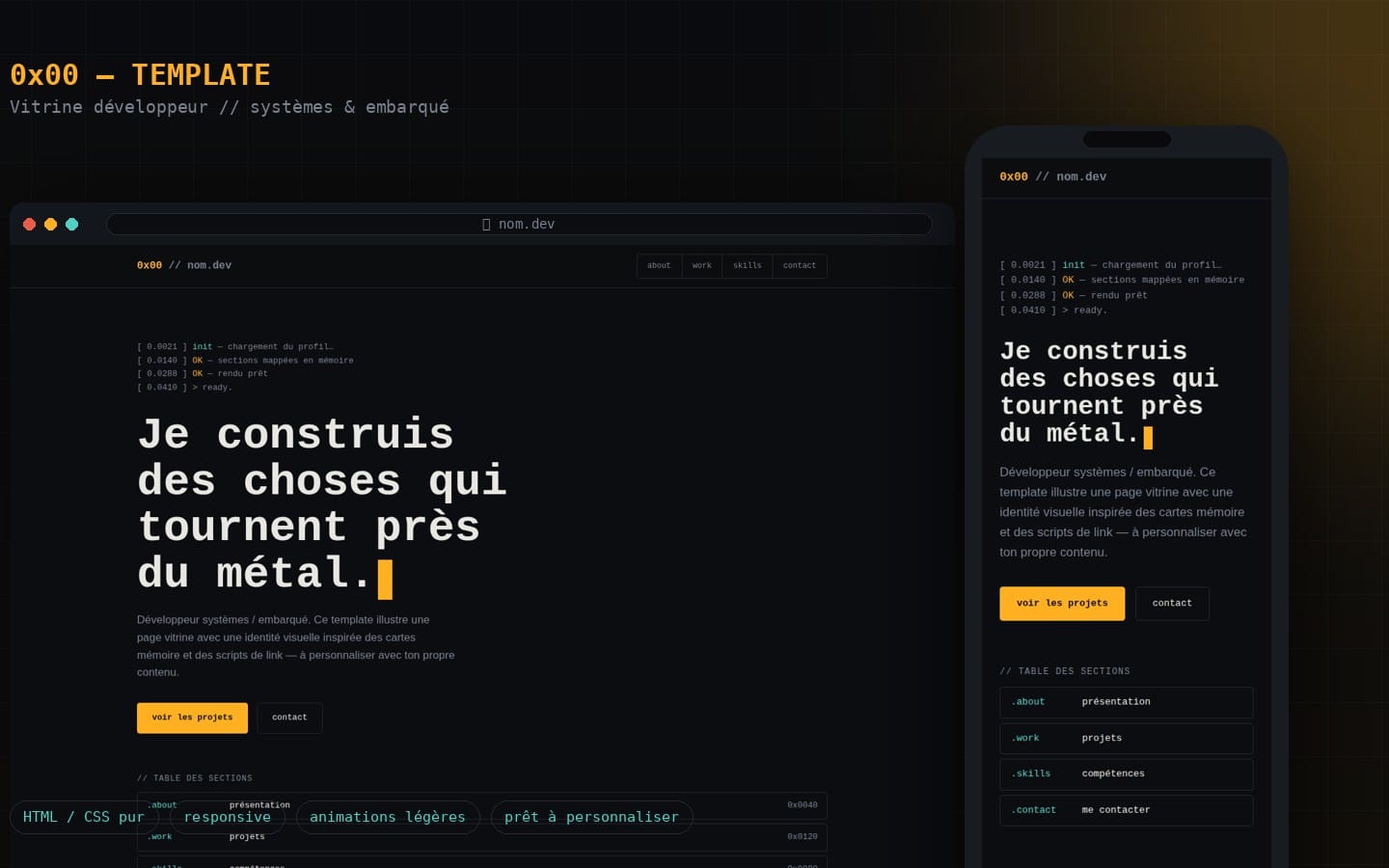
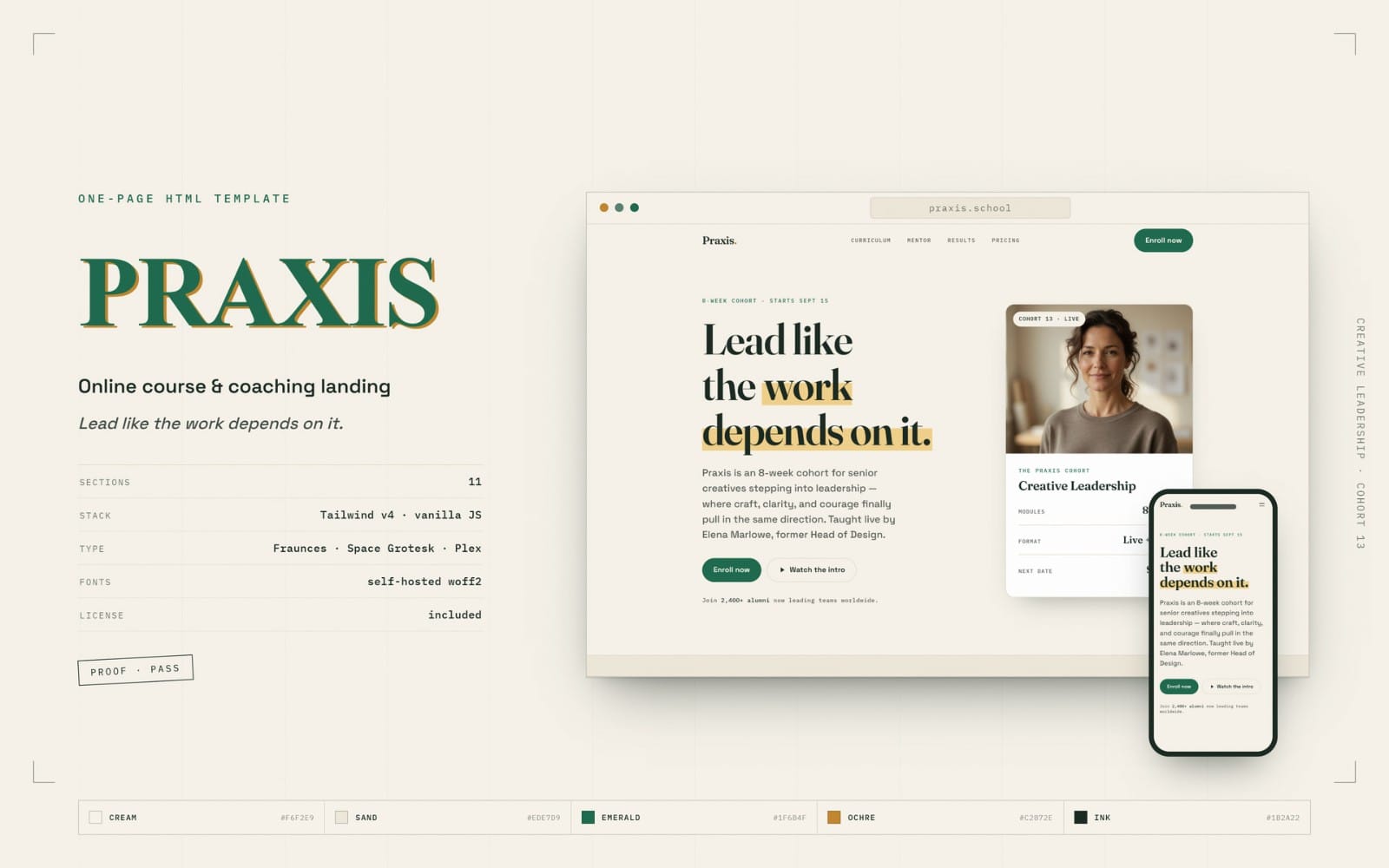
Choose storefront page layouts and page templates that reflect your brand direction, so you can launch with complete sections instead of blank screens. This category supports landing pages and storefront-style needs.





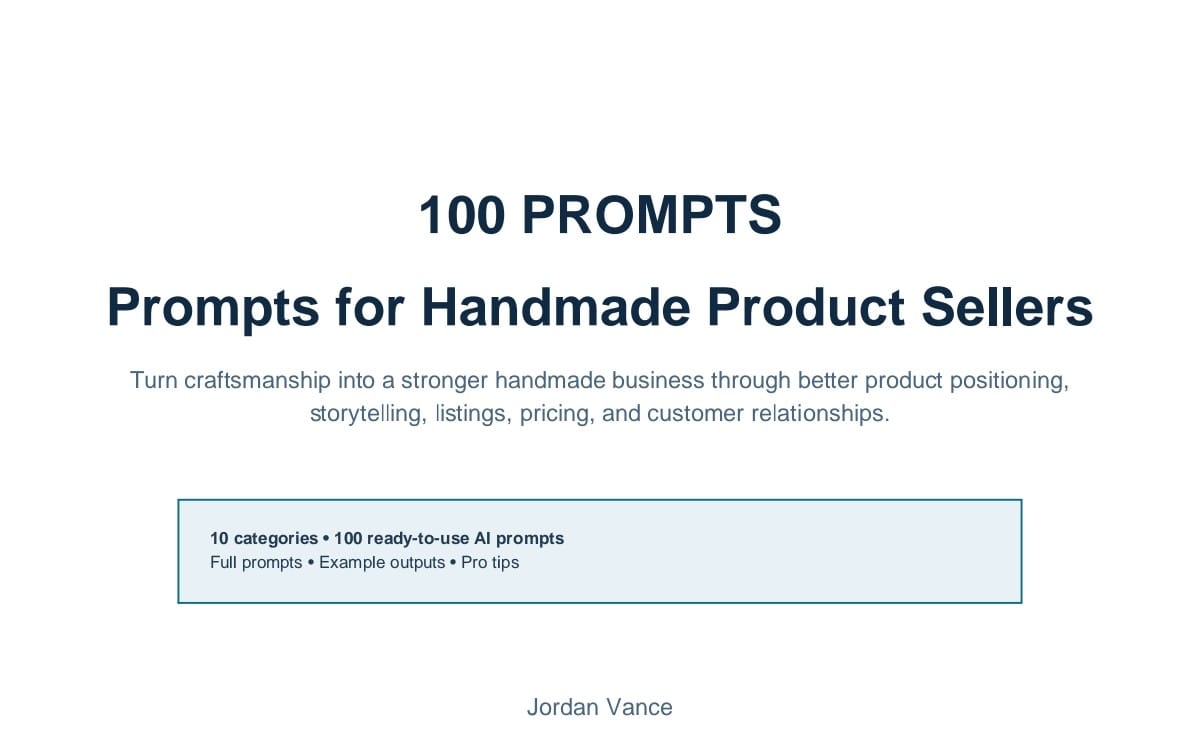
A logo and branding that look intentional
Get a logo and core brand marks that work across your website, social posts, and packaging-style materials. This category helps you establish a recognizable identity fast.

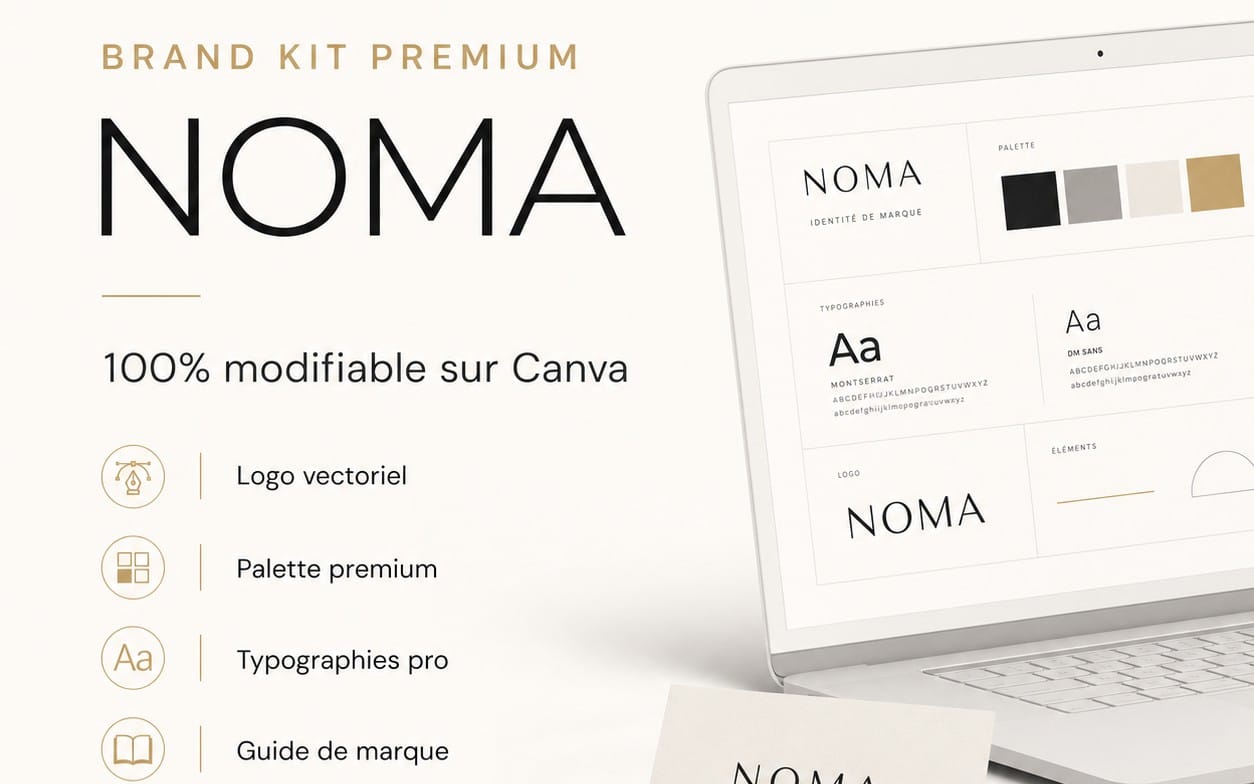




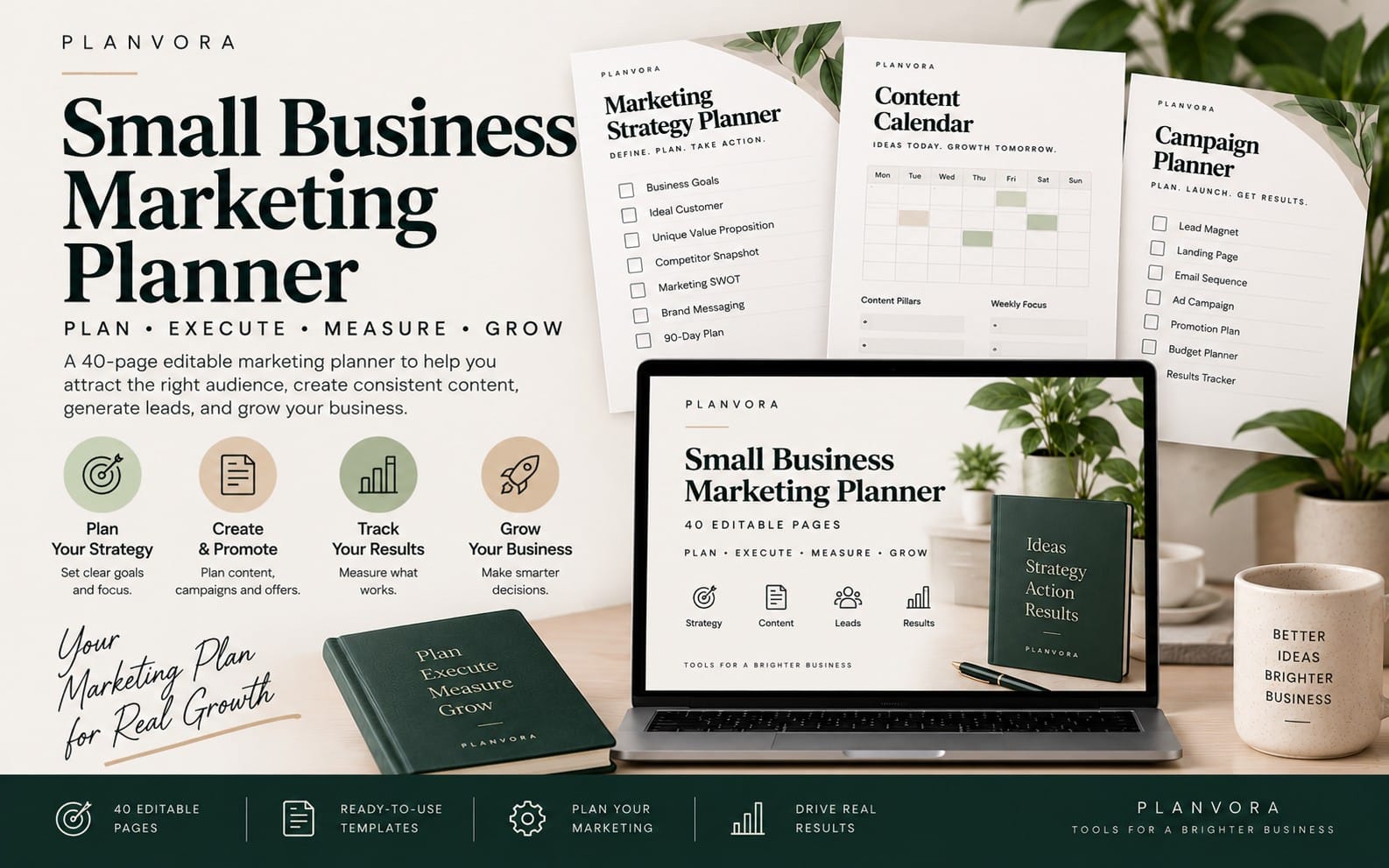
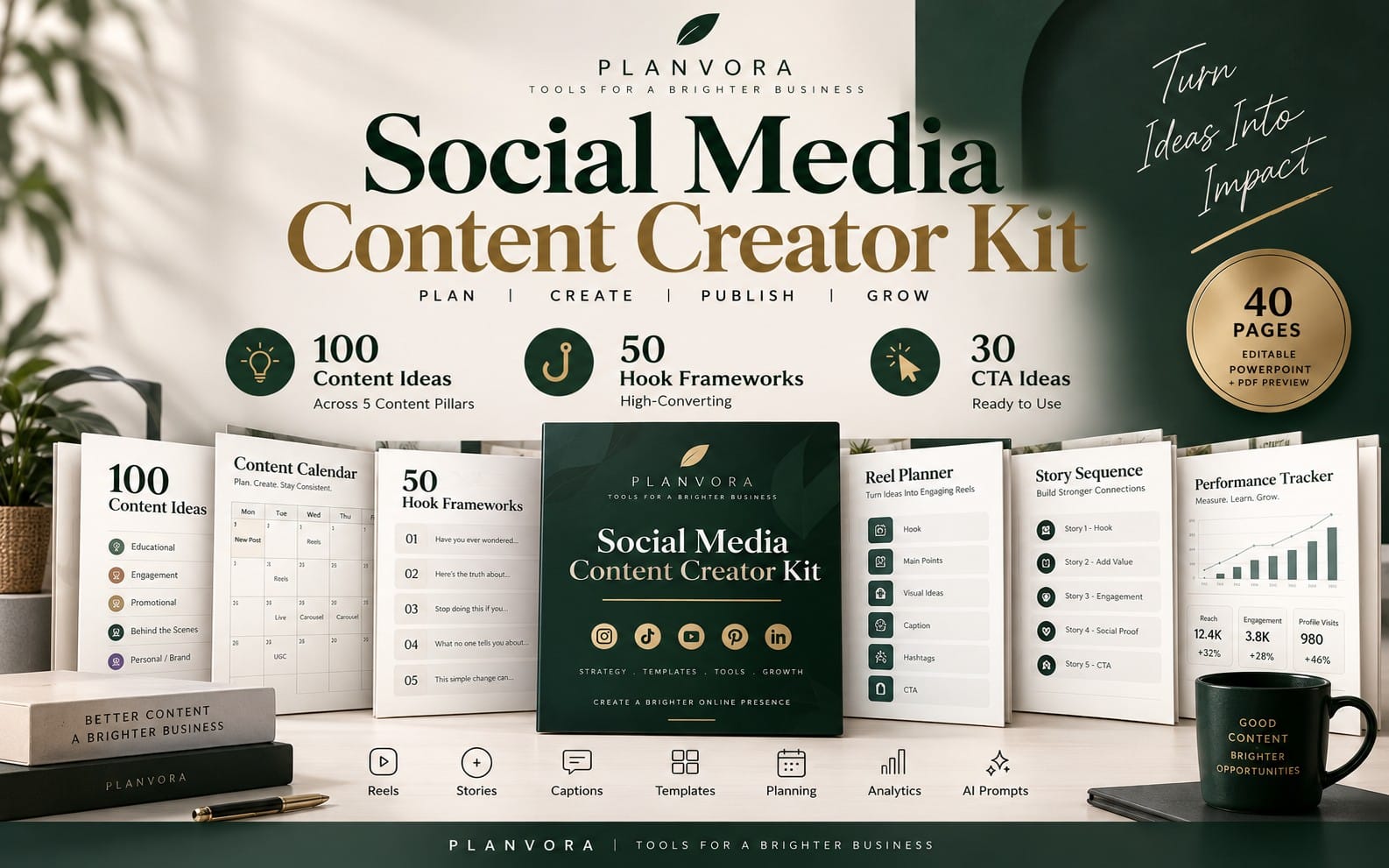
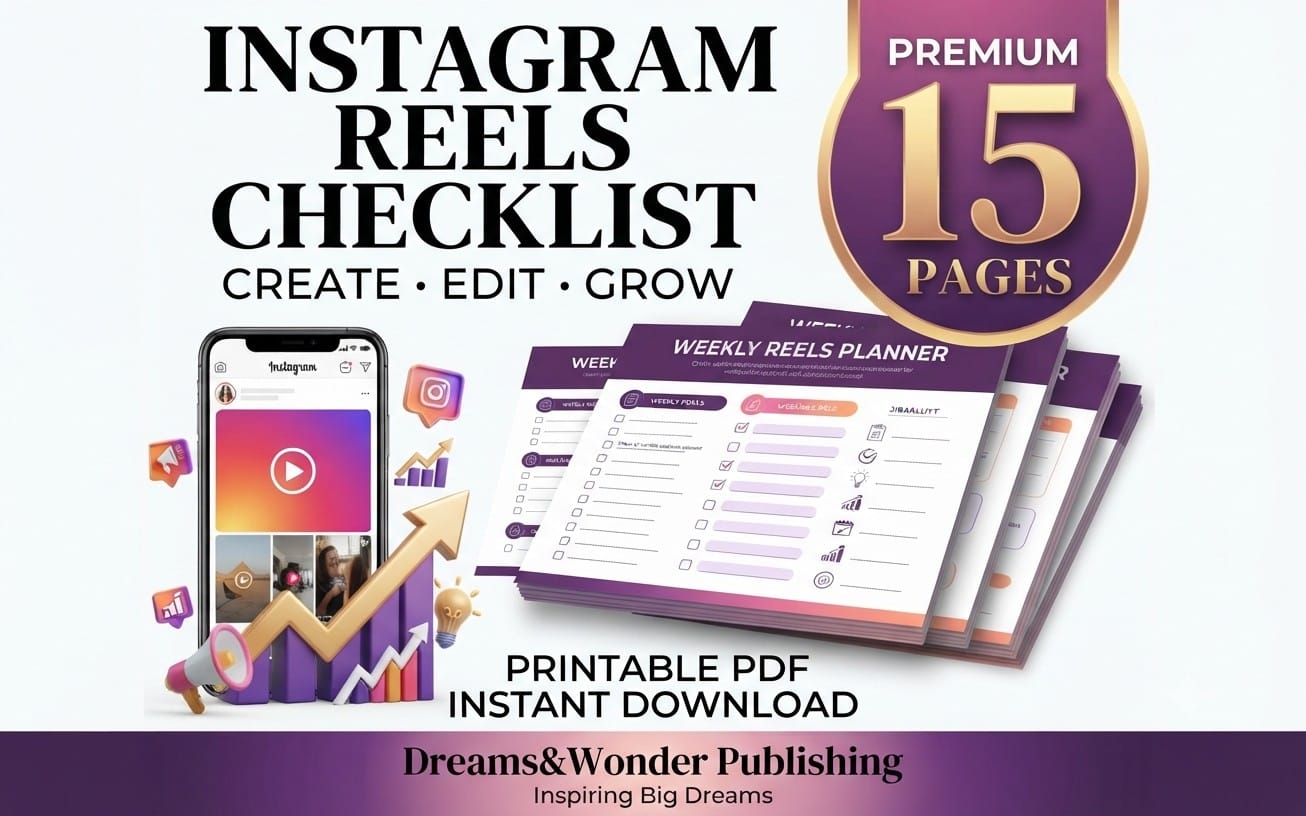
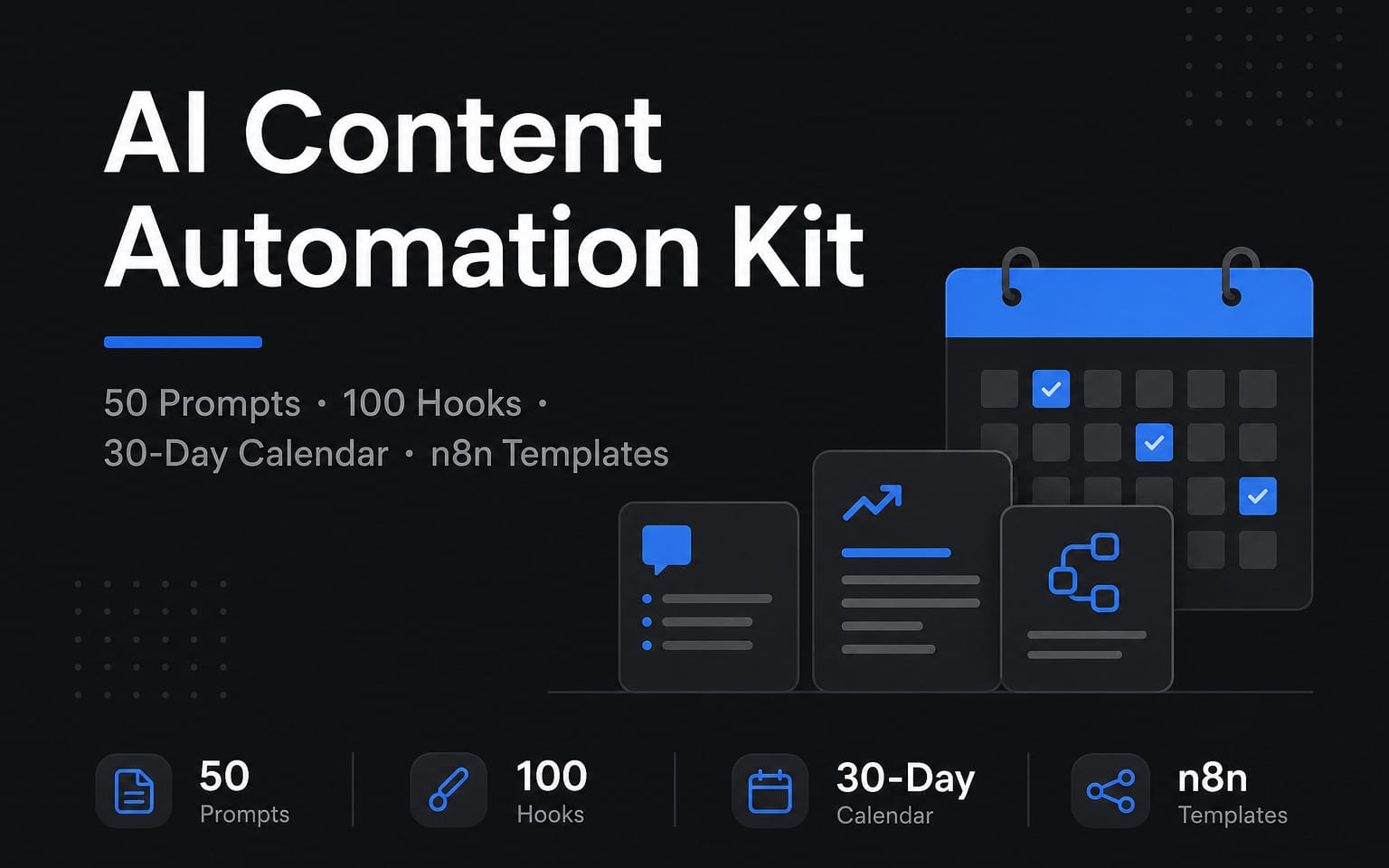
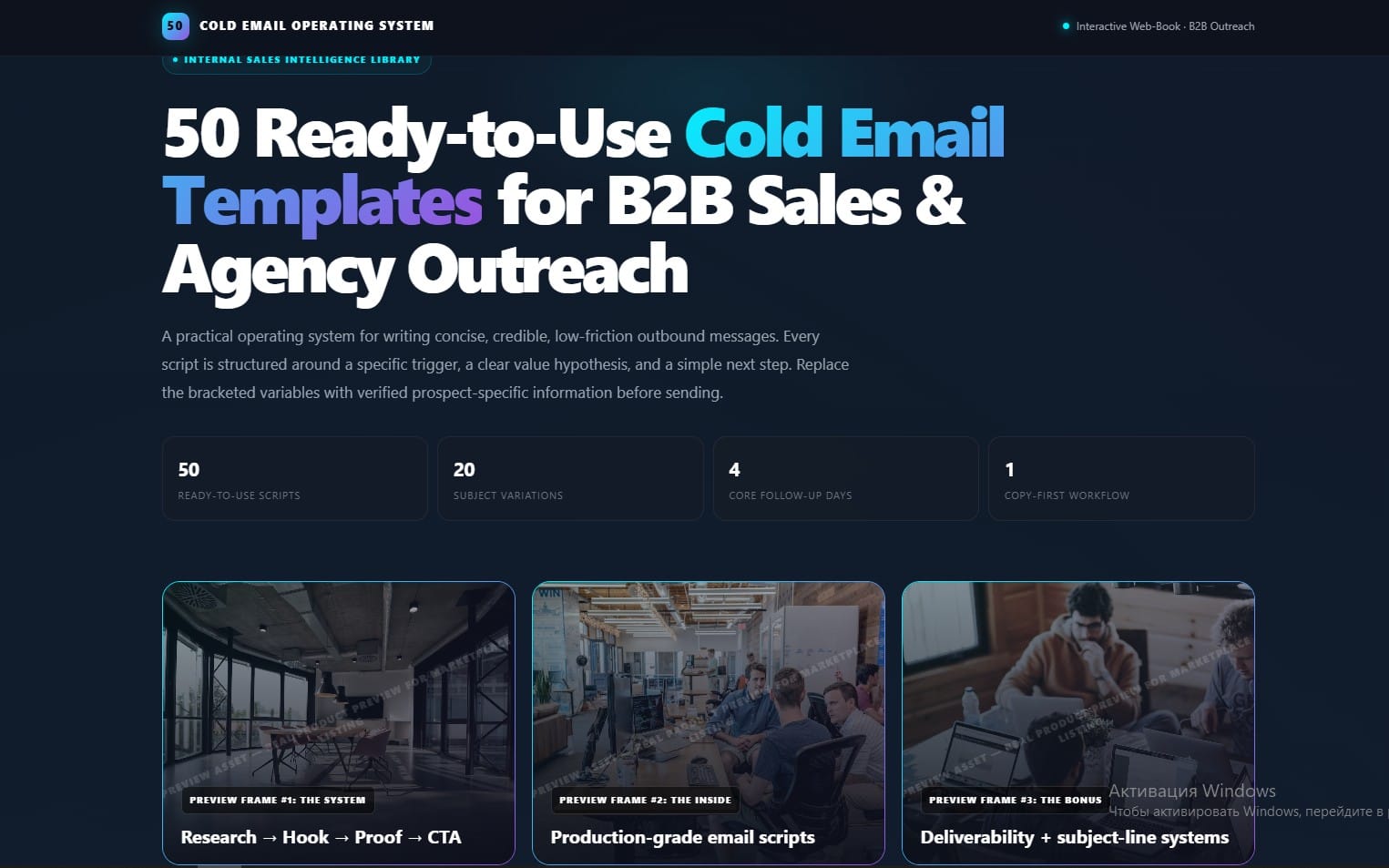
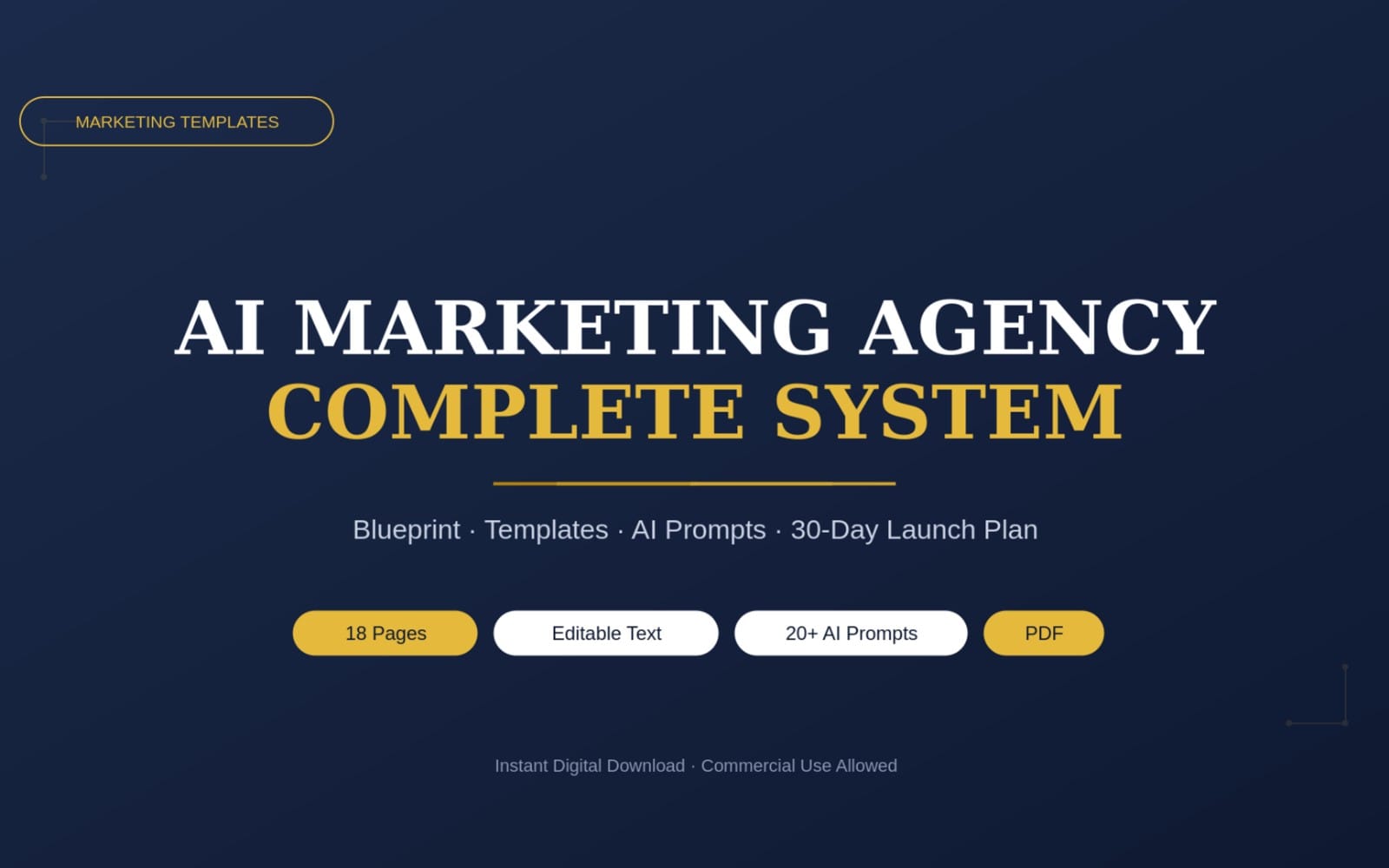
Marketing visuals for campaigns and launches
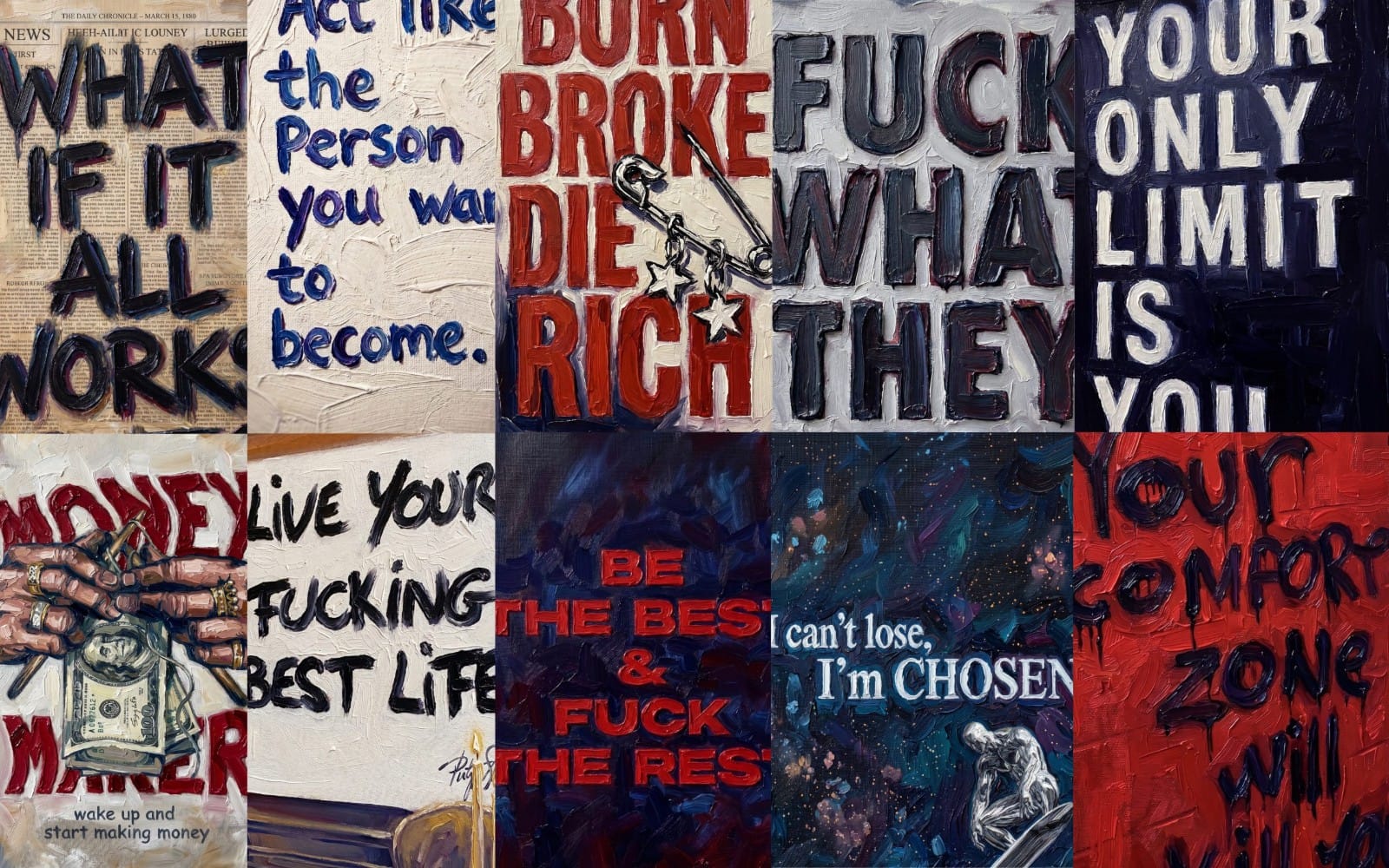
Create campaign-ready graphics that fit your store’s themes, product promos, and seasonal updates. This category gives you flexible marketing creative so your storefront and ads stay coordinated.
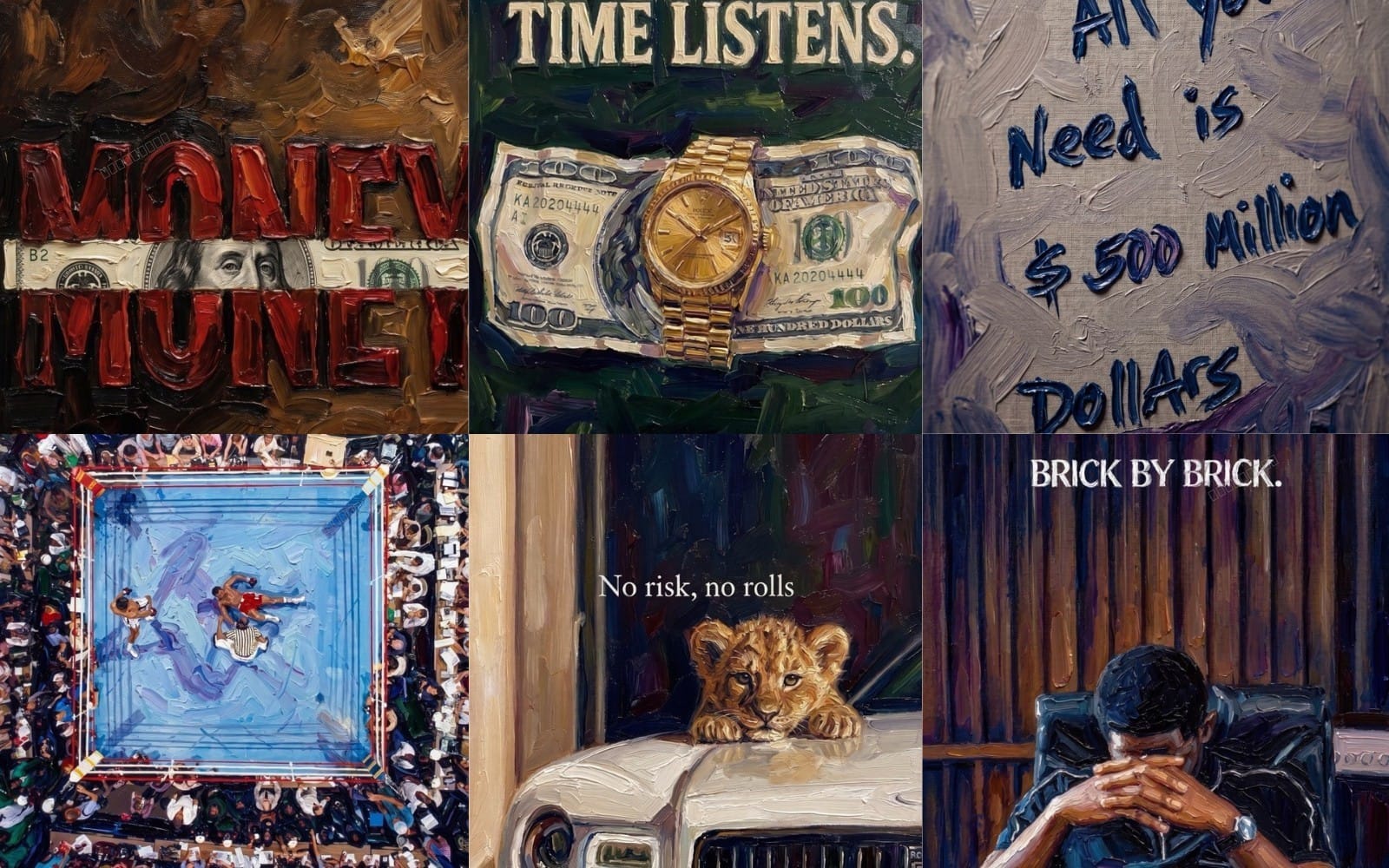
Product and site imagery that fits your theme
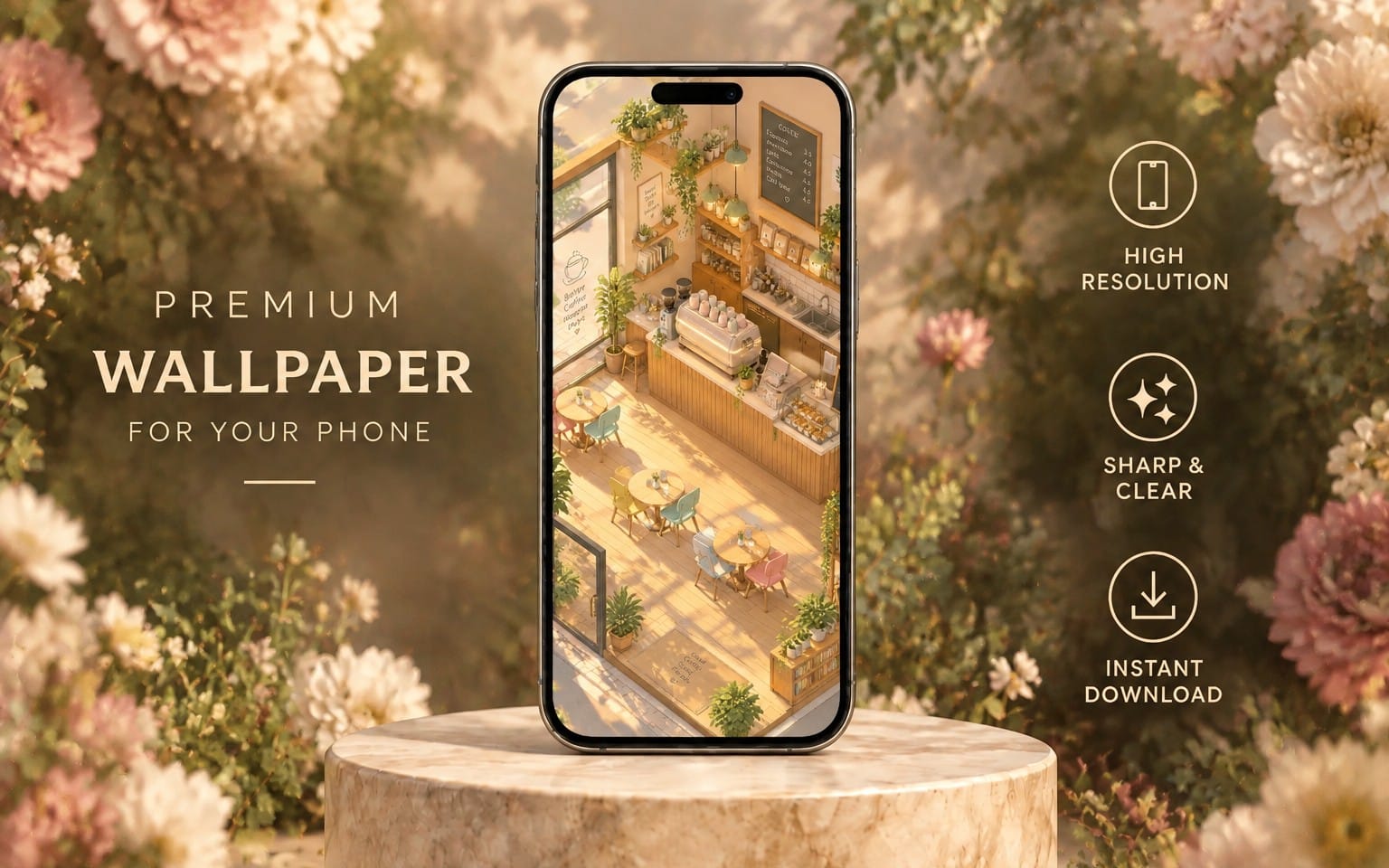
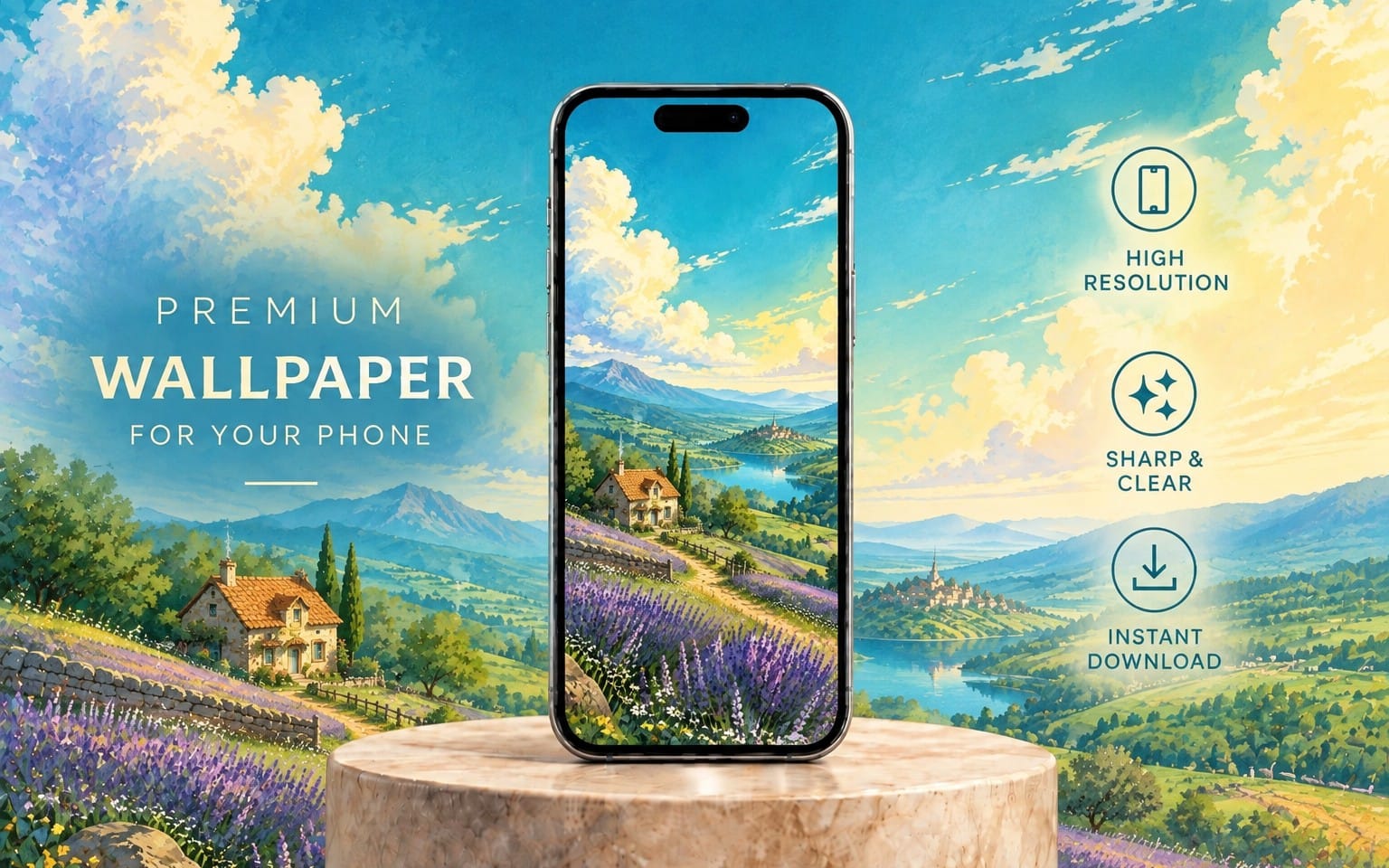
Add high-quality photos, backdrops, and visual polish that matches your product category and brand mood. This category helps you keep imagery consistent when you build out collections and key pages.




Which Getly category should I start with for branding first?
Start with logos-branding if you need brand identity. Then use design-systems to keep the rest of your storefront visuals consistent.
What assets belong in a Shopify store versus marketing materials?
Use landing-page-templates for store-facing page structure, design-systems for consistent visual components, and marketing-templates for campaigns and launch graphics.
Do I need backgrounds or photography assets for every product page?
You only need enough to maintain visual consistency across key templates like your homepage, collections, and featured product sections.