 Getly
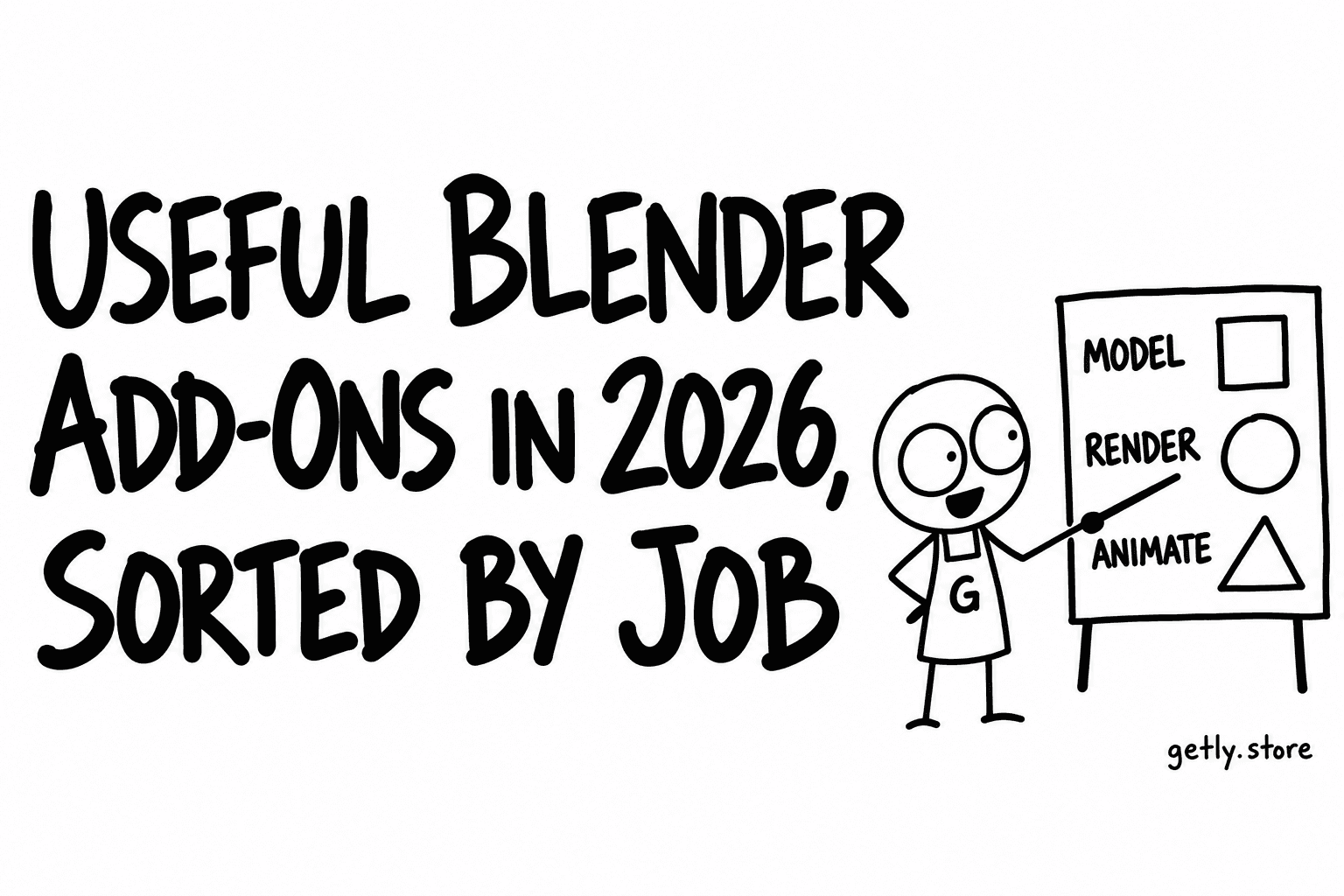
Most Blender users do not need fifty add-ons. They need two or three that remove the step they repeat every day: unwrapping, weight painting, baking, scattering grass, exporting to a game engine. This guide sorts paid and free Blender add-ons by the job they do, explains how to install one in Blender 4.2 and later, where add-ons and extensions are handled a little differently, and links to real listings on Getly so you can compare descriptions.
We read the Blender Add-ons shelf on Getly, measured October 2026: 86 active listings, every one delivered as a zip archive, with a median paid price of $9.99 and the middle half between $9.99 and $24.00. One listing is free. One shop holds 67.4% of the shelf, so the shelf leans towards one author's style of tool: narrow utilities that do one check or one job well.
First decide the job, then the add-on
An add-on that "does everything" usually does each thing worse than a focused one, and it adds more menus to learn. Start from the step that costs you the most time this month. Then look for an add-on whose description names that exact step, your Blender version and what it outputs. The table below maps common jobs to what to look for.
| Job | What a good add-on saves | Check in the description |
|---|---|---|
| Hard-surface modelling | Boolean cutters, bevels, weighted normals without manual cleanup | Non-destructive or applied? Works with your modifier stack? |
| Retopology | Clean quads from sculpts and scans | Which solver, normal transfer, multi-part handling |
| UV and texel density | Seams, packing, equal texel density across assets | Target engine presets, UDIM support |
| Rigging and weights | Auto rig, cleaner skin weights, retargeting | Which rig types, does it keep your bone names |
| Texturing and baking | Batch high-to-low bakes, layer-based painting | Map types, channel packing, UDIM |
| Rendering and look | Stylised shaders, render checks before a long job | Cycles, EEVEE or both |
| Scattering and nature | Trees, grass and rocks over terrain | Geometry Nodes or particles, LODs, export |
| Game export | One-click export with correct scale, axes and colliders | Named engines (Unity, Unreal, Godot) and versions |
Examples by job, from live listings
All links below were active on 26 October 2026. Prices are what the listing showed that day. We have not tested each tool; read the description and ask the seller before you buy if your setup is unusual.
Modelling. Hard Surface Toolkit Ultra ($9.99) groups boolean, bevel, cutter, array, mirror and normals tools in one panel. MAKINA 3D Modeling Toolkit ($30.00) offers quick-access modelling and viewport utilities.
Retopology. QuadForge ($9.99) builds quad meshes from dense sculpts and scans with QuadriFlow, edge preservation and normal transfer.
UV. UV Autoflow ($24.00) places seams automatically and straightens islands. TexelMaster ($19.00) shows texel density as a heatmap and normalises it with engine presets.
Rigging and animation. SmartWeight ($25.00) predicts skin weights and targets classic problems such as candy-wrapper twisting and volume loss. RetargetKit ($9.99) moves animation between skeletons. Skava Auto Rigger Pro ($9.99) is an auto-rigging tool.
Texturing and baking. BakeStation ($9.99) batch-bakes high-to-low with auto-pairing, ORM packing and UDIM.
Rendering. NPR Shader Kit ($9.99) adds cel, halftone, hatching, watercolour and ink styles for EEVEE. Preflight ($9.99) checks a scene for clipping, missing textures and unbaked simulations before a long render.
Scattering and nature. Ecosystem Generator ($9.99) creates trees, bushes and grass and scatters them over terrain. Game Tree Generator ($23.05) makes game-ready trees with LODs and billboards. GN Artist Toolkit ($9.99) wraps 53 Geometry Nodes tools as ordinary modifiers.
Architecture and 3D printing. ArchViz Scene Builder ($9.99) builds rooms, places furniture and sets up lights from one panel. MAKINA FDM Print Prep ($30.00) prepares and checks meshes for FDM printing.
Free. Getly Publisher for Blender ($0) finds textures, paths and linked files that would break when you send a .blend to someone else, and fixes them in one press. It is an extension and needs Blender 4.2 or newer.
The full shelf is at Blender Add-ons.
Add-on or extension: how to install in Blender 4.2+
Since Blender 4.2, add-ons can be packaged as extensions: a zip with a blender_manifest.toml file that states the version, licence and minimum Blender version. Older add-ons, which the manual calls legacy add-ons, still work. The Blender manual (5.2 LTS, checked 26 October 2026) describes the install paths:
- From the online repository: open Edit > Preferences > Get Extensions, search by name and click Install, or drag the installation URL from the extensions website into Blender. These get updates.
- From a zip you bought: in the same Preferences area, open the drop-down menu in the top right and choose Install from Disk, then pick the zip. You can also drag the zip onto the Blender window. Disk installs go to a local repository and do not receive automatic updates.
- Legacy add-ons use the same Install from Disk option. After installing, find the add-on in the list and tick its checkbox if it is not enabled.
Updates are not automatic: the manual says you check for available updates manually, then install them one by one or with Update All. For a paid zip, the update is a new zip from the seller, installed over the old one.
Two habits save trouble. Do not unzip the archive before installing unless the readme says so: Blender wants the zip itself, and some sellers wrap the real add-on zip inside an outer zip with a readme and a PDF. And keep the original zip with its version number, so you can roll back if an update misbehaves.
Version compatibility in one paragraph
Check three lines before you buy: the minimum Blender version, the versions the author actually tested on, and the install method. A tool that supports Blender 3.x is a legacy add-on, because an extension's minimum is 4.2 or later. We wrote a longer checklist in Blender add-ons: check version compatibility first.
Before you pay
- The description names the job you need done, not only a long feature list.
- Your Blender version is inside the stated range.
- Screenshots or a short video show the tool on a real model.
- The update policy is clear: will a fix for the next Blender release be free?
On Getly you can pay by card (with Apple Pay or Google Pay where your browser offers them) or in USDT or USDC, and every purchase has a 30-day refund window if the add-on does not load as described.
If you write Blender add-ons
Put the job in the title and the first line, then the minimum version, the tested versions and whether the zip is an extension. Getly has no listing fee; sellers keep 80% by default and 90% on sales through their own link, new listings are reviewed by hand, usually within a few hours, and payouts go out on the 1st and 15th in USDT or USDC.