 Getly
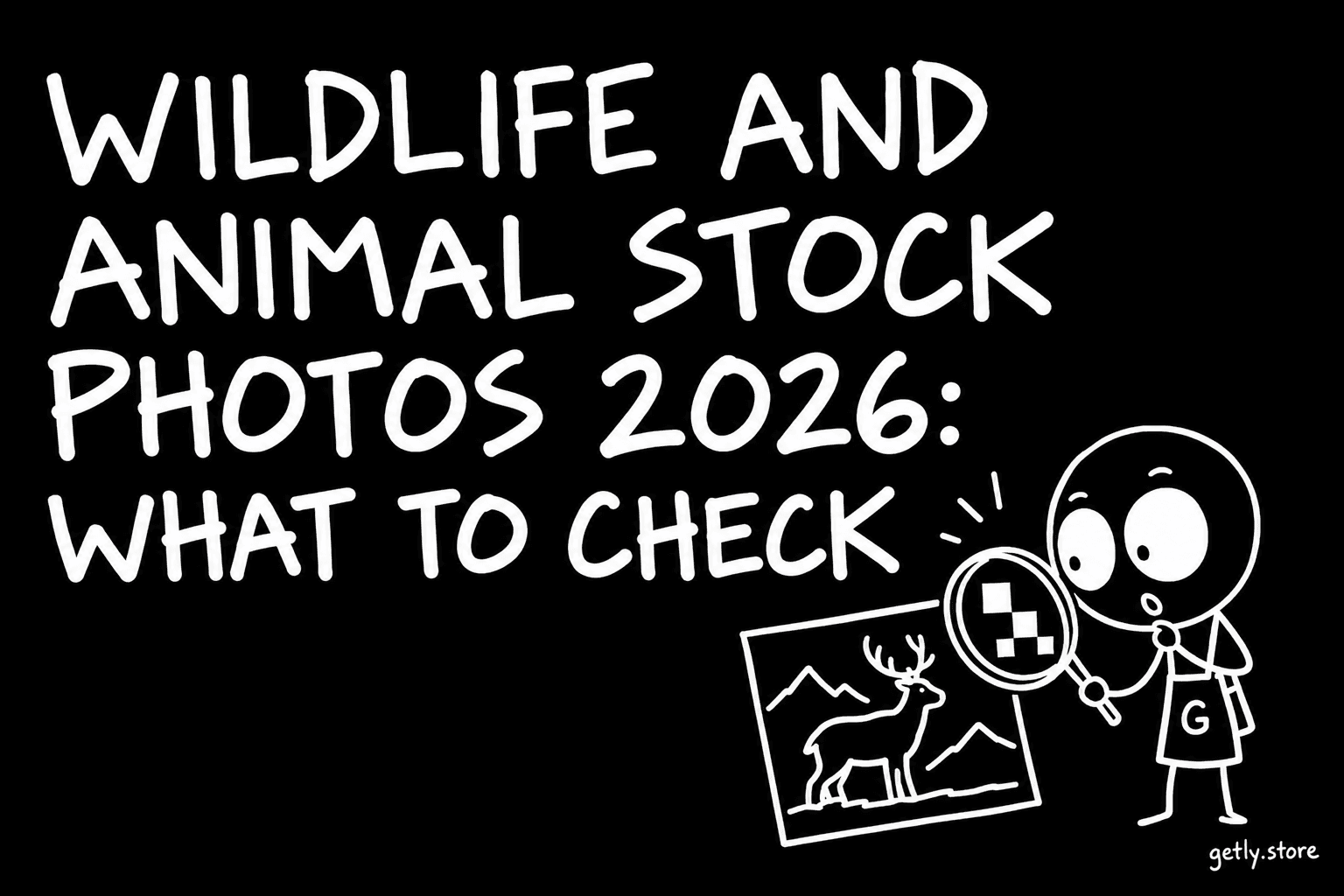
An animal photo looks like the easiest stock image to license: no model, no brand, no logo in the frame. That is mostly true, and it is why wildlife images end up on blogs, packaging, posters and social posts so often. But three things still decide whether a photo works for you: whether it has enough pixels for the size you need, what the licence lets you do with it, and where the animal was photographed. This guide walks through all three before you pay.
The numbers below come from the Animals & Wildlife stock shelf on Getly, measured October 2026: 187 active listings, and 89.3% of them priced at exactly $4.00. One thing to know up front: almost the whole shelf (99%) comes from a single macro photographer, so it is strong on insects and spiders and has no bird photos at all. Measured the same day, 78.1% of listings show insects or spiders.
Resolution: count pixels, not DPI
A "300 DPI" label adds nothing by itself. What decides print size is the number of pixels. Divide each side in pixels by 300 for sharp print, or by 150 for a large poster seen from a distance:
- 4,608 × 3,456 px (16 MP): about 15.4 × 11.5 inches at 300 DPI, or a 30 × 23 inch poster at 150 DPI.
- 4,000 × 3,000 px (12 MP): about 13.3 × 10 inches at 300 DPI.
- 1,920 × 1,080 px: fine for a website header or a social post, only about 6.4 × 3.6 inches in print.
On the Getly shelf, 89.3% of listings state the exact pixel size in the description. Across those, the median photo is 13.1 megapixels, with a long edge of about 4,187 px and a short edge of about 3,146 px. 87.2% of the shelf has a short edge of at least 2,400 px, which is enough for an 8-inch print at 300 DPI. If a listing does not name the pixel size, ask before you buy a photo for print.
For the web the need is smaller: a full-width hero image rarely needs more than 2,400 px wide, and a social post 1,080 px. A big file is still useful there, because it lets you crop a close detail and keep it sharp.
Editorial or commercial licence
Stock licences split into two families. Editorial use means illustrating news, articles, reports and education, where the image tells a true story. Commercial use means selling or promoting something: an ad, a product page, packaging, a printed item you sell.
Animal photos rarely carry the restrictions that make a photo editorial-only, such as recognisable people or brands. On this shelf, 89.3% of listings state in the description that the photo is licensed for personal and commercial use (web, editorial, print, design), and forbid reselling the file itself as a competing photo pack. None of them set the structured licence field in the listing form, so the wording in the description is the licence. Read it, and keep a copy of the page with your purchase.
What is almost never allowed, on any marketplace: reselling the photo as a stock file, putting it on print-on-demand products where the photo is the main item for sale, or using it as a logo or trademark.
Releases, zoos and famous animals
A model release is a signed permission from a person in the photo. Animals cannot sign, and an ordinary wild animal needs no release at all. But some animals count as property or as a recognisable identity. Adobe Stock's contributor guide (checked on 26 October 2026) says images of animals and pets typically do not need a property release, with two exceptions: famous animals, and animals photographed in zoos, where a property release is needed.
The same logic applies to buyers. A wild butterfly in a meadow is the simplest case. A well-known pet with its own social following, a racehorse, or an animal shot inside a zoo or a private park may carry the owner's or the venue's rules with it. Location rules also matter in nature: some national parks and reserves restrict commercial photography or drone use. For an ad campaign, ask the seller where the photo was taken.
File formats
- JPEG: the normal stock format. On the Getly shelf the files are mostly single JPEGs, several described as original camera JPEGs rather than recompressed copies, which keeps fine texture such as wing scales intact.
- ZIP: used for sets of several photos in one download.
- PNG with transparency: rare for wildlife; you would cut out the animal yourself.
- RAW: almost never sold as stock; ask if you need maximum editing room.
Check the colour profile if you print professionally. Most stock JPEGs are sRGB, which is right for the web and fine for most print shops.
Macro photos: what to check
Because this shelf is macro-heavy, a few checks specific to close-ups help. Look for the depth of field: in extreme macro only a thin slice is sharp, so make sure the sharp part is the eye or the wing pattern you need. Look at the background: a soft green blur is easy to place text over, a busy one is not. And zoom into the preview to see whether the photo is a crop of a larger frame, which can mean visible noise at full size.
A few listings to start with
- Peacock butterfly wing eyespot in extreme macro: original camera JPEG, 4,608 × 3,456 px, $4.00.
- Extreme macro of dragonfly head and compound eyes: $4.00.
- Seven-spot ladybug on green flower buds: 4,608 × 3,456 px, $4.00.
- Pale crab spider waiting on a green flower bud: $4.00.
- Side profile of a bee on a yellow flower: $4.00.
If you need mammals or birds, this shelf will not have them today; the wider stock photo section is worth a look, and the same checks apply.
Checklist before you buy
- Pixels: is the size stated, and does it cover your print size at 300 DPI?
- Licence: commercial use stated in writing? Any limit on print runs or products for resale?
- Subject: wild animal, pet, zoo animal or famous animal?
- Location: any park or venue rules for commercial use?
- Format: JPEG or ZIP set, and is it the original or a recompressed copy?
On Getly you can pay by card, Apple Pay or Google Pay where available, or in USDT and USDC. Every purchase has a 30-day refund window, and the files stay in your library to download again.