Getly
GetlyBlender Add-ons
Getly Publisher for Blender
Find the textures, paths and linked files that will not survive the trip to the buyer — and fix them in one press, from inside Blender.
What you get: 1 file · 19.17 KB · ZIP
Get it freeProduct description
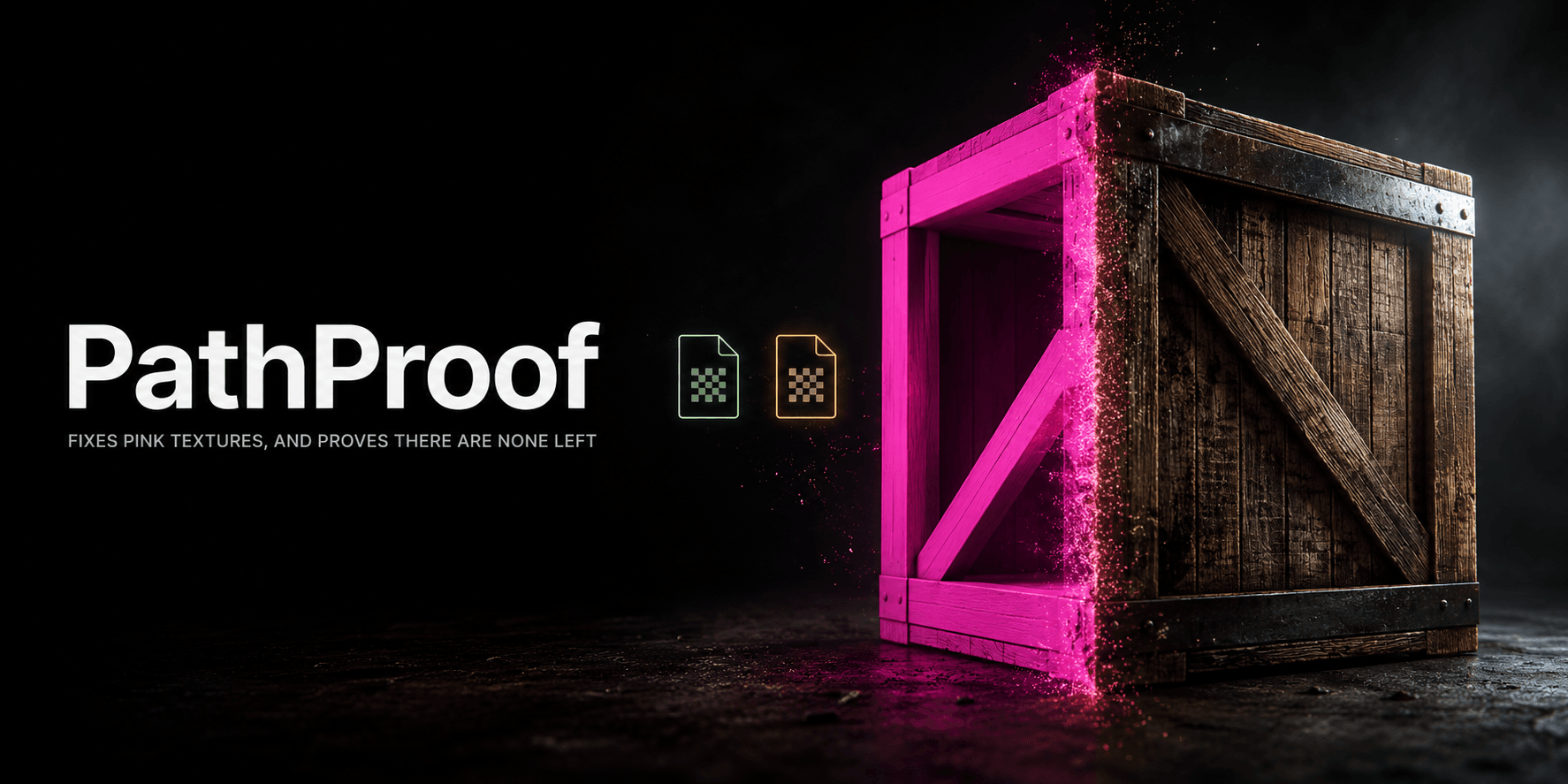
Find out what will be magenta on the buyer’s machine before you sell the file, and fix it in one press.
What it catches
A .blend stores paths, not files. It opens perfectly for you because your textures are still on your disk; the buyer opens it and every surface is flat magenta. That is the most common reason a Blender asset gets refunded, and the author cannot reproduce it.
Getly Publisher reads the file the way a buyer’s Blender will, and Getly refuses to publish while any of these are true:
- A texture the file needs is neither packed into it nor present in the upload
- A reference is rooted in your own home folder —
/Users/you/…orC:\Users\you\… - A linked
.blendis not included in the download, so the buyer opens empty collections - The file contains nothing a buyer could use
- A file named
.blendis not one - An add-on’s
blender_manifest.tomlis missing required fields or a valid SPDX licence
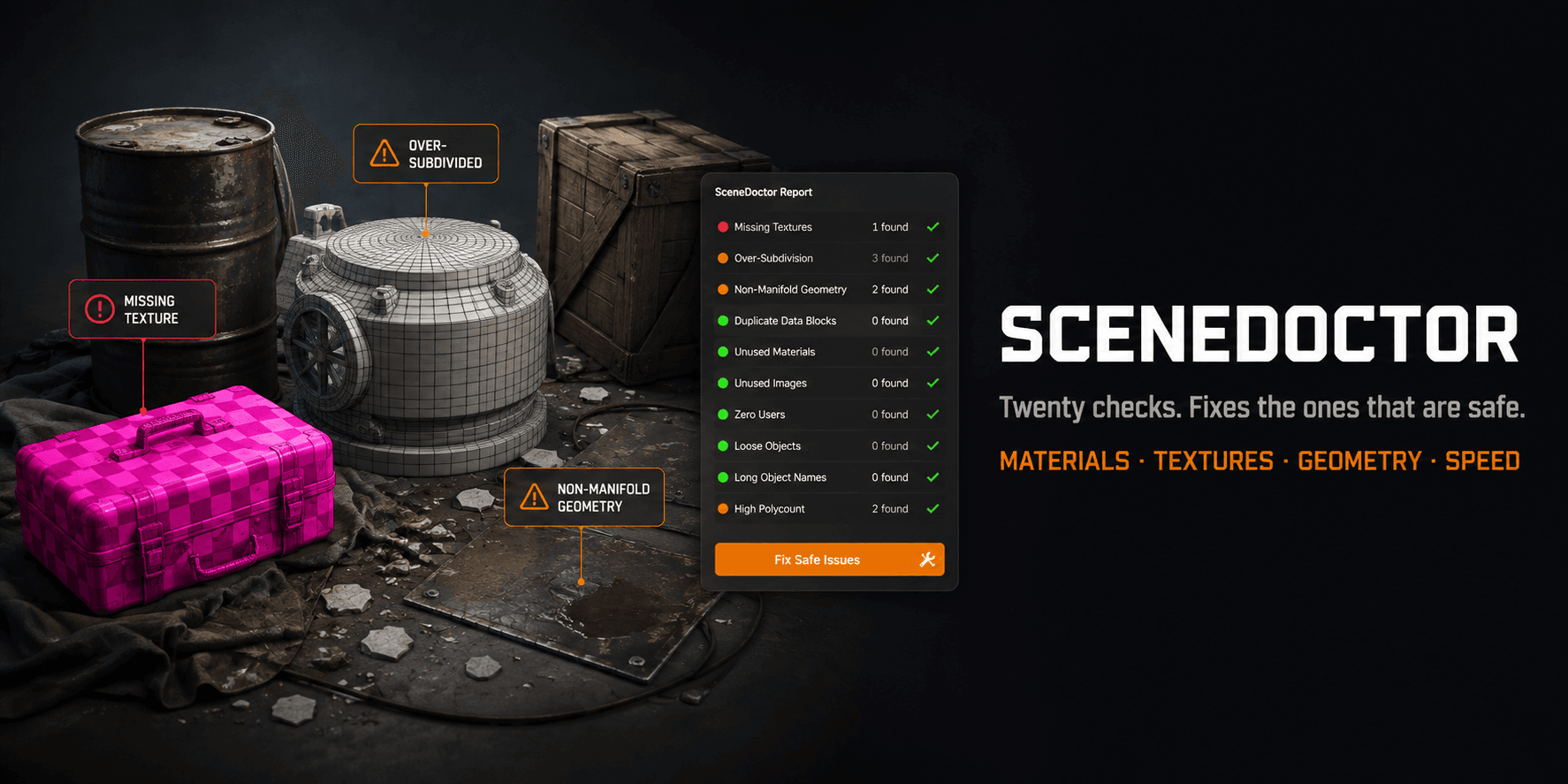
Alongside those it makes twelve suggestions that never block you: a texture whose capitalisation only resolves on Windows, meshes with no material, a scene with materials but no light, a Python script flagged to run when the file opens, a large uncompressed .blend, archive junk, no readme, an image-textured mesh with no UV map, an unapplied non-uniform scale, textures over 4096, and node groups that depend on a third-party add-on.
“Blender already has Pack Resources”
It does, and a tool that only reports what File → External Data already reports loses to a menu item you have installed anyway. This one runs those steps in the right order in a single press — paths made relative before packing, so unpacking later leaves you a working path rather than the absolute one you started with — then tells you exactly what it changed. It never saves the file: you look at the result and save it yourself.
The check runs twice, on purpose
Inside Blender it can evaluate what no file reader can: whether Geometry Nodes builds the UV map downstream, what a texture’s real resolution is, whether a linked library still has anything using it. But it runs on your machine, where your textures obviously exist — so every path it checks resolves, including the ones that will not be in the upload. So it advises. Getly re-reads the bytes you actually uploaded and decides, resolving each texture reference against the files genuinely inside the archive.
What it does not do
It is not a virus scanner. It does not judge whether your asset is good, only whether it arrives working. It cannot tell whether a render matches your listing images — only that the file has no lighting to reproduce them with. And it is Blender only: there is a Unity version, and no Unreal plugin, Photoshop panel or Cinema 4D equivalent.
Requirements
Blender 4.2 or newer. It is an extension with a blender_manifest.toml, not a legacy bl_info add-on. GPL-2.0-or-later, which is what anything built on Blender’s Python API has to be — the source is readable and you may fork it. Every check runs offline with no account; signing in is a separate, optional step that only matters if you want to submit a draft without leaving Blender.
What you get
1 file · 19.17 KB
- getly-publisher-blender.zipZIP · 19.17 KB
Blender Add-ons
Getly Publisher for Blender
Find the textures, paths and linked files that will not survive the trip to the buyer — and fix them in one press, from inside Blender.
By continuing you agree to the Terms of Service.
Instant download
Getly opened the uploaded files and found nothing that would stop them opening. It is not a virus scan or a quality rating.
Frequently asked questions
Do I get access instantly?
Yes. This is a digital product - you can download it right after checkout, straight from your library.
Can I use it for commercial projects?
Personal use only. Use it for yourself - not in work you sell or hand to a client - and do not resell or redistribute the file.
What's your refund policy?
You can request a refund within 30 days. If something isn't right, request it from your order and the Getly team reviews it.
What file formats and sizes will I get?
You'll download 1 file - ZIP - 19.17 KB in total.
Do I get free updates?
Yes - when the seller ships a new version, you can re-download the latest files from your library at no extra cost. Check the changelog for recent updates.
Price
Free