Getly
GetlyDevOps & Infra
Windows Registry Backup & Rollback Script (PowerShell)
One-click .reg backup of Windows settings before a system change, with rollback by double-click. PowerShell 5.1, no admin rights needed.
Product Description
Tired of exporting registry branches by hand before every Windows update or policy change?
This PowerShell script exports the key registry branches to a dated folder, writes a CSV report of what was saved, and shows how to roll back.
WHAT IT SOLVES
Manual export means opening regedit, finding the branch, right-click, export, inventing a filename, and hoping you typed the path correctly. Two minutes per branch and a real chance of a typo in the path.
The script does it in one command, names the folder with the date, and writes a report showing exactly which files were produced and how large they are.
WHAT IS INSIDE
- bekap-reestria.ps1, the script itself, PowerShell 5.1 and newer
- INSTRUKCIYA.md, launch, requirements, rollback and a table of common errors
- LIZENZIYA.txt, terms of use
- primer-vyvoda.txt, real output from an actual test run
REQUIREMENTS
Windows 10 or 11, PowerShell 5.1 which is bundled with Windows. No administrator rights required, the script only reads data and writes copies.
HOW TO RUN
powershell -ExecutionPolicy Bypass -File .\bekap-reestria.ps1
Then roll back by double-clicking any .reg file and confirming the import.
BUGS FOUND AND FIXED DURING DEVELOPMENT
1. reg.exe rejects a registry path containing a colon. The PowerShell provider requires a colon after HKLM while reg.exe rejects it and fails with invalid key name. Paths are stored in reg.exe syntax from the start.
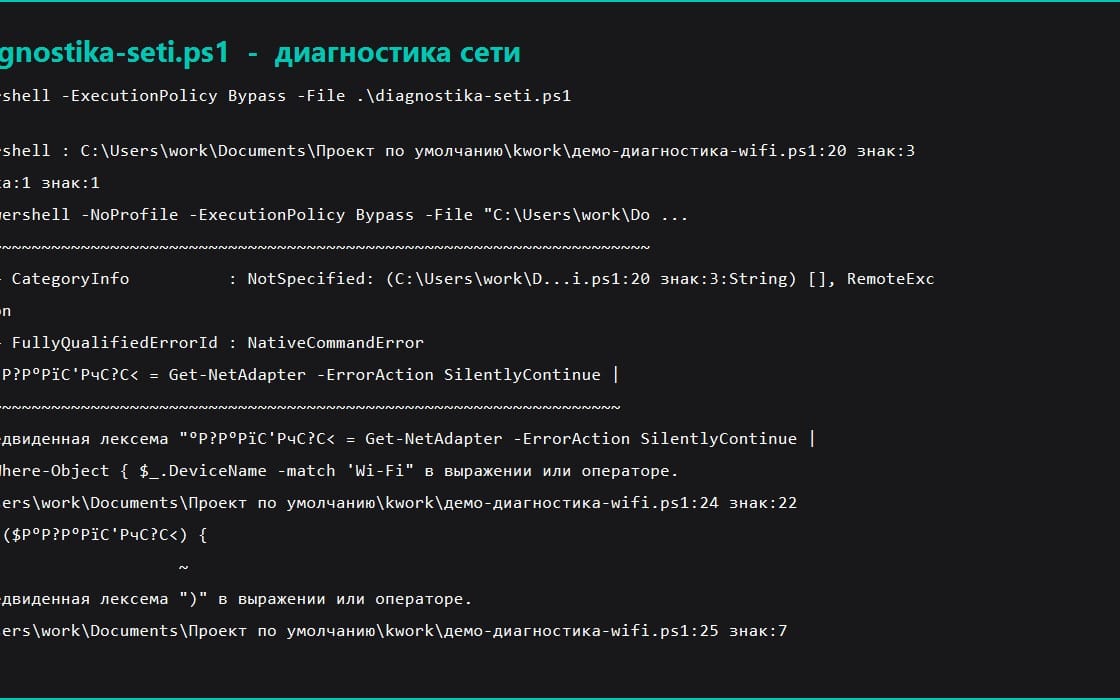
2. A .ps1 file without a BOM is read as ANSI by PowerShell 5.1, which breaks Cyrillic comments and crashes the parser. Saved as UTF-8 with BOM.
Both were verified by re-running the script and comparing the output before and after the fix.
What you get
1 file · 6.67 KB
- Windows-Registry-Backup-Pack.zipZIP · 6.67 KB
DevOps & Infra
Windows Registry Backup & Rollback Script (PowerShell)
One-click .reg backup of Windows settings before a system change, with rollback by double-click. PowerShell 5.1, no admin rights needed.
Included in Getly ProGet Pro
Tags
Frequently asked questions
Do I get access instantly?
Yes. This is a digital product - you can download it right after checkout, straight from your library.
Can I use it for commercial projects?
Yes. Commercial use is allowed: use it in your own business and in things you sell. You may not resell or redistribute the file itself.
What's your refund policy?
You're covered by a 30-day money-back guarantee. If something isn't right, request a refund from your order and the Getly team reviews it.
What file formats and sizes will I get?
You'll download 1 file - ZIP - 6.67 KB in total.
Do I get free updates?
Yes - when the seller ships a new version, you can re-download the latest files from your library at no extra cost. Check the changelog for recent updates.
Price
$9.99