Getly
Getly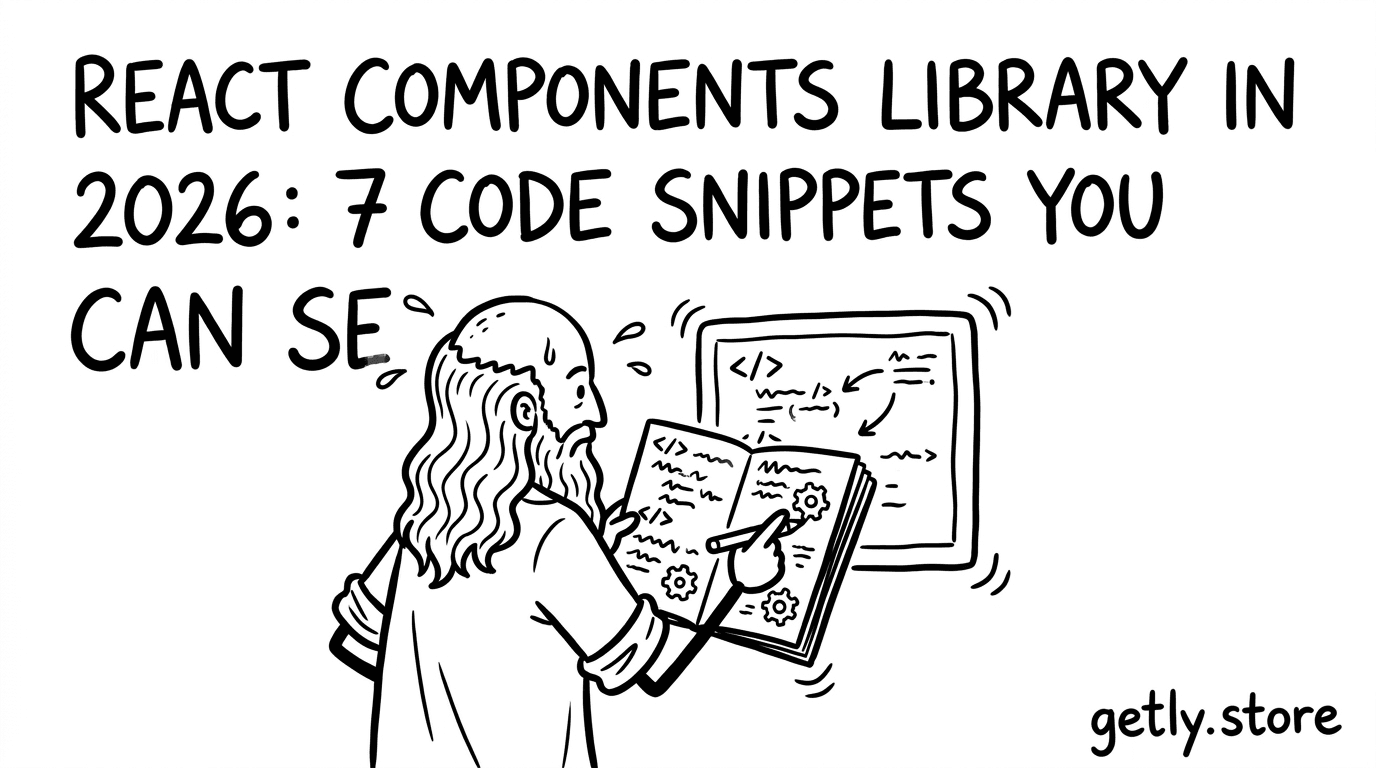
React component libraries sell because developers crave speed: drop-in UI, tested props, and predictable behavior. In 2026, you can package small, specific React snippets into products that feel bigger than the code itself. Below you’ll find seven snippet-ready ideas, plus how to position them for a code snippets marketplace so they convert.
- Sell code online with React snippets that solve a single, high-frequency problem (forms, tables, editors, auth UX).
- Bundle snippet + usage guide + license tiers so buyers know exactly what they can ship.
- Turn “one component” into a mini toolkit by adding types, tests, and customization knobs.
- Offer a “SaaS starter kit” experience by wiring components to common patterns (API loading, pagination, toasts).
- Use clear deliverables: copy-paste code, setup steps, and example usage.
What is a React components library in 2026, and why sell it?
A React components library in 2026 looks less like a huge UI suite and more like a set of reliable building blocks for real workflows. Buyers don’t want 200 components they will never use. They want 5 to 30 components that cover the painful parts of shipping: edge cases, loading states, empty states, and consistent styling.
If you plan to sell code online, you win when your library feels “productized.” That means you ship more than code: you ship clear props, predictable defaults, and examples that remove uncertainty. Developers buy certainty, not just syntax.
Developer tools free can still build paid trust
You can release a small demo or a free “developer tools free” preview while keeping the full component set behind a purchase. This strategy works because you prove behavior first: screenshots, video, and a live sandbox link. Then you sell the complete, documented package.
The marketplace angle matters. In a code snippets marketplace, the seller who explains integration wins faster. A snippet that includes API hooks, state transitions, and usage examples usually outperforms a “here’s a component” listing.
Packaging beats coding volume
One reusable component becomes a sellable product when you add boundaries: input types, theming hooks, accessibility notes, and failure modes. Buyers use those boundaries to adopt your code without rewriting it.
Think like a SaaS starter kit creator. Your goal does not end at the component. Your goal ends when a buyer can ship the component inside a working app with minimal glue code.
How to turn code snippets into sellable React products?
The fastest path from snippet to product starts with a rule: every product must answer “what does it do” in one sentence and “how do I use it” in five steps. When you do that, your React components library stops feeling like a gist and starts feeling like a purchase.
Buyers also want licensing clarity. If you ship multi-license-tier deliverables (personal, commercial, extended), you reduce back-and-forth and you protect yourself when teams scale usage.
Turn one snippet into a mini toolkit
Pick a snippet that solves a specific problem. Then add three things that developers treat as “integration time”:
- Typed props (TypeScript) so API integration stays safe.
- State handling (loading, empty, error, retry).
- Example usage showing a realistic data flow.
Once you do this, you can sell code online as “drop-in components,” even if the underlying logic stays compact.
Write deliverables buyers actually download
Structure your product files so buyers can start without hunting. Include a README with installation steps, prop reference, and a short “common mistakes” section.
Keep your changelog simple. Developers trust listings that show maintenance intent, even when the library stays small.
Pro tip: When you preview your component, show three screens: loading, populated, and error. In a React UI library, those states drive conversion because they reduce buyer risk.
Best 7 React code snippets to sell in a code snippets marketplace
The best code snippets for a React components library marketplace solve recurring workflow problems. The most sellable ones handle edge cases automatically, especially around data fetching, forms, and navigation.
Below are seven snippet-ready ideas. Each one includes a product angle and a “what to ship” checklist so you can turn it into a complete offer.
1) DataTable with controlled pagination and empty states
A DataTable component sells because it removes weeks of glue work: column definitions, sorting toggles, page navigation, empty results, and “no filters” explanations. Buyers often rebuild these from scratch because the last 10% feels annoying.
What to ship: typed column config, controlled pagination props, loading and empty UI, and a clear example using a fake async loader.
- Sorting state hooks (or controlled sorting props).
- Accessible header cells and keyboard navigation basics.
- Optional row click handler with stable keys.
2) FormField suite with validation messages and touched logic
A form snippet that gets touched/dirty/validation states right saves time. Your buyers will care about how the component behaves when users partially fill fields, clear inputs, and blur.
What to ship: a FormField component pattern that accepts validators, displays errors consistently, and supports required/optional labeling.
- Unified error display and “first error” behavior.
- Small helpers for building input components.
- Example: sign-up form with fake async submit state.
3) Auth UX wrapper for password reset and magic links
Auth screens fail in the details. A small React component library snippet that standardizes success banners, resend countdown UX, and async submit states sells well because teams reuse it across auth flows.
What to ship: a reusable AuthPanel that renders title, steps, success/error banners, and action buttons with disabled rules.
- Resend cooldown component (configurable duration).
- OTP input UX (or a container for it).
- Example: magic link flow with “waiting for email” state.
Warning: Avoid shipping components that enable or facilitate credential compromise. If your library touches security-related UX, focus on defensive, user-facing patterns like password reset, not password cracking or bypass workflows.
4) Mention-enabled text editor toolbar (lightweight, not a full editor)
Teams want mentions inside comments, issues, and chat messages. A full rich-text editor library can feel heavy. A lightweight mention-enabled editor snippet often sells better because it targets a narrower job.
What to ship: a MentionInput component with trigger detection, dropdown rendering, keyboard navigation, and “insert mention” logic.
- Config for mention trigger tokens and suggestions source.
- Editable content behavior with stable selection.
- Example: tagging users from a fetched list.
5) File uploader component with progress and resumable-friendly UX
A file uploader is one of the easiest components to sell because the UX details matter: progress bar, cancel button, file type hints, and error mapping.
What to ship: a FileUploader component with controlled callbacks and a UI state machine. Even if you do not implement actual resumable uploads, you can build the UI hooks so buyers plug in their own upload transport.
- Progress UI with deterministic progress updates.
- Validation for size and accepted MIME types.
- Example: simulated upload with timer-based progress.
6) Toast system with queueing and promise-aware actions
Toast notifications sell because developers use them daily, but most teams implement them differently. A promise-aware toast pattern makes your snippet feel like a developer tool, not an isolated UI element.
What to ship: ToastProvider, useToast hook, and a “toast.promise” style helper that binds to async functions.
- Queue ordering rules and max visible count.
- Dismiss handling and escape key support.
- Example: async save button with success and error toasts.
7) Settings panel skeleton for SaaS starter kits
A SettingsPanel layout component converts well because it fits SaaS starter kit workflows: sections, forms, toggles, save/cancel actions, and inline status banners.
What to ship: a SettingsLayout with configurable header, section grouping, and a consistent save action pattern that works with controlled forms.
- Left navigation and section scrolling support.
- Dirty state display and “unsaved changes” pattern.
- Example: billing settings form with fake API calls.
How to package a React snippet as a SaaS starter kit offer
A SaaS starter kit feels like a workflow, not a component. When you package your snippet this way, buyers can integrate it faster and they perceive higher value.
Start with a “starter scenario” in your README: a mini app flow that uses your components together. Even if you keep the code small, you should present it like a working blueprint.
Include one integration path, not five
Buyers hate setup ambiguity. Ship one recommended architecture. For example: React + TypeScript, fetch wrapper, state handling pattern, and a single folder structure.
If you sell code snippets marketplace listings, your images and examples should match the integration path you document. Mismatches create refunds.
Make your props map to real app data
Instead of generic props, tie your inputs to common domain shapes. A Settings panel should accept sections like “billing” or “security.” A DataTable should accept a typed row model and a fetcher.
This level of specificity turns your library into a developer tool. Developers can adapt it without re-learning it.
Success pattern: Sellers who bundle “example pages” (loading, success, error) usually see faster buyer adoption because buyers copy the working flow, then swap their own API calls.
React licensing tiers, pricing logic, and “sell code online” strategy
Licensing determines how you sell code online without blocking legitimate growth. When you define tier boundaries clearly, you reduce misunderstandings with buyers who sell to clients or deploy at scale.
In practice, you can map licensing to distribution scope. Personal licenses fit individual projects. Commercial fits client work. Extended licenses cover broader redistribution or agency usage. Keep the wording simple and place it where buyers can find it before checkout.
Use multi-license-tier deliverables for safer scaling
Multi-license tiers help teams choose confidently. You also avoid a messy conversation after purchase. When you bundle the same code across tiers, you still differentiate by allowed usage scope.
Also, include a “what’s included” section per tier. Buyers should not need to read legal text to understand delivery contents.
Sell fast with bundles and value stacking
Bundles work well for React libraries. You can sell a “UI foundations” bundle that includes your toast system, settings skeleton, and form field suite. Buyers get a coherent mini-stack.
For code snippets marketplace listings, value stacking matters more than individual component hype. Show the bundle screenshot as one product, not three separate downloads.
Where to list and how to display React component value
Listing quality controls conversion. Buyers decide in seconds when your product images answer three questions: what the component does, how it integrates, and what the output looks like.
Even without promoting specific channels, you can follow a marketplace-ready structure: hero screenshot, state screenshots, GIF of interaction, and a README excerpt that lists deliverables.
Structure your listing like a developer tool page
Write your title with the component name and the job it solves. Then add a short “ship checklist” that includes types, examples, and setup steps.
If you sell in a digital-goods marketplace environment, you can also include platform-friendly materials like an embeddable buy link or product widget so your own landing pages convert.
Pro tip: Add a “Props you must know” block to your README. When buyers see the exact prop names they need for integration, they download faster.
Use Getly-style product thinking without overcomplicating it
Digital goods marketplaces reward clear deliverables and fast downloads. A well-scoped React components library fits that model because you can deliver code instantly and keep support focused on documentation quality.
If you want cross-sells, you can reference adjacent products that match your buyer profile. For example, a buyer building a dev workflow might also browse templates or selling assets. Keep those add-ons relevant to React and developer tooling.
- Website selling can complement a dev-first product page strategy.
- Office 365 Pro Plus Lifetime Account fits some “creator productivity” bundles, but only if your audience overlaps.
- 1 Month 1 Connection Subscription may fit growth-focused creator bundles when it matches your niche.
Choose links only when they help the buyer’s next step. Relevance beats volume every time.
FAQ about selling React components and code snippets
How do I create a React components library product from a single snippet?
Wrap the snippet with typed props, a predictable state model (loading, empty, error), and at least one end-to-end example page. Add a README that includes install steps, prop reference, and a “copy these files” checklist.
That structure turns a snippet into a product because it reduces integration time.
What should I include so buyers trust the code?
Show usage examples, explain edge cases, and provide a small set of configuration knobs. Include screenshots or short demos for each key state so buyers can validate behavior before they integrate.
Trust comes from documentation that matches what the code actually does.
Can I sell developer tools free and still make money?
Yes. You can release a limited preview, such as one component or a demo app, while selling the full library with complete examples and documentation. This approach works because it proves quality first.
Keep the paid version more complete than the free preview.
How do licensing tiers affect downloads and support?
Clear licensing tiers reduce buyer confusion and lower support requests. Buyers choose the scope that matches their distribution needs, so you spend less time explaining what they can ship.
Put the “what’s allowed” summary where buyers can see it quickly.
What makes React snippet listings rank and convert?
Listings convert when your title and first paragraph state the exact problem the component solves. They rank better when you include structured deliverables like typed props, integration steps, and example flows.
Consistent state handling (loading, empty, error) stands out because it’s rare in free snippets.
- Pick small React problems that appear in nearly every SaaS app: tables, forms, settings, uploaders, toasts.
- Ship a mini toolkit with types, state handling, and examples, not just code.
- Use licensing tiers to make “sell code online” straightforward for buyers and agencies.
- Present deliverables with screenshots that show loading and error states.
If you want one practical next step, choose a single snippet idea from the seven above and write a README that makes integration take under 30 minutes. Once you have that, package the code, examples, and licensing into a clean digital product listing.
Getly Sellers Team