Getly
Getly
Next.js templates in 2026 sell best when they feel like a product, not a pile of files. If you build a React components library, you can package it into clear, reusable Next.js templates and ship it through a code-and-development storefront buyers understand. This guide walks you through what to build, how to structure licenses, and how to market your templates as a “developer tool” that saves time.
Even if you never touch marketplaces, you will get practical rules you can apply today: document the component API like an SDK, ship repeatable examples, and reduce buyer uncertainty with testable install steps. That combination drives conversion for developer tools, code snippets marketplace listings, and reusable UI libraries.
- Package React components library code as Next.js templates with an install flow buyers can complete in one sitting.
- Use multi-license tiers so teams can adopt your components without “license confusion.”
- Ship real examples that map to common tasks: auth UI, dashboards, landing pages, and forms.
- Write docs like a developer tool. Reduce questions by showing API usage, props, and edge cases.
- Bundle related snippets so buyers get a workflow, not isolated files.
What is a React components library for Next.js templates?
A React components library for Next.js templates is a reusable set of UI building blocks (components, hooks, and styles) designed to work inside Next.js apps. You publish it with example pages so buyers can copy patterns, not just import isolated components. In 2026, buyers expect a library to behave like a developer tool: predictable props, consistent structure, and documentation that matches real usage.
When you package that library as “Next.js templates,” you turn the library into an end-to-end starting point. A template typically includes app structure (routes, layout, styling system), plus the components plugged into working screens. That “works out of the box” feeling matters because most code snippet marketplace listings fail at onboarding friction.
Library vs template: what buyers actually pay for
Buyers rarely pay for raw code alone. They pay for speed to first working screen. A template signals readiness: navigation, layout, and example usage exist, so developers can adapt quickly.
Use this rule of thumb: if a buyer can install your code and render a page in under an hour, you sell a template experience. If they must assemble routing, styling, and examples themselves, you sell a library. You can sell both, but the listing should clearly tell them which experience they get.
Core components that translate into “developer tool” value
Build components around tasks developers repeat weekly. Common winners include form kits, layout systems, data tables, modal and dialog patterns, navigation, and UI primitives that handle accessibility states.
For a Next.js-focused library, also ship patterns that fit Next.js conventions, like page-level examples, app router or pages router guidance (based on your template target), and guidance for environment variables if you include integrations.
Pro tip: Treat your component props like an API. Include prop types, defaults, and “what I use this for” notes in the docs. Buyers trust libraries that read like official documentation.
How to sell code online with Next.js templates that convert
To sell code online with Next.js templates, you must reduce uncertainty at purchase time. Buyers convert when your listing answers four questions quickly: what it installs, what it includes, how to use it, and what restrictions apply. That structure beats generic descriptions because developers skim and decide fast.
Use a consistent listing template across products. Developers like predictable information. They also search by exact terms: “React components library,” “Next.js templates,” “code snippet marketplace,” and “developer tools free.” If your page content matches those phrases, you capture both search and buyer intent.
Build your “minimum viable template” checklist
Start with a set of screens that prove your components work together. Then keep scope tight so you can document every part.
- One install path with copy-paste commands.
- A single landing or dashboard page that uses multiple components.
- At least one form flow example with validation states.
- Navigation or layout wrapper that demonstrates styling consistency.
- Error and loading UI examples for async states.
- Documentation showing import paths and component props.
Once you satisfy that checklist, you can branch into deeper use cases: admin views, marketing pages, or specialized UI kits. Your template becomes a starting point for real projects, not a demo.
Turn “code snippets marketplace” expectations into deliverables
A code snippets marketplace listing performs best when you ship “snippets that fit,” meaning they integrate into a running app. In practice, you package your components plus example usage, not just individual files.
Group content into sections: UI components, hooks, utilities, and examples. Add a short “integration guide” so buyers understand how to connect your library to their Next.js app setup.
Common mistake: Uploading a library without a working Next.js page example. Buyers then spend time assembling routing and styling, which kills conversion and drives refund requests.
How to package React components library code for online sales
Packaging React components library code means you deliver it in a way buyers can adopt immediately. In 2026, that means clear folder structure, predictable exports, and documentation that mirrors how developers integrate libraries. You also want to package templates so buyers can reuse components and remix layouts.
Think like a maintainer. If another developer can fork your setup, understand it, and extend it without guesswork, your product behaves like a developer tool. That behavior supports repeat purchases when buyers look for more templates from you.
Recommended folder structure and exports
Even small libraries benefit from a consistent export strategy. Use a top-level index that re-exports your public components so buyers import from a single module. Keep internal helpers separate so buyers do not rely on unstable paths.
In docs, show import examples and explain what each component does and which props matter. Developers forgive missing features more easily than missing usage instructions.
Documentation that acts like onboarding
A developer tools page should include a quickstart, configuration notes, and a props reference. You do not need a massive wiki, but you must cover the “first 20 minutes” path.
- Quickstart: install and run.
- Usage: how to import and place components in Next.js pages.
- Props: required vs optional props, defaults, and examples.
- Customization: theming, styling overrides, and className patterns.
- Known limitations: state management assumptions, async patterns, browser constraints.
When documentation matches the actual shipped code, buyers feel safe. That safety reduces pre-sales questions and increases downloads.
Success pattern: The best-performing template kits ship one “core page” plus a component gallery. The core page proves integration, and the gallery shows every component in isolation so buyers can scan quickly.
Best licensing tiers to sell Next.js templates and code
The best licensing tiers for Next.js templates and a React components library let buyers choose how they will use your code. Developers care about clarity because licensing confusion blocks adoption in teams. Multi-license tiers also let you price for personal projects and commercial deployments without redoing the product.
You should structure licenses around usage scope: where buyers can deploy, what type of end product they ship, and whether they can redistribute parts of your library. Then mirror that scope in your listing so buyers never have to guess.
How to map license tiers to buyer behavior
Common buyer categories include individual developers, small studios, and companies shipping customer-facing apps. Each category values different rights: more permissive commercial tiers for shipping, tighter restrictions for distributing the raw code.
Define tiers with names developers recognize and keep rules consistent across products. If you rename the same tier differently across listings, buyers interpret it as a different contract.
A simple license rule set developers understand
You can keep licensing rules readable with consistent categories:
- Personal: learning and non-commercial usage.
- Commercial: client work and commercial products.
- Extended: broader usage, often including multi-seat teams.
- Editorial or template customization: using your template as a base while not redistributing the original source.
Then write a short “what you can do” and “what you cannot do” section. Keep it concise. Developers want clarity more than legal theater.
| Tier | Best for | Usage focus | Listing language buyers expect |
|---|---|---|---|
| Personal | Solo devs | Learning, prototypes | Non-commercial projects, personal sites |
| Commercial | Freelancers and studios | Client and shipped apps | Commercial deployment allowed |
| Extended | Teams | Wider internal or client coverage | Expanded seats or broader client usage |
How to market Next.js templates with code examples buyers trust
Marketing Next.js templates in 2026 means showing proof through code examples. Developers trust repos that run and documentation that matches the shipped behavior. Your goal is to help them picture their own app using your components within minutes, not hours.
Use a “preview that teaches” approach. Each preview should demonstrate one capability, like filtering rows in a table, toggling a modal with accessible states, or reusing a layout wrapper across pages.
What to include in your preview package
Even without a full live demo, you can still communicate value. Include the right artifacts so buyers can validate fit.
- Screenshots of the core page and the component gallery.
- A short GIF or recorded walkthrough of component states.
- A README snippet showing installation and first import.
- Example data or mock configs if your components need it.
- Changelog-style notes for what you fixed or improved.
Then write the listing with developer scanning behavior in mind: headings, quickstart blocks, and bullet points that summarize integration steps.
Pricing signals for developer tools and template kits
Price is less important than perceived effort saved. Buyers often compare your package against the time required to build similar UI components, wire up routing, and write documentation.
To make your pricing feel justified, quantify scope in your description: number of components, number of pages, and quality of documentation. Do not exaggerate. A smaller, well-documented kit often converts better than a large but confusing one.
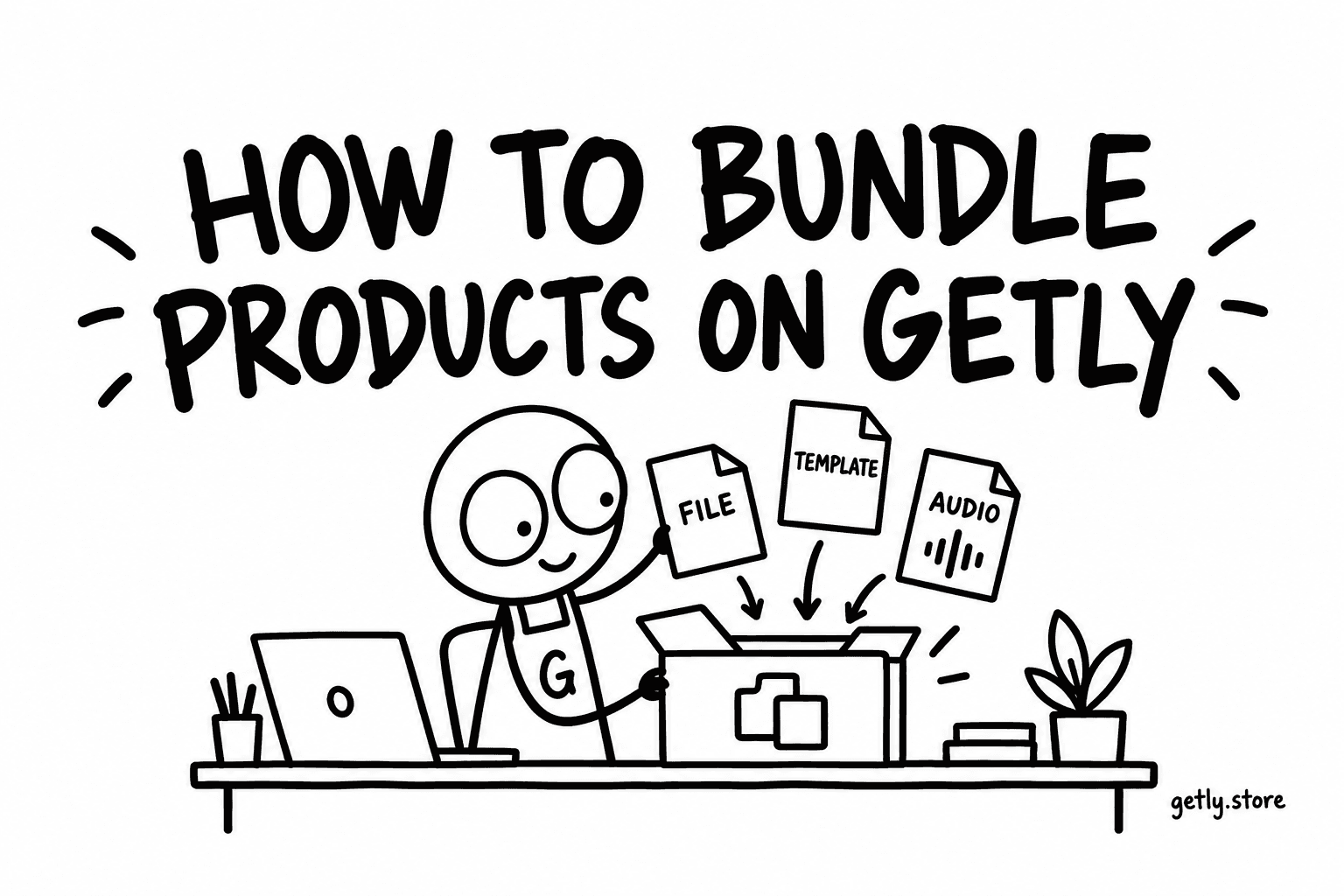
If you sell multiple products, consider bundling related assets into workflows. Bundles reduce buyer friction because they can grab a full stack of components and templates in one download.
How Getly helps creators sell developer tools and code online
Getly.store supports digital goods only, so you can sell code-based assets like templates and component libraries without managing fulfillment. The platform organizes content across 678 product categories in 17 verticals, which makes it easier for buyers to discover code and development tools by intent.
For creators, Getly’s revenue model keeps the majority of sales with sellers. Sellers keep 80% by default, and new stores can earn 90% for the first 90 days after creation. If you collaborate on a product, Getly also supports co-authored revenue splits.
Payments, downloads, and the “buyer trust” baseline
Getly accepts card payments via Stripe Checkout and crypto stablecoins (USDT or USDC) through NOWPayments. It supports Ethereum, Tron, BSC (BNB Smart Chain), Polygon, and Solana networks for stablecoin transactions. You also get free-product checkout for $0 listings, which lets you test demand without upfront listing costs.
On downloads, Getly offers a buyer-facing subscription called Getly Pro that provides unlimited downloads for products that sellers opt into the Pro catalog. That model can help increase exposure for templates and component libraries when your product fits continuous developer learning.
Seller operations you should plan for before launch
Make payout timing part of your launch plan. Getly payouts follow a predictable schedule: the 1st and the 15th of each month at 03:00 UTC. Sales then pay out roughly a month later based on when the sale occurs in the monthly window.
Also plan your documentation and license tiers because Getly supports multi-license tiers per product. Clear licensing reduces buyer confusion and protects your support time when teams purchase for commercial usage.
Pro tip: Ship a “license summary” section in your product description. Developers scan that first, then decide. It reduces refunds triggered by usage uncertainty.
To see what good digital product pages look like, you can review existing marketplace listings across other niches. For example, you might study how creators present structured deliverables and usage context in products like Escape the Paycheck Trap or documentation-heavy media formats like Product Title AI Text Animation Mastery: Create Viral Videos Without Showing Your Face. The takeaway applies to code libraries too: clear value, structured deliverables, and easy-to-skim copy.
FAQ: Next.js templates and selling a React components library in 2026
How do I sell code online if my template is just React components?
You sell code online by packaging your components with a runnable Next.js experience. Add at least one working page that imports your components, plus a quickstart README. Buyers pay for integration speed, not file dumps.
What makes a React components library “template-ready”?
A template-ready library includes examples that demonstrate real integration: layout wrappers, navigation or routing structure, and loading or error states. Your docs should show exact import paths and required props.
Should I offer developer tools free alongside paid Next.js templates?
Offer “developer tools free” only if the free version proves the value of the paid one. For example, give a minimal component subset or a snippet set, then charge for the complete template, full examples, and documentation. This approach keeps the free download from cannibalizing revenue.
How do multi-license tiers reduce customer confusion?
Multi-license tiers match common buyer scenarios like personal projects versus commercial deployments. When your listing explains what each tier permits, teams can adopt your React components library without internal licensing debates.
Do I need KYC to receive payouts?
You do not need to submit KYC “to Getly.” Getly does not collect KYC documents. If you choose Stripe Connect for fiat payouts, Stripe handles identity verification during onboarding. If you choose crypto stablecoin payouts, no KYC is required.
- A Next.js template product sells best when it runs and teaches onboarding.
- Documentation and examples drive trust more than feature lists.
- Multi-license tiers help teams buy faster for real deployments.
- Plan for predictable payout timing and clear delivery scope.
If you want to ship your first Next.js templates in 2026, start by turning one reusable UI flow into a full, documented page plus a component gallery. Then package it as a developer tool, not a code dump. When your integration feels effortless, you will have the foundation to expand into a larger React components library catalog.
If you have a product idea and want to turn it into a structured listing, browse Getly’s marketplace and pick a format that matches your deliverables. A clean first launch often beats a perfect second version.
Getly Sellers Team