Getly
GetlyBlender Add-ons
Shader Bridge — Convert Blender Materials to Unity Shader Graph & Unreal
Blender materials to Unity URP Shader Graph: values, textures and baked procedurals and toon, checked by rendering in Unity 6000.4. Also writes Unity ShaderLab and Unreal T3D files.
Product Description
Shader Bridge — Convert Blender Materials to Unity Shader Graph & Unreal
Blender materials to Unity URP Shader Graph: your values, image textures, baked procedurals and baked toon — checked by rendering in Unity 6000.4. Also writes Unity ShaderLab and Unreal T3D files (not verified in those engines).
Why Shader Bridge
Manual shader rebuilding burns hours per asset. Existing converters either dump every Blender node verbatim (which the engine can't compile) or summarise the material into a single Principled BSDF and lose all the detail.
Shader Bridge takes a middle path: it converts what the engine has a real equivalent for, bakes what it doesn't, and writes the result as a Shader Graph Unity opens, compiles and renders.
Features
Targets
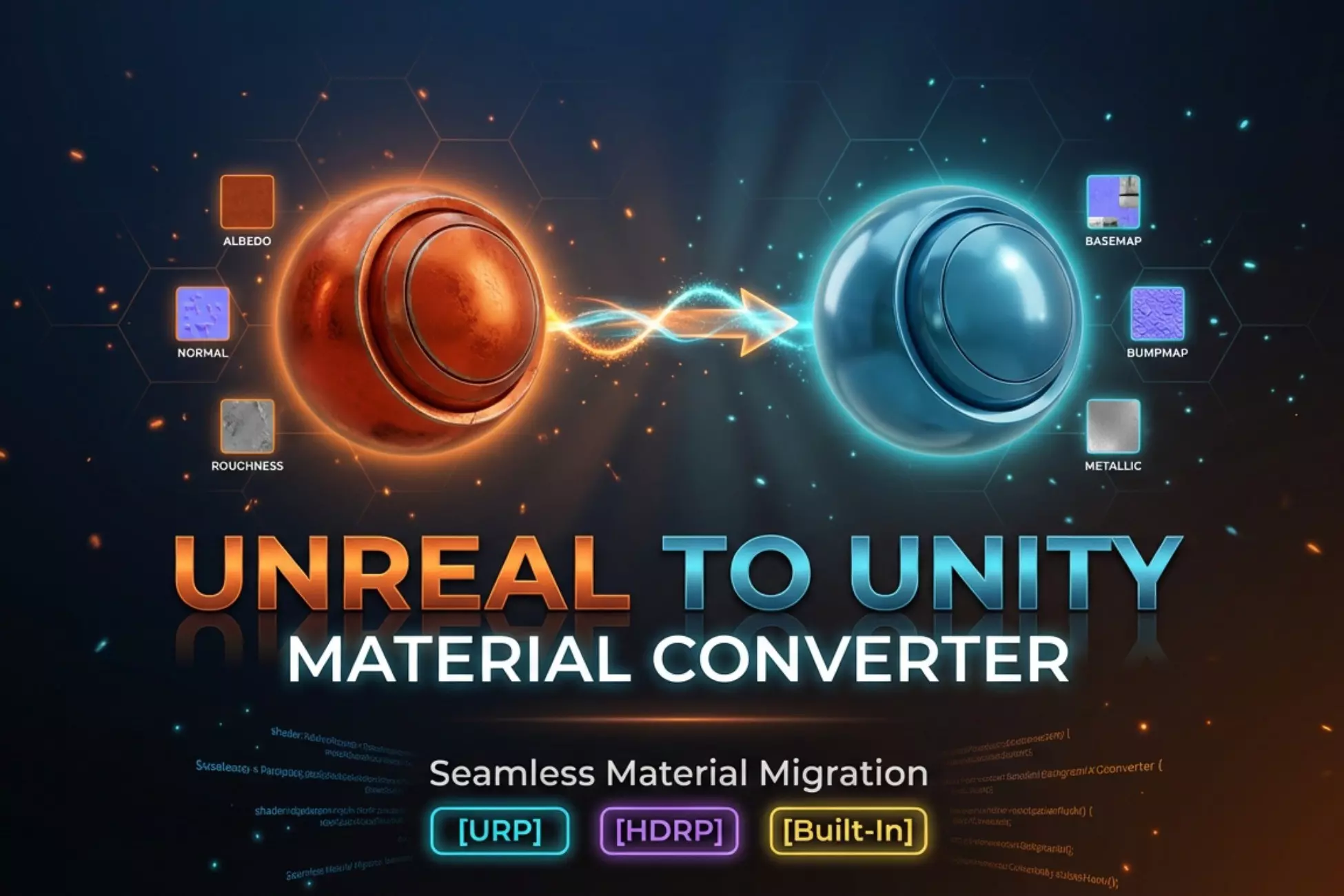
- Unity URP — .shadergraph (Universal Lit target; Unlit for Emission and baked toon). Verified in Unity 6000.4.
- Unity HDRP — not supported yet. The option is labelled so in the add-on; it writes a URP graph, which an HDRP project does not render.
- Unity Built-in — .shader (ShaderLab surface shader); not verified in Unity
- Unreal Engine — .t3d text file; not verified in Unreal. Only expressions wired directly into a material pin are connected, and baked textures are not referenced in it
What reaches Unity (URP), node by node
- As properties and blocks: the surface shader's own values — Base Color, Metallic, Roughness (converted to Smoothness), Alpha, Emission Color × Strength — and an Image Texture wired directly into one of those inputs
- Baked to a texture: Noise, Voronoi, Wave, Musgrave, Color Ramp, Shader To RGB toon chains, unknown node types
- Not carried yet: Math, Mix / MixRGB, Fresnel, Normal Map, Bump, Mapping, Texture Coordinate, Separate / Combine, Clamp, Invert, Vector Math, and anything reaching the surface only through them. Texture Mapping / UV transforms are not applied, and normal maps and bump do not reach the Normal input
Six supported root shaders (v1.1)
- Principled BSDF — direct conversion
- Emission — becomes a Unity Unlit graph, colour = Emission Color × Strength
- Diffuse BSDF — metallic = 0, specular = 0
- Glossy BSDF — metallic = 1
- Glass BSDF — transmission = 1, IOR copied
- Transparent BSDF — alpha = 0, transmission = 1
Smart traversal
- Mix Shader / Add Shader passthrough — picks the dominant branch by Fac value; the other branch is not exported
- NodeGroup auto-traversal — enters custom node groups via GROUP_OUTPUT, no need to ungroup first
- Reroute transparency — hops through reroute nodes cleanly, ignores dangling links
Procedural baker
- Noise / Voronoi / Wave / Musgrave become real textures
- Your material, selection and render settings are restored whether the bake succeeds or not; a failed bake stops the export with the reason
- Only the active mesh is baked — a camera or light selected with it does not break the bake
Diagnostic Conversion Report
- Accurate supported / unsupported counts
- root_kind field — tells you whether the master ended up as PRINCIPLED / EMISSION / DIFFUSE / GLOSSY / GLASS / TRANSPARENT / ADD_SHADER
- Plain-English error messages for Use Nodes disabled, missing Material Output, unconnected Surface — no more Supported: 0 / Unsupported: 0 mystery
Real IR-driven emitters
- Values you typed arrive as material properties with your Blender values as defaults
- Textures are pre-assigned in Unity through a .meta written next to each PNG (format taken from Unity 6)
Viewport approximation
- One-click EEVEE preview tuned to the engine's look (Unity Filmic, Unreal ACES-style)
- Auto-detects EEVEE Next on Blender 4.2+
Toon (Shader To RGB) as a baked texture
- The lit colour is baked with your Blender lights and run through your Color Ramp — the bands arrive in Unity as one texture on an unlit Shader Graph
- The bands are baked: they stay where the Blender light put them and do not react to lights in Unity. Toon shading driven by Unity's lights needs a Unity-side toon shader, which Shader Bridge does not generate
Compatibility
- Blender: 4.2 and later — checked on 4.2.9, 5.1.0 and 5.2.0
- Unity: URP checked on Unity 6000.4 (Shader Graph 17.4); older Unity versions were not tested
- Unreal Engine: the .t3d file was not verified in Unreal
What you get
- Shader Bridge add-on (Python only, no DLL)
- README with full quick-start guide
- Free updates for v1.x
- Support through marketplace messaging
Install
Edit → Preferences → Add-ons → Install... → pick the add-on zip → enable. Press N in the 3D Viewport. Sidebar tab: ShaderBridge.
No external Python packages or DLLs required.
License
GPL-3.0. Standard for Blender add-ons. The license applies to the add-on code only — the shaders you generate with it are yours to ship in any commercial project.
What's new in v1.2.4
Toon materials now reach Unity with their bands. Cycles does not evaluate Shader To RGB, so the previous bake produced one flat colour and a cel-shaded sphere rendered black in Unity. The lit colour is now baked first and run through your ramp. Checked on a toon sphere in Unity 6000.4 URP in five setups: 99.8–99.9 % of the pixels land on the same band as in Blender. The bands are baked, so they do not react to lights in Unity; toon shading driven by Unity's own lights needs a Unity-side toon shader, which Shader Bridge does not generate.
Emission textures are connected. A texture feeding an Emission shader was written into the graph and wired to nothing. Emission shaders, and a colour wired straight into Surface, now export as Unity Unlit graphs — the way Blender renders them.
A failed bake no longer damages your material. With a camera selected together with the mesh, the bake stopped halfway, the material was left rewired and the add-on still reported success. The material, selection and render settings are now restored in every case, only the active mesh is baked, the export stops with the reason, and Undo works.
Textures are pre-assigned in Unity. Each exported PNG gets a .meta file, and the graph uses that texture as the property's default, so a new material already shows its maps. An existing .meta is reused, never overwritten.
Honest targets. HDRP was never supported — the file has always been a URP graph. The option is now labelled so, and the export says it. The Auto Channel Pack toggle is hidden: the baker writes colour maps only, so it only ever produced a file of defaults.
What's new in v1.2.3
The shader now arrives usable, not just compiling. Three things were wrong and all three were reported by a buyer rather than found by us.
Every texture property was declared as a normal map. Unity answered with "This texture is not marked as a normal map — Fix Now" on a plain colour texture. The property type is now taken from what the texture is; the value was calibrated against 253 texture properties in Unity's own shipped graphs, where 0 means a colour map and 3 means a normal map and nothing else.
Texture properties were named after the Blender node, not the image. Every one of them was called "Image Texture", so the exported UVGridTex.png beside the graph could not be matched to the slot it belonged in — the shader came up with no texture applied. Properties now carry the image name.
There were no controls in the material inspector. The values were baked into the graph and could only be changed by opening it. Base Color, Metallic, Smoothness and Alpha are now exposed as properties, with your Blender values as their defaults; where a texture drives an input, the knob for it is correctly absent.
All of this is now measured end to end, not inspected: the exported graph is imported into a real Unity editor, a material is built from it, the exported textures are bound by name, and the material is rendered. The rendered colour is compared with the texture it should be showing. On the previous version that check raises eight complaints, including the yellow UV grid rendering as the default grey; on this one, none.
What's new in v1.2.2
The material you built is now the material that arrives. Until this version only connected inputs were exported: anything you typed as a number was dropped and replaced by a default. A metal with Metallic 1.0 and Roughness 0.2 reached Unity as Metallic 0.0 and Smoothness 0.5, and reached Unreal as a completely empty material — four of seven test materials exported with not a single expression in the file.
Roughness is now converted rather than renamed. Unity stores smoothness, Blender stores roughness, and they are opposites: without the conversion a mirror metal arrived matte. Measured: Roughness 0.2 now becomes Smoothness 0.8.
On the Unreal side three more things are fixed. Every material was called M_Material regardless of its name in Blender — it now carries its own. A texture node with no image was written out with an empty reference and wired to Normal, so the normal map silently did nothing; a normal map now takes the image from the texture feeding it. And an unconnected Normal is left alone instead of being pinned to a degenerate constant.
Measured before and after on seven materials: empty Unreal materials 4 → 0, wrong material names 7 → 0, dead texture references 1 → 0.
What's new in v1.2.1
Every exported graph imported into Unity and then failed to compile, so every material came out pink. The error was invalid subscript 'TangentSpaceNormal', reported three times per shader, in the vertex program.
The cause: a shader graph has two blocks that use the same slot class but different coordinate spaces — the vertex Normal block is object space, the surface Normal (Tangent Space) block is tangent space. The exporter decided the space from the slot class instead of from the block, so the vertex block was written as tangent space. An unconnected tangent-space normal slot asks Unity for TangentSpaceNormal in the vertex stage, where no such value exists, and the shader stops compiling.
Measured before and after on seven materials — plain, metal, glass, image texture, normal map, bump, UV transform. Before: 18 of 22 compiled stages failed on every one of them. After: 22 of 22 compile, zero errors, on Unity 6000.4 with URP.
Two checks were added, because the ones we had passed the broken files. The format checker now reads the required coordinate space of each block out of Unity's own shipped graphs and compares — it reddens on all seven broken files and passes all seven fixed ones. And a second check now imports the exported graphs into a real Unity editor and compiles every pass of every shader, which is the thing that was never being asked. Note for anyone doing the same: ShaderUtil.ShaderHasError returns false in batch mode even on a shader that cannot compile, because variants are not built until something asks for them.
What's new in v1.2.0
- Unity files are now written in the format Unity reads. Earlier versions wrote a single JSON object with the nodes nested inside it. A real Shader Graph file is a stream of separate objects that reference each other by id, the surface is described by blocks rather than by a master node, and the render pipeline is named by a target object. Files produced before this version were not importable by URP. Re-export your materials and the new files will open.
- Toon setups arrive as a baked texture. Shader To RGB is an EEVEE-only trick and Unity has no equivalent, so a toon material used to land in the graph as a note saying so. Anything the target engine cannot express is now baked and wired in as a map. The same rule covers procedural textures and colour ramps.
- Channel packing no longer fails as soon as there is something to pack.
- Baking no longer fails when the blend file has never been saved.
- Verified by importing the exported files into Unity 6000.4 with URP: both a PBR material and a toon material compile into a shader with no errors.
What's new in v1.1.1
- Export tells you what is wrong. A failed export used to say "Check warnings above" and leave you looking for a log. It now names the reason in the error itself — for example, that no export folder is set and the .blend has never been saved.
- The panel warns before you press. With no export folder and an unsaved file, the Export section says so up front instead of letting the button fail.
- Multiple material slots are no longer silent. ShaderBridge exports the active material; on an object with several slots it now reports how many there are and which one was written, so nothing goes missing without a word.
What's new in v1.1.0
- Stylised root shaders supported: Emission, Diffuse, Glossy, Glass, Transparent now accepted as Material Output sources
- Mix Shader / Add Shader passthrough with dominant-branch selection
- NodeGroup auto-traversal via GROUP_OUTPUT — works with materials from BlenderKit / Poliigon / Quixel that wrap their guts in a custom group
- Diagnostic Conversion Report — accurate counts plus a root_kind indicator
- Plain-English error messages with concrete fixes for Use Nodes disabled, missing Material Output, unconnected Surface
What you get
2 files · 177.02 KB
- shader_bridge_v1_2_4.zipZIP · 99.9 KB
- shader_bridge_v1_1_0.zipZIP · 77.12 KB
Blender Add-ons
Shader Bridge — Convert Blender Materials to Unity Shader Graph & Unreal
Blender materials to Unity URP Shader Graph: values, textures and baked procedurals and toon, checked by rendering in Unity 6000.4. Also writes Unity ShaderLab and Unreal T3D files.
Tags
Frequently asked questions
Do I get access instantly?
Yes. This is a digital product - you can download it right after checkout, straight from your library.
Can I use it for commercial projects?
Licence terms are set by the seller. Check the product description before you buy - it states any limits on personal, commercial or client use.
What's your refund policy?
You're covered by a 30-day money-back guarantee. If something isn't right, request a refund from your order and the Getly team reviews it.
What file formats and sizes will I get?
You'll download 2 files - ZIP - 177.02 KB in total.
Do I get free updates?
Yes - when the seller ships a new version, you can re-download the latest files from your library at no extra cost. Check the changelog for recent updates.
Price
$9.99