Getly
GetlyBlender Add-ons
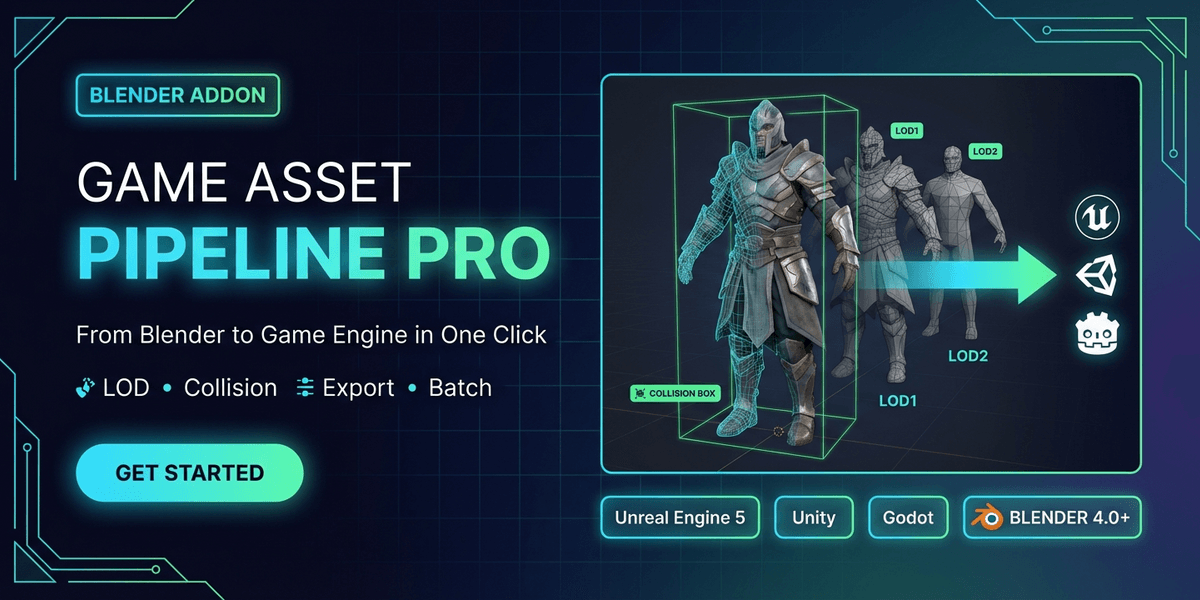
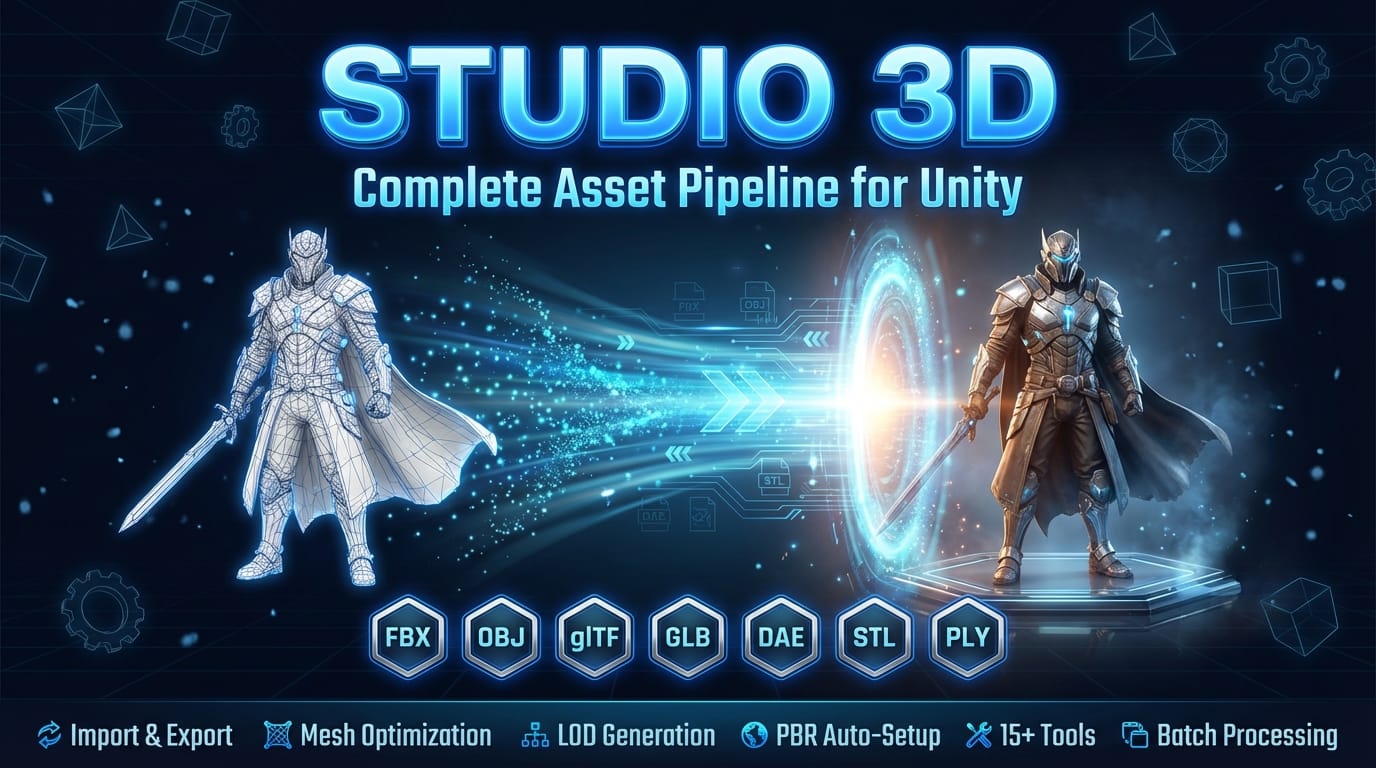
GameBridge Pro — One-Click Blender Export to Unity, Unreal & Godot
Correct axes, correct naming, collision meshes, validation, and FBX/GLB export — all behind a single button. Built for real game pipelines.
Product Description
GameBridge Pro — One Export Panel for Unity, Unreal and Godot
Naming conventions, collision shapes, mesh validation and PBR baking — settled inside Blender, before the asset ever reaches the engine.
Why GameBridge Pro
Every engine wants the asset a little differently. Unreal wants a prefix on the name and a collision shape it can recognise. Unity wants a different capitalisation and a different scale. Godot wants a suffix on the collider and its own idea of what a static body is. The work itself is not hard — it is just done by hand, on every asset, and forgotten on the one that ships.
GameBridge Pro puts that whole checklist into one sidebar panel: pick the engine, and naming, collision and export settings follow. Nothing is guessed on your behalf — the panel shows what it will rename before it renames anything.
What it does
Naming conventions per engine
- Unreal: prefixes for static and skeletal meshes, PascalCase
- Unity: PascalCase
- Godot: snake_case
- Preview Naming shows every old name beside its new one, so you approve the rename instead of discovering it
Collision that the engine will recognise
- Generate Collision builds the shape and names it the way your engine expects
- Box, sphere, capsule and convex shapes, coloured in the viewport so a collider is never mistaken for geometry
- Remove Collision takes them back out in one press
Validation before export, not after
- Missing UVs, n-gons, non-manifold edges, zero-area faces, flipped normals, bone-influence limits
- Each check can be switched off — the panel reports what it looked at, not only what it found
PBR baking on the way out
- Bake PBR Maps for base colour, roughness, metallic, normal and ambient occlusion
- Apply modifiers and transforms as part of the export step, so what the engine loads is what you saw
Requires
Blender 3.0 or newer. Tested through 5.2. Windows, macOS and Linux. No external downloads, no accounts, no network access — the add-on is self-contained.
Licence
GPL, as required for Blender add-ons.
What you get
3 files · 143.48 KB
- gamebridge_pro_v1_0_2.zipZIP · 47.34 KB
- gamebridge_pro_v1_0_1.zipZIP · 47.12 KB
- gamebridge_pro_v1_0_0.zipZIP · 49.02 KB
Blender Add-ons
GameBridge Pro — One-Click Blender Export to Unity, Unreal & Godot
Correct axes, correct naming, collision meshes, validation, and FBX/GLB export — all behind a single button. Built for real game pipelines.
Tags
Frequently asked questions
Do I get access instantly?
Yes. This is a digital product - you can download it right after checkout, straight from your library.
Can I use it for commercial projects?
Licence terms are set by the seller. Check the product description before you buy - it states any limits on personal, commercial or client use.
What's your refund policy?
You're covered by a 30-day money-back guarantee. If something isn't right, request a refund from your order and the Getly team reviews it.
What file formats and sizes will I get?
You'll download 3 files - ZIP - 143.48 KB in total.
Do I get free updates?
Yes - when the seller ships a new version, you can re-download the latest files from your library at no extra cost. Check the changelog for recent updates.
Price
$9.99