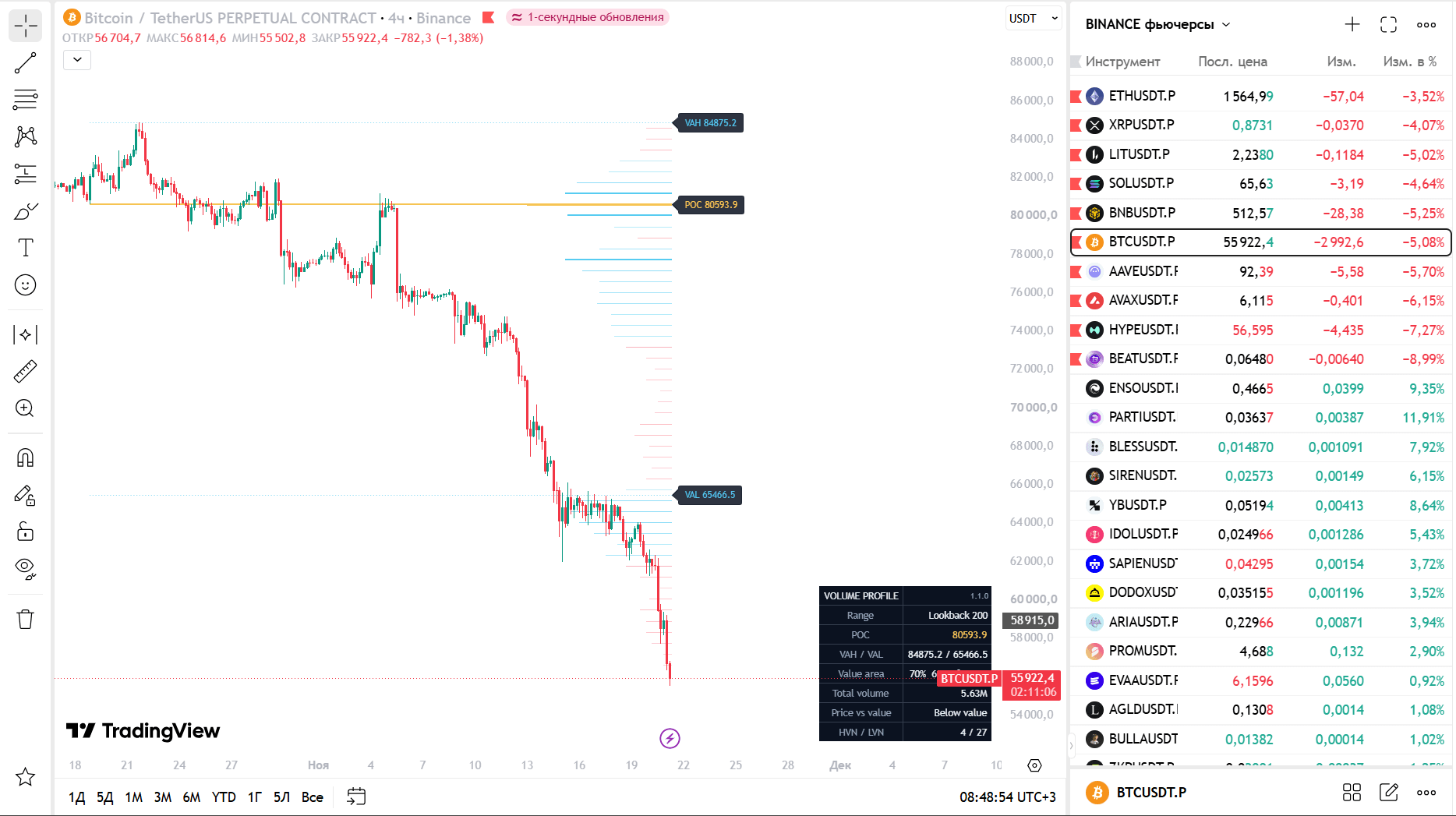
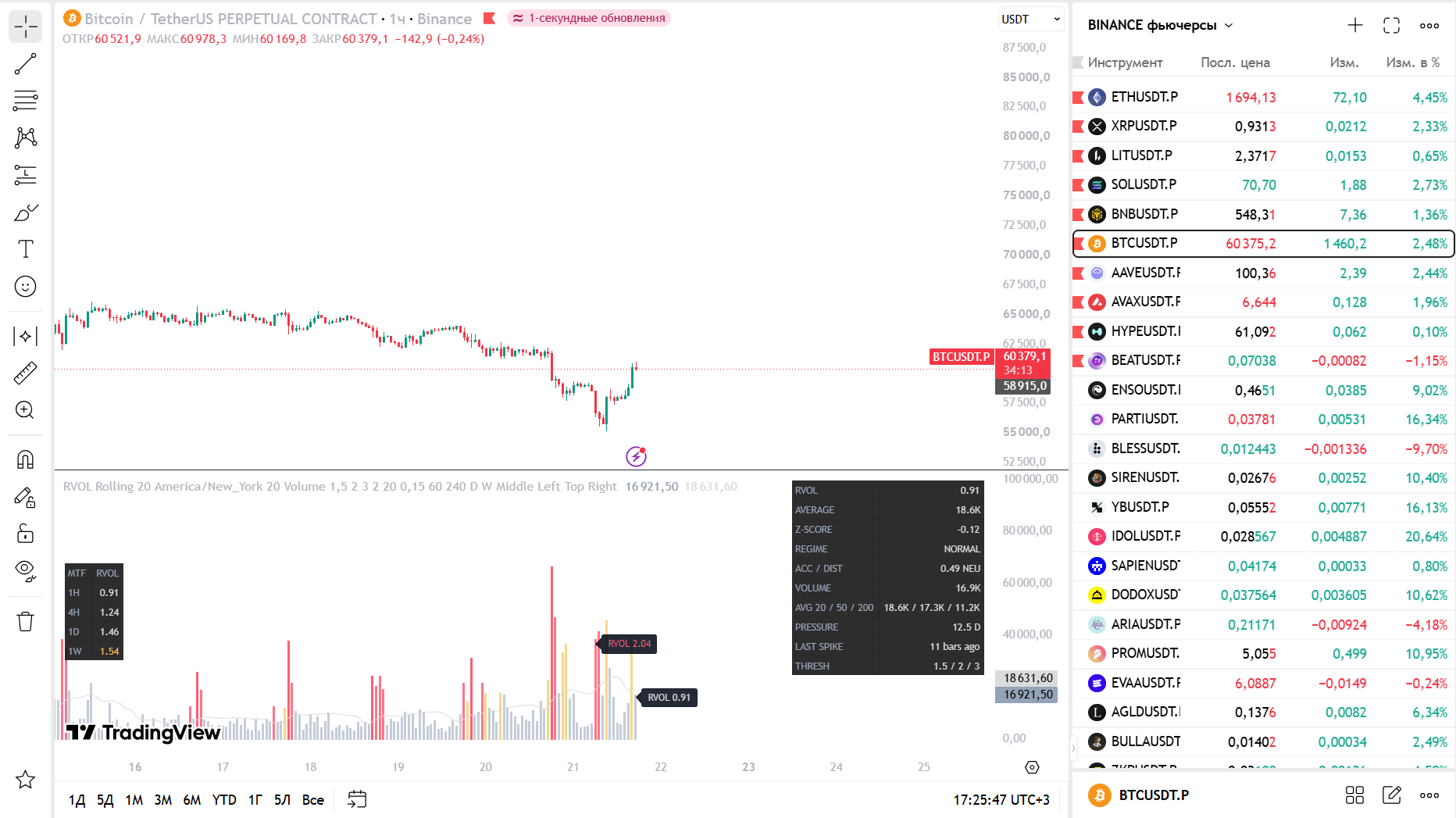
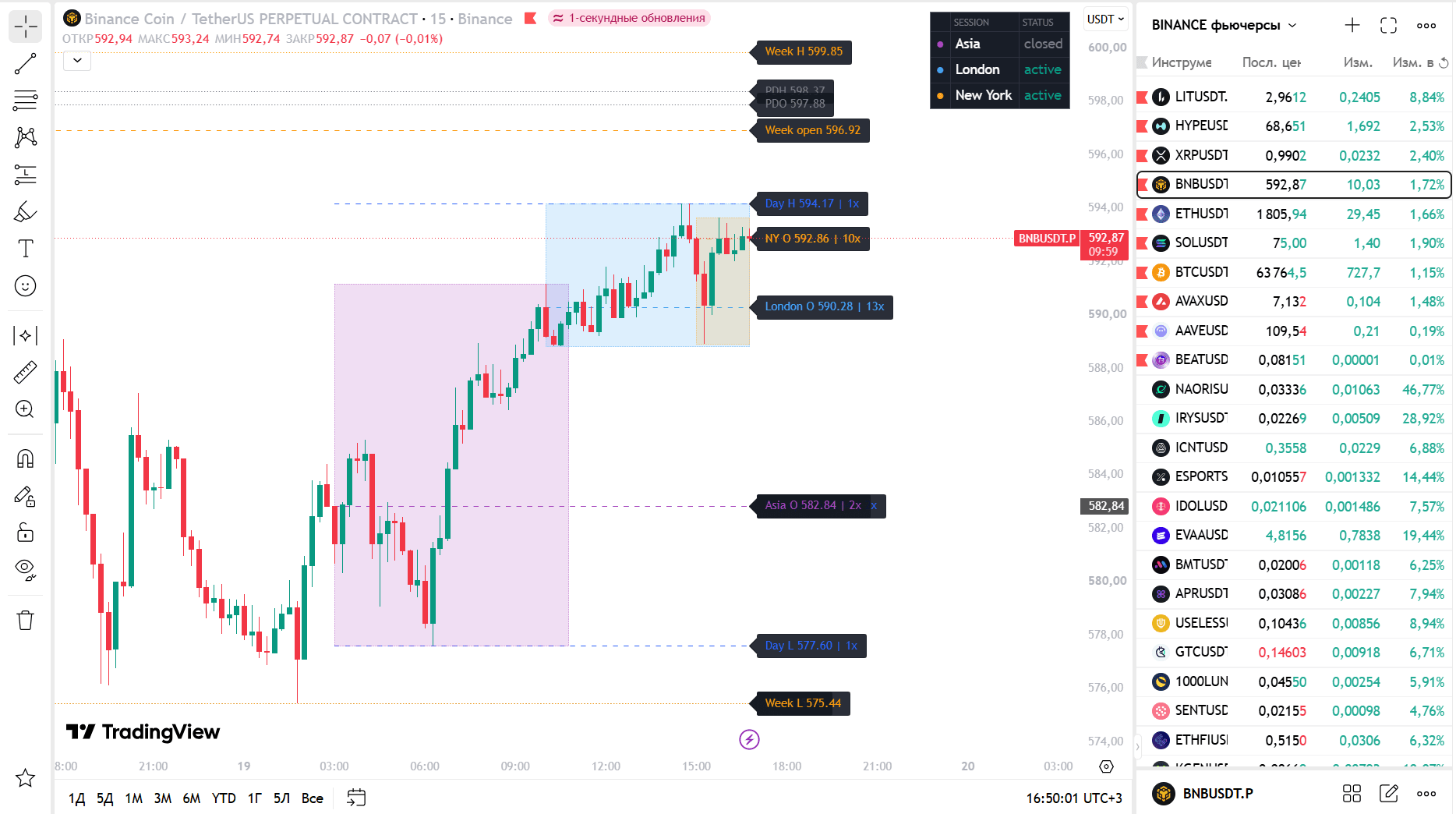
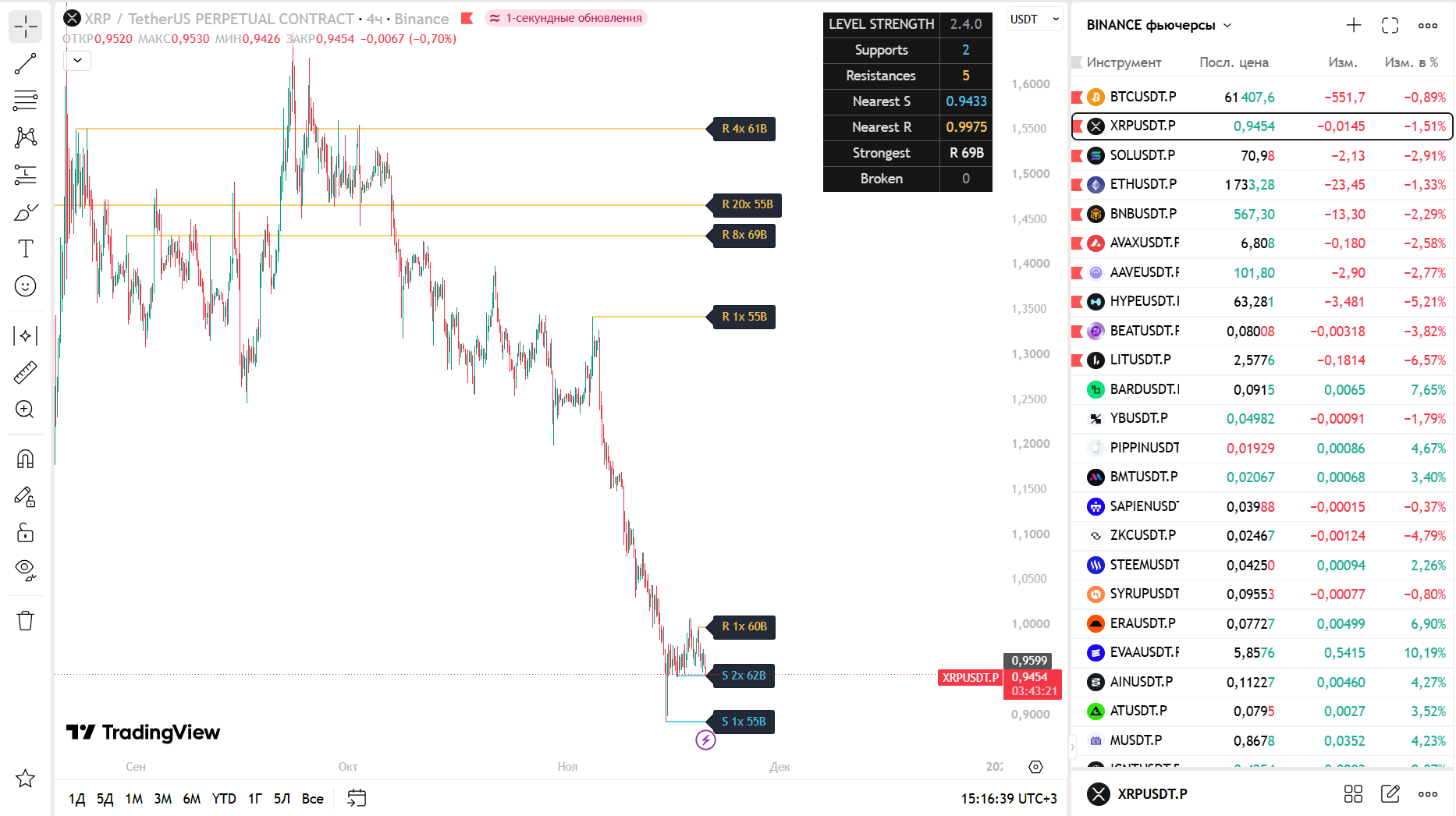
Getly
Code Snippets
SOFLMARKET Anchored VWAP Bands
Anchored VWAP with soft deviation bands for TradingView: automatic anchor, session/week/month modes, return and 2-sigma labels.
What you get: 3 files · 22.41 KB · TXT
See purchase optionsProduct description
What it is
SOFLMARKET Anchored VWAP Bands is a Pine Script v6 indicator for TradingView. It builds a volume-weighted average price from a chosen anchor and surrounds it with soft standard-deviation bands.
The anchor can follow the session, the week, the month, or stay on the first bar. The indicator marks the anchor with a vertical line and a date, shows how far price is from the VWAP, and labels the latest return into the band and the latest touch of the second sigma band.
What is inside
Anchoring
- Auto anchor: session on intraday, week on 1D-1W, month on 1W+.
- Manual modes: Session, Week, Month, First bar.
- Source: HLC3, Close, HL2 or OHLC4.
- The anchor is marked with a vertical dotted line and a date label.
Bands
- First band: 1.0 sigma.
- Second band: 2.0 sigma.
- Both are adjustable.
- Soft fills: 92% for the first band, 96% for the second.
Signals
- RETURN UP / RETURN DOWN when price comes back inside the first band.
- ABOVE 2 SIGMA / BELOW 2 SIGMA when the bar trades beyond the second band.
- Only the latest event of each type is labelled, so the chart stays clean.
- VWAP cross up / down alerts.
Distance
- The chip shows the VWAP value and the distance in sigmas.
- The VWAP line changes colour with its slope: pink rising, violet falling.
- Optional session VWAP reference line on intraday charts.
What you get
- SOFLMARKET Anchored VWAP Bands.txt - Pine Script v6 source code (v1.7.0)
- README.txt - installation, every input with defaults, calculations, alerts and FAQ
- LICENSE.txt - SOFLMARKET Commercial Licence v1.0
Requirements
- A TradingView account with Pine Script v6 support.
- No external libraries: the script is fully self-contained.
Installation
- Download the product files.
- In TradingView open the Pine Editor.
- Paste the supplied source into a new script.
- Save it and click "Add to chart".
- Choose the anchor mode and the band multipliers.
Alerts
- New anchor
- Return up
- Return down
- VWAP cross up
- VWAP cross down
Notes
- Works on any timeframe; Auto picks the anchor from the chart timeframe.
- The session VWAP is hidden automatically on daily and higher charts.
- Only the latest anchor and the latest event of each type are labelled.
- The indicator visualises price data. It does not predict prices and does not promise results. Trading leveraged instruments carries a high risk of loss. This is not financial advice.
What you get
3 files · 22.41 KB
- LICENSE.txtTXT · 4.16 KB
- README.txtTXT · 7.97 KB
- SOFLMARKET Anchored VWAP Bands.txtTXT · 10.28 KB
Code Snippets
SOFLMARKET Anchored VWAP Bands
Anchored VWAP with soft deviation bands for TradingView: automatic anchor, session/week/month modes, return and 2-sigma labels.
Tags
Frequently asked questions
Do I get access instantly?
Yes. This is a digital product - you can download it right after checkout, straight from your library.
Can I use it for commercial projects?
Personal use only. Use it for yourself - not in work you sell or hand to a client - and do not resell or redistribute the file.
What's your refund policy?
You can request a refund within 30 days. If something isn't right, request it from your order and the Getly team reviews it.
What file formats and sizes will I get?
You'll download 3 files - TXT - 22.41 KB in total.
Do I get free updates?
Yes - when the seller ships a new version, you can re-download the latest files from your library at no extra cost. Check the changelog for recent updates.
Price
$39.00