Getly
GetlyDesign Tutorials
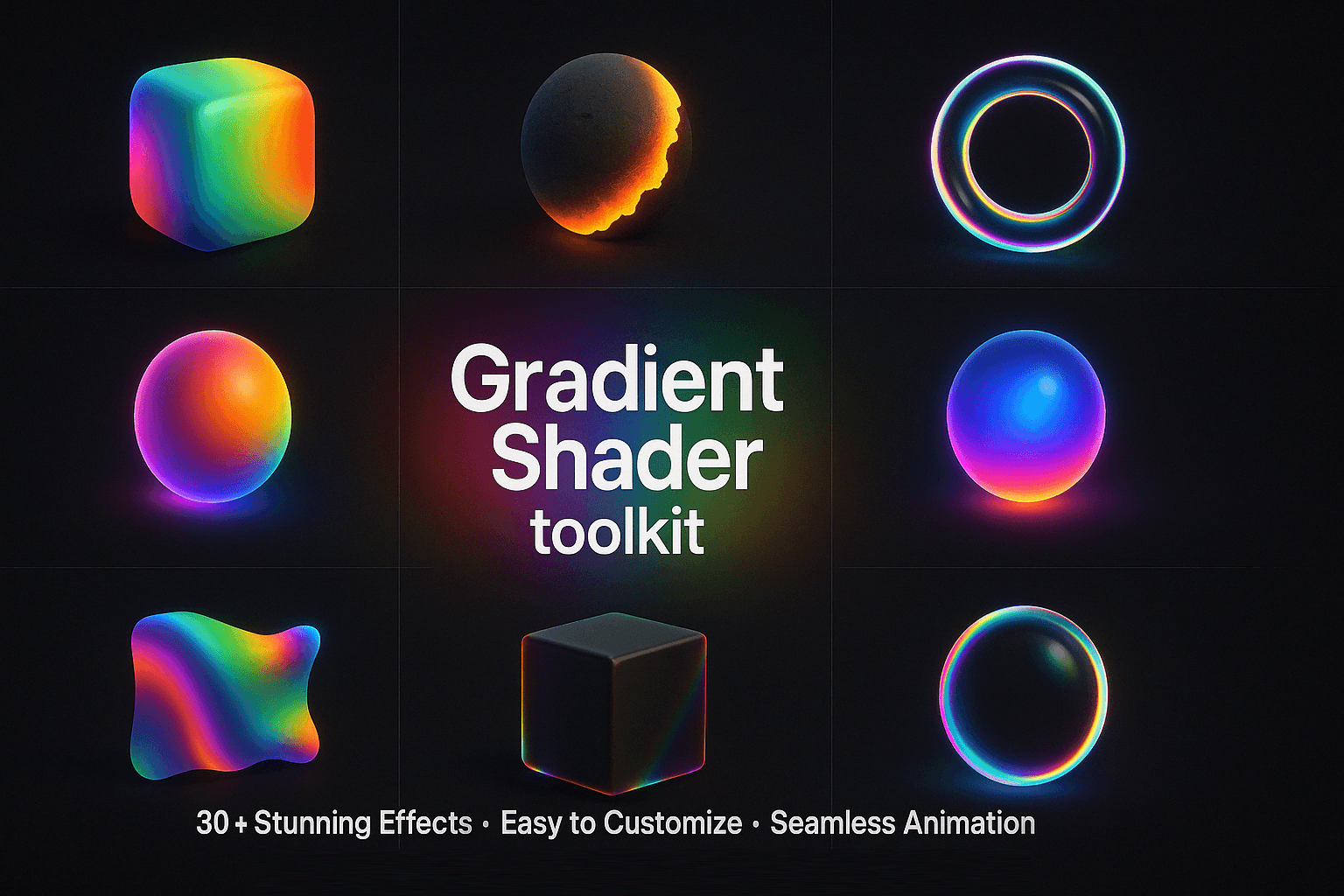
Gradients in Photoshop
From the Gradient tool to modern mesh backgrounds: create smooth, professional gradients in 10 short lessons.
Product Description
Gradients are everywhere in modern design, from backgrounds and posters to text and photo looks. This guide teaches you to create them like a pro.
WHAT'S INSIDE (13 pages, 10 lessons):
- The Gradient tool and the 5 gradient types, with visual examples
- The Gradient Editor: build and save your own gradients
- Non-destructive Gradient Fill layers
- Gradient masks: blend two images seamlessly
- Gradient Overlay for text and logos (sunset, chrome, neon)
- Gradient Map for duotone and cinematic photo looks
- Trendy mesh gradients and how to fix banding
- 12 colour pairs with HEX codes that always work
- Step-by-step project: a gradient poster for social media
What you get
1 file · 537.34 KB
- Gradients-in-Photoshop.pdfPDF · 537.34 KB
Look inside
Preview of 2 of 13 pages
Design Tutorials
Gradients in Photoshop
From the Gradient tool to modern mesh backgrounds: create smooth, professional gradients in 10 short lessons.
Tags
Frequently asked questions
Do I get access instantly?
Yes. This is a digital product - you can download it right after checkout, straight from your library.
Can I use it for commercial projects?
Personal use only. Use it for yourself - not in work you sell or hand to a client - and do not resell or redistribute the file.
What's your refund policy?
You're covered by a 30-day money-back guarantee. If something isn't right, request a refund from your order and the Getly team reviews it.
What file formats and sizes will I get?
You'll download 1 file - PDF - 537.34 KB in total. The PDF has 13 pages.
Do I get free updates?
Yes - when the seller ships a new version, you can re-download the latest files from your library at no extra cost. Check the changelog for recent updates.
Price
$8.00