Getly
Getly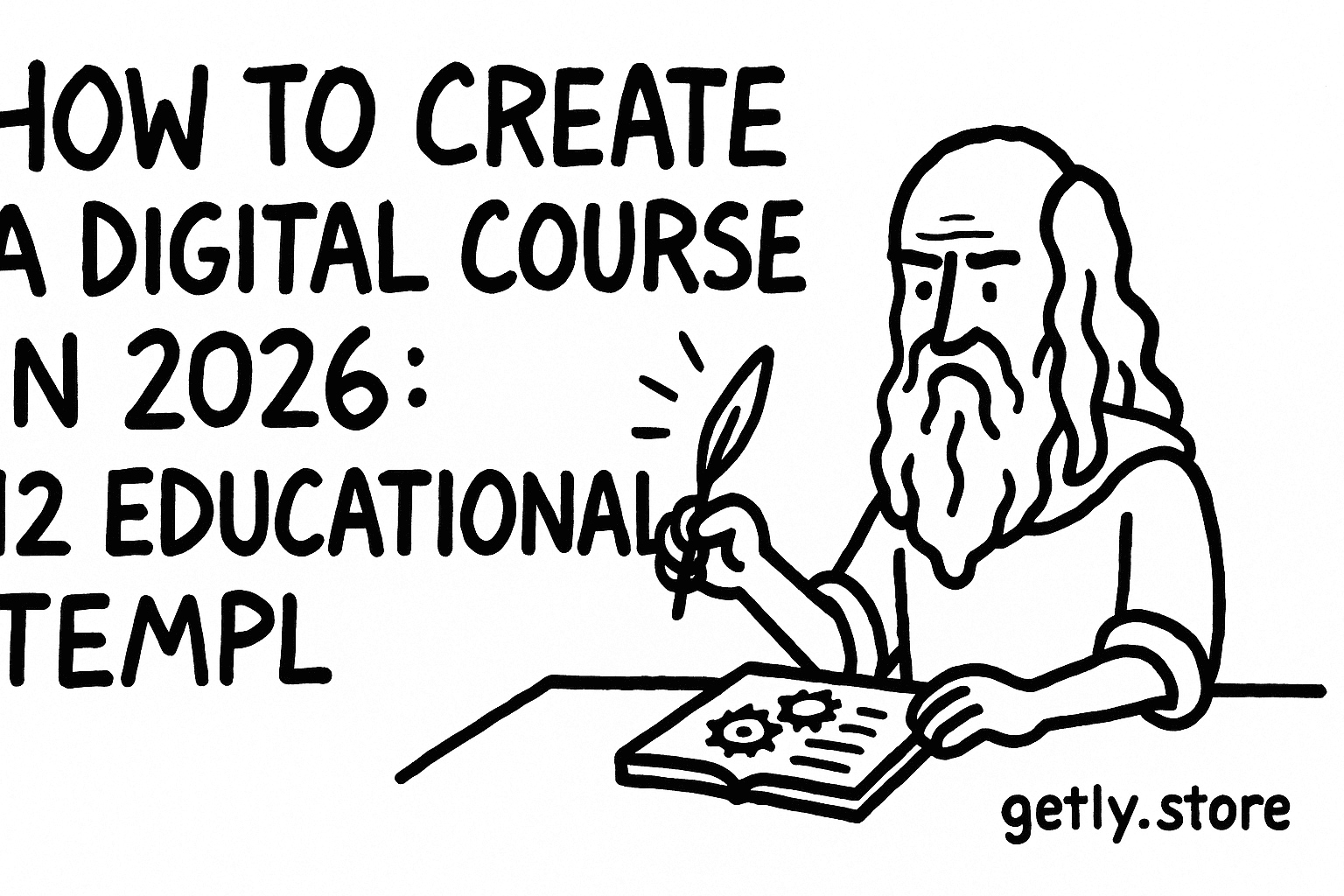
If you want to sell online courses in 2026, you do not need a recording studio or a huge audience. You need a repeatable learning asset pipeline, clear outcomes, and templates you can ship fast. This guide shows you how to create digital course material using educational templates that buyers actually use.
To make it practical, you will leave with 12 template ideas, a course structure you can reuse, and a checklist for turning templates into a course that converts.
- Use templates to package outcomes, not hours. Buyers pay for progress, not for your effort.
- Build one “core” learning system (planner, worksheet set, progress tracker) and reuse it across subjects.
- Ship faster by using course creation tools that turn outlines into lesson plans, practice packs, and assessments.
- Write licensing clearly and keep your deliverables consistent across products and updates.
- Choose your best platform for online courses based on payout needs, not vibes: downloads, monetization options, and payment methods.
What is creating a digital course in 2026, and why templates win?
Creating a digital course in 2026 means turning a learning goal into a structured set of assets: lessons, practice, assessments, and a way for students to track improvement. Templates speed this process because they standardize layouts, instructions, and scoring so you can ship consistent quality at scale.
Templates also match how people actually learn at home. Parents want printable practice. Students want worksheets and planners. Adults studying for healthcare certifications want checklists, study guides, and structured review routines that reduce uncertainty.
Templates package outcomes buyers can measure
When you sell educational templates, you sell a workflow. A study planner tells learners what to do each day. A worksheet pack tells them how to practice the skill. A poster with phonics rules provides instant reference. Together, these artifacts create measurable momentum.
A good course template includes an instruction layer (how to use it), a practice layer (what to do), and a feedback layer (how to check progress). That triple layer makes your materials feel “complete” even before someone watches a single video.
Course creation tools reduce the “blank page” problem
Most creators struggle with the first step: turning a topic into a lesson-by-lesson plan. Course creation tools help you generate consistent formatting, learning objectives, and activity variations. Even if you do not use automation, templates act like tools because they keep your decisions repeatable.
In this article, you will use the term course creation tools broadly. It includes your own workflow system, your template library, and any software that helps you produce lesson assets quickly.
Fast shipping wins in education. A template-based course lets you publish an initial version, collect feedback from buyers, then expand the asset library without rebuilding everything from scratch.
How to structure educational templates for sell online courses
To sell online courses, structure matters as much as content. Buyers do not want a folder of random files. They want a path: start here, practice here, review here, then measure improvement. Build your course as a sequence of templates that work together.
A simple course structure works best for educational templates because it maps to real study behavior. Use an onboarding template, daily/weekly practice templates, a progress tracker, and a final review template.
Use this “4-part” template system
Follow this order when you create your course materials. It keeps your deliverables coherent and reduces buyer confusion.
- Orientation template (what to do, how long it takes, what progress looks like).
- Practice templates (worksheets, reading packs, problem sets, drills).
- Progress tracker (checklists, grids, scoring sheets, planner views).
- Assessment template (weekly review, pre/post check, mastery checklist).
This structure also makes it easy to bundle updates. When you add “Module 2,” you mostly add new practice templates plus one tracker extension.
Write your template instructions like a teacher
Every template needs a short “teacher note” that explains how to use it. Buyers often skim. Give them a 5 to 8 line “use it like this” block on the first page or inside the PDF cover.
Include guidance like: how often to use the worksheet, what to do if a student misses questions, and how to check answers. That guidance lowers support emails and raises satisfaction.
Do not publish a set of worksheets with no usage instructions. Buyers will assume it needs extra context, then you lose trust before they even start. Add a quick “how to use” page for each pack.
Best platform for online courses: pick based on payments and delivery
The best platform for online courses matches how you sell and how buyers pay. In 2026, creators want fast delivery (downloads), stable monetization, and a payout path that works across regions. Your platform choice affects your timeline more than your course topic does.
When you evaluate platforms, compare three areas: checkout options, payout reliability, and whether the buyer gets a clean download experience without accounts friction.
Key buying and payout signals to evaluate
Use this checklist as you decide where to host and sell your templates and courses.
- Payment methods: card and stablecoins can expand reach.
- Stable delivery: buyers should access purchased files immediately and keep them.
- Payout schedule: consistent monthly payouts reduce cashflow uncertainty.
- Refund handling: education products often get refunds when expectations mismatch, so you need clear listing and deliverables.
- Licensing clarity: buyers need to know whether they can use content for personal or commercial purposes.
If you want a platform that supports digital-goods delivery and stablecoin payouts, Getly offers card payments and USDT/USDC crypto payments, plus creator-first revenue share. That matters when you sell educational templates to international buyers.
Getly also supports lifetime download access for purchased items, which helps course templates stay useful after purchase. You can build in product families and let buyers re-download when they need new practice rounds.
Pro tip: If your audience includes parents, therapists, or exam candidates, lifetime access reduces “I lost it” problems. It also makes your listings feel safer and more professional.
Where templates fit inside a marketplace workflow
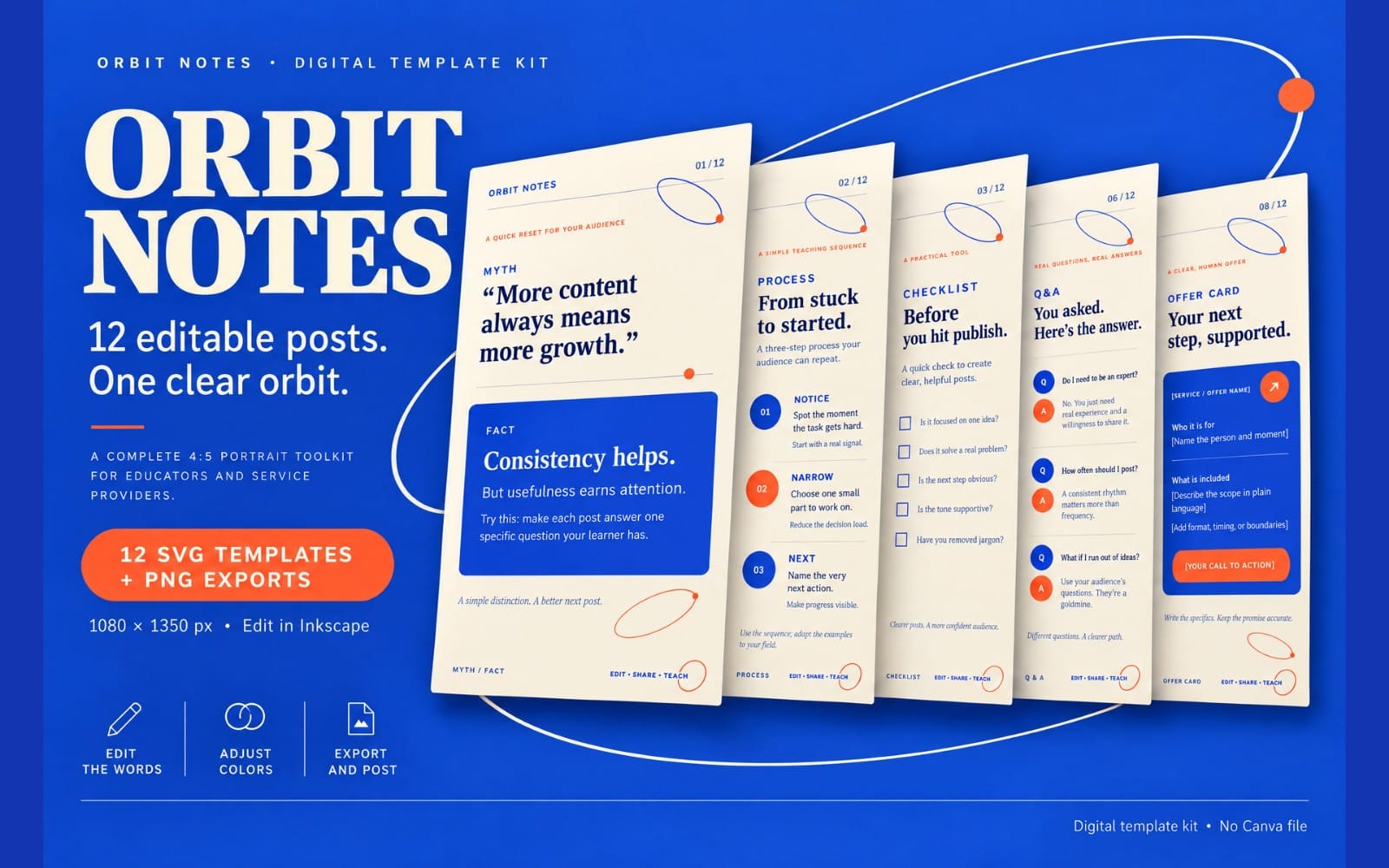
Templates often sell better when the listing shows exact deliverables: number of pages, formats (printable vs editable), reading level notes, and example preview pages. Buyers decide faster when your product card answers their practical questions.
In a marketplace model, you also benefit from search discovery. Use strong titles that match the learning goal and the age group or exam. Then ensure the files match the title keywords.
12 educational templates to sell as a complete course in 2026
Here are 12 educational templates you can package into a course. Each template type maps to a real learning task: orientation, practice, repetition, assessment, and progress. Pick the set that matches your niche and publish a first version that you can expand.
You will also see examples of course-style template categories that already perform well as standalone products in the education space. Use them as inspiration for how to design deliverables, not as a copy of someone else’s structure.
Templates for kids and foundational learning
Foundational subjects convert well because parents and teachers understand the outcomes immediately. Your key is to make printing and usage simple.
- Reading practice packs: short passages plus comprehension questions and vocabulary prompts.
- Phonics and CVC posters: quick reference for daily support.
- Math workbook pages: skill-by-skill practice sets with answer keys.
- Fun worksheet series: themed activities that keep learners engaged.
Examples you can model for structure (not copy). These types of products show what buyers look for: clear age fit, repeatable pages, and practical outcomes.
For instance, you can take inspiration from English Reading for Kids and adapt the approach into your own reading pack format. You can also model layout ideas from Educational Poster - CVC Words for quick daily reference materials.
Templates for study systems and exam success
Exam and certification learners buy structure. They want plans, schedules, and step-by-step review methods they can follow without guessing.
- Study planner: weekly breakdown, daily tasks, and goal checkpoints.
- Progress tracker: confidence ratings per topic and re-test notes.
- Practice exam review sheets: error categories and fix-it plans.
- Targeted prep guides: topic maps plus practice drills.
If you want a proven “course-like” deliverable, study-planner templates do well because they unify the whole learning process. You can reference Study Planner as an example of how a single template product can become the backbone of multiple course modules.
Templates for professional education and healthcare prep
Professional education packs win when they reduce anxiety and show exactly what to study and how to practice. Use checklists, scenario drills, and structured review loops.
- Role-specific preparation guide: expectations, practice questions, and review plan.
- Protocol-style checklists: step order, common pitfalls, and self-assessment.
- Case study worksheet sets: annotate, reflect, then apply.
- Practice routine cards: short daily exercises for retention.
Example inspiration for professional prep: OET PREPARATION GUIDE FOR PHYSIOTHERAPIST. You can translate the pattern into your own domain by creating structured topic lists and practice routines tied to the exam format.
How to turn templates into a “create digital course” offer
To turn educational templates into a create digital course offer, you must bundle them into a coherent learning arc and tell buyers exactly what they will get and how to use it. The offer should feel complete even if the buyer only uses worksheets and planners.
Think “student journey.” Each file should answer a moment in the journey: what to do today, how to practice, how to check work, and how to prepare for the next step.
Bundle your templates into 3 tiers of outcomes
Even if you sell as one product, you can still organize deliverables by outcome stage. Use labels like Foundation, Practice, Mastery. Add a cover page per stage so buyers can find what they need.
- Foundation: onboarding, baseline worksheet, and first-week planner view.
- Practice: weekly worksheets, reading passages, drills, and review sheets.
- Mastery: final assessment template, error analysis page, and re-test plan.
This approach helps buyers understand the progress path and reduces the “too much stuff” problem when your course contains many files.
Add one “teacher mode” document
Teacher mode improves conversions when your audience includes educators or parents. Include an answer key, differentiation notes, and usage tips like timing guidance or suggested pacing per week.
You can also add an optional section: “If a learner struggles, use these three templates first.” That guidance builds trust and reduces refund risk.
Many creators see fewer support messages after they add a usage guide. Buyers start faster, then they ask fewer questions because they follow your method.
Course creation tools checklist: formats, files, and licensing clarity
Course creation tools work best when you control three things: file formats, deliverable consistency, and licensing clarity. Your course will sell better when buyers know exactly how to use each file and what rights they have.
In education, format matters. Printables should look sharp at common paper sizes. Editable files should work with typical software the audience uses. Even if you sell PDFs only, you still need to make layouts readable and instructions obvious.
What your course files should include
Use this checklist for every educational template pack you ship.
- Cover page with course name, what’s inside, and recommended usage.
- Table of contents with page numbers and template labels.
- Worksheets or lesson sheets with consistent naming and numbering.
- Answer key or self-check page when you can include one safely.
- Progress tracker that ties back to the planner or course goals.
- Assessment template that measures the same skills you taught.
When your deliverables align with the promise in your listing, refunds drop and reviews improve.
Licensing: state it clearly in your listing
Digital course sellers should state license terms explicitly in the listing. Buyers need to know whether they can use the materials for personal use, classroom/educator use, or commercial purposes. Licensing is a required field when you create products on Getly, and it shows next to the buy button.
One common mistake: assuming “it’s educational” implies commercial permission. Avoid that. Write the license and, if you need custom terms, direct buyers to contact you for a bespoke agreement.
FAQ: create digital course, sell online courses, and course templates
How do I choose the best topic to create digital course material?
Pick topics where learners already seek structure: reading practice, math skill drills, study planning, or exam prep. Buyers respond to outcomes that feel measurable in days, not months.
What are course creation tools I can use without overcomplicating my workflow?
Use a repeatable template library plus tools that help you format and package files. Start with PDFs and consistent layouts, then expand into editable formats once you know what buyers download most.
How do I sell educational templates without making a full video course?
Bundle worksheets, posters, planners, and assessments into a course-like learning pack. Buyers often purchase for immediate use. Add an orientation page and a progress tracker so the package feels like a full learning system.
What should I include in a study planner template?
A study planner should include weekly breakdowns, daily task sections, topic checkpoints, and a progress tracking area. Add a short “how to use” page that explains pacing and what to do when a learner falls behind.
Where can I sell online courses and templates in 2026?
Choose a platform based on checkout options, delivery experience, and payout reliability. Look for lifetime download access, clear refunds handling, and licensing visibility so buyers know what they purchased.
- Create digital course offers by bundling templates into an onboarding, practice, progress, and assessment flow.
- Ship educational templates that support real learning routines: reading packs, posters, workbook pages, study planners.
- Use course creation tools and consistent formatting so buyers can start immediately.
- Make licensing and usage instructions explicit to reduce refunds and grow reviews.
- Pick the best platform for online courses based on payments and delivery, not only audience size.
If you want to create digital course products this month, start with one student journey and publish the first bundle of templates. Add more packs after you see which files buyers actually use. If you need a place to browse what education buyers already purchase, check Getly’s catalog at /browse.
Happy building, and build something learners can use on day one.
Getly Sellers Team