 Getly
Design Tutorials
Canva And Ai Learning Mastercourse
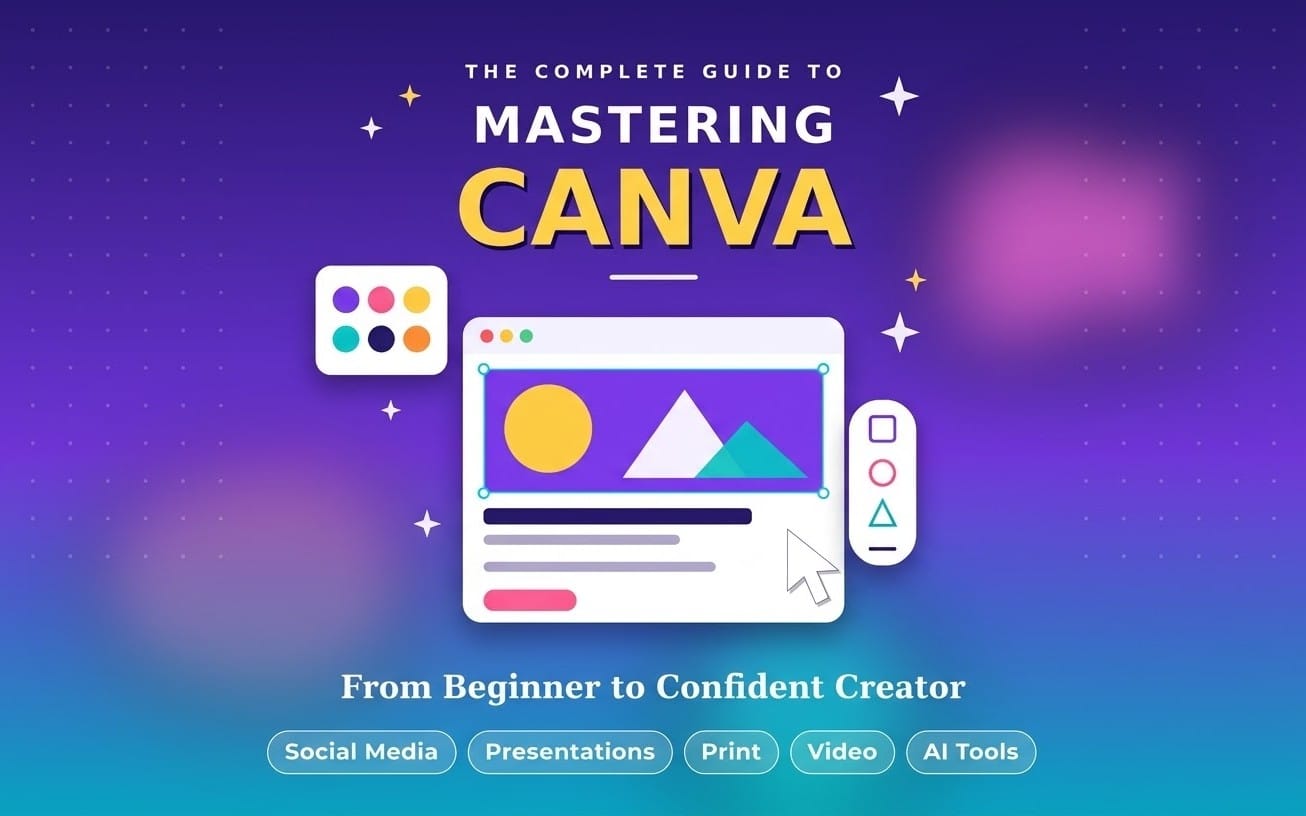
Canva + AI Masterclass for Beginners Learn how to create professional social media posts, YouTube thumbnails, posters, resumes and presentations using Canva and AI tools. This beginner-friendly course provides practical lessons, step-by-step guidance and hands-on projects. No prior designing or technical experience is required. Level: Beginner Duration: 7–10 days Skills: Graphic design, Canva, AI content creation and digital marketing basics.
What you get: 1 file · 346.29 KB · PDF
See purchase optionsProduct description
Turn your ideas into polished designs fast. This Canva + AI Learning Mastercourse gives you a beginner-friendly path to create scroll-stopping social posts, YouTube thumbnails, posters, resumes, and presentations using Canva and practical AI tools.
What you’ll learn
- Build professional social media posts in Canva using ready-to-follow layouts and design basics
- Create high-click YouTube thumbnails with clear text, strong contrast, and simple design logic
- Design posters, resumes, and presentation slides that look clean and consistent
- Use AI for content creation, captions, and ideas, then place the results inside real Canva designs
- Apply digital marketing fundamentals so your visuals support your message
- Complete hands-on projects that mirror real use cases, not vague exercises
Beginner-friendly structure
- No prior design or technical experience required
- Step-by-step lessons you can follow even if you open Canva for the first time
- Practical guidance designed to help you finish work, not just watch videos
- Level: Beginner. Duration: 7–10 days
Skills you walk away with
- Graphic design fundamentals for everyday creators
- Canva workflows for posts, thumbnails, resumes, and presentations
- AI-assisted content creation for faster ideation and better output
- Digital marketing basics to improve how your designs perform
Buy this mastercourse if you want a clear, beginner path to Canva and AI that produces real designs you can post, pitch, or apply for immediately.
What you get
1 file · 346.29 KB
- Canva + AI Masterclass Complete 15-Page Course Handbook.pdfPDF · 346.29 KB
Look inside
Preview of 2 of 15 pages
Design Tutorials
Canva And Ai Learning Mastercourse
Canva + AI Masterclass for Beginners Learn how to create professional social media posts, YouTube thumbnails, posters, resumes and presentations using Canva and AI tools. This beginner-friendly course provides practical lessons, step-by-step guidance and hands-on projects. No prior designing or technical experience is required. Level: Beginner Duration: 7–10 days Skills: Graphic design, Canva, AI content creation and digital marketing basics.
Included in Getly ProGet Pro
Tags
Frequently asked questions
Do I get access instantly?
Yes. This is a digital product - you can download it right after checkout, straight from your library.
Can I use it for commercial projects?
Yes. Commercial and client work are both allowed, including products with unlimited sales. You may not resell the file itself.
What's your refund policy?
You can request a refund within 30 days. If something isn't right, request it from your order and the Getly team reviews it.
What file formats and sizes will I get?
You'll download 1 file - PDF - 346.29 KB in total. The PDF has 15 pages.
Do I get free updates?
Yes - when the seller ships a new version, you can re-download the latest files from your library at no extra cost. Check the changelog for recent updates.
Price
$9.99