Getly
GetlyUnity Assets & Plugins
Getly Publisher for Unity
Check your Unity package for the defects that get assets refunded, and publish it to Getly from inside the editor.
What you get: 1 file · 159.37 KB · UNITYPACKAGE
Get it freeProduct description
Publish a Unity asset to Getly without leaving the editor — and find out what is wrong with your package before a buyer does.
What it checks
A .unitypackage is opaque until the moment it is imported, which is also the moment it is too late. The most common reason a Unity asset gets refunded is that the buyer opens the demo scene and every object reads “Missing (Mono Script)” — because the author tested it in the project where those scripts happen to exist.
Getly Publisher reads your folder the way the buyer’s project will, and refuses to submit while any of these are true:
- A prefab or scene references a script that is not in the package
- An asset ships without its
.metafile, so every GUID reference breaks on import - Runtime code references
UnityEditorand will not compile in a build - A file contains an absolute path from your own machine, which works perfectly for you and nowhere else
- System or version-control junk is bundled in —
.DS_Store,.gitand friends - The package contains no assets at all
Alongside those it makes suggestions that never block you: missing documentation, no demo scene, no licence file, scripts in the global namespace, oversized or uncompressed textures, an empty folder, a bundled .dll.
How publishing works
- Install it. Import the package. It adds one menu item — Window → Getly → Publish Asset — and touches nothing else.
- Sign in from the editor. The tool shows a code and opens your browser; you approve it there. No password is ever typed into Unity, and the key it receives only reaches your own store.
- Check the folder. Every finding says what it costs the buyer, what to do about it, and points at the file.
- Submit. That creates a draft. You add images and publish it on getly.store — choosing screenshots belongs in a browser.
The check runs twice, on purpose
In the editor it can see what no server can: whether a prefab’s script GUID actually resolves, what a texture’s import settings are, how the compiler reads a file. But it runs on your machine, in a package you can change — so it advises. Getly re-reads the uploaded bytes on its own servers and decides. A Unity product cannot go live until that has run and found nothing blocking, so editing the tool does not get a broken asset through.
What it does not do
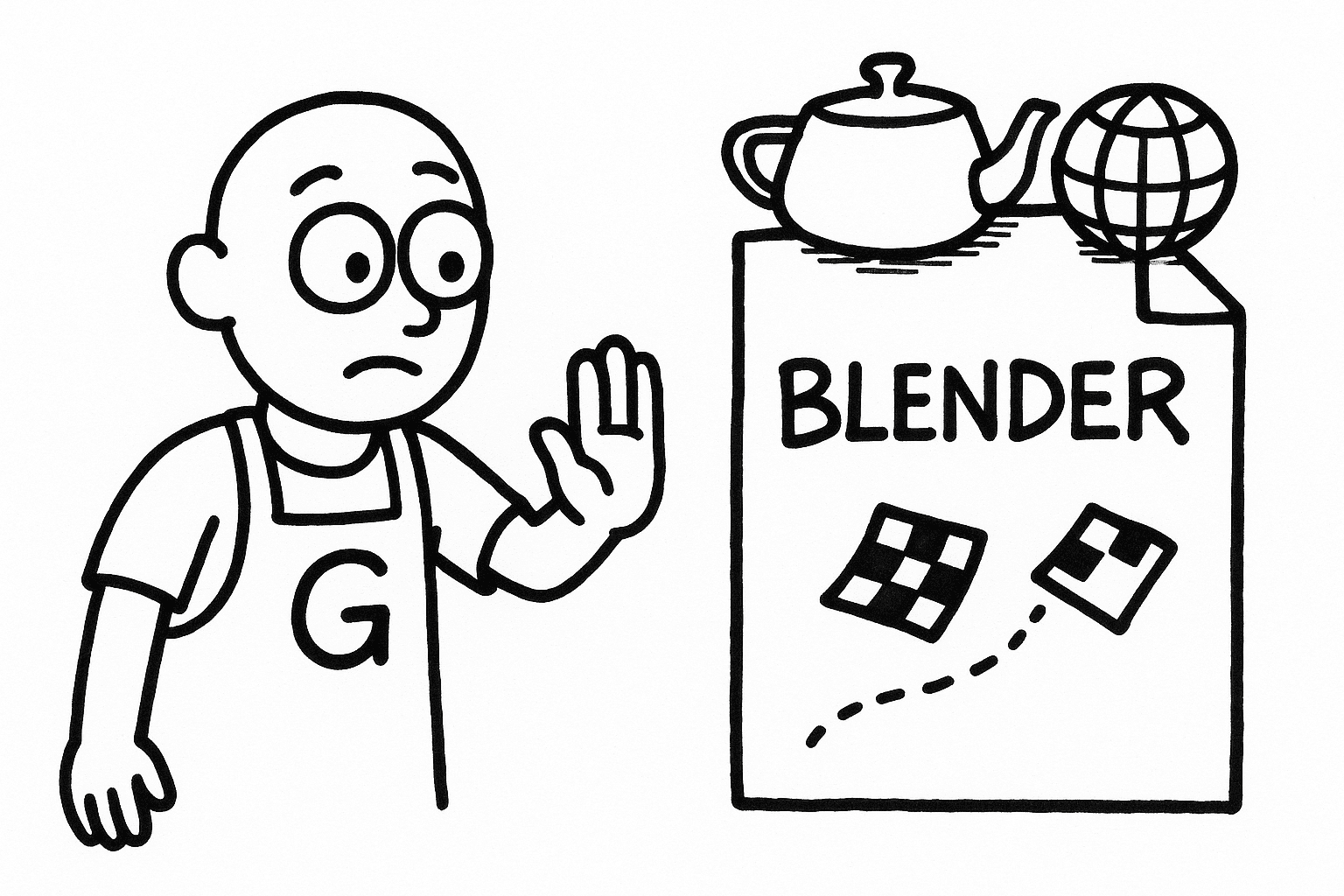
It is not a malware scanner — a macro inside a genuine .docx passes it untouched. It does not judge whether your asset is good, only whether it arrives working. And it is Unity only: there is no Blender add-on, no Unreal plugin and no Photoshop panel.
Requirements
Unity 2020.3 or newer. Editor-only, so it is stripped from any build you make. Free, and free to keep using.
What you get
1 file · 159.37 KB
- getly-publisher.unitypackageUNITYPACKAGE · 159.37 KB
Unity Assets & Plugins
Getly Publisher for Unity
Check your Unity package for the defects that get assets refunded, and publish it to Getly from inside the editor.
By continuing you agree to the Terms of Service.
Instant download
Getly opened the uploaded files and found nothing that would stop them opening. It is not a virus scan or a quality rating.
Frequently asked questions
Do I get access instantly?
Yes. This is a digital product - you can download it right after checkout, straight from your library.
Can I use it for commercial projects?
Personal use only. Use it for yourself - not in work you sell or hand to a client - and do not resell or redistribute the file.
What's your refund policy?
You can request a refund within 30 days. If something isn't right, request it from your order and the Getly team reviews it.
What file formats and sizes will I get?
You'll download 1 file - UNITYPACKAGE - 159.37 KB in total.
Do I get free updates?
Yes - when the seller ships a new version, you can re-download the latest files from your library at no extra cost. Check the changelog for recent updates.
Price
Free