Getly
GetlyBlender Add-ons
Game Asset Pipeline Pro
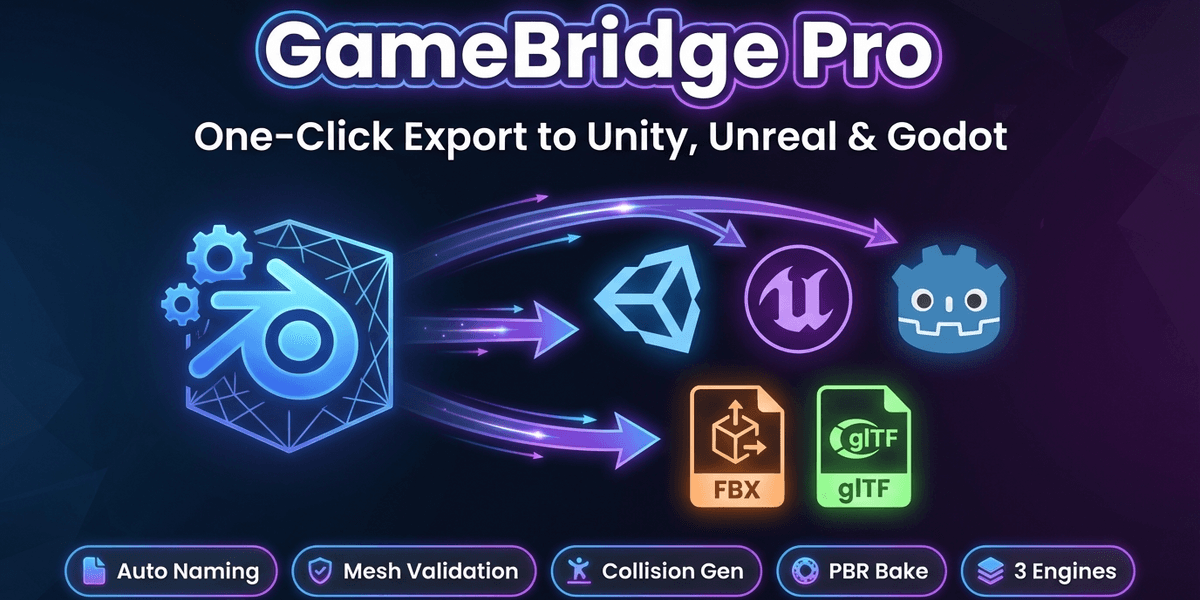
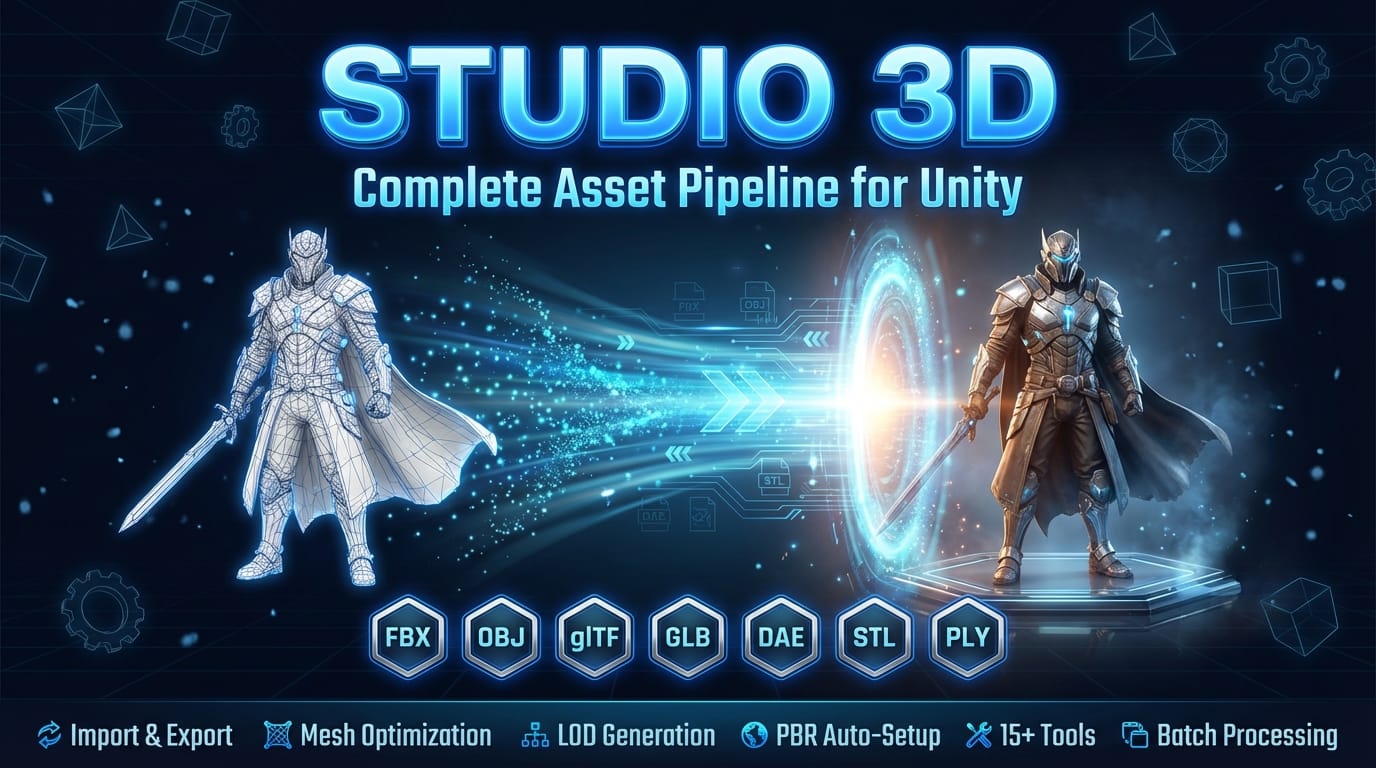
Complete game asset optimization pipeline for Blender. Automatic LOD generation, mesh cleanup, collision shapes, texture optimization, material baking, and one-click export to Unreal Engine, Unity, and Godot.
Product Description
Game Asset Pipeline Pro is a complete asset optimization toolkit that
streamlines the entire workflow of preparing 3D models for game
engines — from mesh cleanup to final export. Supports Unreal Engine,
Unity, Godot, and generic pipelines with engine-specific presets and
naming conventions.
Automatic LOD Generation
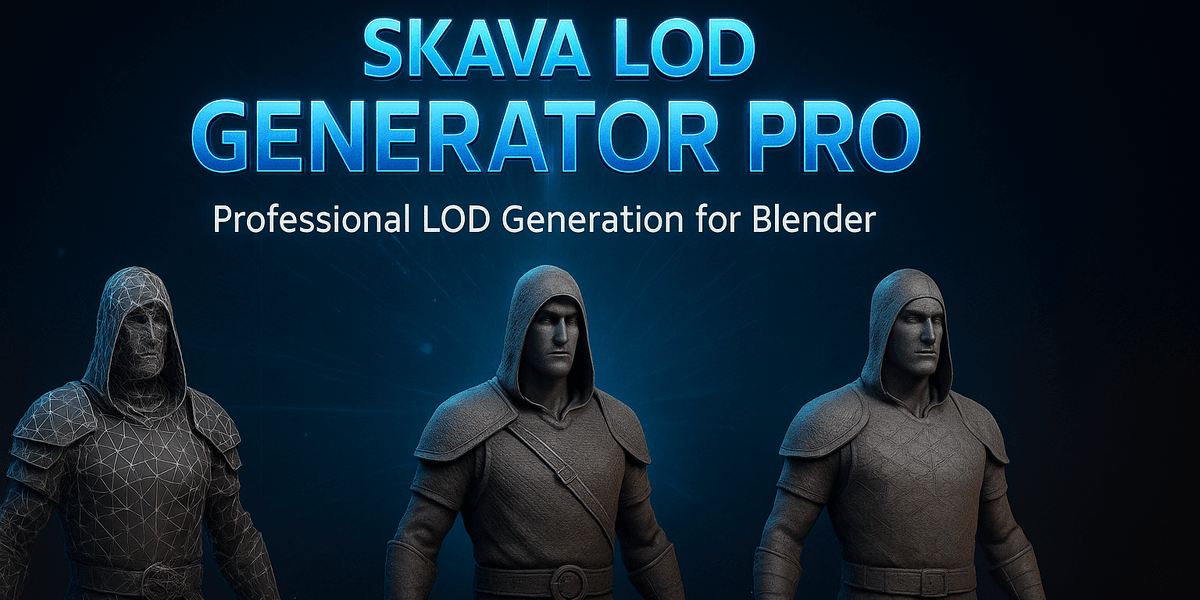
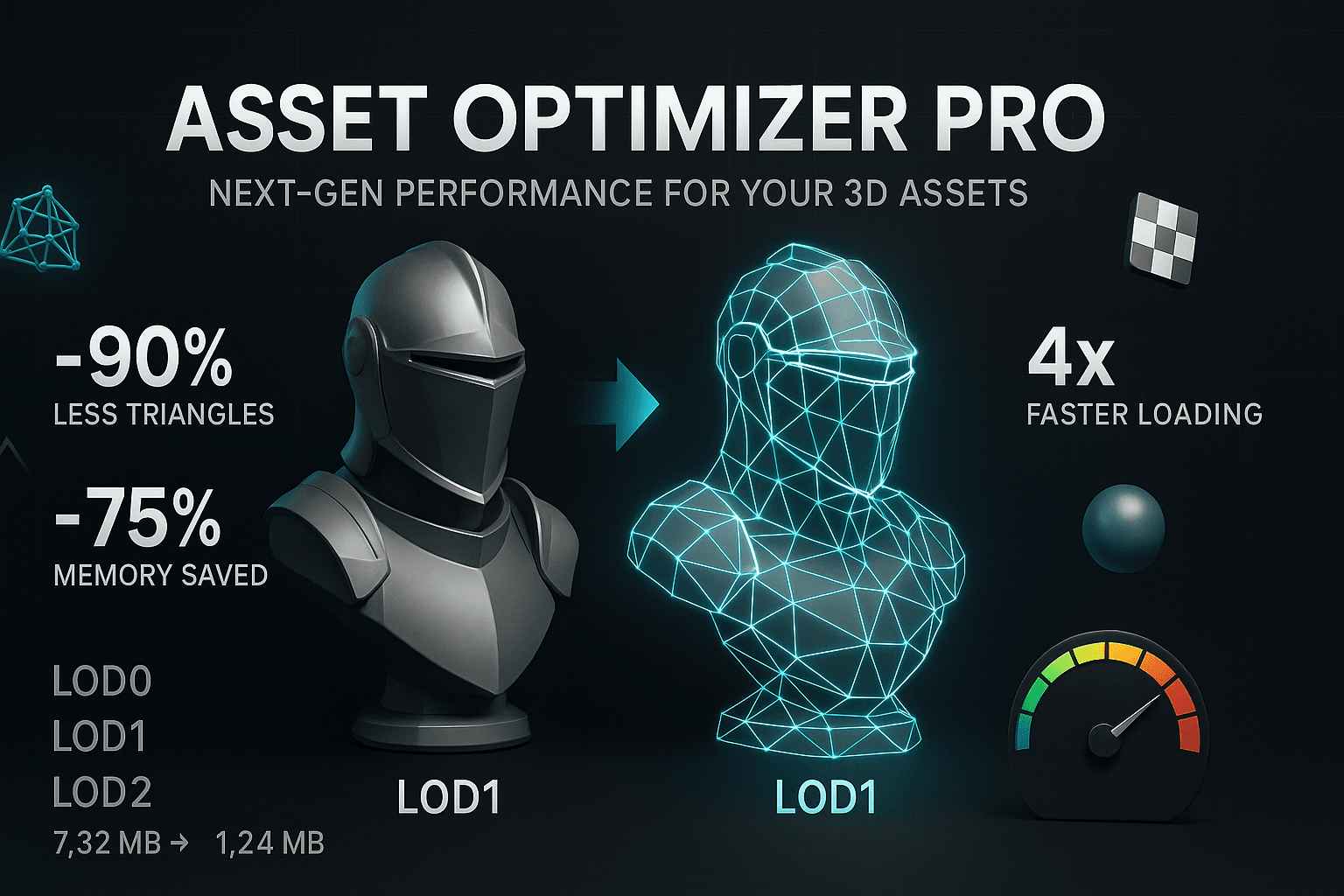
Generate level-of-detail chains with a single click. Up to 5 LOD
levels with configurable reduction ratios from full detail down to 5%
polygon count. Three decimation methods — Collapse, Unsubdivide, and
Voxel Remesh — with options to preserve UVs, boundaries, and symmetry.
Each LOD is named automatically and linked to the parent object.
Mesh Optimization & Analysis
Clean up meshes for game engine requirements — remove duplicate
vertices, dissolve degenerate geometry, recalculate normals,
triangulate, and remove loose elements. Built-in mesh analyzer
provides a game-readiness score (0–100) with detailed statistics and
actionable recommendations.
Collision Mesh Generation
5 collision shape types — Box, Sphere, Capsule, Convex Hull, and exact
Mesh collision. Automatically applies engine-specific naming prefixes
(UCX_/UBX_ for Unreal, col_ for Unity/Godot). Configurable padding,
simplification, and quality settings.
Texture Optimization
Resize textures to power-of-2 dimensions for GPU compatibility.
Enforce maximum size limits, estimate VRAM usage, and generate texture
atlases using shelf packing with automatic UV recalculation.
Material Baking
Bake complete PBR map sets — Diffuse, Normal, Roughness, Metallic,
Ambient Occlusion, and Emission — from complex shader setups.
Configurable resolution from 512 to 4096 with adjustable samples and
margin padding.
Engine-Specific Naming Conventions
Apply correct naming standards automatically for each engine — proper
prefixes for meshes, materials, textures, and collisions with
PascalC9юase, snake_case, or camelCase conversion. Fully customizable
presets.
Export Hub
Export in FBX, glTF/GLB, or OBJ with optimized presets per engine.
Handles axis conversion, triangulation, texture embedding, scale,
transforms, and animations. Batch mode exports each object to a
separate file with options to include or exclude LODs and collision
meshes.
Batch Processing
Process multiple assets at once — combine any tasks (LOD,
optimization, collision, naming, textures, baking, export) and run
them across all selected objects with progress tracking and
cancellation support.
Requirements
- Blender 4.0 or newer
- No external dependencies
- Works on Windows, macOS, and Linux
What you get
1 file · 45.94 KB
- game_asset_pipeline_pro.zipZIP · 45.94 KB
Blender Add-ons
Game Asset Pipeline Pro
Complete game asset optimization pipeline for Blender. Automatic LOD generation, mesh cleanup, collision shapes, texture optimization, material baking, and one-click export to Unreal Engine, Unity, and Godot.
Tags
Frequently asked questions
Do I get access instantly?
Yes. This is a digital product — you can download it right after checkout, straight from your library.
Can I use it for commercial projects?
Licence terms are set by the seller. Check the product description before you buy — it states any limits on personal, commercial or client use.
What's your refund policy?
You're covered by a 30-day money-back guarantee. If something isn't right, request a refund from your order and the Getly team reviews it.
What file formats and sizes will I get?
You'll download 1 file — ZIP — 45.94 KB in total.
Do I get free updates?
Yes — when the seller ships a new version, you can re-download the latest files from your library at no extra cost. Check the changelog for recent updates.
Price
$9.99