Getly
GetlyE-books
FREE Demo: Windows Network Diagnostics (one PowerShell script)
Free working sample of the paid toolkit. Run one command, get adapters, Wi-Fi state, routes and DNS. No admin rights needed.
Product description
This is the free demo of the paid Windows Automation Toolkit. It is the network diagnostics script, working, complete, no strings attached.
WHAT IT DOES
Run one command and it prints the four things you actually check when the internet misbehaves: network adapters with their real chipset names, the current Wi-Fi profile, the default route, and the DNS servers.
WHAT YOU NEED
Windows 10 or 11. PowerShell 5.1, which is bundled with Windows. No administrator rights. No installation.
HOW TO RUN
powershell -ExecutionPolicy Bypass -File .\diagnostika-seti.ps1
To keep the output to a file you can attach to a support ticket:
powershell -ExecutionPolicy Bypass -File .\diagnostika-seti.ps1 *> otchet.txt
WHAT IT IS A SAMPLE OF
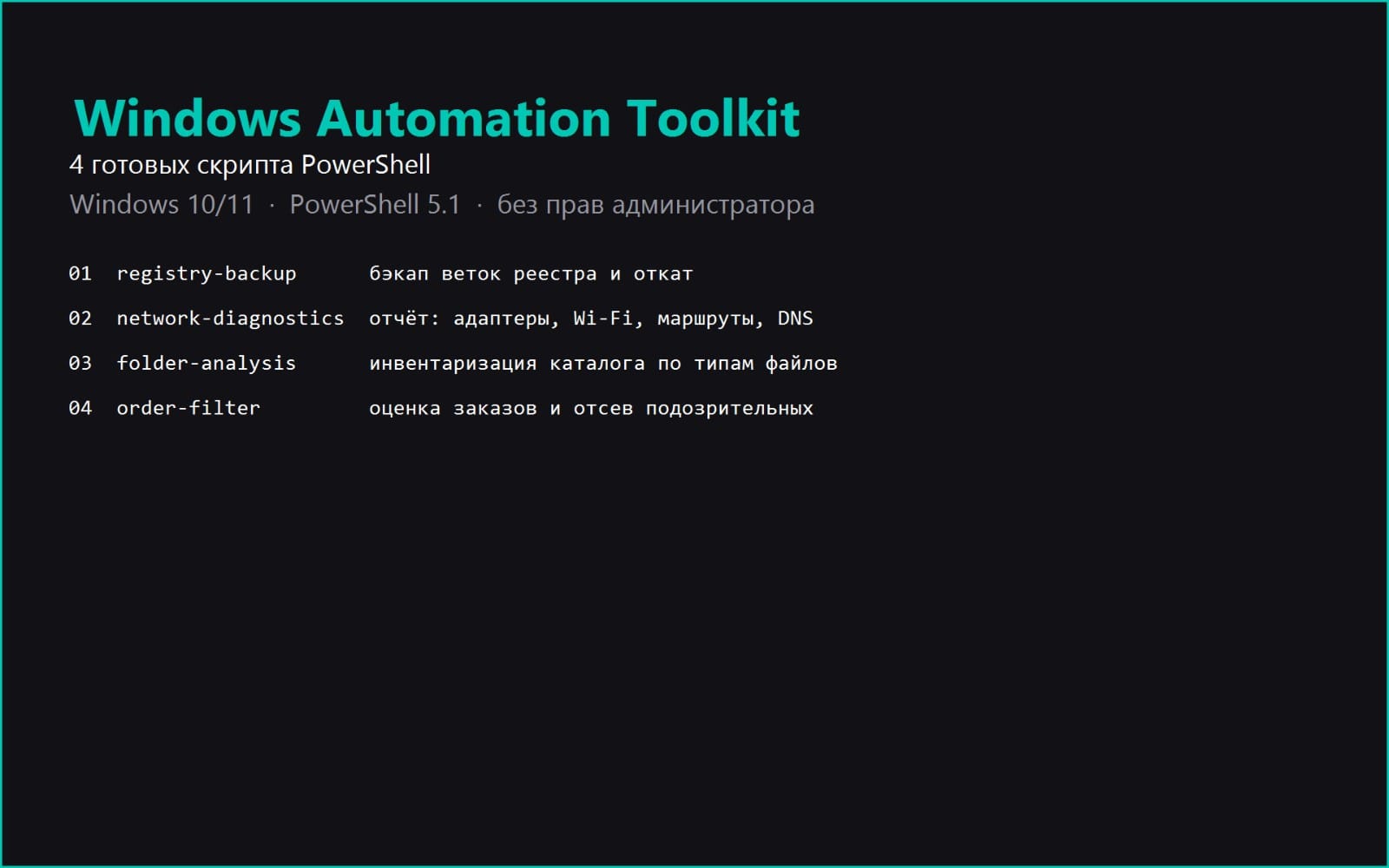
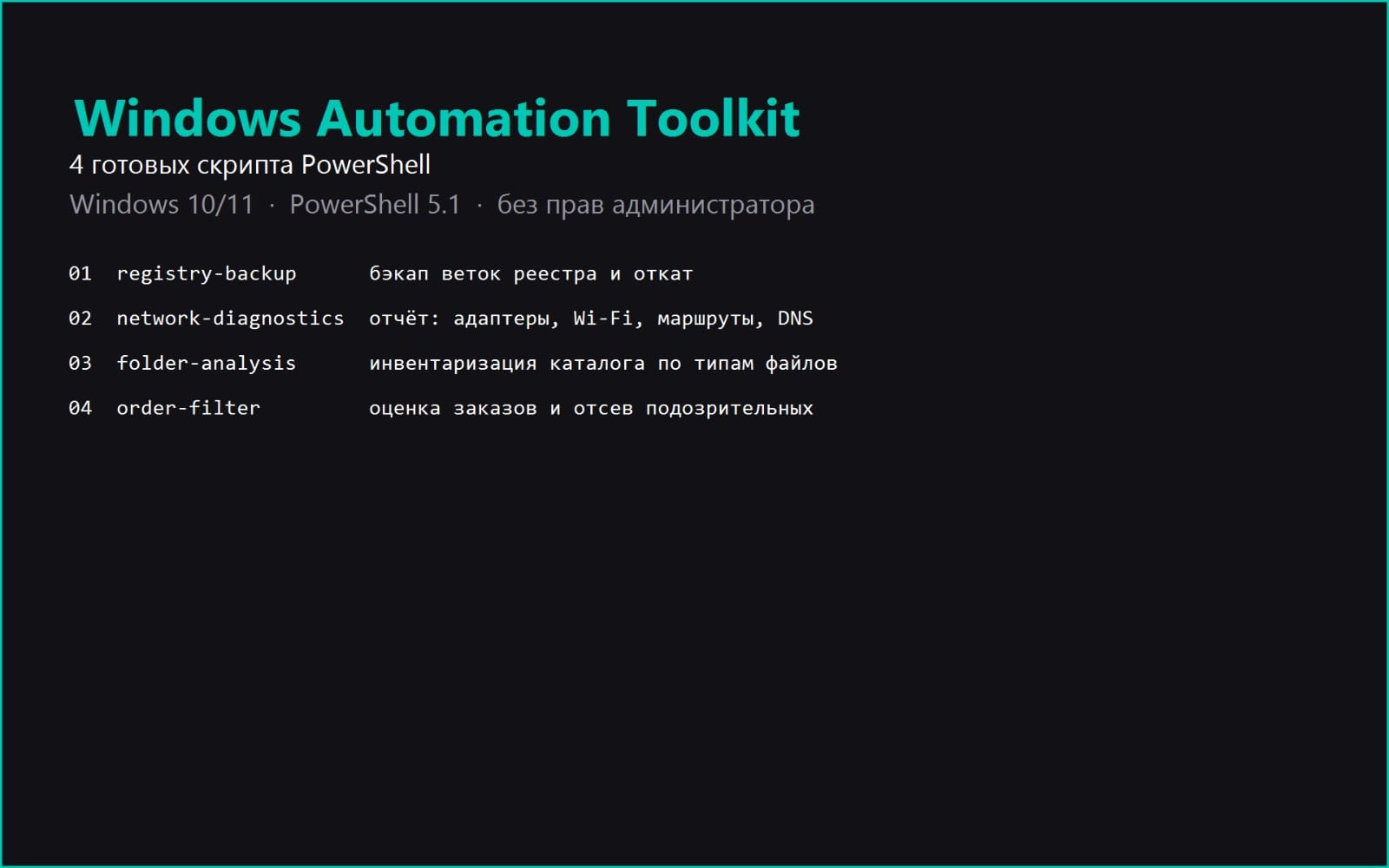
The paid toolkit bundles four tested scripts: registry backup with rollback, this network diagnostics script, folder analysis, and a freelance order filter. Each one in the full version also ships with an instruction file covering how to read the output, a table of common errors, and a sample output from a real run.
ONE THING WORTH KNOWING IF YOU RUN IT
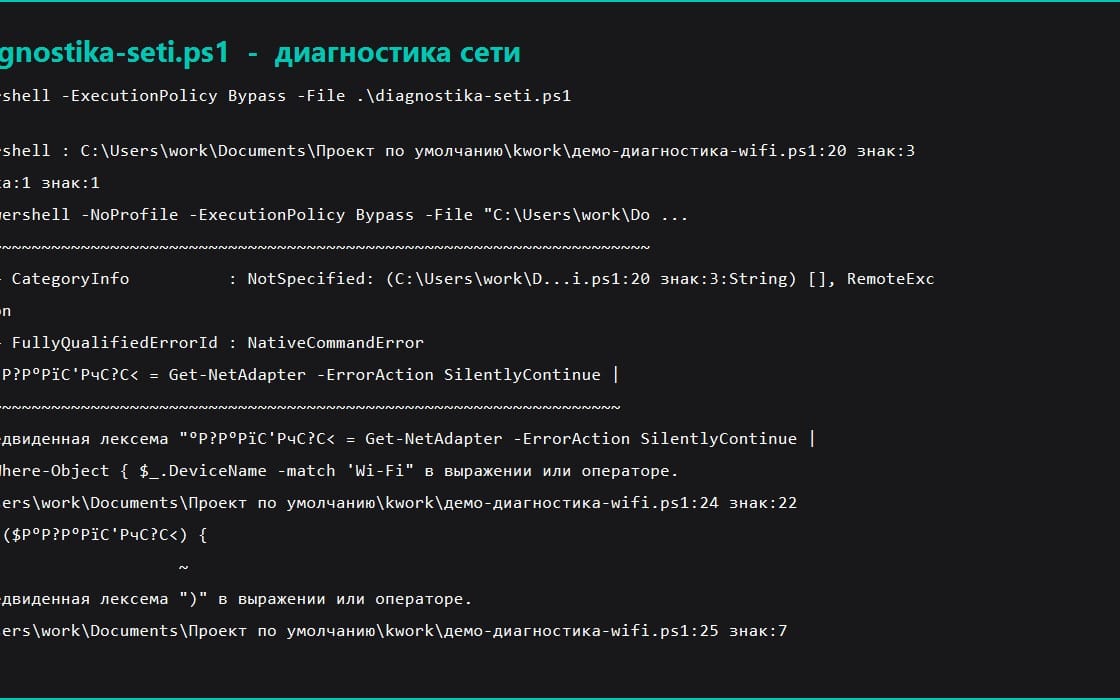
The first version of this script searched for your Wi-Fi adapter by the connection name looking for the word Wi-Fi. On a Russian Windows that field reads 'Wireless Network', so the script reported no adapters on a perfectly working network. It now searches the chipset name instead, which is not translated. This is mentioned because you will see the same class of problem in plenty of scripts sold online.
It only reads state and never changes anything, so it is safe to run on a machine that is not yours.
What you get
1 file · 1.68 KB
- FREE-DEMO-network-diagnosis.zipZIP · 1.68 KB
E-books
FREE Demo: Windows Network Diagnostics (one PowerShell script)
Free working sample of the paid toolkit. Run one command, get adapters, Wi-Fi state, routes and DNS. No admin rights needed.
By continuing you agree to the Terms of Service.
Instant download
Tags
Frequently asked questions
Do I get access instantly?
Yes. This is a digital product - you can download it right after checkout, straight from your library.
Can I use it for commercial projects?
Yes. Commercial use is allowed: use it in your own business and in things you sell. You may not resell or redistribute the file itself.
What's your refund policy?
You can request a refund within 30 days. If something isn't right, request it from your order and the Getly team reviews it.
What file formats and sizes will I get?
You'll download 1 file - ZIP - 1.68 KB in total.
Do I get free updates?
Yes - when the seller ships a new version, you can re-download the latest files from your library at no extra cost. Check the changelog for recent updates.
Price
Free