Getly
Python Scripts
Crypto Wallet History to Koinly CSV & KoinX Converter - Free Python Tool for BscScan, Etherscan, Polygonscan, Tron USDT (MIT)
Free MIT Python: BscScan/Etherscan/Polygonscan/Tron history → Koinly Universal CSV + KoinX Custom File. Read-only, local. PRO listed separately.
What you get: 1 file · 596.06 KB · ZIP
Get it freeProduct description
Free MIT-licensed converter: turn BscScan, Etherscan, Polygonscan CSV exports, the Etherscan V2 API, or the public TronGrid API into import files for several crypto-tax tools — all local / in-browser.
• Read-only and local: public wallet addresses only — no private keys, no accounts, no cloud upload of your history.
• It only reformats transaction history for crypto tax CSV/Excel import; it does not fetch prices, compute gains, or file taxes.
• Built for common wallet-export pain points: Tron USDT (TRC-20) history, BSC/Ethereum/Polygon explorer CSVs, and explorer API pulls when a wallet is missing from your tax software.
• Outputs (browser + CLI): Koinly Universal CSV, KoinX Custom File (.xlsx), CoinTracker CSV, CoinLedger Universal Manual Import CSV, Summ Custom CSV, Blockpit Excel template, CoinTracking Excel Bulk Import, Recap Custom Account CSV, Cryptact custom file (カスタムファイル) CSV, and Coinpanda generic CSV.
• Formats follow each product's official custom-import docs (checked Oct 2026) and were tested with synthetic files — import a few rows first before a full year.
• Use it free in the browser: https://cryptotax-tool.pages.dev/ (MIT core).
• Try it in the browser (no install, files stay on your device): https://cryptotax-tool.pages.dev/
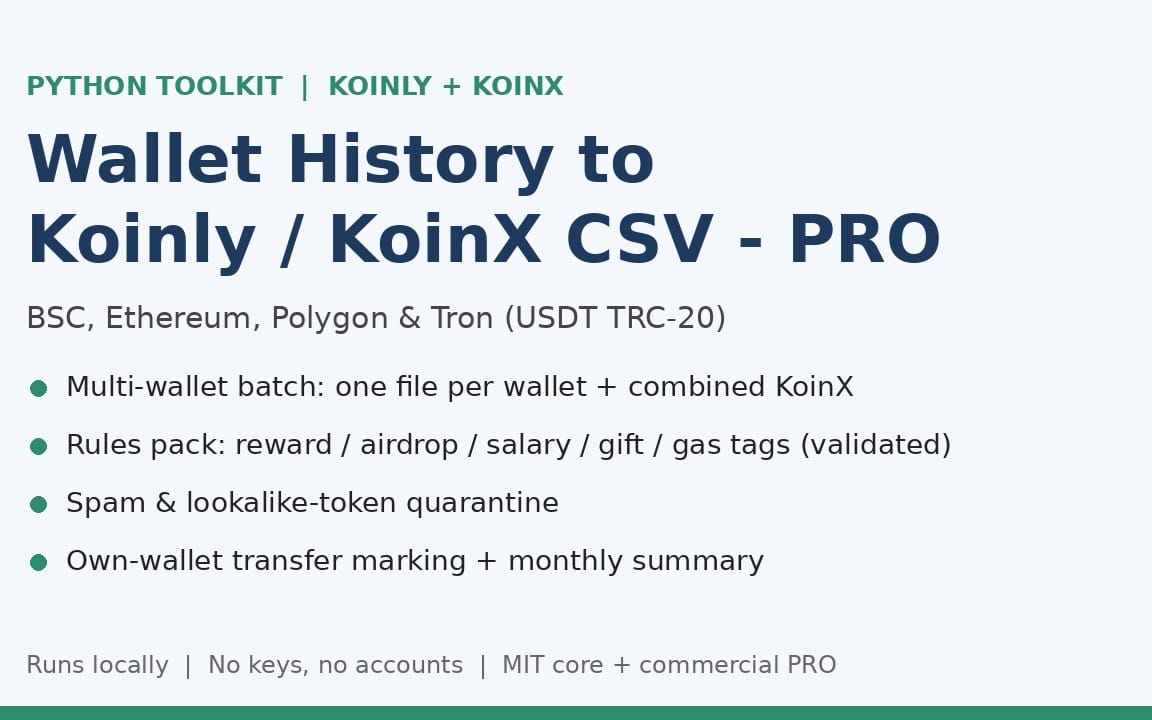
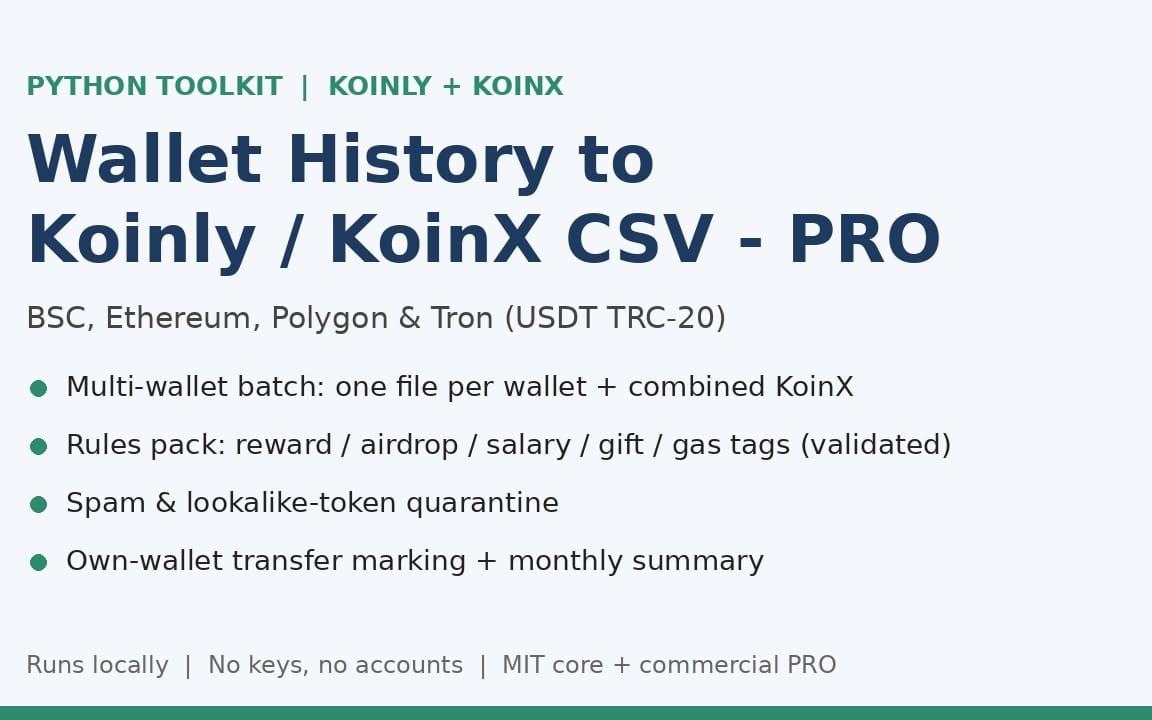
A paid PRO add-on (multi-wallet batch, categorisation rules pack, spam-token quarantine, monthly summary) is listed separately: https://www.getly.store/product/crypto-wallet-history-to-koinly-koinx-csv-converter-pro-bsc-ethereum-polygon-tro
Created with the assistance of automated tools and tested with synthetic data. Record-keeping / format conversion only — not tax, financial, or legal advice; not affiliated with Koinly, KoinX, Cryptact, Coinpanda, CoinTracker, CoinLedger, Summ, Blockpit, CoinTracking, Recap, or any chain explorer.
Need more than the free core? The PRO version ($19) adds batch multi-wallet conversion and tagging, and the CryptoTax Season Bundle 2027 ($29) adds PRO plus a reconciliation workbook and checklists: https://www.getly.store/product/crypto-tax-season-bundle-2027-wallet-csv-converter-pro-for-koinly-koinx-reconcil
Prefer done-for-you? Send your public wallet address(es) and I'll return a ready-to-import Koinly/KoinX CSV: https://www.getly.store/services/done-for-you-your-wallet-history-koinly-koinx-import-csv-ethereum-bsc-base-polygon-arbitrum-tron (fixed price from $39, paid in USDT/USDC via Getly escrow; public addresses only, never keys).
What you get
1 file · 596.06 KB
- cryptotax-tool-free-v0.1.0.zipZIP · 596.06 KB
Python Scripts
Crypto Wallet History to Koinly CSV & KoinX Converter - Free Python Tool for BscScan, Etherscan, Polygonscan, Tron USDT (MIT)
Free MIT Python: BscScan/Etherscan/Polygonscan/Tron history → Koinly Universal CSV + KoinX Custom File. Read-only, local. PRO listed separately.
By continuing you agree to the Terms of Service.
Instant download
Tags
Frequently asked questions
Do I get access instantly?
Yes. This is a digital product - you can download it right after checkout, straight from your library.
Can I use it for commercial projects?
The seller sets custom terms, spelled out in the description above. Read them before you buy.
What's your refund policy?
You can request a refund within 30 days. If something isn't right, request it from your order and the Getly team reviews it.
What file formats and sizes will I get?
You'll download 1 file - ZIP - 596.06 KB in total.
Do I get free updates?
Yes - when the seller ships a new version, you can re-download the latest files from your library at no extra cost. Check the changelog for recent updates.
Price
Free