Getly
PDF Guides
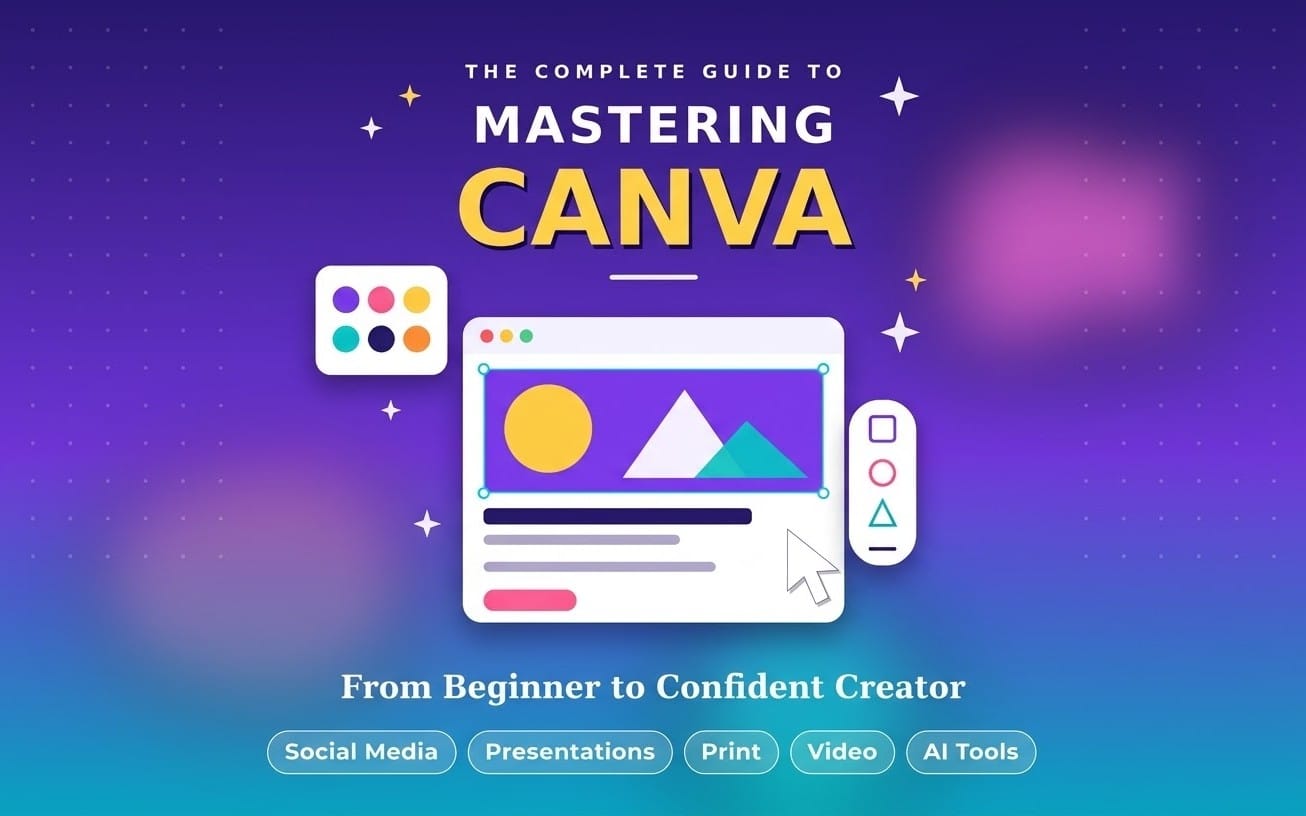
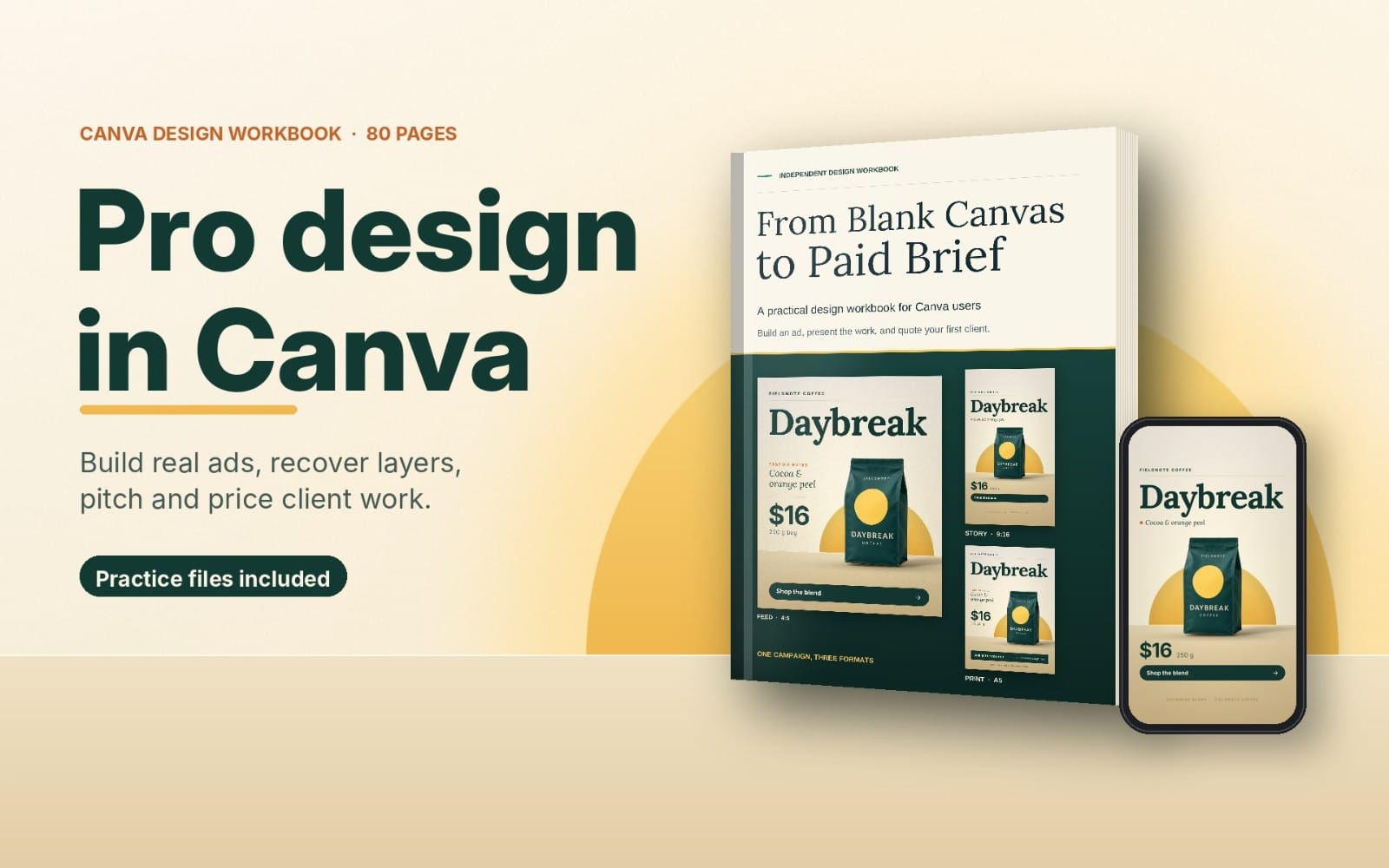
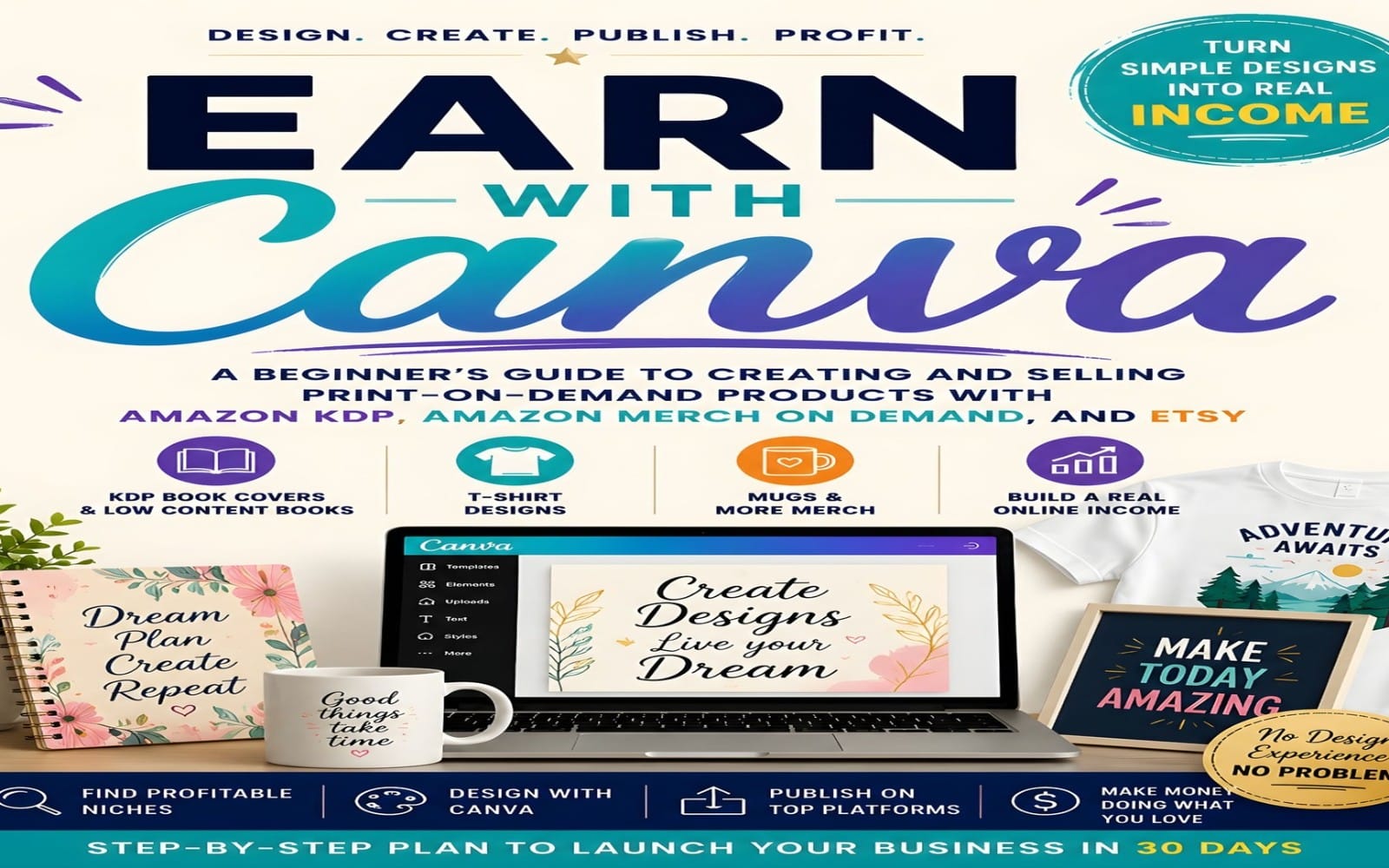
Canva Masterclass:Beginner to Profesional
Learn Canva step by step, from basic design to professional graphics. Create posters, flyers, logos, business cards and social media content with practical lessons.
What you get: 1 file · 709.01 KB · PDF
See purchase optionsProduct description
Canva Masterclass: Beginner to Professional
Unlock your creativity and learn how to create professional designs using Canva, even if you have no previous graphic design experience.
This practical training guide takes you step by step from basic Canva skills to advanced design techniques. Learn how to create attractive graphics for personal use, businesses, marketing and social media.
What You Will Learn
Introduction to Canva and its features.
Creating an account and navigating the workspace.
Understanding design tools, menus and templates.
Creating professional posters and flyers.
Designing logos and business cards.
Creating brochures and business advertisements.
Designing social media posts and banners.
Editing photos, images and backgrounds.
Creating professional presentations.
Working with colours, fonts and layouts.
Downloading and exporting designs in different formats.
Practical graphic design projects.
Who Is This Training For?
Beginners interested in graphic design.
Students and job seekers.
Entrepreneurs and small business owners.
Freelancers and content creators.
Social media managers.
Anyone interested in developing digital design skills.
Why Choose This Masterclass?
Beginner-friendly explanations.
Step-by-step practical lessons.
Real-world design examples.
Useful tips and techniques.
Skills applicable to personal and business projects.
What You Will Gain
By completing this training, you will understand how to use Canva to create attractive and professional-looking designs for different purposes. You will also develop practical creative skills that can support your business, personal projects or freelance opportunities.
Start learning today and turn your creative ideas into professional designs!
Note: Canva is a third-party platform. Some features, templates and resources require a paid Canva subscription. This is an independent educational training product and is not an official Canva product.
What you get
1 file · 709.01 KB
- SmartValue_Canva_Masterclass_Beginner_to_Professional-1.pdfPDF · 709.01 KB
Look inside
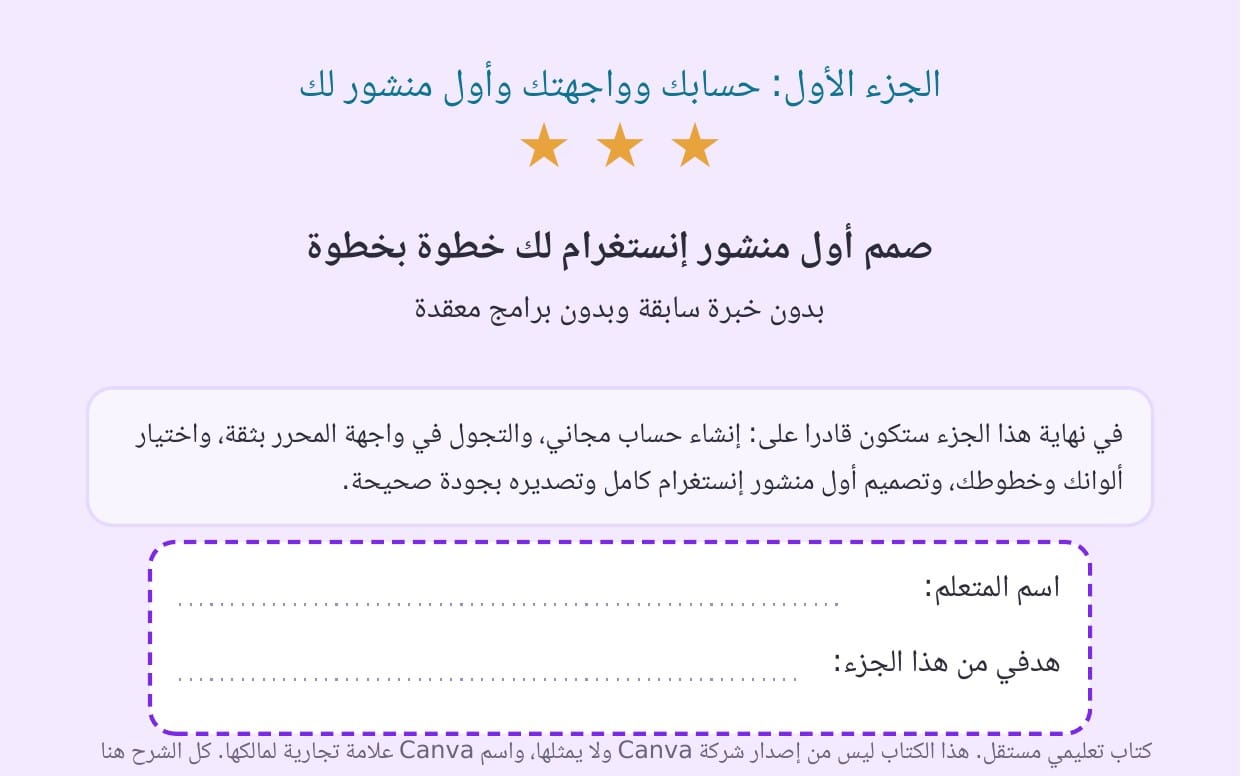
Preview of 3 of 23 pages
PDF Guides
Canva Masterclass:Beginner to Profesional
Learn Canva step by step, from basic design to professional graphics. Create posters, flyers, logos, business cards and social media content with practical lessons.
Included in Getly Pro
Download this and 8,100+ other products with one subscription, from $9.99 a month.
Join Getly ProTags
Frequently asked questions
Do I get access instantly?
Yes. This is a digital product - you can download it right after checkout, straight from your library.
Can I use it for commercial projects?
Personal use only. Use it for yourself - not in work you sell or hand to a client - and do not resell or redistribute the file.
What's your refund policy?
You can request a refund within 30 days. If something isn't right, request it from your order and the Getly team reviews it.
What file formats and sizes will I get?
You'll download 1 file - PDF - 709.01 KB in total. The PDF has 23 pages.
Do I get free updates?
Yes - when the seller ships a new version, you can re-download the latest files from your library at no extra cost. Check the changelog for recent updates.
Price
$2.99