Getly
Guides & Tutorials
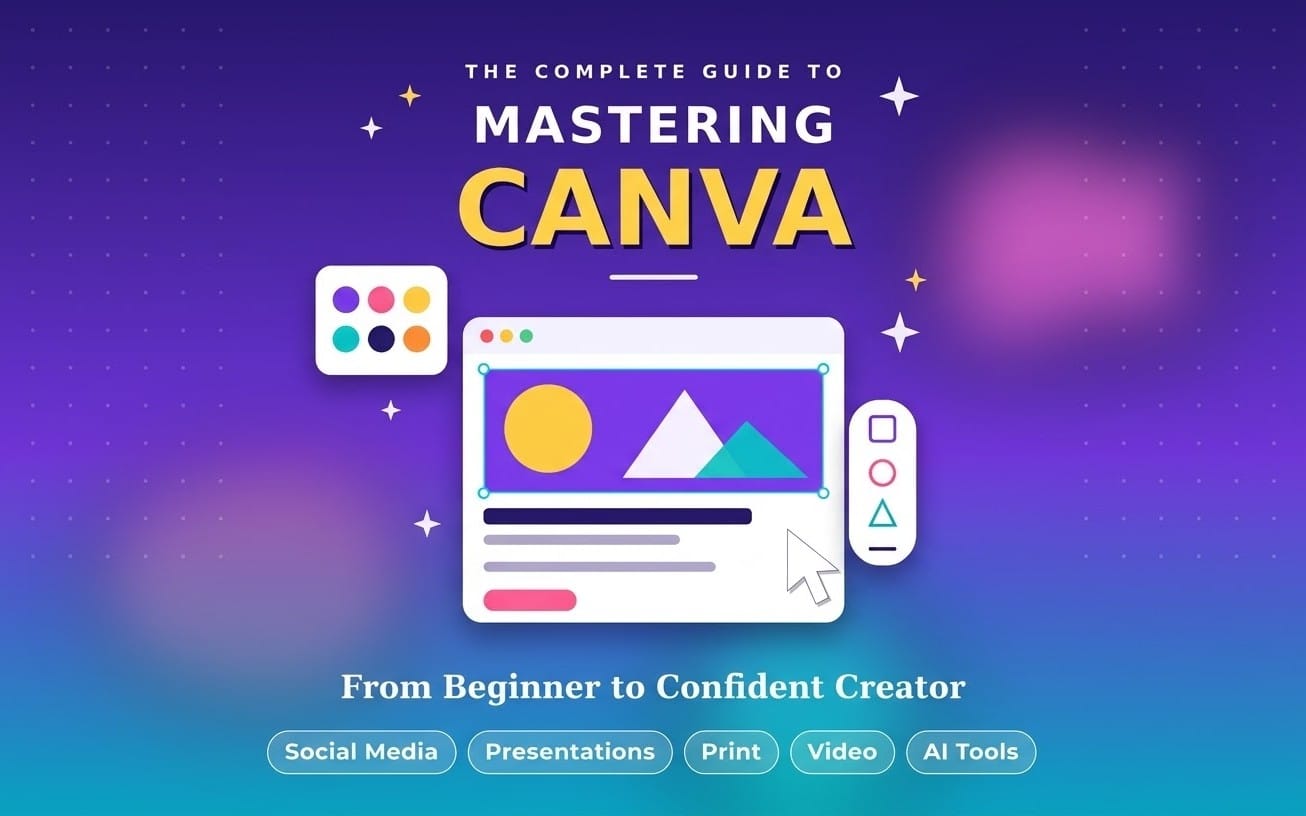
Canva Design Workbook: Product Ads, Magic Layers and Pricing Client Work
Take one coffee bag from a raw photo to a feed post, Story and print flyer in Canva, then learn to quote and deliver the job. 80-page PDF plus a practice kit.
What you get: 2 files · 14.32 MB · PDF
See purchase optionsPreview
Product description
An 80-page workbook for Canva users who want their designs to look professional and get paid for them.
You follow one real project from start to finish: a coffee bag goes from an unedited photo to a finished ad, then to a feed post, a Story and a print flyer. The second half covers the business side: briefs, quotes, revisions, handing over files and selling your own templates.
What you will learn
Crop a product photo, remove the background and add a shadow that looks real
Build two ad layouts: one that leads with the product, one that leads with the price
Resize one ad into a feed post, a Story and an A5 flyer
Use Magic Layers to turn a flat image back into editable text, then change a price safely
Read a brief, write a quote, handle revisions and deliver files
What you get: 2 files
1. The book (PDF, 80 pages, 7 × 10 in, 7.8 MB)
14 lessons with worked examples
3 printable worksheets: brief and critique, delivery and assets, service quote
Clickable contents and page links
The 4 practice files are also attached inside the PDF
2. The practice kit (ZIP, 7.2 MB, 20 files)
Raw product photo (JPG, 1122 × 1402 px)
Transparent cutout (PNG, 1122 × 1402 px)
Flat ad (PNG, 1080 × 1080 px)
Written brief (TXT)
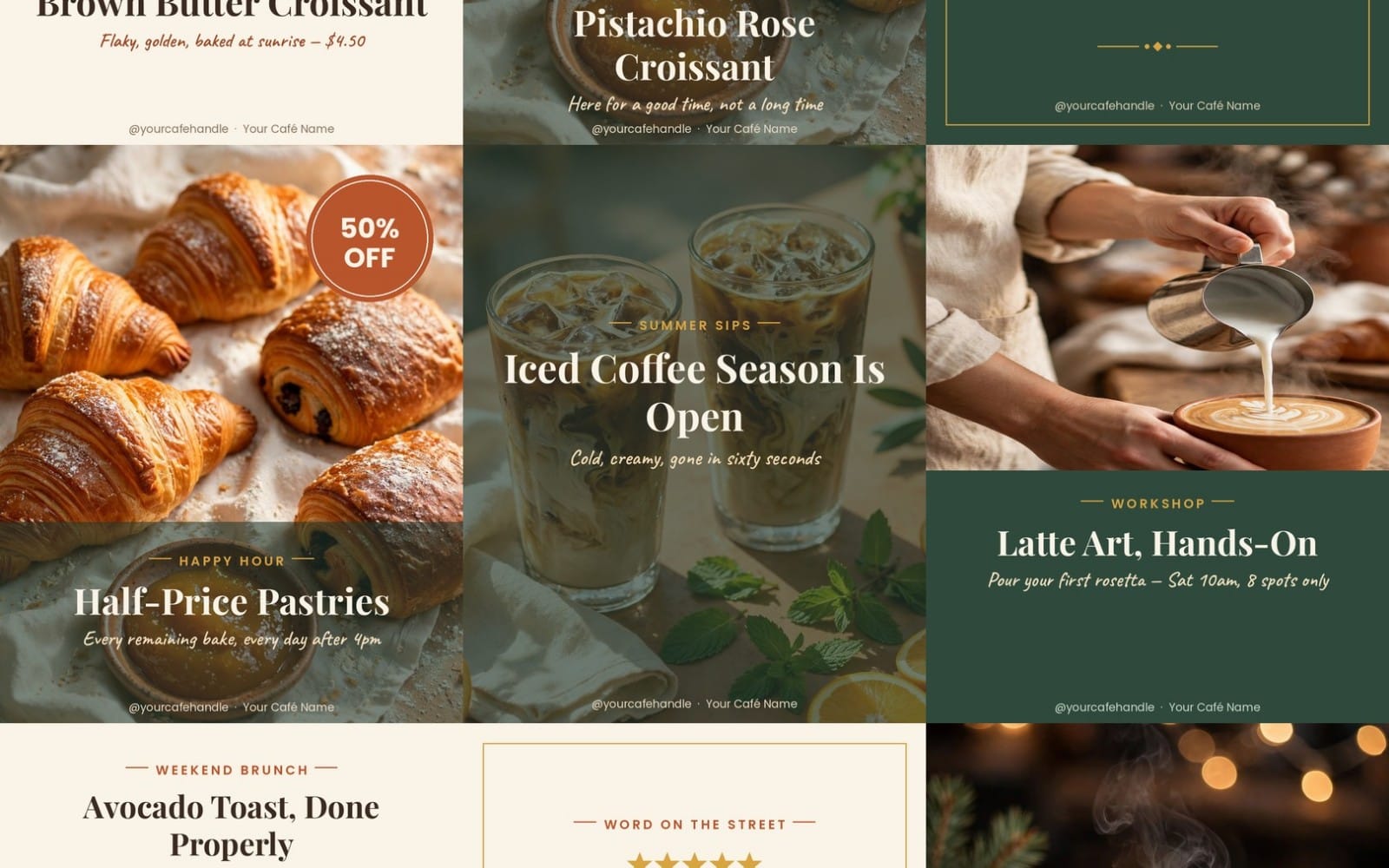
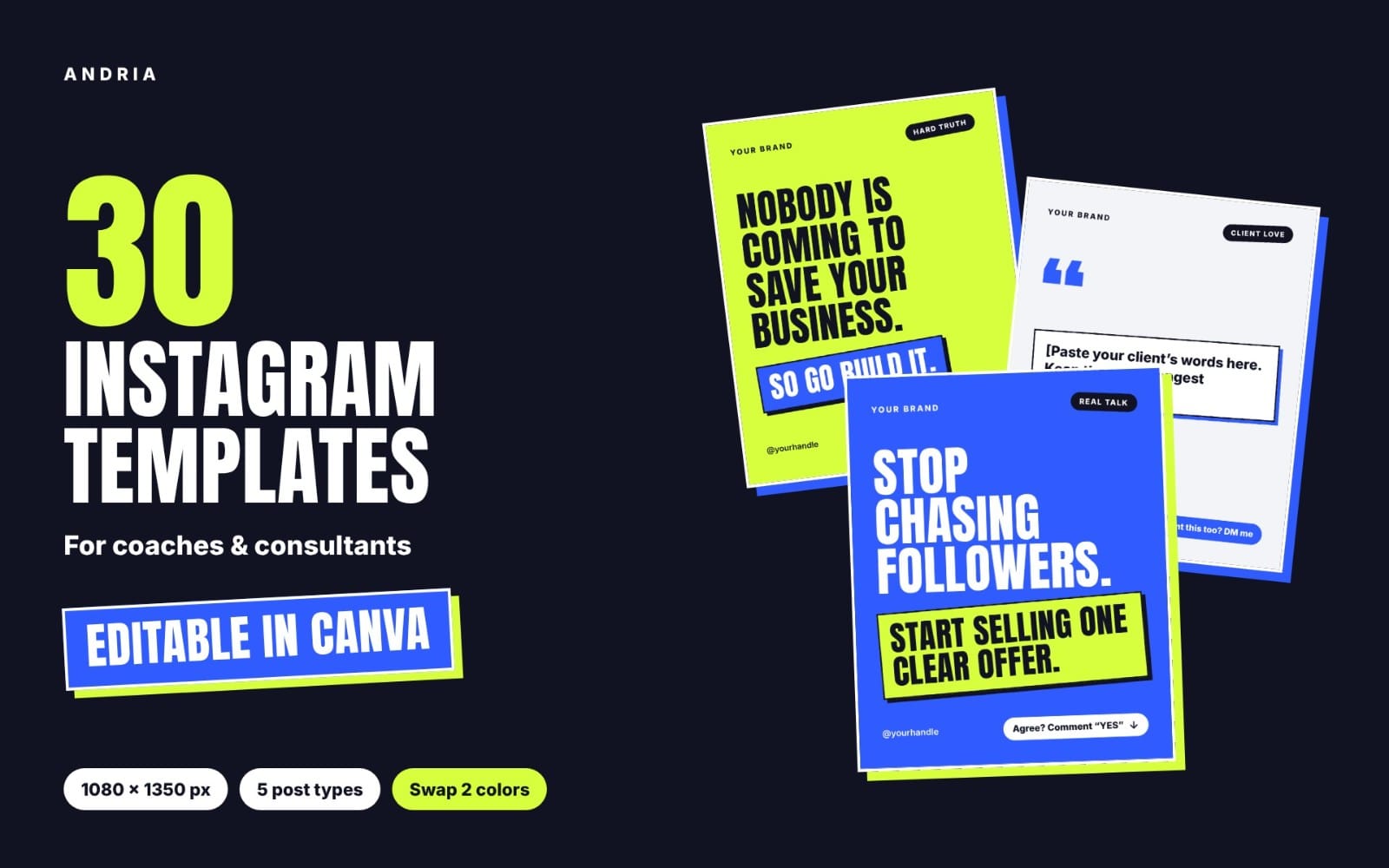
7 editable PowerPoint files (PPTX) with 24 designs you can import into Canva: 4 feed posts (1080 × 1350 px), 1 Story (1080 × 1920 px), 1 A5 flyer, 13 square posts (1080 × 1080 px) and 5 presentation slides (16:9)
6 font files (Inter and Lora, OTF and TTF) with 2 license files
1 README file that tells you where to start
Good to know
The book is in English.
Most lessons work on a free Canva account. Magic Layers, Background Remover and Magic Resize depend on your Canva plan, and the book says where.
This is an independent guide, not affiliated with or endorsed by Canva. Canva and Magic Layers are trademarks of Canva Pty Ltd.
All brands and prices in the examples are fictional.
License
For one person. You can use the practice files and designs to learn, for portfolio pieces marked as practice, and as a starting point for your own client work. Please don't resell, share or re-upload the files, including as templates.
Questions? Send me a message here on Getly.
What you get
2 files · 14.32 MB
- From-Blank-Canvas-to-Paid-Brief.pdfPDF · 7.45 MB
- From-Blank-Canvas-Practice-Kit.zipZIP · 6.86 MB
Look inside
Preview of 5 of 80 pages
Guides & Tutorials
Canva Design Workbook: Product Ads, Magic Layers and Pricing Client Work
Take one coffee bag from a raw photo to a feed post, Story and print flyer in Canva, then learn to quote and deliver the job. 80-page PDF plus a practice kit.
Included in Getly Pro
Download this and 7,900+ other products with one subscription, from $9.99 a month.
Join Getly ProFrequently asked questions
Do I get access instantly?
Yes. This is a digital product - you can download it right after checkout, straight from your library.
Can I use it for commercial projects?
The seller sets custom terms, spelled out in the description above. Read them before you buy.
What's your refund policy?
You can request a refund within 30 days. If something isn't right, request it from your order and the Getly team reviews it.
What file formats and sizes will I get?
You'll download 2 files - PDF, ZIP - 14.32 MB in total.
Do I get free updates?
Yes - when the seller ships a new version, you can re-download the latest files from your library at no extra cost. Check the changelog for recent updates.
Price
$3.00