Getly
3ds Max Plugins & Scripts
3Ds Max - Normalize Texel Density
This tool is built to normalize the texel density of UV's across multiple assets.
What you get: 1 file · 8.59 KB · MS
Get it freeProduct description
Stop guessing texel density. “3Ds Max - Normalize Texel Density” helps you even out UV scale across multiple assets so textures look consistent on every model in your scene.
Key features
Normalize texel density across several assets at once, so you keep a matched look across props, characters, and environment pieces.
Works directly inside 3ds Max with a simple workflow built around UVW unwrapping and targeted face selection.
Lets you choose exactly which faces to normalize, so you control results on trim sheets, modular pieces, and hero areas.
A few options are available to drive the resizing. The number of faces to sample on the UV islands, and what they measure against. eg. Long edges (matching neighbours), max edge, average edge, face area.
How to use
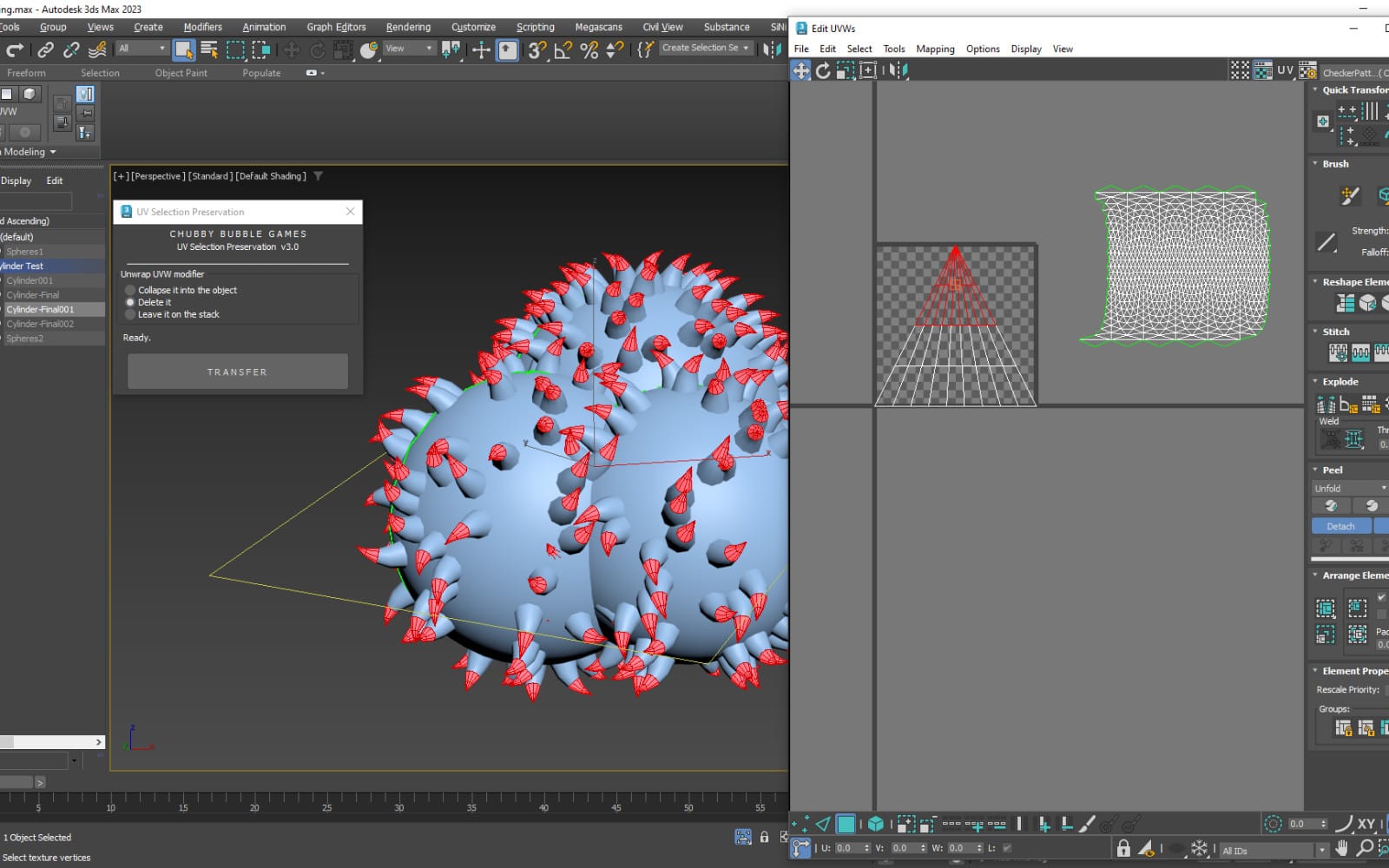
Select the assets you want to normalize. Open Unwrap UVW, then pick the faces you want to bring to consistent texel density. Run the normalization tool for a uniform UV scale across your selection.
Why you should buy
If you build scenes with multiple models, you need texel density consistency or your materials never match. This tool saves time, improves visual quality, and gives you tighter control over UV scale so you can move from blockout to final textures with fewer fixes.
What you get
1 file · 8.59 KB
- NormalizeTexelDensity V2.msMS · 8.59 KB
3ds Max Plugins & Scripts
3Ds Max - Normalize Texel Density
This tool is built to normalize the texel density of UV's across multiple assets.
By continuing you agree to the Terms of Service.
Instant download
Tags
Frequently asked questions
Do I get access instantly?
Yes. This is a digital product - you can download it right after checkout, straight from your library.
Can I use it for commercial projects?
Yes. Commercial use is allowed: use it in your own business and in things you sell. You may not resell or redistribute the file itself.
What's your refund policy?
You can request a refund within 30 days. If something isn't right, request it from your order and the Getly team reviews it.
What file formats and sizes will I get?
You'll download 1 file - MS - 8.59 KB in total.
Do I get free updates?
Yes - when the seller ships a new version, you can re-download the latest files from your library at no extra cost. Check the changelog for recent updates.
Price
Free