 Getly
GetlyWrite and Self-Publish an Ebook
This navigator helps you publish a polished ebook on Getly without getting stuck in setup and format decisions. Use it if you already know your ebook topic and want a clear path to a finished, sellable product. Read the needs in order. For each one, pick marketplace assets that support your writing, packaging, and presentation, then move to the next step.
Finalize your ebook content and structure
Get an ebook-focused writing workspace that keeps your manuscript organized and consistent. This category supports finished, reader-ready ebook formats and written content you can publish as a standalone digital product.

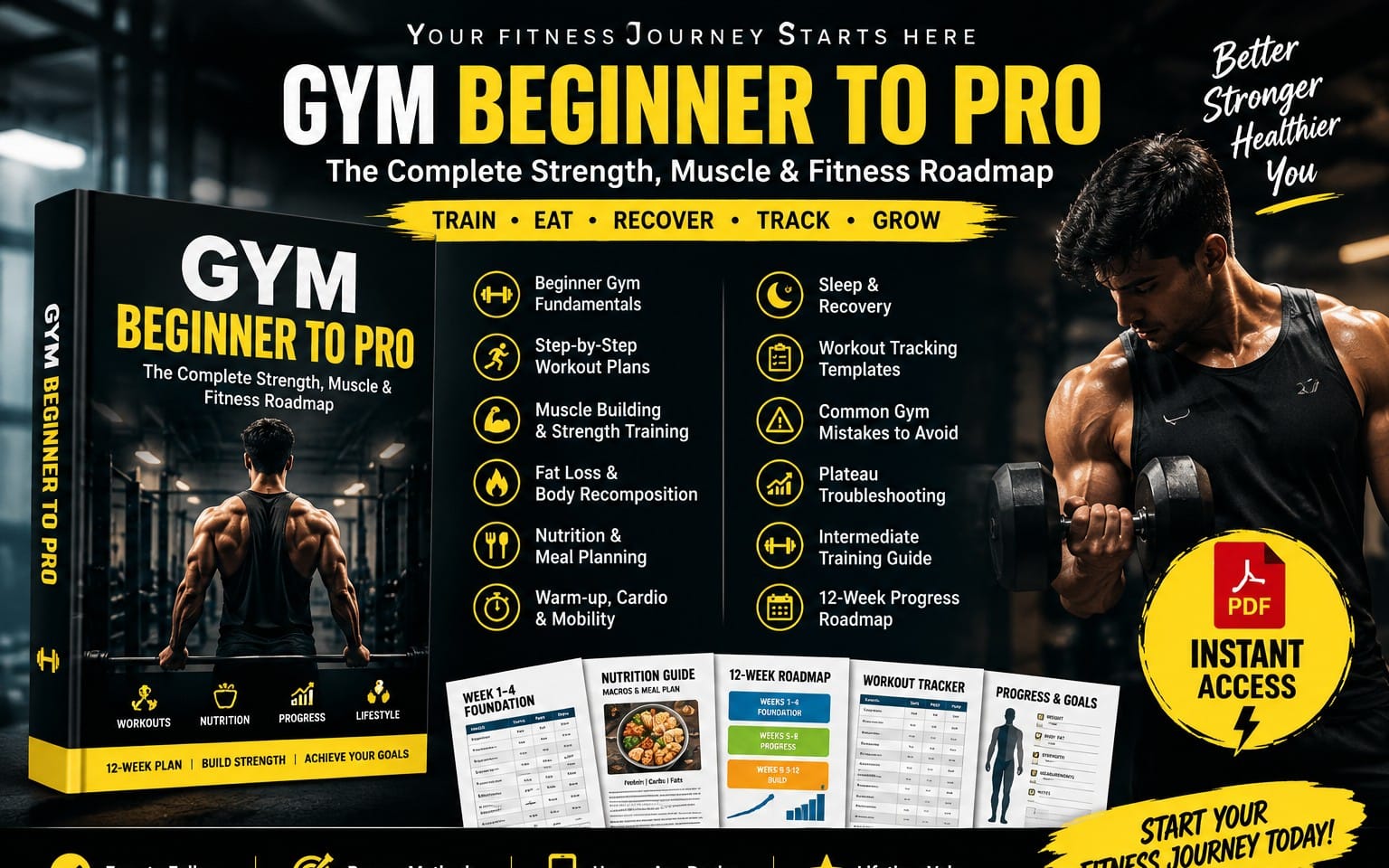
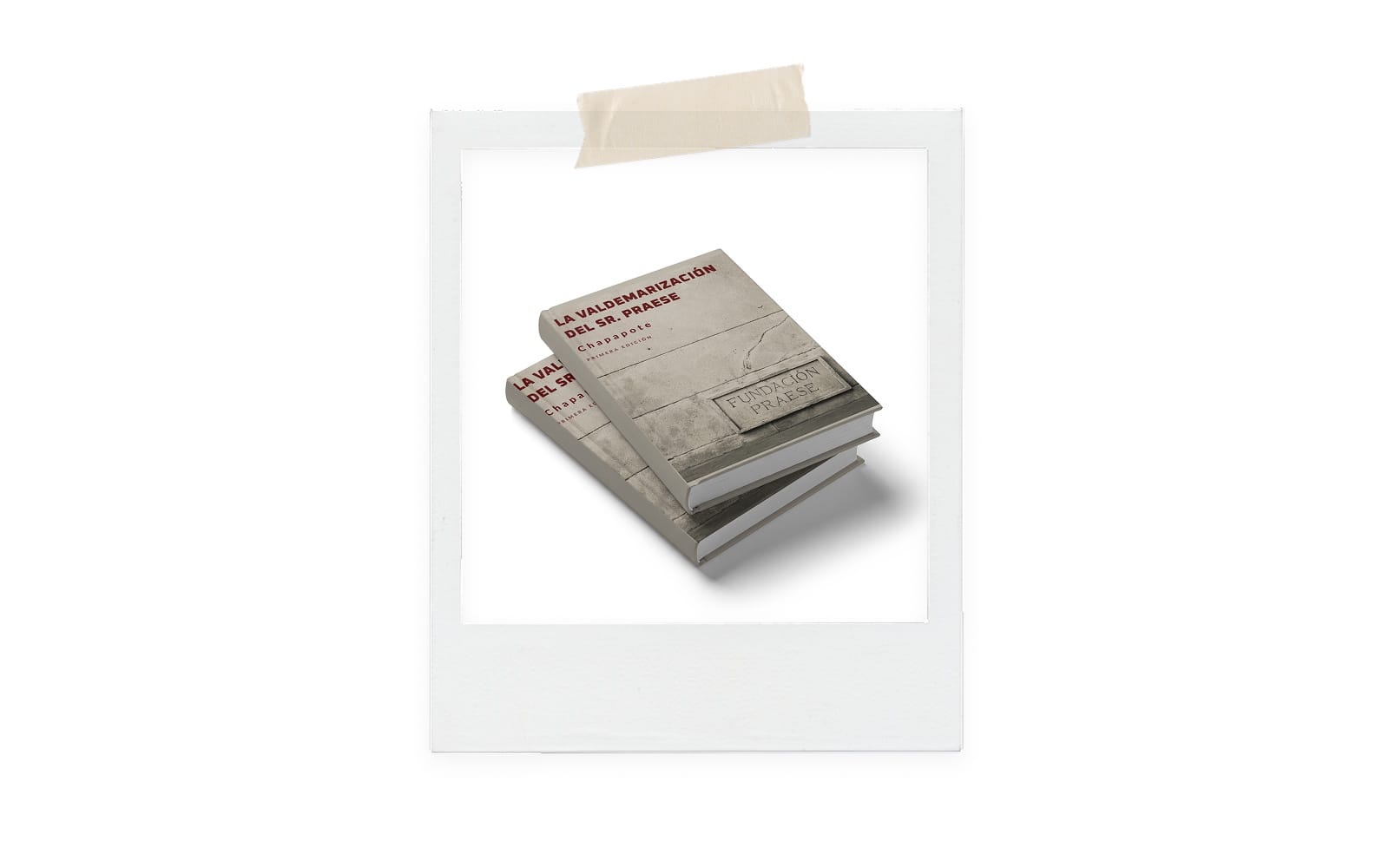
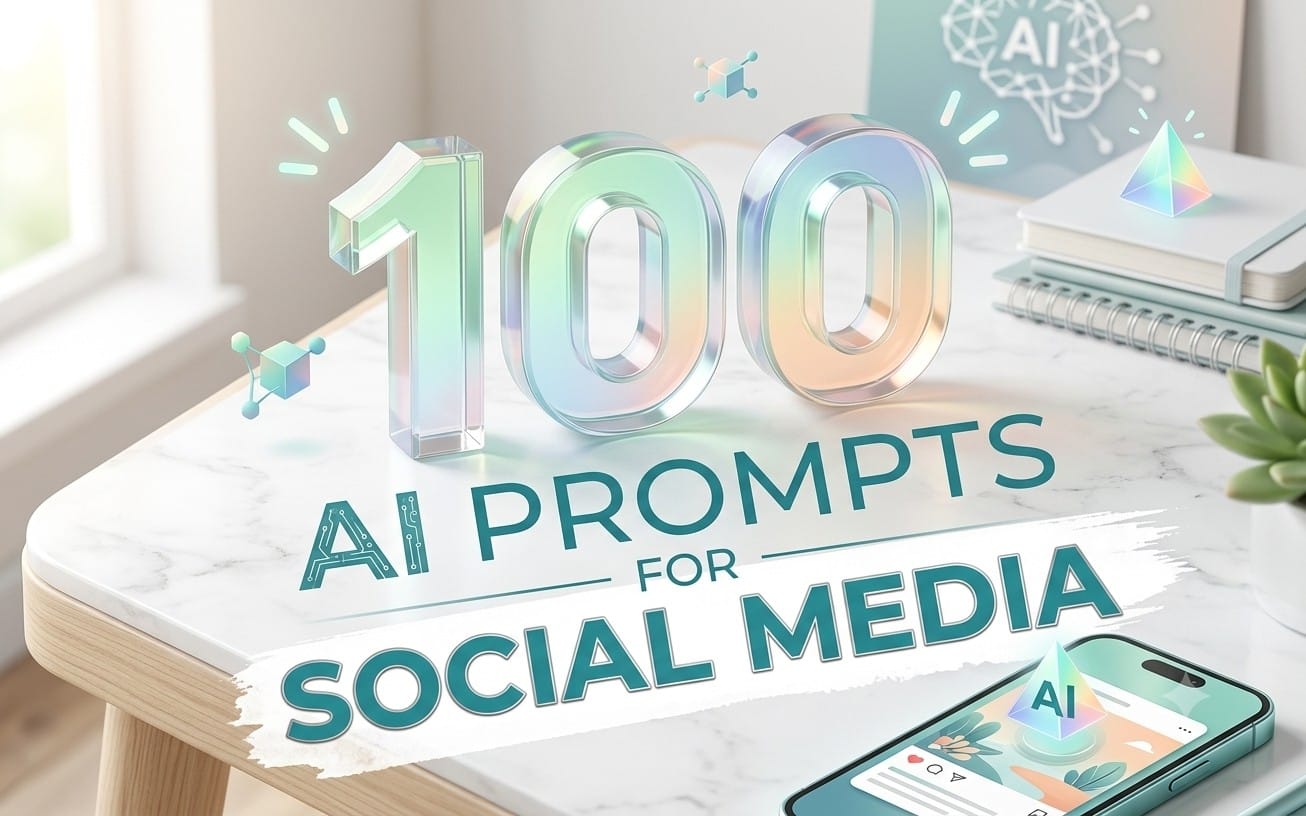


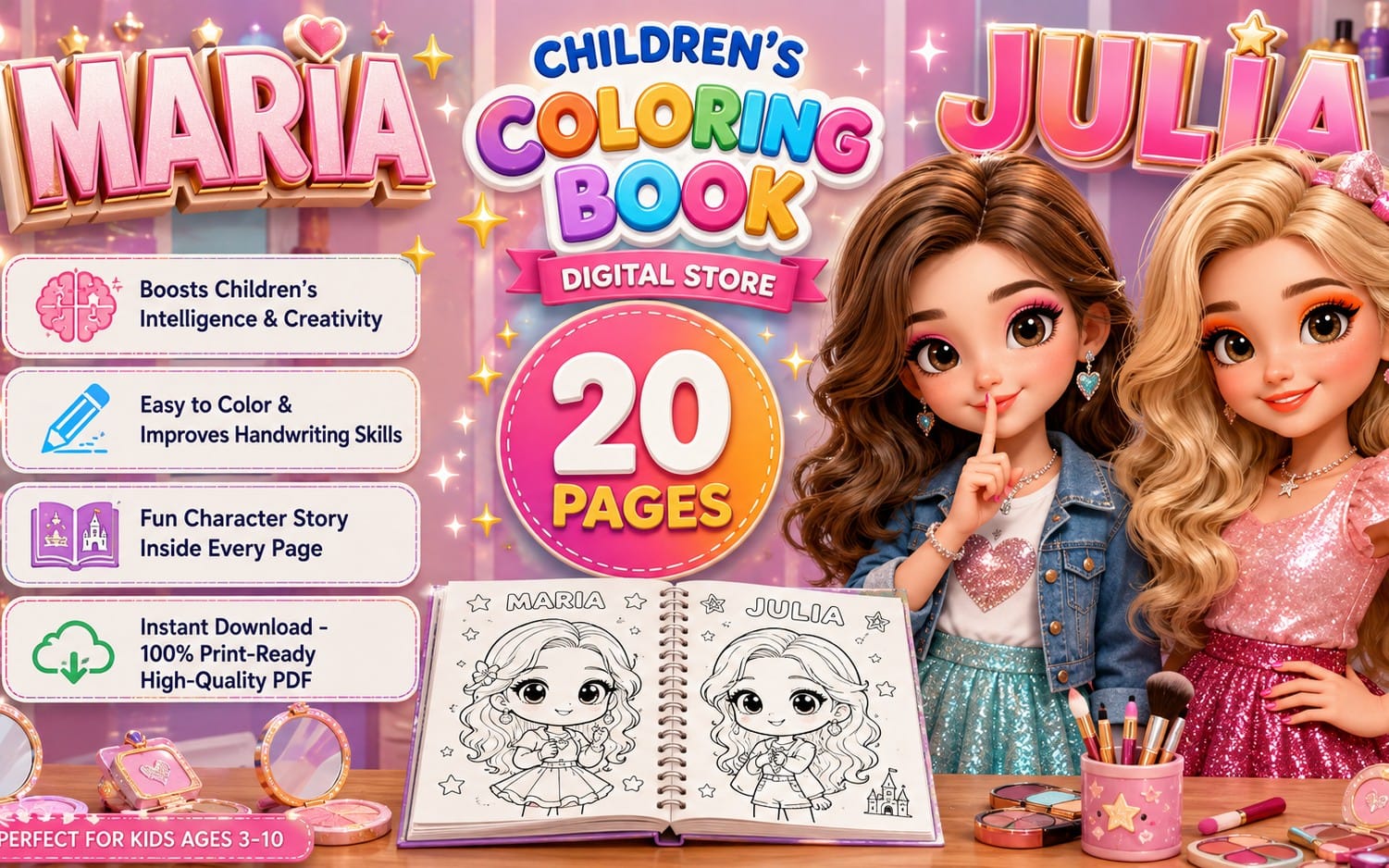
Package the ebook as a clean, store-ready product
Use ebook formats that match how buyers expect to consume digital books. This category gives you ebook product types you can align with your topic, audience, and overall reader experience.




Create cover and inside-page design assets
Strong layout and visuals help your ebook look intentional. Use design resources for cover elements and interior page visuals so the final file feels cohesive instead of improvised.



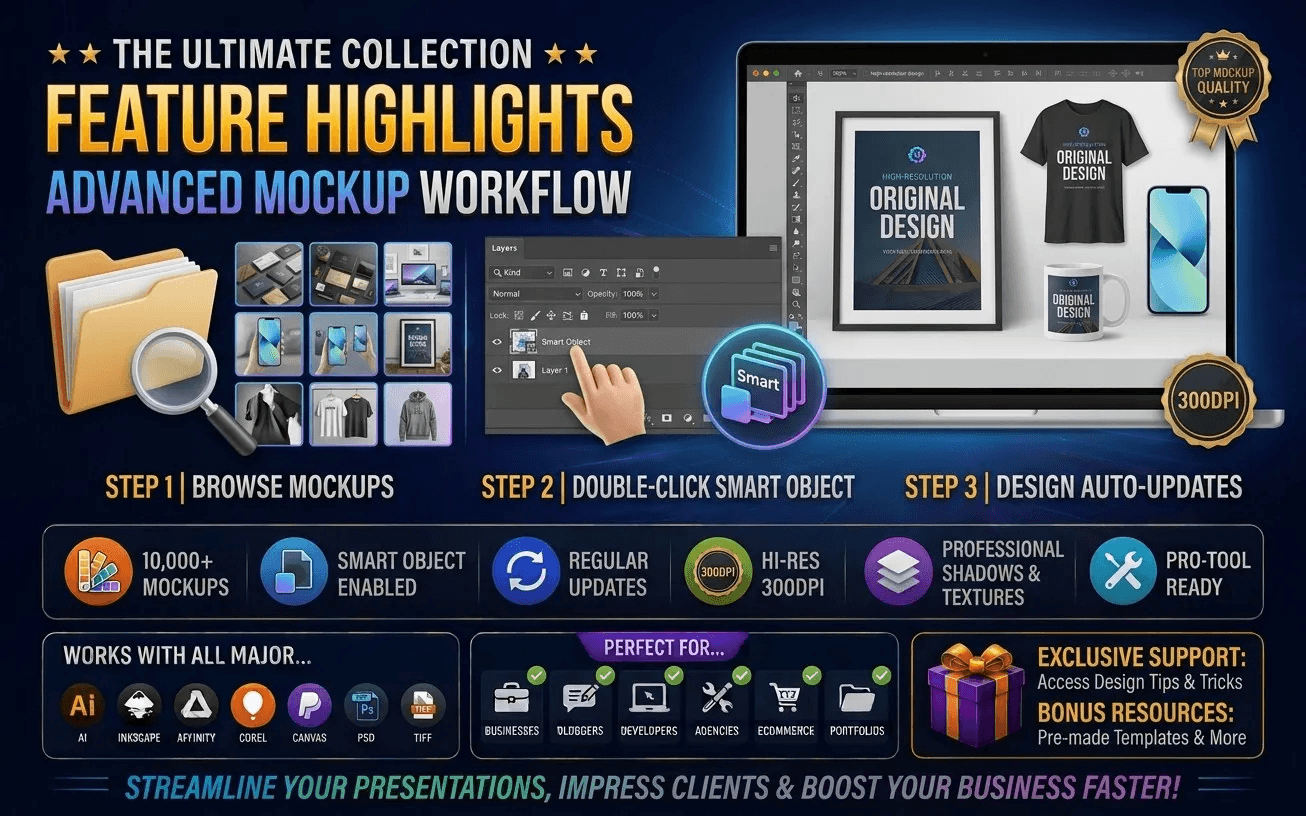




Build marketing pages that sell your ebook clearly
A good listing needs a clear presentation. Use marketing and landing-page style templates to present the ebook benefits, format, and what the reader gets in a fast-scanning layout.



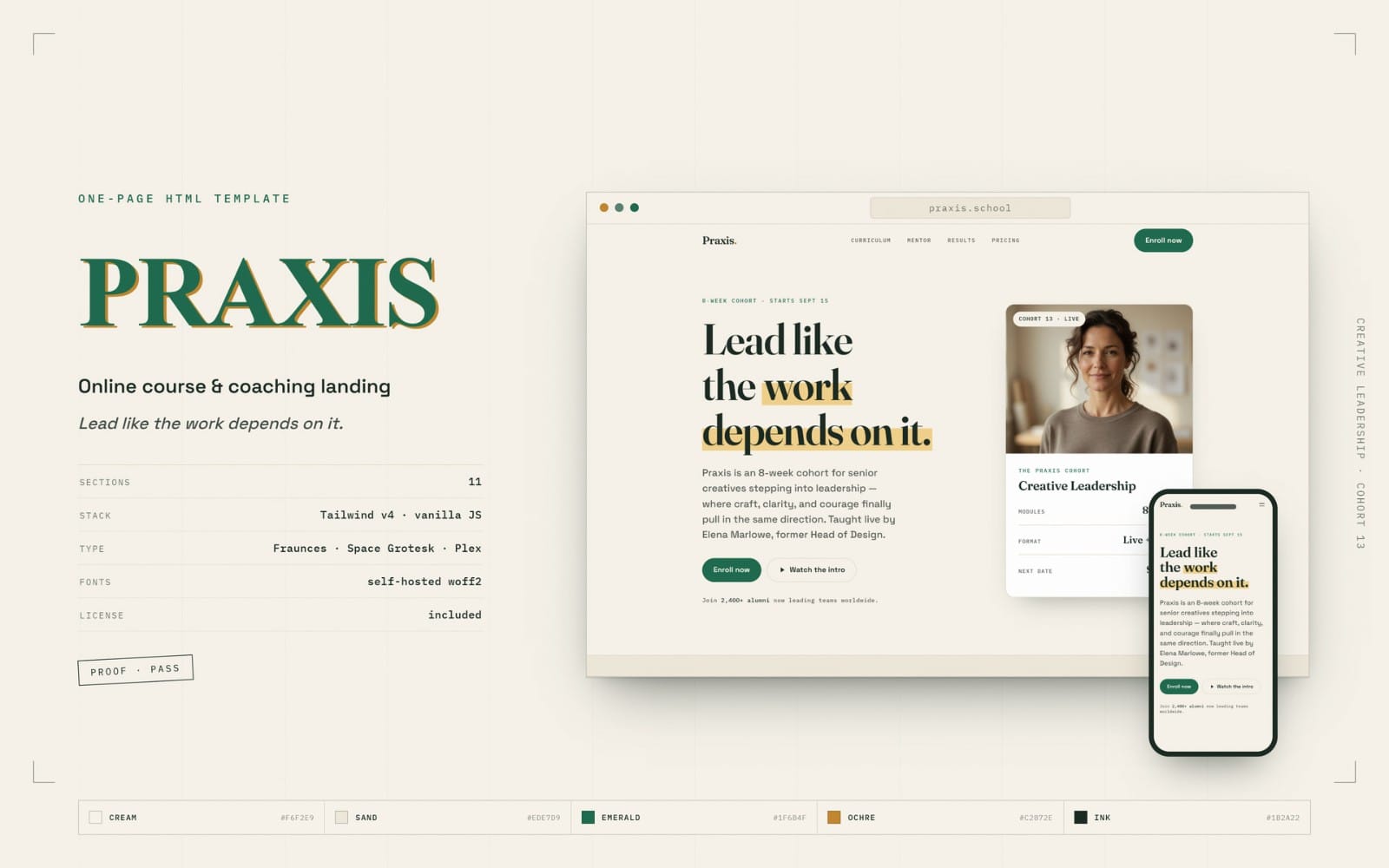


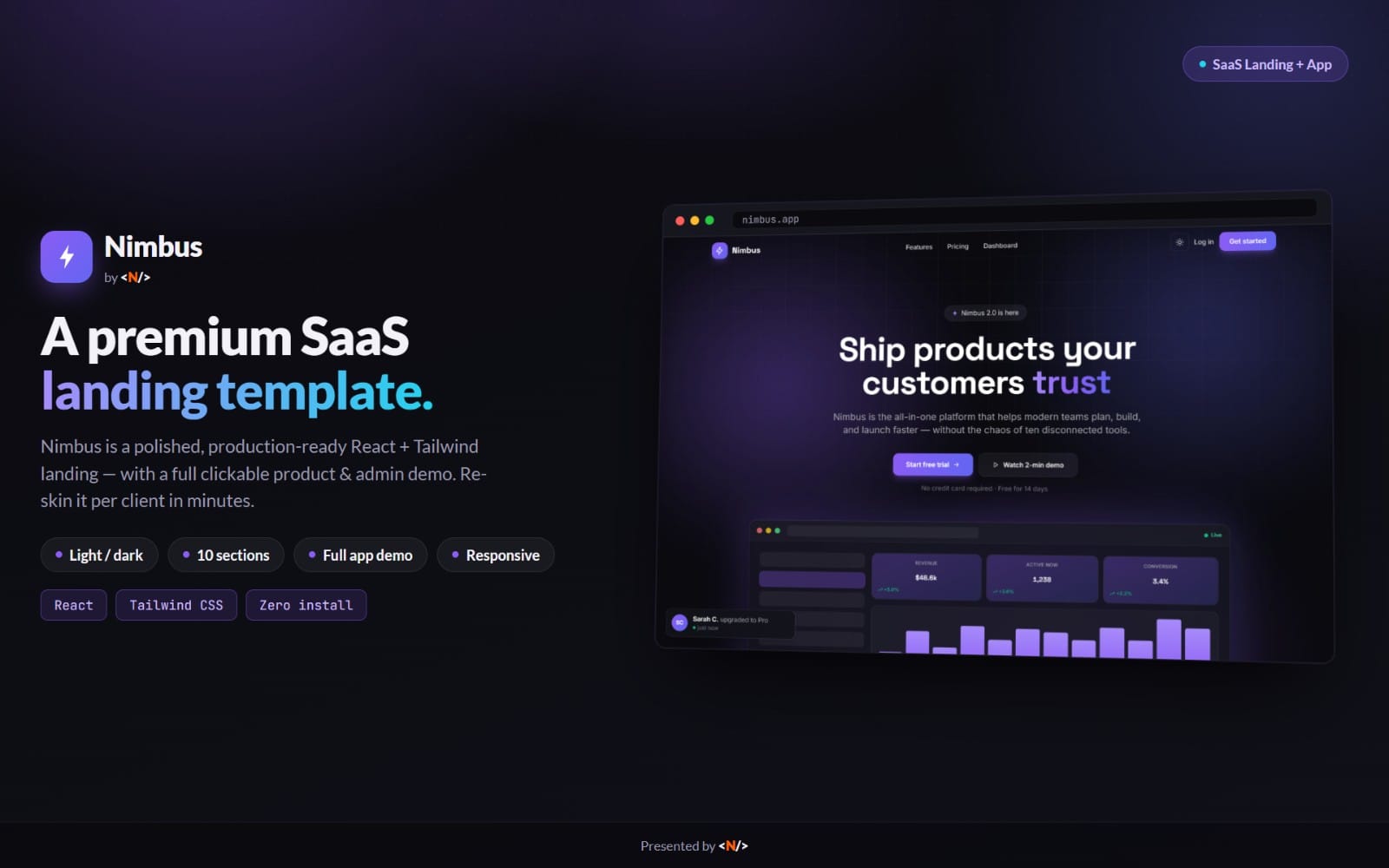

Plan how buyers preview the ebook experience
Preview visuals and ebook-related screenshots help buyers understand what they are purchasing. Use background and wallpaper-style assets as supporting visuals for consistent promotional surfaces.





Can I publish a fiction ebook or does this guide only fit nonfiction?
You can publish fiction or nonfiction. This navigator focuses on the publishing needs that apply to ebooks generally, like packaging, design assets, and store presentation.
Do I need design assets if I already have text finished?
You can publish without advanced visuals, but design assets help your ebook look cohesive and more trustworthy when buyers see the cover and promotional materials.
Where do marketing pages fit in the workflow?
Add marketing pages after you settle the ebook scope and format. This keeps your messaging aligned with what the reader actually receives.