 Getly
GetlyStart a YouTube Channel From Scratch
This navigator guide helps you build a new YouTube channel step by step by focusing on concrete needs, from channel identity to repeatable production and growth materials. It’s written for beginners who want a clear path without getting stuck on tools or complexity. Read it top to bottom, then click into the matching Getly category for each need. Each section points you to where to find ready-to-use digital assets and templates.
Define your channel look and on-screen style
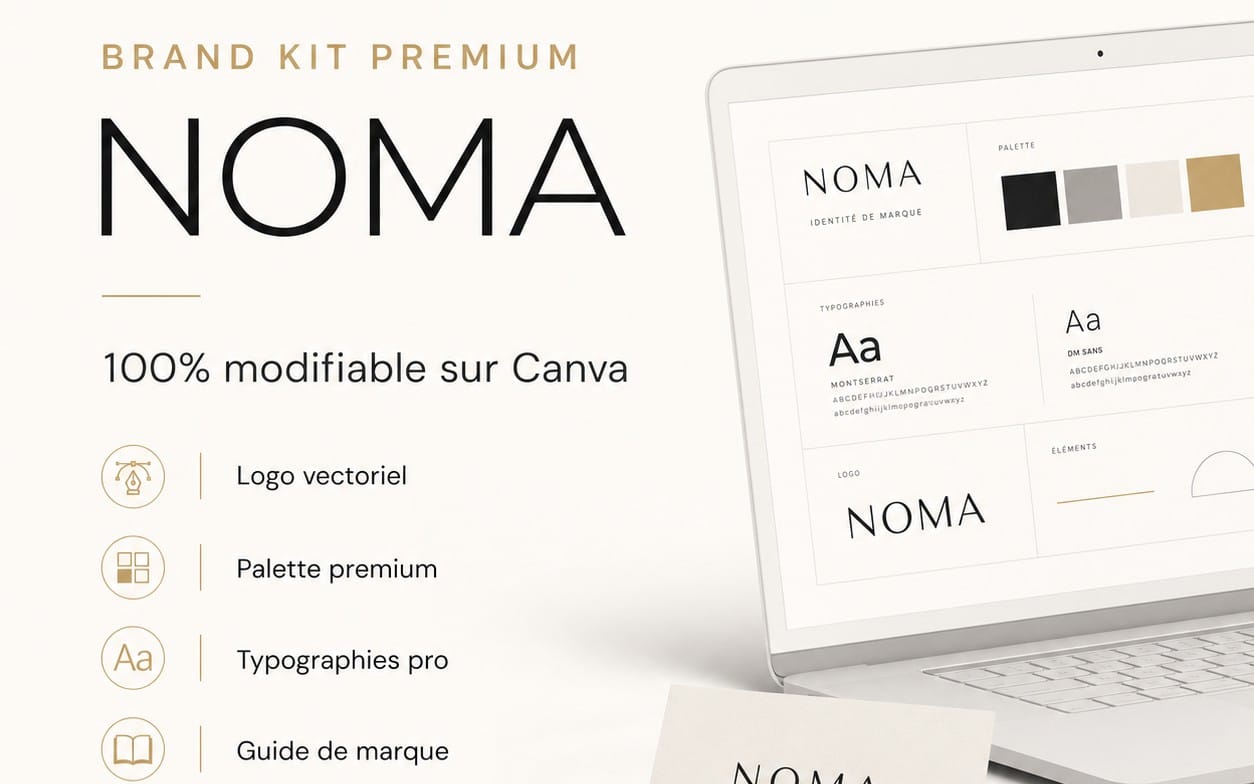
You need a consistent visual identity so viewers recognize your channel in thumbnails, intros, and recurring graphics. Use this category to source style foundations like logos, fonts, and design building blocks that keep your content cohesive.


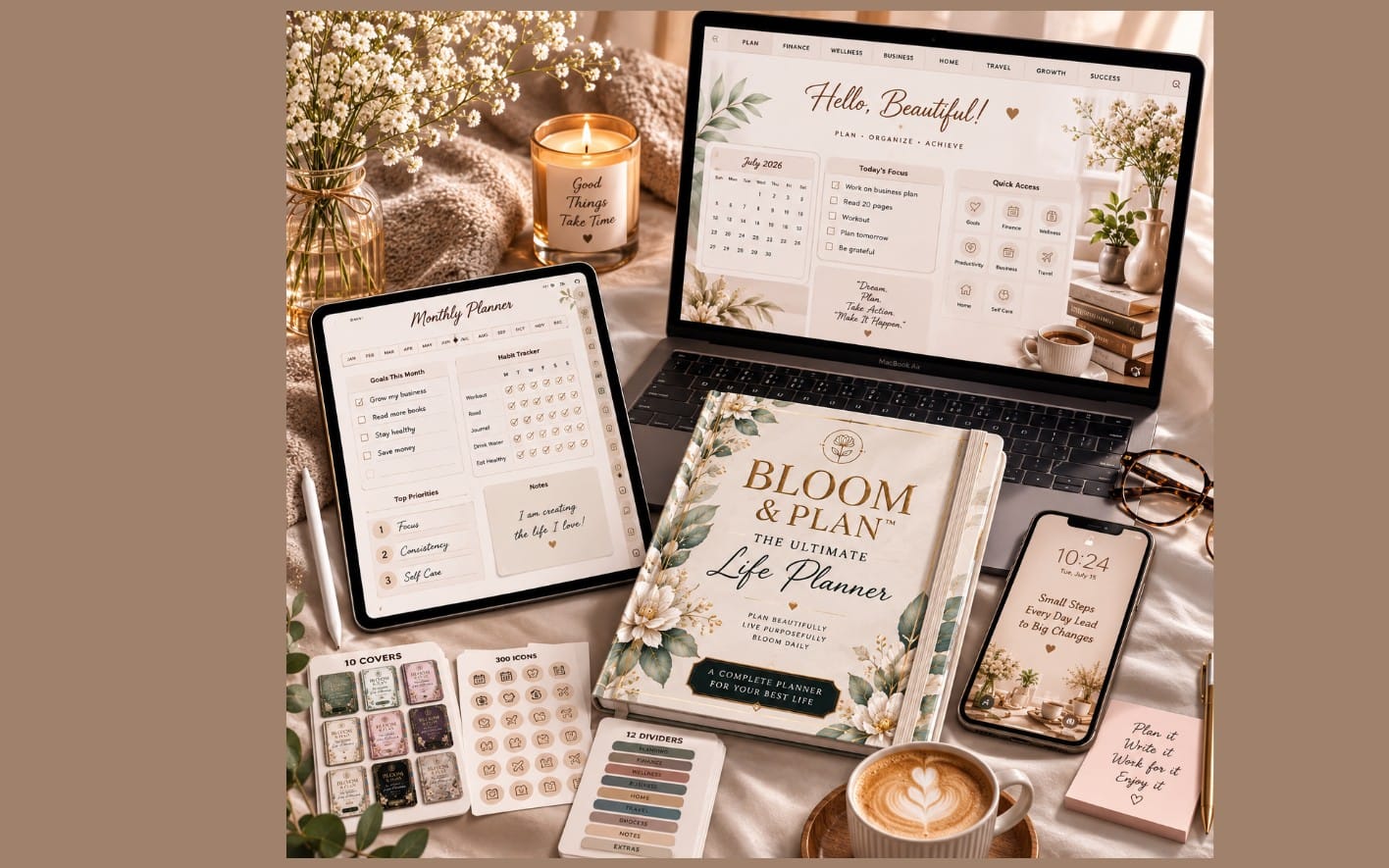
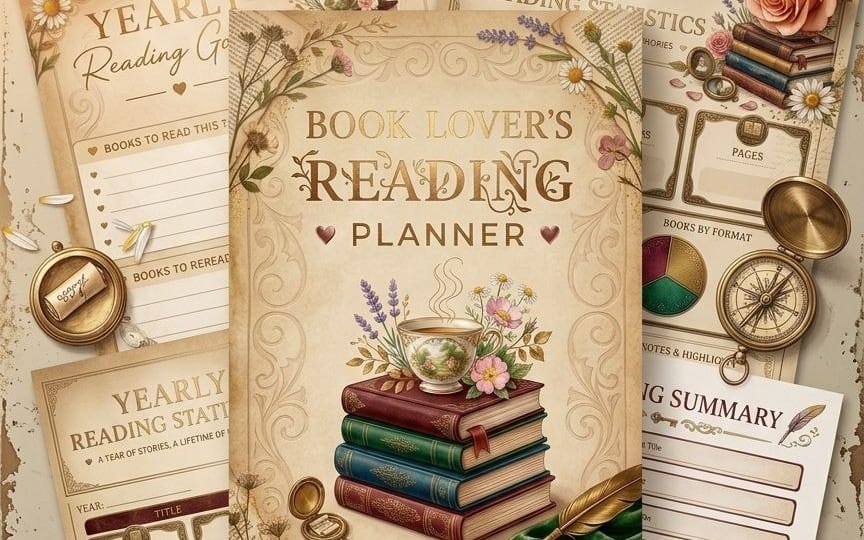
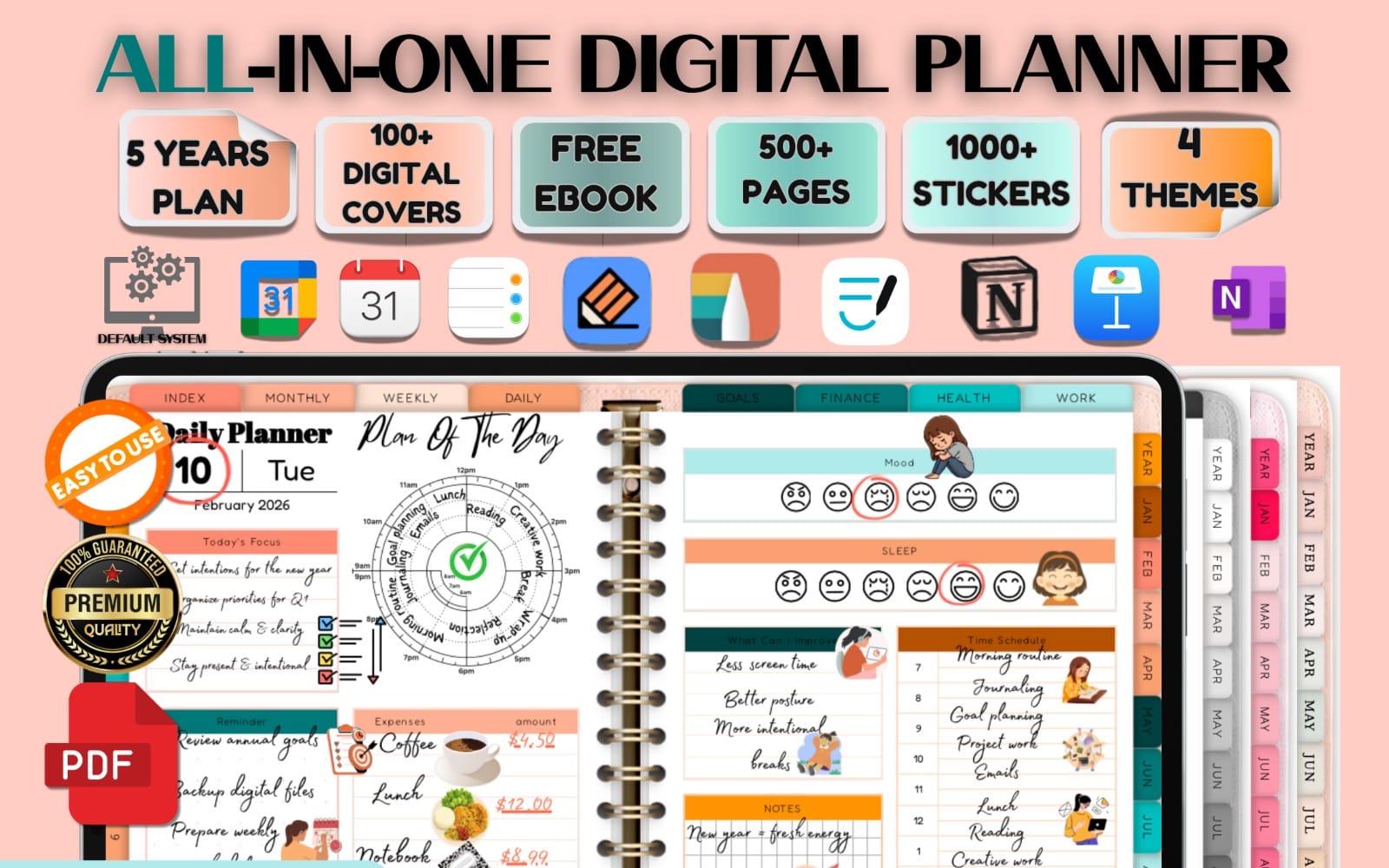
Plan a channel structure and content workflow
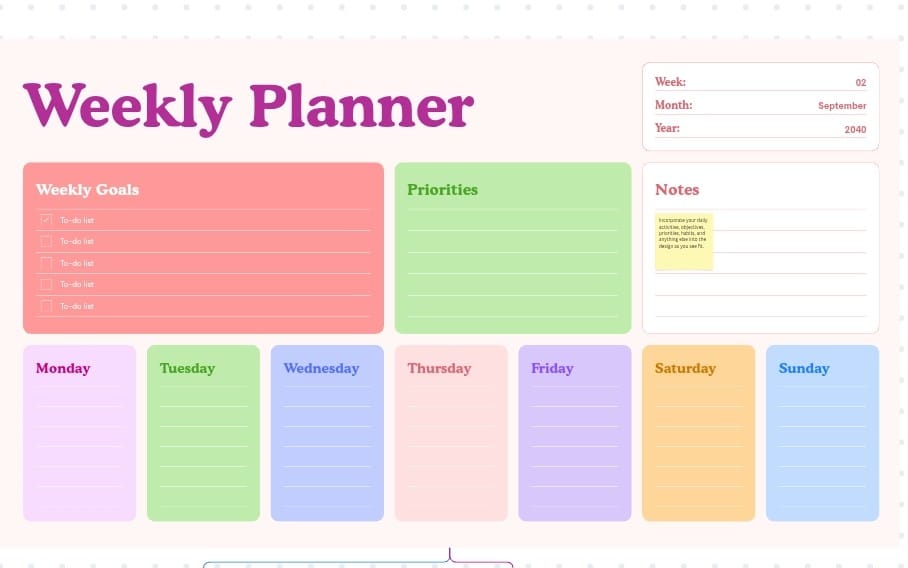
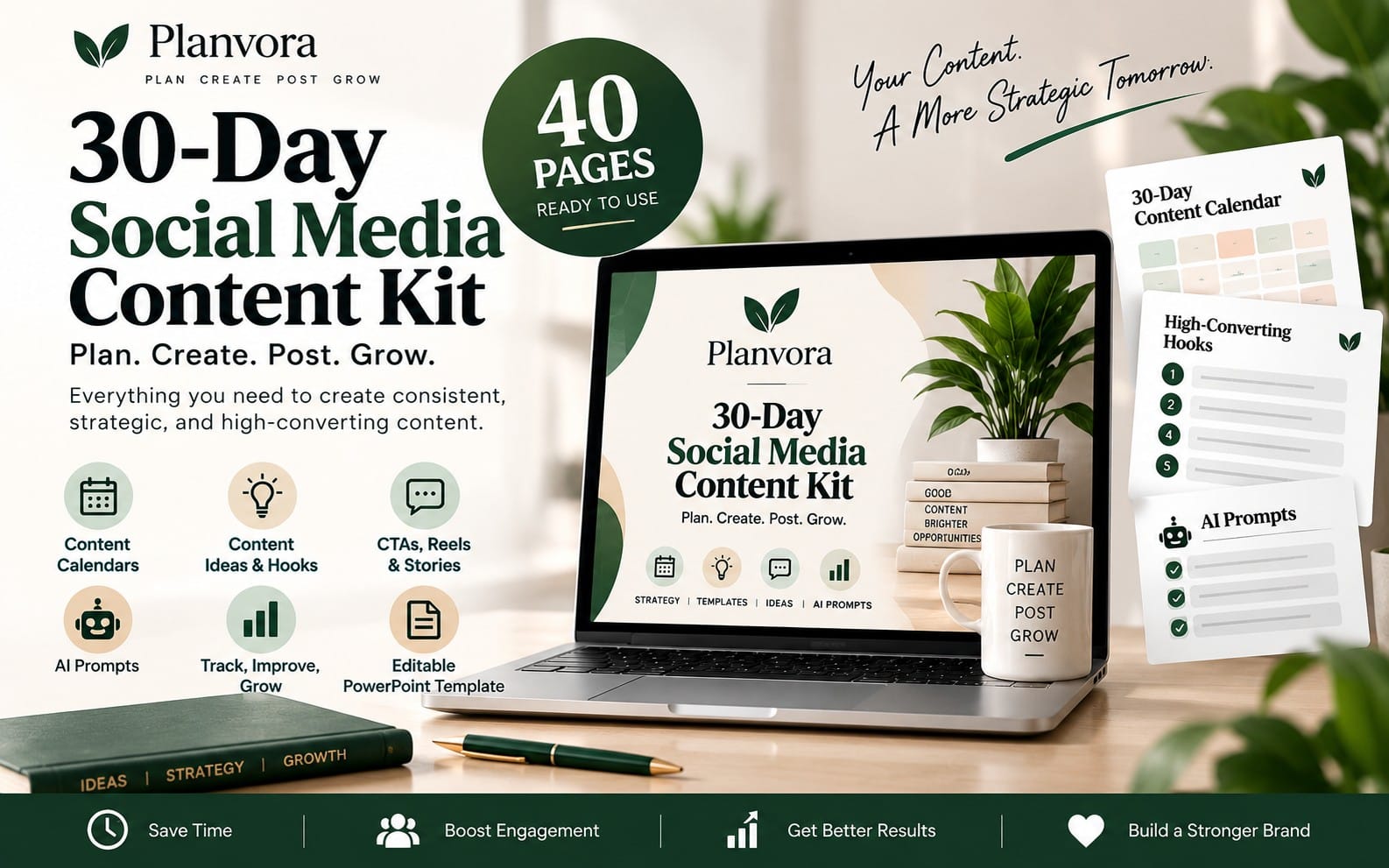
You need a repeatable plan for what you publish and how you organize ideas, scripts, and schedules. This category helps you kickstart a structured approach using templates you can reuse each week.
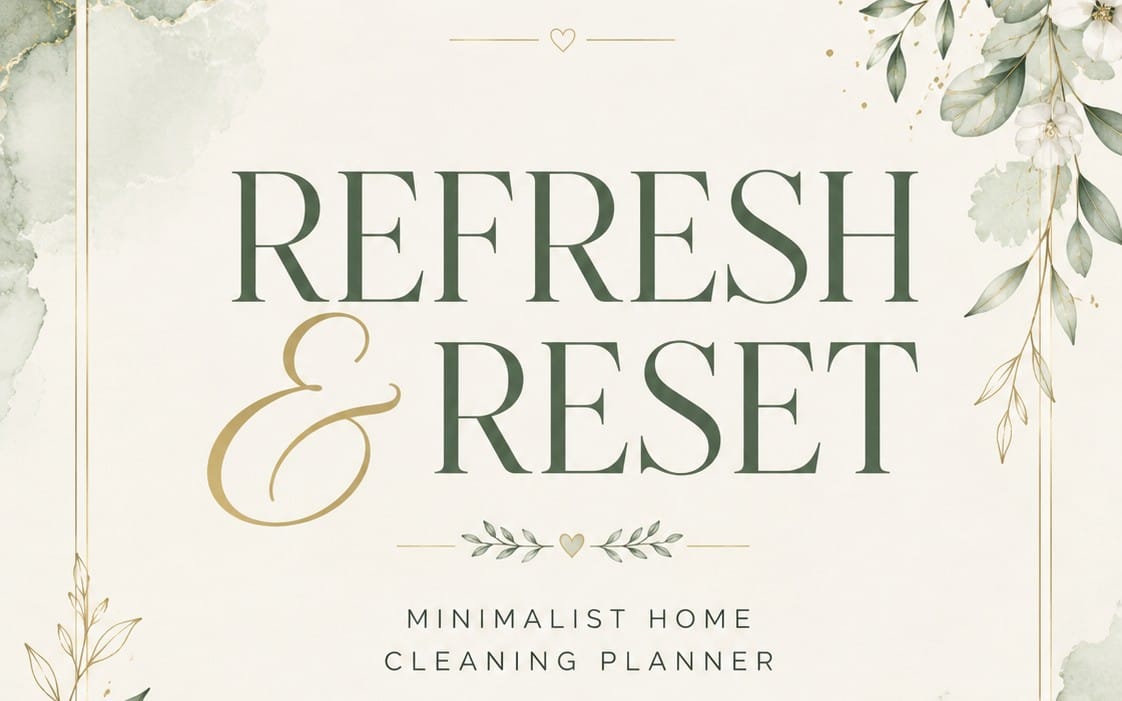
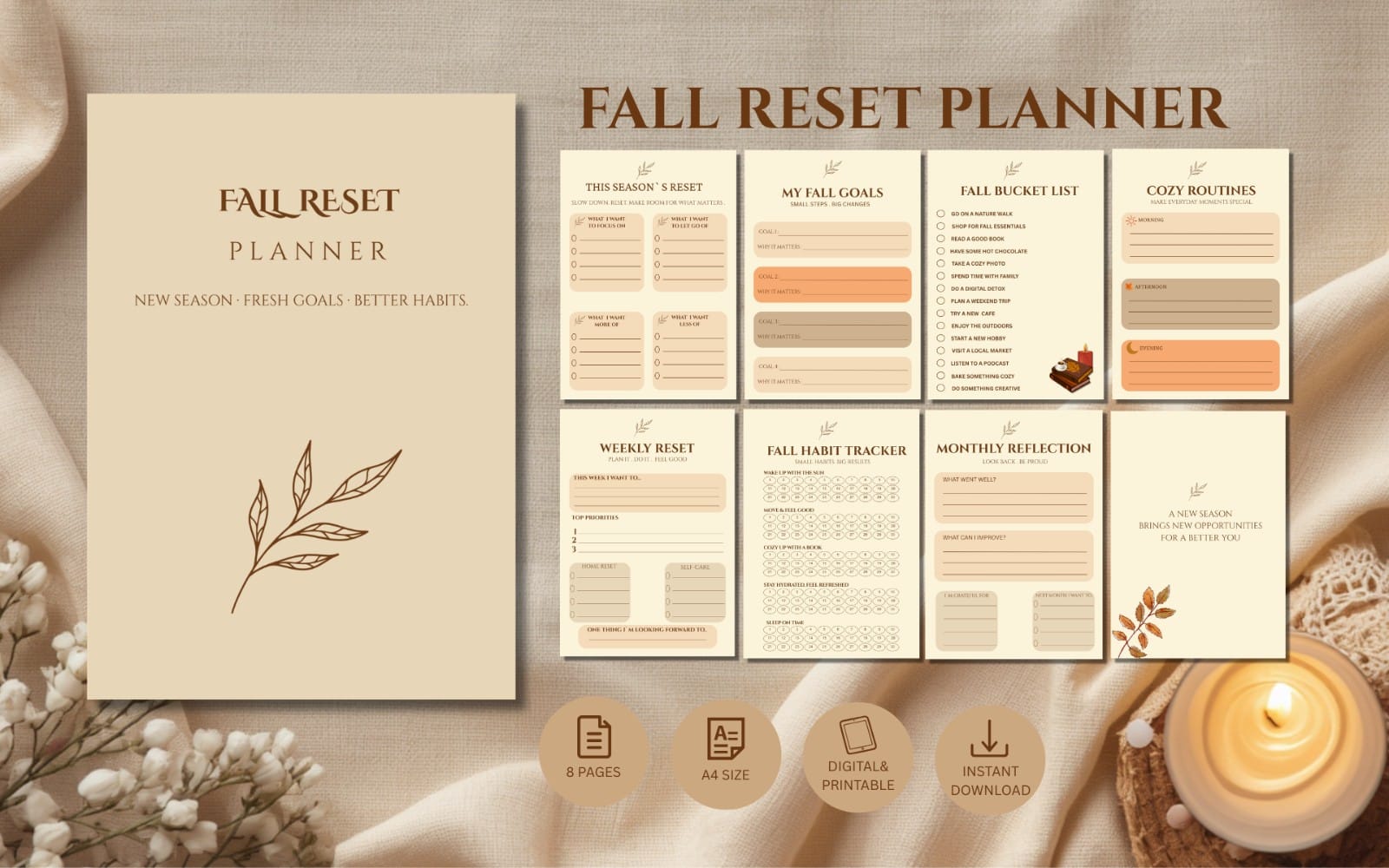
Create thumbnails, banners, and publish-ready graphics
You need channel assets that work in the real places viewers see them, like thumbnails, end cards, and page headers. This category gives you ready design packs and visual components to speed up production while keeping quality consistent.
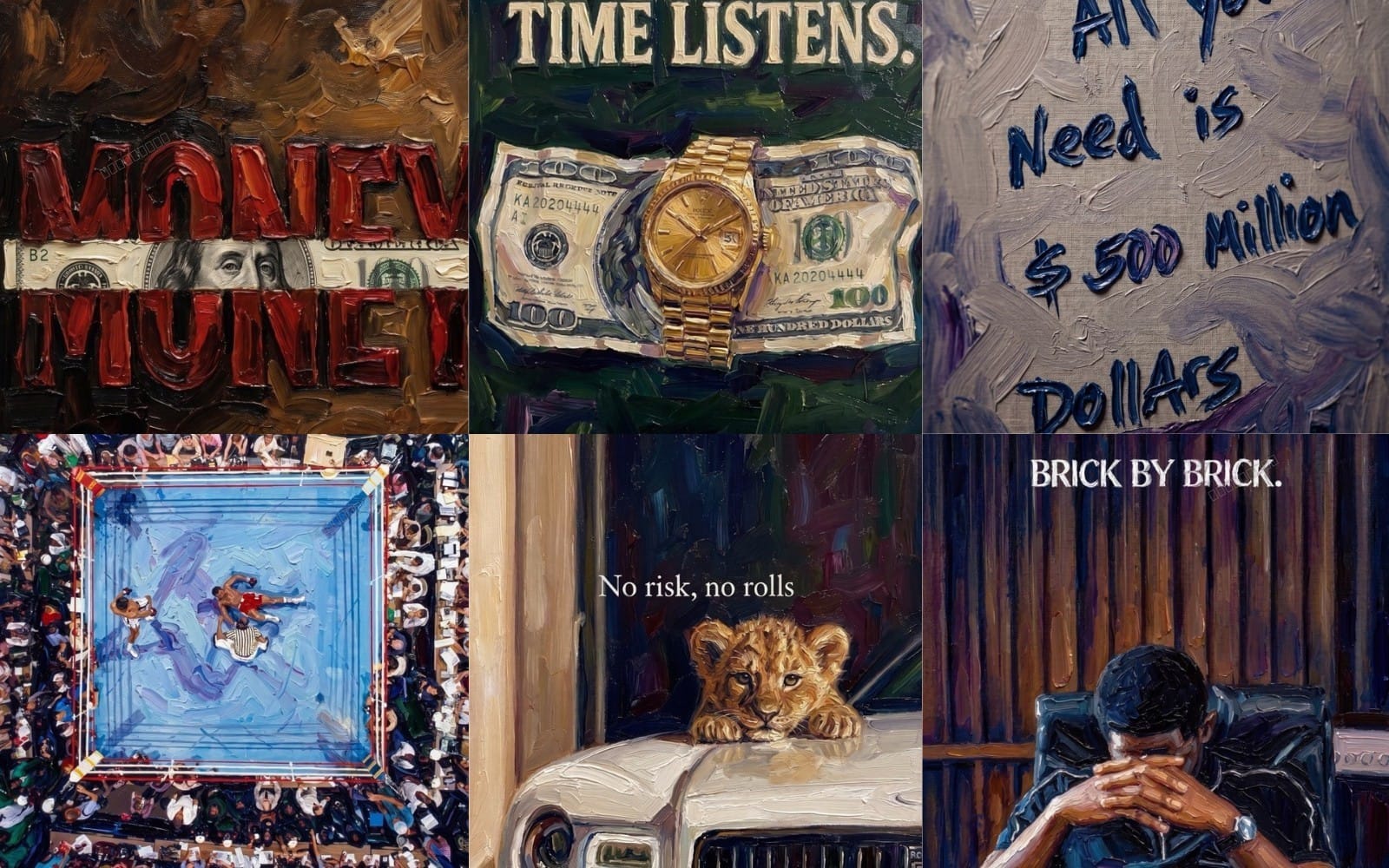

Produce clean video assets and motion elements
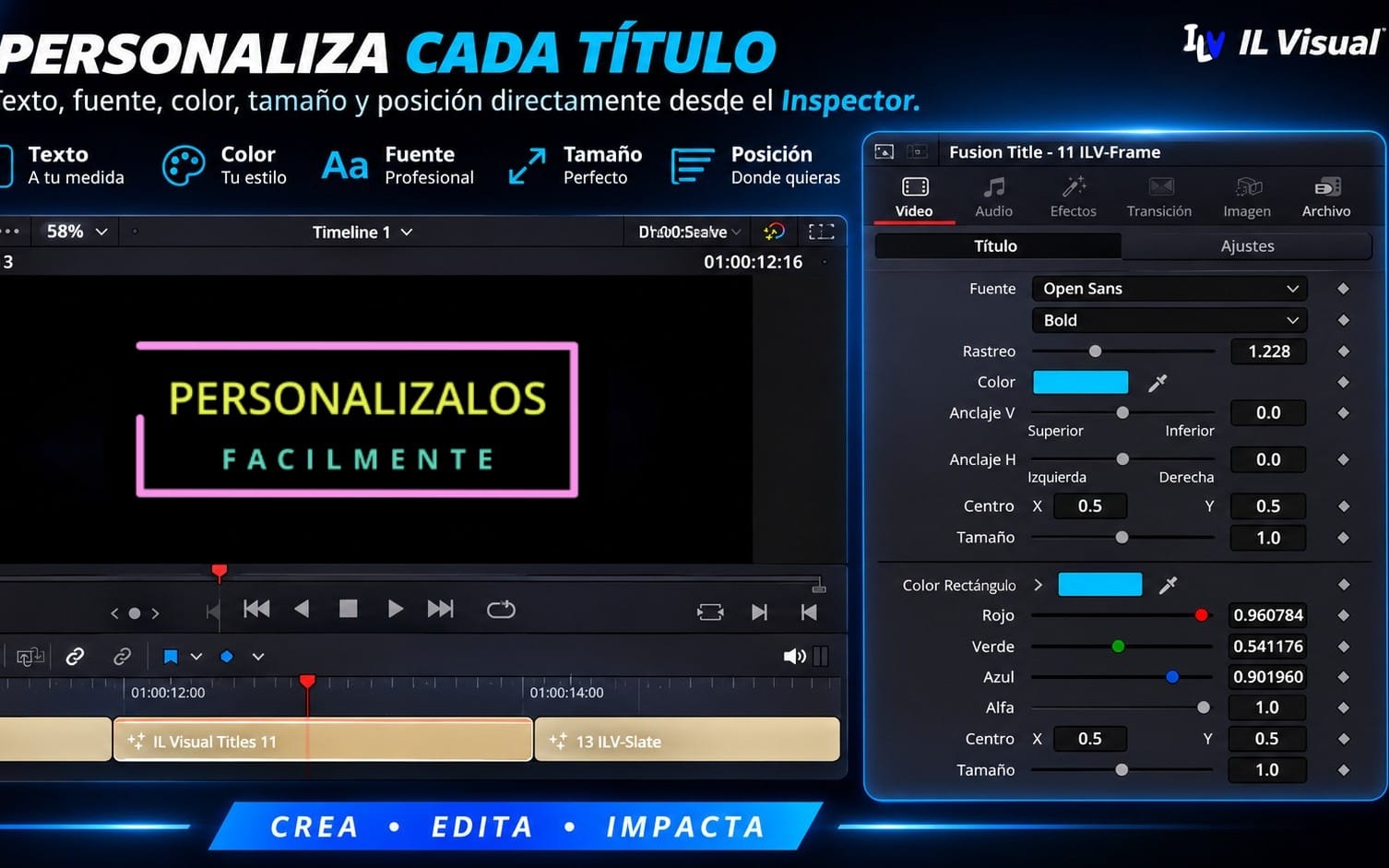
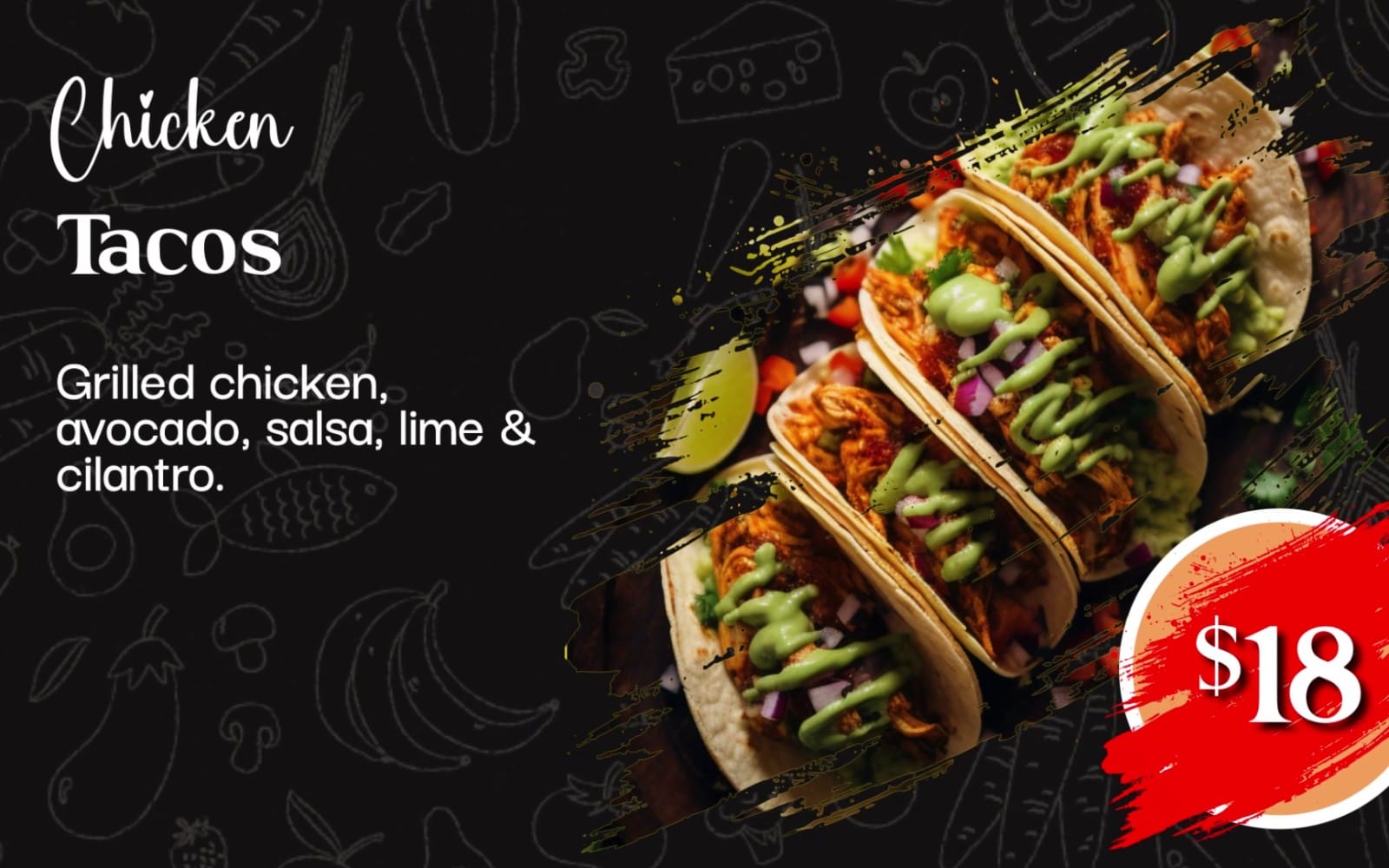
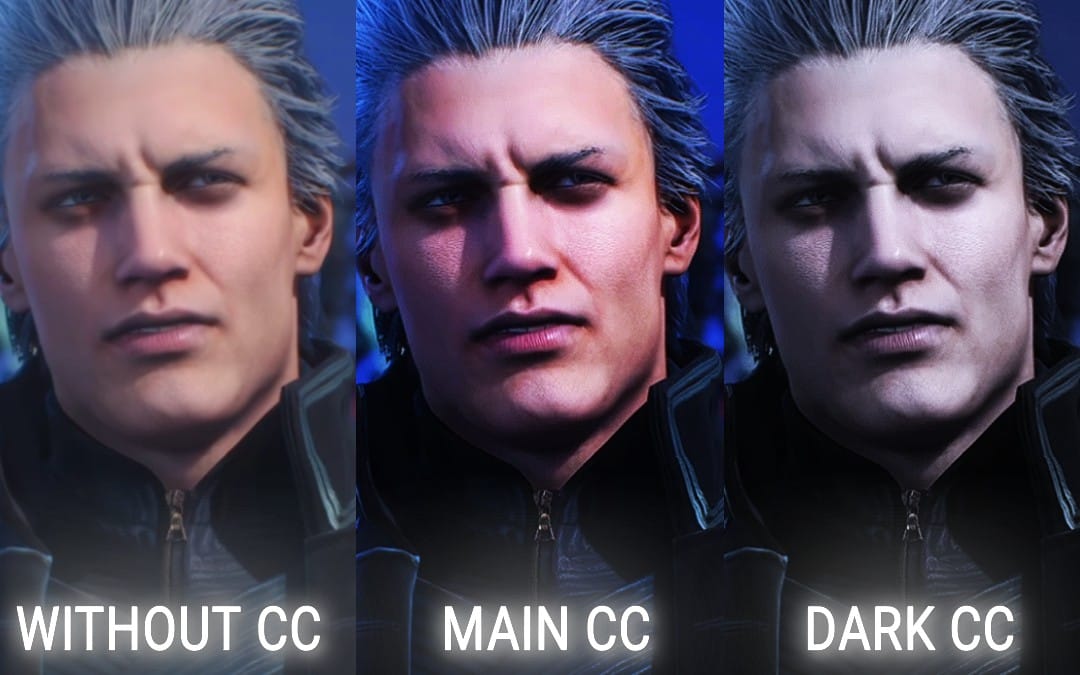
You need video-friendly media that supports editing and helps your videos feel polished without starting from scratch. Use this category for motion and video elements that you can integrate into your edits.

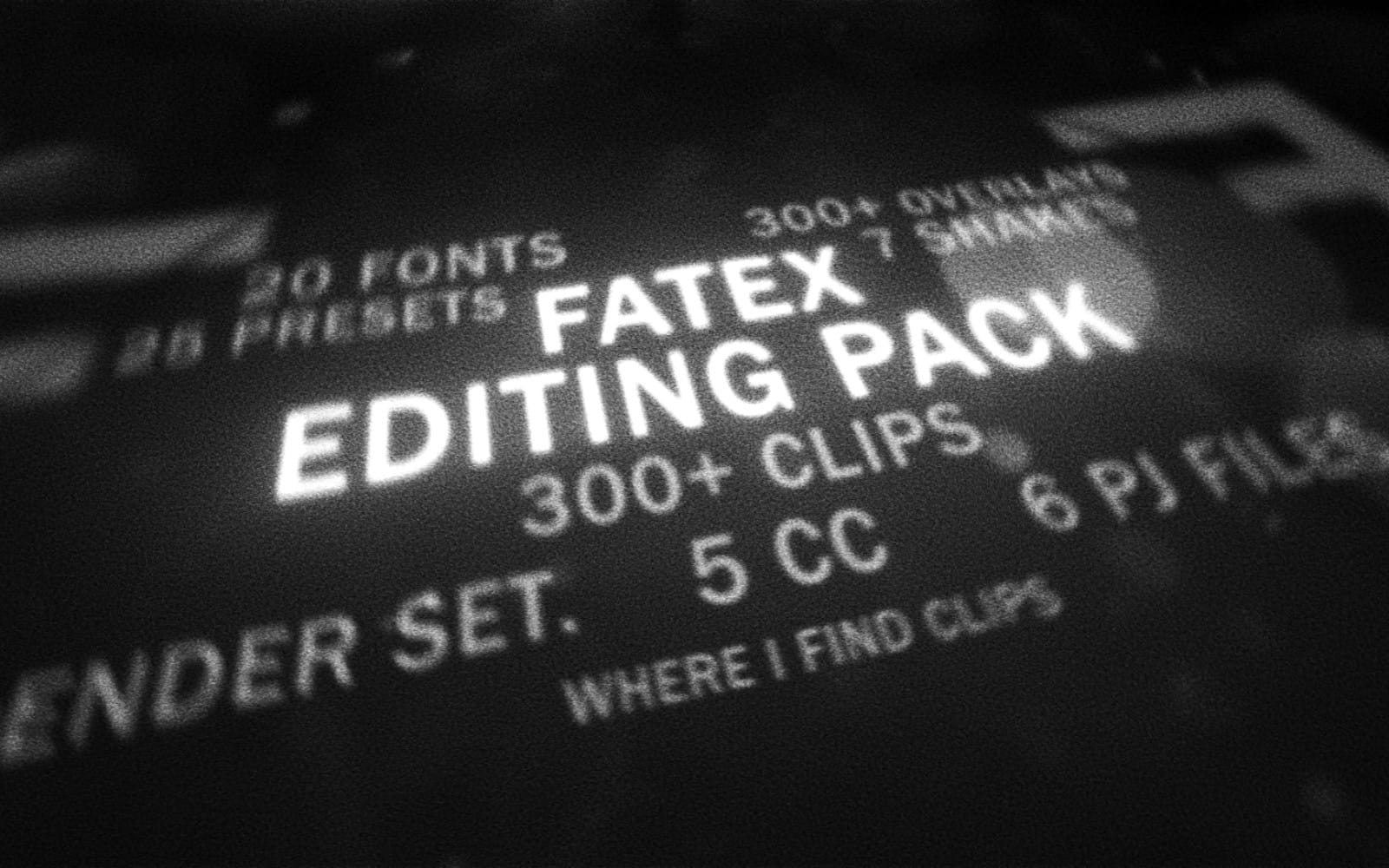


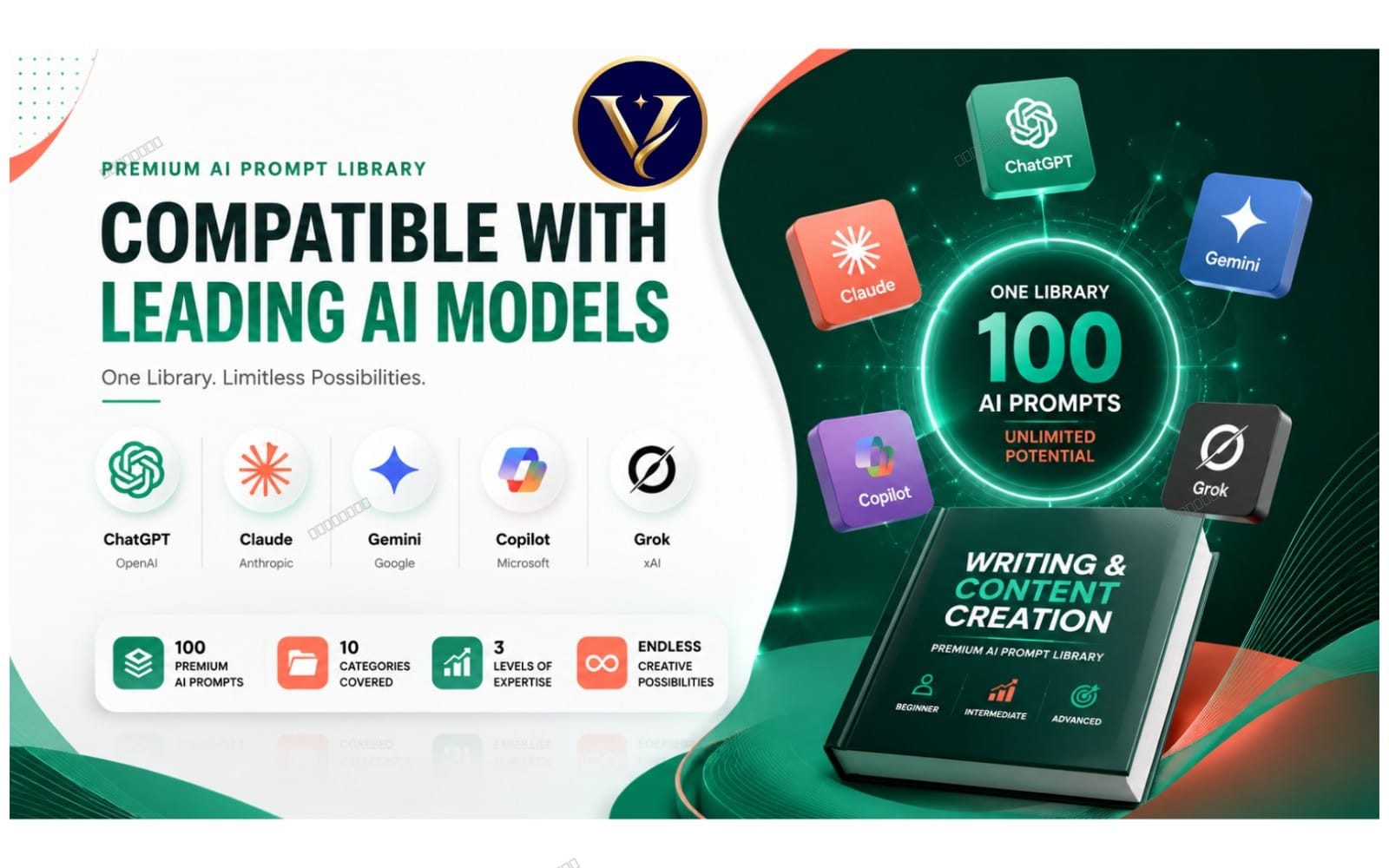
Use AI writing and brainstorming for scripts and hooks
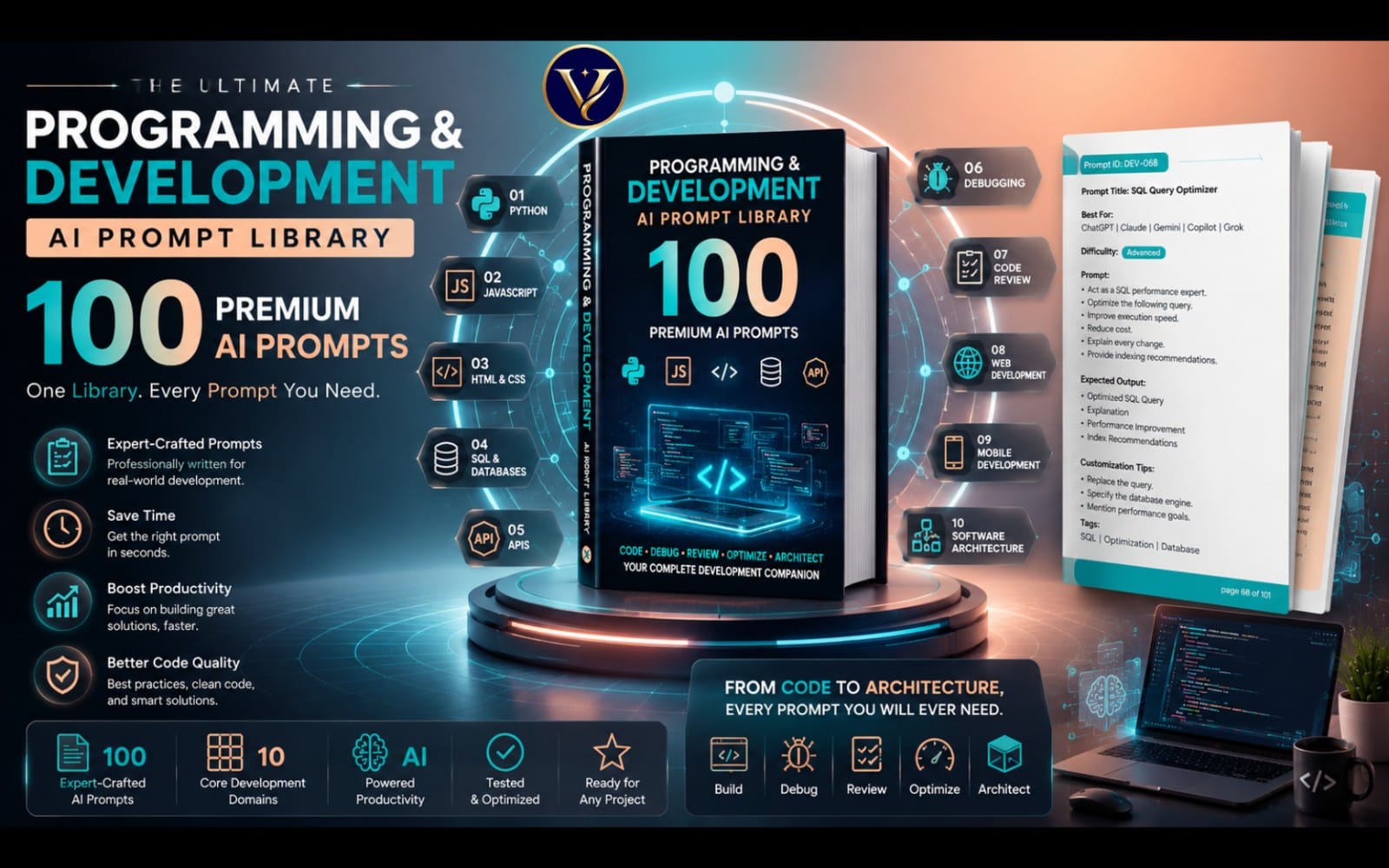
You need faster ideation and script support so you can keep up with publishing. This category helps you find prompts and writing resources that support outline creation, topic variations, and clearer delivery.


Plan growth and publish consistently on social
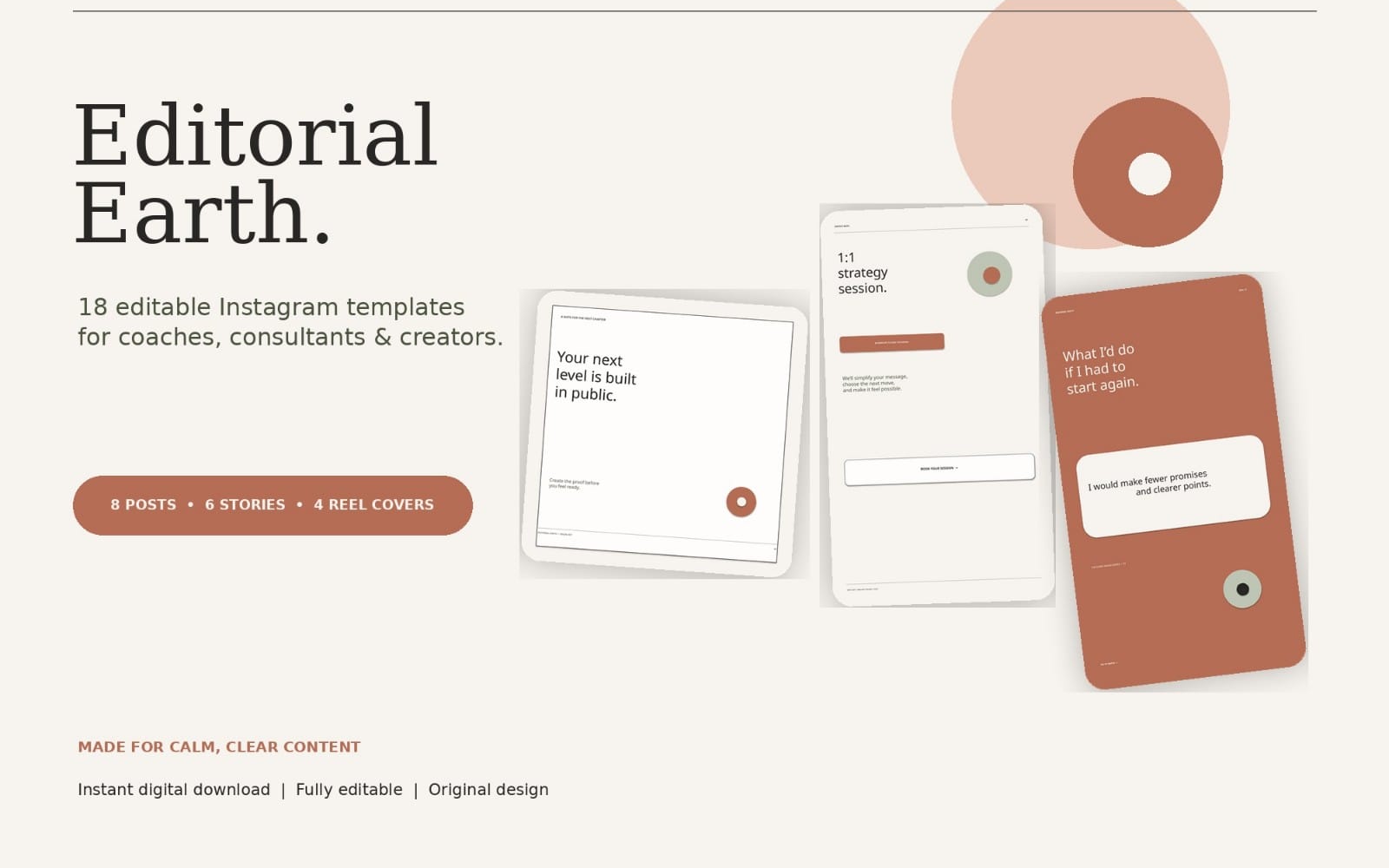
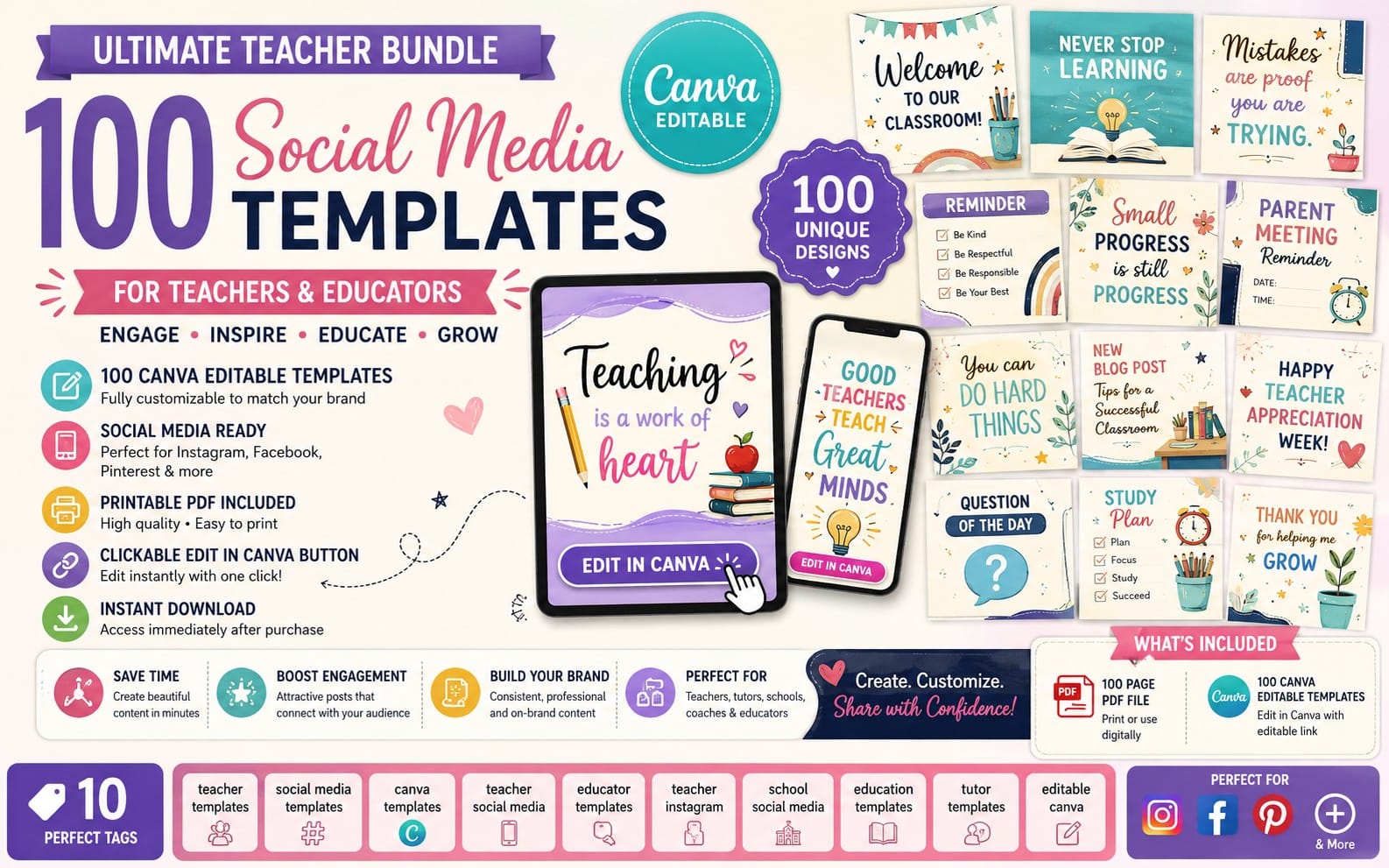
You need promotional materials that keep showing up alongside your uploads, especially when you share clips and updates. This category supports social posting formats so your channel stays visible between videos.

How many categories should I use to start?
Use the sections in order. Each one matches a distinct need, so you can start with the first 2 to 3 and expand as you publish more.
Do I need to buy assets for every step?
No. You can use what you need now and fill gaps later. The guide groups needs so you only source assets for the stages you’re working on.
Can I change my niche after I start?
Yes. Keep your channel branding consistent, then adjust your content plan and graphics to the new topic as you go.