 Getly
GetlyNavigator Guide: Make a Horror Game
This navigator helps you plan a horror game build without getting stuck at one step. If you already have a concept, use it to find the missing pieces. If you start from scratch, use it to map your needs into market-ready categories. Each section points you to a Getly category that supplies assets or content for that specific need. Read top to bottom, then click the categories that match what you still need.
Horror-ready visuals and moods
Use 2D backgrounds to set atmosphere fast, build recognizable locations, and keep your horror game visually consistent. This category fits when you need eerie spaces, outdoor gloom, or interior lighting styles that support your story beats.

Play-ready 2D game elements
Use 2D game assets for characters, props, UI bits, and effects that keep gameplay legible during tense moments. This category fits when you need sprites and reusable artwork that can scale across rooms, encounters, and menus.

Sound design that sells fear
Use audio and music to support jumpscares, tension, and emotional pacing. This category fits when you want a soundtrack, ambient beds, or downloadable audio layers that you can combine into a horror atmosphere.
Horror worlds in 3D
Use 3D environments to build haunted spaces, corridors, outdoor settings, and room layouts that feel grounded. This category fits when you want consistent scene geometry and visuals without sourcing everything from scratch.


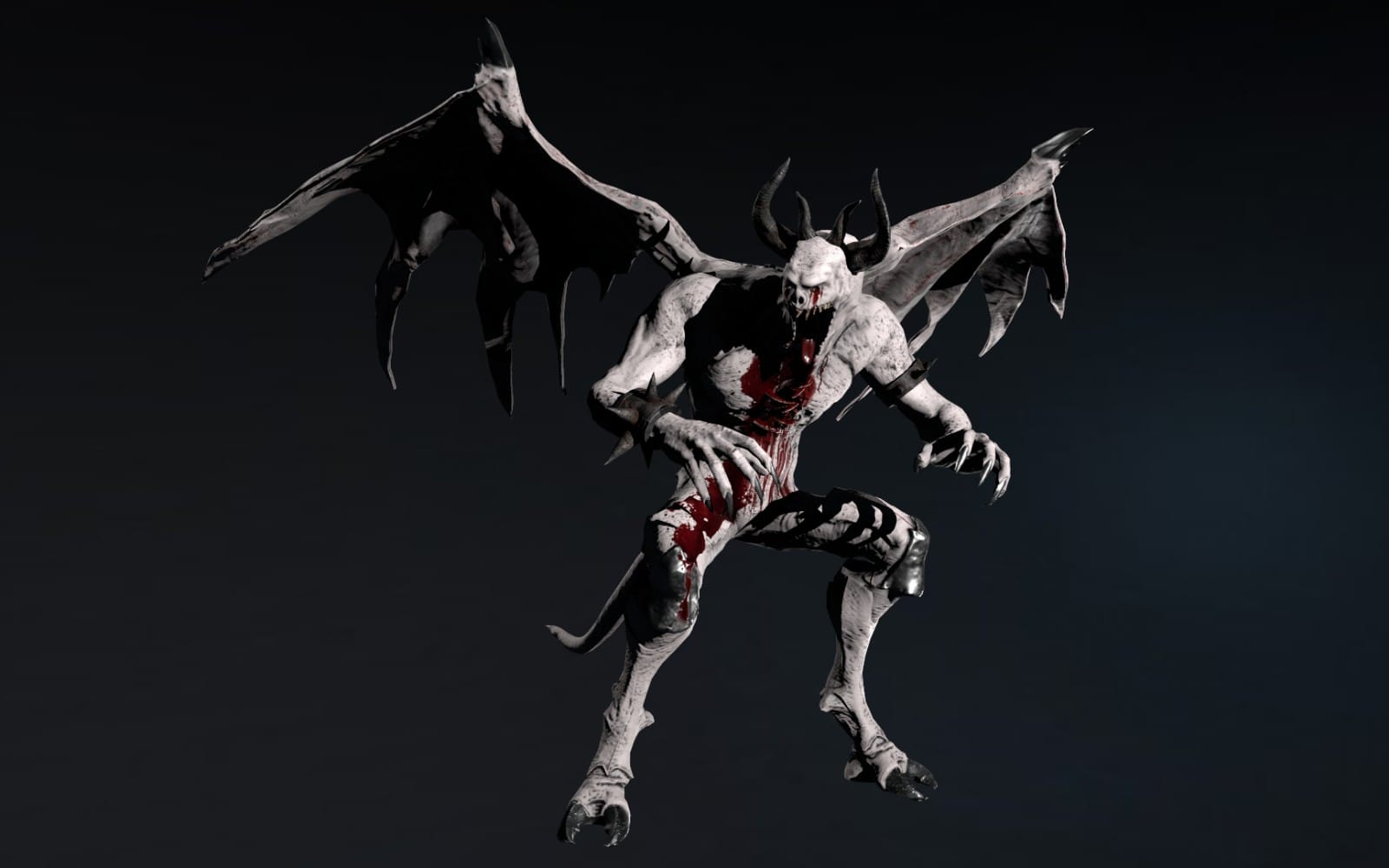
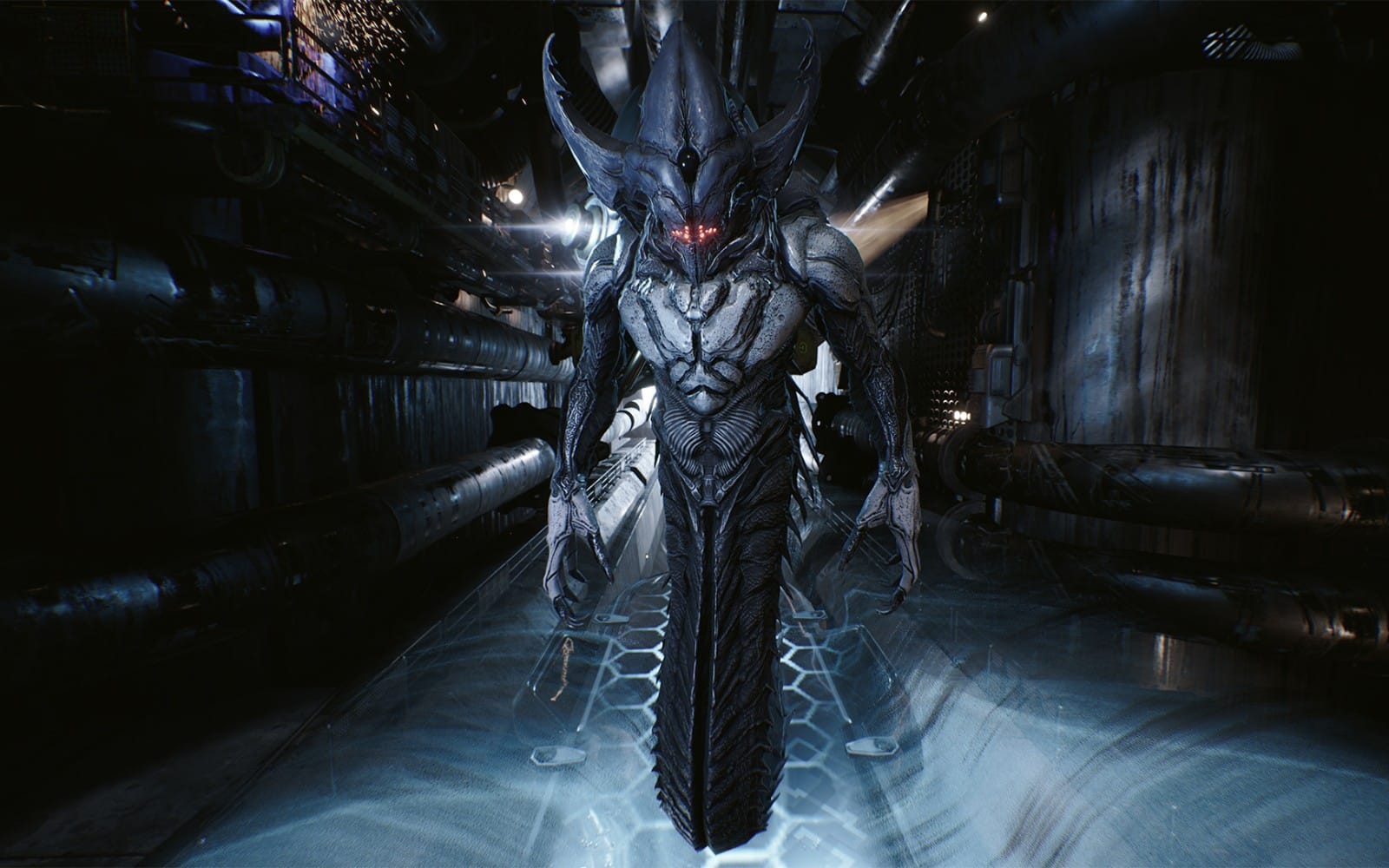
Characters, creatures, and silhouettes
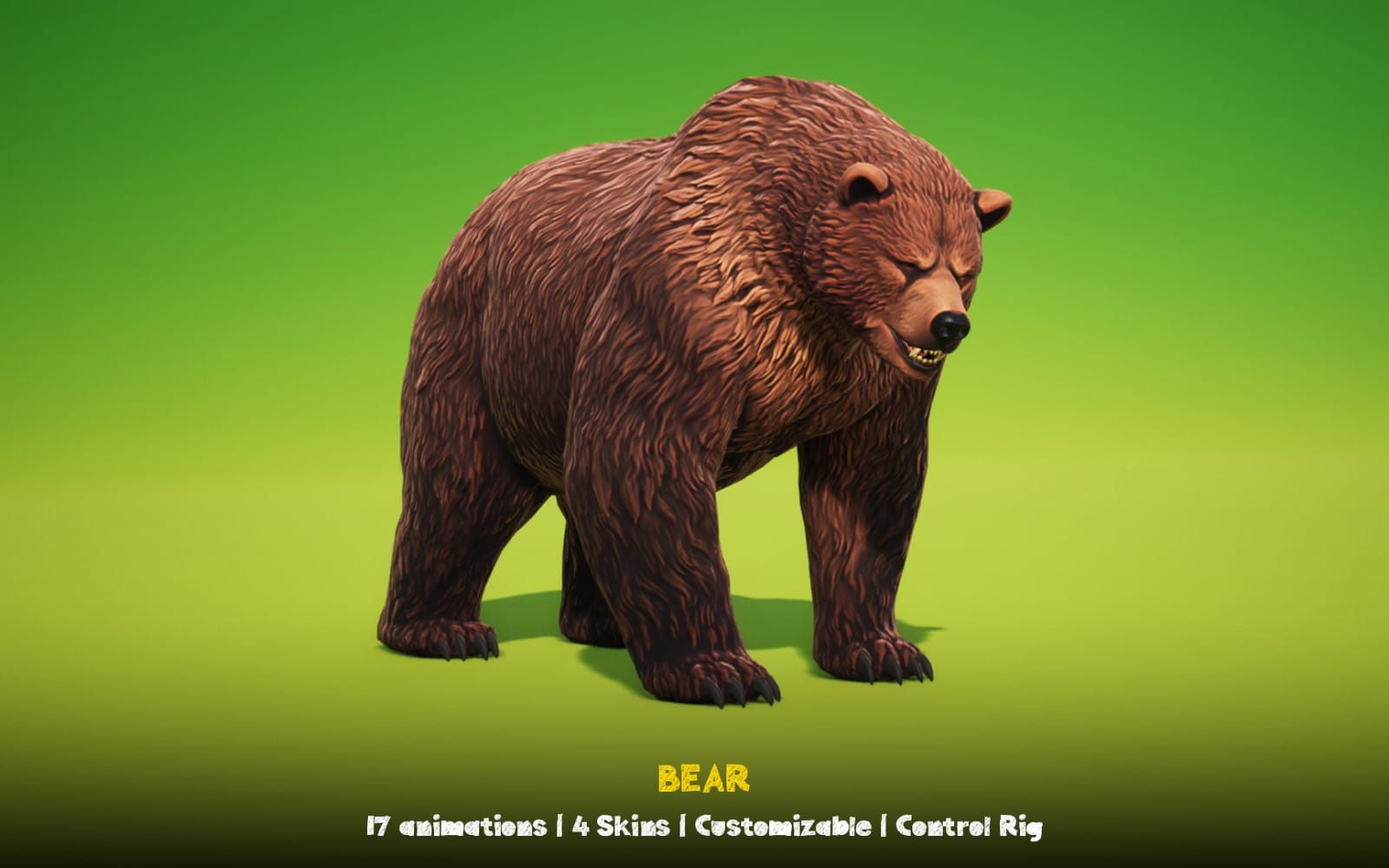
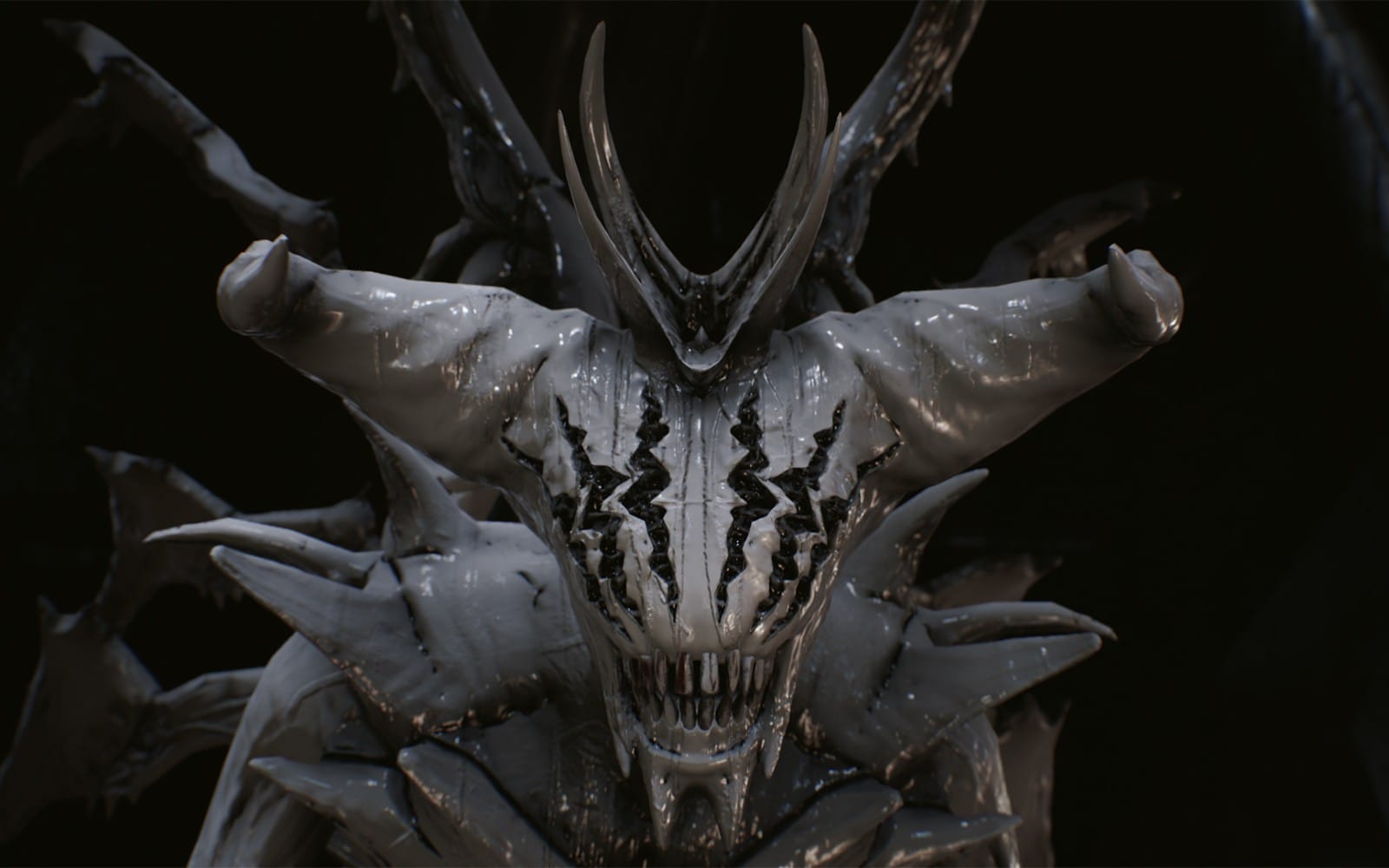
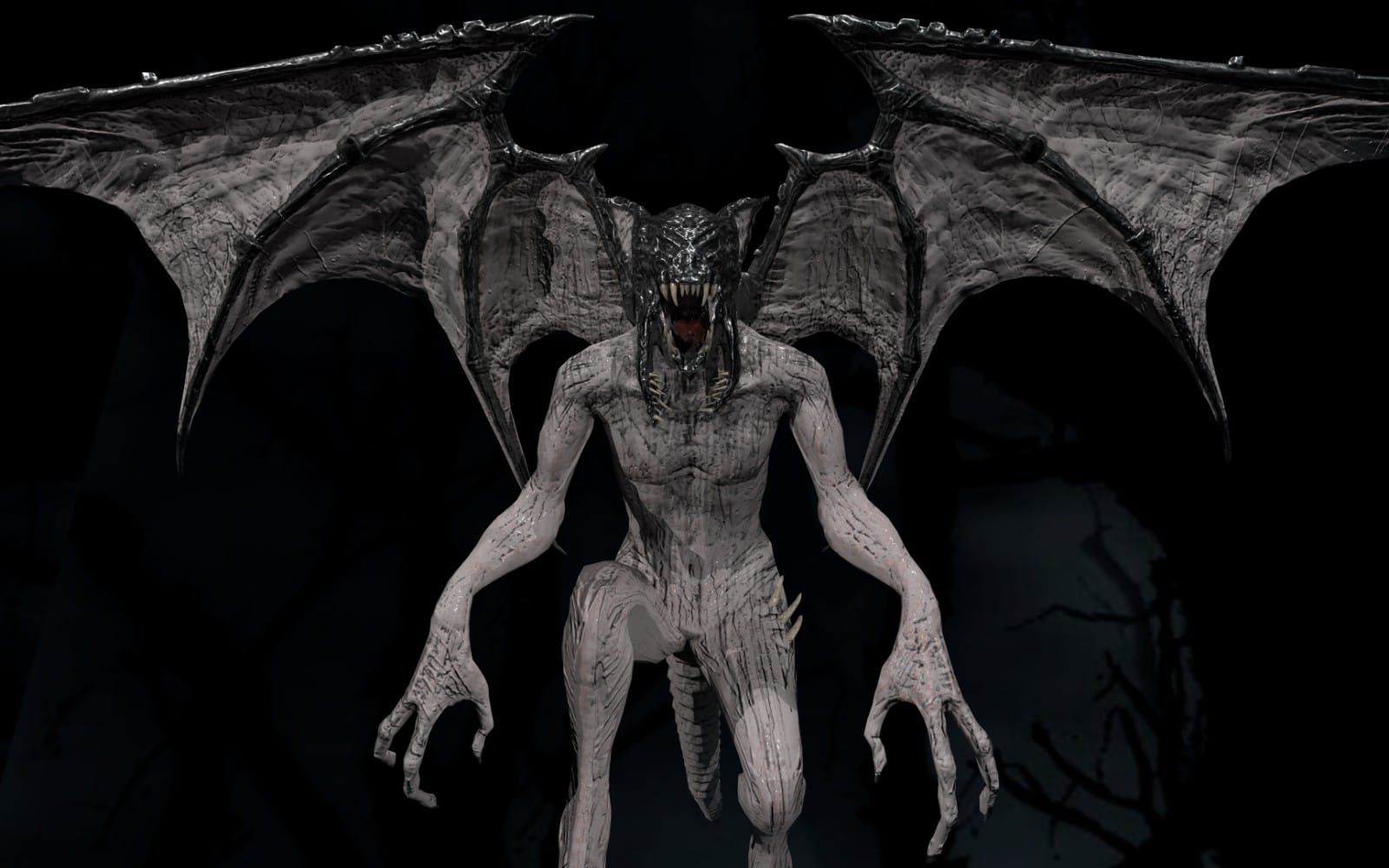
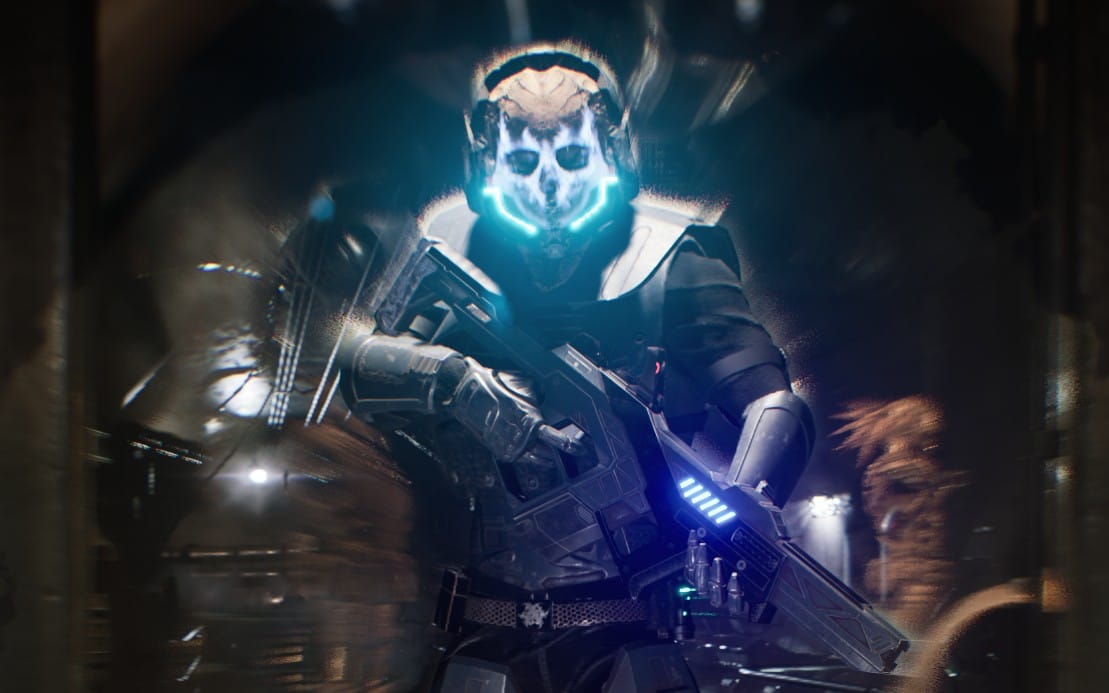
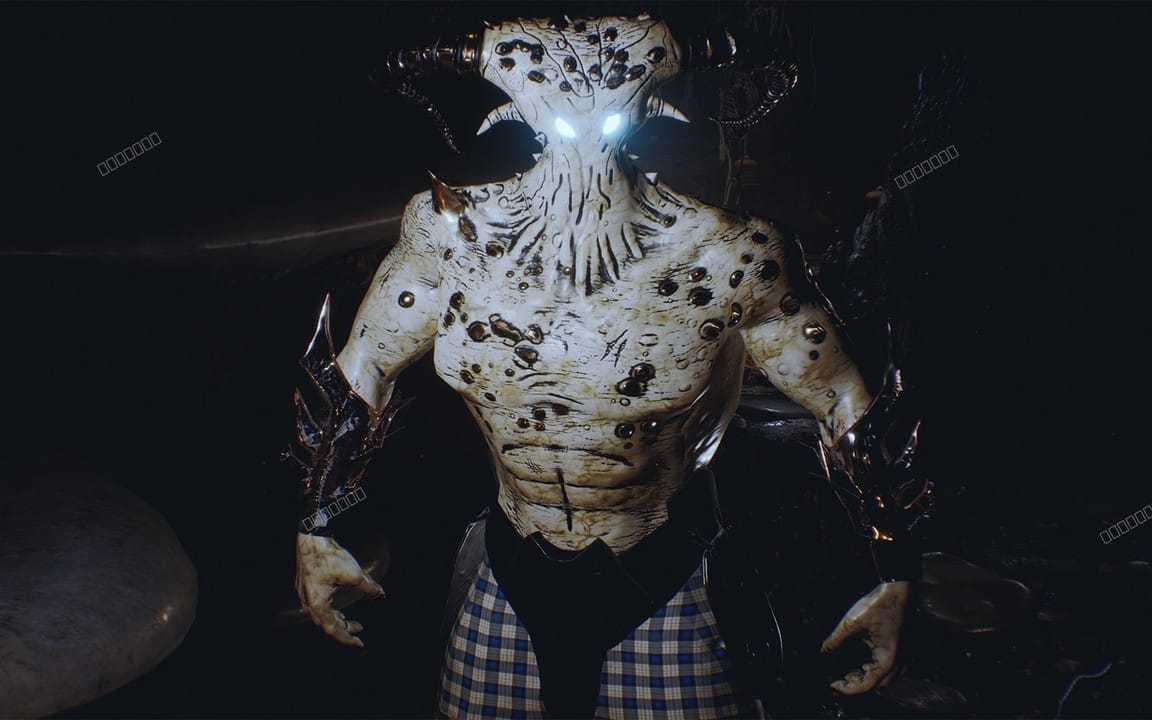
Use 3D characters to create enemies, protagonists, or supernatural beings with reusable models. This category fits when you need distinct forms that read well in horror lighting and support multiple interactions.
Immersive polish for finished scenes
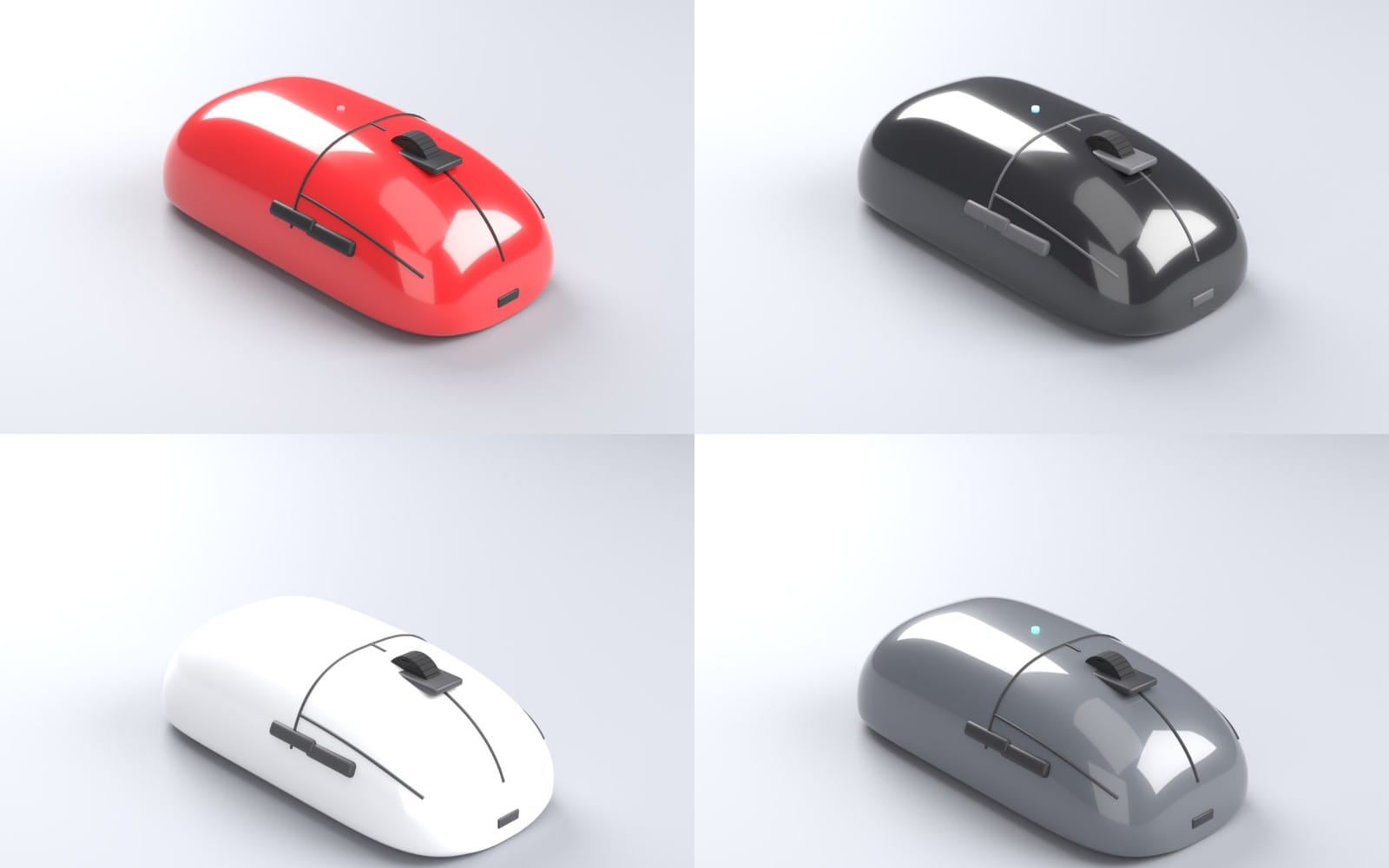
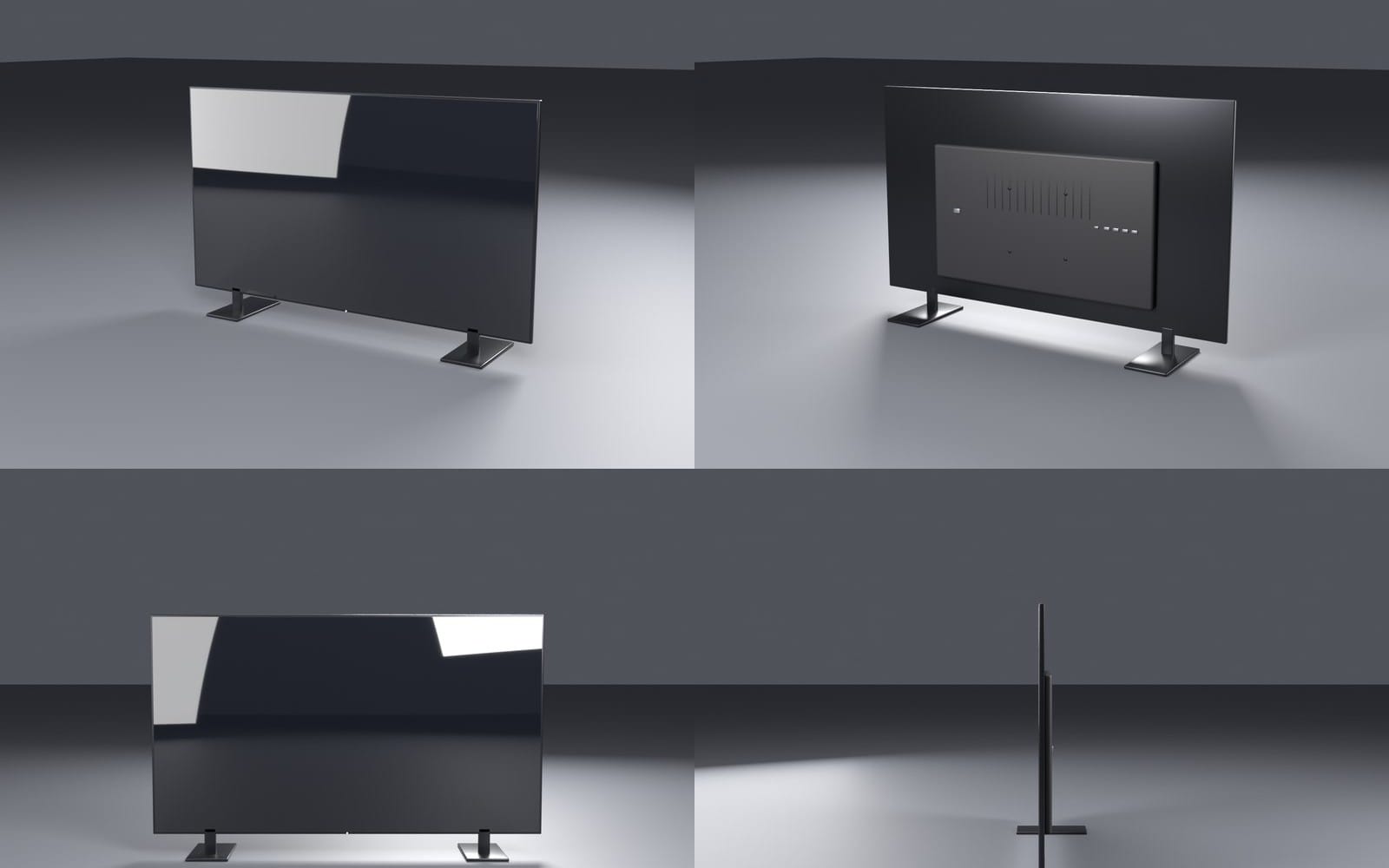
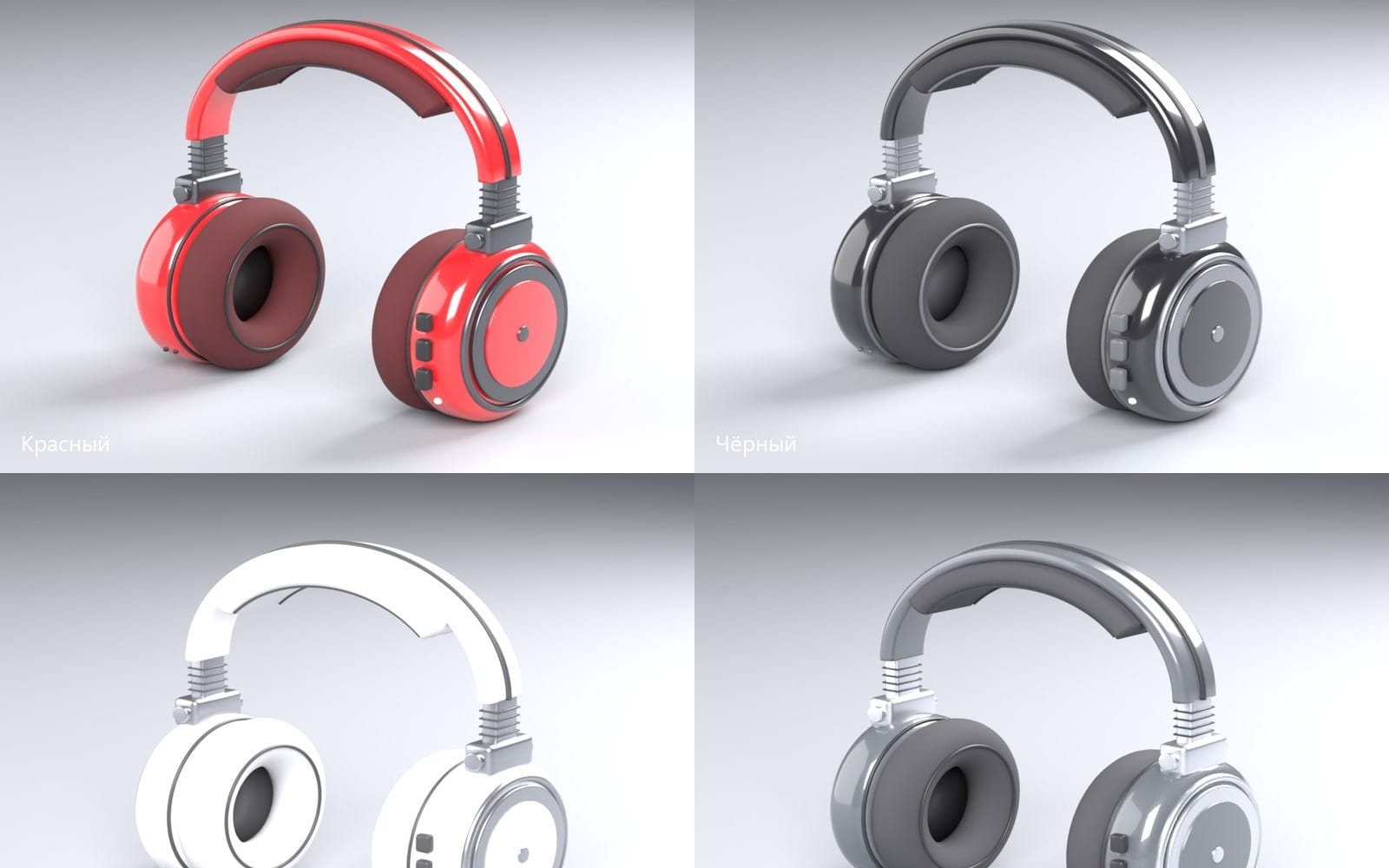
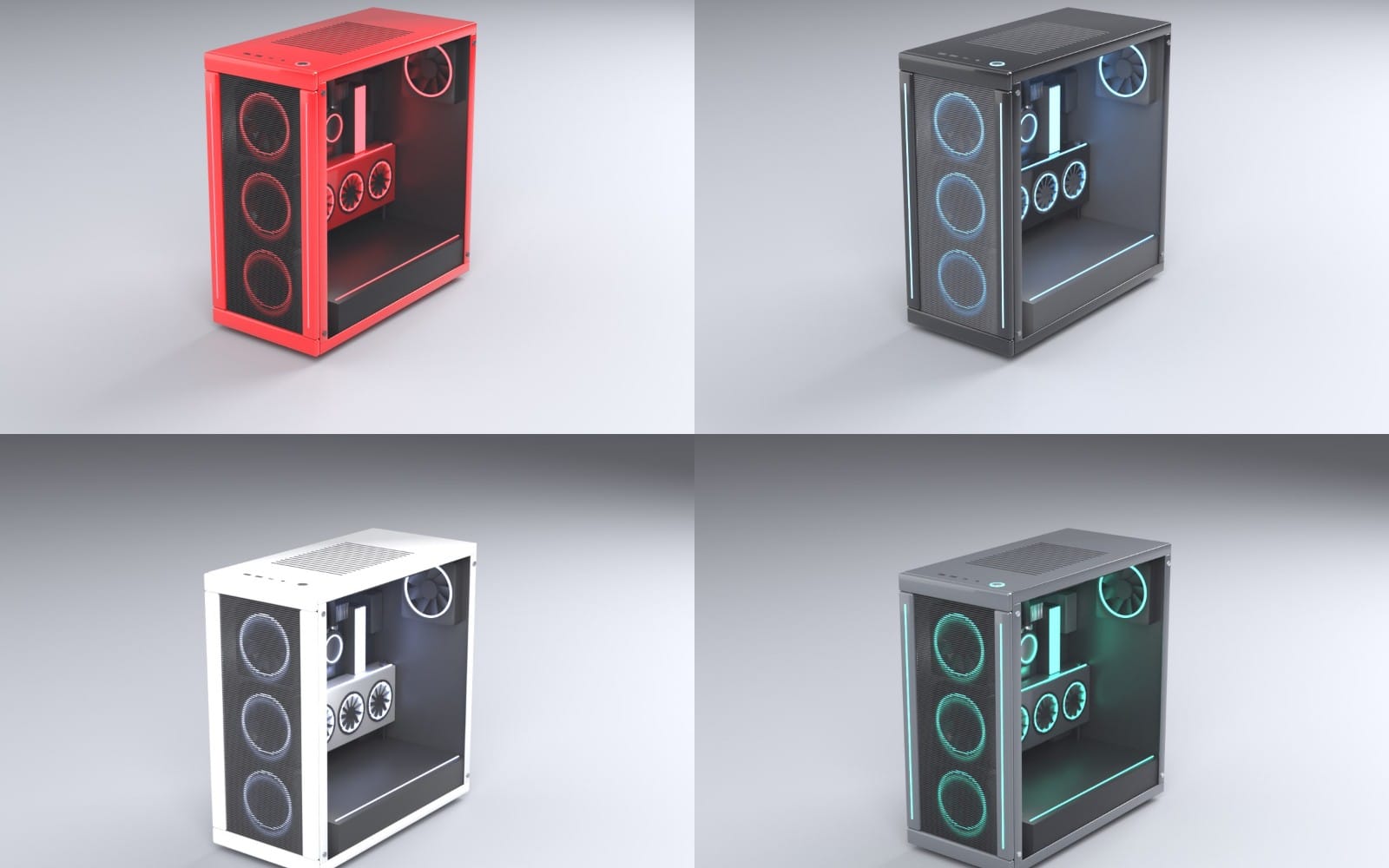
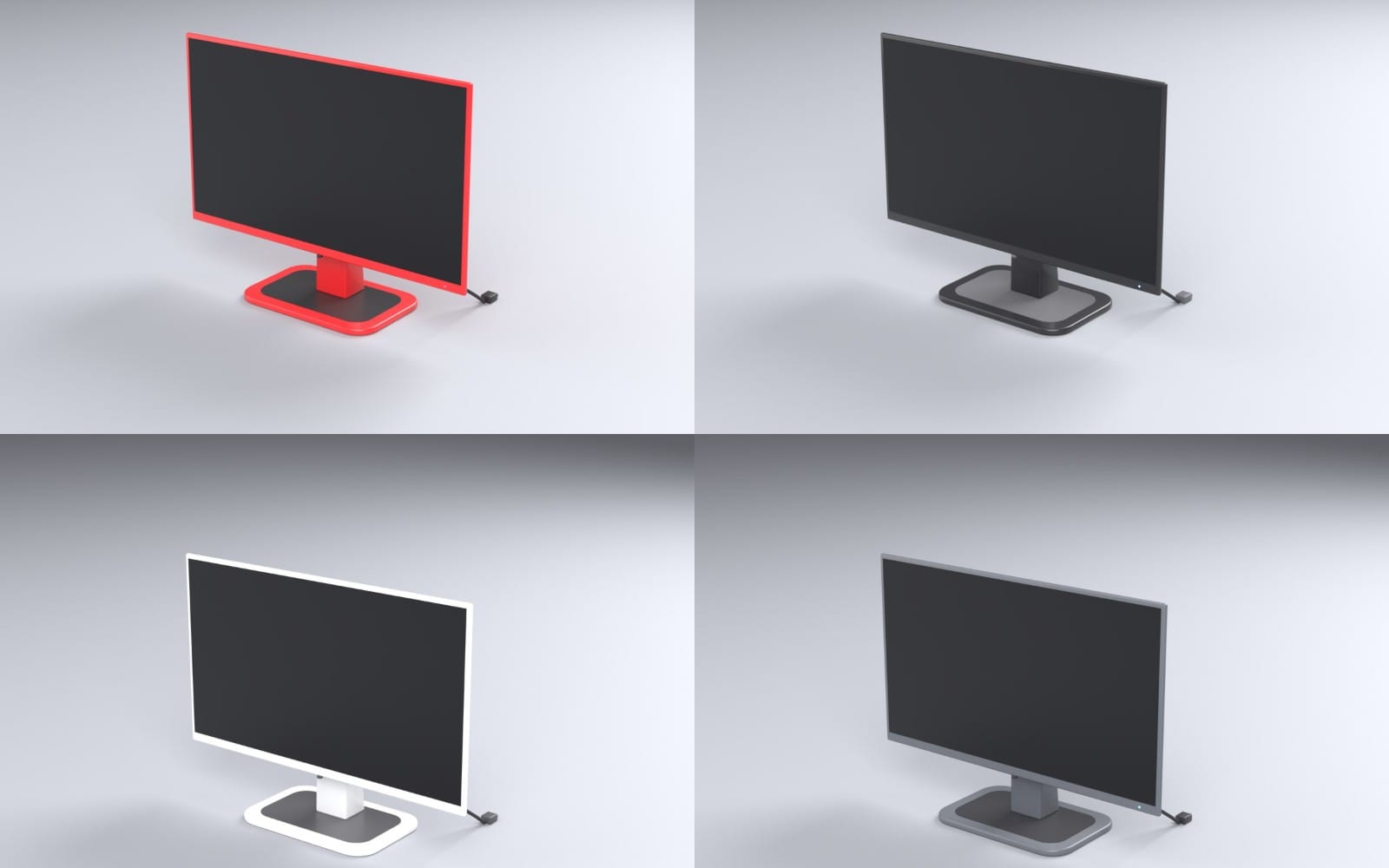
Use 3D renders and objects to add detail like set dressing, creepy items, or cinematic props. This category fits when you already have locations and characters, and you want extra visual weight for screenshots, trailer shots, and key moments.

Can I make a horror game with only 2D assets?
Yes. Horror games often work great with 2D visuals as long as you keep atmosphere, readability, and sound aligned.
What should I buy first if I feel stuck?
Start with atmosphere and gameplay legibility. Many teams begin by gathering background art and core 2D assets, then layer sound and additional scene detail.
Do I need both 3D environments and 3D characters?
No. Pick what matches your plan. If you build a horror game around 3D scenes, environments usually lead. If your horror identity relies on enemies or silhouettes, prioritize 3D characters.