 Getly
GetlyLaunch a SaaS Landing Page
Use this navigator if you need a SaaS landing page that sells clearly and looks cohesive on first scroll. Follow the needs in order. Each section points you to a Getly category that supplies the ready-to-use assets for that part of the page. Read the blurb for what you get, then pick products that match your brand and product positioning.
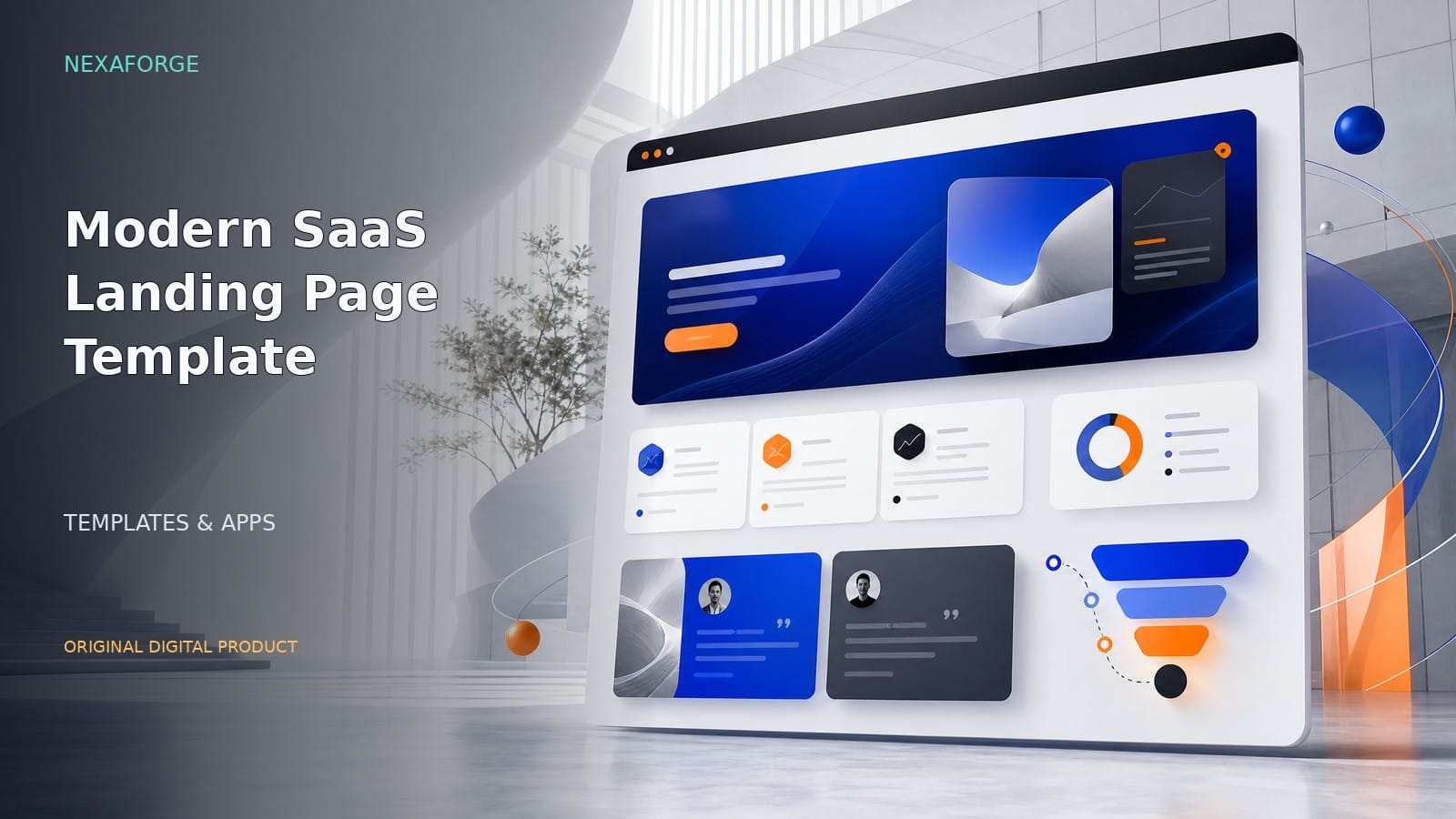
Start with a landing-page layout
Use a landing-page template that gives you a proven structure for a SaaS homepage. This category helps you pick a layout style that fits your message and calls to action.

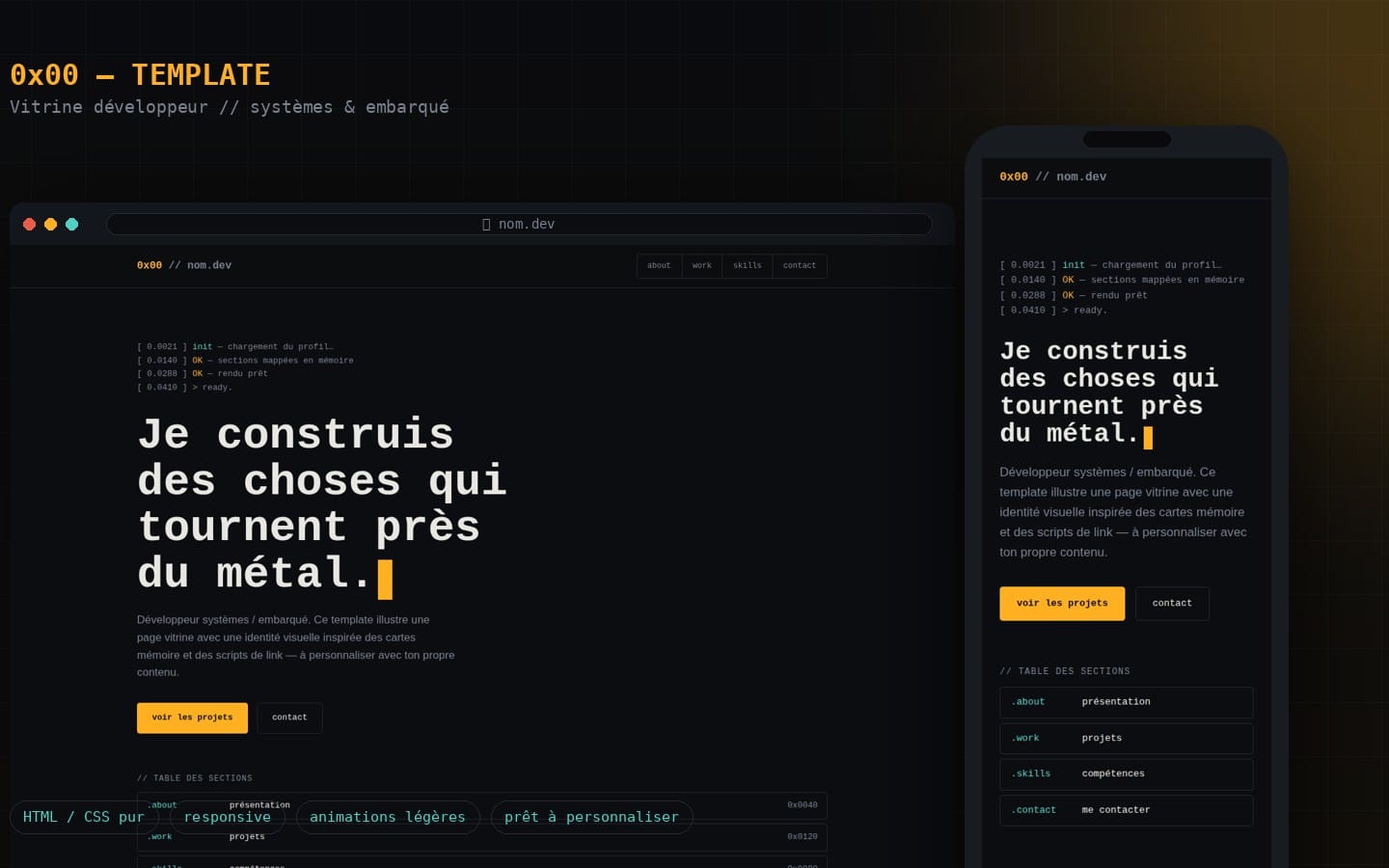
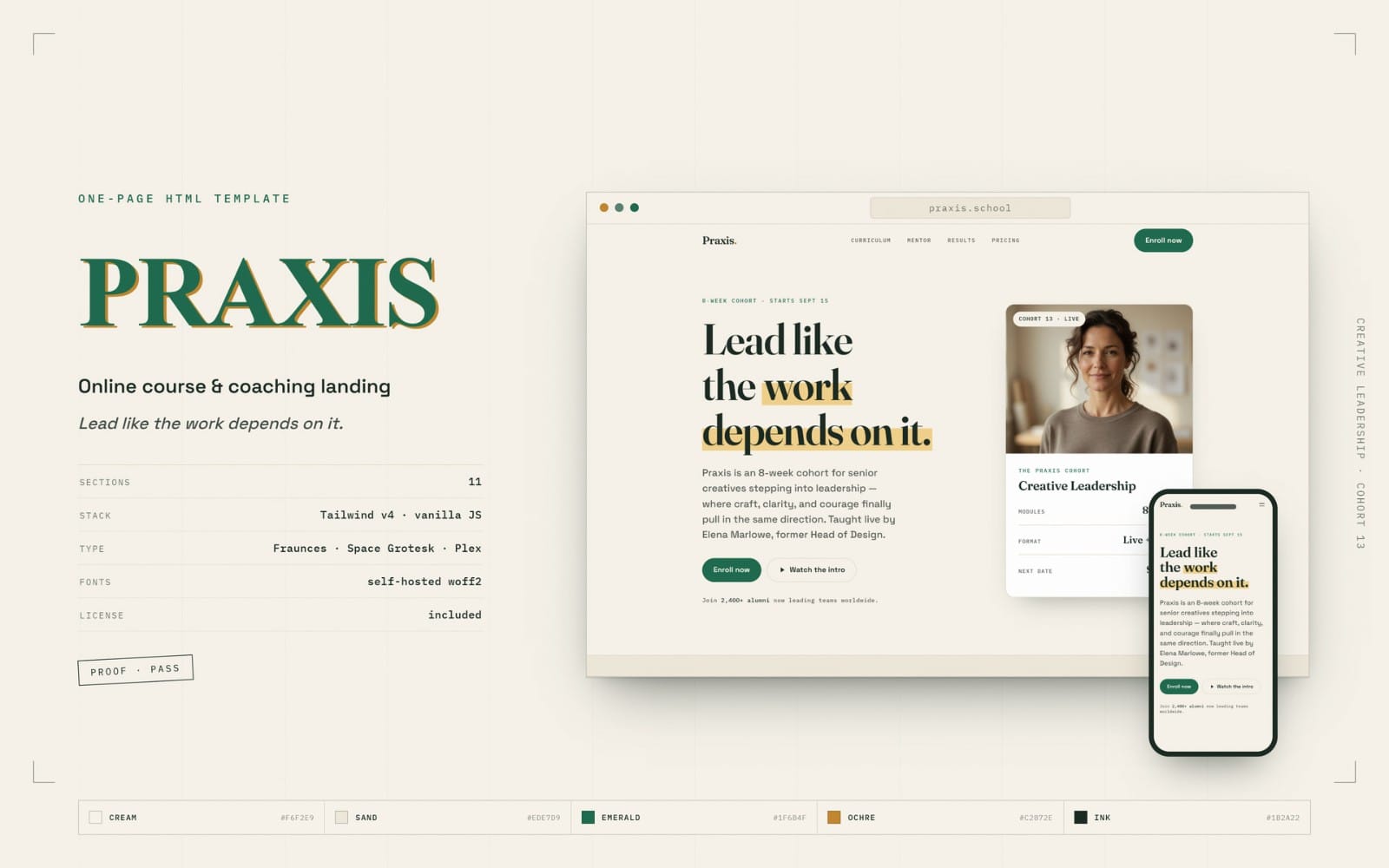

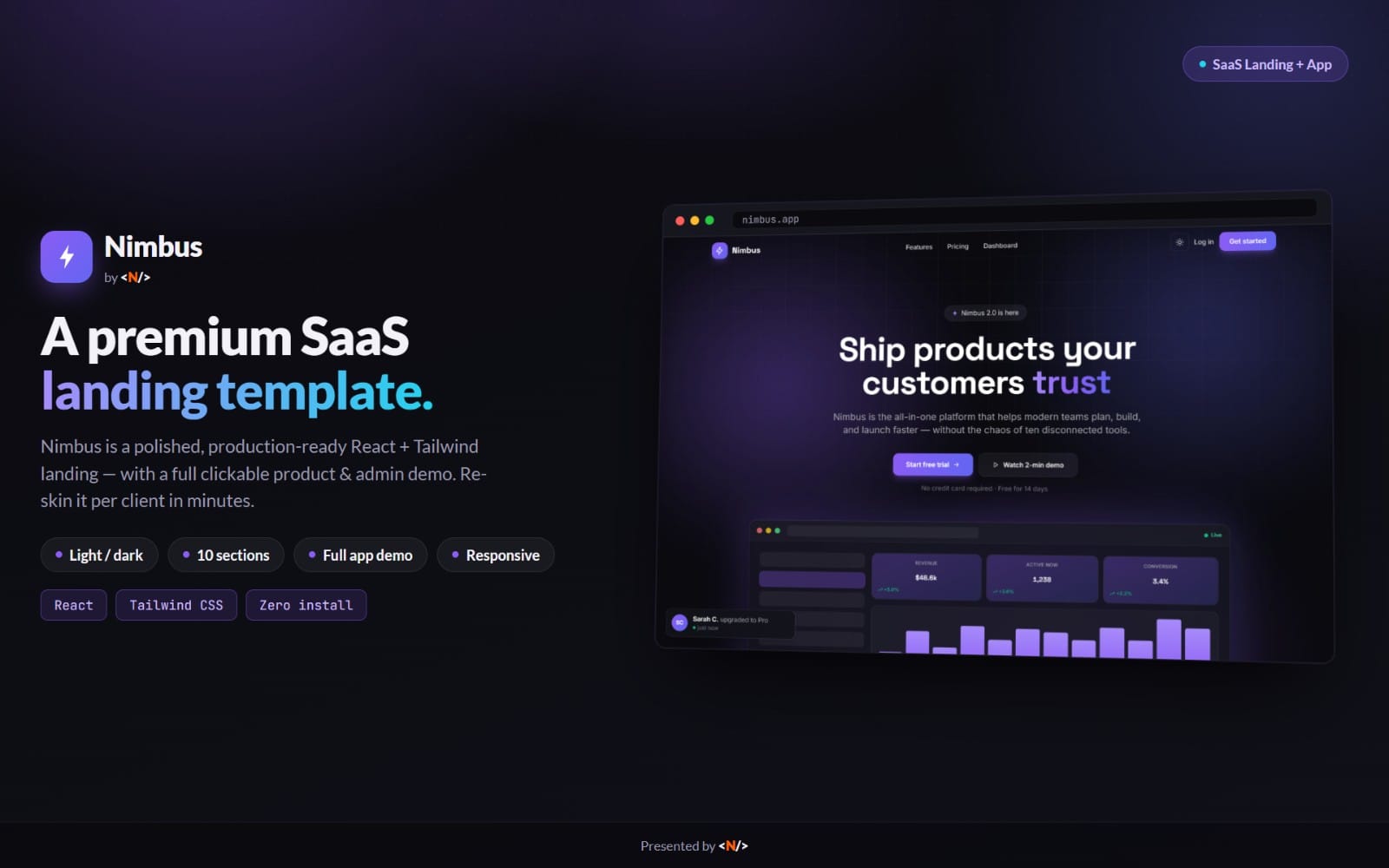


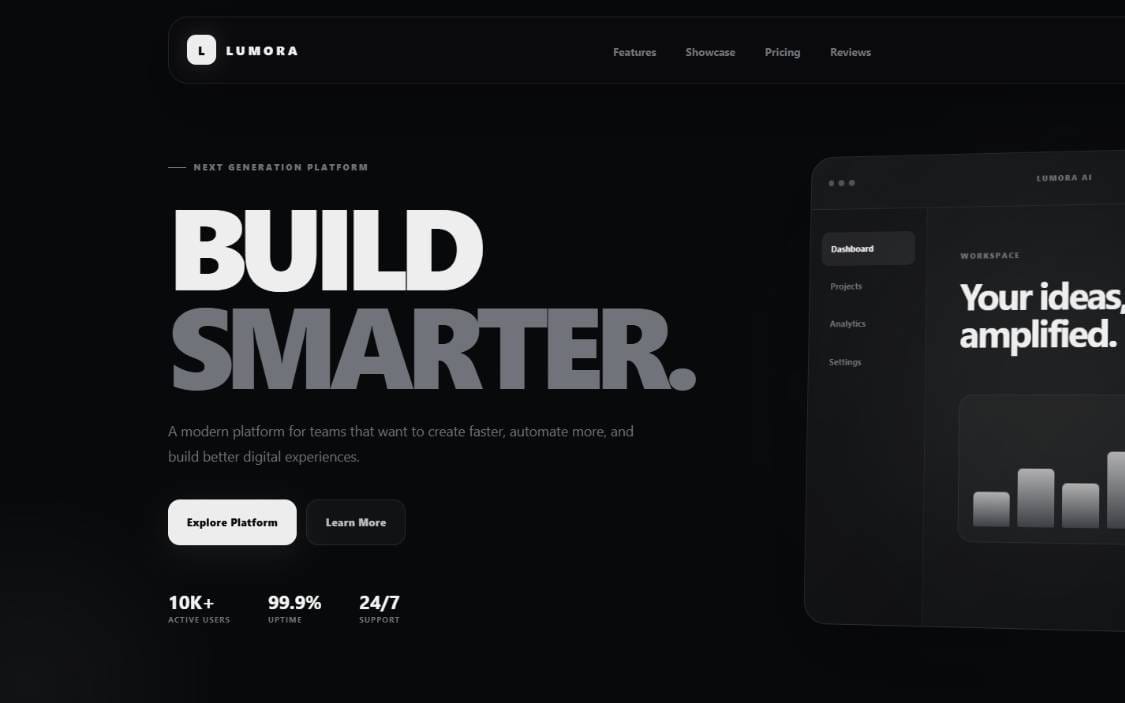
Build the visual system for your page
A design system keeps typography, spacing, buttons, and UI styling consistent across sections. Use this category to assemble the visual building blocks that make the page feel intentional.


Add SaaS-ready UI components
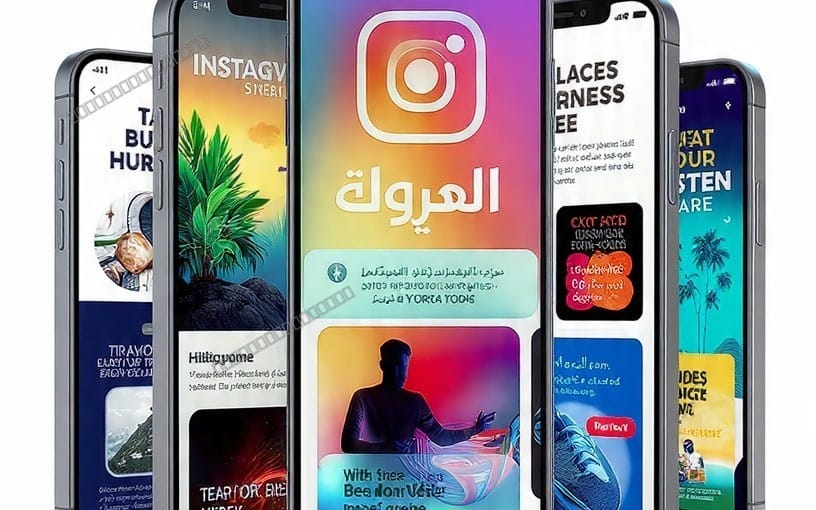
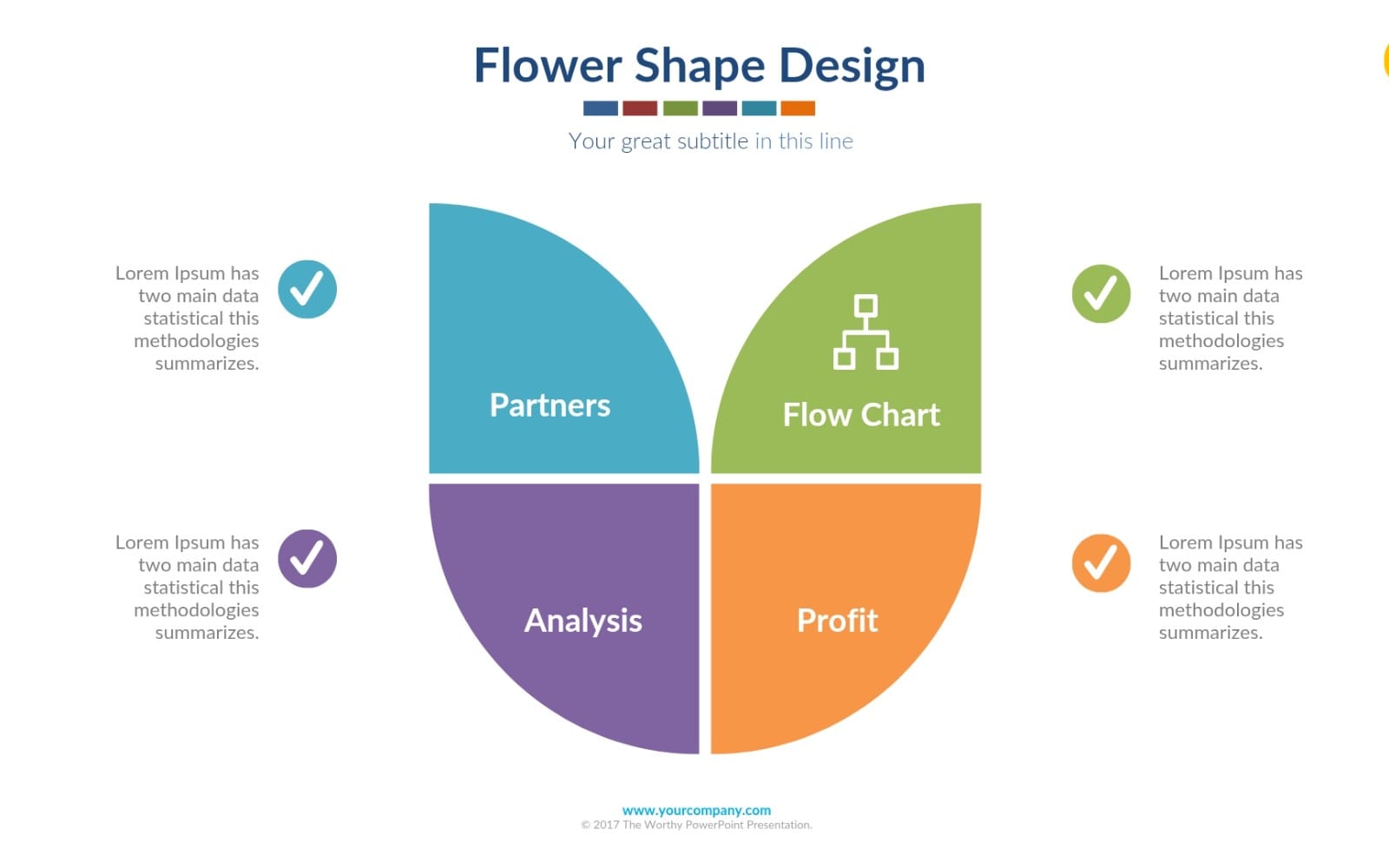
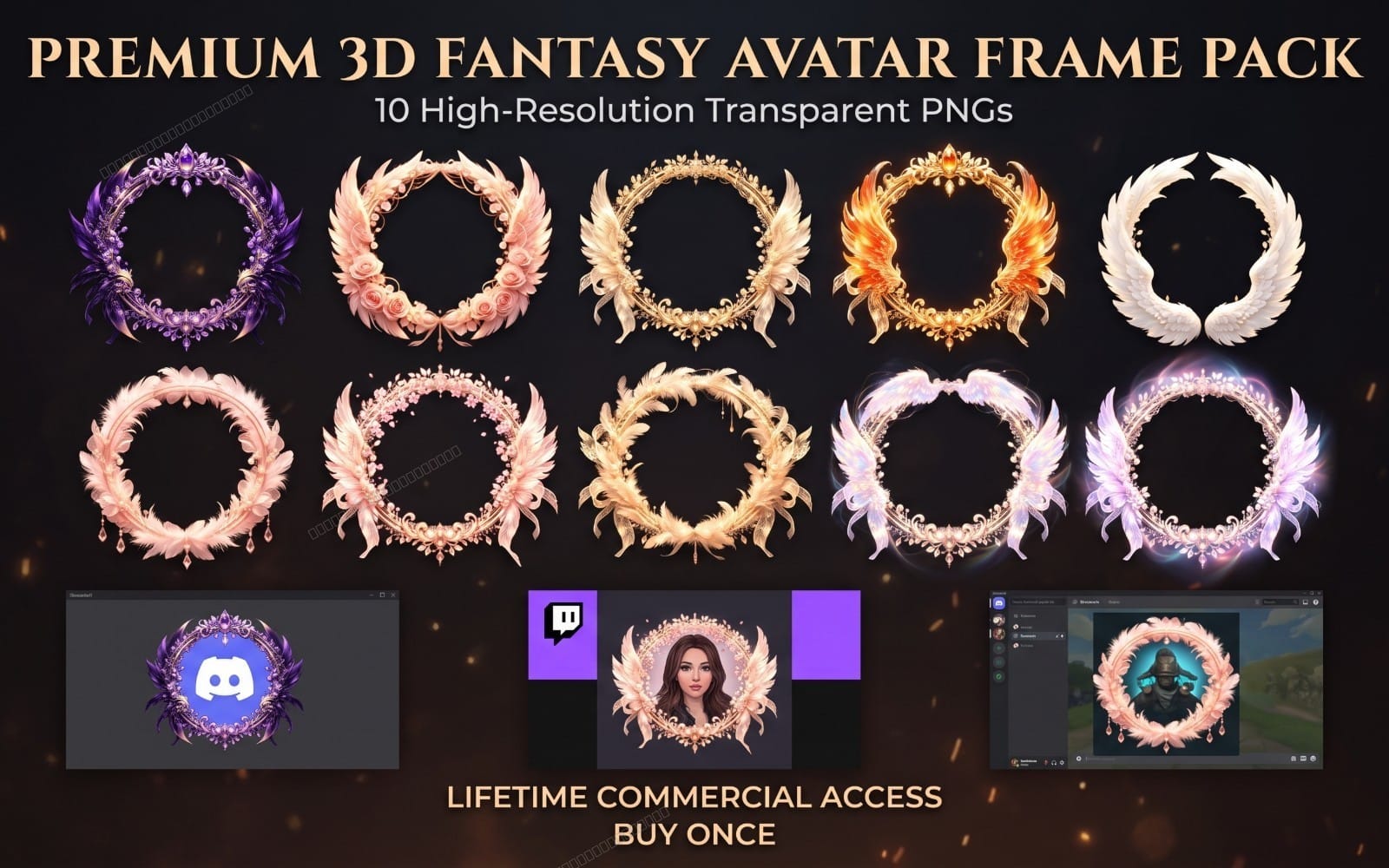
UI elements like icons, badges, and key interface pieces strengthen credibility and readability. Use this category to source common web patterns that fit SaaS pages.

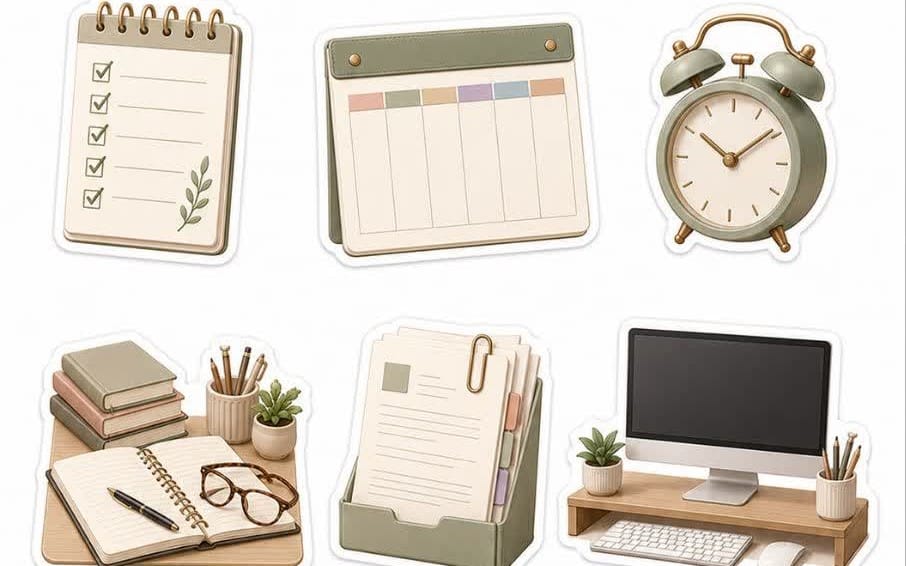
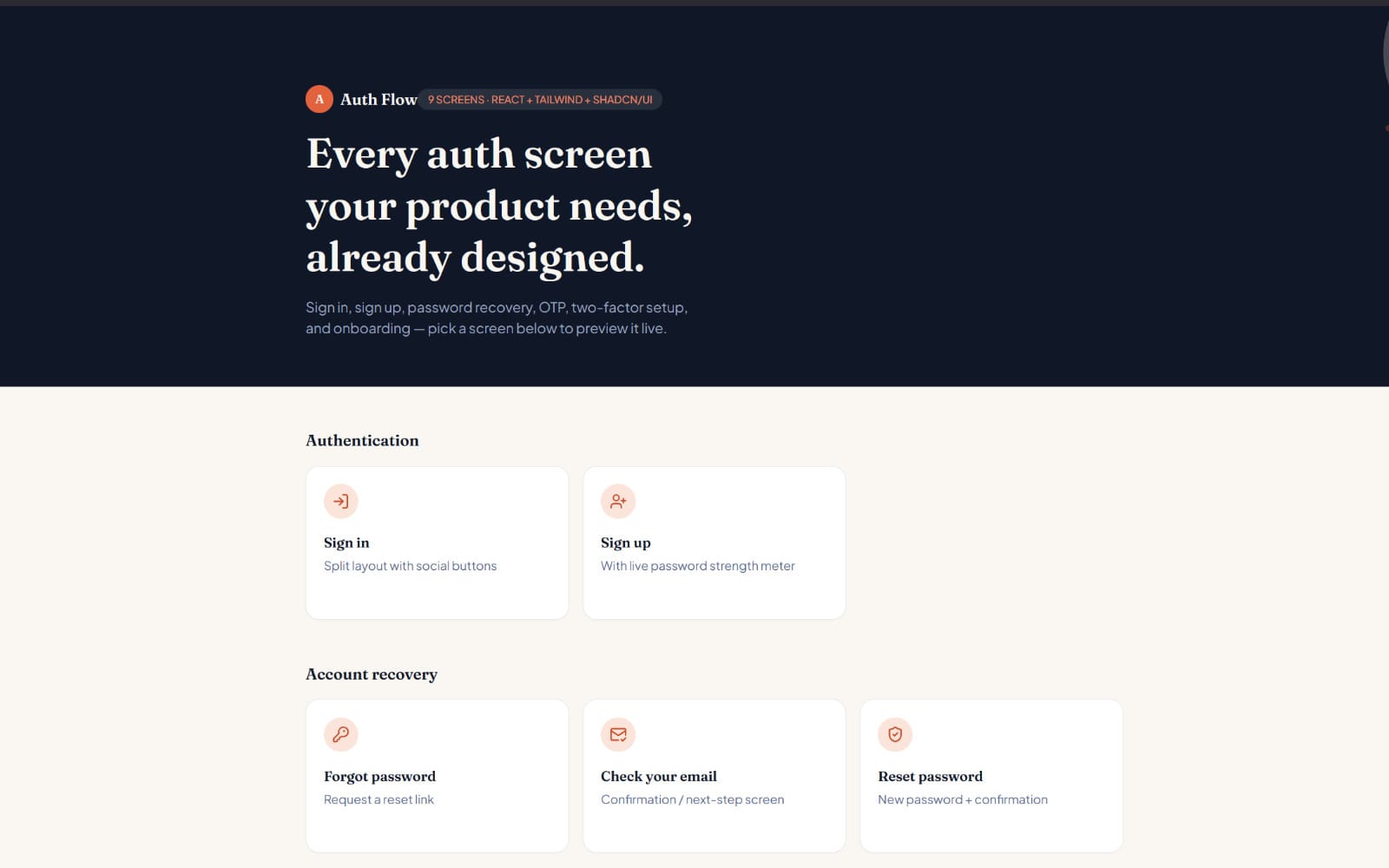



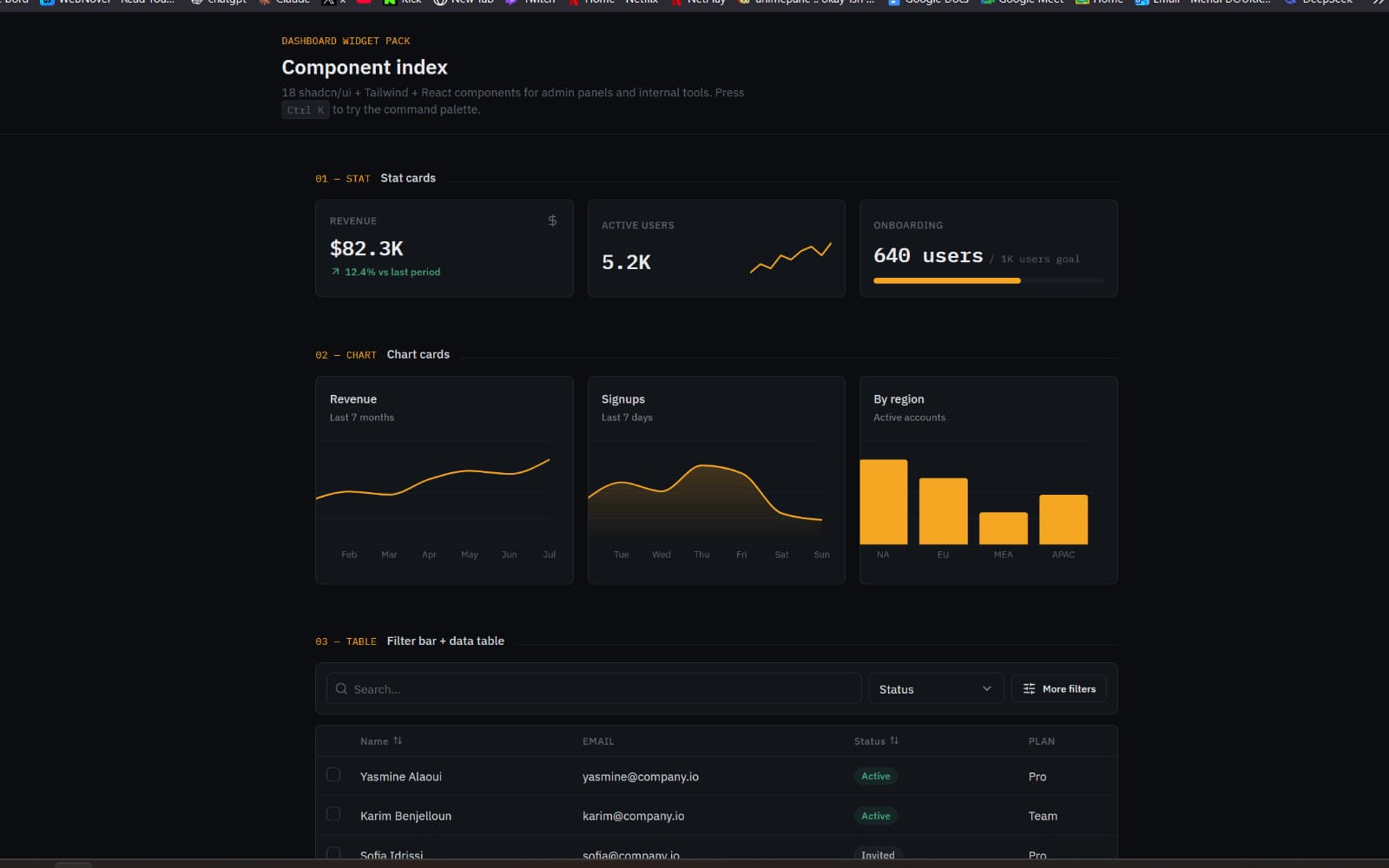
Show your product with credible visuals
Marketing visuals help visitors understand the software fast, especially when you use screenshots and UI-style mock content. Use this category to find assets that support product storytelling.
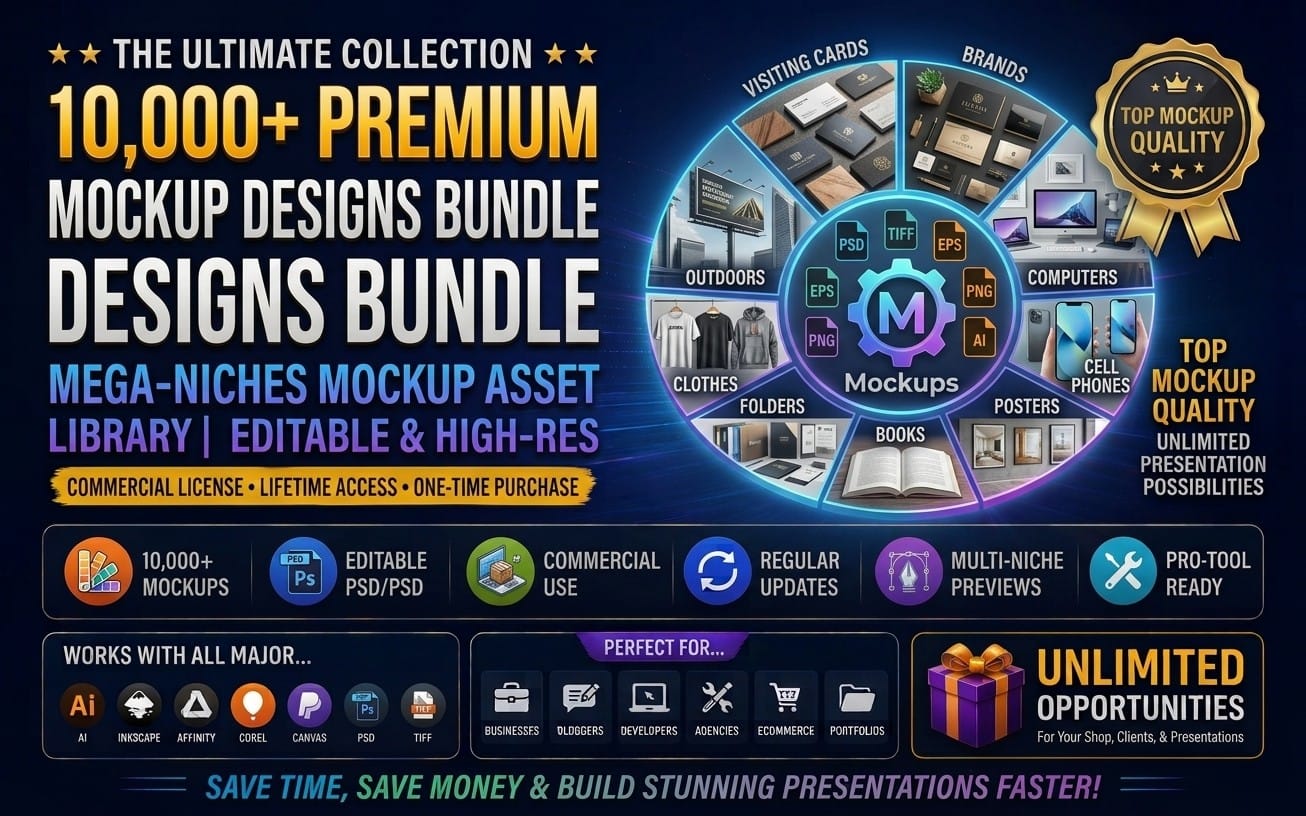

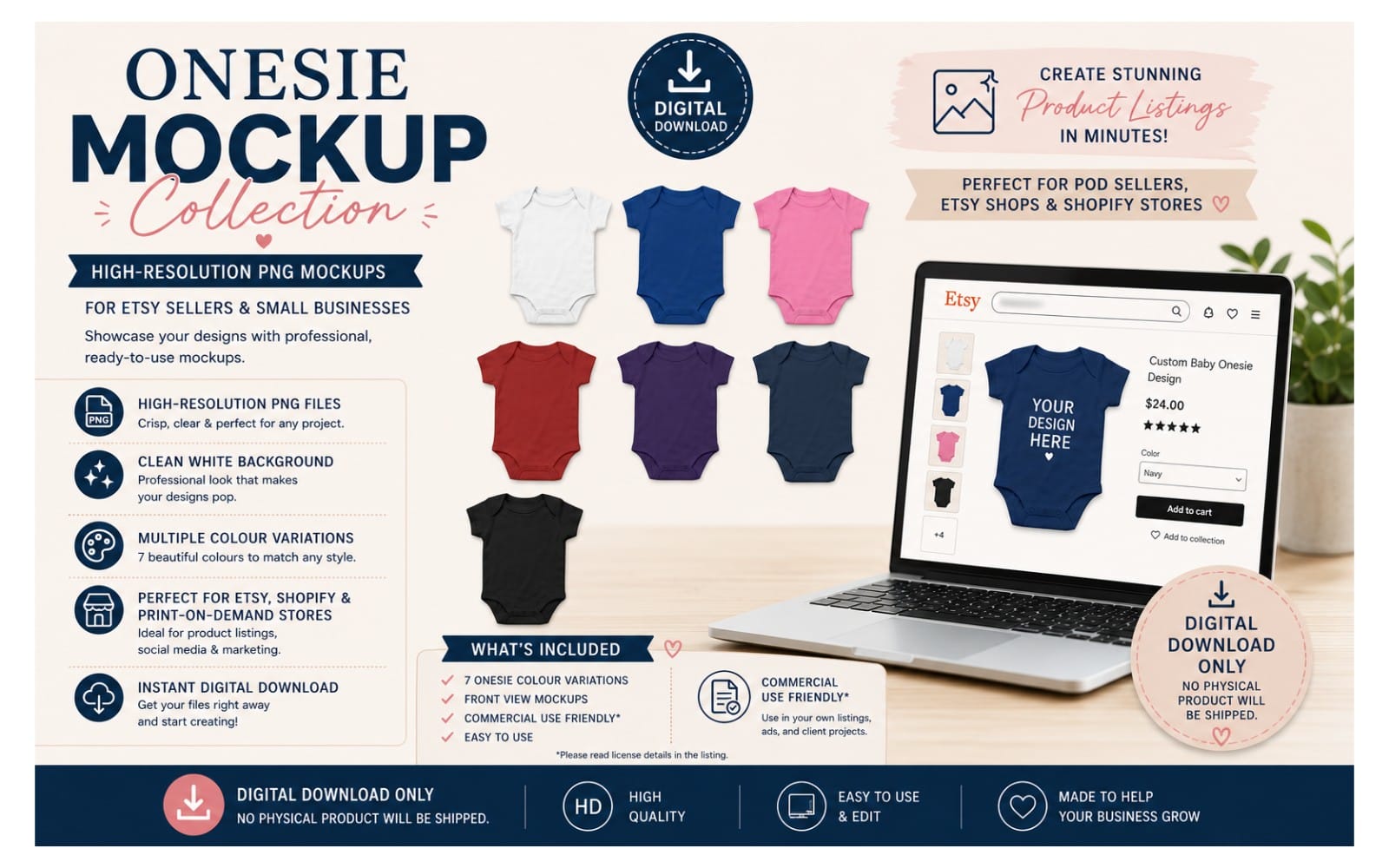
Prepare on-brand hero and section graphics
Abstract backgrounds, decorative shapes, and supporting graphics make the page feel designed rather than assembled. Use this category to fill gaps between text blocks and reinforce your brand tone.







Write page content blocks that fit SaaS messaging
SaaS pages need consistent copy for sections like value props, onboarding, and feature summaries. Use this category to accelerate drafting with reusable written content designed for SaaS-style marketing.

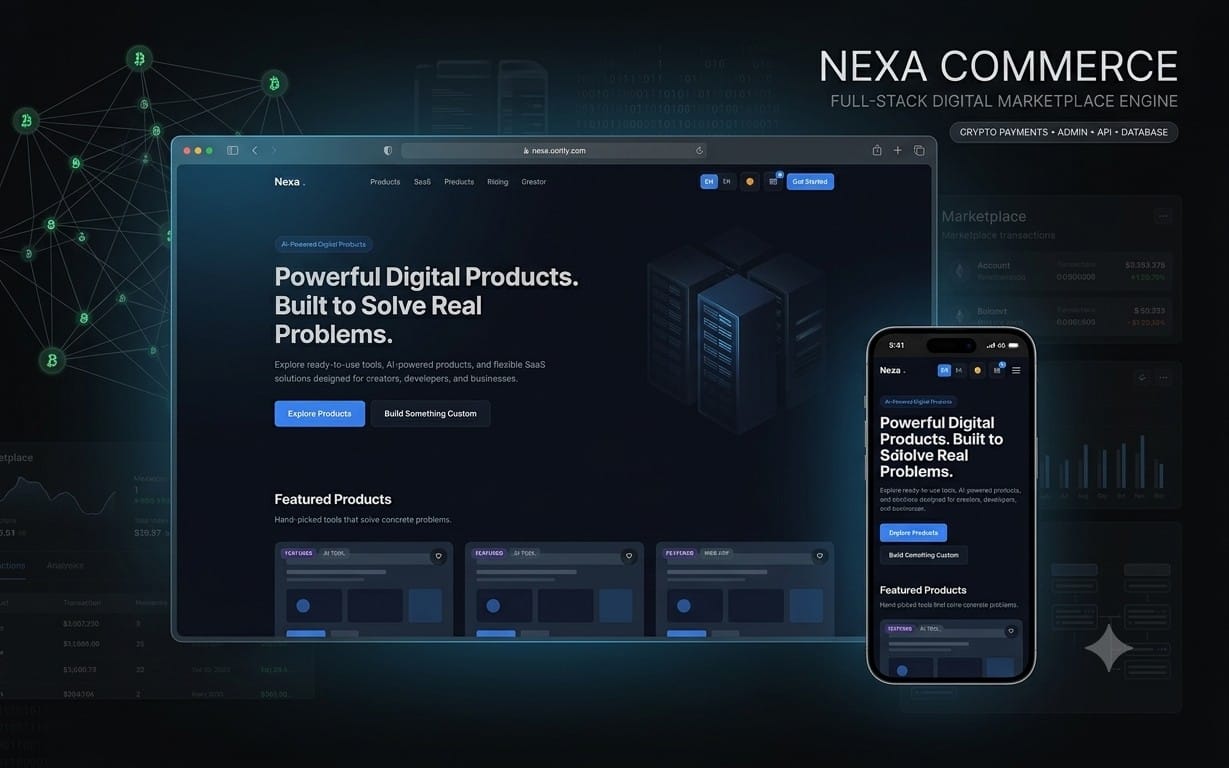




What does this navigator help me produce?
It helps you assemble the major components of a SaaS landing page, including layout, design structure, UI elements, visual support, graphics, and SaaS-oriented page copy.
Do I need to complete every section in order?
Yes for the smoothest workflow. Start with layout, then apply a design system, then add UI components and visuals, and finish with page content blocks.
Can I use multiple categories for the same section style?
Yes. You can mix templates and supporting assets as long as you keep the same visual system across the page.