 Getly
GetlyBuild a Personal Portfolio Website
This navigator works for freelancers, designers, developers, photographers, and anyone who wants a clear home base for their work. You will pick the pieces first, then assemble them into pages that match how you present projects. Read each need and browse the mapped Getly category for ready-made assets, templates, and assets you can license and customize. You do not need to start from scratch if you build your site from strong, themed foundations.
A website foundation you can launch from
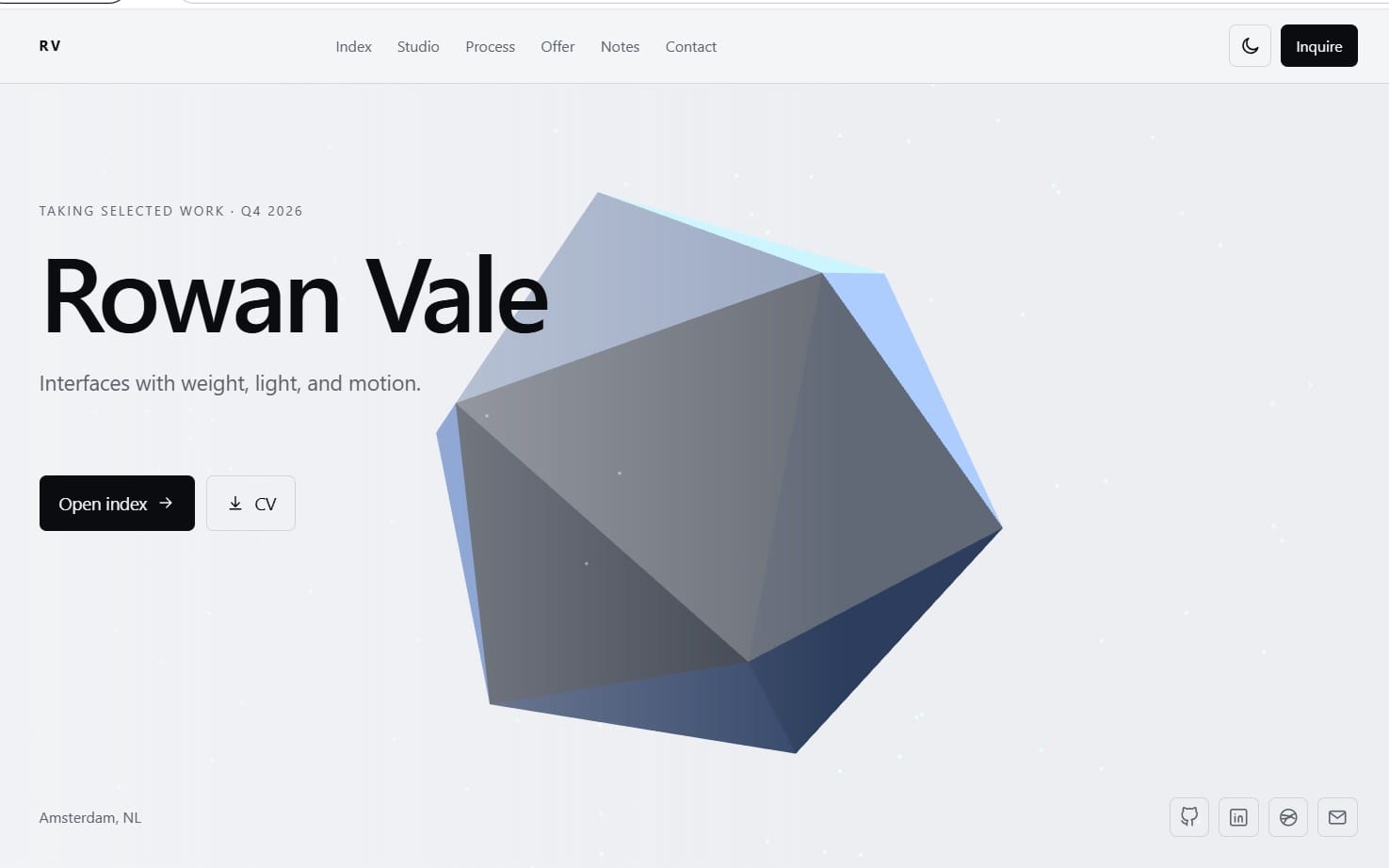
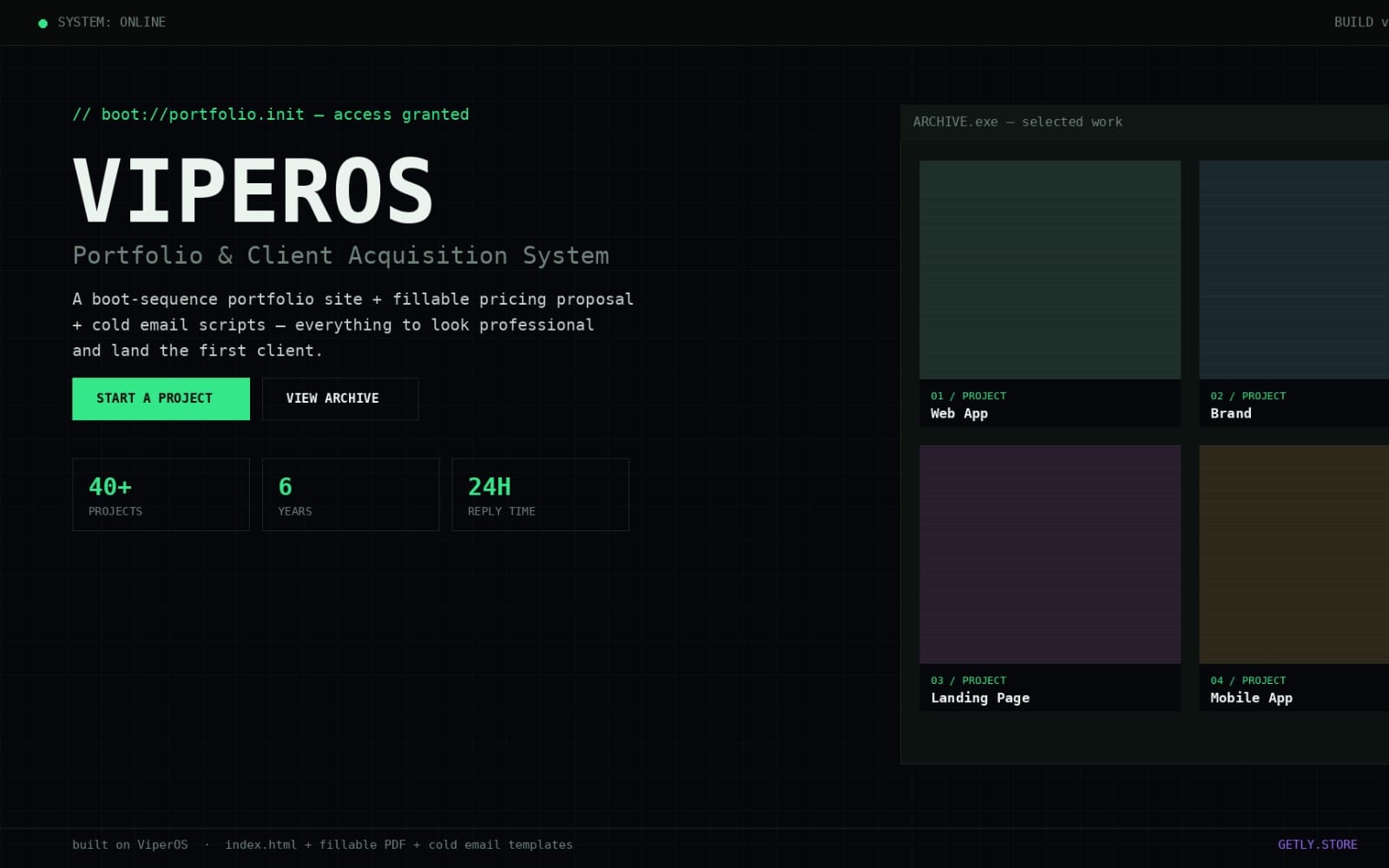
A portfolio website needs a starting structure so you can publish quickly and keep sections consistent across pages. Portfolio templates and page-ready layouts help you plan your hero section, project grid, and contact area without building everything from zero.


A design system that keeps your site consistent
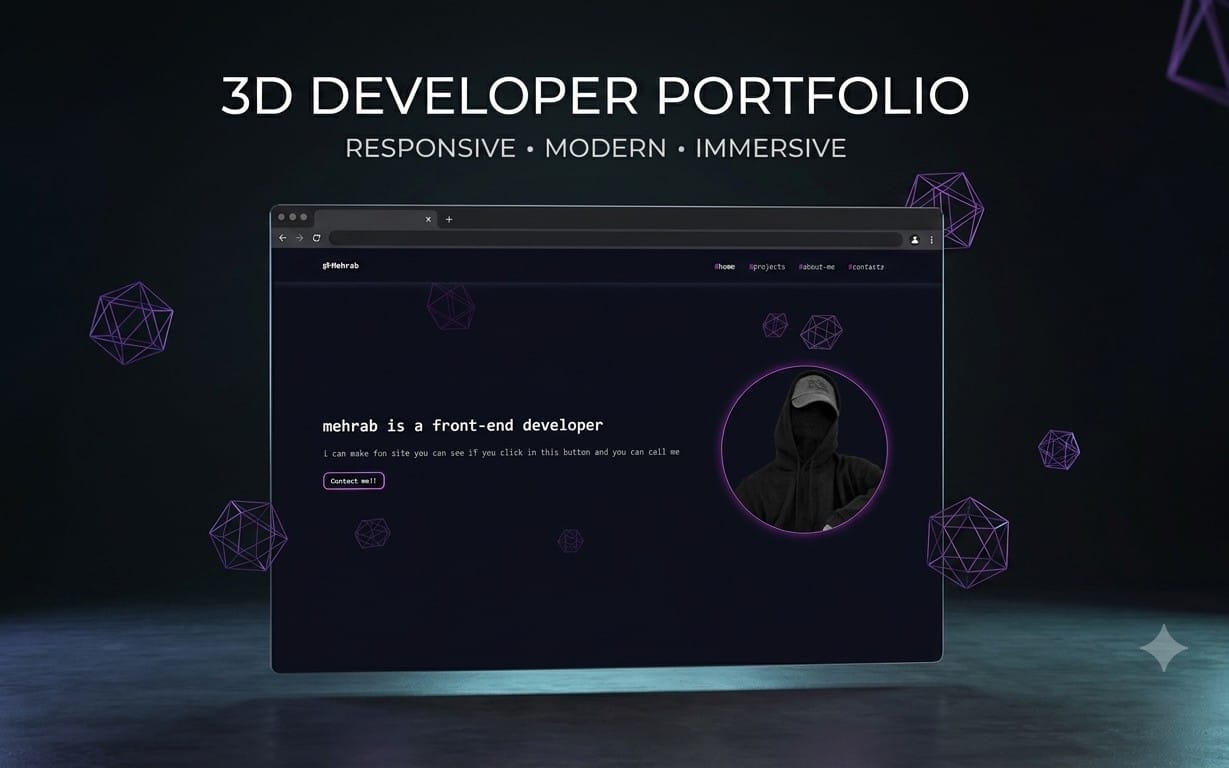
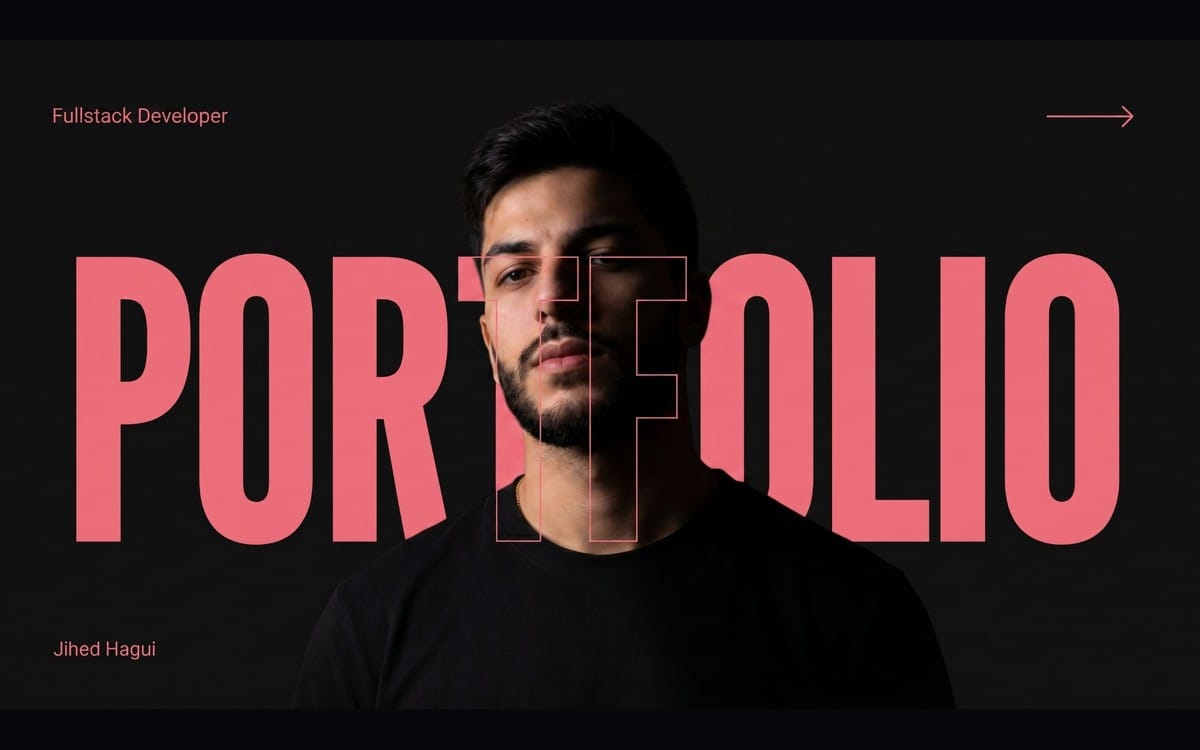
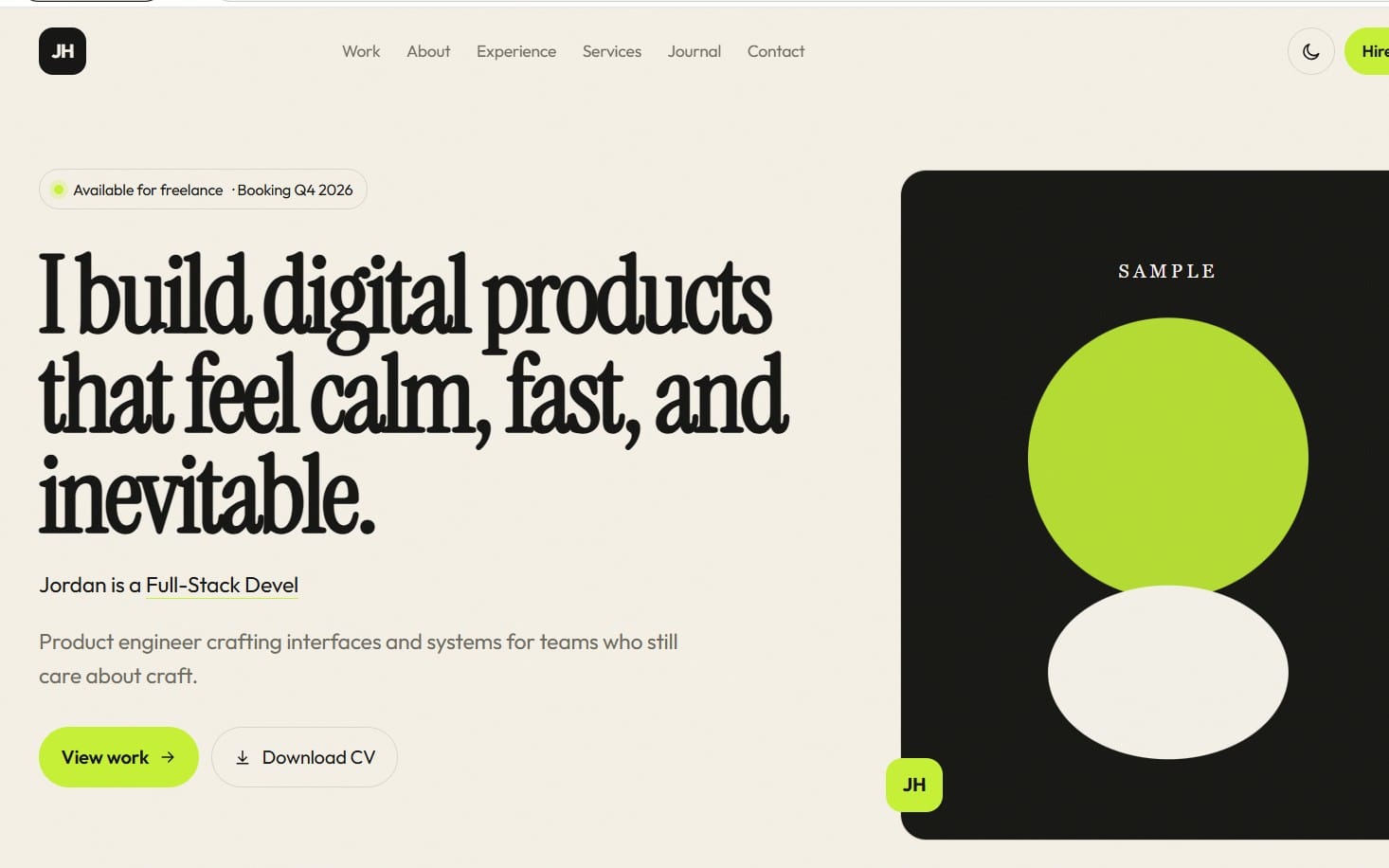
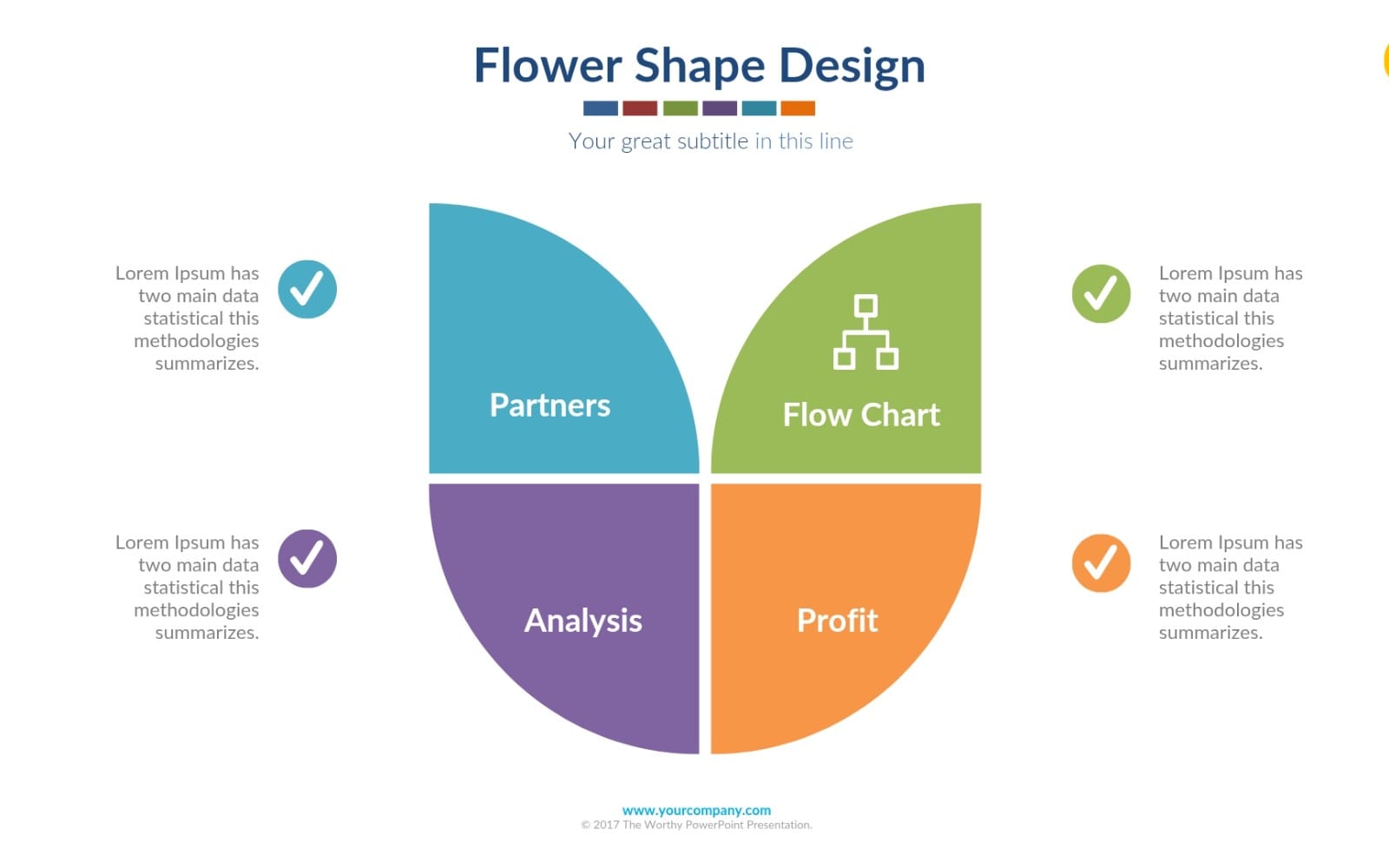
Your portfolio should look intentional across typography, spacing, colors, and UI components. Design systems give you reusable rules and visual building blocks so your work samples, buttons, and headings feel like one cohesive brand.
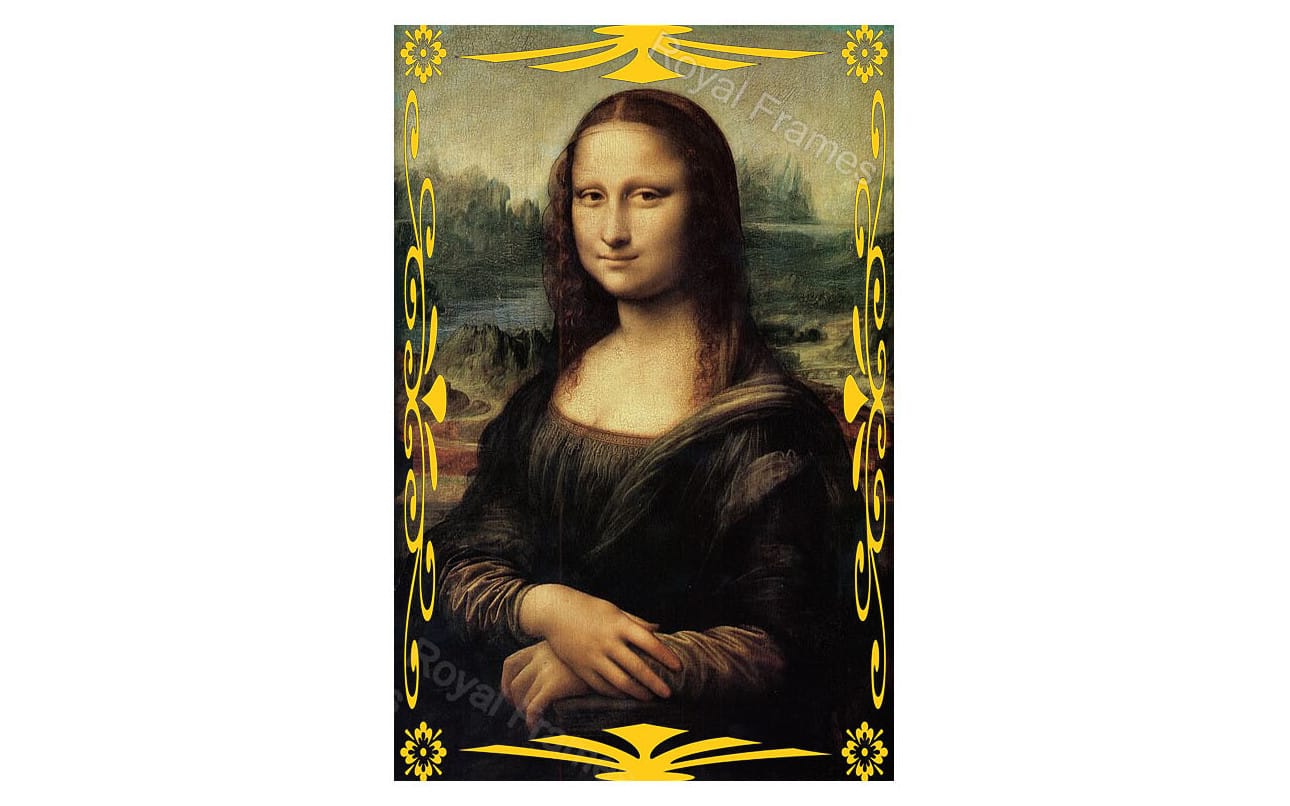
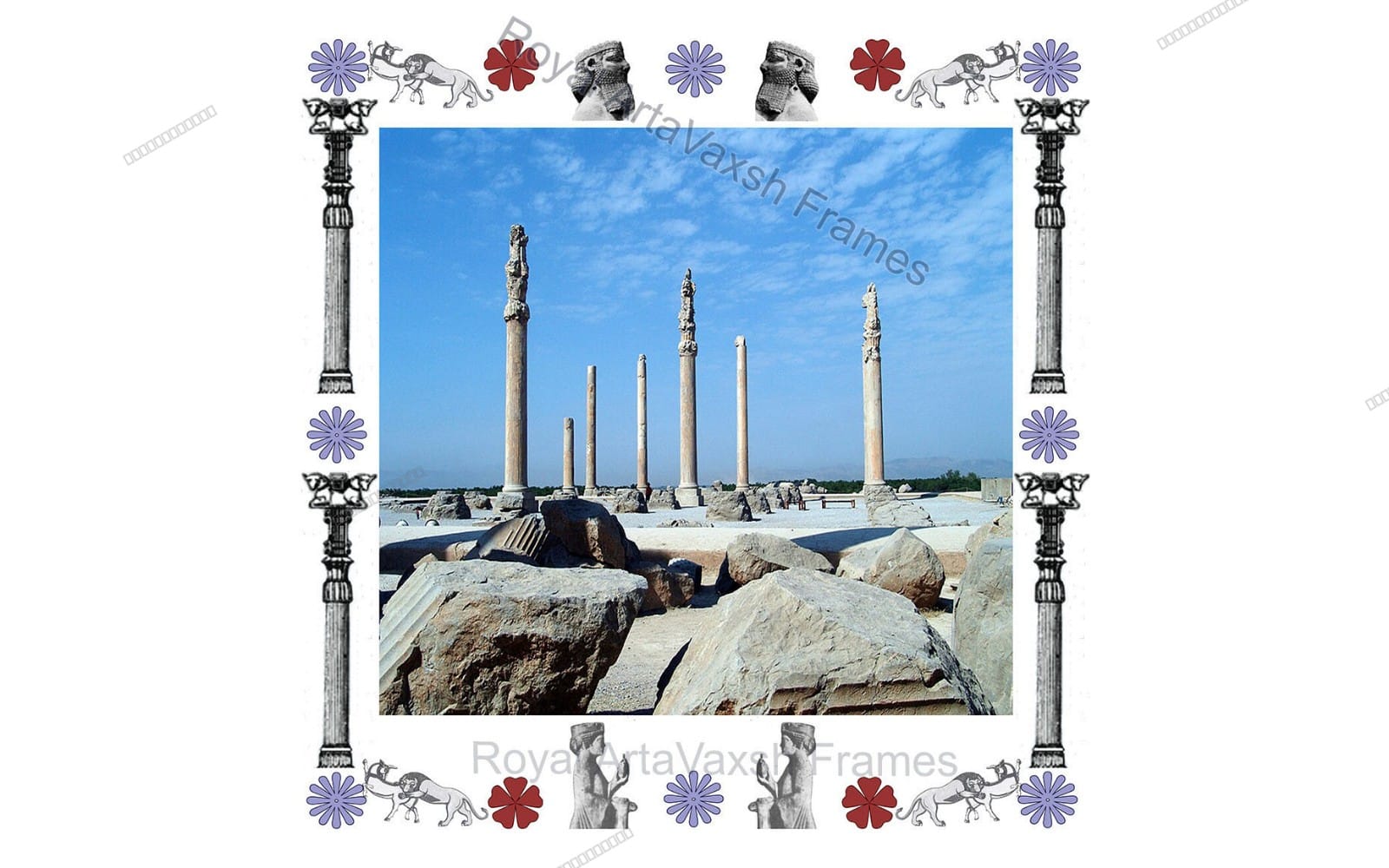
A strong visual layer for your hero and pages
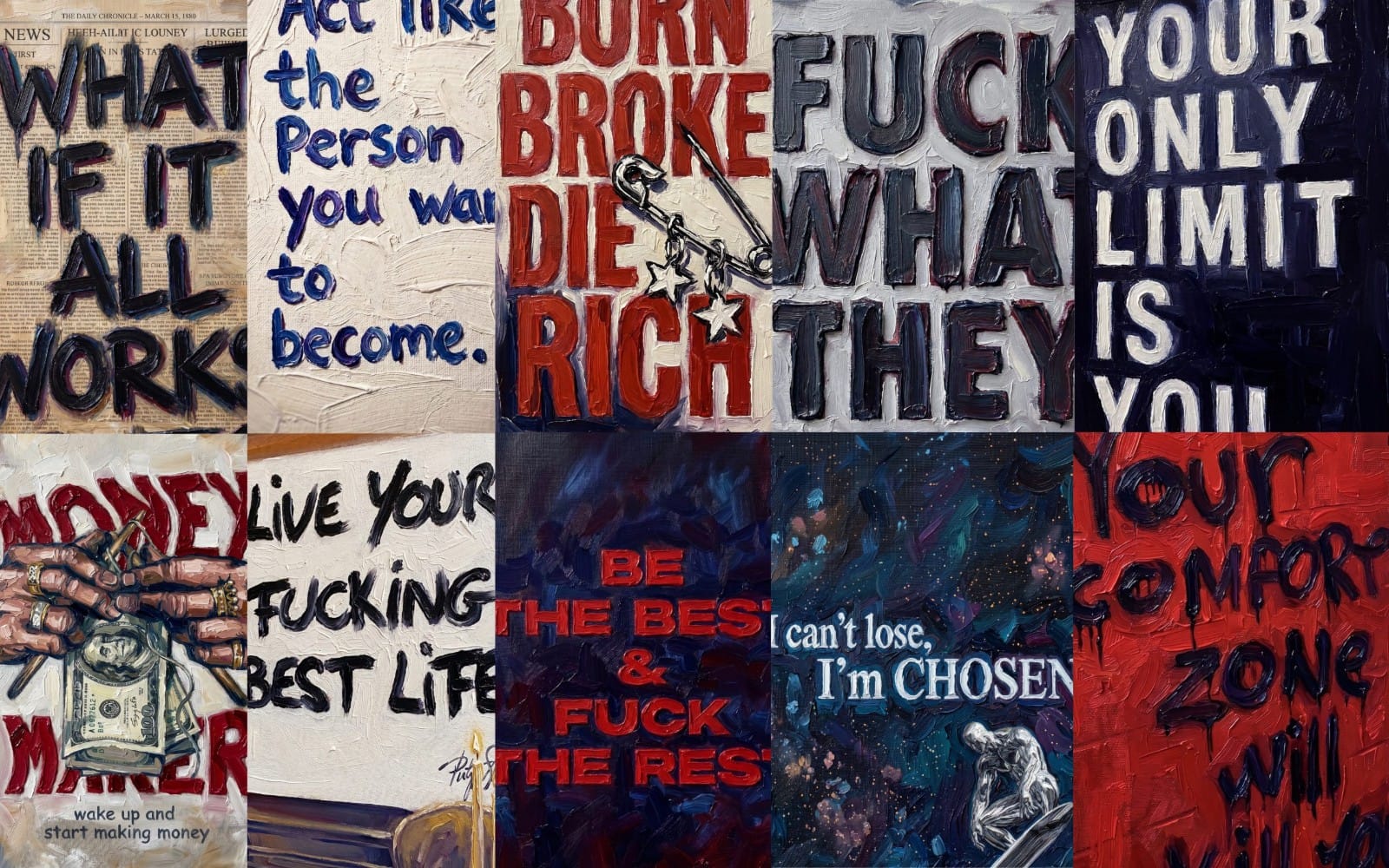
Images and backgrounds set the tone for your portfolio before anyone reads your content. Background packs and wallpaper-style visuals help you create a clean backdrop for case studies, project highlights, and section dividers.
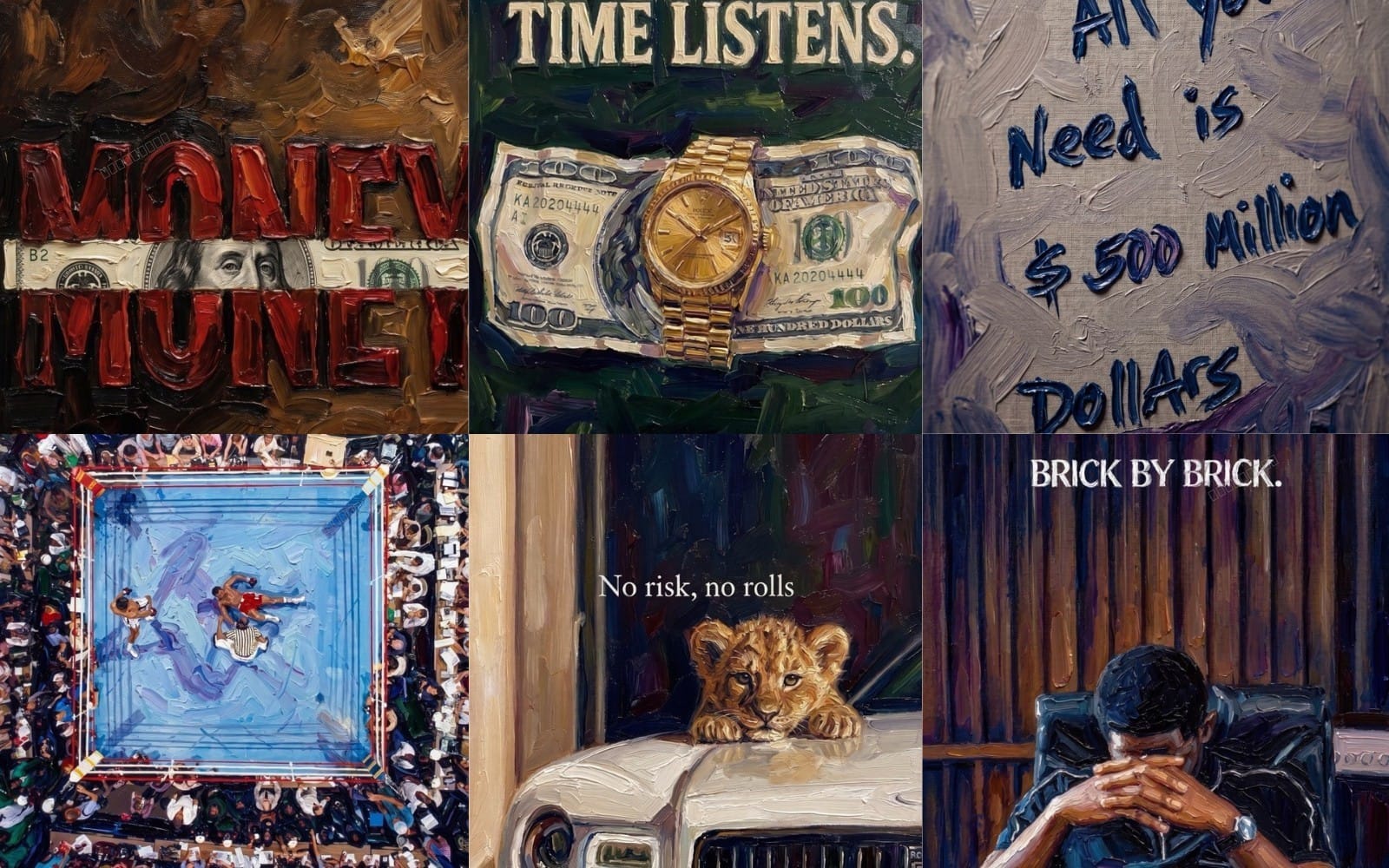





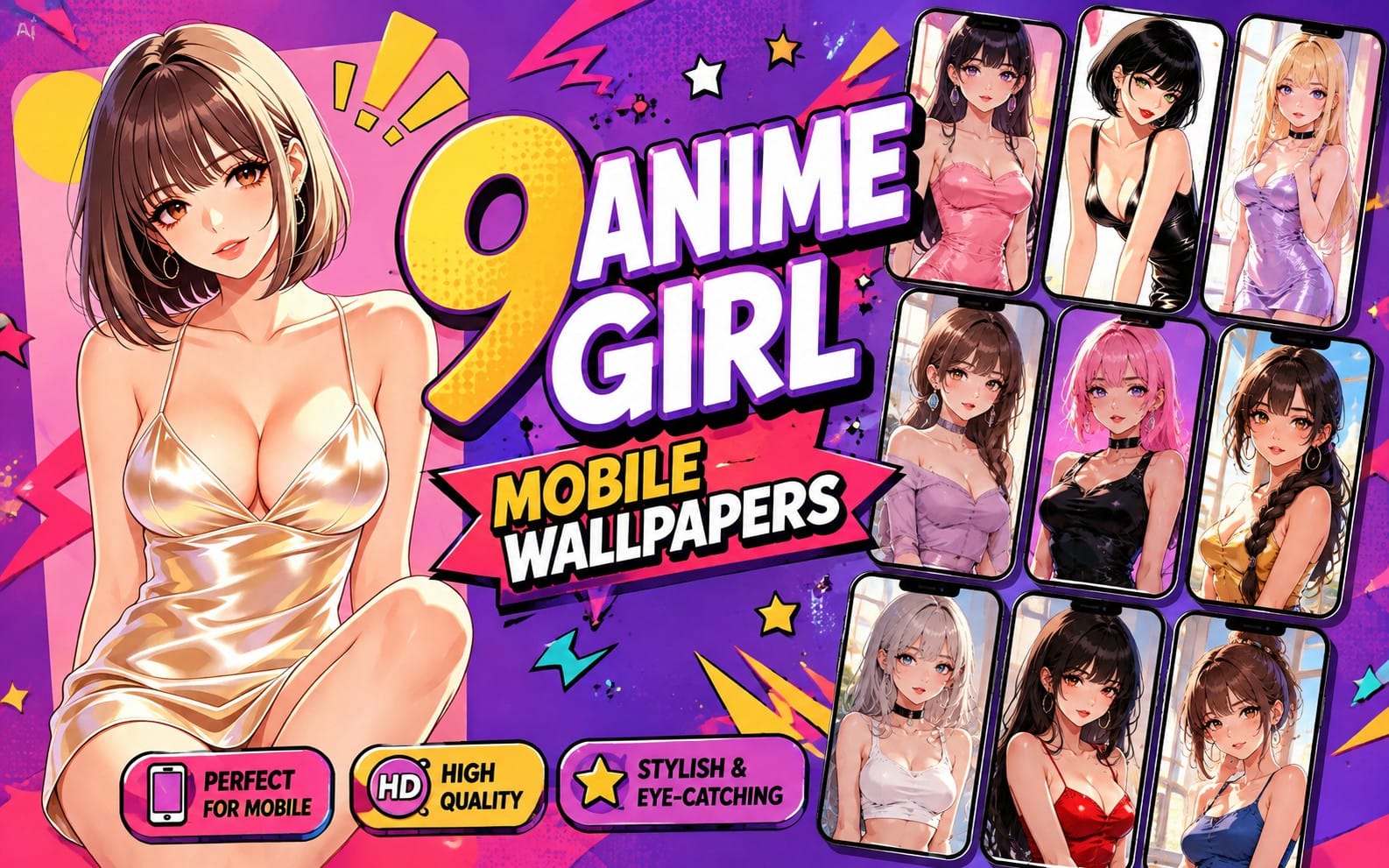
Project visuals that show your work clearly
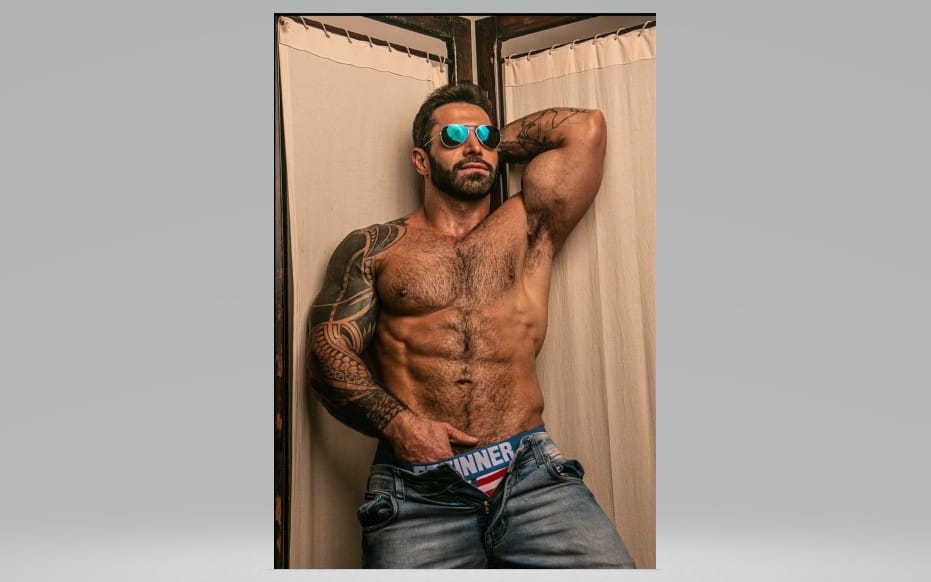
A personal portfolio lives or dies on how projects look. Photography resources, mockups, and ready-to-use visual assets help you present screenshots, cover images, and final outputs in a polished, viewer-friendly way.







Case study graphics and page elements
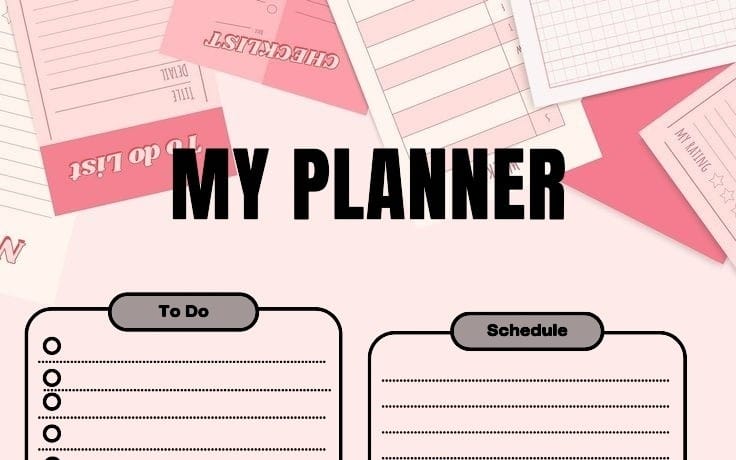
Portfolio pages often need icons, UI details, and graphic accents to guide attention. Web elements and graphics-design assets help you add labels, badges, separators, and supporting visuals that make projects easier to scan.





Can I build a portfolio site with templates and still make it feel like mine?
Yes. Use a template as your structure, then swap in your own text, project images, and brand-consistent design elements from categories like design systems and visuals.
What should my portfolio site emphasize first?
Your featured projects should come early. Use your visuals and case study elements so visitors can scan what you do and click into details.
Do I need separate sections for skills and contact?
Most portfolios do include both. A clear design system and consistent visual components make those sections feel integrated rather than pasted on.