Getly
Getly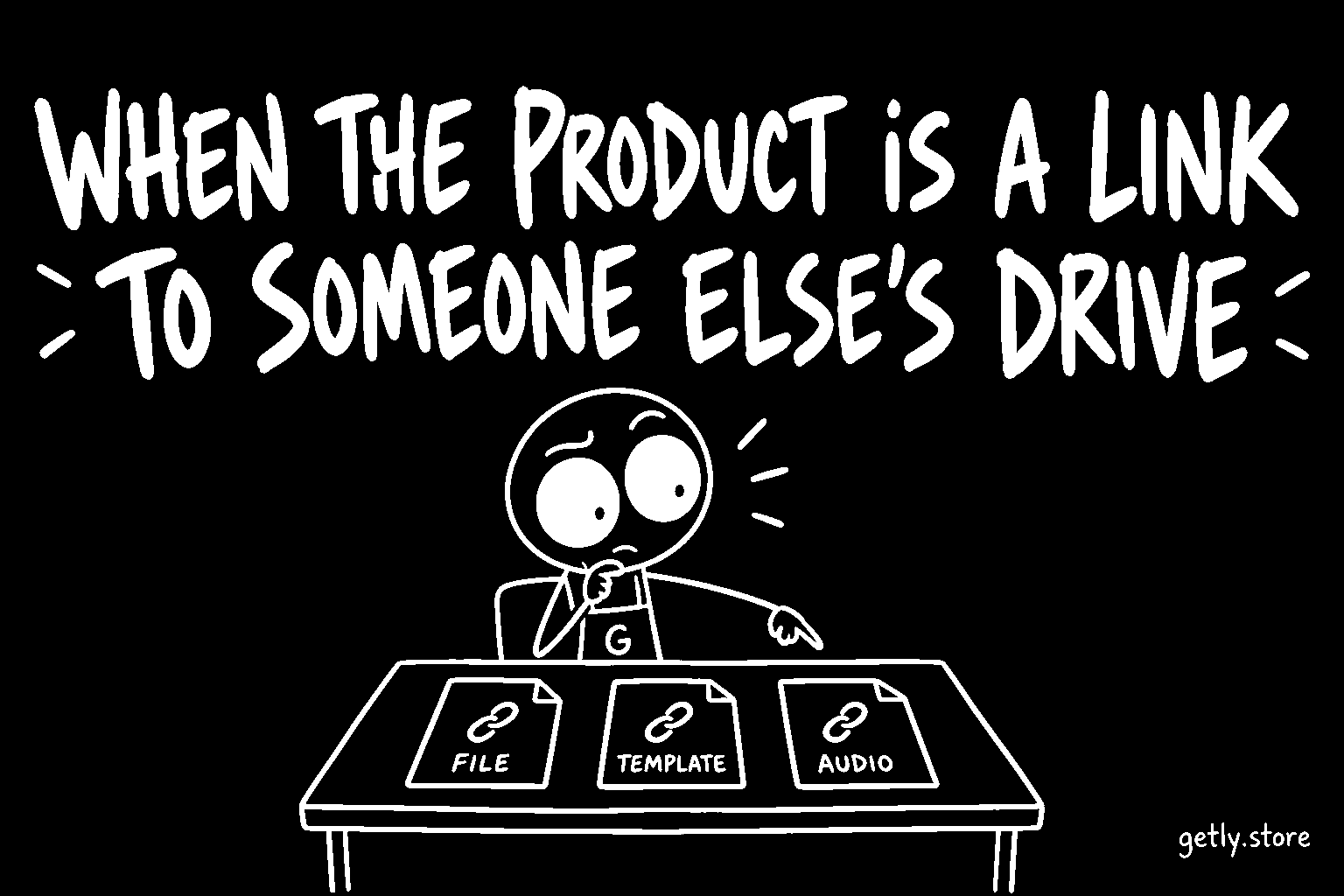
Some paid listings do not deliver a product. They deliver a pointer to one. The buyer pays, opens the download, and finds a text file or a PDF with a single link in it: a shared folder on a cloud drive, a file-transfer page, a shortened URL. The actual goods live on somebody's personal storage account, outside the marketplace, for as long as that account and that link survive.
Measured on 26 September 2026 across paid listings that have files, 2.59% deliver only a link to files hosted elsewhere. Another 1.54% deliver a file plus a link, and 3.39% deliver only a text file of some kind. The most common external hosts, in order, were Google Drive, then Canva links, then YouTube.
Those three hosts are not the same kind of link, and the difference is the whole point of this article.
Three kinds of link that look alike
- A link to a file-hosting folder (a cloud drive share, a transfer service, a URL shortener). The link stands in for a file that could have been uploaded. The buyer receives a promise that a file is somewhere.
- A link where the link is the product, such as a Canva, Figma or Notion template link, or a Google Docs template. These tools sell templates by sharing a copy link. There is no file to upload instead: the buyer opens the link and duplicates the template into their own account.
- A link that supplements a real file, such as a video walkthrough on YouTube next to the actual download. The file is the product and the link is extra help.
The first kind is the problem. The second and third are normal ways of selling digital goods.
What goes wrong with a drive link
A shared folder on a personal drive is fine for sending files to a friend. As the only delivery for a paid product, it has several weaknesses, and every one of them lands on the buyer after they have paid:
- It can change. The folder owner can edit, replace or remove the contents at any time. The buyer bought whatever was there on the day, but the listing cannot prove what that was.
- It can disappear. Accounts hit storage limits, get closed, or have sharing switched off. A link that worked at the sale may be dead a month later, and the buyer's library then holds a text file pointing at nothing.
- It can ask for access. A folder shared with the wrong setting answers "request access", which means the buyer has to contact the seller and wait. That is the opposite of an instant digital download.
- It cannot be checked. The marketplace sees a text file with a URL. It cannot tell whether the product behind it matches the listing, whether it is complete, or whether it is safe.
For the seller there is a quieter cost. Files that live in the marketplace can be previewed, stamped, versioned and redelivered from the buyer's library. A link gets none of that.
The rule since 26 September
From 26 September 2026, for new publishes and edits going forward, a listing must deliver the product itself. A paid listing whose delivery is only a link to a file-hosting service is sent to review instead of going live. The same applies when the content only promises to send the product later by email or by a messenger, or when the delivered file just copies the listing text.
The rule is narrow on purpose:
- A template link from a design or document tool is not treated as a drive link. The link is the product.
- A link next to a real file is not a problem. The file is the delivery, and the link adds to it.
- Delivery promised by email is fine when it is automated in a way Getly can verify: Getly licence keys, your own key pool, or a working sale.completed webhook.
- Existing live listings are not taken down by this rule. It applies when you publish or edit.
What to do instead
If your product is a set of files, upload the files. If the pack is large, a zip is the usual answer, and a very large pack can be split into parts (for example "Part 1 of 3") so each download stays manageable. The buyer then gets the goods directly from their library, with no dependency on your storage account staying alive.
If your product is a Canva, Figma or Notion template, the link is the right delivery. Put it in a short PDF with a line or two of instructions ("click the link, choose Use template, it opens as a copy in your own account"), and consider adding a preview image of the template itself, so the buyer can see what they are copying.
If your product is access to something you run yourself, such as an account, a course area or a licence for your software, deliver it automatically. Getly licence keys, your own key pool (paste keys one per line, each sale takes the next) and the sale.completed webhook (which carries the order, the items and the buyer's email to your server) all let the buyer receive what they paid for without waiting for you to read an inbox.
If you want to add a video walkthrough, keep it: a link to a tutorial next to the real files is exactly the kind of link that helps.
What to do today
Open your paid listings and look at what a buyer actually downloads for each one. If any of them delivers only a text file with a drive or transfer link, download the files from that link yourself, upload them to the listing, and remove the link file. Do it now rather than at your next edit, because a link that works today is the only guarantee you have that you still have the files to upload.