Getly
Getly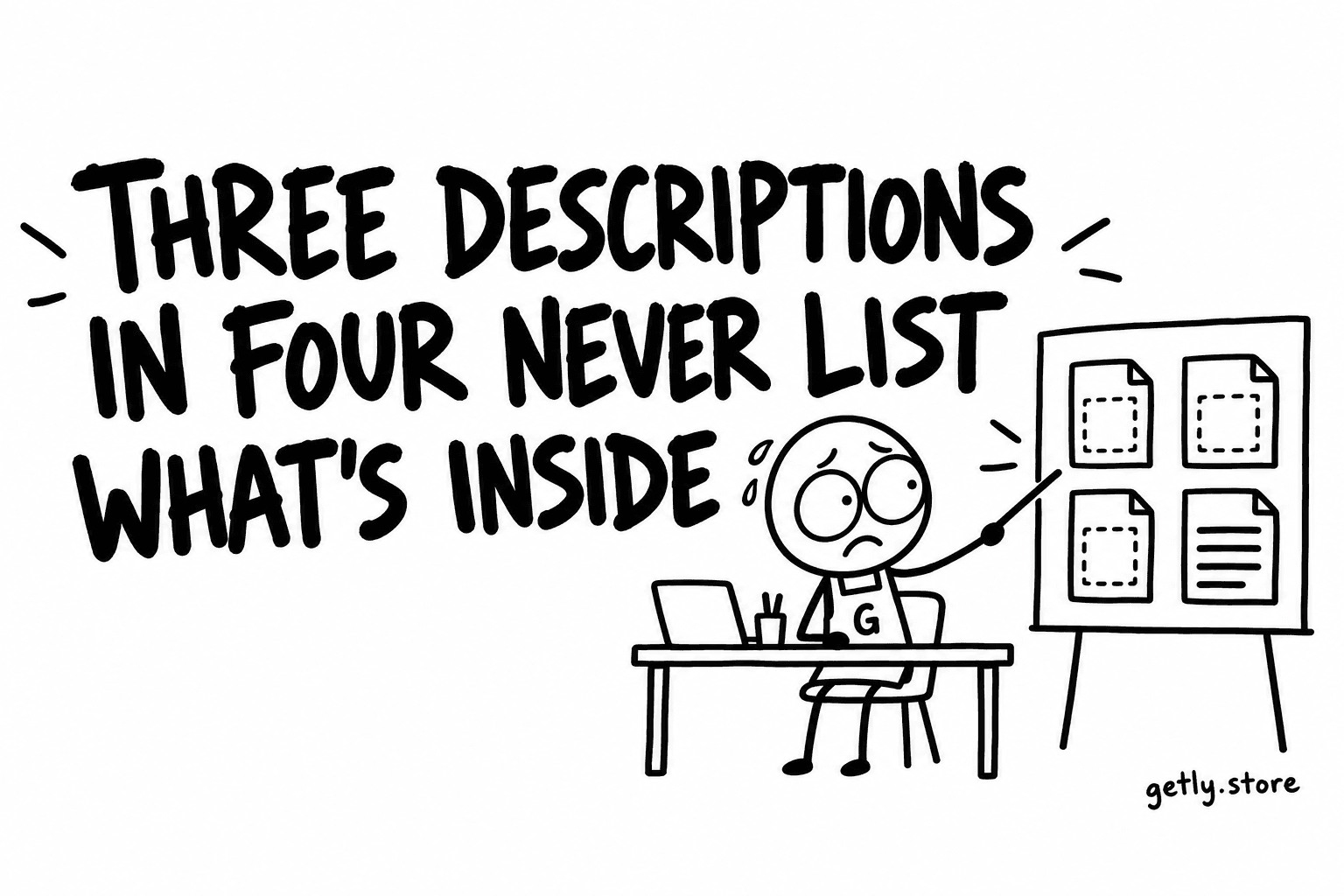
A buyer of a digital product has one question before any other: what exactly do I get? Not what the product is about, not why it is good, but what lands in the download folder after paying. How many files, in what format, at what size, with what extras.
Most listings do not answer it. Measured on 26 September 2026 across the active Getly catalogue of 7,143 listings, 23.60% of descriptions spell out what is included. Three descriptions in four leave the buyer to guess from the title, the cover and the tone of the text.
Where the missing list sits among other gaps
The "what's included" list is not the only thing descriptions skip. The same measurement found:
| A description that... | Share of listings |
|---|---|
| uses bold text | 36.83% |
| uses a bullet list | 32.49% |
| uses headings | 26.85% |
| spells out what is included | 23.60% |
| is plain text with no headings, bullets or bold | 20.94% |
| mentions a licence | 16.16% |
| mentions compatibility, software or requirements | 9.53% |
| includes an FAQ | 6.99% |
Look at the first three rows against the fourth. About a third of descriptions already use a bullet list, so formatting is not what stops sellers. The bullets are there. They are just being used for benefits ("save hours of work", "stunning results") rather than for contents. A bullet list of benefits and a bullet list of contents look the same on the page, but only one of them answers the buyer's question.
Why the contents list does more work than the pitch
A pitch asks the buyer to trust an adjective. A contents list gives them something to check. "A complete social media kit" is a claim. "30 Instagram post templates (1080 x 1080), 15 story templates (1080 x 1920), editable in Canva, plus a PDF guide to the colour palette" is a description the buyer can hold against their own need and decide.
It also protects the seller. A buyer who knew exactly what they were getting is much less likely to feel the product was not what they expected. On Getly every shop's refund window is at least 30 days, buyers request a refund from their library, and Getly decides it, not the seller. A clear list of contents is the simplest evidence that the listing said what it delivered.
And since 26 September 2026 there is a related rule for new publishes and edits: a listing must deliver the product itself. A description that promises a big bundle while the file is a short text note, or a copy of the listing text, is sent to review instead of going live. A contents list that matches the actual files is the easiest way to be on the right side of that check, because it forces you to look at what you are uploading.
What a good contents list contains
Not every product needs every line, but most need most of these:
- The count. How many templates, textures, pages, tracks, prompts or icons. If there are variants (sizes, colourways), say how many of each.
- The format. PDF, PNG, SVG, XLSX, a Canva template link, a zip of source files. If there is more than one format, list each.
- The size or resolution. Pixel dimensions for images, page size for printables, sample rate for audio, texture resolution for 3D materials.
- The structure. One file or a zip with folders. If there are folders, what they are called helps the buyer picture the download.
- The extras. A readme, a licence file, a font list, a preview image, a bonus set. Only what really ships.
- What is not included. Fonts that must be downloaded separately, software that is not part of the purchase, mockup photos that are only on the cover. This line prevents more disappointed buyers than any other.
A template you can copy
Put a heading in the description called "What's included" and fill in something like this:
- 24 printable planner pages, A4 and US Letter (48 PDF files in total)
- 1 editable Canva template link for each page
- 1 PDF guide (6 pages) on printing and binding
- Delivered as a single zip, about 30 MB
- Not included: the fonts in the cover mockup, the physical binder shown in the photos
The numbers above are an example, not data. Replace them with your own and keep the shape: count, format, size, delivery, exclusions.
Putting it where buyers look
Place the list high in the description, directly after one or two sentences that say what the product is for. Buyers skim. A list buried under five paragraphs of story is a list most of them never reach.
If the product is a PDF, Getly can show a "look inside" preview of the first pages, and every seller can add a separate preview file to a listing (13.5% of listings do). Both are good companions to a contents list: the list says what is there, the preview shows a sample of it. Neither replaces the list.
A final check that costs a minute: open your own download as if you had bought it, and compare the folder with the list. If a number differs, fix the list, not the buyer's expectations.
What to do today
Pick your best-selling or most-viewed listing. Open its files, count what is really there, and add a "What's included" heading with a five-line list: count, format, size, delivery, and what is not included. Then do the same for the next listing tomorrow. Three descriptions in four are missing this, so each one you fix moves you out of the majority.