Getly
Getly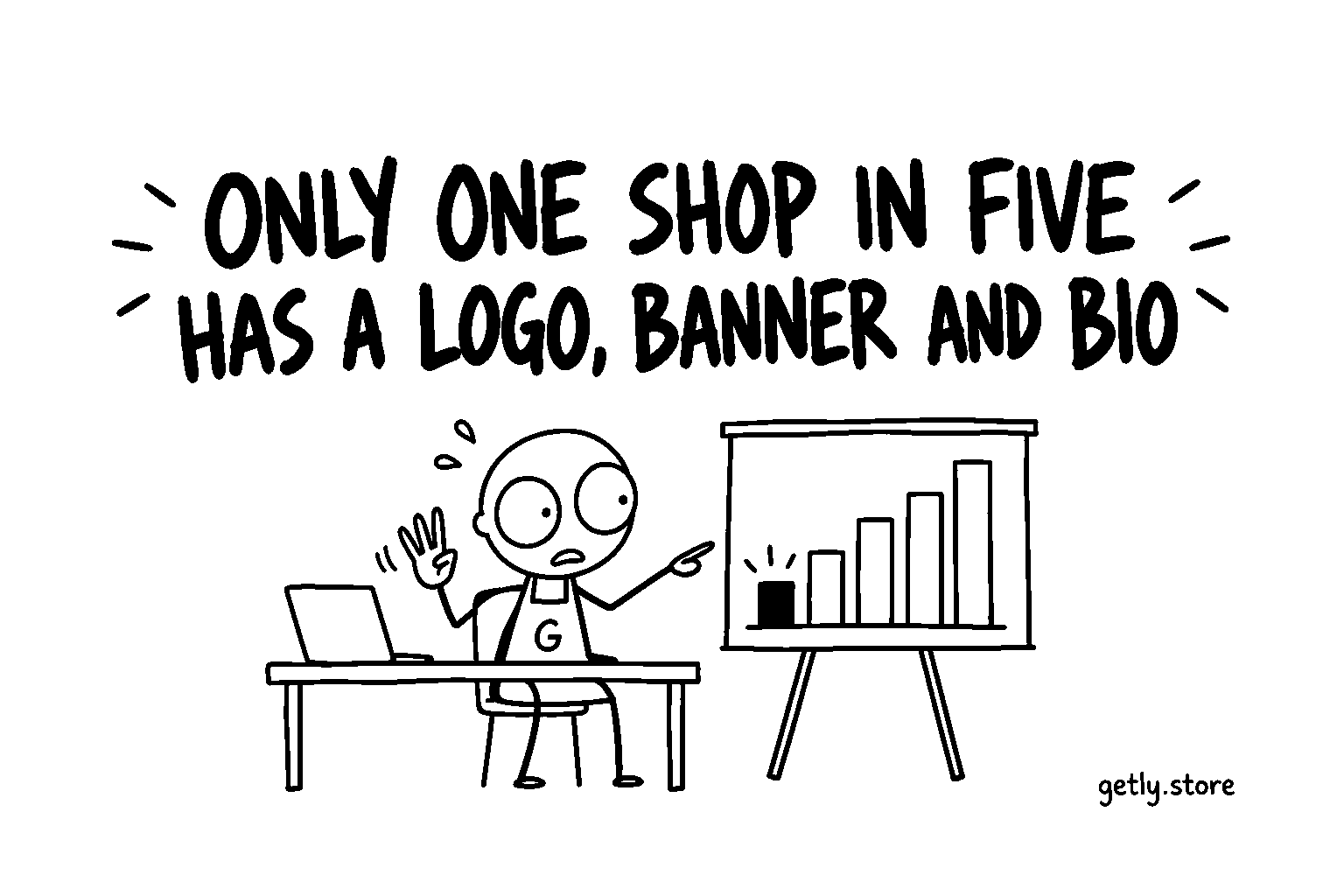
A buyer who likes one of your products and clicks your shop name lands on your storefront. It is the one page where they are no longer judging a file, but you: is this a real maker, do they do this regularly, is there more here I would want.
On 26 September 2026 we looked at every shop with at least one active listing and checked the three pieces that answer those questions first: a logo, a banner and a shop description. Only 20.3% of shops have all three. Four shops in five are missing at least one.
How often each piece is filled in
Measured 26 September 2026, shops with at least one active listing:
| Storefront element | Share of shops |
|---|---|
| Logo | 33.0% |
| Banner | 27.5% |
| Shop description | 25.0% |
| Logo, banner and description together | 20.3% |
| Chose an accent colour | 16.8% |
| Running an announcement | 13.9% |
The interesting part is how close the bottom line is to the top ones. A third of shops upload a logo, and most of those who do also add the other two. The pieces tend to arrive together: a seller either sits down and sets up the storefront, or never opens that page at all.
That matches something else we measured the same day. 64.2% of shops publish their first listing within an hour of opening the shop (the median is 28 minutes). The product gets attention in that first hour. The storefront, which nobody asks for at that moment, waits, and for most shops it keeps waiting.
What each piece does for a visitor
The logo is the shop's face in small places: next to your name on product pages and in lists. It does not need to be designed by anyone. A clean initial on a plain background is enough to replace the empty placeholder, and a placeholder is the one thing that tells a stranger nobody has looked at this page.
The banner is the top of the storefront. On Getly it is shown exactly as you upload it, without a grid or dark overlay on top, so what you prepare is what the buyer sees. If you have no banner, the storefront does not sit empty: it shows a mosaic of your first product covers in the header, under your shop colour. That is a reasonable default, and for a shop with strong covers it can be enough. A banner is for when you want to say something the covers do not.
The shop description answers "who is behind this". The median shop description that exists is 200 characters, about two sentences, and that is a sensible length: what you make, for whom, and one line on why a buyer can trust the files. It is not a place for a biography.
What we cannot claim
We are not going to tell you that a complete storefront doubles your sales. Shops that fill in all three pieces are also, on average, shops that do more of everything else: more listings, more care in descriptions, more time on the platform. Any difference in results between the two groups is a correlation with all of that. Our own dashboard is written the same way: it shows what is missing and makes no promise about sales.
What we can say is narrower and more certain. A visitor who reaches your storefront has already shown interest. The storefront is the page that decides whether that interest turns into a second product view or a closed tab, and an empty placeholder, a blank header and no description give them nothing to hold on to.
A check you can run in a minute
Open your storefront in a private browser window, where you are not logged in, and look at it as a stranger would. Ask three questions: can I tell what this shop makes without scrolling, can I tell a person or studio is behind it, is there anything here I would recognise on a product page later. If any answer is no, one of the three pieces is the missing one.
Then open Settings in your dashboard. The storefront checklist at the top ("Your storefront: N of 6 done") lists logo, banner, description, accent colour, featured products and social links, and ticks each one as you save it.
What to do today
Set aside fifteen minutes and do the three pieces in this order. First the description: two sentences on what you make and for whom, because it costs only typing. Then the logo: an initial or a simple mark, exported as a square. Then the banner, only if you have something to say that your product covers do not already say; otherwise leave the automatic cover mosaic in place and pick an accent colour from the presets in Settings instead. Save, reload the private window and read your shop again as a stranger.