Getly
Getly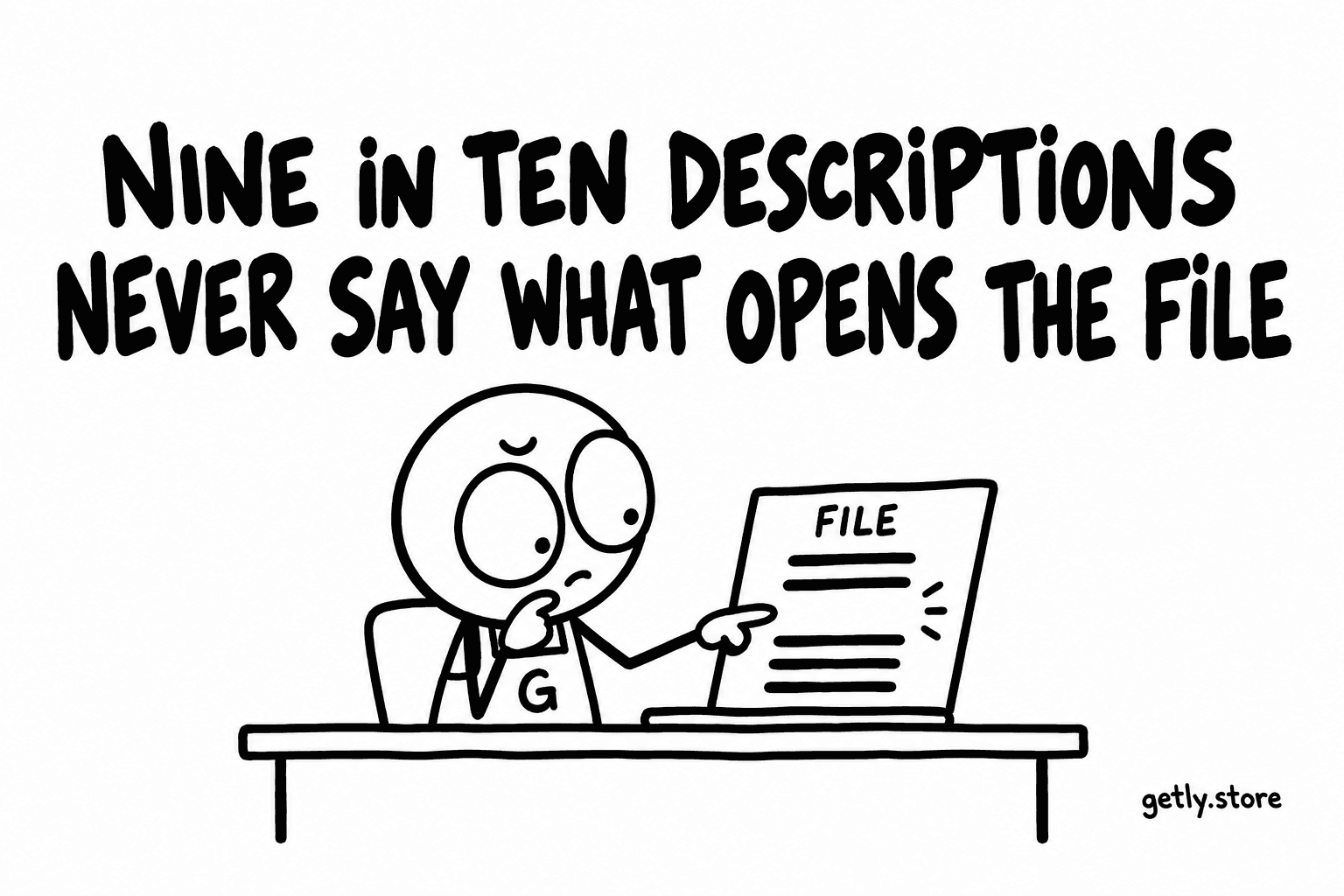
A physical product usually announces how it is used. A digital one does not. A download called "Modern Invoice Template" could be an Excel file, a Google Sheets link, a Word document, a Canva design or a PDF to print. Each of those needs something different on the buyer's side, and the buyer who guesses wrong has paid for a file they cannot open.
On 26 September 2026 we checked every description in the active catalogue of 7,143 listings for any mention of compatibility, software or requirements. Only 9.53% have one. More than nine descriptions in ten never tell the buyer what they need in order to use the thing they are buying.
The missing line, next to its neighbours
Requirements are the rarest of the practical facts a description can carry. Measured 26 September 2026, share of active listings whose description:
| Mentions | Share |
|---|---|
| What is included | 23.60% |
| A licence | 16.16% |
| Compatibility, software or requirements | 9.53% |
| An FAQ section | 6.99% |
| Refunds | 2.88% |
The measure counts a description only when its text talks about software, compatibility or requirements. A file extension in the title or in the file list is not the same thing, and it should not be: the buyer reads the description to decide, and a file extension alone ("xlsx") answers the question only for people who already know what an xlsx needs.
Why sellers leave it out
Mostly because it feels obvious from the inside. The seller made the file in a particular program, opens it every day, and cannot picture someone who would not know. But the catalogue spans very different buyers. The same shelf of templates is browsed by someone who lives in Excel and someone who has only ever used a phone.
Some formats hide the question further. A zip archive says nothing about what is inside it. A Canva link needs a Canva account. A 3D file may open in one program and lose its materials in another. A PDF form may need a desktop reader to fill in. None of this is a flaw in the product, it is information the buyer cannot see from the listing unless the seller writes it down.
What a buyer does when the line is missing
They guess, ask, or leave. Guessing right is fine. Guessing wrong turns into a message to the seller or a refund request, and every Getly shop offers a refund window of at least 30 days, requested from the buyer's library and decided by Getly. A file that does not open on the buyer's machine is the kind of problem that a single sentence in the description would have prevented.
Asking is slower than it looks: a buyer who has to write a message before buying is a buyer who can easily close the tab instead. And leaving is invisible. You do not see the person who read your listing, could not tell whether it would work for them, and went somewhere that said so.
We are not claiming a measured link between this line and sales. A description with a requirements section usually has other good habits too, so any comparison would be a correlation. The argument here is simpler: the question exists for every digital product, and nine descriptions in ten leave it unanswered.
How to write the requirements line
Keep it short and concrete. A useful requirements section answers four things, only where they apply:
- The program that opens it. "Microsoft Excel 2016 or later, also works in Google Sheets" is better than "spreadsheet".
- What does not work. "Not compatible with Apple Numbers: the formulas break" saves both of you a refund.
- Accounts or plugins. "Requires a free Canva account" or "uses the free version of the plugin X" tells the buyer about a step they would otherwise discover after paying.
- The device. If it is a printable, say the paper size. If it is a mobile template, say the platform.
Put it under its own heading, "Requirements" or "What you need", near the top of the description. It is a line the buyer is actively looking for, so it should be easy to find.
Let the buyer check for themselves
For software, plugins and anything where "will it run on my setup" is the real question, words may not be enough. Every seller can add a free demo to a listing: either a file uploaded to Getly (executables are never hosted by Getly) or an https link to a trial on your own site. The product page then shows a "Try it free" button next to the price. Measured 26 September 2026, only 0.49% of active listings use it, so on most shelves it is also something almost nobody else offers.
For documents, the "look inside" PDF preview and a separate preview file do the same job in a lighter way: the buyer sees the real thing before deciding.
What to do today
Take your three most-viewed listings and, for each one, write down the program you used to open the file this morning. Add that as a "Requirements" heading with one to four lines: the program and version, anything that does not work, any account or plugin needed. Then read the title of each listing and ask whether a buyer could tell the format from it alone. If not, the requirements line is doing the work the title cannot.