Getly
Getly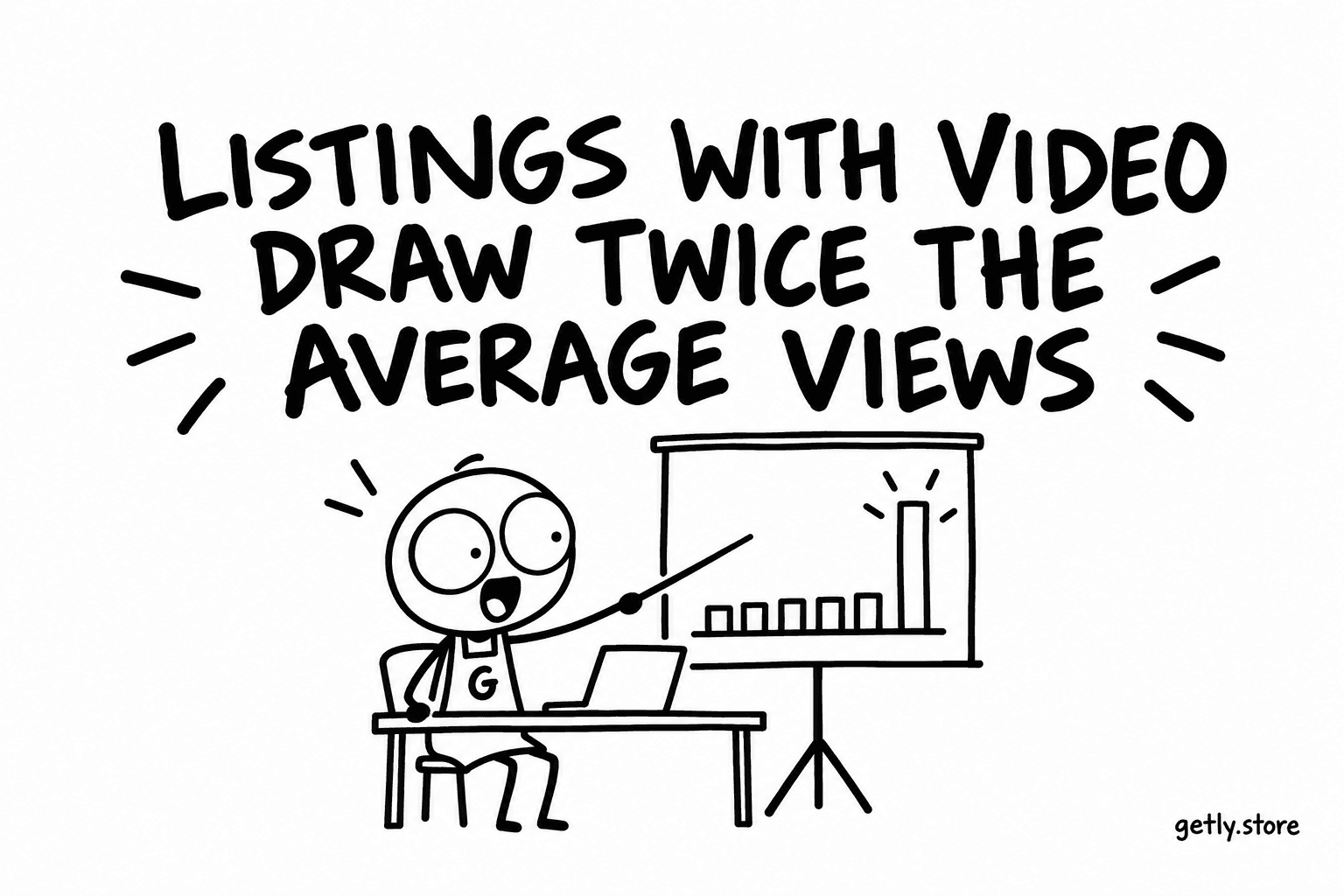
Here is the headline number, and then the reasons not to read too much into it. Measured on 26 September 2026, among paid listings older than 30 days, those with a video had on average about 2.05 times the views of those without one. The median tells a quieter story: about 1.38 times.
Both numbers point the same way. The gap between them is the interesting part, and it is what a seller should understand before spending an afternoon filming.
Why the average and the median disagree
An average is pulled up by a few very large values. A median is the listing in the middle of the line. When the average ratio is about 2.05 and the median ratio is about 1.38, it means the typical listing with a video sees a moderate lift over the typical listing without one, while a smaller group of video listings sees a lot more and drags the average up.
So "twice the views" is true as an average and misleading as a promise. The honest expectation for an ordinary listing is closer to "somewhat more", with a chance of "much more" if the product and the video suit each other well.
We restricted the comparison to paid listings older than 30 days on purpose. A listing published last week has not had time to collect views either way, and free listings behave differently. Even so, this is one cut of the data on one day.
Correlation, and the sellers behind it
This is a correlation. It does not show that adding a video causes more views.
The most obvious alternative explanation is the seller. Someone who takes the trouble to record a video is more likely to also write a longer description, add more images, set up the storefront and share the link outside Getly. Any of those could produce the extra views. The video might be a sign of a careful seller rather than the reason buyers arrive.
The second explanation is the category. Video suits some shelves far more than others, and shelves differ in how much traffic they get. On the same day, 7.2% of Excel Templates listings carried a video, against 2.7% in Business & Money non-fiction, 0.7% in Backgrounds & Wallpapers and none at all in Illustrations. A spreadsheet that calculates something is easy to demonstrate on screen. A single illustration is not improved by moving pictures.
Neither explanation means video does nothing. They mean the number cannot tell you how much it would do for your listing. Only your listing can.
What video is good at on a product page
Where video helps, it does so because it shows something images cannot:
- A process. A template being filled in, a preset applied to a photo, a tool being used. Images show the before and the after; video shows that the step in between is easy.
- Scale. Scrolling through a large pack shows how much is in it faster than any grid of thumbnails.
- Behaviour. Anything that moves, reacts or plays: animation, sound, interface, a game asset in a scene.
If your product has none of these qualities, a second or third image is probably the better use of the time. More than half the catalogue, 54.1% of listings, shows a single image, and that is often the cheaper gap to close.
How to add one on Getly
In the product editor, the media step takes video links: YouTube, Vimeo, or a direct link to an .mp4 or .webm file, up to ten per listing. They are displayed on the product page next to the images. You do not upload a large file to the listing itself, which keeps the page light for buyers on a phone.
A useful product video is short. Show the product working in the first seconds, show the range if there is one, and let it make sense with the sound off. A plain screen recording of you using the thing is enough to start with, and it can be replaced later.
Test it on your own listing
The platform-wide number is a hint. The test that matters is yours, and it takes four weeks:
- Pick one listing where the product does something on screen.
- Write down its view count from your dashboard today, and again 14 days later, without changing anything. That gain is your baseline.
- Now add a 20 to 40 second video and change nothing else on the listing during the test. If you change the title or price at the same time, you will not know which change did what.
- After another 14 days, compare the new gain against the baseline.
Keep in mind that two weeks of views on a single listing is a small sample and can be moved by a single mention somewhere else. If the result is clearly positive, repeat it on a second listing before deciding it works for your shop. If it is flat, your product may be one of those that stills already describe well, and that is useful to know too.
Today, two small steps are enough: pick the listing most likely to benefit and write down its view count. Then record one minute of screen while you use the product and trim it, so the video is ready when the baseline fortnight ends.