Getly
GetlyBlender Add-ons
LightmapForge — Lightmap UV Builder
Second UV channel for baked lighting: padding measured in real texels, zero overlapping texels, uniform texel density, and an audit that puts numbers on any lightmap layout
Product Description
LightmapForge — lightmap UVs you can check before you bake
Baked lighting lives or dies on the second UV channel, and Blender gives you no way to look at it. You press Smart UV Project or Lightmap Pack, type a margin you cannot translate into texels, export, bake — and find out in the engine that light from the roof is leaking onto the floor. LightmapForge builds that channel to a target you state in texels, and then measures what it built.
What it solves
Three things about a lightmap layout are invisible inside Blender. Whether the gap between islands is really the two texels the engine needs, at the map size you are actually going to use. Whether any texels are claimed twice. Whether one lightmap texel covers the same amount of surface on the small crate as it does on the warehouse wall. All three are cheap to get wrong and expensive to find out about after a bake.
Measured, not promised
The add-on draws your lightmap UVs into a grid the size of the lightmap — 128 by 128 texels, or whatever you set — and counts what is there. That is the same grid the engine bakes into, so the numbers are the ones you will get. Coverage, texels claimed by two islands, texels where a projection folds onto itself, the distance to the nearest foreign island in texels, texels per meter of surface.
On seven production meshes — a bevelled prop, a part with holes, pipes, an eight-thousand-face sculpt, an open shell, a heavy prop and a scan — asking for a 128 pixel map with two texels of padding:
| Method | Coverage | Texels closer than two |
|---|---|---|
| LightmapForge | 57.3% | 0 |
| Built-in Lightmap Pack, as it comes | 76.6% | 64903 |
| Built-in Lightmap Pack, margin tuned by hand | 14.6% | 1992 |
| Smart UV Project, as it comes | 65.2% | about 6000 |
| Smart UV Project, margin tuned by hand | 54.8-55.1% | 0 |
Read it this way: the only built-in route that holds the gap is Smart UV Project with a margin you worked out yourself, and it gives up coverage to do it. Everything else leaks. Every number here was reproduced in three separate runs; where three runs disagreed, the range is shown.
Headline features
- Padding in texels, not in fractions. You say two texels. The add-on works out the margin for your map size, packs, measures the result, and raises the margin and packs again if the measurement says the gap fell short.
- The best of several methods, chosen per object. Smart projection at three angles, the built-in Lightmap Pack, and a repack of the UVs you already made are all tried, measured on the texel grid, and the best one wins. On the object, not on the scene.
- Overlaps found and shown. Islands sharing texels and projections folding onto themselves are counted separately, because one is fixed by packing and the other is not. Problem Faces selects exactly the faces involved.
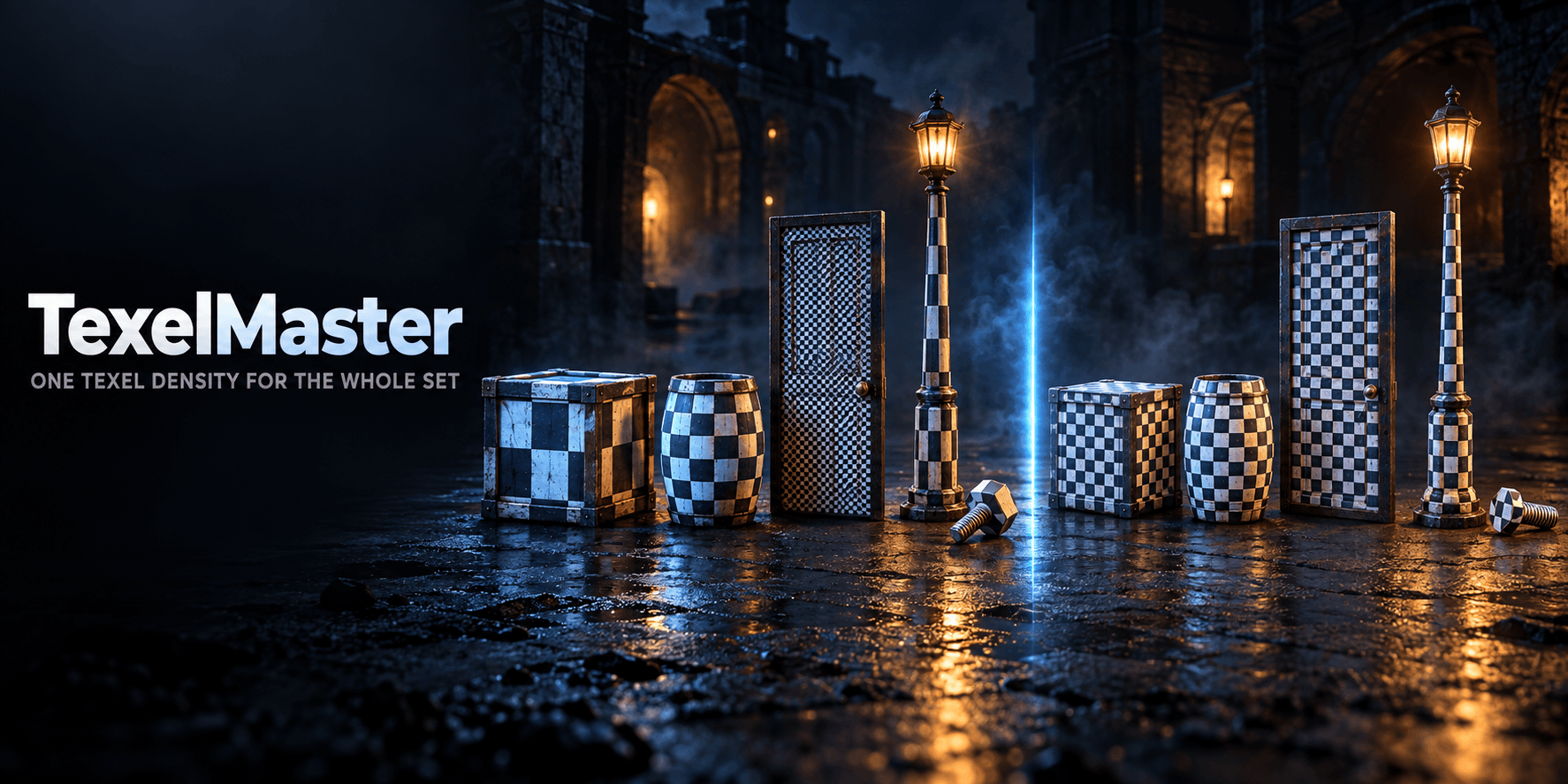
- Uniform texel density. Every object gets its own lightmap size so a texel covers the same surface everywhere. On a four-prop set the spread went from 8.4 times down to 1.31 — and the density is verified after the build, not predicted before it.
- Modifiers checked too. A Mirror or Array copies the geometry and hands every copy the same UVs — the mesh looks clean in Blender and leaks light in the engine. The add-on measures what the modifier stack produces as well, and says so: on a crate with a Mirror, nothing overlapping on the mesh itself and 11269 texels shared after it.
- Audit anything. Point it at a lightmap layer made by anyone, by any tool, and get the same numbers. Nothing is changed.
- Your other UVs are untouched. One named UV layer is written and one custom property, the lightmap size, is stored on the object. Every other UV layer stays byte for byte identical, your face and vertex selection is put back the way it was, and Remove deletes only that one layer.
Workflow
| Step | What you do |
|---|---|
| 1 | Pick your engine preset, the lightmap size and the padding in texels |
| 2 | Select the meshes and press Build Lightmap UVs |
| 3 | Read the panel: coverage, overlaps, padding held, texels per meter, per object |
| 4 | Press Problem Faces if anything overlapped, fix the seam, build again |
| 5 | Export as usual — the lightmap sits in the UV channel after your own |
What it does not do
It does not bake light — that is the engine's job. It does not touch your first UV channel, does not make materials or textures, does not export and does not write files. The lightmap size it works out for each object is written onto the object as a custom property and shown in the panel; no FBX carries that into Unity or Unreal on its own, so your import script or your own hand puts it where it belongs.
Speed
A hundred objects with 84300 faces take about 25 seconds. A 98000-face mesh on a 1024 pixel map takes under half a minute. Auditing thirty objects takes under a second. A Fast setting trims the first two further by trying fewer layouts.
Compatibility
Blender 4.2 and later on Windows, macOS and Linux. Measured live on 5.1 and 5.2. Nothing to install beyond the add-on: no external packer, no extra Python packages, no internet connection, no telemetry.
License
GPL-3.0. The UVs it makes are yours.
What you get
1 file · 28.68 KB
- lightmap_forge_v1_0_0.zipZIP · 28.68 KB
Blender Add-ons
LightmapForge — Lightmap UV Builder
Second UV channel for baked lighting: padding measured in real texels, zero overlapping texels, uniform texel density, and an audit that puts numbers on any lightmap layout
Tags
Frequently asked questions
Do I get access instantly?
Yes. This is a digital product - you can download it right after checkout, straight from your library.
Can I use it for commercial projects?
Licence terms are set by the seller. Check the product description before you buy - it states any limits on personal, commercial or client use.
What's your refund policy?
You're covered by a 30-day money-back guarantee. If something isn't right, request a refund from your order and the Getly team reviews it.
What file formats and sizes will I get?
You'll download 1 file - ZIP - 28.68 KB in total.
Do I get free updates?
Yes - when the seller ships a new version, you can re-download the latest files from your library at no extra cost. Check the changelog for recent updates.
Price
$29.00