Getly
Business & Money
Family Budget Organizer _ Complete Monthly & Annual Budget planner | premium Digital Spreadsheet
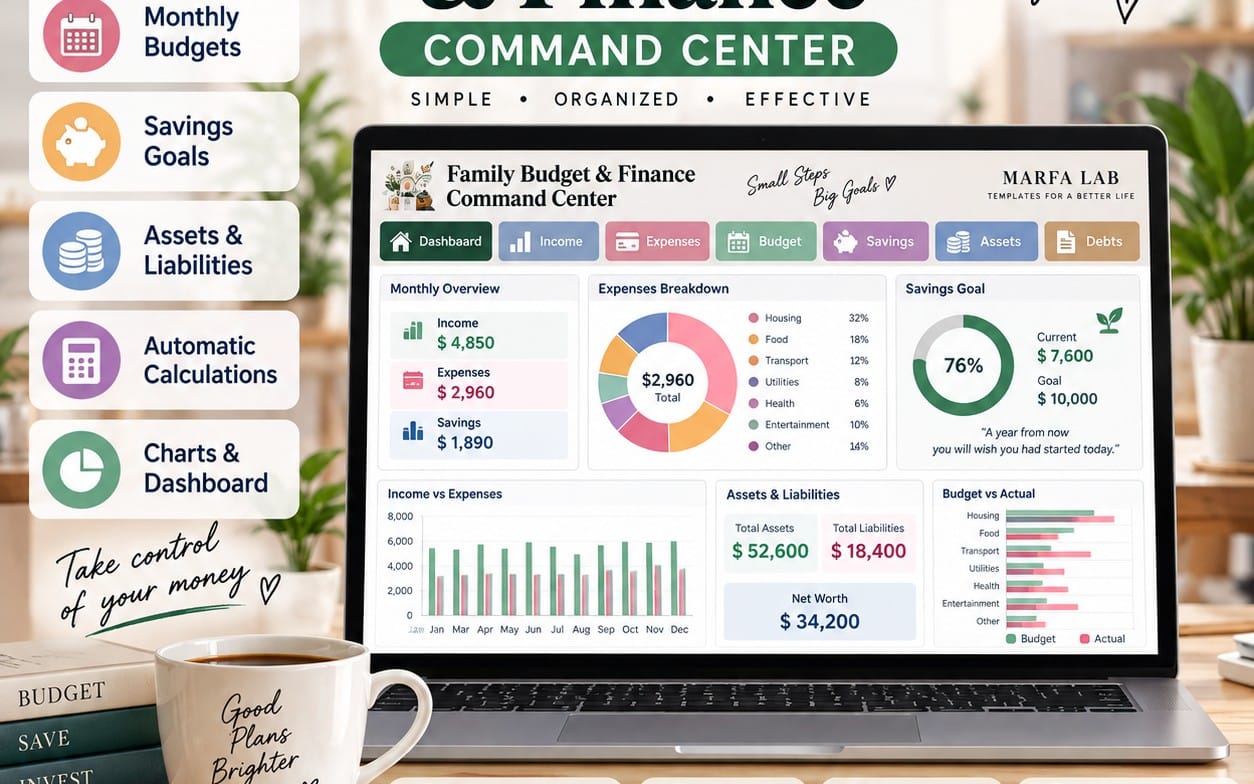
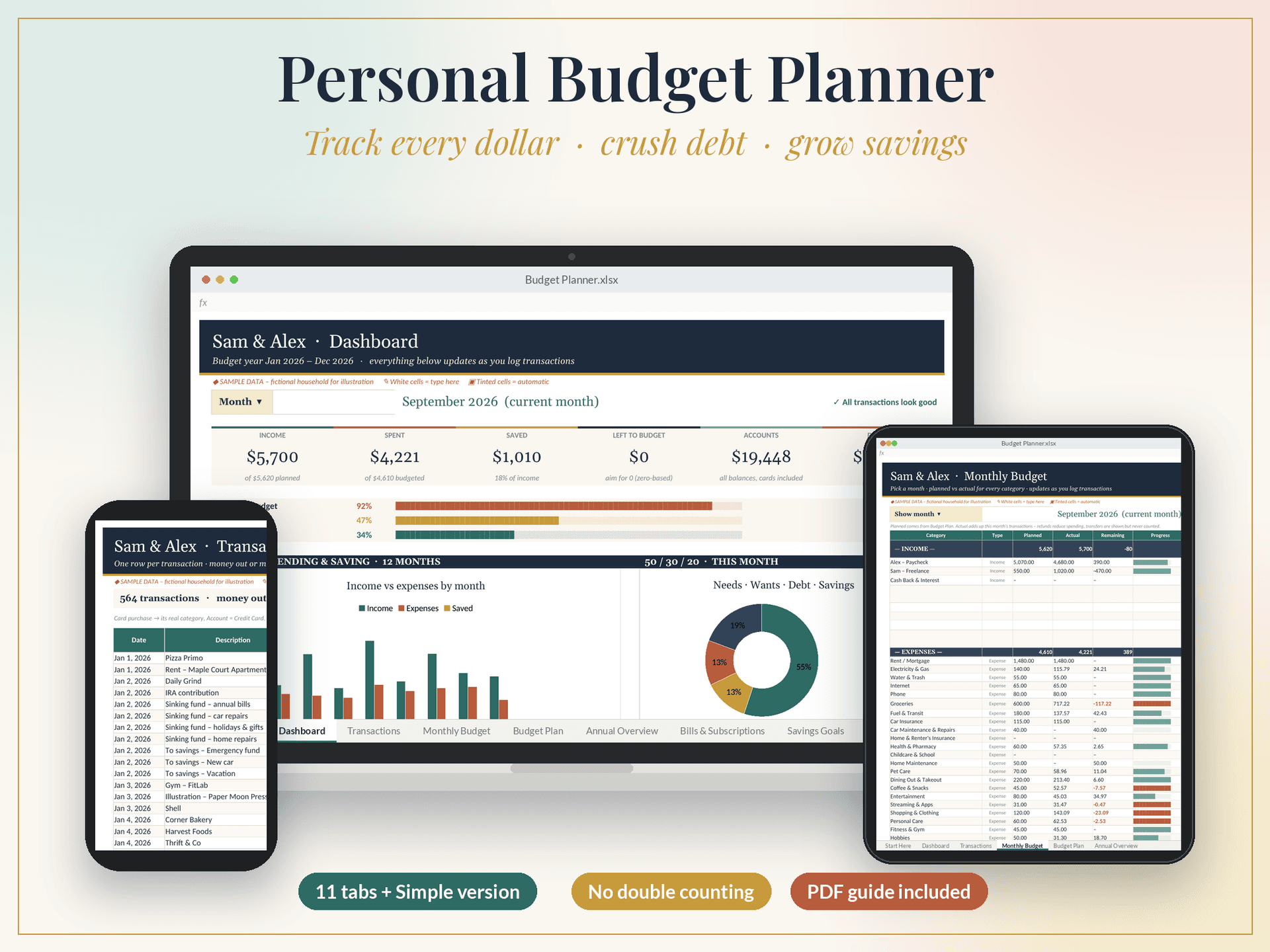
Take control of your family's finances with the family Budget Organizer _ a practical digetal budgeting toolkit designed to help you track income, manage, expenses, plan monthly and annual budgets, monitor bills, build savings and organize grocery shopping and weekly meals . A simple, organized solution to help you make smarter financial decision and manage your household budget with confidence
What you get: 3 files · 923.91 KB · XLSX
See purchase optionsProduct description
Family Budget Organizer – Premium Digital Budget Planner | Excel & Google Sheets
TAKE CONTROL OF YOUR FAMILY FINANCES – ONE ORGANIZED WORKBOOK!
Managing household finances doesn't have to be stressful or complicated.
The Family Budget Organizer – Premium Edition is an all-in-one digital budgeting toolkit designed to help families, mothers, couples, and individuals organize their finances, track everyday spending, plan monthly and annual budgets, manage bills, and build better saving habits.
Whether you're trying to reduce unnecessary expenses, stay on top of household bills, organize grocery shopping, or save towards an important family goal, this practical organizer gives you the tools to manage everything in one place.
Use it with Google Sheets or Microsoft Excel on your computer, tablet, or mobile device.
WHAT'S INCLUDED?
1. Monthly Family Budget Planner
Create a monthly household budget.
Set spending limits for different categories.
Compare planned and actual expenses.
Monitor your remaining budget.
Organize your family's financial priorities.
2. Income & Expense Tracker
Record all household income.
Track daily and monthly expenses.
Organize transactions by category.
Monitor your spending habits.
Keep your financial records organized.
3. Annual Budget Planner
Plan your finances across 12 months.
Organize monthly income and expenses.
Review your annual financial overview.
Monitor your progress throughout the year.
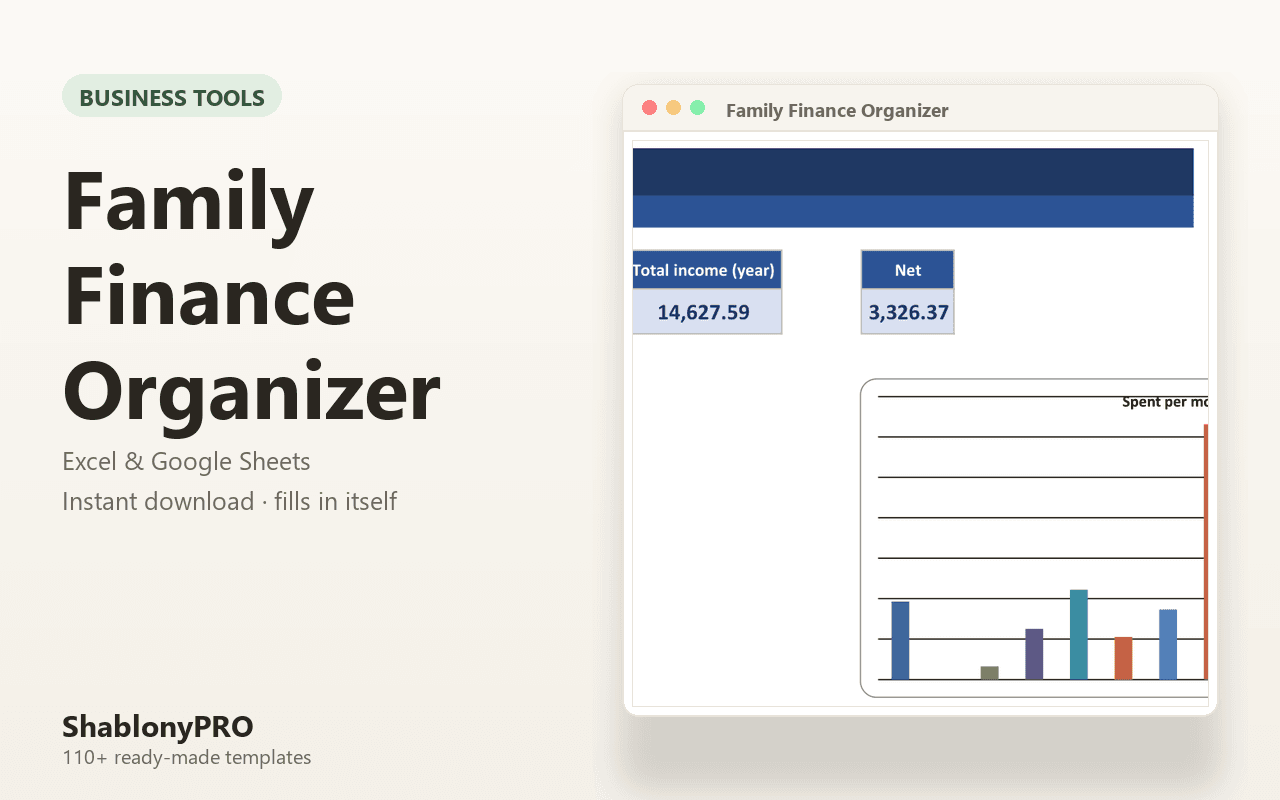
4. Financial Dashboard
View important household budget information.
Monitor income and expenses.
Review budget summaries.
Visualize your financial activity through charts.
5. Bills & Payment Tracker
Record upcoming household bills.
Track payment amounts and due dates.
Monitor paid and unpaid bills.
Stay organized and avoid forgetting important payments.
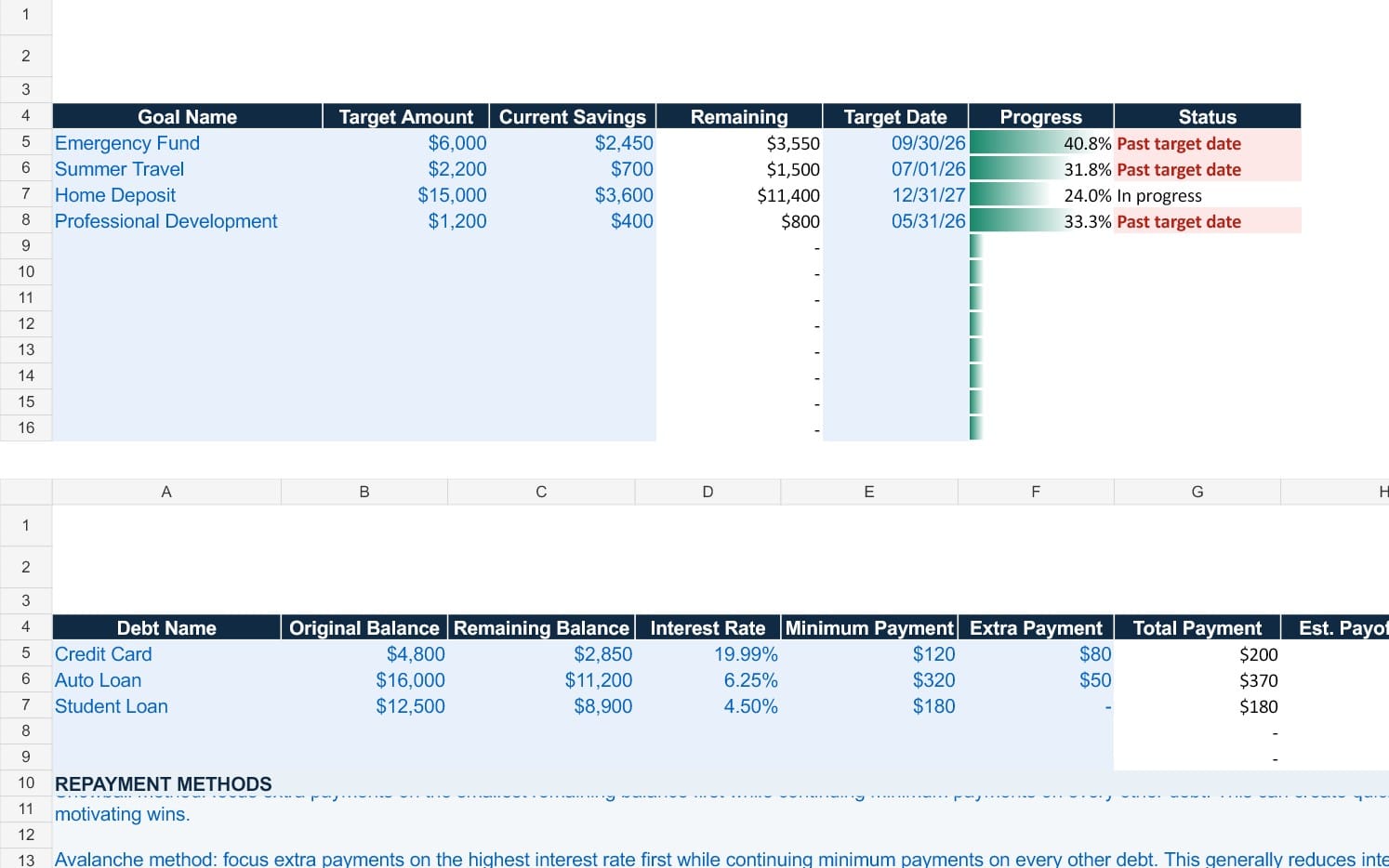
6. Family Savings Goals Planner
Set personal and family savings goals.
Define your target amounts.
Record your savings contributions.
Monitor your progress towards each goal.
7. 30-Day Savings Challenge
Build a daily savings habit.
Follow a structured 30-day challenge.
Record your daily savings contributions.
Track your progress.
8. 52-Week Savings Challenge
Develop consistent weekly saving habits.
Customize weekly savings amounts.
Record your contributions.
Work towards your yearly savings goals.
9. Weekly Meal Planner
Plan breakfast, lunch, and dinner.
Organize meals for seven days.
Simplify weekly meal preparation.
Make grocery shopping more organized.
10. Grocery Shopping List & Budget Tracker
Create your weekly shopping list.
Record product quantities.
Add estimated item prices.
Calculate estimated grocery costs.
Connect estimated shopping expenses with your grocery budget.
This helps you plan your shopping before heading to the supermarket and keep food spending under control.
CURRENCY FLEXIBILITY
The workbook allows you to manually select or enter your preferred currency label.
Supported examples include:
EUR – Euro
USD – US Dollar
GBP – British Pound
SYP – Syrian Pound
Other currencies through manual entry.
Important: Changing the currency label does not automatically convert amounts or apply exchange rates. All financial values must be entered in the currency you choose.
ACCESS YOUR BUDGET ANYWHERE
Google Sheets Compatibility
The workbook can be opened and used with Google Sheets.
Benefits include:
Access your budget through Google Sheets.
Use it on your computer, tablet, or smartphone.
Manage your household budget without relying on the Microsoft Excel mobile app.
Access your spreadsheet through your Google account.
Google Sheets is the recommended option for mobile users.
Microsoft Excel Compatibility
The workbook is also designed for Microsoft Excel.
Use the desktop version for a full spreadsheet experience.
Manage your budget on your computer.
Edit and organize your financial information.
Compatibility note: Spreadsheet formatting, charts, formulas, and dropdown menus may display differently depending on the application and version. Google Sheets has been tested for opening the workbook, but identical behavior across every feature and device is not guaranteed.
WHO IS THIS ORGANIZER FOR?
This digital budgeting toolkit is ideal for:
Mothers managing household expenses.
Families planning monthly budgets.
Couples organizing shared finances.
Busy parents managing family spending.
Individuals who want to improve their money management habits.
Beginners looking for an organized budgeting system.
Anyone who wants to develop better saving habits.
WHAT YOU WILL RECEIVE
Your digital purchase includes:
Family Budget Organizer – Excel Workbook
Printable Family Budget Planner – PDF
Quick Start User Guide – English
Product Usage Instructions
Everything is provided digitally. No physical product will be shipped.
WHY CHOOSE THE FAMILY BUDGET ORGANIZER?
✓ Organize your household finances in one place.
✓ Track income and everyday expenses.
✓ Plan monthly and annual budgets.
✓ Keep track of bills and payment dates.
✓ Set meaningful family savings goals.
✓ Develop better saving habits with two savings challenges.
✓ Plan weekly meals.
✓ Organize grocery shopping and estimated costs.
✓ Choose your preferred currency label.
✓ Access your workbook through Google Sheets or Microsoft Excel.
✓ Use a practical digital system designed for everyday family life.
SYSTEM REQUIREMENTS
Recommended:
Google account for Google Sheets.
Internet connection for accessing Google Sheets.
Microsoft Excel for desktop users who prefer Excel.
PDF reader for viewing and printing the printable planner.
Google Sheets can be accessed through a web browser or its mobile application.
IMPORTANT INFORMATION
Please read before purchasing:
This is a digital product, not a physical item.
No physical shipment is included.
The workbook is intended for personal and household budgeting.
Google Sheets is recommended for mobile access.
Some spreadsheet features may behave differently between Google Sheets and Microsoft Excel.
Currency selection changes the currency label only; it does not provide automatic currency conversion.
The printable PDF is a separate file and does not automatically synchronize with the spreadsheet.
No financial or personal information is included in the downloadable files.
START YOUR JOURNEY TOWARDS BETTER FAMILY FINANCES!
A well-organized household budget can make everyday financial decisions easier.
With the Family Budget Organizer, you can track your spending, plan your family's needs, organize grocery shopping, manage bills, and work towards your savings goals.
Less financial confusion. More organization. Better budgeting habits.
Make managing your family finances simpler, one month at a time...
The language in the Files ( Excel in Arabic... Pdf in English.... Word in English )
What you get
3 files · 923.91 KB
- Family_Budget_Organizer_Premium_AR.xlsxXLSX · 40.48 KB
- Family_Budget_Organizer_Quick_Guide_EN.docxDOCX · 37.14 KB
- Family_Budget_Organizer_Printable_AR.pdf_20261121_160213_٠٠٠٠.pdfPDF · 846.29 KB
Look inside
Preview of 2 of 12 pages
Business & Money
Family Budget Organizer _ Complete Monthly & Annual Budget planner | premium Digital Spreadsheet
Take control of your family's finances with the family Budget Organizer _ a practical digetal budgeting toolkit designed to help you track income, manage, expenses, plan monthly and annual budgets, monitor bills, build savings and organize grocery shopping and weekly meals . A simple, organized solution to help you make smarter financial decision and manage your household budget with confidence
Included in Getly Pro
Download this and 7,900+ other products with one subscription, from $9.99 a month.
Join Getly ProTags
Frequently asked questions
Do I get access instantly?
Yes. This is a digital product - you can download it right after checkout, straight from your library.
Can I use it for commercial projects?
Yes. Commercial use is allowed: use it in your own business and in things you sell. You may not resell or redistribute the file itself.
What's your refund policy?
You can request a refund within 30 days. If something isn't right, request it from your order and the Getly team reviews it.
What file formats and sizes will I get?
You'll download 3 files - XLSX, DOCX, PDF - 923.91 KB in total.
Do I get free updates?
Yes - when the seller ships a new version, you can re-download the latest files from your library at no extra cost. Check the changelog for recent updates.
Price
$5.99