Getly
GetlyVideo Courses
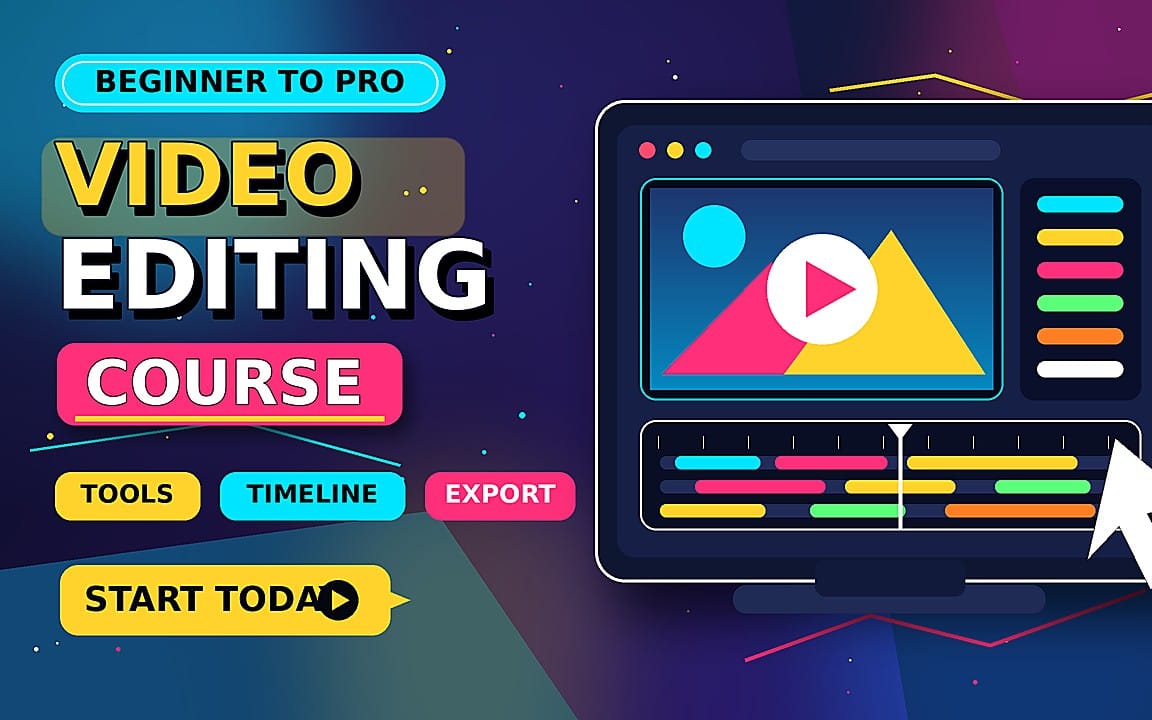
Become a Pro Video Editor with CapCut — From Beginner to Advanced
Master CapCut and create professional, scroll-stopping videos using just your phone. Learn powerful editing techniques from beginner to advanced and turn your ideas into stunning Reels, TikToks, and Shorts.
Product Description
Master CapCut & Create Professional Videos From Your Phone
Ready to turn your phone into a powerful video-editing studio?
Master CapCut & Create Viral Videos is a complete mobile video editing course designed to take you from beginner to confident editor—even if you've never edited a professional video before.
You’ll learn how to use CapCut step by step, from the basics to advanced editing techniques, and create professional-looking content using nothing more than your phone and CapCut.
🎬 What You'll Learn
- Master CapCut from beginner to advanced
- Cut, trim, organize, and edit footage professionally
- Create smooth and eye-catching transitions
- Add cinematic effects and animations
- Create professional text and motion graphics
- Master speed ramping and velocity effects
- Sync your edits perfectly with music and sound effects
- Improve colors and create a cinematic look
- Use overlays, masks, keyframes, and advanced effects
- Create engaging Reels, TikToks, Shorts, and social media videos
- Build complete edits from raw footage to finished video
- Learn practical techniques you can use in your own projects
📱 No Computer Required
You don't need an expensive computer or complicated editing software.
Everything is taught using CapCut on mobile, so you can learn, practice, and create professional videos wherever you are.
🚀 Who Is This Course For?
This course is perfect for:
- Complete beginners
- Content creators
- TikTok & Instagram creators
- YouTube Shorts creators
- Social media managers
- Anyone who wants to learn professional mobile video editing
- Anyone ready to turn their editing skills into a valuable skill
🔥 From Beginner to Pro
You won't just learn where the buttons are in CapCut.
You'll learn how to actually edit—how to make your videos more engaging, professional, dynamic, and visually appealing.
By the end of the course, you'll have the skills and confidence to create your own professional-quality videos directly from your phone.
Your phone is already in your pocket. Now turn it into your editing studio.
Start Editing. Start Creating. Master CapCut.
What you get
1 file · 260.78 MB
- InShot_20260918_055810329.mp4MP4 · 260.78 MB
Video Courses
Become a Pro Video Editor with CapCut — From Beginner to Advanced
Master CapCut and create professional, scroll-stopping videos using just your phone. Learn powerful editing techniques from beginner to advanced and turn your ideas into stunning Reels, TikToks, and Shorts.
Free trial from youtu.be
Tags
Frequently asked questions
Do I get access instantly?
Yes. This is a digital product - you can download it right after checkout, straight from your library.
Can I use it for commercial projects?
Personal use only. Use it for yourself - not in work you sell or hand to a client - and do not resell or redistribute the file.
What's your refund policy?
You're covered by a 30-day money-back guarantee. If something isn't right, request a refund from your order and the Getly team reviews it.
What file formats and sizes will I get?
You'll download 1 file - MP4 - 260.78 MB in total.
Do I get free updates?
Yes - when the seller ships a new version, you can re-download the latest files from your library at no extra cost. Check the changelog for recent updates.
Price
$29.99