Getly
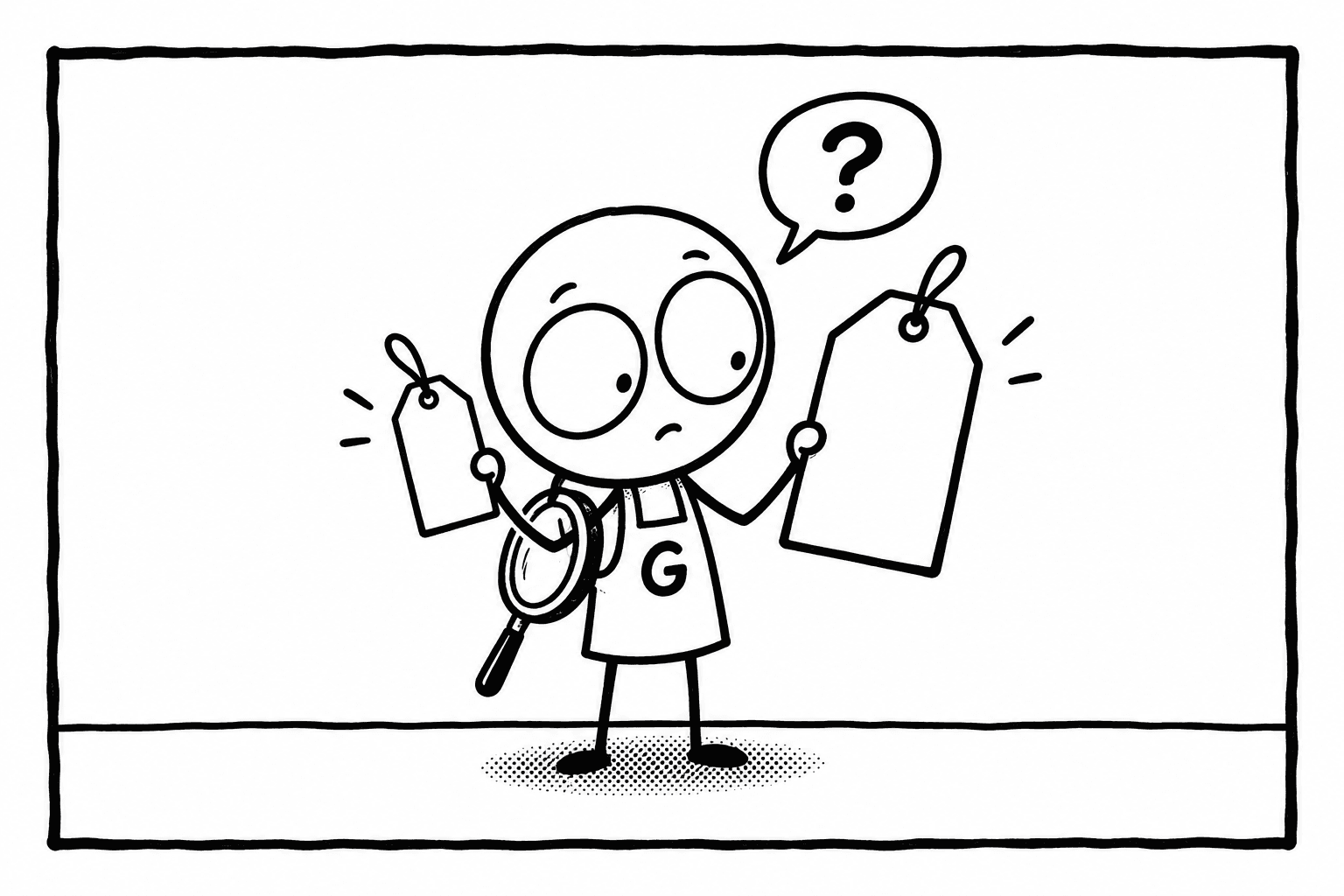
Black Friday falls on 27 November 2026, and Cyber Monday on 30 November. For digital products the week brings genuine savings and a lot of theatre: prices that were raised in October so they can be "cut" in November, "70% off" labels that have been on the page all year, and countdown timers that start again every time you reload. Digital goods make this easy, because there is no shelf tag and no stock to run out. This guide shows how to tell the two apart, and what rule Getly applies to crossed-out prices.
Five tricks that make a discount look bigger than it is
1. The inflated "was" price
The product sold for $15 all autumn. On 1 November the price becomes $40, on Black Friday it is "62% off, now $15". Nothing got cheaper. This is the most common trick, and the one the EU's price-reduction rules target: the reference price of a discount must be the lowest price of the previous 30 days.
2. The permanent sale
A crossed-out price that never goes away is not a sale, it is the price. If the same "-50%" was there in summer, it will be there in December.
3. The resetting countdown
"Offer ends in 02:59:59." Open the page in a private window: if the timer starts from the top again, it is decoration.
4. The "worth $2,000" bundle
A bundle valued at the sum of list prices nobody ever paid. Judge it by the items you would actually buy on their own.
5. Discounts on the wrong thing
A cheap entry tier with the useful features removed, a "lifetime" licence that excludes updates, a course without the files. Compare what is included, not only the number.
How to check a discount in two minutes
- Look for history. Use the Wayback Machine or a screenshot from a few weeks ago, or simply bookmark the products you want now and look again on 27 November.
- Compare the price to the shelf. On a marketplace you can see what similar products cost. If the "sale" price is the normal price elsewhere on the shelf, the discount is mostly the label.
- Read what is included. File formats, licence, updates, number of seats. A real discount keeps the product the same and lowers the price.
- Check the refund window. A store that stands behind a sale does not shorten its refund policy for it.
- Prefer sellers you can ask. A question sent before buying answers more than any badge.
The sale-price rule on Getly
Since 26 September 2026 Getly checks every new crossed-out price in code before it is saved, on the seller dashboard and through the seller API alike:
- The crossed-out price must be higher than the price you pay. An inverted or equal strikethrough is never shown; if a seller later changes the price so that the old crossed-out price is no longer higher, it is removed.
- It cannot be higher than the lowest price the product had in the previous 30 days. Getly keeps a price history for every product, written automatically by the database on every price change. So the "raise it in October, cut it in November" trick is refused: the raised price is above the 30-day low, and the system will not accept it as the reference.
- A new listing cannot start on a sale. It must be published at its regular price first. A product that launched last week with "-60%" is not possible under the rule.
- A sale lasts at most 30 days. After that the crossed-out price disappears automatically (the selling price stays). Because the reference is the 30-day low, the next sale needs the product back at its regular price for 30 days.
In practice this means a seller who wants a Black Friday sale on 27 November must sell the product at its regular price in the weeks before, the crossed-out price cannot exceed the lowest of those 30 days, and the crossed-out price you see is a price the product really had.
An honest caveat
The rule applies going forward. Crossed-out prices that already existed before 26 September 2026 were left as they were, and we measured how much that matters: on 29 October 2026, 22% of active paid listings showed a crossed-out price, and 97% of those crossed-out prices were older than the rule. The median crossed-out discount on the shelf was 44%. So on Getly too, run the two-minute check above on any older listing: a crossed-out price set under the new rule will also disappear within 30 days, an old one may not.
Other discounts you may see
- Flash sales run for a fixed window with a visible countdown and an end date; the discount is applied at checkout, so the price you are charged matches the badge.
- Coupon codes come from the seller and are funded by the seller. Getly does not hand out its own sitewide promo codes.
- Pay what you want products have a minimum price set by the seller; paying more is your choice, not a hidden fee.
What is worth buying on Black Friday
The best discount is on a product you would have bought anyway. Make a short list now, look at it again on 27 November, and buy what moved. Some well-documented products on Getly to put on such a list, checked on 29 October 2026 (we make no promise any of them will be discounted):
- Brand Vision Workbook ($27): a structured workbook for defining a brand, rated 5 by its buyers.
- WinTools.net Classic ($19.99): a Windows cleanup suite sold by its own developer, with a free trial and instant key.
- Irregular Income Budget ($14): an offline budget app for variable income, Windows, Android and web in one purchase.
- Demon Couple Pack ($2.99): two rigged horror characters for Unreal, with a commercial licence stated.
- Chibi Characters Pack ($6.99): six animated stylised characters for indie games.
Or browse Desktop Apps and Character Models and note prices today.
How buying works on Getly
You pay by card (Visa or Mastercard) or with USDT/USDC; PayPal is not accepted. Files and keys are delivered at checkout and stay in your library. Every store's refund window is at least 30 days, discounts or not, and refund requests are reviewed by a person. That is the real safety net in any sale week: if a "deal" turns out not to be what the page said, you are not stuck with it.