Getly
Getly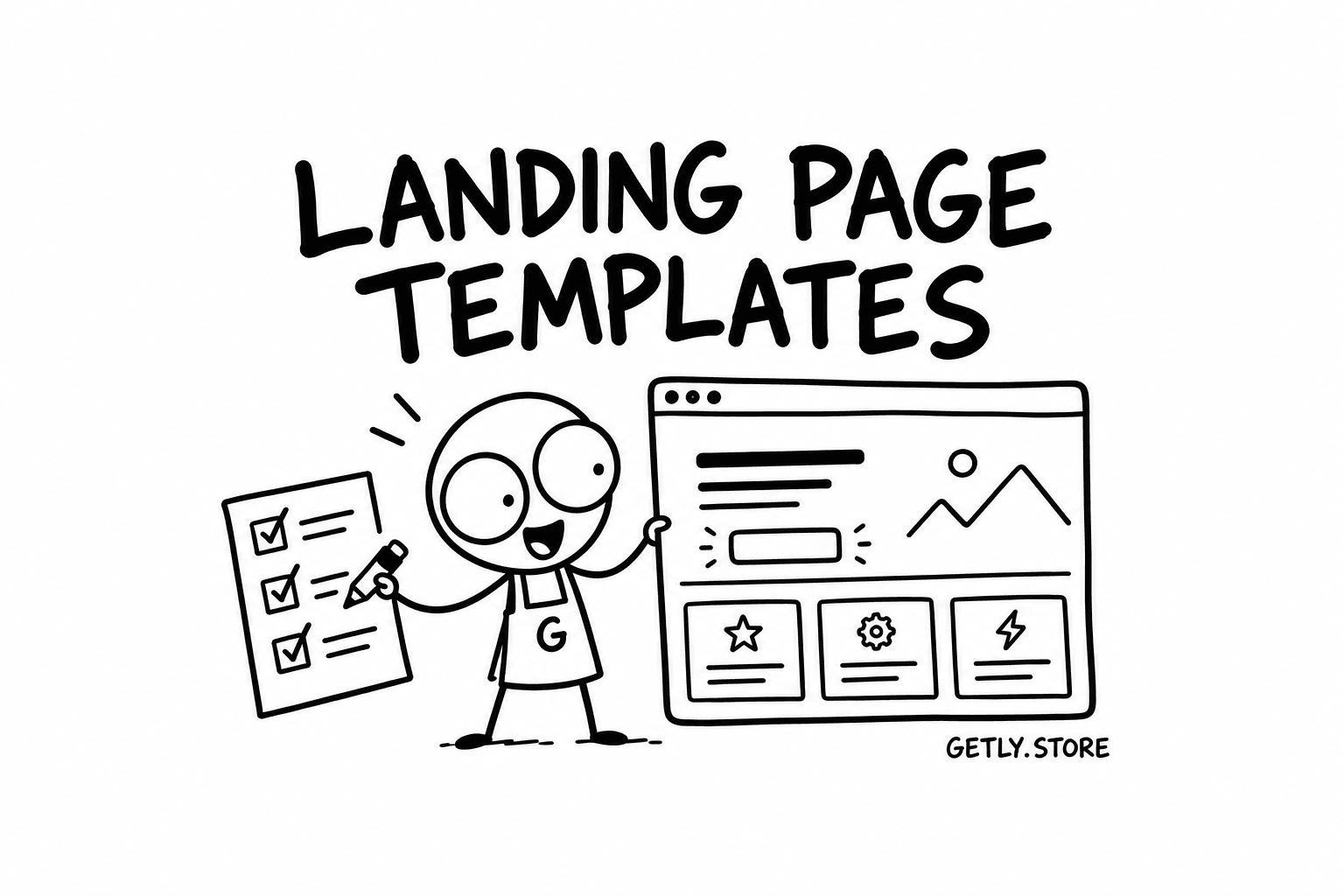
A landing page template looks like a finished page in the preview and like a folder of files once you unzip it. The gap between those two views is where most bad purchases happen. This guide walks through what is actually inside a landing page template, which format fits which buyer, the sections a good one includes, what to check before you pay, and what the price should be. At the end there is a short part for people who make templates and want them to sell.
The price and format figures below come from the Landing Page Templates category on Getly, measured on 2 October 2026. At that point the category held 20 active templates.
What is actually inside a landing page template
"Landing page template" covers several very different products. Before you compare prices or screenshots, find out which of these you are looking at, because it decides how much work is left after you buy.
- Plain HTML, CSS and JavaScript. One or a few
.htmlfiles, a stylesheet, a small script for the menu or an accordion, and animagesfolder. You can open it in a browser, edit it in any text editor and upload it to any host. No build step, no dependencies to break in a year. - Tailwind CSS or Bootstrap. Still HTML, but styled with a framework. Bootstrap usually ships the compiled CSS, so it works out of the box. Tailwind templates often expect you to run a build so unused classes are removed; a good one also includes a prebuilt CSS file for people who do not want a toolchain.
- React or Next.js. A project with a
package.json, components and a dev server. Best when the page will live inside an app, or when you want to reuse sections as components. You need Node installed and some comfort withnpm installand dependency updates. - Webflow or Framer. Not files you host yourself but a project you clone into your own account on that platform. You edit visually and publish on their hosting, which means a paid site plan on that service. The download is often just a link or a clone code plus instructions.
- Figma (design only). A layout file with frames for desktop and mobile, styles and components. There is no code. It suits designers, agencies that build their own front end, or anyone who plans to hand the design to a developer.
In that category, 18 of the 20 landing page templates are delivered as a .zip. A zip tells you nothing about the format by itself, so read the listing for the file list. If the description does not say whether the archive holds HTML, a Next.js project or a Figma file, ask the seller before buying.
Which format suits whom
| Format | Who it suits | What you need | Watch out for |
|---|---|---|---|
| HTML / CSS / JS | Founders, freelancers, anyone who wants a page live today | A text editor and any static host | Copy-pasted sections can drift apart in style if you edit carelessly |
| Tailwind / Bootstrap | Developers who want a consistent design system they can extend | Node for Tailwind builds, nothing for compiled Bootstrap | Old framework versions; check the version number in the files |
| React / Next.js | Teams adding a marketing page to an existing app | Node, npm, basic React knowledge | Outdated dependencies and missing lock files |
| Webflow / Framer | Non-coders who want visual editing and managed hosting | An account and usually a paid site plan | Ongoing platform cost; moving away later means a rebuild |
| Figma | Designers, agencies, anyone briefing a developer | A Figma account | No code at all; the build is a separate job |
A useful rule: buy the format closest to where the page will end up. If you will host a static page, a Next.js project is extra weight. If your product is already a Next.js app, an HTML template means rewriting every section as a component.
The sections a good landing page template includes
A landing page has one job: get a visitor from "what is this" to one action. Good templates are built around that sequence, and you can check for it section by section.
- Hero. A headline, one supporting line, a primary call to action and an image or product shot. Check that the headline slot can hold a real sentence, not just three words, and that the button stays visible on a phone without scrolling.
- Social proof. A logo strip, testimonial cards or a short quote. The template should look fine with three logos as well as eight, and with testimonials of different lengths.
- Features or benefits. A grid or alternating rows with icon, heading and short text. Look for at least two layouts so the page does not become one long repeated block.
- How it works. Three or four steps. Not every template has this, but it helps any product that needs explaining.
- Pricing. Plan cards with a highlighted option, a monthly and yearly toggle if relevant, and room for a list of what each plan includes. If you sell a single product, check that one card still looks deliberate.
- FAQ. An accordion that works with the keyboard, not only with a mouse click on a
div. - Final call to action and footer. A repeat of the main action near the bottom, plus links for legal pages and contact.
- Extras worth having: a form or newsletter block wired to nothing (so you can connect your own service), a 404 page, a thank-you page, and a dark variant if your brand needs one.
More sections are not automatically better. A template with 40 blocks is a kit; that is useful if you want options, and a burden if you only need one tidy page. What matters is that the sections share one spacing scale, one type scale and one set of buttons, so you can remove or reorder them without the page falling apart.
Checklist before you buy
Most of these can be checked from the live preview in a few minutes. The rest belong in a question to the seller.
- Responsive behaviour. Open the preview on a phone, or shrink the browser window slowly from wide to narrow. Look for text that overflows, menus that do not collapse, and a horizontal scrollbar. A template that only looks right at 1440 pixels is half a template.
- Performance. Run the preview through Lighthouse or PageSpeed Insights. A landing page with heavy autoplay video, several web fonts and large uncompressed images will score poorly before you add anything of your own. You will replace the images anyway, but layout shifts and blocking scripts come from the template itself.
- Accessibility. Tab through the page with the keyboard. You should see where focus is, reach every link and button, and open the FAQ. Check text contrast on coloured backgrounds and that images have alt attributes in the markup.
- Licence for client work. If you build sites for clients, read whether the licence allows one end product, several, or resale as part of client work. A personal licence used on a client project is a common and avoidable problem.
- Fonts and images. Preview photos are often stock images that are not included or not licensed for your use. Fonts may be Google Fonts (free to use) or commercial fonts you would need to buy. The listing should say which.
- Documentation. At minimum a README that explains the folder structure, how to change colours and fonts, and how to build or deploy. For React and Tailwind projects, the exact commands to run.
- Update history. A template last touched two framework versions ago will need work. A changelog, or a note on which version of Tailwind, Bootstrap, Next.js or Webflow it targets, tells you how current it is.
- Clean code. If the seller shows a code sample, look for consistent class names, no inline styles everywhere, and no leftover tracking scripts or links to the author's own analytics.
How to judge a template from its preview
Screenshots are made to sell. A live preview is closer to what you get, but you still need to read it with intent.
First, replace the copy in your head with your own. Template headlines are short and perfect; yours will be longer. If a section only works with a four-word headline, it will break the day you put a real one in.
Second, look at the edges rather than the centre. The hero is always polished. The pricing table at a narrow width, the footer, the form validation and the mobile menu are where shortcuts show.
Third, open the browser developer tools for a minute. Check how many requests the page makes, whether the images are sensible sizes, and whether there are console errors. Errors in a demo usually mean errors in the files.
Fourth, compare the preview with the file list in the listing. If the preview shows six page types and the description mentions one HTML file, something is missing or the preview includes pages you will not receive.
What a landing page template should cost
In the Landing Page Templates category we measured, templates had a lower quartile of $12.49, a median of $26.50 and an upper quartile of $34.00, and none of the templates were free. So a quarter of templates cost $12.49 or less, half cost $26.50 or less, and three quarters cost $34.00 or less.
Reasonable expectations by price band:
- Around $12 or less: a single page, one format, a short README. Fine for a quick launch or a side project where you will adjust things yourself.
- Around the median: a complete page with the main sections above, mobile layouts that hold up, and documentation good enough to customise colours and fonts without guessing.
- Upper quartile and above: several page variants, a component library or both code and Figma source, a dark mode, and a clear licence for client work. At this price, ask about updates and support before you buy.
Price is a weak signal of quality on its own. A $12 HTML page that does one thing well can be a better buy than a $34 kit you will spend a weekend trimming. Compare what is included, not the number on the card.
For sellers: what makes a landing page template sell
Buyers in this category are deciding quickly and comparing several tabs. A few things make that decision easier.
- Say the format in the title or first line. "Next.js 15 + Tailwind" or "HTML/CSS, no build step" answers the first question every buyer has.
- List the archive contents. Since most templates arrive as a zip, write out what is in it: files, folders, page variants, Figma file or not.
- Link a live preview. Screenshots alone make buyers guess about mobile layouts and interactions.
- Be explicit about licences. State whether client work is allowed, which fonts are used and whether the preview images are included.
- Ship documentation. A one-page README with setup steps and where to change colours removes the most common support questions.
- Keep it current. Note the framework version and update the template when a major version changes. Buyers notice dates.
- Price with the range in mind. The quartiles above show where the category sits. Pricing in the middle with more included is easier to justify than pricing at the top with less.
If you have a template ready, you can list it in the Landing Page Templates category. Buyers browsing there are comparing exactly the things described in this guide, so the listing that answers them up front has the easier job.