Getly
Getly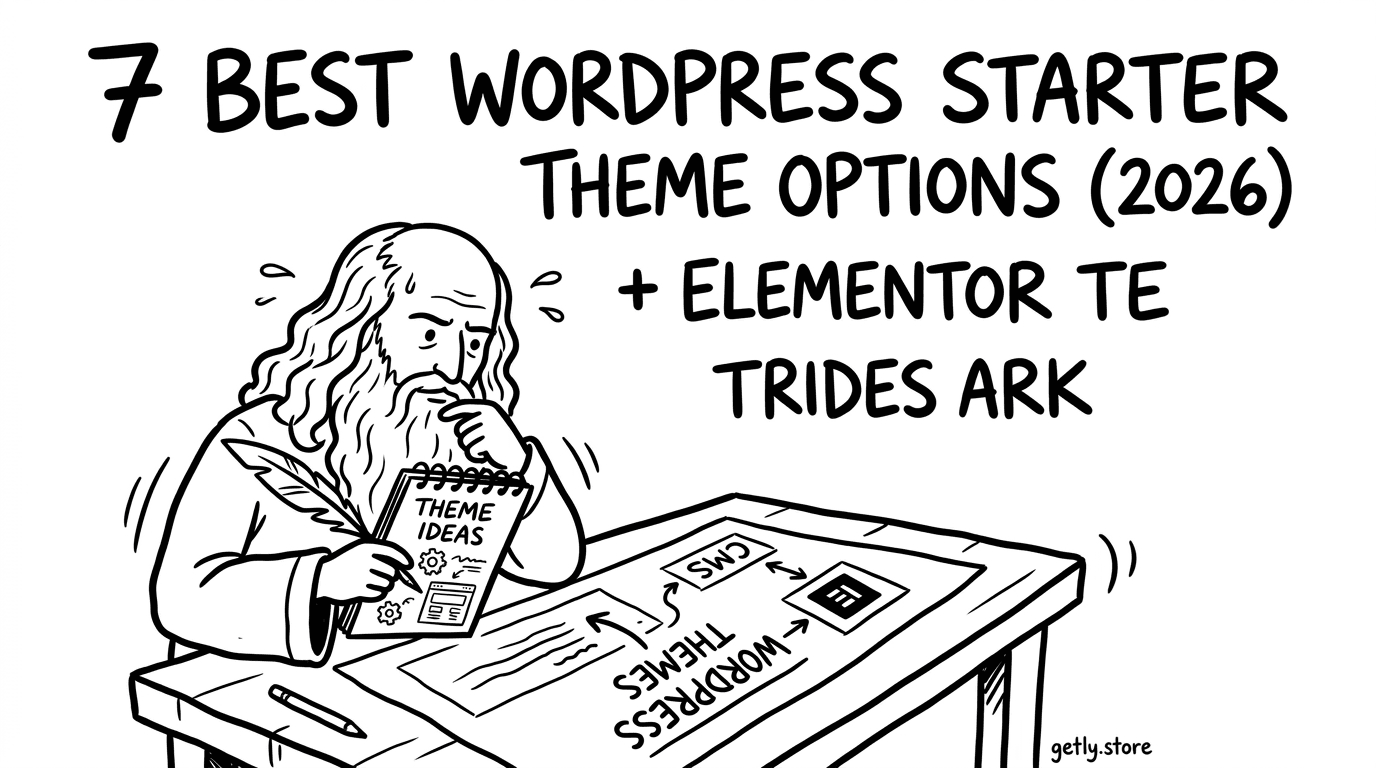
Your next WordPress site does not need a months-long setup. A strong WordPress starter theme gives you structure, sensible typography, and a clean foundation so you can ship faster and sell with confidence.
This guide covers 7 best WordPress starter theme options for 2026 releases, plus practical buying tips if you plan to sell WordPress themes or build client sites using Elementor templates.
- A WordPress starter theme should speed up setup, not fight your workflow.
- Pick themes that support modern blocks and page builders like Elementor.
- Starter templates free can help you validate layout choices before you invest.
- If you sell WordPress themes, prioritize licensing clarity, demo content, and update cadence.
- Use a simple checklist to evaluate performance, SEO, and customization limits.
What is a WordPress starter theme and why it matters?
A WordPress starter theme is a base theme designed to reduce setup time. It usually includes ready styles, page templates, global typography, navigation structure, and sometimes demo patterns or starter pages so you avoid building every layout detail from scratch.
For 2026 builds, the point stays the same: starter themes help you launch quickly while keeping code and layout decisions consistent across pages. That consistency matters when you scale to multiple client sites or when you plan to publish reusable assets later.
What to expect from a good starter theme
Strong starter themes provide a clear system: spacing rules, heading scale, button and form styles, and a predictable template hierarchy (home, posts, pages, archives). You should also expect documentation that explains theme settings, child-theme usage, and how updates work.
When you compare options, focus less on “looks” and more on “how fast you can change things.” A theme that looks polished but forces deep edits will slow you down.
How starter themes connect to Elementor templates free
If you build with Elementor, your theme should complement your page builder workflow. Many creators use a starter theme for global site structure, then rely on Elementor templates free (or paid templates) for section layouts and page designs.
In practice, this hybrid approach works well: theme handles site-wide defaults and performance, while Elementor handles page-level composition.
Pro tip: Pick a starter theme that lets you control typography and spacing globally. Then use Elementor templates only for page layouts, not for re-implementing your entire design system.
How to choose the best WordPress starter theme for 2026?
The best WordPress starter theme for 2026 is the one that matches your content pipeline and builder workflow. You will get more value from a theme that reduces repetitive work than from one with flashy demo screens.
Use this checklist when you evaluate any starter theme, whether you plan to use it personally or you want to later sell WordPress themes.
Starter theme checklist (fast, practical)
- Builder compatibility: Confirm smooth integration with Elementor (header, footer behavior, and template areas).
- Performance baseline: Look for lightweight assets, sensible defaults, and no unnecessary scripts.
- SEO-ready structure: Check semantic HTML, clean headings, and proper archive/page templates.
- Customization model: Prefer theme options, Customizer support, and child-theme friendly changes.
- Responsive layout system: Verify key templates on mobile without manual CSS fixes.
- Update and documentation: You want stable releases and clear notes on theme settings changes.
- Demo content sanity: Demo is helpful, but you should be able to disable or replace it safely.
Common mistakes that cost time
Creators often choose themes based on how the demo looks in the screenshot. Then they discover too late that global styles do not align with their page builder patterns.
Another time sink: themes that bundle lots of features you do not need. Every extra plugin dependency adds maintenance overhead.
Warning: Avoid starter themes that rely on heavy third-party plugins you cannot confidently maintain. If the theme’s demo depends on a long list of plugins, budget time for cleanup.
Best WordPress templates for 2026 starter builds
If you want speed, treat starter themes and best WordPress templates as a matched pair. The theme gives your site structure. The templates provide ready-made pages such as landing pages, pricing pages, portfolios, and blog layouts.
In 2026, most successful workflows look like this: choose a starter theme for the foundation, then assemble pages from templates. This approach lets you iterate quickly and keep design consistent.
Template categories that save the most time
- Landing pages: Hero + benefits + testimonials + FAQ + CTA.
- Services pages: Service grid, process section, and call-to-action blocks.
- Pricing pages: Plans comparison layout with feature lists.
- Portfolio or case studies: Project cards, filters, and detail page layout.
- Blog + category pages: Consistent post card and archive templates.
- Contact and lead capture: Forms and map/contact sections with clear CTAs.
When you assemble templates, keep your typography and spacing rules controlled by the theme. Use templates to position content, not to redefine the whole style system.
When you should use free templates
Use free WordPress themes and free templates when you test a layout concept, validate a niche angle, or build a portfolio demo for proposals. You can still maintain quality by customizing key design aspects.
When you sell themes later, remember this: free templates can help you learn what works, but you will earn trust by shipping a consistent system with clear documentation.
Success pattern: Many agencies build one “starter foundation” theme and then reuse a small set of proven templates across client niches. This reduces design drift and speeds up revisions.
7 best WordPress starter theme options for 2026
Here are 7 best WordPress starter theme options you can use as a foundation for 2026 builds. Each option focuses on real-world workflow needs: page builder compatibility, customization control, and practical template structure.
Because the WordPress ecosystem changes quickly, treat this list as a selection framework. You still should verify live compatibility with your plugins and Elementor settings before committing a theme to production.
1) Kadence (starter-friendly block and builder support)
Kadence often works well when you want a starter theme that stays flexible. You can shape typography, buttons, spacing, and layout behavior without rewriting your entire design.
Use it when you want global control and you still plan to leverage page layouts and sections. It also fits teams that build multiple client sites with shared design rules.
2) GeneratePress (clean base, strong performance focus)
GeneratePress fits creators who prioritize a lightweight foundation. You can start with a simple look, then expand using modules or page builder templates.
If you want to build fast and keep maintenance low, this kind of theme structure helps. It also makes theme-level consistency easier across landing pages, blogs, and custom post types.
3) Astra (template-ready and highly customizable)
Astra functions like a template system. It supports fast setup and pairs with starter templates well, which makes it a practical choice for client delivery when deadlines tighten.
When you combine Astra with Elementor layouts, you can keep global styles coherent while designing page sections independently.
4) Neve (speed-first starter theme for modern sites)
Neve offers a fast path from install to a workable website. You get sensible defaults and a customization layer that supports quick iteration.
Choose Neve for marketing sites that need to ship quickly. You can then refine branding using your own typography, colors, and spacing rules.
5) OceanWP (configurable blocks and page structure)
OceanWP aims to provide customization depth without starting from zero. It suits workflows where you want to set layout rules early, then tailor pages later.
This theme type also pairs well with “starter template” strategies: define header, footer, and typography first, then apply page layouts.
6) Blocksy (modern customization with builder support)
Blocksy helps many sites with modern customization controls. It supports a comfortable workflow for teams that want to manage layout behavior without constant code edits.
If your goal involves consistent design across multiple pages, a customization-first starter theme can reduce “template drift” over time.
7) Hello Elementor (minimal base when Elementor owns the design)
Hello Elementor gives you a minimal foundation when Elementor runs the design system. You reduce theme overhead and let your Elementor templates define the page structure.
This option works best when you already plan your design through Elementor templates, including any Elementor templates free you use for first drafts.
Pro tip: Before you publish, test three templates: homepage, a blog post, and your most important landing page. Most theme issues show up in those first.
How to sell WordPress themes using starter assets
If you want to sell WordPress themes, starter themes and starter template patterns give you a repeatable production pipeline. You can turn a proven foundation into a product that customers can install and customize quickly.
Your biggest advantage as a theme seller comes from packaging a consistent system, not just a set of styles.
Build your “theme product” like a system
- Global design rules: typography scale, color palette, spacing system.
- Template coverage: home, about, landing, blog, and contact at minimum.
- Documentation: explain theme options, template editing flow, and update expectations.
- Content strategy: demo content that matches the niche you target.
- Compatibility story: list known best practices with Elementor or other builders.
Customers buy confidence. When your theme clearly shows how people should customize it, you reduce support requests and build a stronger reputation.
Where starter themes and template packs fit
Many creators start with a proven starter theme, then turn it into a themed product by adding bespoke templates, styles, and section kits. That workflow also helps you reuse your own best layouts across new products.
When you publish, keep licensing and permissions clear. A buyer needs to understand what they can use in client work, and what they can edit freely.
WordPress starter theme FAQs for 2026 builds
These answers help you decide quickly, especially when you compare a starter theme against a “full theme” or a template pack. You will see the most savings when you match the starter theme to your workflow and then only add the templates you actually need.
Use these short answers as your final checklist before you install anything on a live site.
Is a starter theme enough for a client site in 2026?
Yes, a starter theme plus a small set of templates covers most client websites: homepage, service pages, blog, and contact. You still need to customize branding and content, but the heavy lifting happens through the foundation and reusable templates.
Should I use free WordPress themes or paid ones?
Use free options for prototypes and portfolio experiments. Choose paid starter themes when you need predictable documentation, update cadence, and smoother customization for non-technical clients.
Where do Elementor templates free fit into the workflow?
Elementor templates free work best for layout drafts, section ideas, and structure validation. Keep global styling in your starter theme so you do not end up with inconsistent fonts, spacing, and button styles.
How do I evaluate if a theme will work with Elementor?
Test the header, footer, and at least one page template end-to-end. Then check whether your Elementor templates render consistently across desktop and mobile, including pages that use archives or blog post templates.
What should I test before shipping a starter-theme-based site?
Verify performance, mobile responsiveness, form submission behavior, and SEO basics like heading structure. Then run through your primary landing page and your blog templates since those attract the most real traffic once the site goes live.
- Pick a WordPress starter theme that matches your builder workflow, not just the demo look.
- Build with templates to move faster, but manage design rules through the theme for consistency.
- Free WordPress themes help you prototype, yet paid products win on docs and reliability.
- If you sell WordPress themes, package a system: templates, styles, and clear customization instructions.
If you want a head start on page layouts, explore curated assets and starter-style products, then tailor them to your niche instead of cloning demos. When your foundation works, shipping new pages becomes a repeatable process, not a redesign.
One soft next step: browse a handful of starter template options, shortlist the ones that match your niche, and build your first “real” page pack before you touch the rest of the site.
For creators who also sell digital services, you can package offerings alongside site assets. For example, product bundles and service add-ons can complement your theme launch strategy, like WEBSITE SELLING or AI support systems such as AI-Powered Customer Service Systems Chatbots, Virtual Assistants, and Customer Engagement Tools.
Getly Support